ContentStudio API plan is now available. Create automations using Claude, Zapier, n8n, make, etc. Explore plan!

Social media calendarai-icon

Your complete social media content calendar for every campaign

From campaign planning to automatic publishing, manage your entire content workflow on one social media content calendar. Collaborate with your team and keep your posting schedule consistent with ContentStudio.
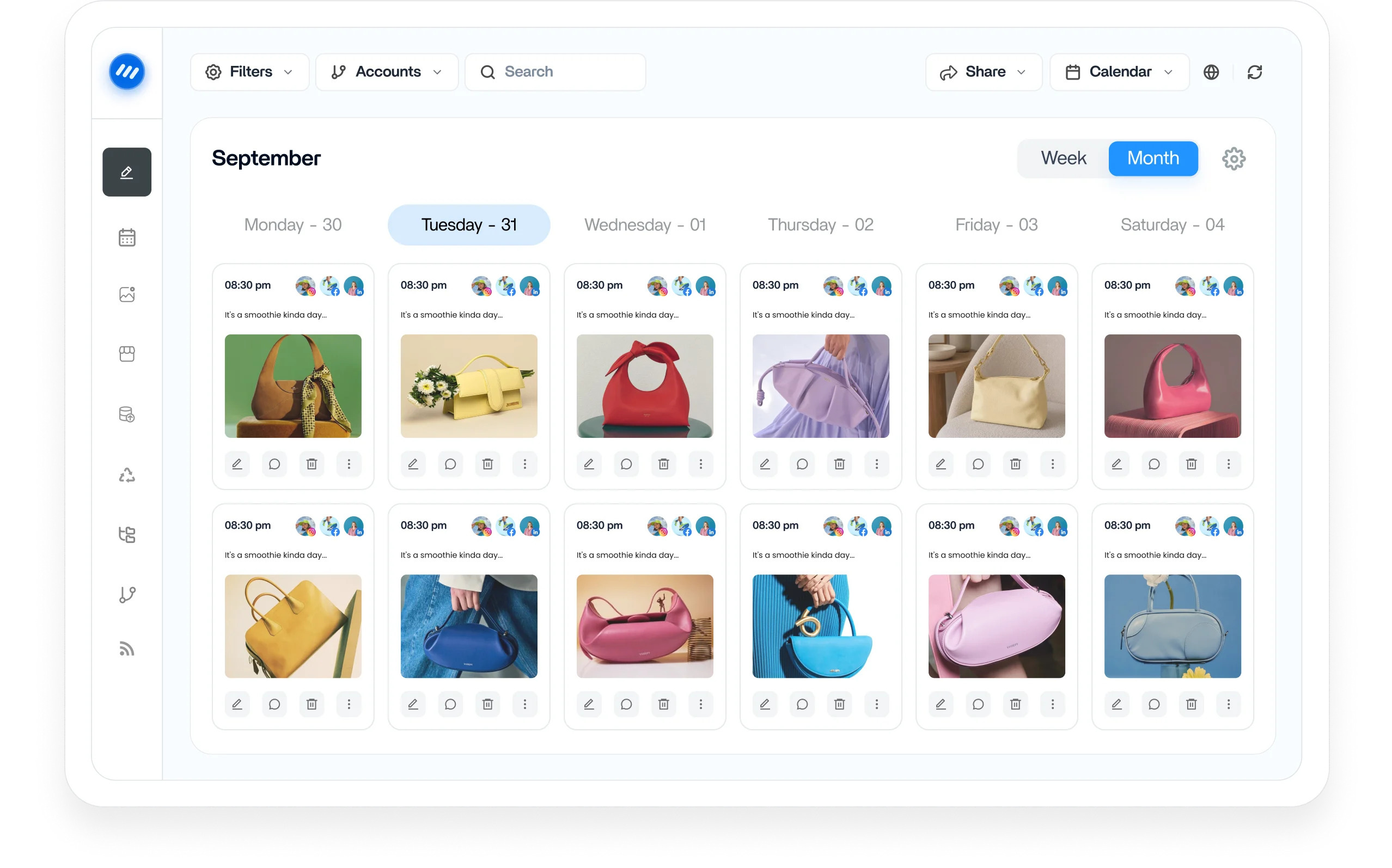
Social media content calendar dashboard

Integrated with

Trusted by 16,500+ leading brands and agencies
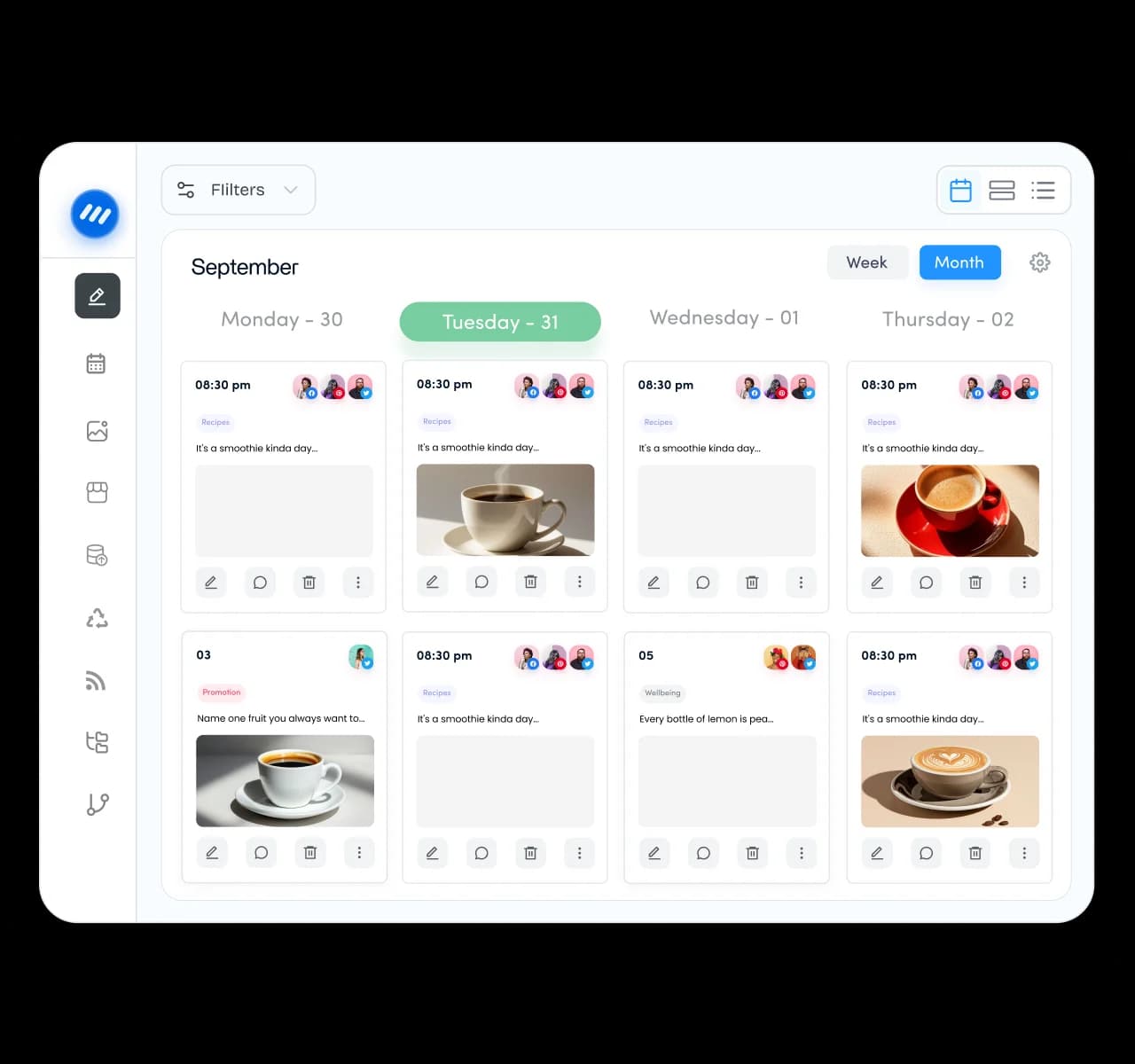
A unified social media content calendar for teams

A social media content calendar that scales with your team

Trade clunky spreadsheets and disconnected tools for one calendar that runs your whole content operation. Plan every client and account from a single, shared view that keeps the moving pieces connected as you grow.
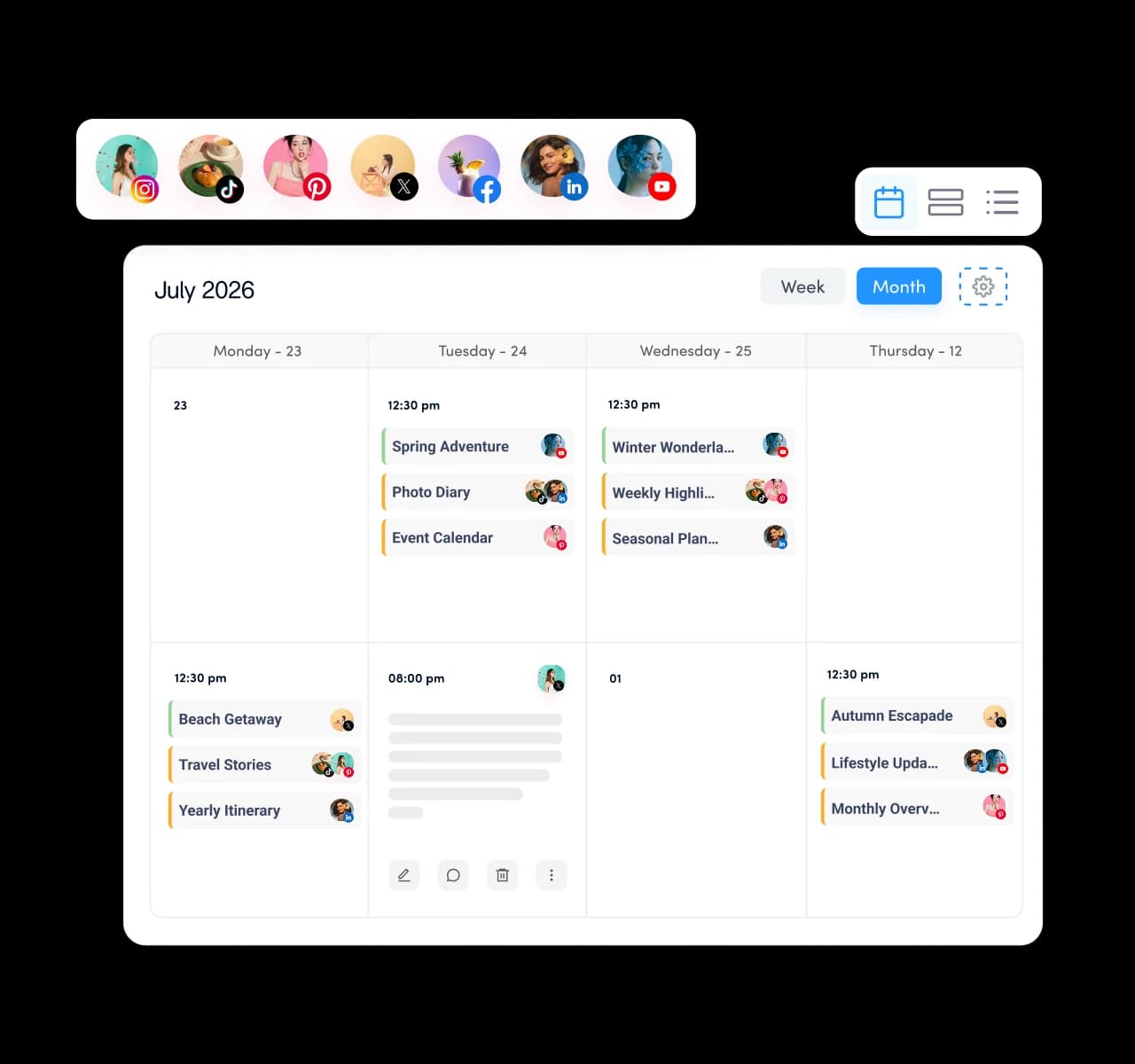
Multiple social media accounts managed from one content calendar

See every account on one content calendar

Bring all of your social accounts into a single calendar so nothing slips through the cracks. View, plan, and adjust your entire schedule in one place instead of jumping between separate apps and tabs.
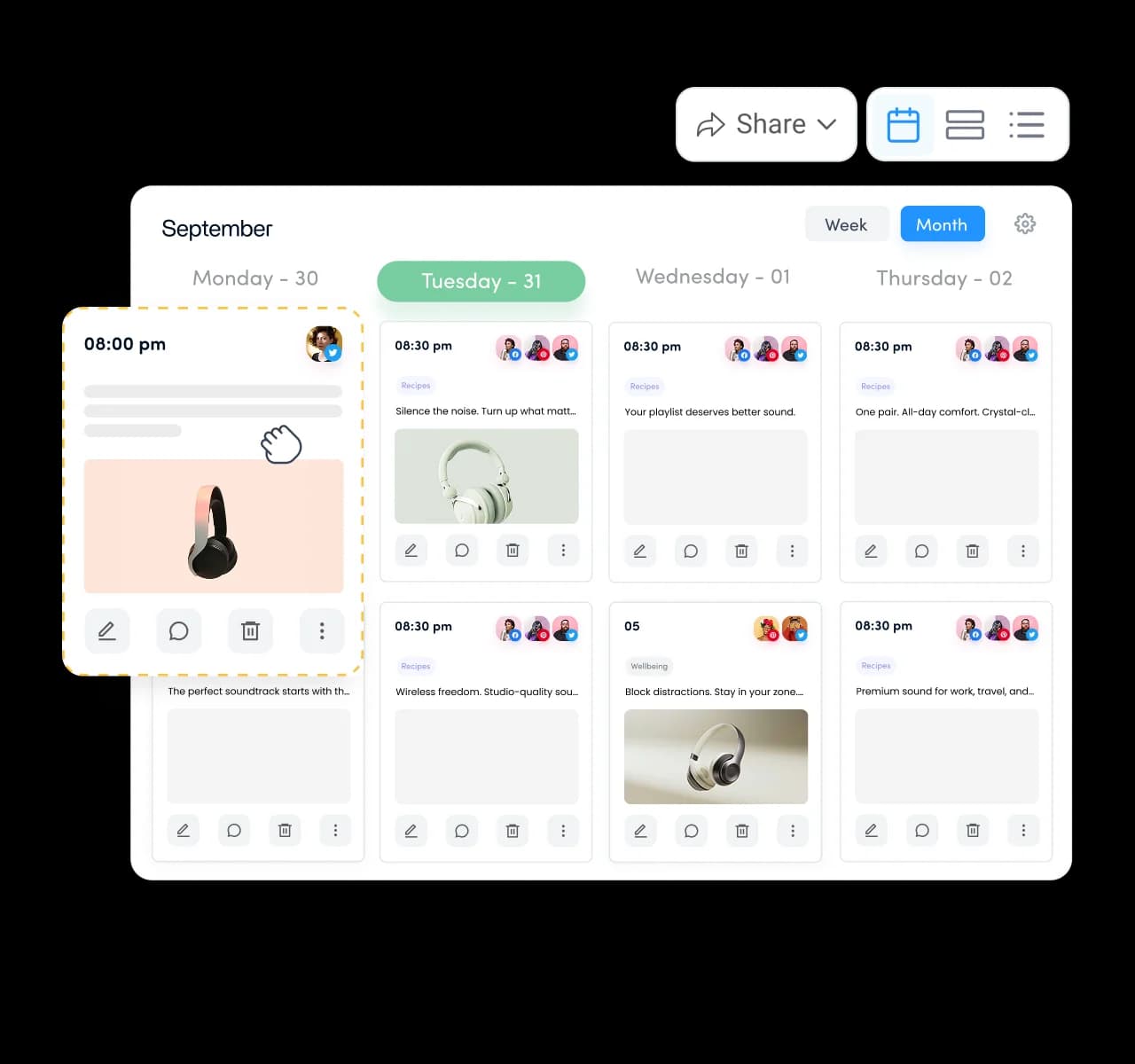
Visual content calendar for planning and scheduling posts

Plan, schedule, and organize content visually

Map out a single day or a full month ahead, then drag and drop posts to reshuffle your schedule in seconds. Review, edit, and approve content directly on the calendar before anything goes live.
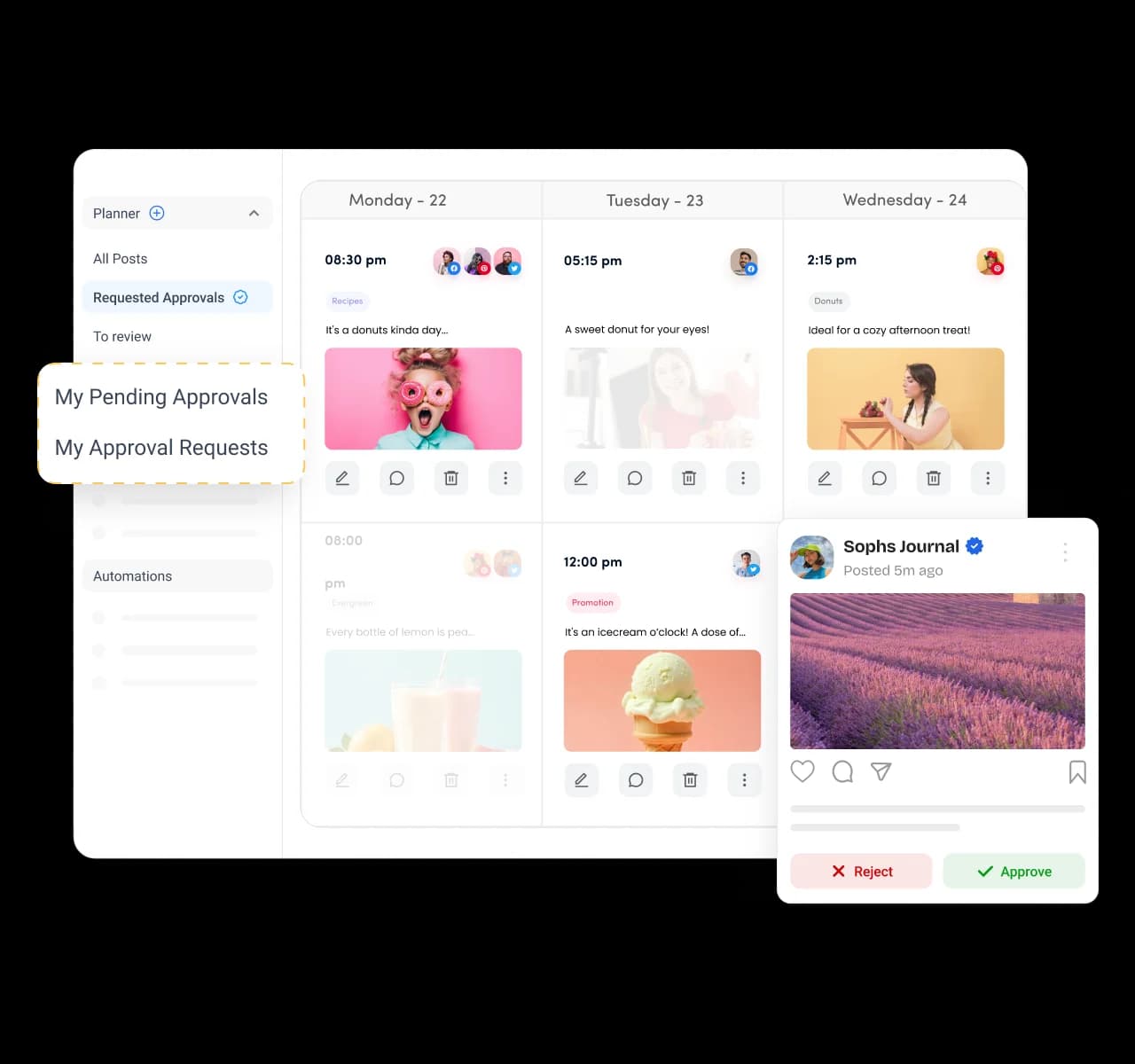
Content approvals managed directly inside the social media calendar

Review and approve content without leaving the calendar

Bring managers and clients into the calendar so that approvals happen in context. With a few clicks, they approve, reject, or request changes, so posts ship faster and nothing publishes before someone signs off.
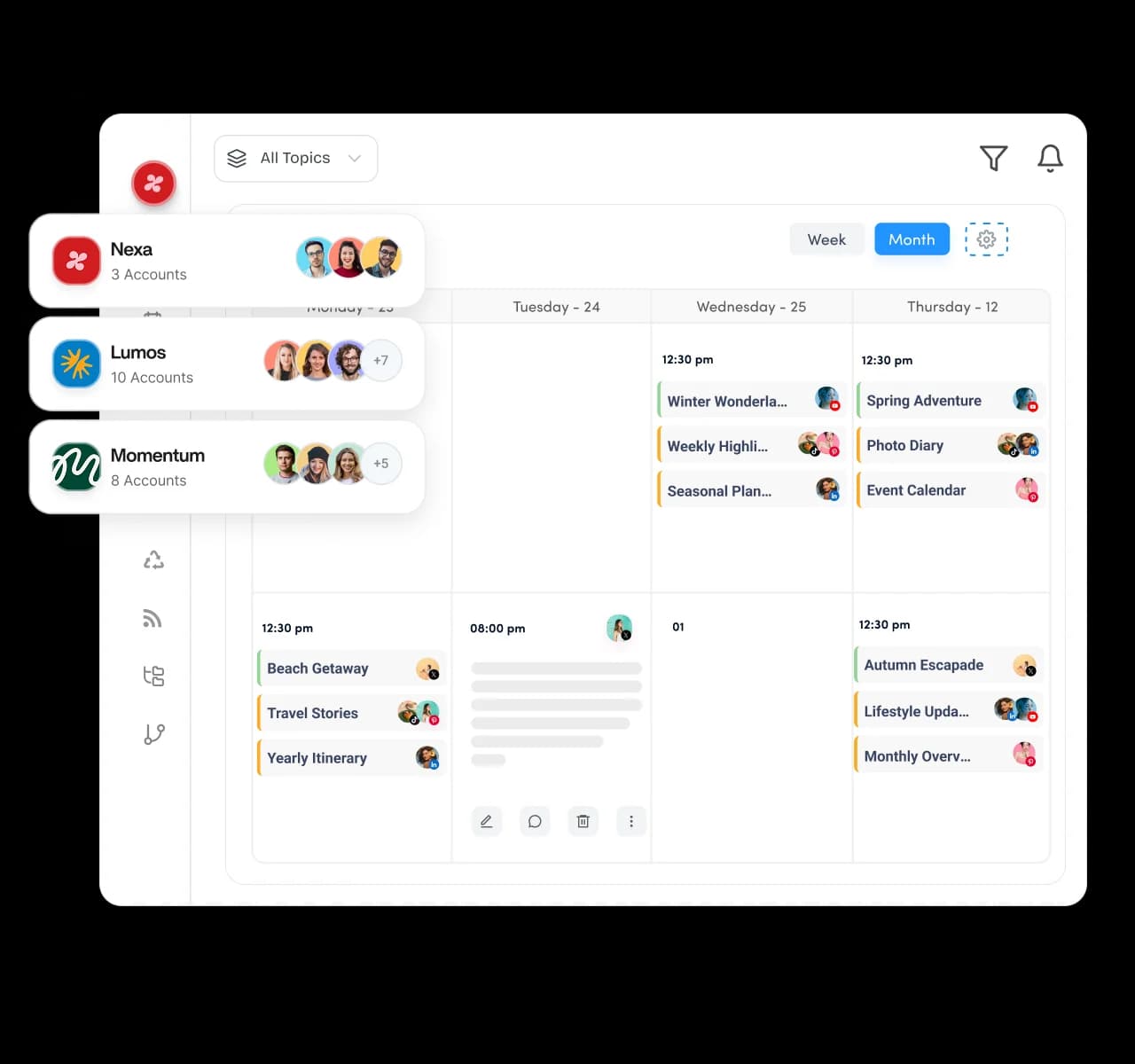
Dedicated client workspaces for content calendar management

Run every client's content plan in its own space

Keep each client's calendar, accounts, and team separate inside its own dedicated workspace. Switch between brands in a single click and manage dozens of clients easily without ever mixing up whose post goes where.
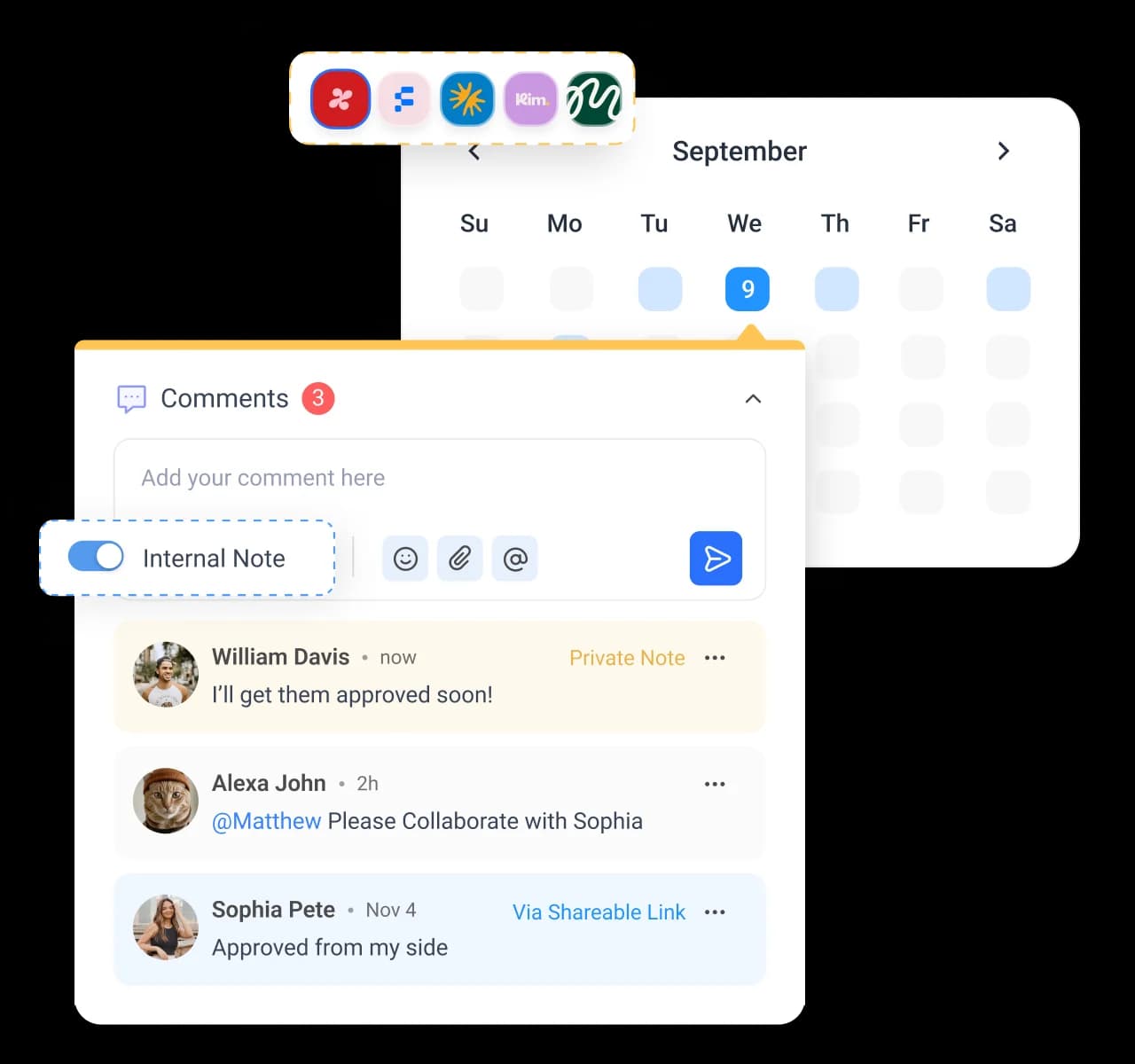
Real-time collaboration inside the content calendar workspace

Give every client a dedicated content workspace

Comment on posts, assign tasks, and tag teammates right where the actual work lives. A shared activity history means everyone sees what changed, so your team plans and publishes without a single status meeting.
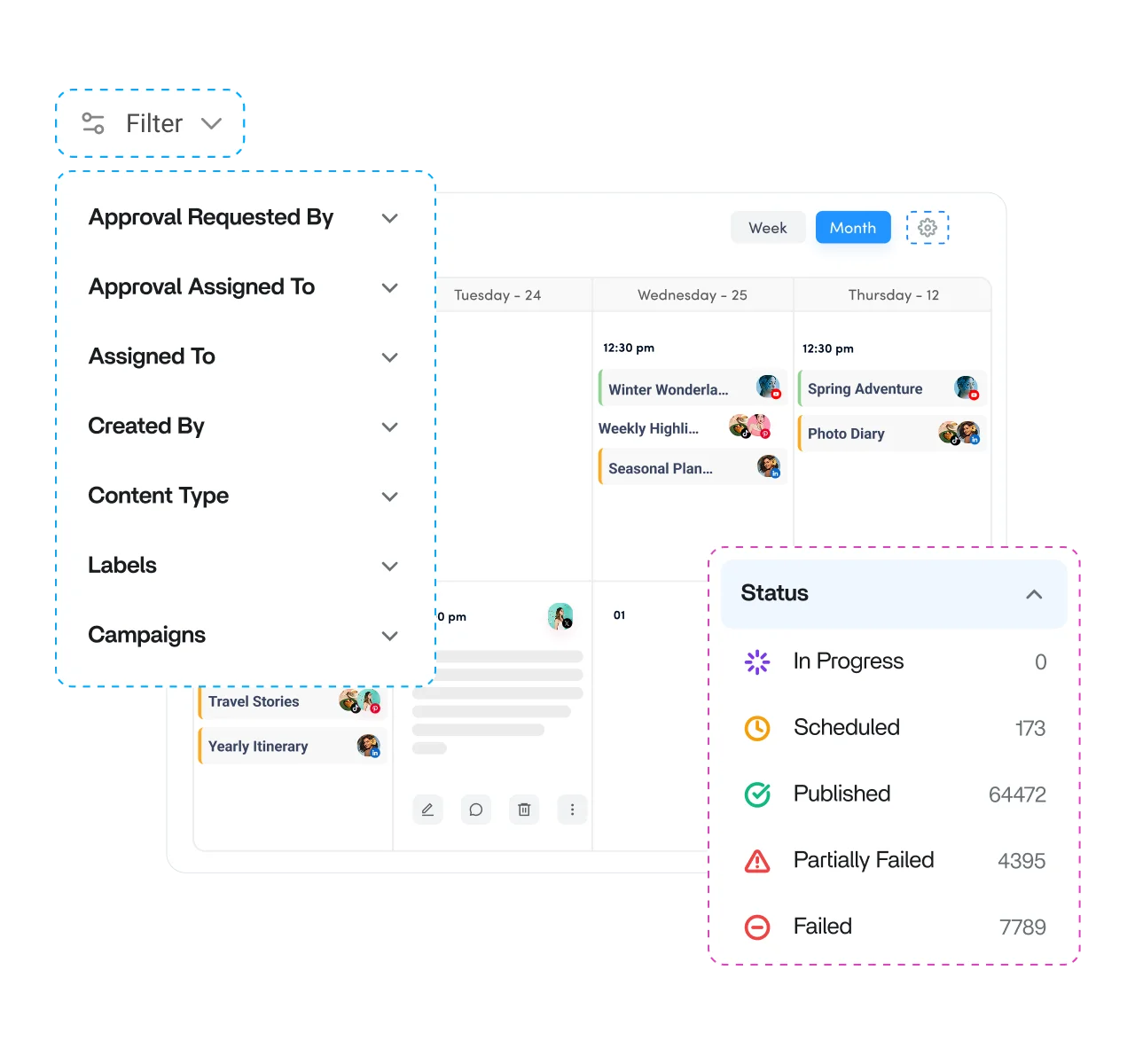
Advanced filters inside the social media content calendar

Filter your calendar down to exactly what you need

Sort through hundreds of posts by status, type, channel, campaign, label, or category in a couple of clicks. Whatever it is you are looking for, the right posts surface the moment you need them.
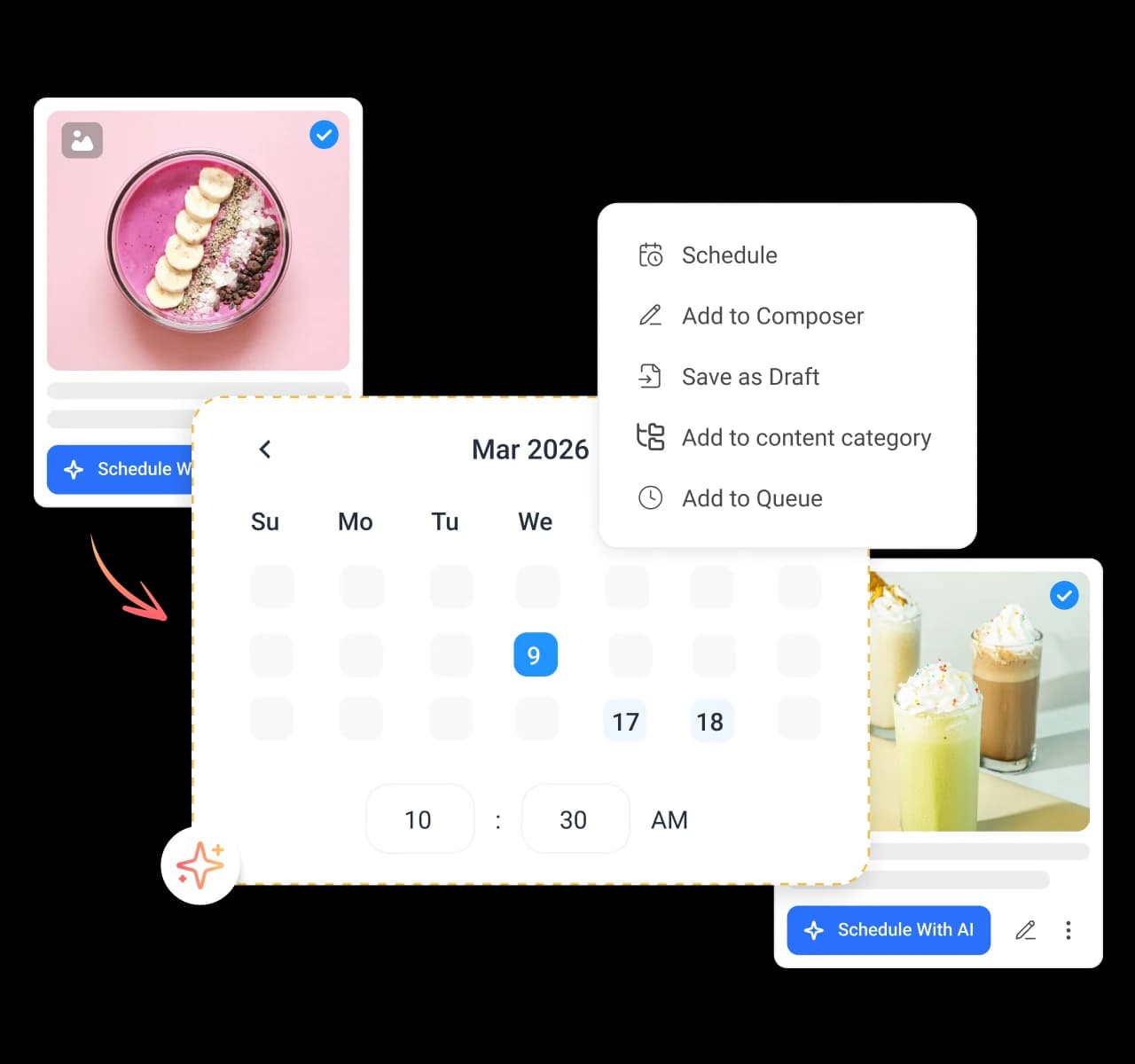
Flexible publishing options inside the content calendar

Choose how and when every post goes live

Publish now, schedule for later, save as a draft, or drop posts into a category queue for a steady mix. A social queue keeps each of your accounts posting on time without any overlap.

4.2MPost ScheduledIncrease in productivity with ContentStudio
50%Productivity BoostIncrease in productivity with ContentStudio
$1,000+Cost Savingssaved monthly on social media management costs
5h/weekTime Savedsaved on content planning and scheduling
quotes

The perfect tool for agency-client collaboration and content approvals.

Erin-testimonial

Erin Ricchiazzi,

VP of Marketing@The Modern Firm

marketing-logos
FAQs

Frequently asked questions

ContentStudio

Book a 30 min call

Have questions? Schedule a quick call and we will guide you through everything.

Book a free call
What is a social media content calendar?

A social media content calendar is a visual plan of every post you intend to publish, organized by date and channel. It replaces scattered spreadsheets and notes with one place to see what is going out and when. ContentStudio gives you that calendar with scheduling, approvals, and publishing built in.
Connect your social accounts, pick a calendar view, and start dropping posts onto the dates you want. You can draft captions, add visuals, and set publishing times as you go. Once a post is scheduled, ContentStudio publishes it automatically at the time you chose.
Yes. You can view and plan posts for all your connected social accounts on a single calendar, or filter down to one brand at a time. This makes it simple to keep every account active without logging in and out.
Yes. Teammates can comment on posts, get assigned tasks, and send content for approval without leaving the calendar. Roles and permissions control who can view, edit, and publish, so large teams stay organized.
Yes. You can plan Instagram posts, Reels, and Stories on the calendar and preview them in a feed view before they publish. That preview helps you keep your Instagram grid looking intentional rather than random.
Yes. You can share a clean calendar view with clients and route posts to them for sign-off before anything goes live. Clients see only what is planned, not your full account, which keeps agency work tidy.
Yes. Every scheduled post publishes on its own at the time and date you set, with no manual step. You can also use content queues and categories to keep a steady mix of posts going out each week.
Yes. AI Studio suggests topics, drafts captions, and generates visuals as you plan, so empty slots become ready posts quickly. It is useful when you are staring at a blank week and need ideas fast.
Yes. You can move between a calendar view, a list view, and a feed view depending on whether you want to plan visually, scan quickly, or preview posts. Each view shows the same content in a different, useful way.
Agencies, marketing teams, and creators who publish regularly benefit most from planning ahead in one place. It removes the scramble of last-minute posting and keeps every account consistent. ContentStudio is an all-in-one social media management platform, so your calendar sits alongside publishing and analytics.
CtaBackground