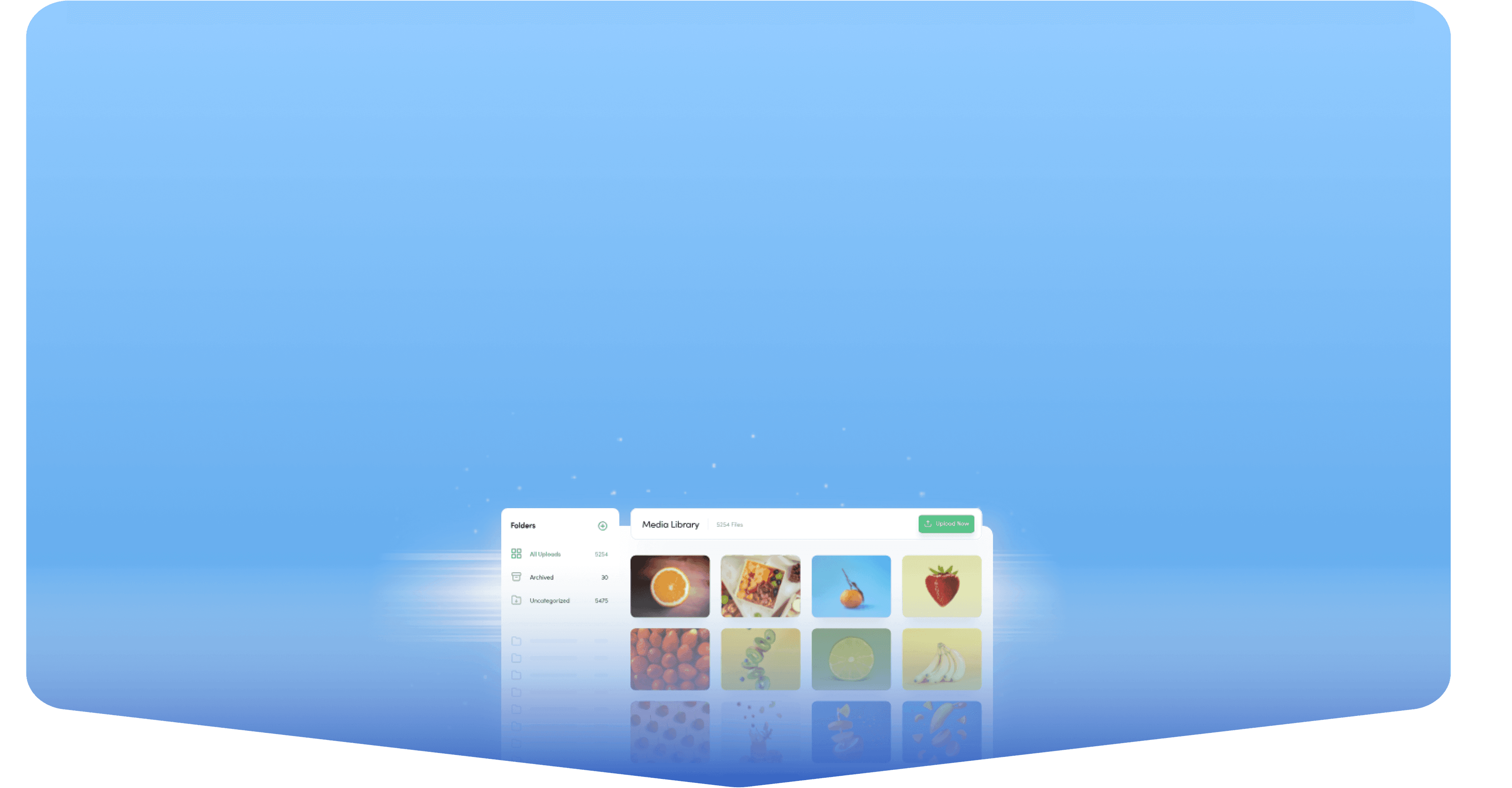
Step 01
Connect your account
Securely connect your Bluesky account to ContentStudio. Once connected, select the account you want to publish to.
 Schedule Bluesky Posts
Schedule Bluesky posts, threads, images, and videos with ContentStudio. Since Bluesky doesn't offer built-in post scheduling, ContentStudio lets you plan, automate, and publish content without posting manually every time.
7-day free trial. No credit card required.
Schedule every Bluesky format
Trusted by 16,500+ leading brands and agencies
A Bluesky scheduler queues your posts and threads and pushes them live at the exact time you pick, so your feed keeps moving while you're offline.
ContentStudio is an all-in-one social media management tool that puts Bluesky in the same content calendar as your other channels. Draft, preview, and time posts or threads, with AI-assisted writing built in.

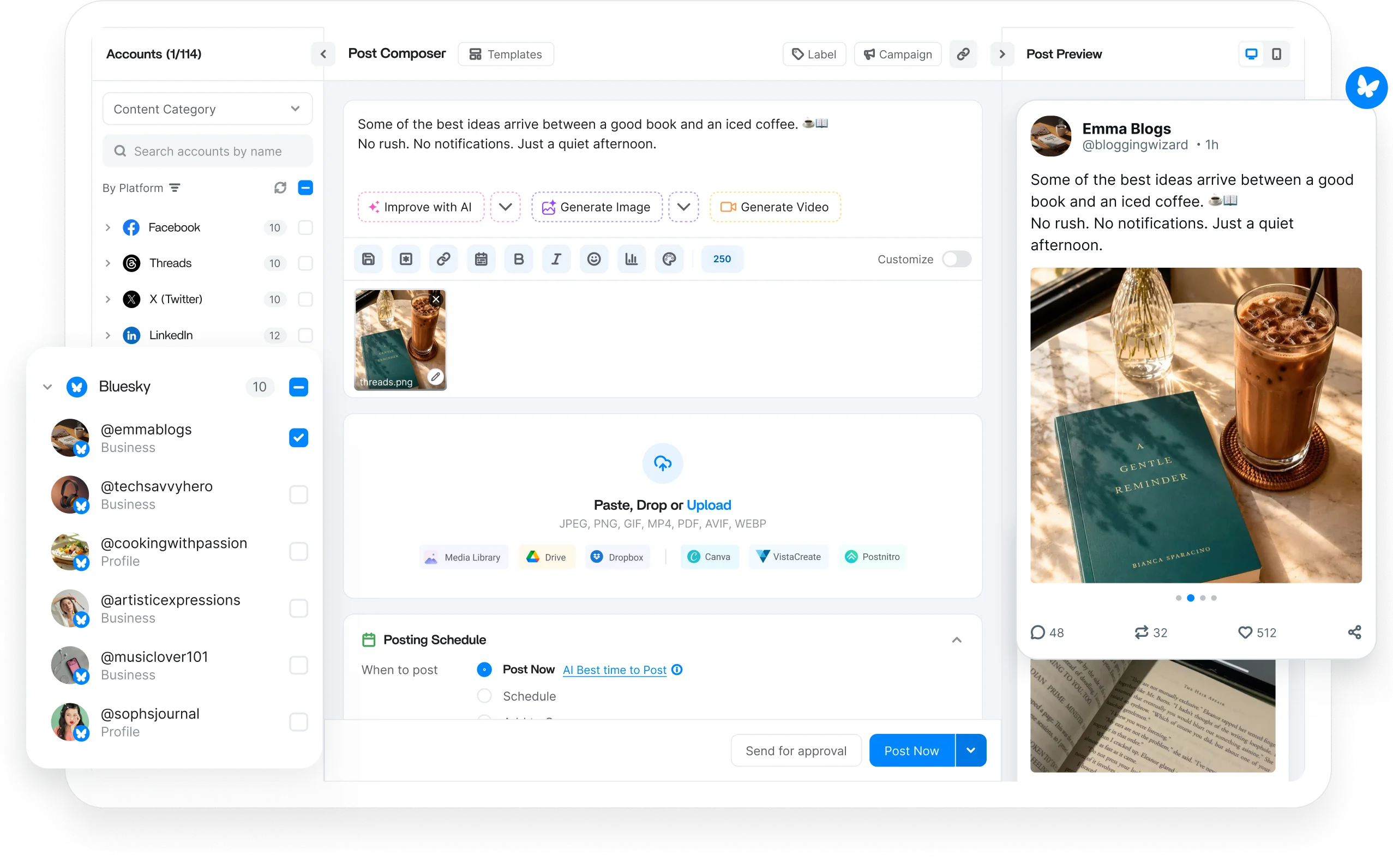
Plan every type of Bluesky content from one place. Schedule posts, threads, images, videos, and link updates ahead of time to maintain a consistent publishing schedule without manual effort.

Write and schedule Bluesky posts in advance with text, images, links, or a video. Keep your account active with a consistent publishing schedule.

Plan multi-thread posts within the 300-character limit, preview how each one reads, and schedule the whole sequence.

Attach images or video to any scheduled Bluesky post, preview exactly how the media will appear, and queue it to publication.

Schedule link posts and quick updates so your Bluesky feed keeps moving with fresh, timely content even on the days you're busy with other work.
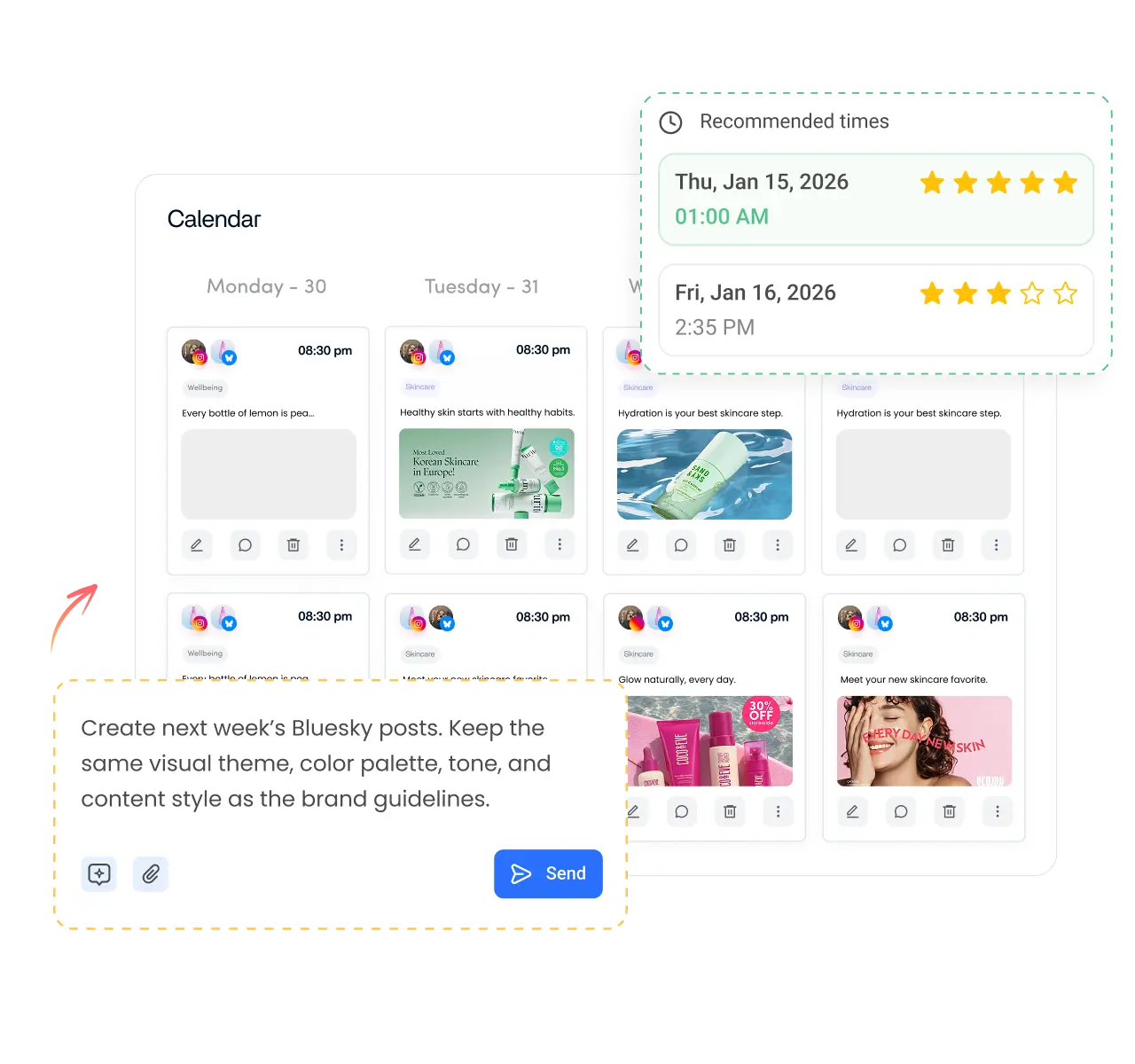
Take manual publishing off your to-do list. Schedule content weeks in advance, automate your posting schedule, and keep your Bluesky account active with minimal day-to-day management.

Manage multiple Bluesky accounts from a single dashboard. Organize brands, clients, or personal handles without logging in and out.

Bulk schedule Bluesky posts, or let ContentStudio AI build a posting schedule that keeps your content calendar full.

Group posts into content categories with their own time slots, so updates and announcements each publish on the cadence you set.

Schedule Bluesky posts when your audience is active, using data-driven recommendations that help your followers see each post.
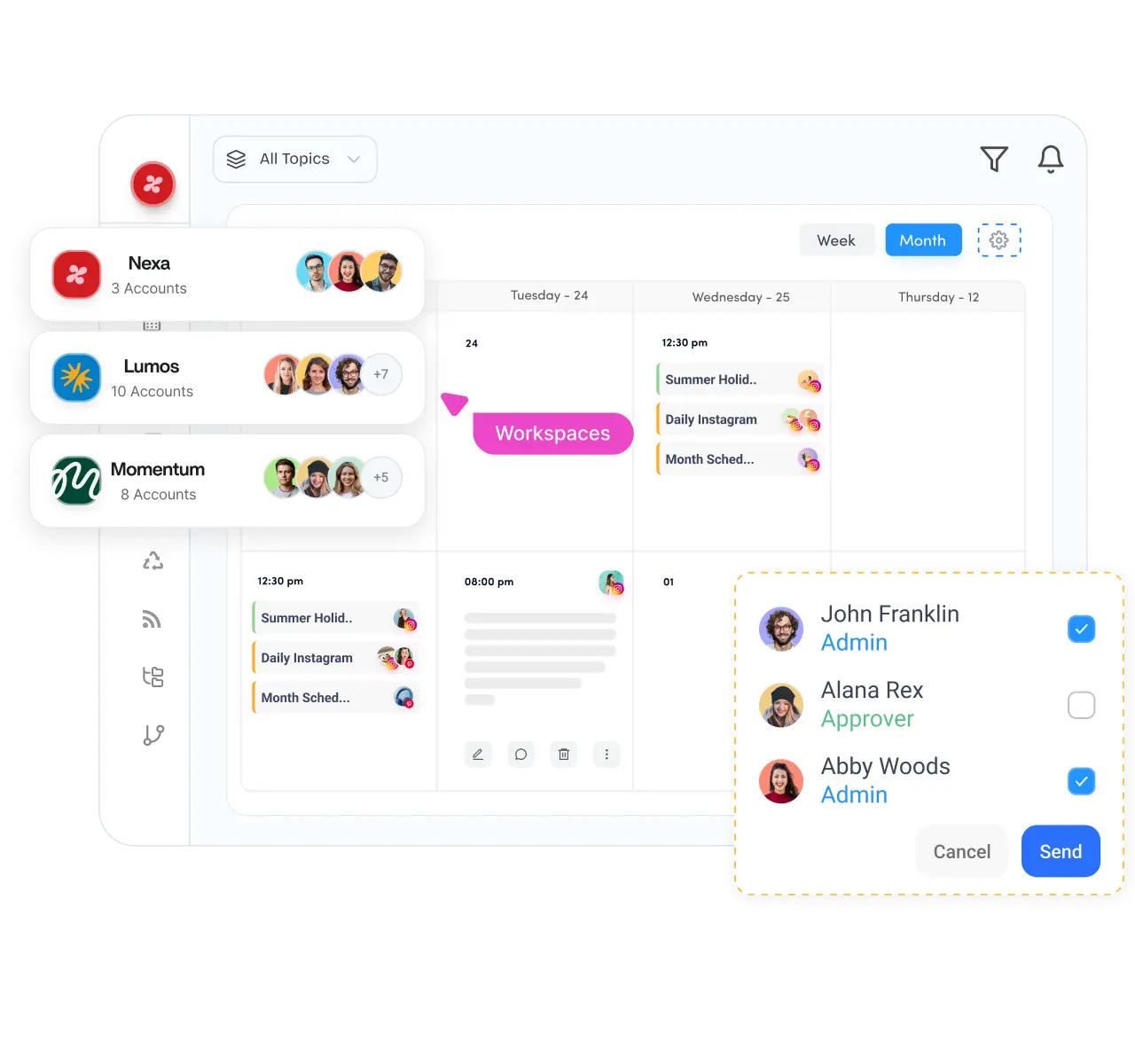
Bring planning, feedback, approvals, and publishing into one shared workflow. Collaborate with teammates and clients while making sure every Bluesky post is reviewed before it's published.

Separate clients, brands, or business units into dedicated workspaces while running multiple Bluesky publishing schedules side-by-side.

Plan your Bluesky posting schedule on a drag-and-drop content calendar that gives you a complete view of upcoming posts.

Review and approve scheduled Bluesky posts before they publish. Keep a consistent voice and catch mistakes with approval workflows.

Securely connect client Bluesky accounts with EasyConnect instead of sharing login credentials, which makes onboarding safer.

Generate captions, images, and videos without leaving your workflow. Built-in AI helps you create and schedule Bluesky posts faster, overcome creative blocks, and publish consistently with less effort.

Generate post ideas, tighten your copy to fit the 300-character limit, and beat writer's block while you schedule Bluesky posts.

Turn a simple prompt into a high-quality image ready to attach to your next scheduled Bluesky post.

Create short AI videos for Bluesky without switching to separate editing software, then queue them straight into your schedule.
Turn long-form video into short clips that keep your Bluesky feed full of fresh, native content.

How it works
Learn how to schedule posts on Bluesky in four simple steps. From start to finish, ContentStudio handles the entire scheduling process for you.
Step 01
Securely connect your Bluesky account to ContentStudio. Once connected, select the account you want to publish to.
Step 02
Write your post, attach your media, or create content with AI. Generate captions, images, and short videos in one place.
Step 03
Pick a specific date and time, use Smart Scheduling, or let ContentStudio recommend the best time to post.
Step 04
Once your schedule is set, ContentStudio automatically publishes your Bluesky posts and threads at the right time.
Managing one account or hundreds, ContentStudio gives creators, businesses, and agencies everything needed to plan, schedule, collaborate, and publish Bluesky posts at scale.

Schedule weeks of Bluesky posts and threads, then let ContentStudio publish while you focus on creating and growing your presence.
Manage every network you run from the same social media scheduler.

Line up posts, Reels, and Stories for your Pages and Groups, then let them publish on their own while you track what lands in analytics.

Batch your Reels, feed posts, and Stories a week or a month ahead, and preview the grid before anything goes live.

Queue threads and single posts across every handle you run, and jump into replies from the same place you schedule.

Schedule posts, carousels, and documents for your Profiles and Company Pages, and route each one through review before it publishes.

Schedule long-form uploads and Shorts, route each one through review, and set titles, tags, and thumbnails before release.

Fill your pin queue across boards, space out fresh pins to avoid spam flags, and watch which ones drive saves and clicks.

Plan videos for several accounts at once, send drafts out for a quick sign-off, and grab clips straight from your library.


Book a 30 min call
Have questions? Schedule a quick call and we will guide you through everything.
Book a free call