Step 01
Connect your profile
Securely connect your Google Business Profile to ContentStudio, then select any location you want to publish to.
 Schedule Google Business Posts
Keep your business active on Google Search and Maps. Schedule posts, offers, and events in advance, publish them automatically, respond to reviews, and manage every location from one dashboard.
7-day free trial. No credit card required.
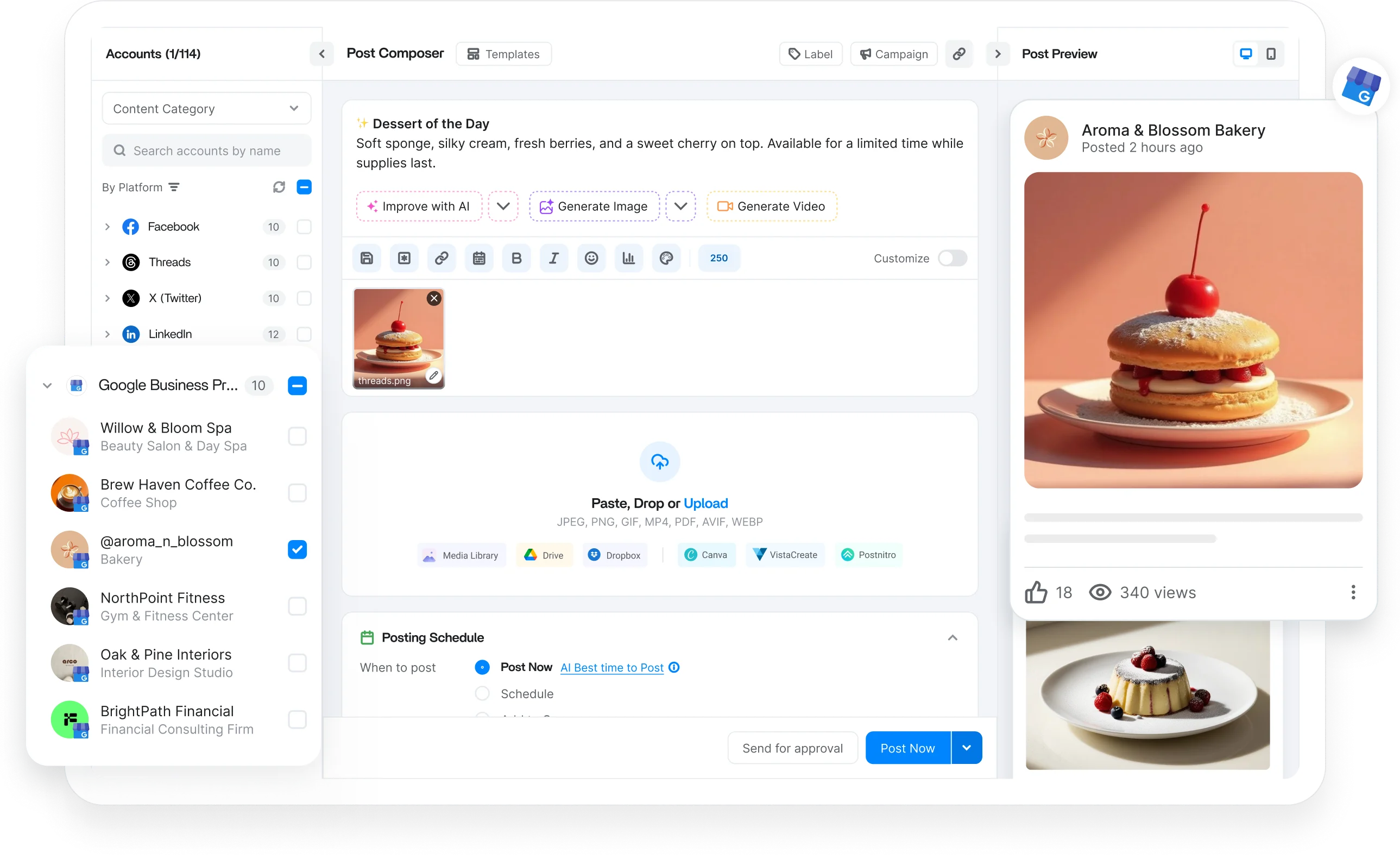
Schedule every Google Business Profile format
Trusted by 16,500+ leading brands and agencies
A Google Business Profile scheduler auto-publishes updates, offers, events, and photos to your listing, keeping you active on Search and Maps without manual posting.
ContentStudio is a tool to manage all your social media accounts in one place, bringing GBP into the same planner as your other channels so promotions run on a calendar you control.
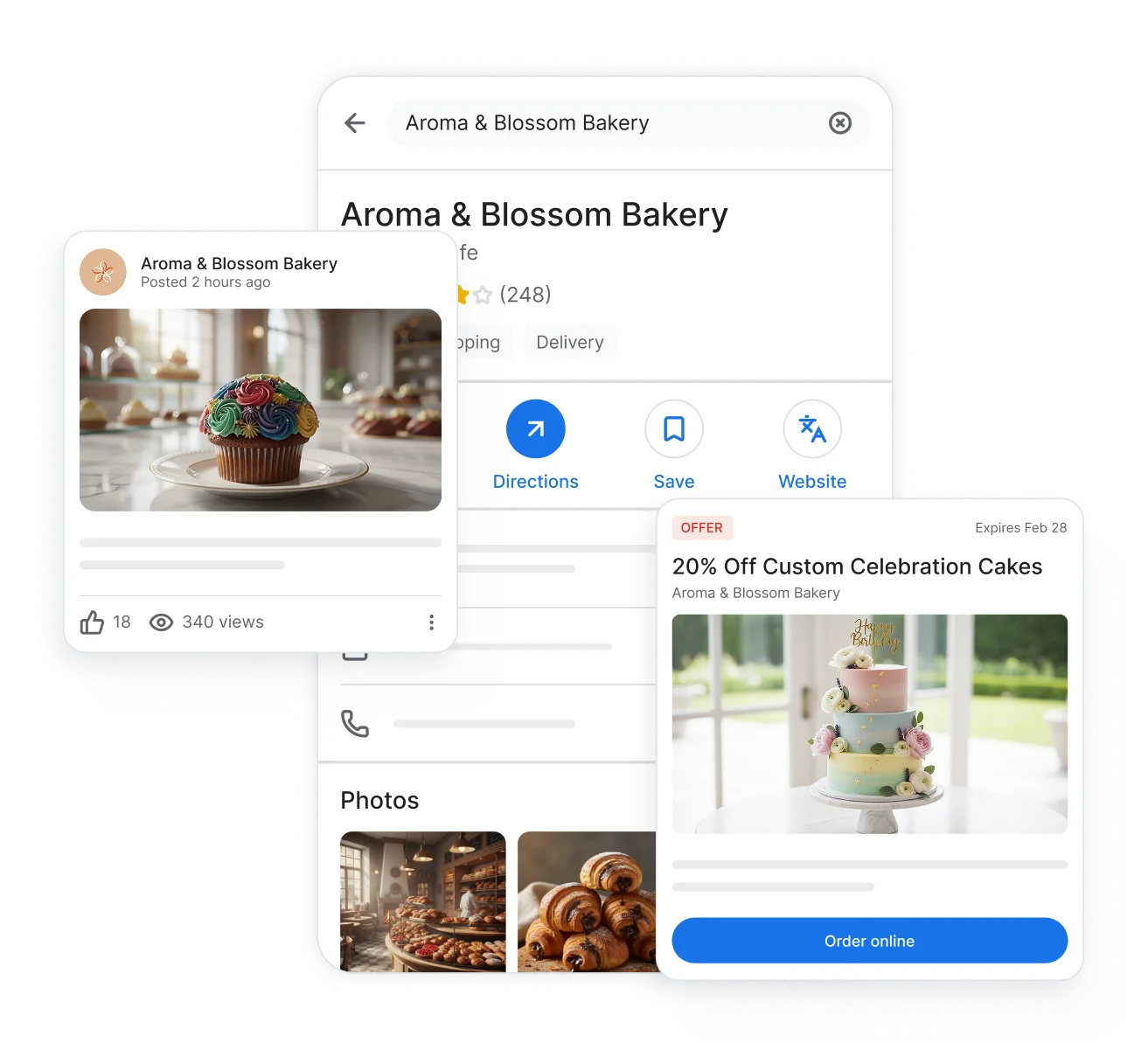
From quick updates to offers, events, and video, schedule every Google Business Profile post type in advance and publish automatically.

Share announcements, news, and tips as scheduled updates, each with a call to action button attached.

Promote deals with start and end dates, coupon codes, redemption links, and terms, launched right on schedule.

Publish workshops, sales, and local happenings with titles, dates, and action buttons, scheduled well ahead of time.

Schedule photos and videos to your Google Business Profile and give searchers a firsthand look before they visit.
Posts on Google fade from view quickly, so consistency is everything. Fill your queue once and let ContentStudio keep your profile fresh week after week.

Manage multiple Google Business Profiles from one dashboard and publish to one location or many at once.

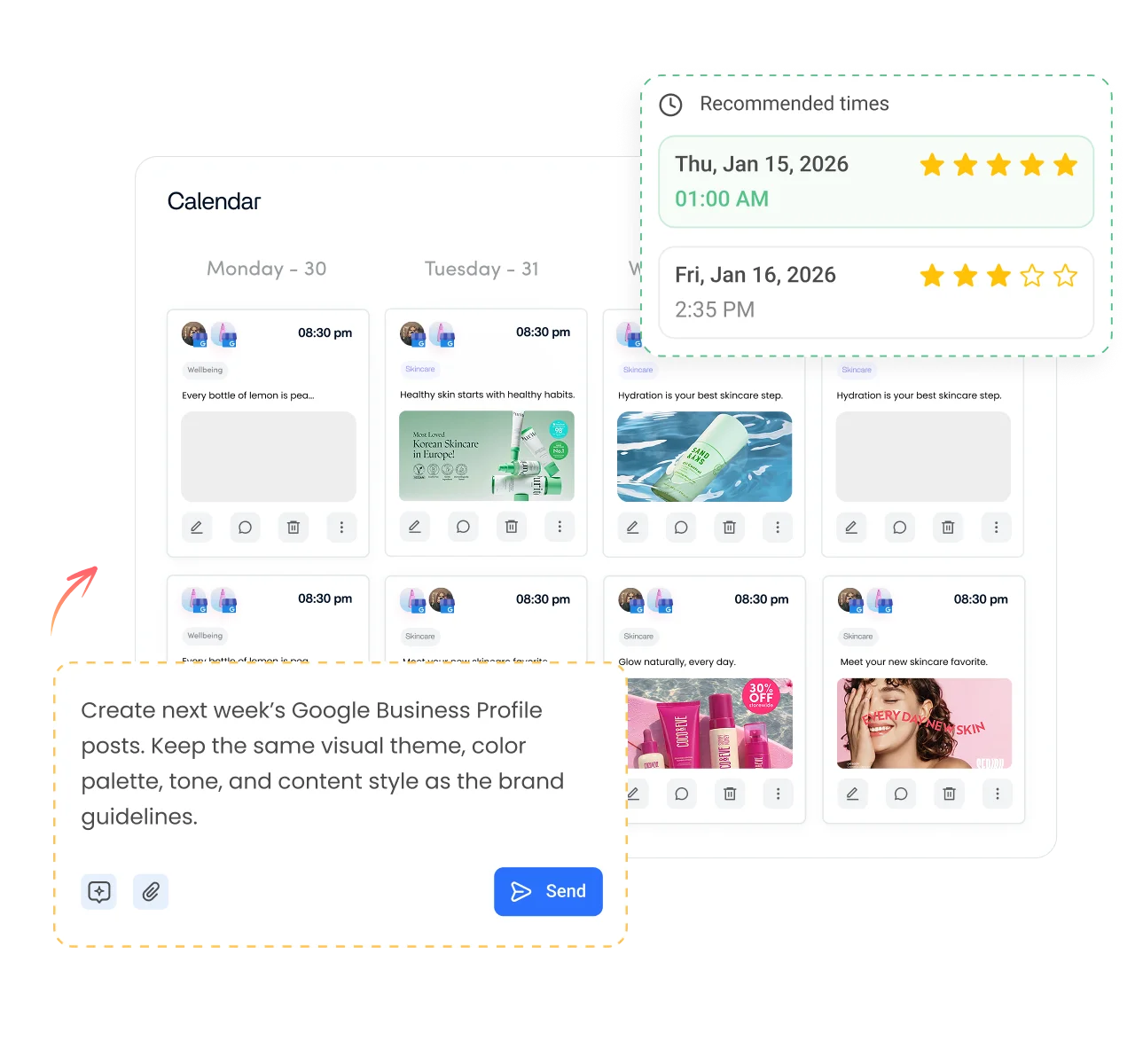
Upload weeks of Google Business posts with CSV bulk upload, or turn one prompt into a publishing plan.
Republish your best posts automatically at set intervals and run evergreen campaigns so your profile never goes quiet.

Schedule Google Business posts when your audience is most active, using recommended times instead of guesswork.
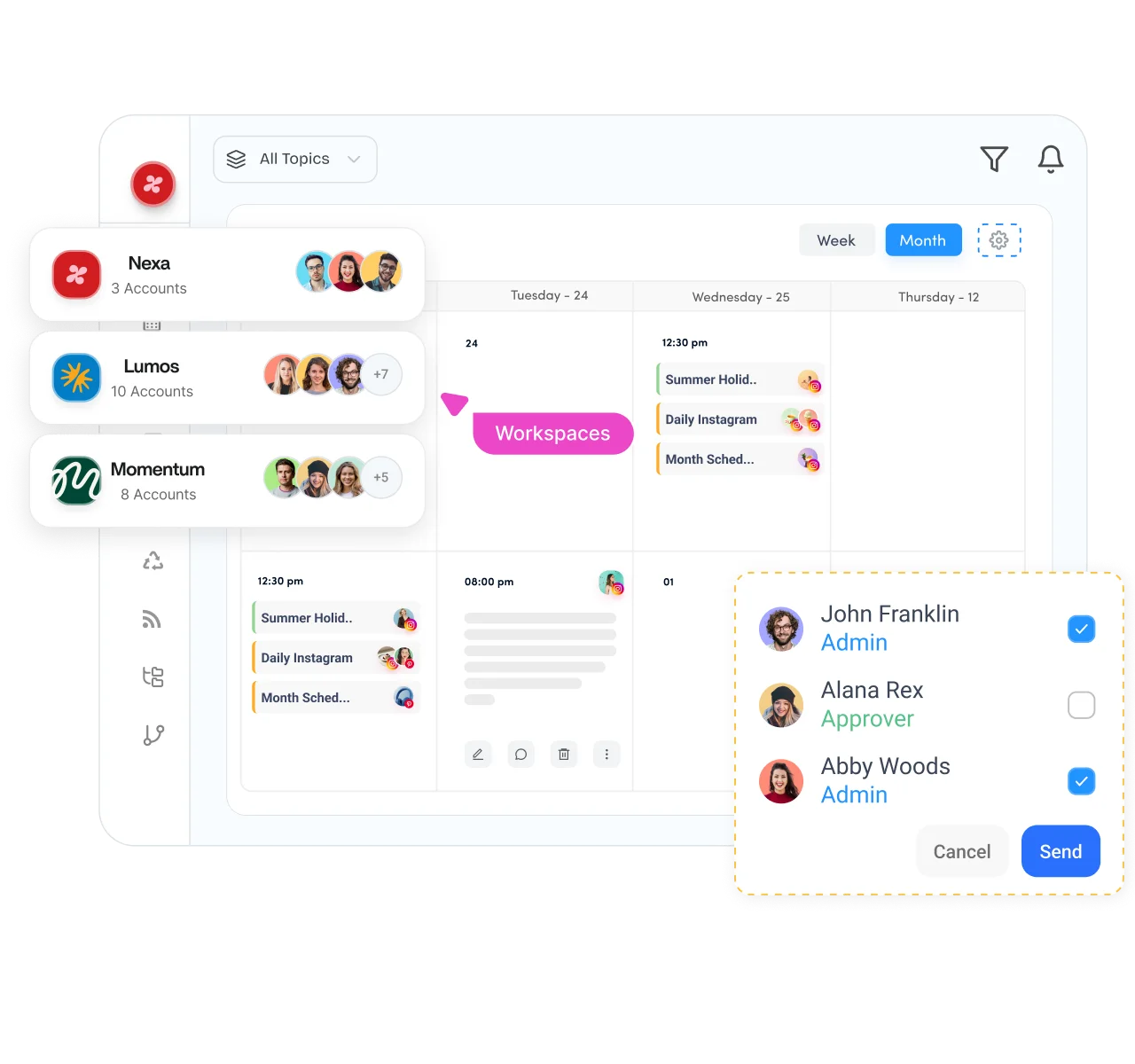
Whether you manage one listing or a hundred, keep every post reviewed, approved, and on brand before it reaches Google.

Separate clients, brands, or locations into dedicated workspaces, each with its own connected profiles, queues, and publishing schedule.
Plan updates, offers, and events on a drag-and-drop calendar alongside every social post you schedule.

Route scheduled posts through approvals with comments and on-the-spot feedback, so nothing publishes unchecked.

Let clients connect their Google Business Profiles through a secure link, with no passwords shared.
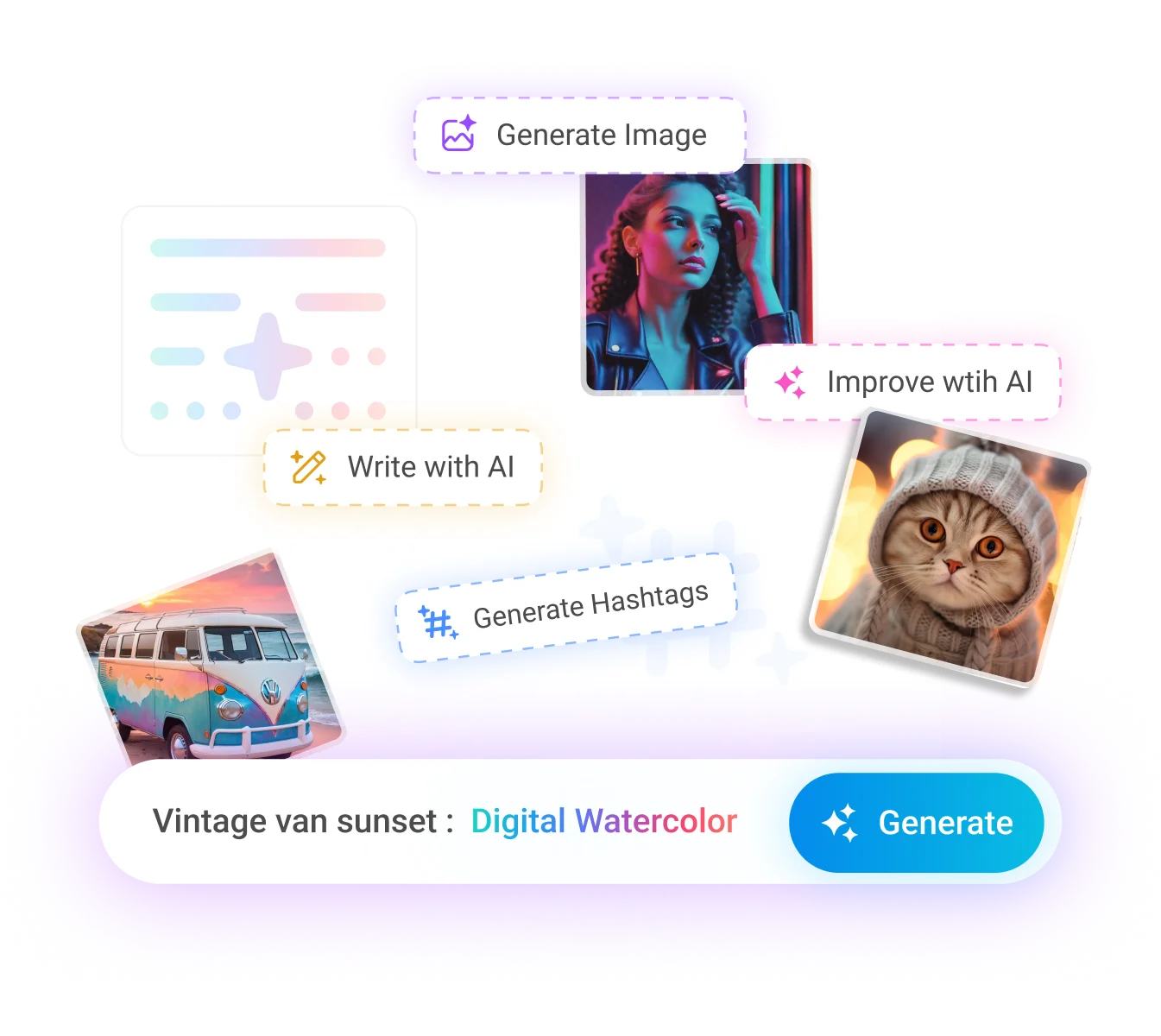
Short on time or ideas? Create the post and the media in the same place you schedule it, with AI Studio built in at every step.

Generate captions for your Google Business posts, sharpen your copy, and beat writer's block without leaving the composer.

Turn a simple prompt into a polished, professional image ready to attach to your next scheduled post.

Create short videos for your profile without separate editing software, then queue them to publish automatically.
Cut long-form video into short clips that keep your profile and social channels stocked with fresh content.
How it works
From connection to publishing, ContentStudio handles the entire scheduling process for you.
Step 01
Securely connect your Google Business Profile to ContentStudio, then select any location you want to publish to.
Step 02
Write your update, offer, or event, attach media and a call to action button, or create with AI.
Step 03
Pick a specific date and time, bulk schedule weeks at once, or use recommended best times to post.
Step 04
Once your schedule is set, ContentStudio publishes your updates, offers, and events at the right time.
From a single storefront to hundreds of client listings, ContentStudio fits the way your team plans, approves, and publishes.

Manage every client listing from dedicated workspaces, streamline approvals, and deliver white label reports that prove results.
Your Google presence is one piece of the picture. Manage every network you run from the same social media scheduler.

Plan Reels, feed posts, and Stories on a visual calendar, and preview your grid before anything goes live.

Schedule posts, Reels, and Stories to Pages and Groups, and keep your busiest channel running on autopilot.

Queue single posts and full threads across every handle you manage, then answer replies from one dashboard.

Publish posts, documents, and carousels to personal profiles and company pages, with approvals baked into the workflow.

Schedule long-form videos and Shorts with titles, tags, and thumbnails set in advance.
Keep every board fresh with pins published on a steady cadence and track saves and clicks.

Line up videos across multiple accounts, pull media straight from your library, and get quick approvals before publishing.


Book a 30 min call
Have questions? Schedule a quick call and we will guide you through everything.
Book a free call