LinkedIn post generator
Turn a rough idea into a LinkedIn post with a hook, a clear point and a call to action. Free AI writer, no sign-up.
Let ContentStudio's AI craft your social media captions in seconds:
- Simply enter your prompt.
- Tailor the word count to match your requirements.
- Define the tone that fits your requirements.
- Toggle hashtags and emojis as required.
- Choose the number of variations you want.
- Click 'Generate' to let the magic happen.
- Free forever
- No sign-up
- Up to 3 variations
- 16,500+ brands use ContentStudio
What is a LinkedIn post generator?It is an AI tool that writes LinkedIn posts from a short idea. You describe the topic, set the length and tone, and it returns up to three ready-to-edit drafts with optional hashtags and emojis. ContentStudio's LinkedIn post generator is free, needs no account and works for personal profiles and company Pages.
How to use it
How to Use the LinkedIn Post Generator
Describe your idea
Write the topic, idea or key message for the post in one or two sentences. Mention who it is for.
Set the length
Use the Approx. words slider. 50–80 words gives a short update. 150–250 words gives a full story or how-to post.
Pick a voice tone
Professional, informative and persuasive suit most business posts. Witty or sincere work well for personal stories.
Hashtags and emojis
Turn them on or off. Most LinkedIn posts need only 3 to 5 hashtags and a few emojis at most.
Generate
Choose 1, 2 or 3 variations and click Generate. Copy the one that fits, add your own details and publish.
The quality of the output is directly proportional to the specificity of the input. "SaaS onboarding best practices that reduce churn in the first 30 days" produces more usable copy than "something about SaaS."
What you can write
What you can write with this AI LinkedIn post generator
Thought leadership posts
Share a strong opinion on a trend in your industry, back it with one example and end with a question.
Stories and lessons
Turn a win, a mistake or a career change into a short story with a clear takeaway. These posts invite comments.
Company Page updates
Product launches, new hires, milestones and event recaps written for your company Page followers.
Hiring and job posts
Announce an open role in a friendly, human way and tell people how to apply or who to message.
Text for images, videos and documents
Write the copy that sits above a carousel (document post), video or image so people know why to stop and look.
Event and webinar promotion
Name the event, the date, who it is for and one reason to attend. Add the registration link in the post.
For B2B
LinkedIn Post Generator for B2B
LinkedIn is the main professional social network for B2B content. B2B LinkedIn posts serve different goals from consumer content: they build thought leadership, generate inbound pipeline, and maintain visibility with buyers in long sales cycles.
B2B LinkedIn posts that perform well share these characteristics:
- Industry-specific language. Generic business advice has low differentiation on LinkedIn. Posts that use terms specific to an industry ("net revenue retention", "ICP", "demand gen") signal expertise to an audience that recognizes them.
- Decision-maker framing. Content that addresses the problems of a named audience (VPs of marketing, heads of product, agency owners) earns more engagement from that audience than posts addressed to "business owners" in general.
- Proof over assertion. B2B buyers on LinkedIn are skeptical of claims without evidence. Anchoring a post in a specific data point, customer result or named method makes it more credible.
To use the generator for B2B content, specify the industry, the target audience role, and the business outcome in the input description.
LinkedIn captions
LinkedIn Caption Generator
LinkedIn captions and LinkedIn post copy refer to the same text field. LinkedIn does not have a separate caption field distinct from the post body. The terms are used interchangeably to mean the text above a post, especially for image, video or document posts. Use this tool as a LinkedIn caption generator: describe the image or video, and ask for a short post that explains why it matters.
What makes a good post
How to write a LinkedIn post people read
Hook in the first two lines
LinkedIn shows roughly the first 210 characters on desktop, and less on mobile, before "…see more". Lead with the result, a surprising number or a sharp question.
Short lines and white space
Break the post into one- or two-sentence lines. Walls of text get skipped in the feed.
One idea per post
A post that tries to cover five points usually lands none. Pick one lesson or one opinion and support it.
Add something only you know
AI gives you structure. Your numbers, client stories and opinions make the post worth reading. Always edit the draft before you publish. For better results from any AI tool, try these AI prompts for LinkedIn posts.
End with a question or a clear call to action
Ask for opinions, experiences or a specific reply. Comments start conversations, and conversations keep a post in the feed longer.
Use a few relevant hashtags
Three to five tags at the end are enough. Need ideas? Use the LinkedIn hashtag generator.
Post ideas
LinkedIn post ideas to try with the generator
- Lesson learned
The biggest mistake I made in my first year as a manager and what I do differently now
- Industry opinion
Why most B2B companies post too much product news on LinkedIn and what to post instead
- How-to
3 steps to prepare for a performance review, for early-career marketers
- Milestone
Our team just shipped our 100th customer integration. Thank the team and share one lesson
- Hiring
We're hiring a remote customer success manager. Friendly post with what the role is like
- Career update
Starting a new role as Head of Growth at a fintech startup. Grateful, short, no bragging
- Event
Invite people to our free webinar on LinkedIn content for founders next Thursday
- Behind the scenes
What a normal Monday looks like at our 12-person agency
Length and limits
How long should a LinkedIn post be?
LinkedIn posts can be up to 3,000 characters, but most effective posts are much shorter. A good default is 100–250 words: long enough to make one point well, short enough to read on a phone.
| Item | Limit |
|---|---|
| Post text | 3,000 characters |
| Shown before "…see more" | About 210 characters on desktop, around 140 on mobile (varies) |
| Comment | 1,250 characters |
| Recommended hashtags | 3–5 relevant ones |
| Bold and italic text | No built-in formatting buttons in the post editor |
Schedule LinkedIn posts
How to Schedule LinkedIn Posts for Free
LinkedIn has a basic scheduler built into the post composer. Click the clock icon next to Post, pick a date and time, and LinkedIn publishes it for you. You can schedule up to 3 months ahead, but there is no calendar view, no bulk scheduling and only basic analytics.
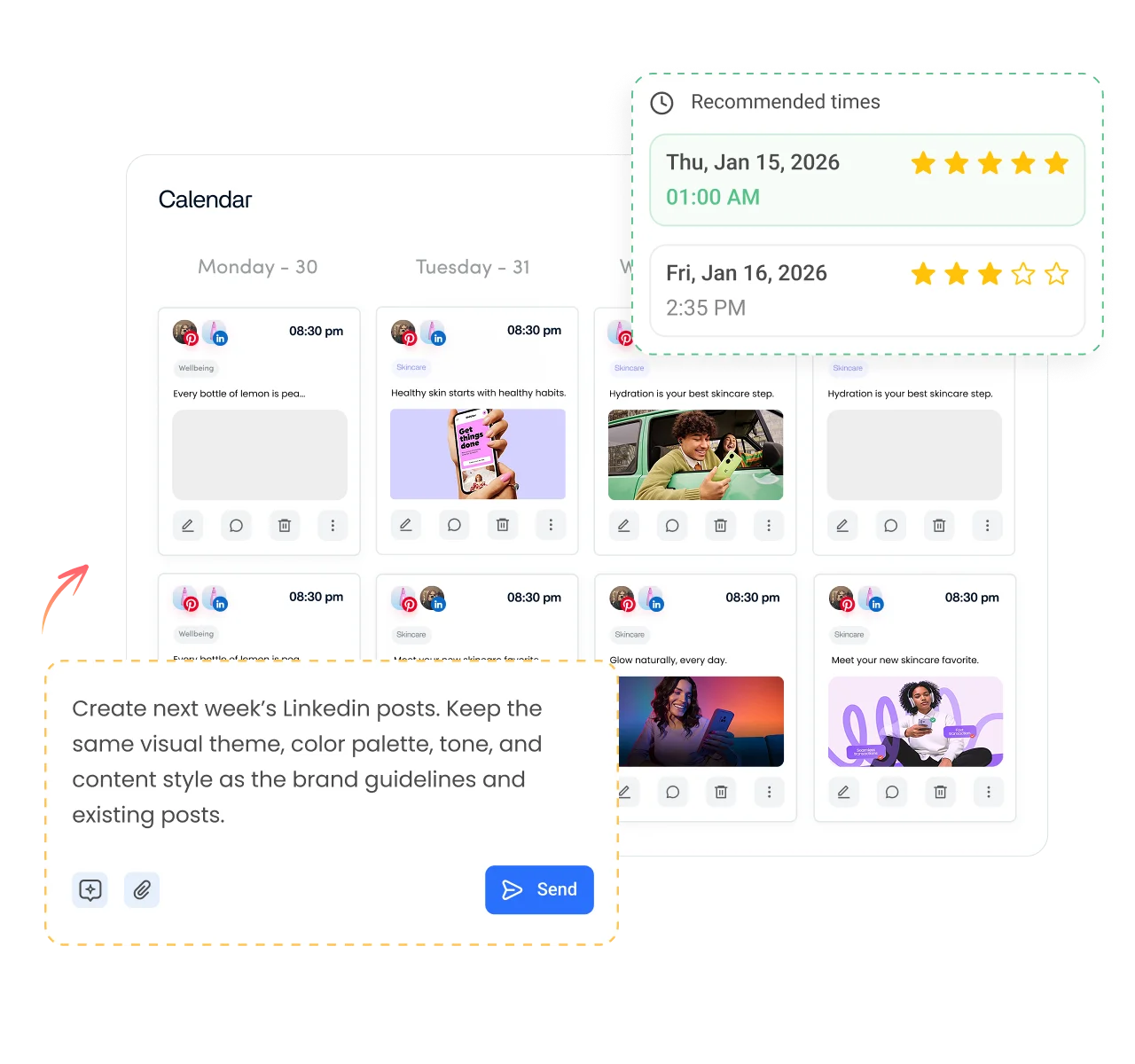
For scheduled publishing with more control, ContentStudio's LinkedIn scheduler lets you draft, schedule and publish LinkedIn posts to profiles and company Pages from a visual calendar, alongside your other networks. This is separate from the free post generator, which you can keep using at no cost.
From draft to published LinkedIn post
Writing the post is step one. ContentStudio is a social media management platform that takes you from idea to published post. With it you can:
- Schedule to LinkedIn. Plan posts for your profile and company Pages, pick the best time, and publish automatically with ContentStudio's LinkedIn scheduling tool.
- Write posts inside your workflow. AI Studio, our AI social media content generator, writes posts, hashtags and images in the composer, in your brand voice.
- Post once, adapt everywhere. Publish the same idea to LinkedIn, X, Facebook and Instagram with the text adjusted for each network.
Is it free?
Is the LinkedIn Post Generator Free?
Yes. ContentStudio's LinkedIn post generator is free with no usage cap and no account required. It is part of ContentStudio's suite of free social media tools.
- Free forever
- No sign-up
- Up to 3 variations
- 16,500+ brands use ContentStudio
More free LinkedIn tools
All free social media tools →
Frequently asked questions

Book a 30 min call
Have questions? Schedule a quick call and we will guide you through everything.
Book a free call