Step 01
Connect your channel
Securely connect your YouTube channel to ContentStudio in minutes. Once connected, select any channel you want to publish to.
 Schedule YouTube Videos
Schedule YouTube videos and Shorts in advance, publish automatically at the right time, and manage every channel without switching tools from one shared content calendar.
7-day free trial. No credit card required.
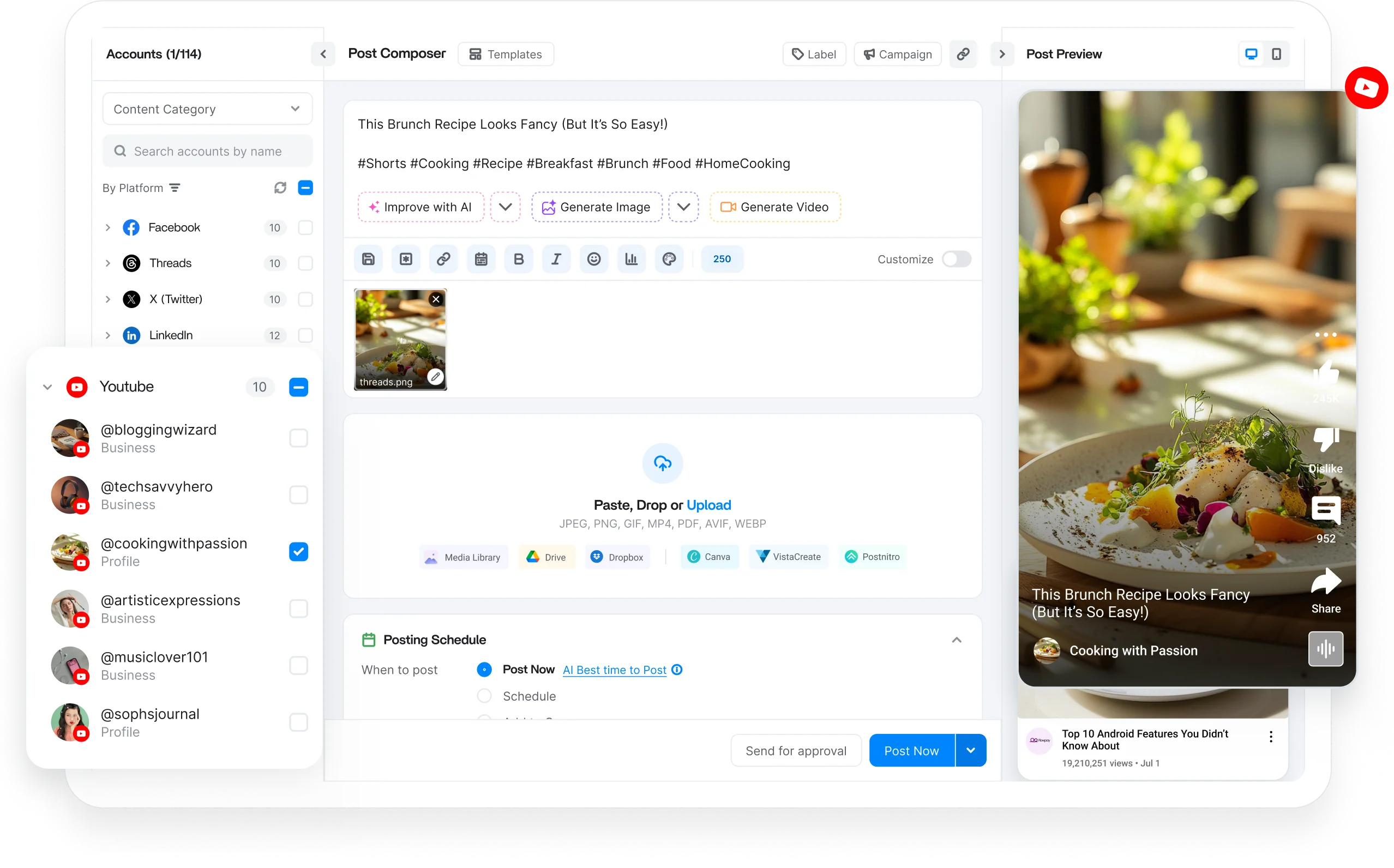
Schedule every YouTube format
Trusted by 16,500+ leading brands and agencies
A YouTube scheduler connects to your channel and publishes videos and Shorts at set times, so uploads go live on a plan instead of you hitting publish each time.
ContentStudio is a tool to manage all your social channels from one place, bringing YouTube into a unified calendar to publish videos and Shorts and draft titles and descriptions with AI.
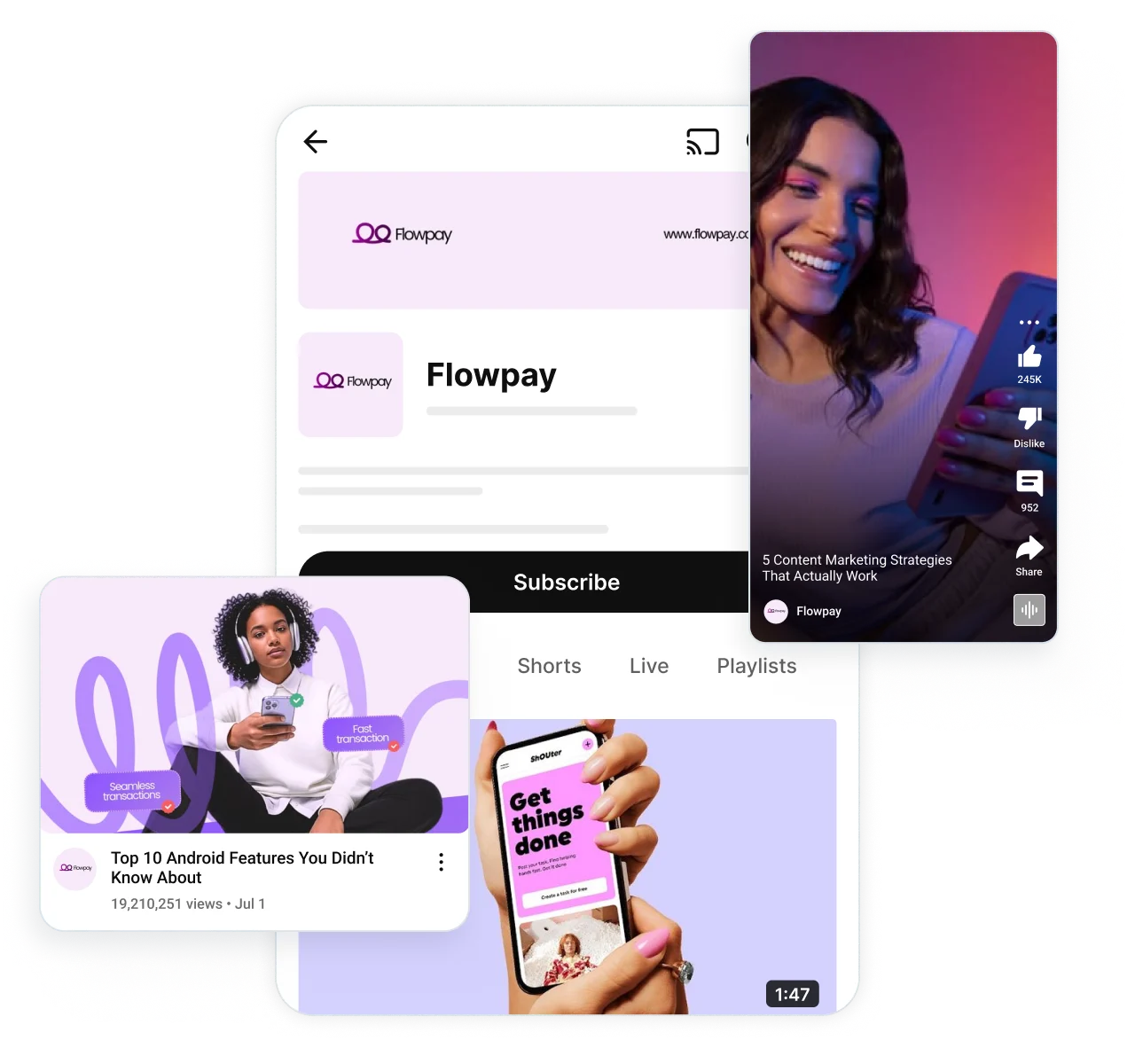
Plan and schedule YouTube videos and Shorts, from one dashboard. Keep every upload organized, maintain a consistent publishing cadence, and simplify content planning.

Schedule long-form YouTube videos in advance with custom titles, descriptions, tags, and thumbnails.

Learn how to upload a YouTube Short without logging in every time. Queue Shorts ahead of time, publish them on a steady cadence.

Upload and queue multiple videos and Shorts at once, so you can plan weeks of your channel in a single session.

Set SEO friendly titles, descriptions, tags, and thumbnails before anything goes live, so every upload is fully optimized.
Schedule weeks or months of YouTube content in advance with bulk scheduling, Smart Queues, and automatic publishing. Spend less time managing uploads and more time creating videos.

Manage multiple YouTube channels from a single dashboard. Organize brands, clients, or separate channels without logging in and out.
Schedule YouTube videos and Shorts with AI prompts and build a posting schedule that keeps your content calendar full.
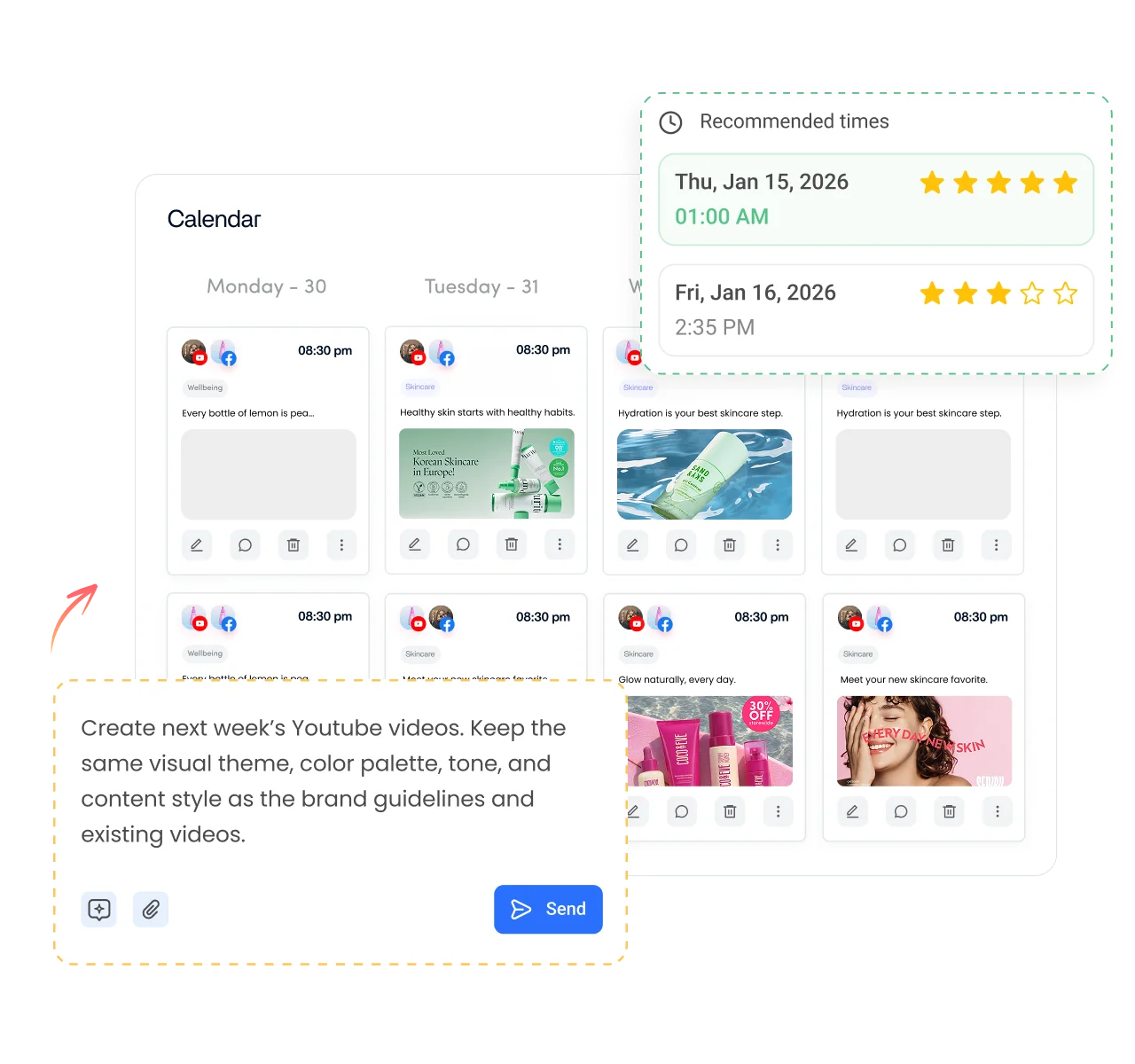
Create dedicated publishing queues for different channels, campaigns, or content categories, so every upload schedule stays organized.

Schedule YouTube videos when your audience is most likely to watch, using data-driven recommendations built to improve engagement.
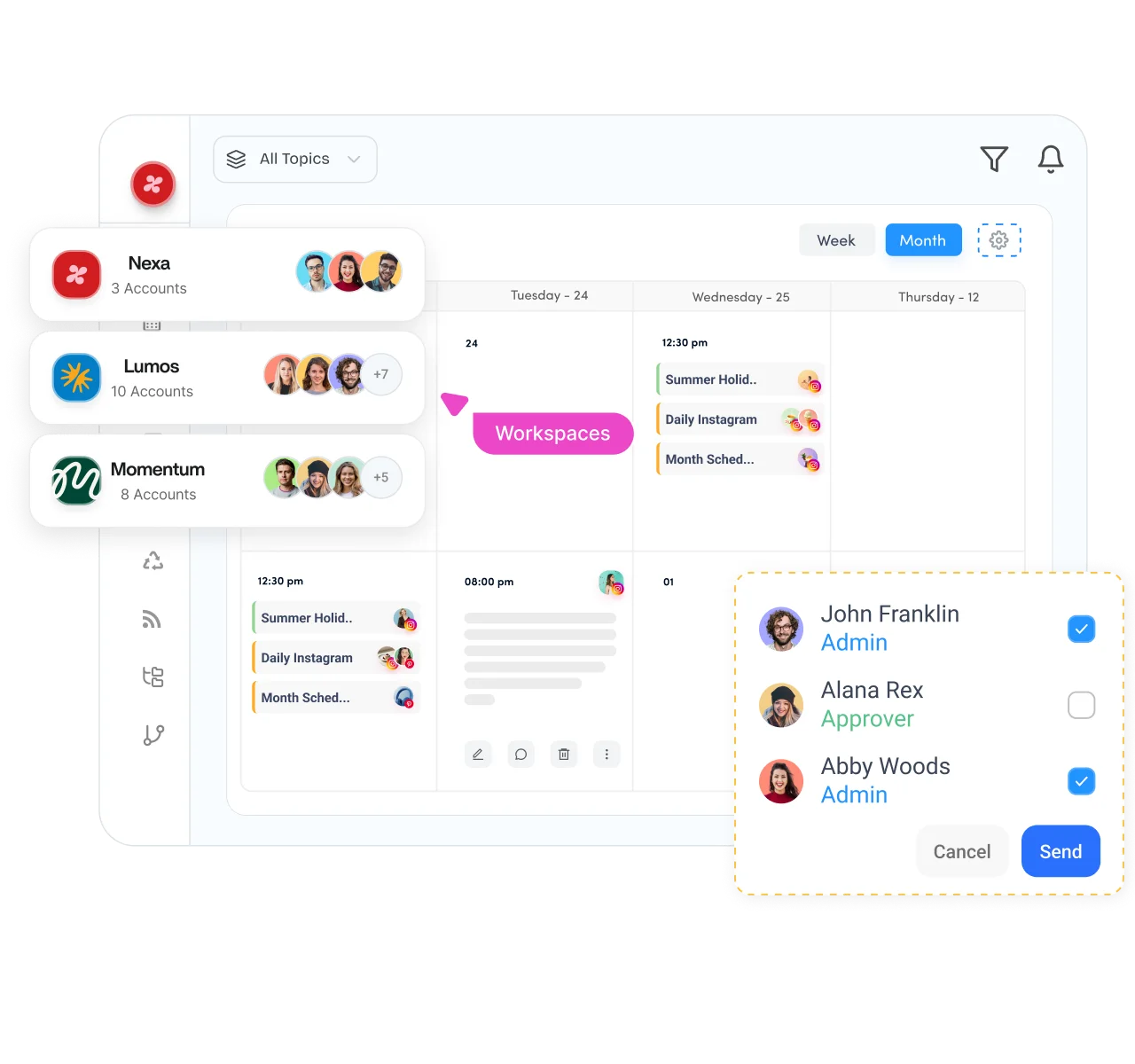
Bring creators, marketers, and clients into one workflow. Review titles, thumbnails, descriptions, and publishing schedules together, keeping every video accurate, approved, and ready to publish on time.

Separate clients, brands, or business units into dedicated workspaces while managing multiple YouTube publishing schedules.

Plan your YouTube posting schedule with a drag-and-drop calendar that gives you a complete view of upcoming videos and Shorts.

Route every video and Short through structured review before release. Approve titles, thumbnails, and descriptions so nothing goes unnoticed.

Securely connect client YouTube channels without requesting login credentials, which makes onboarding simpler for agencies.

Generate video ideas, scripts, thumbnails, titles, descriptions, and Shorts in minutes with AI. Create high-performing YouTube content faster without switching between multiple creative and publishing tools.

Turn simple prompts into high-quality thumbnails and channel visuals designed to lift click-through rates on your next scheduled video.

Turn prompts and ideas into structured video content ready for scheduling, without switching to separate video editing software.
Extract and generate short clips from your long-form videos to keep your YouTube Shorts schedule full without extra filming.

Instantly generate SEO friendly titles and descriptions optimized for search and engagement from the same dashboard.
How it works
Learn how to schedule YouTube videos in four simple steps. From start to finish, ContentStudio handles the entire scheduling process for you.
Step 01
Securely connect your YouTube channel to ContentStudio in minutes. Once connected, select any channel you want to publish to.
Step 02
Upload your video or Short, write your title and description, or generate content with AI. Create scripts, thumbnails, and titles.
Step 03
Select a specific date and time, use Smart Scheduling, or let ContentStudio recommend the best time to post.
Step 04
Once your schedule is set, ContentStudio publishes your YouTube videos and Shorts at the right time.
Managing one channel or hundreds, ContentStudio helps you organize workspaces, collaborate with your team, and keep every YouTube publishing workflow running smoothly from one platform.

Schedule weeks of videos and Shorts, then let ContentStudio publish while you focus on filming, editing, and growing your channel.
Manage every network you run from the same social media scheduler.

Plan Pages and Groups on one calendar, queue Reels, Stories, and link posts, and keep your audience engaged without daily manual posting.
Schedule Reels, carousels, and Stories ahead of time, plan your grid visually, and publish to Business and Creator accounts on autopilot.

Draft threads, schedule single posts across multiple handles, and keep a steady presence on X without switching between accounts.

Queue posts, carousels, and documents for Profiles and Company Pages, and grow your professional presence on a reliable publishing cadence.
Schedule pins across boards, spread fresh pins evenly to stay compliant, and track the saves and clicks that drive traffic.

Bulk schedule videos for multiple accounts, route drafts through approval, and pull clips from your library to post consistently.

Plan and time Threads posts alongside the rest of your calendar, and keep the conversation going without posting live every day.


Book a 30 min call
Have questions? Schedule a quick call and we will guide you through everything.
Book a free call