Free keyword planner tool
Pick a category, name your audience and get a list of keyword ideas in seconds. A free keyword planner with no Google Ads account and no sign-up.
- Free forever
- No sign-up
- No Google Ads account
- 13 content categories
What is a free keyword planner?A free keyword planner is a tool that suggests the words and phrases people search for, so you can plan content around them. ContentStudio's free keyword planner tool returns a list of keyword ideas from a category and a target audience. It needs no Google Ads account and no sign-up.
How to use it
How to Use the Keyword Planner Tool
The tool reads like a sentence: "Give me a list of keywords for the category ___ for the target audience ___."
Pick a category
Choose the closest match, from Autos & vehicles to Pets & animals. Choose Others if nothing fits.
Name your audience
Be specific: "new dog owners", "B2B marketers" or "college students" gives sharper ideas than "everyone".
Generate
Click Generate keywords now to get your keyword list.
Shortlist
Keep the ideas that match what you sell or teach. Group close variations together.
Check demand and use them
Check search volume for your shortlist (see below), then use the winners in titles, headings, captions and meta descriptions.
Tip: run the tool two or three times with different audiences for the same category. "Gaming" for "parents" and "Gaming" for "speedrunners" give very different keyword lists.
No Google Ads account
Keyword Planner Without a Google Ads Account
Google's own Keyword Planner (inside Google Ads) is free, but you need a Google Ads account to use it. Without an active, spending campaign, Google Keyword Planner shows search volume as wide ranges (for example 1K–10K) rather than exact numbers.
ContentStudio's free keyword planner tool gives you keyword ideas without an Ads account, a Google login or any subscription. Open the tool, choose a category and audience, and see results immediately.
Is Google Keyword Planner free?
Yes, Google Keyword Planner costs nothing, but it lives inside Google Ads. You need to create an Ads account and add billing details, though you don't have to run a campaign. Volumes are shown as ranges until your account spends money on ads.
Use Google Keyword Planner
How to use Google Keyword Planner alongside this tool
Use this free keyword planner for ideas, then Google Keyword Planner to check demand. The two work well together:
- Generate a keyword list here and copy your shortlist.
- In Google Ads, open Tools > Planning > Keyword Planner.
- Choose Get search volume and forecasts and paste your shortlist, or choose Discover new keywords to expand it.
- Set the location and language you care about.
- Sort by average monthly searches and competition, then keep the keywords with real demand that match your page.
Google's "competition" column describes advertiser competition for ads, not how hard a keyword is to rank for in organic search. Treat it as a rough signal only.
How to do keyword research
How to do keyword research in 5 steps
Start with your topic and audience
Write down what you offer and who it's for. That is exactly what the tool asks for.
Collect ideas
Generate lists here, then add autocomplete suggestions from Google, YouTube, TikTok and Instagram search.
Check intent
Search each keyword and look at the results. Are they guides, products, videos or tools? Make the same type of content.
Check demand
Use Google Keyword Planner or another volume tool to drop keywords nobody searches for.
Map one main keyword per page
Give each page one primary keyword and 2–4 close variations, so your own pages don't compete with each other.
Ready to write? Turn a keyword into topics with the Blog ideas generator.
Planner vs generator
Keyword Planner vs Keyword Generator
The terms "keyword planner" and "keyword generator" describe related but different tools.
Keyword generator
Produces a list of keyword variations from an input. It expands coverage and is most useful early, when you need ideas.
Keyword planner
Adds data such as search volume, competition and trends, so you can decide which keywords to target and map them to pages.
ContentStudio's free tool covers the idea stage: it plans keywords around a category and an audience. Pair it with a volume source such as Google Keyword Planner to complete the planning step.
Example keyword lists
Example keyword ideas by category
Examples of the kind of list you can expect. Your results depend on the audience you enter.
- Education · college students
how to study for finals, best note taking apps, study schedule template
- Howto & style · beginners
how to style wide leg jeans, capsule wardrobe checklist, easy hairstyles for work
- Pets & animals · new dog owners
puppy training schedule, best food for puppies, how to crate train a dog
- Gaming · parents
best family video games, parental controls on Xbox, age ratings explained
- Autos & vehicles · first-time buyers
used car checklist, how to finance a car, best cars for new drivers
- Music · home producers
how to mix vocals at home, best free DAW, home studio setup on a budget
- People & blogs · small business owners
how to start a blog for business, content calendar ideas, blog post ideas for small business
- Comedy · Gen Z
relatable memes, sketch comedy ideas, funny office skits
Choosing keywords
How to choose the right keywords
Prefer long-tail keywords
Longer phrases like "puppy training schedule for working owners" have less competition and clearer intent than "dog training".
Match the search intent
If the results for a keyword are all videos, a blog post will struggle. If they are all product pages, a guide will struggle.
Use the words your audience uses
Write keywords the way customers say them, not the way your team does. Comments, reviews and support tickets are great sources.
Put keywords where they count
Use the main keyword in the title, the first heading and the meta description. The Meta tags generator builds the title and description tags for you.
From keyword list to published content
Finding keywords is step one. ContentStudio is an AI social media management platform that helps you turn them into content and publish it. With it you can:
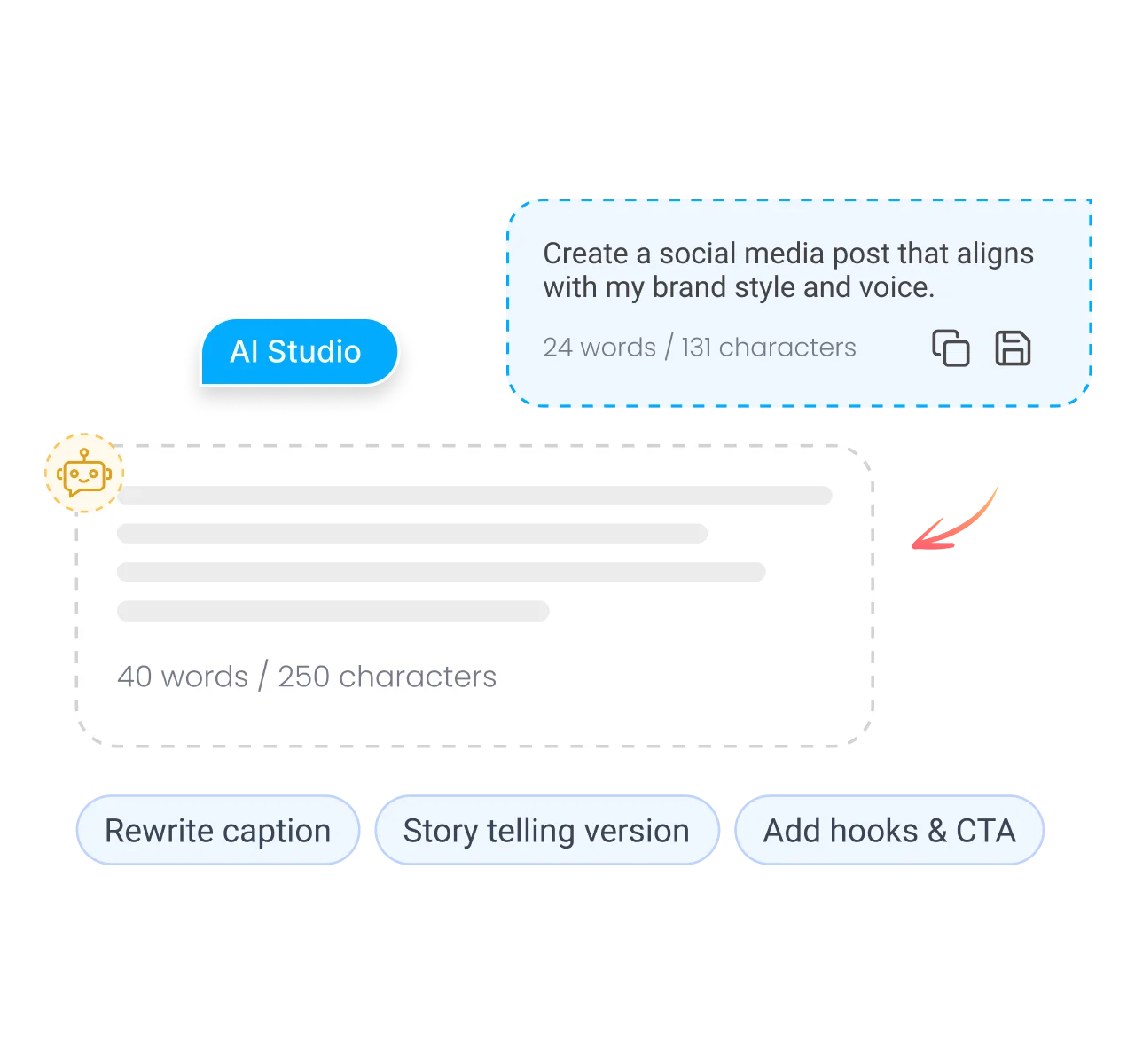
- Write posts around your keywords. AI Studio, our AI social media content generator, writes captions and posts that include the terms you choose.
- Find trending content in your niche. ContentStudio's Discover feature shows popular articles and videos on your topics, so you can see what is working.
- Plan and publish on every network. Put keyword-led posts on one calendar and publish them with ContentStudio's social media scheduler.
Is it free?
Is the Keyword Planner Tool Free?
Yes. ContentStudio's keyword planner tool is free with no usage cap and no account required. It does not need a Google Ads account. It is part of ContentStudio's suite of free social media tools.
- Free forever
- No sign-up
- No Google Ads account
- 13 content categories
Related free tools
All free social media tools →Frequently asked questions

Book a 30 min call
Have questions? Schedule a quick call and we will guide you through everything.
Book a free call
For social media
Keyword Planner for Social Media
Many people look for a keyword planner for social media rather than Google search. Each platform has its own search and discovery system, and keywords now matter on social as much as hashtags do.
Facebook: Facebook has no public keyword planner. Keywords affect post discoverability in Facebook search and the language of your ads. Ads Manager suggests interests, not search keywords, when you set up targeting.
Instagram: Instagram search reads usernames, names, bios, captions and hashtags. Keywords in captions help posts show up in search and Explore. Instagram doesn't publish search volume, so use its search suggestions to see which terms have active communities. For Instagram-specific ideas, use the Instagram keyword tool.
YouTube: YouTube is one of the most-used search engines in the world. Keywords in video titles, descriptions and tags help videos rank in YouTube search and in Google's video results. The categories in this tool match YouTube's video categories, so it works well for planning channel topics. YouTube search autocomplete and YouTube Studio's search insights give platform-specific signals.
TikTok, LinkedIn and X: each has its own search. ContentStudio has separate free keyword tools for them, listed under related tools below.