Choosing the right social media management tool is crucial for brands and creators who want to stay consistent and build an active community. With new platforms emerging, features changing, and user behavior constantly evolving, keeping up can feel overwhelming without proper support.
The good news is that in 2026, there are plenty of reliable tools available for social media management. These tools simplify content planning, help you stay organized, enable collaboration with your team, and allow you to manage your presence across multiple channels, all from a single platform.
8 features to look for in a social media management tool
Marketers, brands, agencies, and different types of businesses can choose the best social media management tool by looking for these features:
Supports major social media platforms: Make sure the SMM tool you choose supports a broad range of social networks.
An intuitive social media calendar: Many marketers, especially those managing multiple clients and social media profiles, use social media management tools for scheduling. Choose a platform with an easy-to-use social media calendar or planner, preferably with numerous views, for streamlined content planning.
AI-powered features: AI has taken the world by storm, and the trend is expected to continue in 2026 and beyond. So, you should choose an AI-powered tool that can help you generate engaging social media captions, hashtags, content, and even images.
Comprehensive analytics: Go for a tool that allows you to measure, analyze, and monitor the performance of your social media posts in addition to creating and scheduling them.
White-label options: Individual marketers might not pay much attention to them. Nevertheless, brands and agencies can benefit from white-label solutions and reporting features to provide a customized social media management experience to their clients.
Reliable customer support: The SMM tool of your choice should offer responsive, reliable customer support to provide quick answers to your queries.
Explore trending content: Social media is all about staying up to date with the latest trends. Many SMM tools provide features to schedule and post content, but a perfect tool would be the one that helps you curate and discover trending content.
Free trial: Knowing the exact features, usage, and overall benefits of a social media management tool without actually using it is difficult. So, you should choose a tool that offers at least a 7-day free trial to try it out before subscribing.
Now that you are familiar with the top features of social media management tools, let’s explore the best platforms for marketers, brands, and agencies!
The best social media management tools of 2026, ranked
The best social media management tool depends on your needs: the networks you manage, the size of your team, and your budget. A solo creator and a 20-person agency rarely want the same platform.
To make the choice easier, I tested and compared the top social media management software of 2026 on the things that actually matter: features, ease of use, supported networks, pricing, and value at scale. The list below spans options for individual marketers, small businesses, agencies, and enterprises, so you can find the right fit whatever your setup.
Read through each tool in order, or jump straight to the one you want:
ContentStudio is the top social media management tool available online, and its 14,500+ paid users attest to this.
Some of the key reasons why ContentStudio stands out among a sea of social media management software are its user-friendliness, flexible pricing, drag-and-drop social media scheduler and planner, and support for all leading social media platforms.
The versatile features of ContentStudio make it the top choice for large-scale businesses as well as individual users. The ability to categorize social media profiles of multiple clients and brands in dedicated workspaces is an excellent feature for managing various social media accounts.
Key features
Multi-platform scheduling and publishing: ContentStudio offers robust scheduling and publishing features for all major social media platforms, including Facebook, Instagram, Twitter (now X), YouTube, Google My Business, LinkedIn, Pinterest, Threads, TikTok, and Bluesky. What I particularly value is the ability to customize each post for different platforms right from a single composer window.
Detailed analytics: The analytics suite is comprehensive, offering metrics like engagement and follower growth, along with actionable insights across channels. You can create branded, customized reports, an agency favorite in social media management tools.
AI-powered content creation: What really sets ContentStudio apart is its robust AI assistant. I’ve found it particularly useful for generating both social posts and longer-form content. With up to 50,000 AI words per month on higher plans, you can create everything from quick tweets to comprehensive blog posts.
Social listening: ContentStudio’s social listening tracks brand mentions, keywords, and sentiment across major platforms in real time. It surfaces what your audience is saying about your brand and competitors, so your team always has the context needed to act on it.
Visual planning tools: The platform offers both calendar and grid views for content planning. I personally liked the Instagram grid view feature, which lets you preview how your posts will look together on your profile – essential for maintaining a cohesive visual brand.
Unified inbox management: The social inbox centralizes all social media interactions, allowing monitoring and replying to comments, messages, and customer feedback across platforms from one management software, eliminating the need for tab-switching.
Multiple automationoptions: Beyond basic scheduling, ContentStudio offers innovative features such as evergreen content recycling and RSS feed automation. You can use this to automatically share new blog posts and repurpose high-performing content, saving hours of manual work.
Pros
Comprehensive AI integration
Strong content discovery
Detailed analytics
Valuable automation recipes
Excellent value for money
A unified inbox to maximize social engagement
Availability of Android and iOS applications
Cons
Advanced features need higher tiers
Lack of social listening features
Pricing
Free Trail
7 days free – no credit card required
Standard
$19/month – 5 social accounts
Advanced
$49/month – 10 social accounts
Agency unlimited
$99/month – 25 social accounts (billed annually)
Want to see how ContentStudio stacks up against specific tools? Browse all ContentStudio comparisons side by side.
2. Blotato
Blotato is a social media API built for AI agents like ChatGPT and Claude. Its DM automation reads comments and DMs on Instagram and Facebook, and replies the moment one matches a keyword you set, whether the trigger came from a public comment or a private message.
Key Features:
Scheduling + DM automations for AI agents: Replies automatically to a comment or DM on Instagram or a Facebook Page when it matches a keyword you set, built for lead-capture campaigns.
REST API and MCP server: Blotato runs its own MCP server alongside a REST API, so an AI agent or a script you wrote can handle the publishing step directly.
AI content generation: A built-in writer, image generator, and video generator create the post itself, down to faceless AI voices, not just the caption.
Nine-platform publishing: Reaches LinkedIn, YouTube, TikTok, Pinterest, Threads, Bluesky, Facebook, Instagram, and X from one calendar.
n8n and Make support: Fits into an automation stack you already have instead of asking you to adopt a standalone app.
Analytics: Tracks likes, comments, views, and reach on eight of the nine platforms, then ranks your top-performing posts automatically.
Pros:
Instagram and Facebook DM automations built in for lead capture, no separate tool needed
Replies only to people who comment or message first; never sends unsolicited DMs
REST API and MCP server available from the entry plan
AI writer, image generator, and video generator bundled into every paid plan, never billed as separate add-ons
Nine platforms on every tier, no per-channel pricing
Built-in analytics and top-post ranking, no separate reporting tool needed
Cons:
No permanent free plan, just the seven-day trial
DM automation only covers Instagram and Facebook, not the other seven platforms
API access is excluded from the trial, so testing the automation side means starting on a paid plan
LinkedIn is not covered by analytics yet, though publishing to it works fine
Pricing:
Free Trial
7 days, full app access except the API
Starter
$29/month: 20 social accounts, unlimited AI writing, AI image and video generation
Creator
$97/month: 40 social accounts, higher AI credit limits, 6,000 DM automation contacts
Agency
$499/month: 100 social accounts, 15,000 DM automation contacts
3. Dash Social
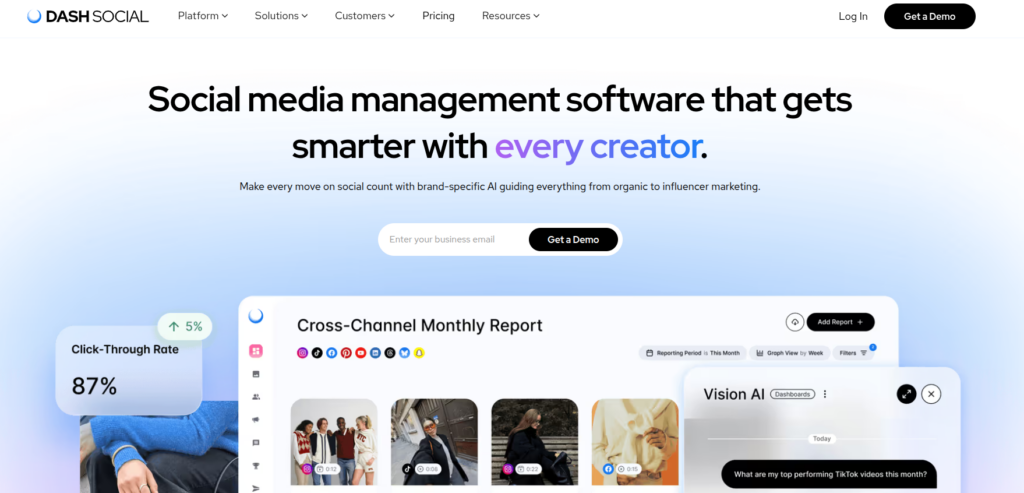
Dash Social is a social media management platform built for global brands and larger social teams that need more than publishing and scheduling. It brings content planning, community management, analytics, creator management, competitive intelligence, and social listening together in one platform.
What makes Dash Social stand out is its focus on helping teams understand why content performs. Brand-specific AI, competitive benchmarks, and customizable reporting give marketers more context around their results, while unlimited users across every plan make it easier for larger teams to collaborate without adding per-seat costs.
Key features
Community and creator management: Manage comments and messages from a centralized inbox, source UGC, and organize creator relationships and campaign performance within the same platform.
Multi-channel scheduling and publishing: Plan, approve, and publish content across major social channels from a centralized calendar, with best-time-to-post recommendations and multi-brand asset management.
Advanced analytics and reporting: Track cross-channel performance and build customizable dashboards for different teams, brands, markets, or campaigns, with automated reporting for stakeholders.
AI-powered content insights: Dash Social’s Vision AI uses brand-specific performance data to predict which photos and videos are most likely to resonate before they’re published.
Competitive insights: Benchmark your social performance against competitors and industry standards, surface competitors’ top-performing content, and identify trends that can inform your own creative strategy.
Social listening: Monitor conversations around brands, products, competitors, and campaigns, with sentiment analysis, visual listening, and trend identification to provide more context around what’s happening in your market.
Pros
Unlimited users on every plan
Strong analytics and customizable reporting
Brand-specific AI and content performance predictions
Competitive benchmarking and social listening
Cons
Higher starting price than tools designed for individual creators and small businesses
Advanced features such as competitive benchmarking are available on higher-tier plans
Better suited to brands with established social programs than teams looking for a basic scheduler
Pricing
Free Trial
14 days free – no credit card required
Engage
$999/month – unlimited users
Advance
$1,999/month – unlimited users, plus custom reporting, AI-powered insights and competitive benchmarks
Engage
Custom pricing – advanced governance, market-level benchmarking and enterprise support
4. SocialPilot
SocialPilot is a powerful social media management platform built for agencies, teams, and businesses that need to manage multiple clients and accounts without the complexity or high cost of enterprise tools. It covers the full content workflow, from scheduling and publishing to client approvals, reporting, and team collaboration, all from a single dashboard.
What sets SocialPilot apart is its agency-first design. White-label reports, client management features, and bulk scheduling make it one of the most practical tools for social media professionals handling high volumes of content across many accounts.
Key Features
Bulk Scheduling: SocialPilot lets you upload and schedule up to 500 posts at once via a CSV file, making it easy to plan content in large batches without repetitive manual effort. Combined with a visual drag-and-drop calendar, you can see and adjust your entire content schedule at a glance.
AI Assistant: The built-in AI content assistant helps you generate captions, post variations, and ideas instantly. It reduces the time spent on content creation and helps maintain a consistent tone across all platforms and accounts.
Client Management & Approvals: SocialPilot includes a dedicated client workflow where clients can review and approve posts before they go live. This removes the back-and-forth of external tools and keeps everything organized in one place.
White-Label Reporting: Agencies can generate fully branded, client-ready PDF reports with custom logos and colors. Reports cover engagement, reach, follower growth, and post performance, ready to share directly with clients.
Unified Social Inbox: All comments, messages, and mentions from connected accounts land in a single inbox. You can respond, assign conversations to team members, and track replies without switching between platforms.
Team Collaboration: SocialPilot supports multi-user access with defined roles and permissions. Teams can collaborate on drafts, leave internal notes, and manage approval workflows to ensure content goes through the right review process before publishing.
Pros
Affordable pricing, especially for agencies managing multiple clients
Bulk scheduling saves significant time on content planning
White-label reports are ready to share with clients
Clean, easy-to-navigate interface
Responsive customer support
Cons
No permanent free plan, only a 14-day free trial
Analytics depth is more limited compared to dedicated analytics tools
Instagram-specific features are not as advanced as those of some competitors
Pricing
Free Trial
14 days free – no credit card required
Professional
$25.50/month – 1user, 10 social accounts
Small Team
$42.50/month – 3 users, 20 social accounts
Agency
$85/month – 6 users, 30 social accounts
Agency+
$170/month – Unlimited users, unlimited social accounts
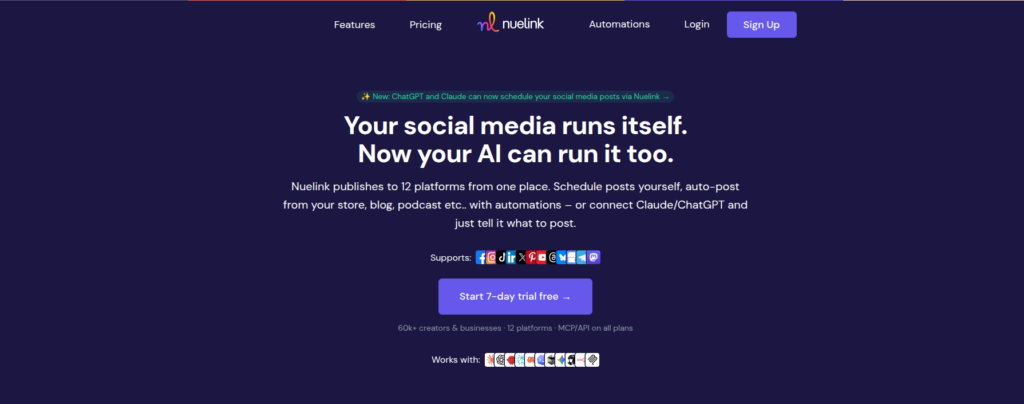
Nuelink approaches social media management from a different angle than most tools on this list: it automates where your content comes from
Connect your blog’s RSS feed, YouTube channel, Shopify or Etsy store, blog, or podcast, and Nuelink automatically turns every new article, video, product, or episode into scheduled social media posts.
What makes Nuelink stand out is how well this automation fits businesses. If your social presence is downstream of a blog, a store, or a channel you already publish to, Nuelink removes the manual step of promoting that content, while still covering the core management workflow: scheduling, engagement, analytics, and multi-brand workspaces.
Key features
Automations: Nuelink’s standout feature pulls content automatically from blogs, YouTube, Shopify, Etsy, podcasts, and more, converting it into social posts without manual intervention after setup.
Collections: Organize content into categories that recycle automatically.
Broad platform support: Nuelink publishes to Facebook, Instagram, X, LinkedIn, TikTok, YouTube, Threads, Pinterest, Bluesky, Mastodon, Telegram, and Google Business.
Nue AI: Built-in AI credits on every plan help generate and rewrite captions for each platform.
Social inbox and analytics: Manage comments from one place, and track performance across channels.
API and MCP access: Included on every plan, letting developers and AI-agent workflows automate posting without an enterprise contract.
Pros
Automates content sourcing, not just scheduling
Broad platform coverage, including Mastodon and Telegram
Flat per-plan pricing with brands, members, and channels.
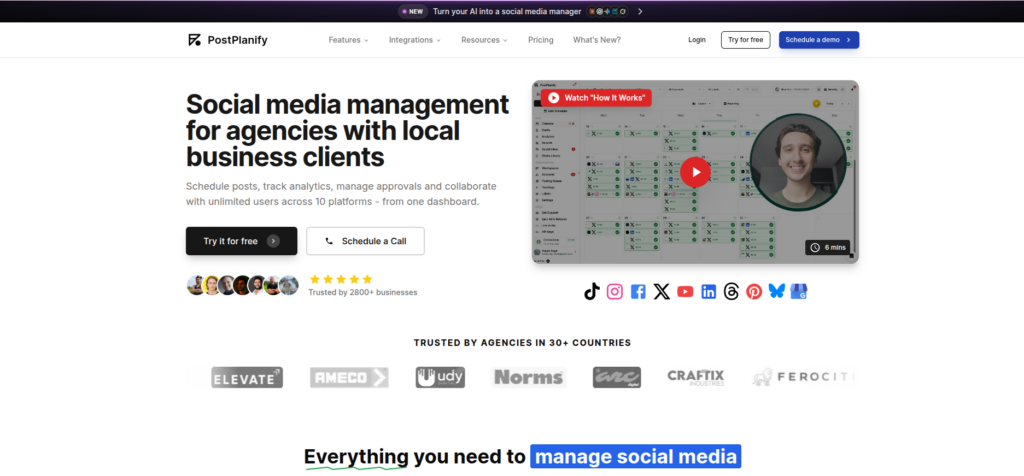
PostPlanify is a social media management platform built for agencies and multi-location businesses that manage content across many client brands at once. It prices per client workspace rather than per seat or per channel, so each brand keeps its own accounts, calendar, analytics, inbox and approval flow, while team members and client reviewers stay unlimited on every plan.
Key features
Client workspaces: Each client brand gets its own workspace with separate social accounts, content calendar, media library, approval settings, role-based permissions and report branding, so client data and client access never mix.
Cross-platform publishing: PostPlanify publishes to Instagram, Facebook, TikTok, LinkedIn, X, YouTube, Threads, Pinterest, Bluesky and Google Business Profile, with support for Reels, Stories, carousels and PDF documents, plus a per-platform preview before scheduling.
Social inbox: Comments, direct messages and Google Business reviews from every connected account land in one queue. Saved replies handle repeat questions, and AI-suggested replies are trained on each brand’s own voice.
Approval workflows: Single and multi-step approvals route posts to teammates or clients before anything publishes. Default approvers are set per workspace, and every post carries its own comment thread for feedback.
Analytics and client reports: Account and post level metrics across all 10 platforms cover reach, engagement and follower growth. Branded PDF and shareable link reports can be scheduled to send to clients automatically.
API and MCP access: Both are included on every plan, so developers and AI-agent workflows can publish and manage content without going through the dashboard.
Pros
Unlimited team members on every plan
No feature gating between tiers
Per-workspace rate drops as clients grow
Covers Bluesky, Threads and Google Business
Native MCP server for AI agents
Cons
No free plan, and the trial needs a card
No social listening or competitor tracking
White label costs $200/month extra
Smaller integration library than incumbents
Pricing
1 workspace
$49/month – 5 social accounts, unlimited users, every feature included
5 workspaces
$205/month – 25 social accounts, unlimited users
10 workspaces
$350/month – 50 social accounts, unlimited users
20 workspaces
$540/month – 100 social accounts, unlimited users
7. SocialBu
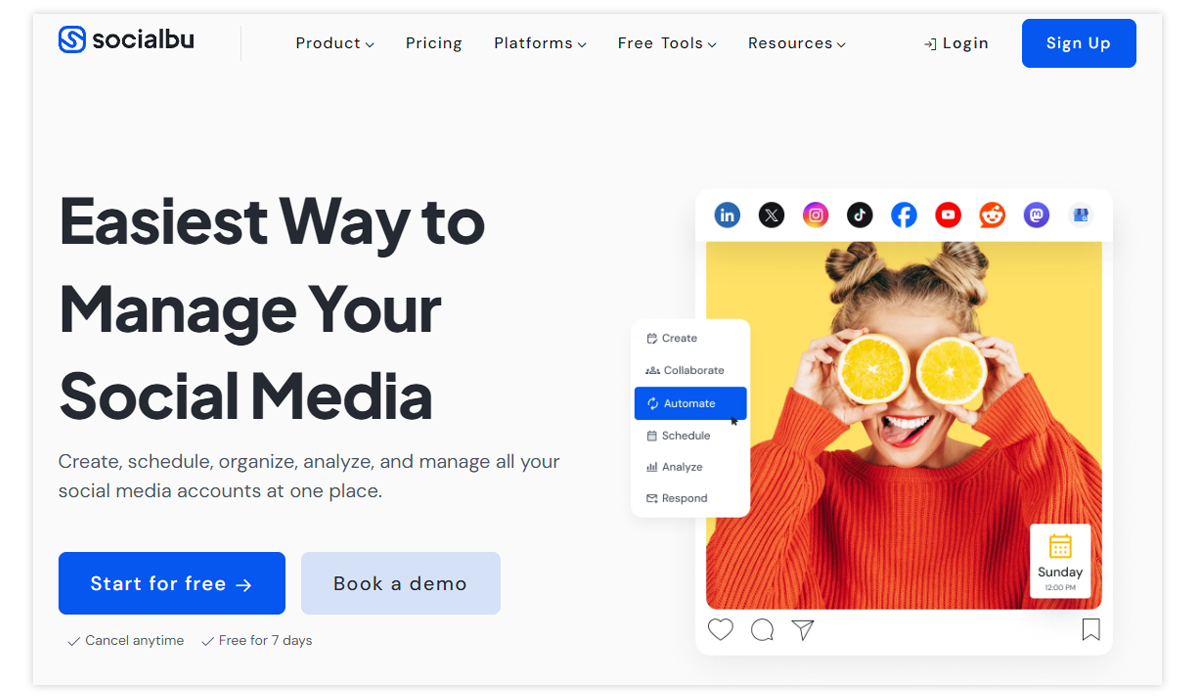
SocialBu is a complete social media management tool designed to make everyday social media work easier and more organized. From planning and scheduling posts to automating routine tasks, responding to messages, and tracking performance, everything can be managed from one simple dashboard.
The platform is easy to use, even for beginners, while still offering advanced features such as smart automation and AI-powered content creation. This balance makes SocialBu a great fit for small businesses, content creators, and growing teams who want to save time, stay consistent, and manage their social presence.
Key Features
Cross-Platform Scheduling & Publishing: SocialBu lets you create, plan, and schedule posts across multiple social media platforms from one dashboard. You can organize content weeks or months in advance, maintain a consistent posting rhythm, and manage everything using a visual calendar.
Smart Automation: Beyond basic scheduling, SocialBu offers automation rules that automate repetitive actions. You can define triggers, such as specific keywords in messages or comments, and link them to actions like replying, publishing posts, or assigning tasks.
Unified Engagement Inbox: All social interactions, comments, direct messages, and mentions are collected into a single inbox. This allows you to respond quickly without switching between platforms. Notifications help ensure you never miss important conversations or engagement opportunities.
AI-Assisted Content Creation: Built-in AI tools help generate captions, post ideas, and engaging copy in seconds. This speeds up content creation, reduces creative fatigue, and helps maintain consistency across different social channels.
Analytics & Reporting: SocialBu provides insights into post performance, engagement trends, and audience growth. You can track what’s working, identify top-performing content, and adjust your strategy using clear, actionable data and exportable reports.
Team Collaboration: For teams and agencies, SocialBu supports shared calendars, user roles, approval workflows, and internal notes. These features help teams collaborate smoothly and ensure content is reviewed before publishing.
Pros
Easy to use for core tasks
Affordable prices
AI assistant
Broad platform support
Strong automation
Cons
Connection issues with social media accounts
Limited features on lower plans
Pricing
Free Trial
3 social accounts, support for social platforms
Standard
$19/month – 12 social accounts, 800 monthly posts, 2 Teams
Super
$59/month – 30 social accounts, unlimited monthly posts, 6 Teams
Supreme
$199/month – 150 social accounts, unlimited monthly posts, 25 Teams
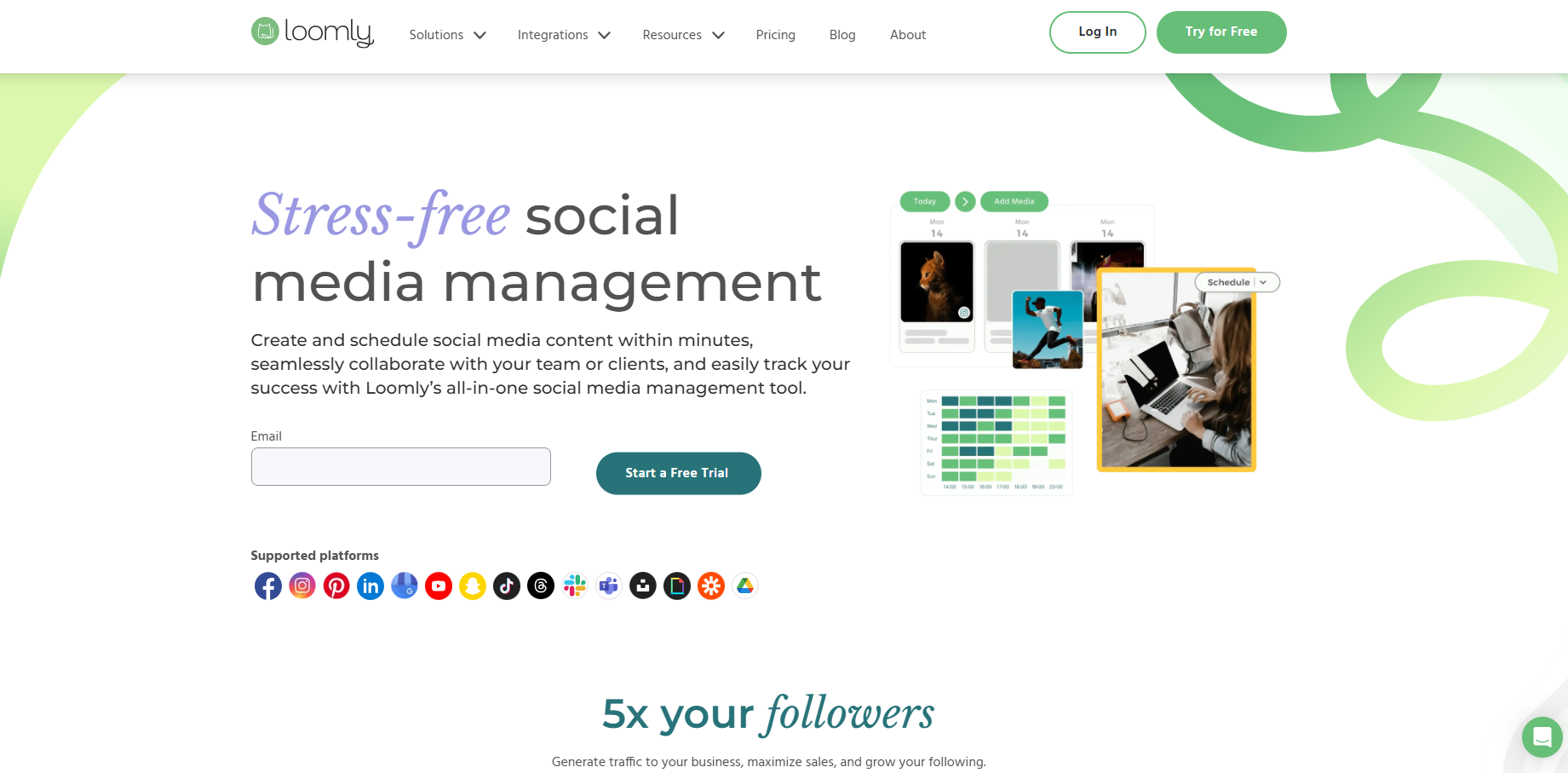
8. Loomly
Loomly is a robust social media management tool that streamlines the creation, scheduling, and publishing of content across platforms.
Known for its user-friendly interface, Loomly offers a range of features for both individual users and large teams. What particularly caught my attention about Loomly is how it transforms the often chaotic process of social media management into a structured, systematic one.
Key features
Post optimization intelligence: The platform provides real-time tips and optimization suggestions based on each social network’s best practices.
Advanced collaboration tools: The approval workflows are exceptionally well-designed. I’ve found the custom roles and workflows particularly useful when working with larger teams.
Asset management: Unlimited media storage, with integration with Google Drive, Unsplash, and GIPHY, makes managing visual content quick and easy.
Interaction management: Beyond scheduling, Loomly offers engagement features such as saved replies and conversation assignment.
Pros
Intuitive and easy-to-navigate interface
Facilitates teamwork with robust collaboration and approval features
Provides post ideas to help users generate engaging content
Provides post ideas to help users generate engaging content
Cons
Limited advanced features
Steep pricing for additional users or large teams
Analytics and reporting are basic for highly data-driven campaigns
No direct inbox for social messages in the basic tier
Pricing
Best plan
$32/month – 10 social accounts, 2 users
Standard plan
$60/month – 20 social accounts, 6 users
Advanced plan
$131/month – 35 social accounts, 14 users
Premium plan
$277/month – 50 social accounts, 30 users (billed annually)
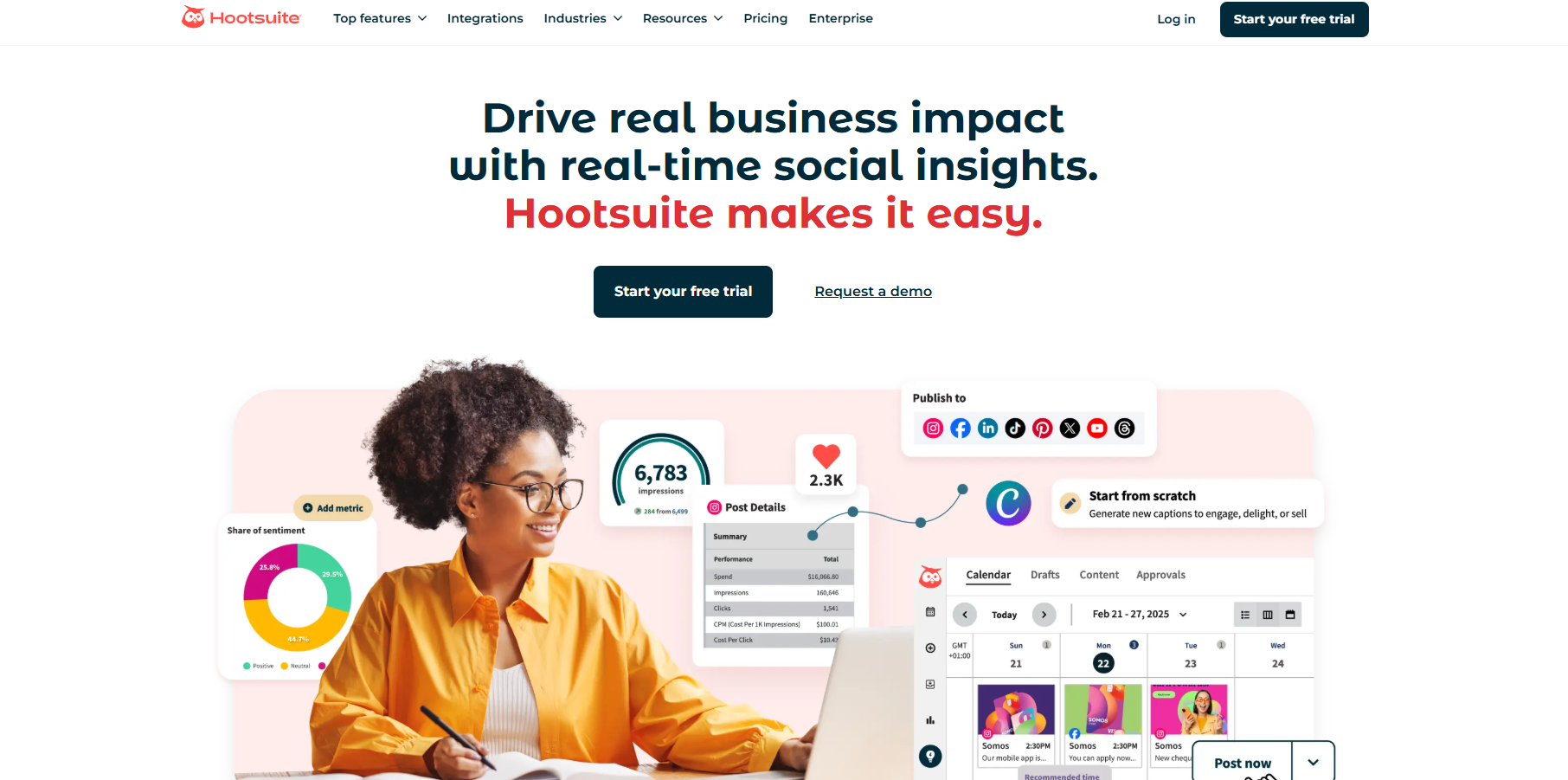
9. Hootsuite
As one of the pioneers in social media management, Hootsuite has become almost synonymous with social scheduling. Many social media marketers and managers have seen Hootsuite evolve from a simple Twitter management tool to a comprehensive platform.
While Hootsuite maintains its position as an industry heavyweight, the platform sometimes feels like it’s resting on its legacy rather than driving innovation.
Key features
Stream-based monitoring: Hootsuite’s signature dashboard, with customizable streams, provides a comprehensive view of your social media presence. Though the interface can feel busy at times, it’s effective for monitoring multiple feeds simultaneously.
Team management: The platform provides solid collaboration tools, particularly in higher-tier plans. The permissions system and task assignment features work well for larger teams.
Analytics suite: While you get access to basic metrics in lower tiers, the more insightful analytics require higher-level plans or additional investment.
AI Integration: Hootsuite has added modern AI features for generating captions and generating content ideas.
Pros
Reliable scheduling system
Comprehensive monitoring
Strong enterprise features
Strong security features
Cons
Relatively high pricing
Somewhat dated interface
Advanced features need add-ons
Steep learning curve
Pricing
Professional
$99/month – 1 user, 10 users, 10 accounts
Team
$249/month – 3 users, 20 social accounts
Enterprise
Custom pricing – 5+ users, 50+ social accounts (All prices based on annual billing)
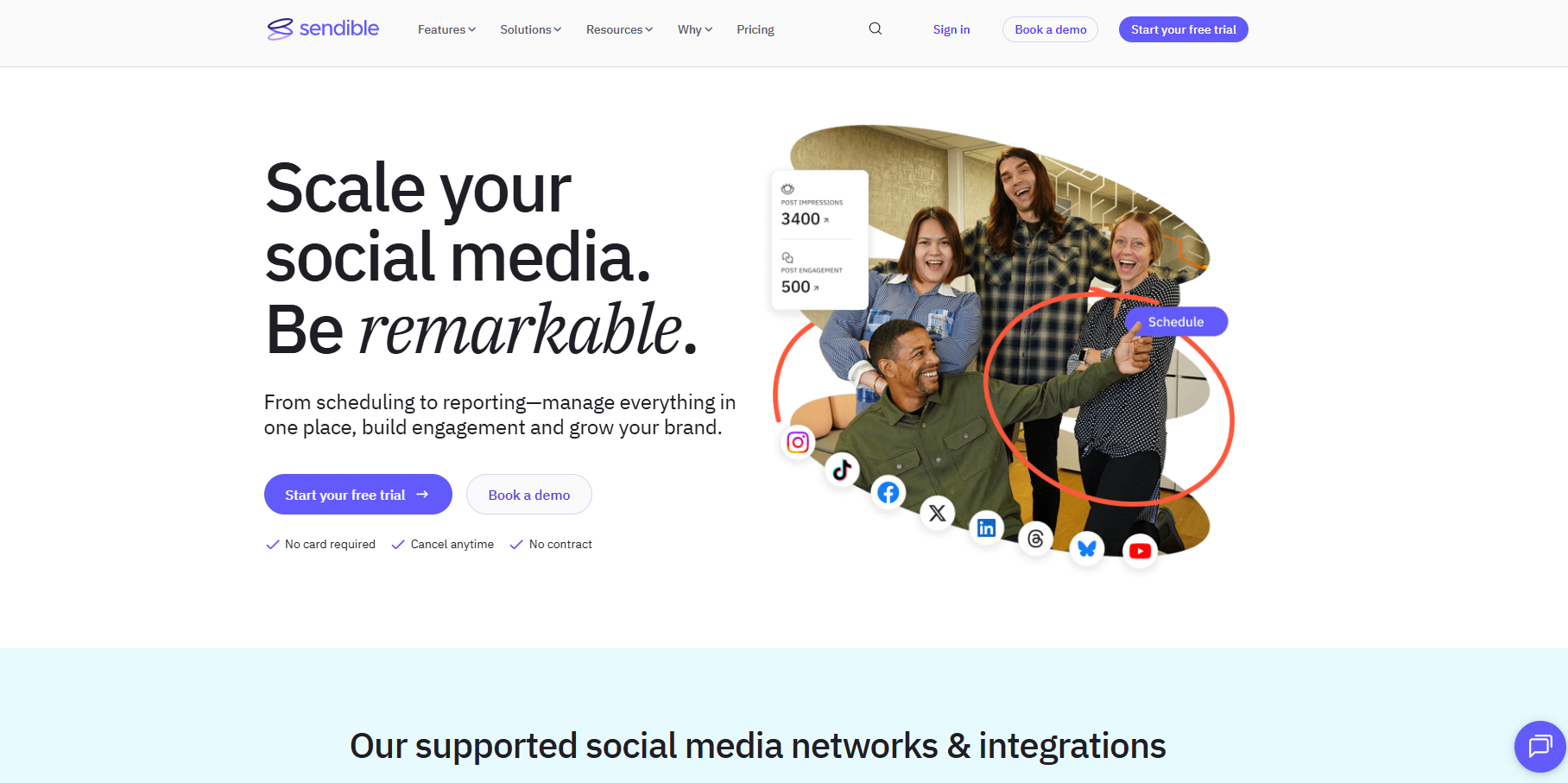
While exploring mid-tier social media management tools, Sendible emerges as an interesting option. It tries to bridge the gap between basic schedulers and enterprise solutions.
Sendible presents itself as an all-in-one social media management software. However, my experience suggests that it has significant areas that need to evolve.
Key features
Content creation tools: The platform offers integration with Canva and includes a basic media editor. While functional for routine posts, I’ve noticed the content creation suite isn’t quite as comprehensive as some newer SMM platforms that leverage AI for image generation.
Multi-channel publishing: Sendible handles the basics well, supports major social networks, and allows customization for each platform. The scheduling interface is straightforward, though the posting limits (100-500 sends per day, depending on your plan) may need to be considered for larger operations.
Client management: The white-label reporting and client access features are available in higher tiers, making it suitable for agencies.
Pros
Reasonable entry-level pricing
Decent client management
Good reporting options
Cons
Daily posting limits
Basic content creation tools
Limited queue features on lower tiers
Analytics depth varies by plan
Pricing
Creator
$29/month – 6 social profiles, 1 user
Traction
$89/month – 24 social profiles, 4 users
Scale
$199/month – 49 social profiles, 7 users
Advanced
$299/month – 100 profiles, 20 users (Prices based on annual billing)
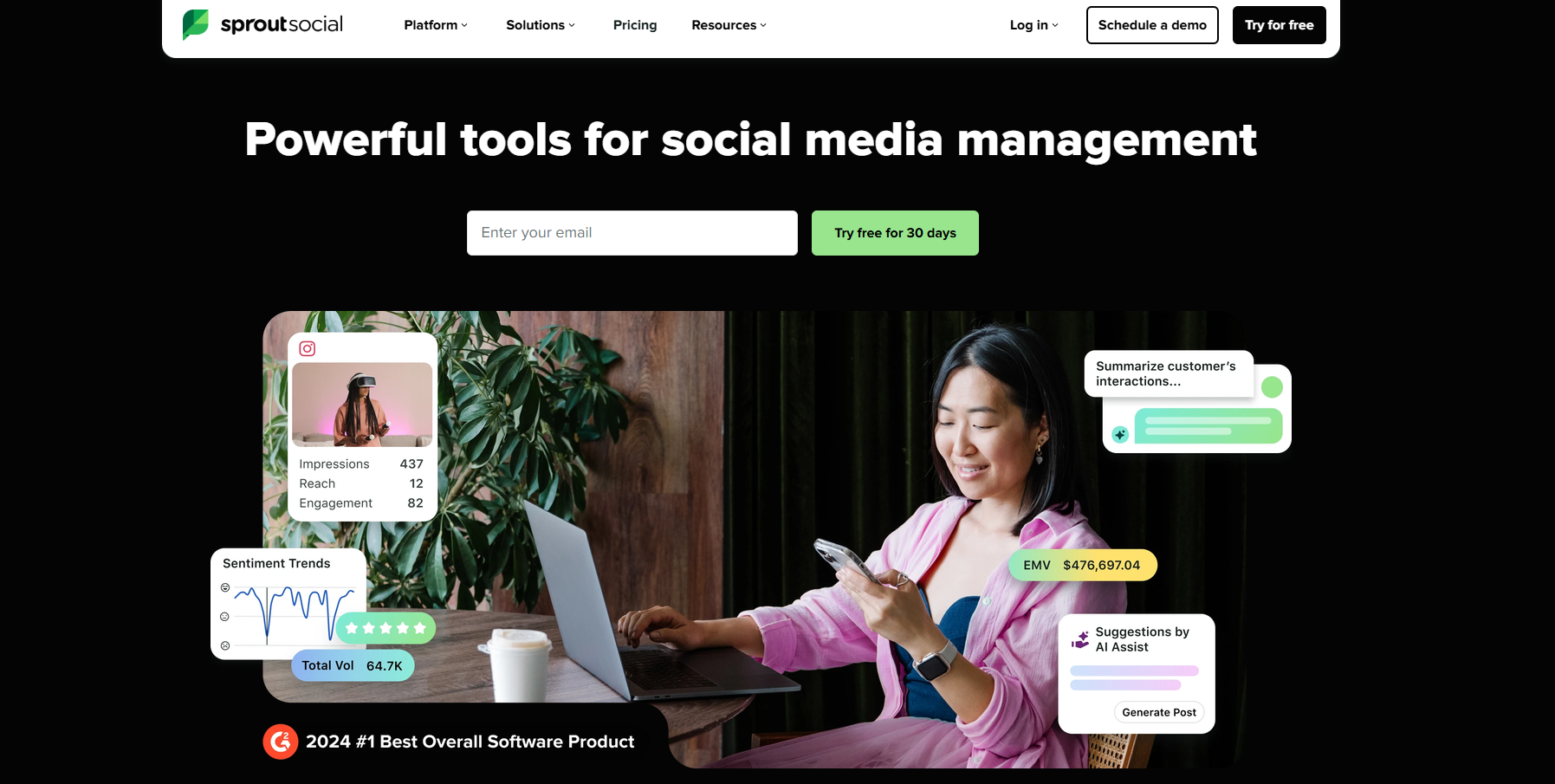
When it comes to premium social media management tools, Sprout Social is undoubtedly the most well-known name. It provides robust social media management features to brands and agencies.
The most important thing about Sprout Social is that it brings together various tools into a single dashboard. Users can schedule and publish content across multiple social media platforms and monitor and analyze their social media activity to improve performance.
Key features
Smart inbox: The unified social inbox is well-designed and includes useful features like message tagging and response management. However, some of the more advanced inbox features are locked behind higher-tier plans.
Analytics platform: Sprout offers comprehensive analytics capabilities, particularly in higher tiers. While the reporting is thorough, it’s worth noting that many advanced metrics require the Premium Analytics add-on, which adds to the already substantial cost.
Listening tools: Their social listening features are robust but are available only as a premium add-on.
Agorapulse is one of those social media tools that tries to provide enterprise features at mid-range pricing. The platform is mainly known for its scheduling and reporting features.
Agorapulse’s per-profile pricing structure makes it a good option for businesses of all sizes and growing teams managing multiple social media profiles.
Key features
Social inbox: The inbox handling is one of their strongest points, offering solid engagement management and team assignment features.
Publishing suite: The scheduling system is reliable, with valuable features like queue categories and bulk scheduling.
ROI tracking: Their ROI reporting tool attempts to quantify social media efforts, though the basic version available in lower tiers provides limited insights.
Team collaboration: The approval workflows and team management features are functional but follow a fairly traditional approach.
Pros
Solid inbox management
Good basic reporting
Reliable scheduling
Cons
Per-profile pricing adds up
Limited content creation tools
Traditional automation features
Basic AI capabilities
Some features need higher tiers
Pricing
Standard
$79/user/month – 10 social pofiles
Professional
$119/user/month – 10 social profiles
Advanced
$149/user/month – 10 social profiles
Enterprise
Custom pricing (Additional profiles at $15/month each)
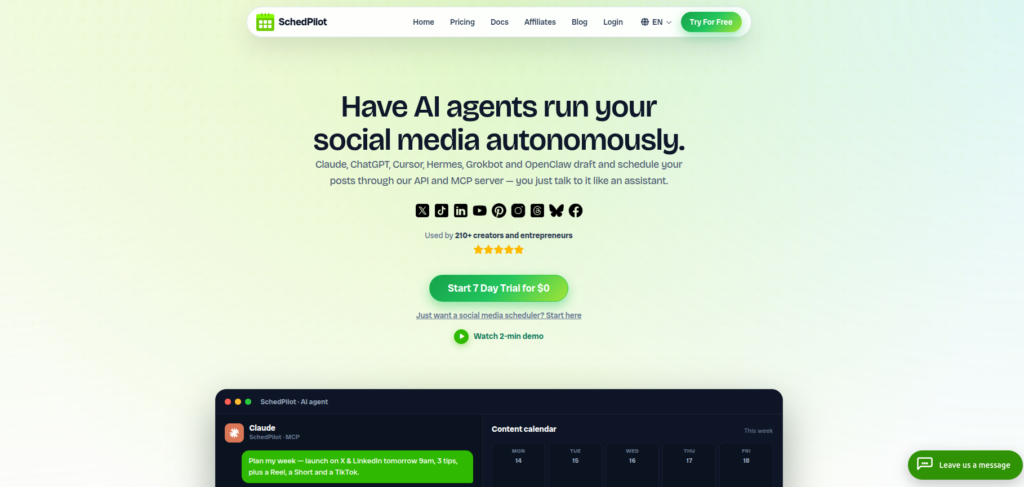
SchedPilot is a newer entrant that takes a different angle on social media management: it’s built API-and-MCP-first, meaning AI agents like Claude, ChatGPT, and Cursor can draft, schedule, and publish posts for you. This, while every post still lands in your calendar for human approval before going live. If you want that of course.
What makes SchedPilot particularly interesting for agencies is the combination of client workspaces, approval workflows, and pricing that undercuts most established tools. You get the agency essentials, like multi-client management, team roles, and white-glove reporting but without the $99+/month entry point that many agency-focused platforms charge.
Key Features
AI agents on tap: SchedPilot’s standout feature. Through its hosted MCP server and REST API, AI agents and automation tools like Claude, ChatGPT, Cursor, and n8n can draft posts, schedule content, and pull analytics using plain-language commands.
Human approval before publish: Every post, whether created by you, a teammate, or an AI agent, stays in the calendar until approved with one click, giving agencies full editorial control.
Client workspaces & roles: Organize accounts into client-specific workspaces with team roles and approval workflows, keeping content, calendars, and reports separate.
Multi-platform publishing: Publish to 9 networks, Instagram, TikTok, LinkedIn, X (Twitter), Facebook, YouTube, Pinterest, Threads, and Bluesky, with platform-specific tools like Instagram first comments, X threads, and TikTok direct publishing.
Built-in video & UGC editor: Create captioned, UGC-style videos for Reels, TikTok, and Shorts without needing a separate editing tool.
Analytics & client reports: Monitor reach, engagement, and follower growth, and generate clean, shareable client reports.
Pros
Full REST API and MCP server for AI agent and workflow automation
Very competitive pricing for agencies managing many accounts
Human approval layer keeps agents from publishing unreviewed content
Cons
Newer platform with a smaller user base than established competitors
No social listening or unified inbox features
Team seats and post approval workflow are limited to the top tier
Pricing
Free Trial
7 days free – no charges during trial
Silver
$21/month – 5 social accounts, 450 posts
Gold
$35/month – 20 social accounts, unlimited posts
Platinum
$49/month – 40 social accounts, API + AI feature
Enterprise
$79/month – 100 social accounts, 10 team seats, approval workflow
14. Buffer
Buffer has built its reputation as one of the more straightforward social media management tools in the market. While the platform started as a simple scheduling tool, it has evolved over the years into a full-fledged social media management platform.
Key features
Publishing interface: Buffer’s scheduling interface remains one of its strong points – clean, intuitive, and easy to navigate. However, the platform’s simplicity sometimes crosses into limitations, particularly for more advanced publishing needs.
Analytics tools: The analytics offering is functional but basic, especially in lower tiers. While you can track essential metrics, teams seeking deeper insights might find the reporting capabilities somewhat limited compared to those of more comprehensive platforms.
Team collaboration: The platform offers basic collaboration features to facilitate teams and agencies.
Pros
Easy-to-use interface
Reliable scheduling
Good for small teams
Transparent pricing
Cons
Limited advanced features
Basic analytics capabilities
Simple automation options
Minimal AI integration
Entry-level collaboration tools
Pricing
Free
3 channels, 10 scheduled posts
Essentials
$60/month – Unlimited posts, 1 user
Team
$120/month – Unlimited posts, unlimited users (Price based on monthly billing)
Later has carved out an interesting niche in social media management, initially focused on Instagram but gradually expanding to other platforms. During my experience with the tool, I noticed it takes a distinctly visual approach to social media planning, though this specialized focus comes with certain limitations.
Key features
Visual Planner: The platform’s Instagram grid planning feature is well-executed, offering a clear preview of how posts will look together.
Link in bio tool: Their link in bio feature is a solid offering for Instagram marketing, though it’s worth noting that similar functionality is now available in various other platforms.
Analytics: The platform provides standard social media metrics to track the performance of your posts.
Pros
Strong visual planning
Good Instagram focus
Clean user interface
Cons
Limited post volumes in lower tiers
Basic automation capabilities
Restricted analytics in the starter plan
AI features need more credits
Feature depth varies widely by plan
Pricing
Starter
$18.75/month – 1 social set, 30 posts per profile
Growth
$37.50/month – 3 social sets. 150 posts per profile
Advanced
$82.50/month – 6 social sets, unlimited posts
Agency
$200/month – 15 social sets, unlimited posts (Based on annual billing)
[SocialMediaMarketing_4]
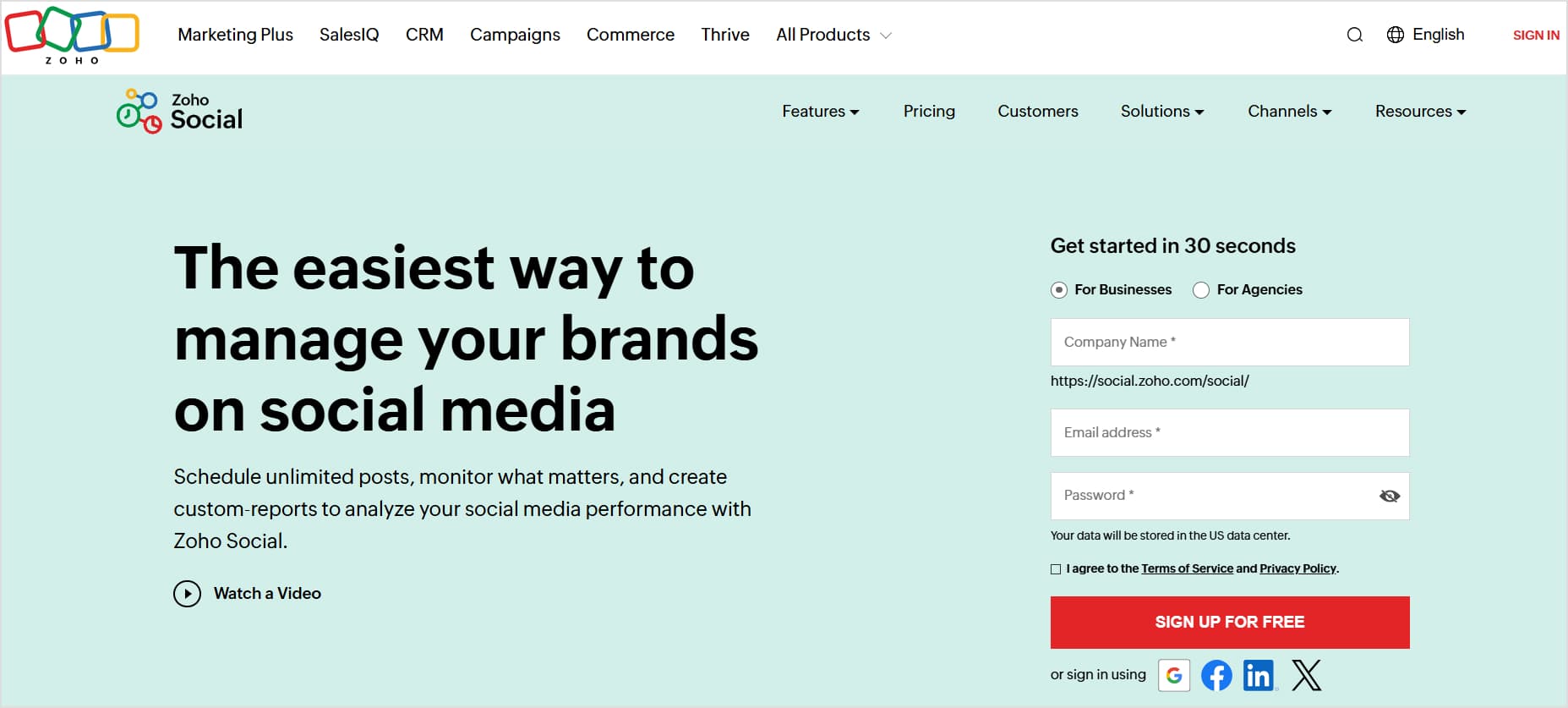
16. Zoho Social
Coming from the broader Zoho ecosystem, Zoho Social is a budget-friendly social media management tool. One key aspect I love about Zoho Social is its great balance between simplicity and functionality.
Key features
CRM integration: Perhaps Zoho Social’s strongest suit is its quick integration with Zoho’s CRM system. However, if you’re not already in the Zoho ecosystem, this feature becomes less relevant.
Publishing tools: The scheduling interface offers basic functionality, with valuable features such as SmartQ (their best-time posting tool).
Monitoring dashboard: Their social monitoring setup is straightforward, allowing you to track relevant conversations.
Team collaboration: The collaboration features are adequate for small teams, offering basic approval workflows and team member discussions.
Pros
Competitive pricing
Good CRM integration
Simple interface
Reliable scheduling
Cons
Limited content creation tools
Basic analytics capabilities
Traditional automation features
Mobile app needs improvement
Mobile app needs improvement
Restricted team features in lower tiers
Pricing
FreeTrail
1 team, 6 channels
Standard
$10/month – 1 team member, 11 channels
Professional
$30/month – 1 team member, 11 channels
Premium
$40/month – 3 team members, 14 channels (Additional brands/team members available as add-ons)
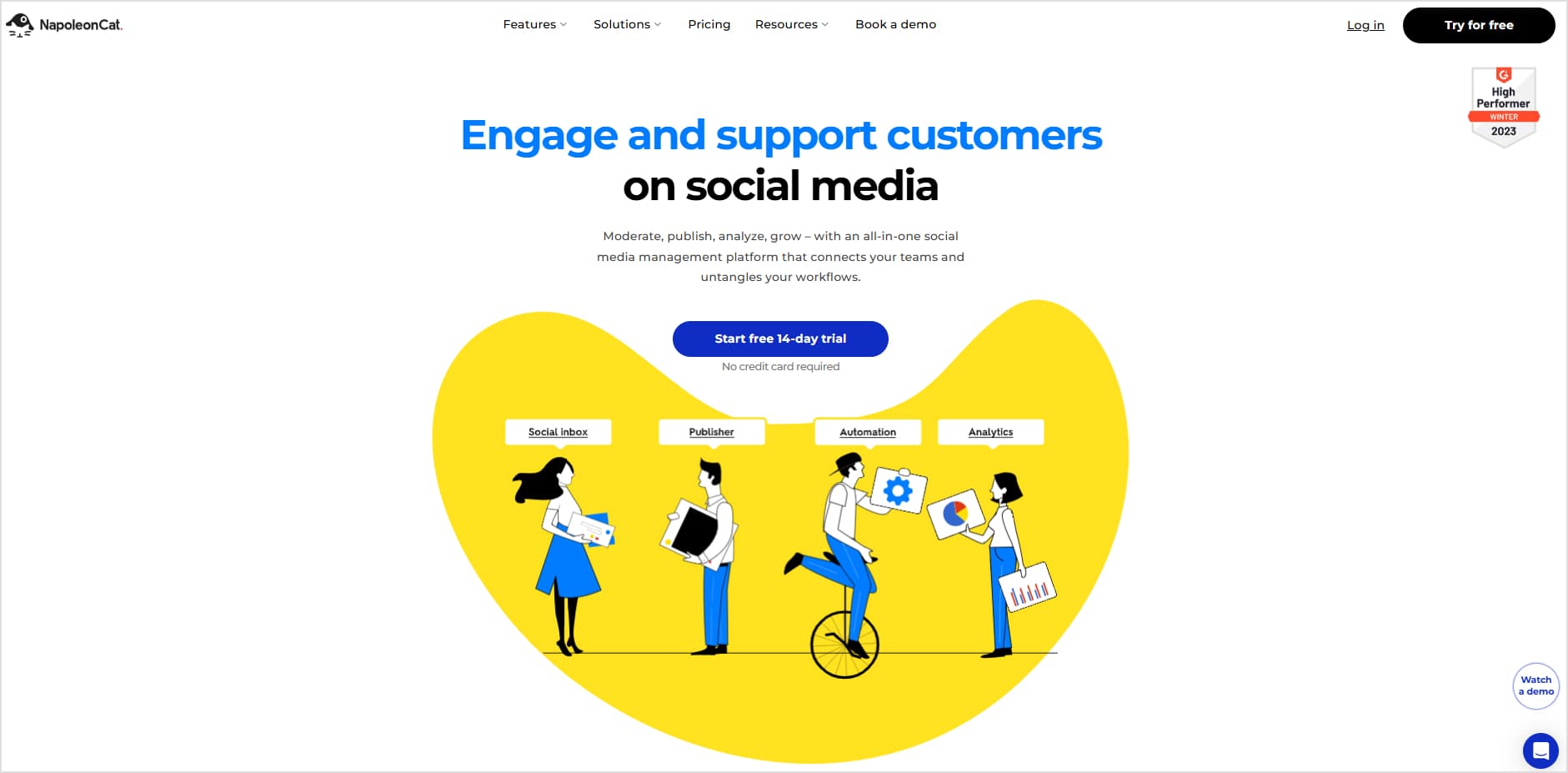
17. NapoleonCat
Picture having a social media assistant who’s exceptionally good at handling customer interactions but sometimes stumbles with creative tasks – that’s NapoleonCat in a nutshell. Over the years, NapoleonCat has built its reputation as a valuable social media management tool for handling customer engagement at scale.
Key features
Social inbox: NapoleonCat’s social inbox allows you to handle comments across platforms, automatically translate responses (in over 100 languages!), and even set up smart auto-moderation rules.
Analytics: Unlike the standard “here’s how many likes you got” approach, NapoleonCat tries to tell you the ‘why’ behind your numbers.
Team communication hub: The platform shines at team coordination, especially for agencies handling multiple clients.
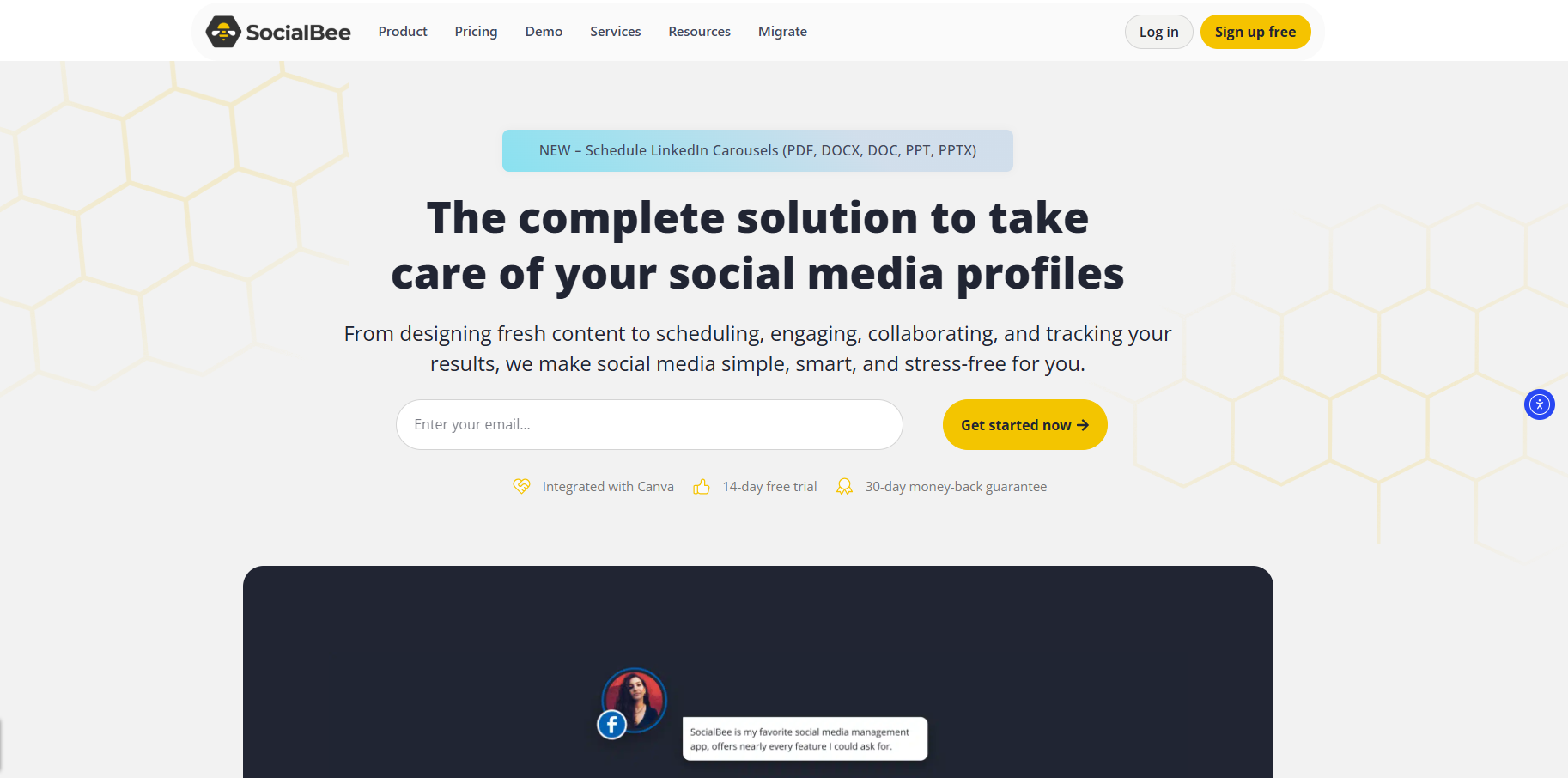
SocialBee might not be the fanciest social media management tool out there, but it is definitely an efficient platform. It has built a strong reputation in the industry, especially for its content categorization features.
Key features
Content categorization: SocialBee’s standout feature lets you organize content into categories like “promotional,” “educational,” or “behind-the-scenes.”
Content repurposing: The platform’s content recycling isn’t just simple republishing – it includes variation options to keep things fresh.
AI-powered features: They’ve jumped on the AI bandwagon with their content generation tools. It’s helpful for basic posts and caption generation.
Budget-friendly scaling: SocialBee has a reasonable pricing structure for growing teams.
Pros
Unique content organization
Straightforward pricing
Good post variations
Decent value for money
Cons
Limited advanced features
Basic analytics capabilities
UI could be more intuitive
Mobile app needs work
Some automation limitations
Pricing
Bootstrap
$24/month – 5 profiles, 1 workspace
Accelerate
$40/month – 10 profiles, 1 workspace
Pro
$82/month – 25 profiles, 5 workspaces (Based on annual billing)
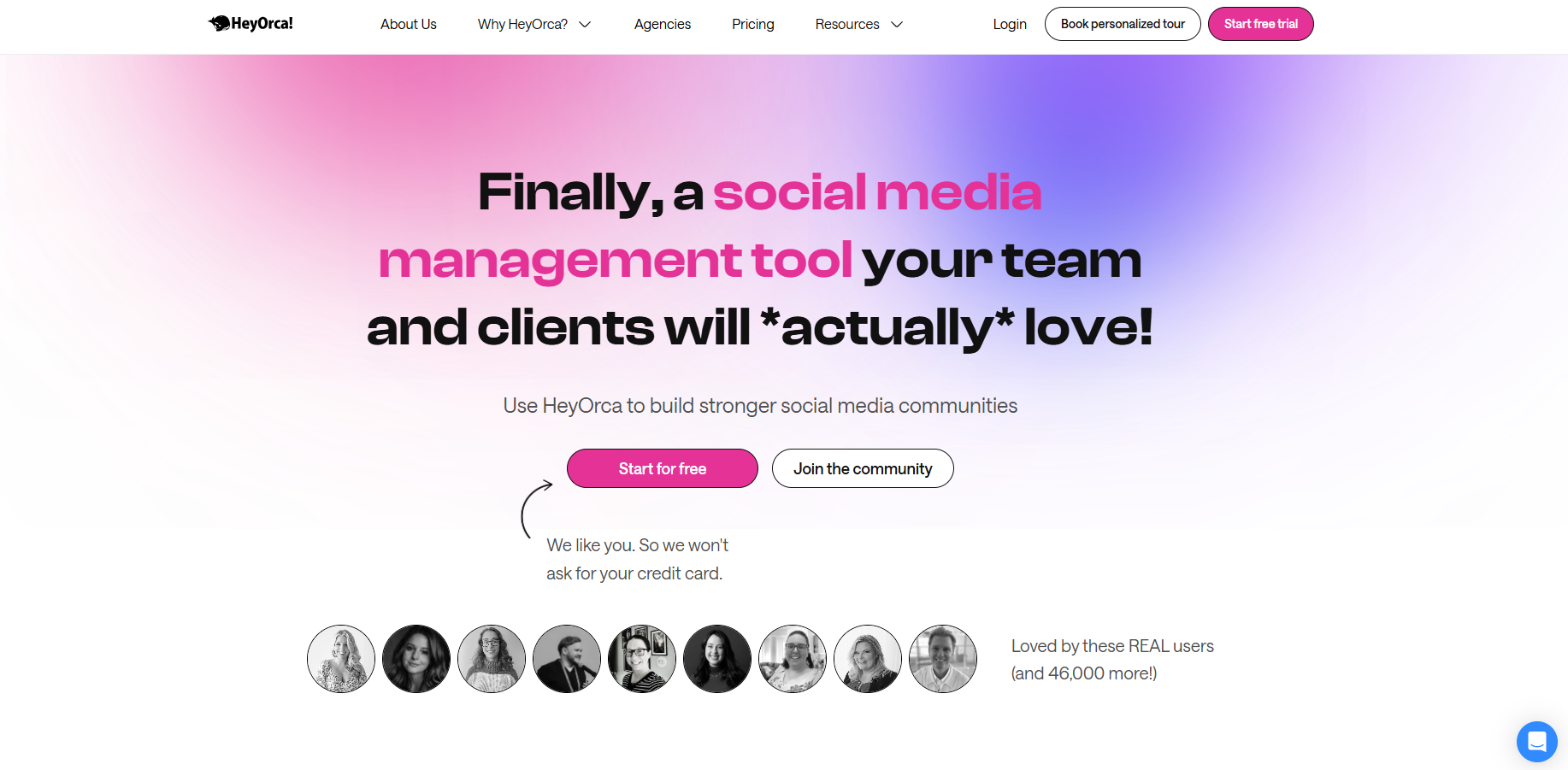
19. HeyOrca
HeyOrca takes an interesting angle in the social media management space by focusing on one persistent challenge: content approval chaos. While most platforms treat approval workflows as just another feature, HeyOrca has built its entire platform around streamlining the approval process between agencies and clients.
The result? A social media management software that’s refreshingly focused, though this specialization comes with drawbacks.
Key features
Post approval dashboard: Unlike the maze-like approval systems in some tools, HeyOrca’s approach is refreshingly straightforward. The content calendar is laid out visually, with clear indicators showing what’s approved, what’s pending, and what needs work.
Client-friendly interface: The platform stands out for its thoughtfully designed client view – clean, intuitive, and requiring minimal onboarding.
Calendar management: Their calendar view hits a sweet spot between visual appeal and functionality. However, if you’re looking for sophisticated content planning features such as AI-powered suggestions or advanced content categorization, you might find yourself wanting more.
Pros
Super intuitive client access
Clean approval workflows
Excellent calendar view
Unlimited scheduling
Cons
Limited content creation tools
Basic analytics capabilities
No AI-powered features
Minimal automation options
Could use more integrations
Pricing
Base
$59/month – 10 social accounts, 2 users
Standard
$99/month – 10 social accounts, 2 users
Pro
$149/month – 10 social accounts, 2 users
Premium
Custom pricing – For large businesses or marketing teams (All prices based on annual billing)
Startups often have limited time, small teams, and tight budgets, making social media management a challenge. The right social media management tool can simplify daily workflows by helping teams schedule content, manage multiple social accounts, collaborate on campaigns, engage with audiences, and track performance from a single dashboard.
When evaluating social media management software, startups should prioritize features such as content scheduling, content calendars, approval workflows, team collaboration, analytics, social inbox management, and automation.
Here are the best social media management tools for startups:
ContentStudio
Hootsuite
Buffer
Sprout Social
Later
Agorapulse
SocialPilot
Top social media management tools for enterprises
Enterprise organizations require social media management platforms that can handle large teams, complex approval processes, multi-brand operations, and high publishing volumes across multiple social networks.
The right enterprise solution helps centralize content planning, streamline collaboration, maintain governance, monitor brand conversations, and provide advanced analytics that support data-driven decision-making at scale.
When selecting an enterprise social media management platform, businesses should prioritize features such as advanced scheduling, approval workflows, user permissions, social listening, analytics and reporting, CRM integrations, and team collaboration capabilities.
Here are the popular enterprise social media management tools:
ContentStudio
Hootsuite
Sprout Social
Buffer
Sendible
HubSpot
Zoho Social
Social media management tools comparison table
With so many options, it’s helpful to see how the leading players compare at a glance. The table below summarizes who each tool is best suited for, the price range, key strengths, AI features, collaboration capabilities, platform coverage, and whether a free plan is available.
Collaboration depth, platform coverage, and whether a free plan exists.
Tool
Best for
Starting price
Standout feature
ContentStudio
All-in-one social media management
$19/mo
AI-powered content creation & white-label features
Sprout Social
Enterprise needs
$199/mo
Advanced listening & analytics
SocialPilot
Growing agencies
$25.50/mo
White-label features
Agorapulse
Mid-size teams
$79/mo
ROI tracking
Buffer
Simple scheduling
$50/mo
User-friendly interface
Later
Visual content focus
$25/mo
Instagram grid planning
HeyOrca
Agency approvals
$50/mo
Client-friendly interface
Hootsuite
Established teams
$99/mo
Comprehensive training
SocialPilot
Growing agencies
$25.50/mo
White-label features
Dash Social
Enterprise brands
$999/mo
Brand-specific AI + advanced social insights
Loomly
Brand building
$32/mo
Post optimization suggestions
Fun fact: 63.8% of the world’s population uses social media. You can capture this massive audience with a reliable social media management tool.
Which social media management tool should you choose?
Across these 19 social media management tools, one thing is clear: there is no single best option for everyone.
Each platform brings something different, from ContentStudio’s all-in-one AI-powered features to HeyOrca’s streamlined approval workflows, and from Sprout Social’s enterprise-grade analytics to Buffer’s simple, creator-friendly scheduling. The right choice comes down to your specific needs, and the most expensive or feature-packed tool is not automatically the best one for your situation.
As you decide, weigh:
Your team size and workflow
Budget
The social networks you need to manage
Content creation needs
Client collaboration and approval requirements
How much analytics depth you need
Social media keeps changing, and these tools will keep adapting with it, so pick a platform that fits your needs today and can scale as you grow. Whether you are starting out or switching from your current tool, use the free trials before you commit. If you want an all-in-one option to test first, ContentStudio offers a 7-day free trial with scheduling, analytics, AI content, and engagement in one place.
FAQs
How do I choose the right social media management tool?
Choose based on your situation, not a long feature list. Confirm the tool supports the networks you post on, then weigh how many accounts and team seats each plan allows, whether it includes the approval workflows and analytics you need, free trial availability, and total cost as you scale. For most teams, an all-in-one social media management platform like ContentStudio covers planning, scheduling, publishing, analytics, and engagement in one place, which is simpler and cheaper than stitching several tools together.
How much do social media management tools cost?
Most tools cost between $15 and $30 per month for entry plans and $100 to $500 or more per month for agency and enterprise plans. Watch the pricing model, since some charge per social channel, some per user seat, and some per account. ContentStudio’s plans start at $19 per month for Standard, $49 for Advanced, and $99 for Agency Unlimited, with no per-seat surprises, and every plan includes a 7-day free trial.
Are free social media management tools good enough, or should I pay?
Free tools work for one person managing a few accounts. Free plans from Buffer, Metricool, and Zoho Social cover basic scheduling and limited analytics but cap accounts, scheduled posts, and users. You typically need a paid plan once you want more accounts, approval workflows, deeper analytics, or a unified inbox. ContentStudio does not lock core features behind a limited free tier; instead, you can start a 7 day free trial and test the full platform before paying.
How many social media accounts can I manage with one tool?
It depends on the plan. Free plans usually allow two or three profiles, paid plans commonly cover 10 to 25, and agency or enterprise plans go much higher. If you manage several brands or clients, choose a tool that organizes accounts into separate workspaces so each brand’s content, calendar, and reporting stay clean. ContentStudio uses workspaces for exactly this, keeping multiple brands or clients neatly separated as you grow.
What is the best social media management tool for small businesses?
The best fit for a small business is an affordable, easy-to-use tool covering the essentials: scheduling, a content calendar, basic analytics, and a simple inbox, without enterprise extras you will not use. ContentStudio, Buffer, and SocialBee are common choices because they balance core features with budget-friendly entry plans. ContentStudio’s Standard plan suits small teams that want scheduling, analytics, and AI-assisted content together in one affordable plan.
What is the best social media management tool for solo creators and freelancers?
Solo creators and freelancers are best served by a low-cost plan that does not charge for team features they will not use. Look for strong scheduling, a content calendar, and AI-assisted captions. ContentStudio, Buffer, and Metricool are popular with creators for this reason. ContentStudio’s entry plan gives a single user full access to scheduling, analytics, and AI content creation without paying for agency features.
What features do agencies and teams need that solo tools lack?
Agencies and teams need collaboration features that solo tools skip: separate client workspaces, roles and permissions, layered approval workflows, secure client account connection through OAuth instead of shared passwords, and white-label reporting. These let several people draft, review, and approve content without overwriting each other. ContentStudio for agencies brings these workflows together, with Planable, Sprout Social, and SocialPilot as alternatives.
What is white label social media management and reporting?
White label means the tool carries your brand instead of the vendor’s, so clients see your logo, colors, and domain on dashboards and reports rather than the software’s name. It lets agencies present social media management as their own service. White-label is usually limited to higher agency tiers or sold as an add-on, so check when it becomes available. ContentStudio offers white-label reports and dashboards on its agency plan.
What is the difference between a social media scheduler and a full management platform?
A scheduler only handles publishing and a content calendar, while a full platform adds a unified social inbox for messages and comments, plus analytics, social listening, and team collaboration. A full platform usually removes the need for a separate analytics tool. If you only queue posts, a scheduler is enough; if you also manage engagement and prove results, choose a full platform like ContentStudio.
Which social networks should a social media management tool support?
At a minimum, pick a tool that supports the networks you use: Facebook, Instagram, LinkedIn, X, TikTok, YouTube, Pinterest, and Google Business Profile. Support for newer networks like Threads and Bluesky is increasingly a deciding factor, so favor a tool that adds emerging platforms quickly. ContentStudio supports all of these, so you can manage every channel from one dashboard.
What AI features should I expect from a social media management tool in 2026?
In 2026, AI-assisted caption and image generation and best time to post recommendations are standard. The emerging differentiator is agentic AI that can draft, schedule, and help optimize content with less manual work. Focus on whether the AI genuinely speeds up your workflow rather than the label alone. ContentStudio includes an AI content studio with AI writing and AI image and video generation built in.
When should I switch social media management tools, and how hard is migration?
Consider switching when your tool raises prices sharply, lacks approval workflows or analytics you need, or limits how many accounts you can connect. Migration is straightforward: export your scheduled posts and assets, reconnect your accounts through OAuth, and rebuild your content calendar, ideally overlapping both subscriptions for a week or two. You can compare ContentStudio with other tools before you move.
Salahuddin Umer is a Content Writer at ContentStudio covering social media management, scheduling, and analytics tools. He also writes about AI content creation and video marketing, with a focus on practical, well-researched guides that marketers and teams can put to work right away.