
How to build an executive’s LinkedIn content workflow with Claude Code
Oct 1, 202615 minutes

Written by
Khadija AnwarPublished
Do you want to give your social media captions that extra oomph? Let’s explore the simple yet effective technique of making your words bold. It’s easy to make your messages stand out without too much fuss. Let’s get started on adding a subtle but impactful touch to your captions!
Simplified social media marketing for individuals & agencies.
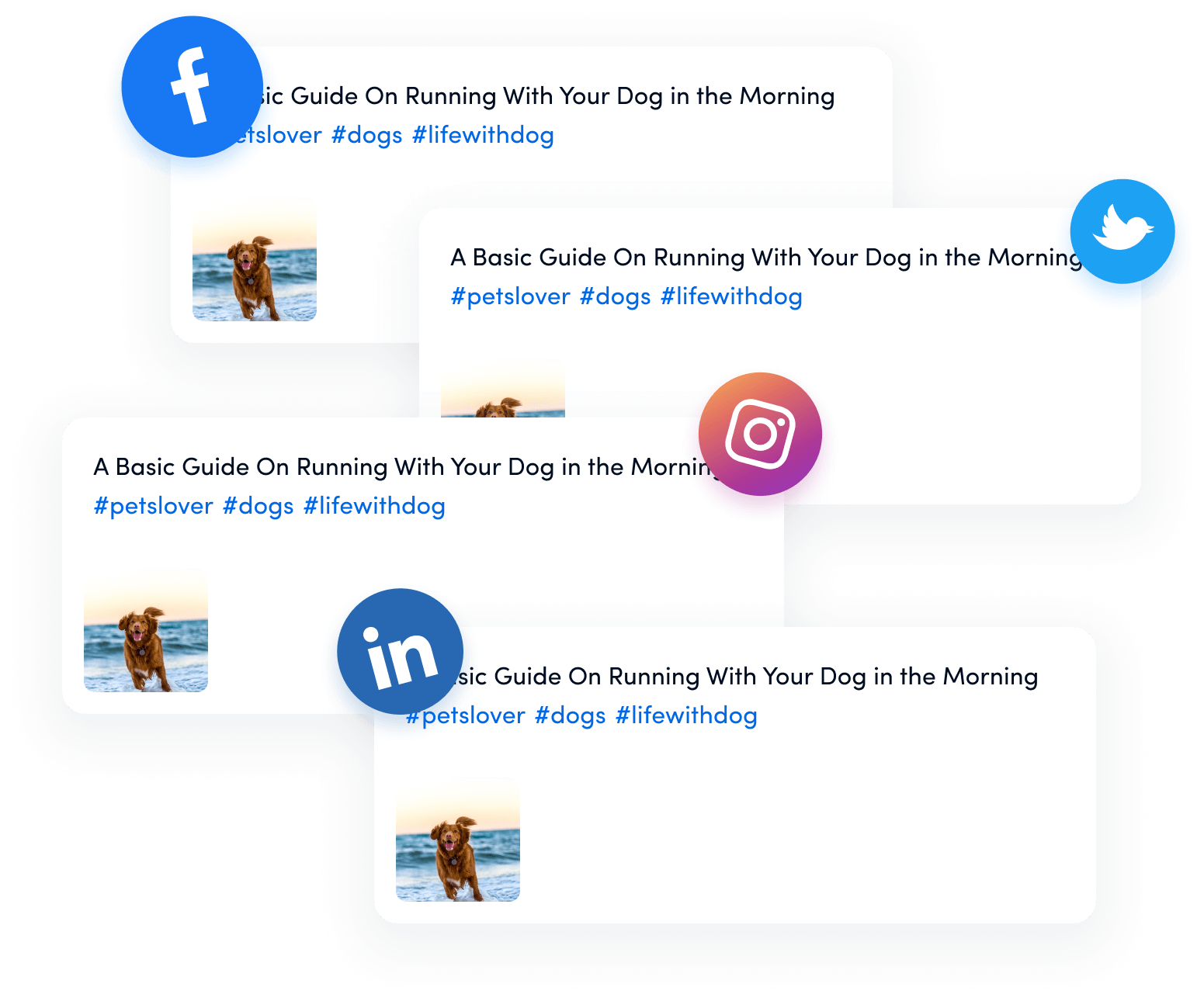
Here are two ways to make your captions bold.
Making social media captions bold depends on the platform you’re using. While some platforms allow direct formatting, others don’t provide this feature.
Twitter (X):
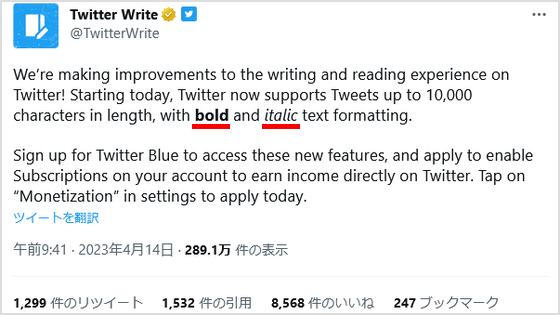
Use X (Twitter) premium to make the text bold. A premium account offers features to make your text bold or italicized.
WhatsApp:
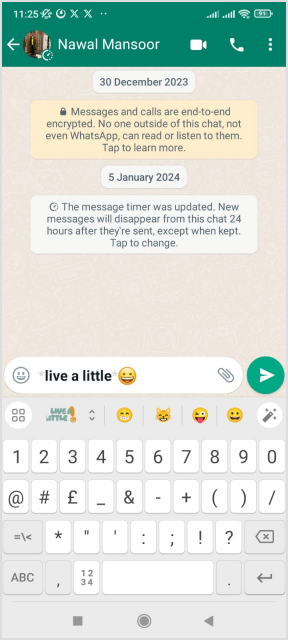
WhatsApp supports basic formatting. To make the text bold, use an asterisk on both sides of the text. For instance, type *bold text*, and it will display as bold text.
Instagram, Facebook, LinkedIn, Pinterest (No native support):
Unfortunately, these platforms typically don’t allow direct text formatting in captions. However, you can use workarounds such as writing your caption in a text editor with bold formatting and then copy-pasting it. Alternatively, emphasize words using capitalization or other characters.

Here’s a general guide on how to use an online font generator. Here is the tutorial for the Picsart font generator. You can use any other available tool according to your preference.
Step 1:
Visit the Picsart website from your preferred browser and write your text in the blank space on the top.
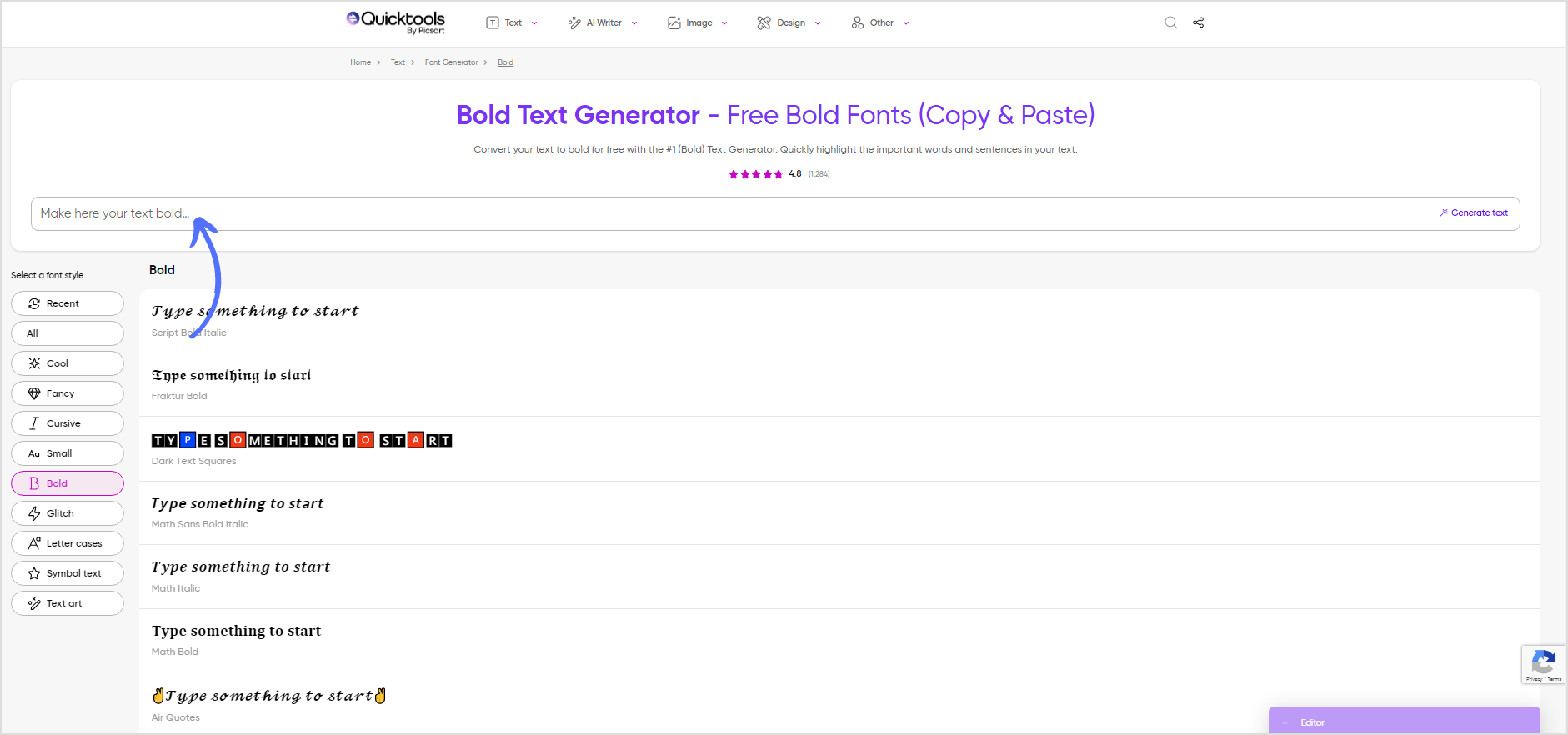
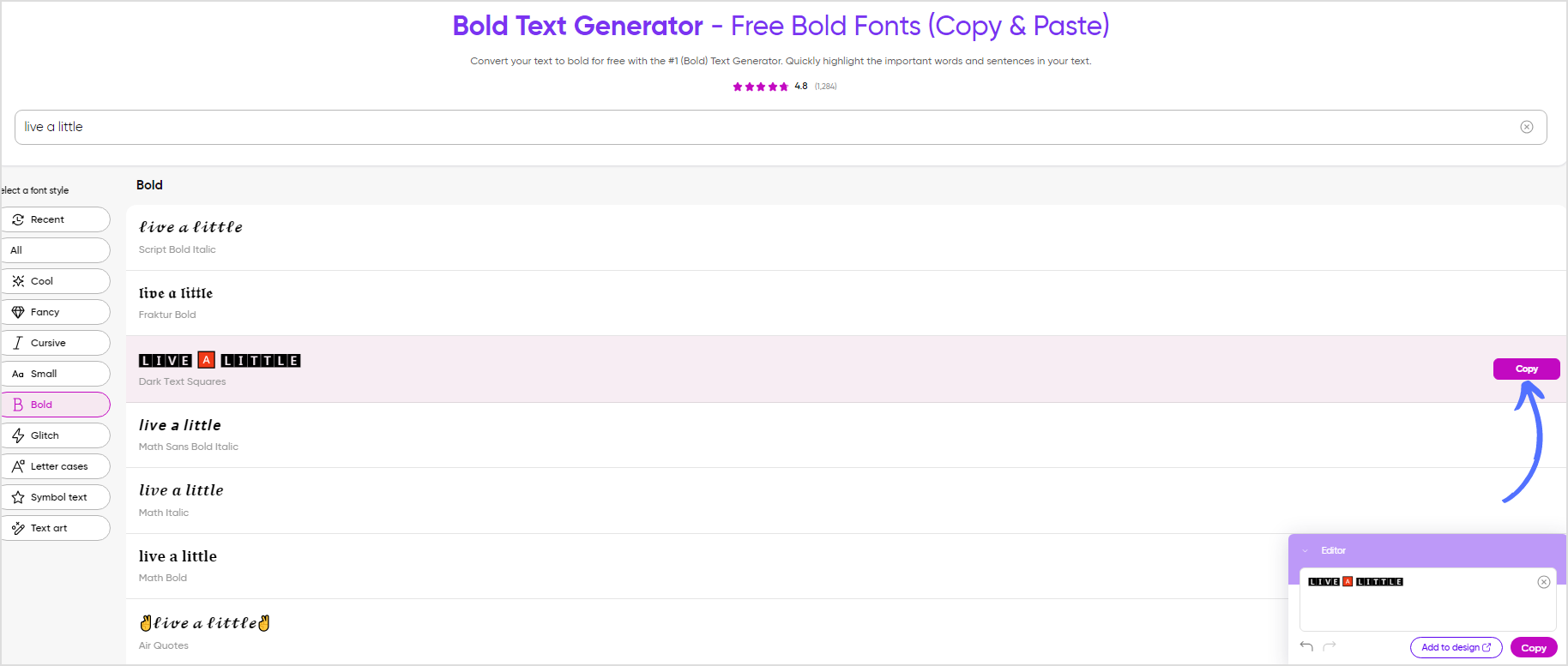
Step 2:
Multiple fonts will be automatically generated. You can copy any preferred font and paste it into your social media platform.
Always ensure that you have the right to use the bold captions generated for your intended purpose, especially if you plan to share or distribute your work.
How do I make text bold in captions?
Use asterisks (*) on both sides of the text, like bold text, to make it bold in captions on platforms such as Twitter or WhatsApp.
How do I make my text bold?
Enclose the text with asterisks to make it bold.
How do you make text bold on WhatsApp?
Enclose the text with asterisks, like *bold text*, to make it bold on WhatsApp.
How do you bold text in a FB post?
Facebook doesn’t natively support direct text formatting, but you can use workarounds like writing your caption with bold text in a text editor and then copying and pasting it into the post.
Is there a way to bold text in an Instagram post?
Like Facebook, you can use a bold text generator for Insatgram, copy and paste it into the post
Plan 0 Days of Content in 0 Minutes
Create, schedule, publish and analyze your content across all your social media channels from one simple dashboard.
4.7 on Capterra • 16,500+ marketers trust ContentStudio
Khadija Anwar is a Senior Technical Writer at ContentStudio with over 500 published write-ups across the ContentStudio blog and beyond. She specializes in step-by-step platform guides and Help Center content across Facebook, Instagram, LinkedIn, YouTube, TikTok, and X, and reviews how-to articles to verify every step and platform detail is accurate and current.
View all posts by Khadija AnwarRecommended for you
How to build an executive’s LinkedIn content workflow with Claude Code

How to turn one product photo into 5 video Ads with Claude Code

Social media MCP server: How to automate posting with ContentStudio
How to automate social media with n8n: A practical guide