How to check messages on Instagram?
Mar 6, 20235 minutes

Written by
Wasiq NaeemUpdated
DM stands for “direct message”: a message sent through a platform’s private messaging feature rather than posted as a public comment. “Send me a DM” means “message me privately,” while “I’ll DM you” uses the abbreviation as a verb.
For businesses, DMs can support an Instagram marketing strategy by giving people a place to ask questions or continue a conversation privately. First, however, it helps to understand message requests, audience controls, and the limits of that privacy.
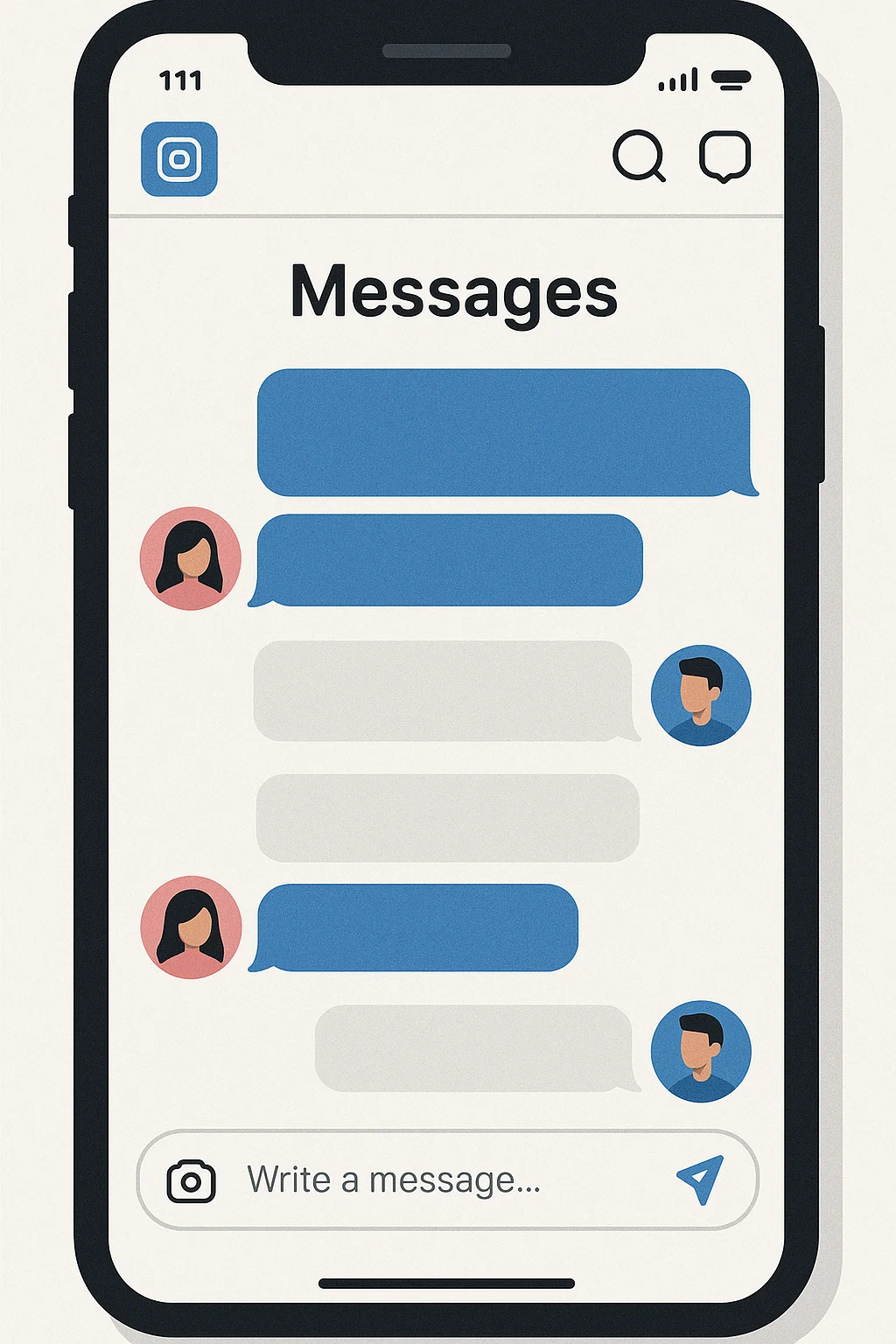
DM means “direct message.” It refers to a message sent through a platform’s messaging feature to one person or a selected group, rather than published in a public comment thread.
It’s commonly used on social media platforms like Twitter, Instagram, and Facebook but can also refer to private messaging on online forums. The purpose of DMs is to facilitate private conversations without requiring public comments or replies.
DMs can be used for various purposes. You can make use of them to ask a question, share information, or have a conversation that you don’t want others to see.
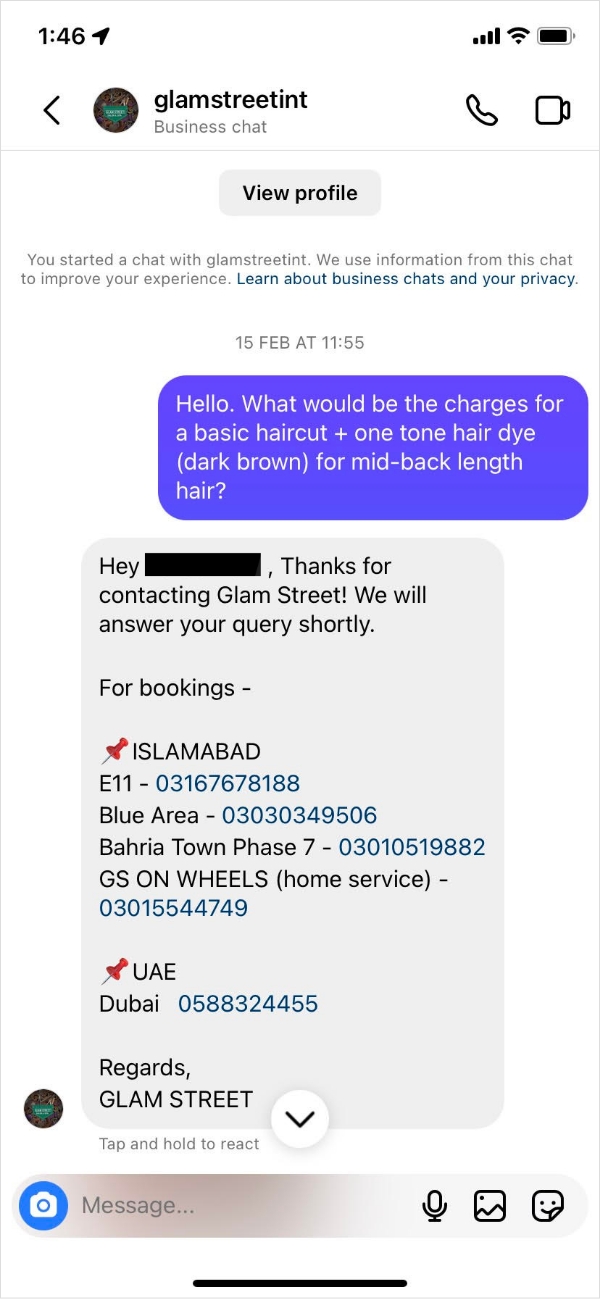
For example, if you’re a business owner, you might use DMs to communicate with a customer who has a complaint or to respond to a query about your product or service.
Alternatively, you might use DMs to catch up with a friend or family member, share personal information, or plan a surprise party.
The main advantage of DMs is that they offer a level of privacy that isn’t available with public comments or replies. This is especially useful when you intend to have a sensitive or confidential conversation.
To give you an idea of how DMs are used in practice, here are a few more examples.
Access depends on the platform and the recipient’s settings. A message may enter a request folder, require acceptance, or be unavailable for that account. LinkedIn also distinguishes ordinary messages from options such as InMail.
Open the platform’s messaging area or look for a Message option on the recipient’s profile. Select the intended account, write your message, and review it before sending.
A message request is a conversation awaiting the recipient’s decision to accept it. Platforms may separate requests from established conversations, especially when the sender and recipient are not connected. The exact rules vary.
Sending a request does not guarantee that the person sees or accepts it. If they decline or do not respond, do not assume repeated messages are appropriate.
Social Customer Service
Never miss a message or comment from your social media audience. Try ContentStudio’s Inbox.
Get Started for FREE
A DM is not displayed as a public comment, but “private” should not be read as a guarantee of confidentiality. Recipients can share what they receive, including through screenshots. Avoid sending passwords, verification codes, full payment-card details, or information that belongs in a secure support process.
Let’s take a tour of the top social media platforms and explore where their direct messages reside.
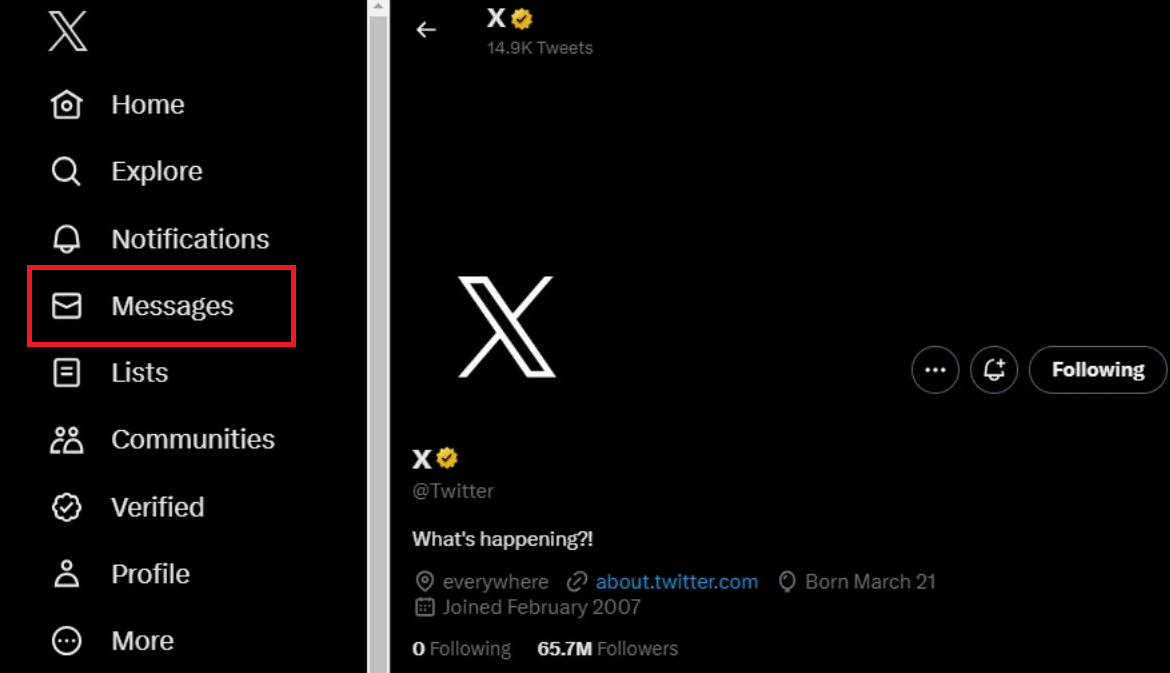
X(Twitter) was one of the very first social media platforms to introduce direct messaging. To send a DM on X(Twitter), simply click on the envelope icon on the top right-hand corner of the screen.
X provides private messaging, but access depends on the recipient’s settings and any existing conversation. Some accounts accept message requests from people they do not follow. Following an account is not a universal requirement for sending a message.
X (Twitter) Marketing
Schedule perfectly crafted tweets and manage your X (Twitter) content with a unified content calendar.
Get Started for FREE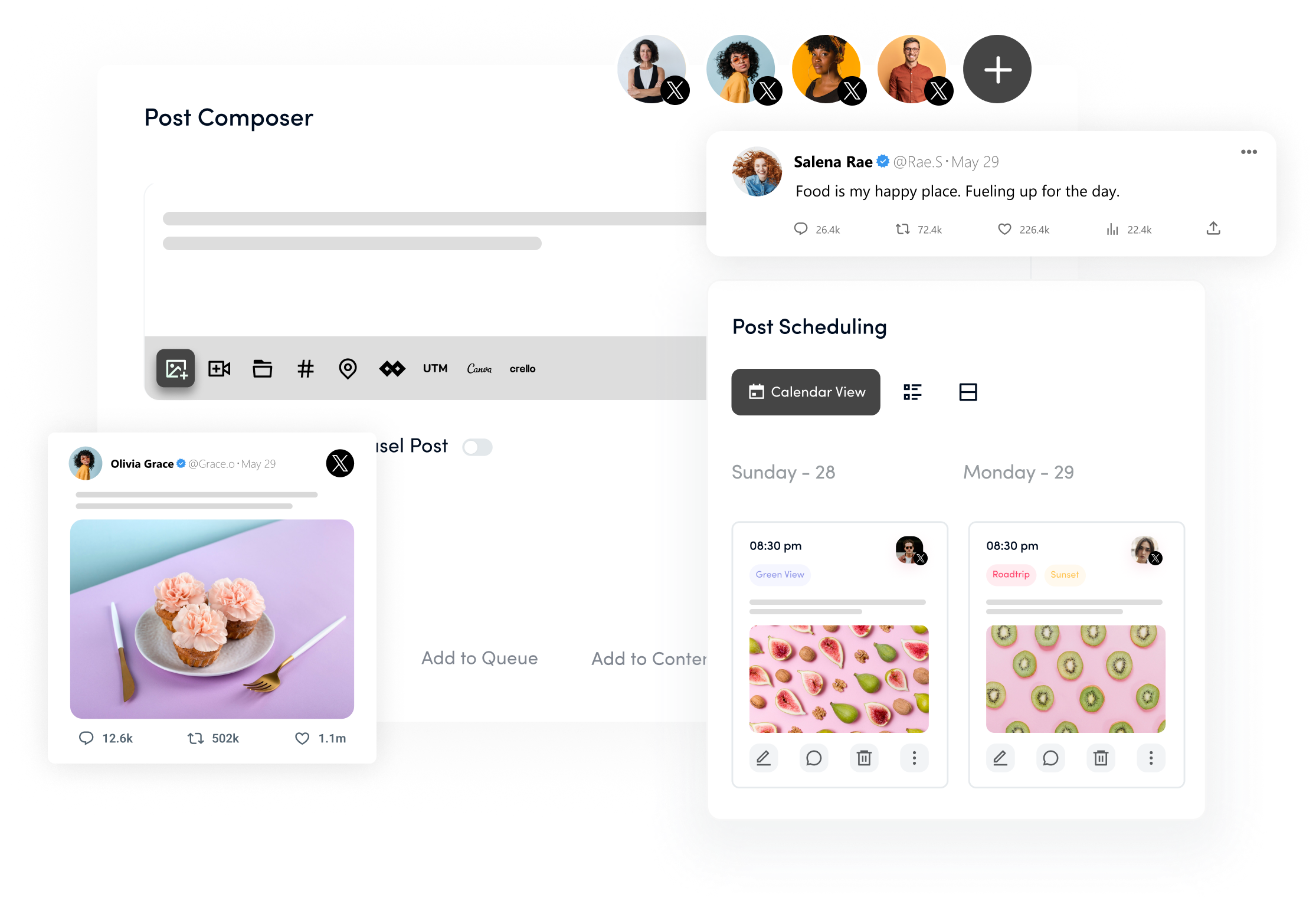
Instagram introduced its DM feature in 2013, and it has since become a key channel for brands, influencers, and individuals to connect directly with followers, making it all the more important to plan content with an Instagram scheduler that keeps your overall presence consistent alongside those personal touchpoints
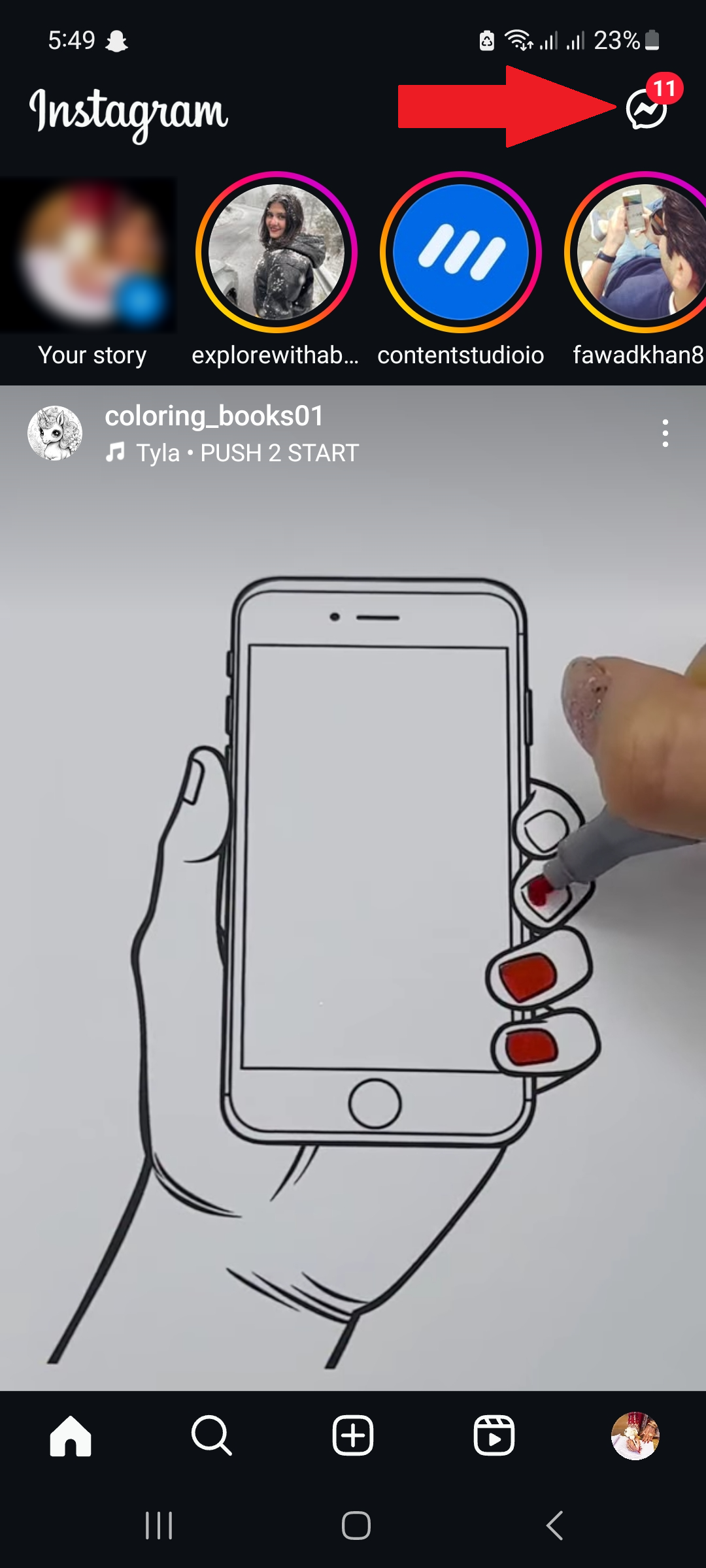
If you’re anything like me, you’re probably scrolling through Instagram all day anyway, so why not slide into some DMs while you’re at it? Just tap the messenger icon in the top right corner, and you’ll be on your way.
Instagram Marketing
Schedule your Instagram posts, Reels, and Stories, and get recommended best time to publish for maximum engagement.
Get Started for FREE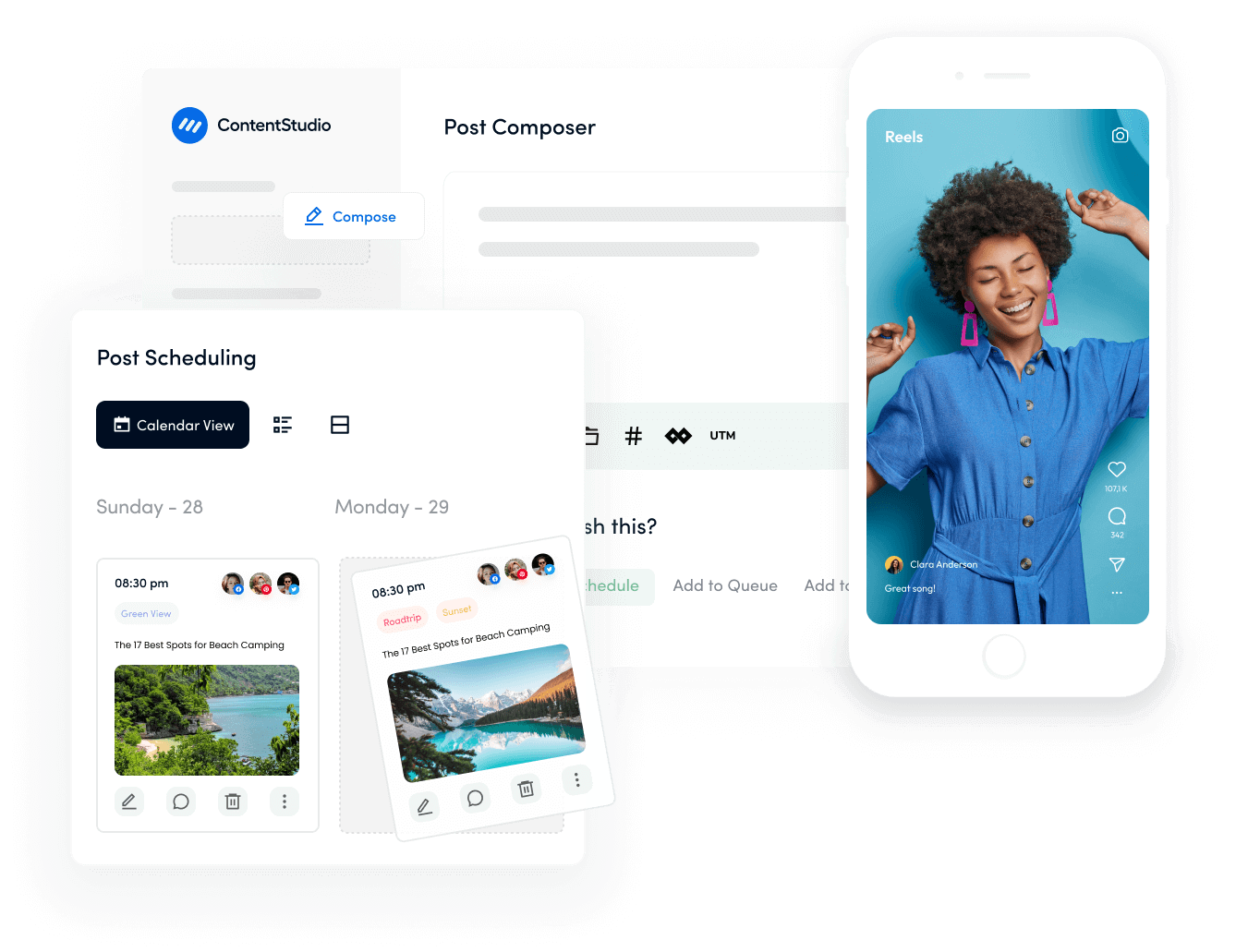
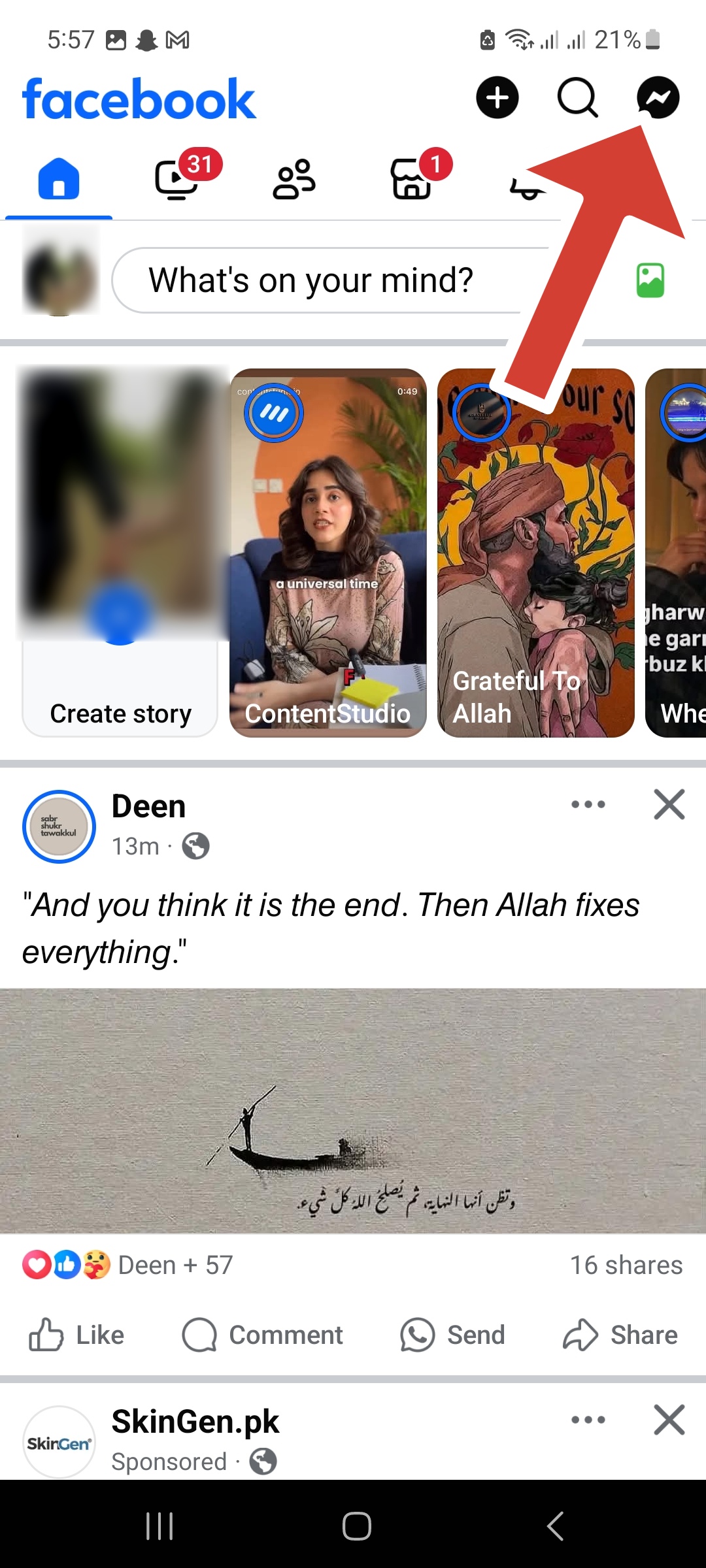
Facebook has grown far beyond status updates and photo sharing — it’s a fully equipped communication platform where you can send messages, make calls, and even transfer money through its standalone Messenger app.
Brands and creators who consistently schedule Facebook content alongside leveraging Messenger for direct audience communication build a far stronger, more connected presence than those treating Facebook as a one-way broadcasting channel. To get started with Messenger, simply tap the Messenger icon in the top right corner of the app.
Facebook Marketing
Manage and grow your brand on Facebook. Create, schedule, and publish posts, videos, and Reels to Facebook pages and groups.
Get Started for FREE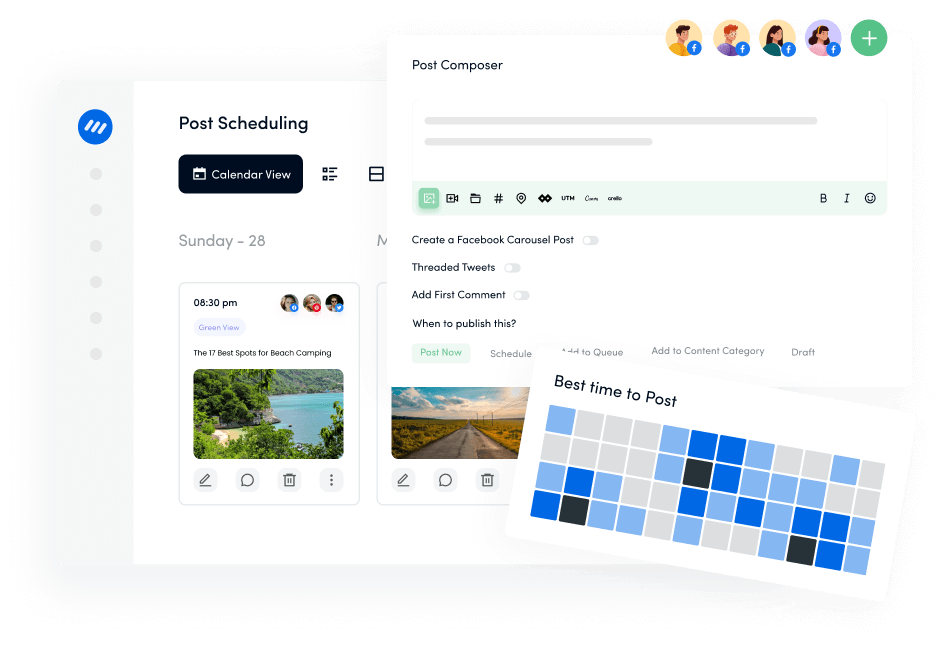
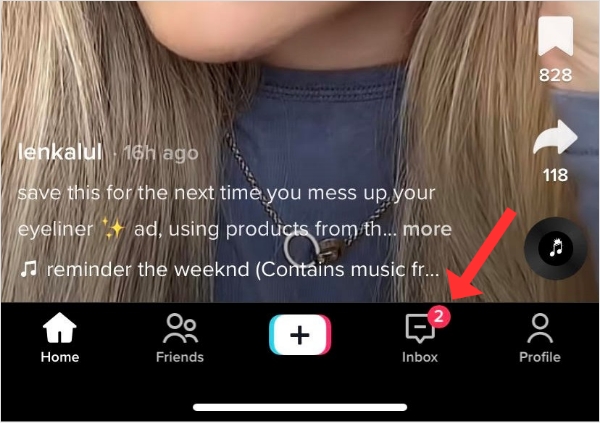
TikTok direct messaging is available to registered account holders aged 16 and older, subject to account settings and applicable restrictions. Some messages enter the inbox directly; others are requests that the recipient must accept before the conversation can continue.
Open Inbox or use the available Message option on a profile. If messaging is unavailable, check eligibility and privacy settings rather than assuming the app is broken.
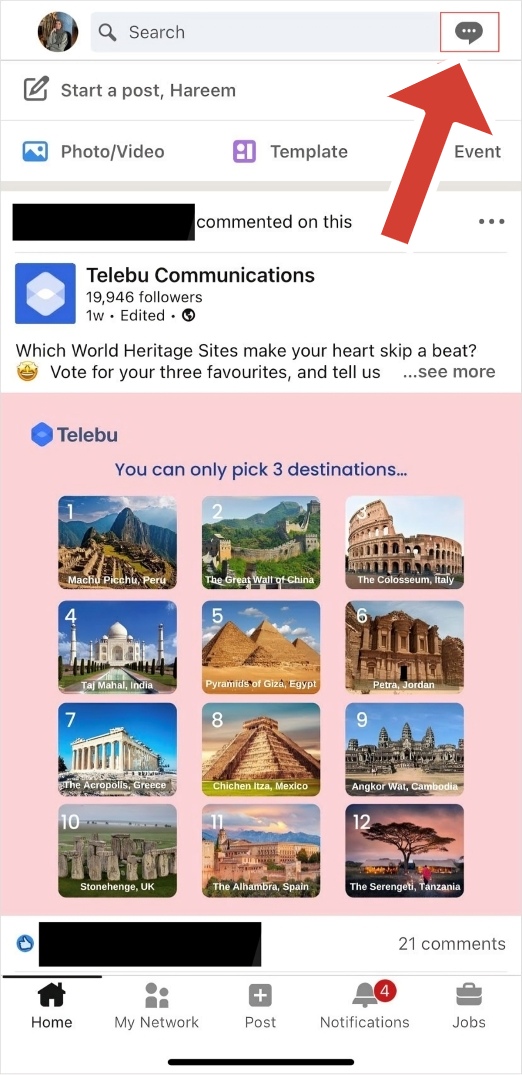
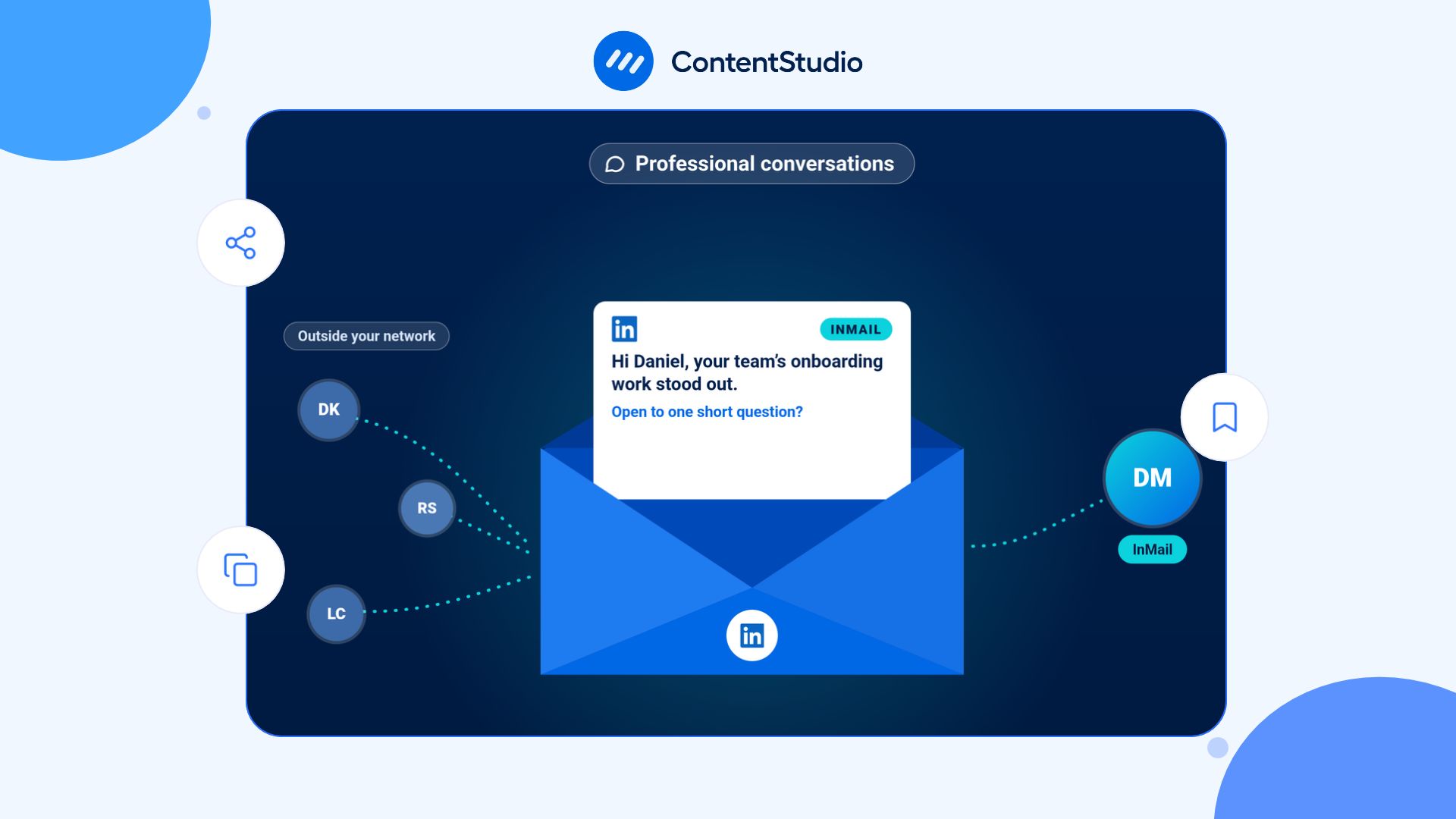
LinkedIn generally lets you message first-degree connections and LinkedIn Pages for free. Contacting someone outside your network may require another route, such as Open Profile, an eligible message request, or paid InMail.
Open the person’s profile or LinkedIn Messaging and check which option is available. A Message button does not mean every member can be contacted under the same conditions.
LinkedIn Marketing
Establish your brand’s profile on LinkedIn by consistently posting engaging content and engaging with the community.
Get Started for FREE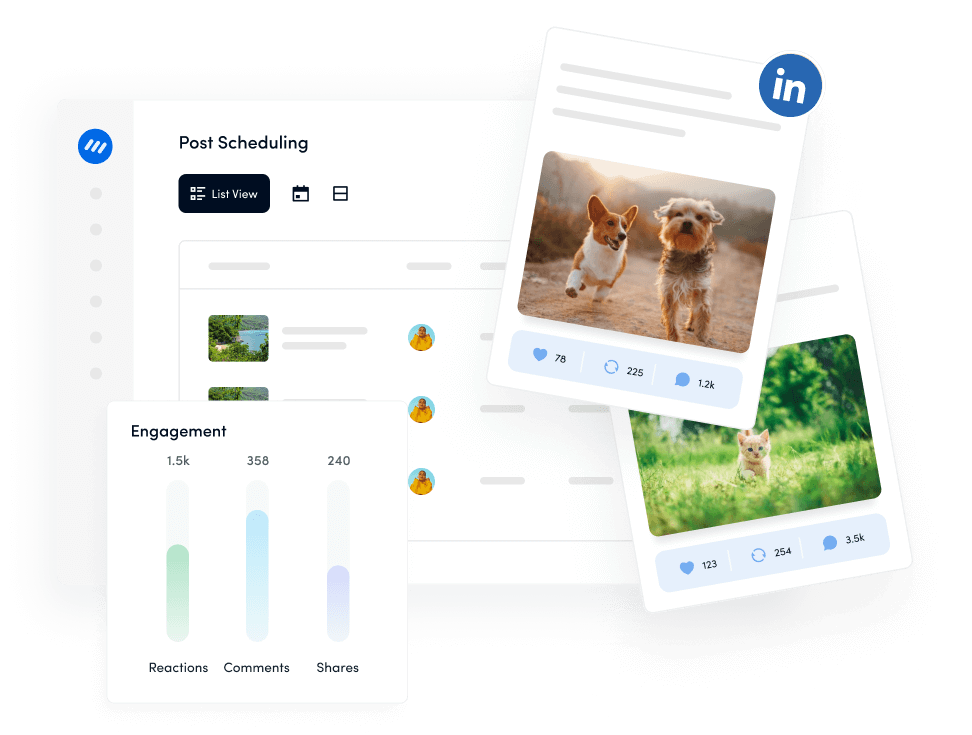
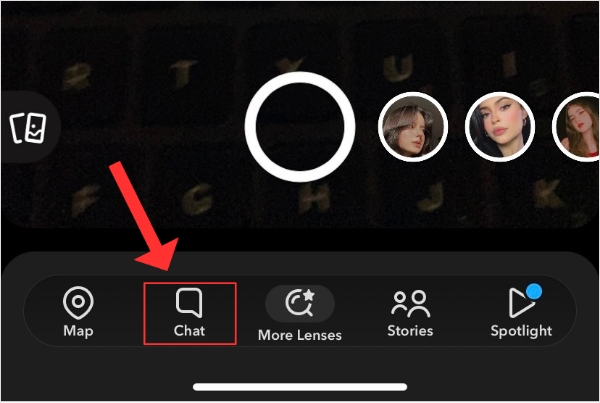
Snapchat supports direct conversations, but message retention depends on the chat settings and whether messages are saved. Some content is deleted automatically; other content can remain in the conversation. Do not assume every message disappears immediately or cannot be captured.
DMs are not only for casual conversations and friendly banter on social media platforms; they can also be used for more serious purposes. They also serve as a powerful marketing tool.
Yes, you read that right. In fact, a well-crafted DM can be more effective than traditional marketing methods, as it aids in building connections with clients.
Here are eight ways you can use DMs in your marketing efforts to engage with your audience, generate leads, or nurture customer relationships.
Direct messages on social media platforms can be a great tool for providing quick and personalized customer support. Here’s how to use DMs effectively to provide customer support.

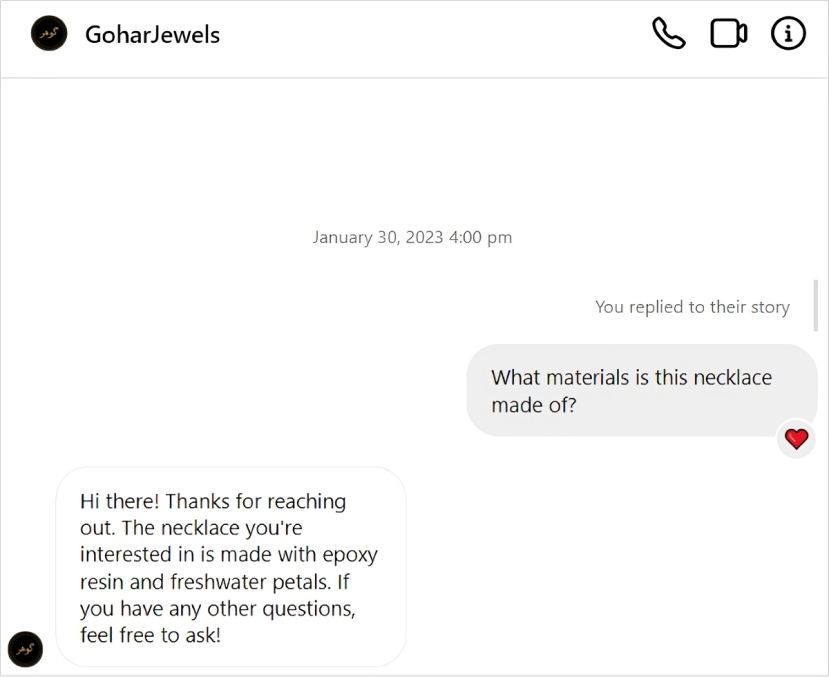
Promotion is an extremely important strategy in marketing and DMs are a great way to promote new products or services to your followers.
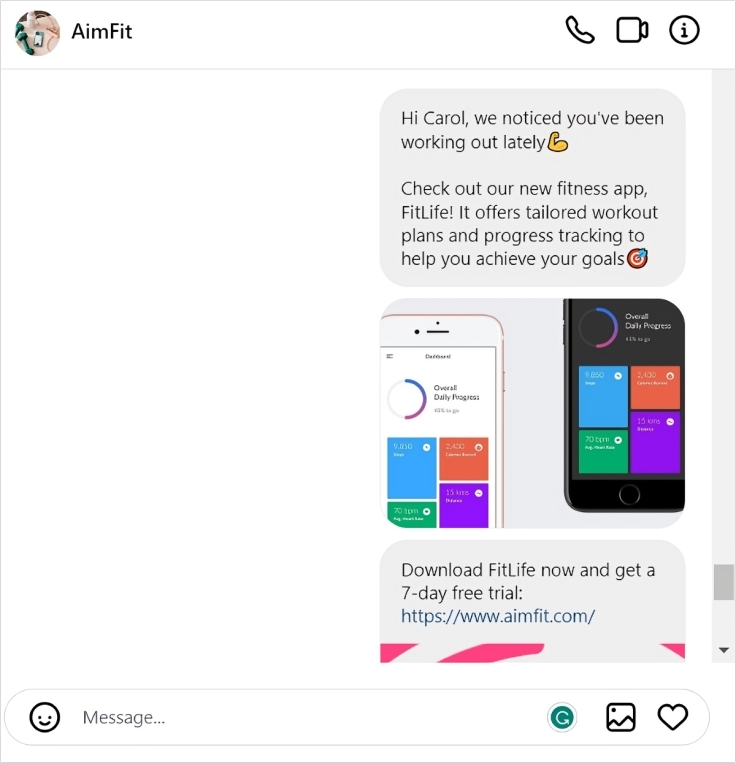
Here are some key steps to follow when using DMs to promote your newly launched products or services.
For example, if you’re launching a new fitness app, your target audience could be individuals who have expressed interest in fitness or have recently engaged with your brand on social media.
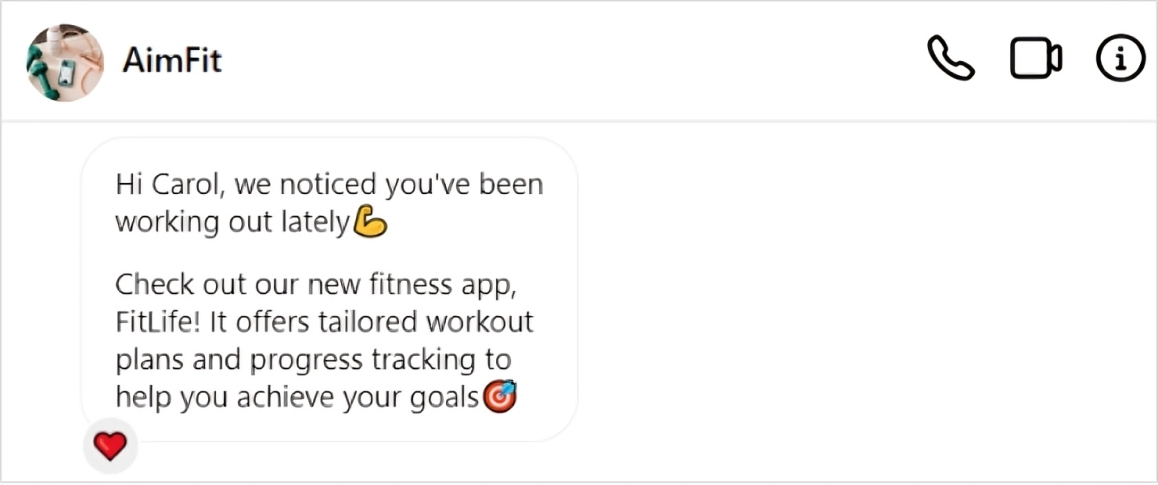
If you wish to solicit feedback from your customers, direct messages (DMs) could be a very beneficial and direct channel for you.
You can ask them what they love about your products or services & what they would like to see improved. This shows that you value their opinions & are committed to providing the best possible experience.
For example, if you’re a beauty brand, you could send a DM asking for feedback and taking suggestions to improve your products and services.
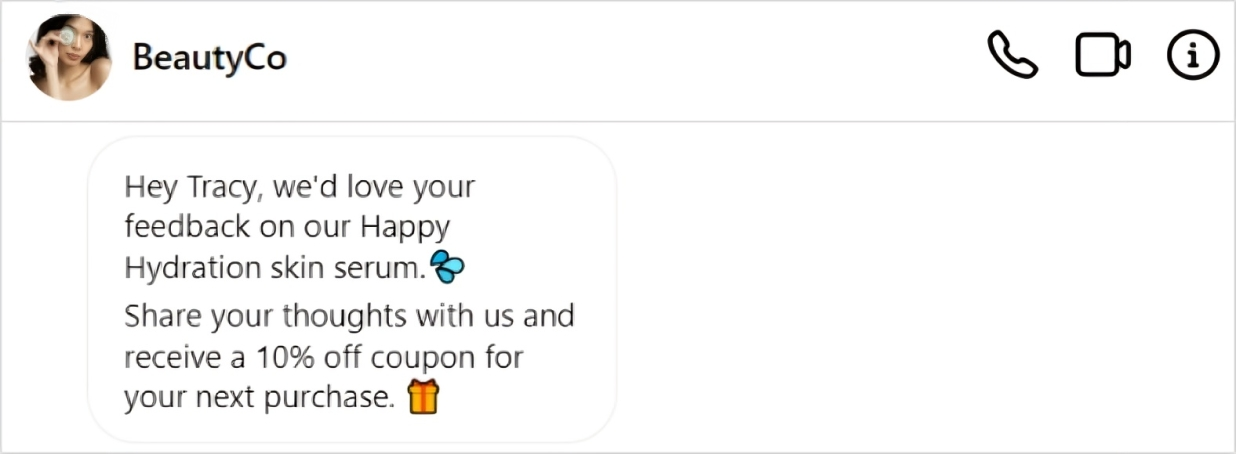
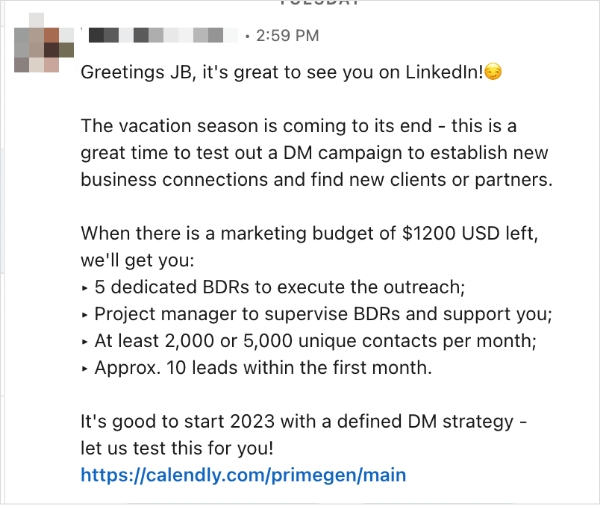
Businesses often use lead generation software to generate leads for their businesses. DMs are an invaluable tool for lead generation. LinkedIn & Twitter are the most popular platforms for lead generation via direct messages.
If you want to use direct messages (DMs) for lead generation, here are some tips to keep in mind.
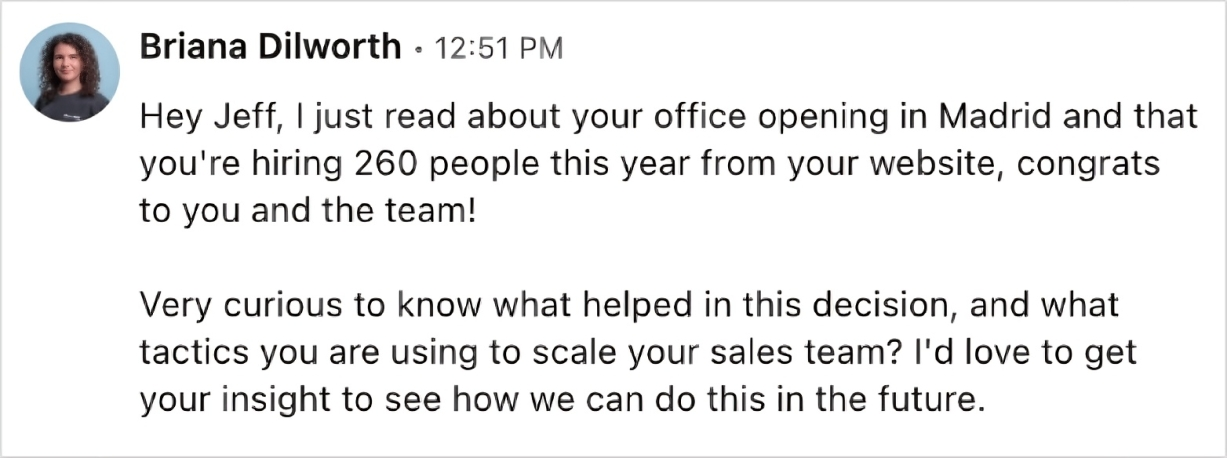
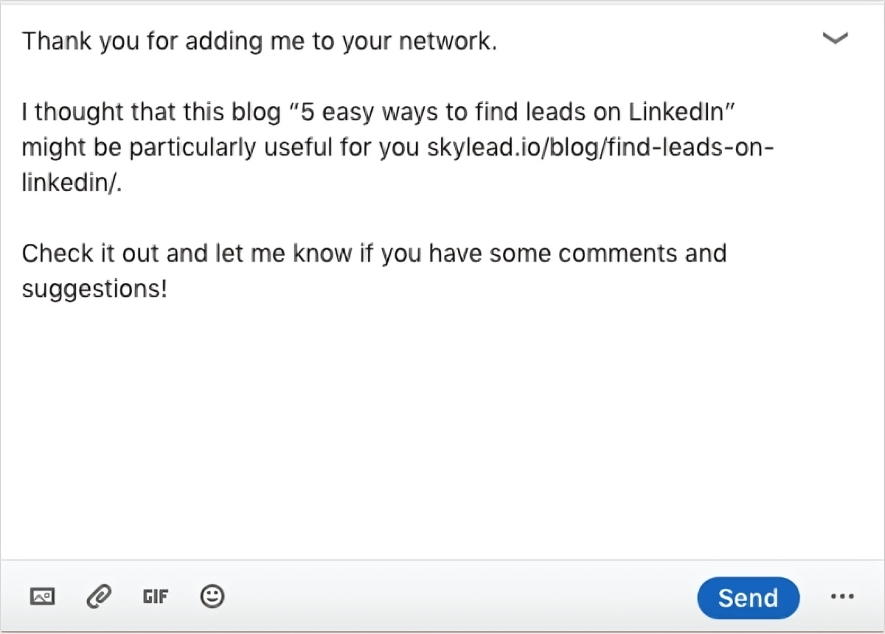
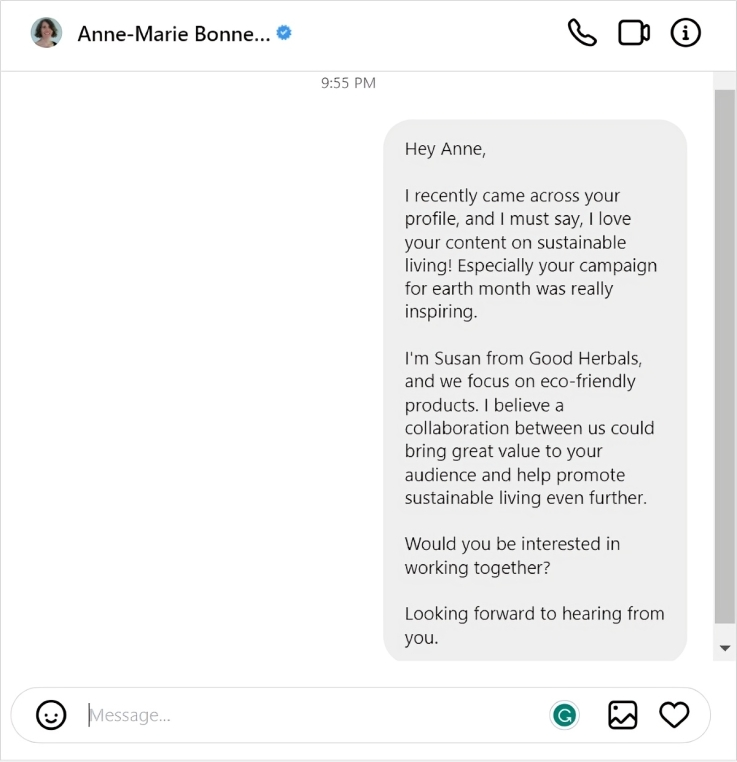
Using direct messages (DMs) for influencer marketing can be an effective way to communicate directly with influencers and establish a personal connection. Here are some steps and examples to guide you through the process.
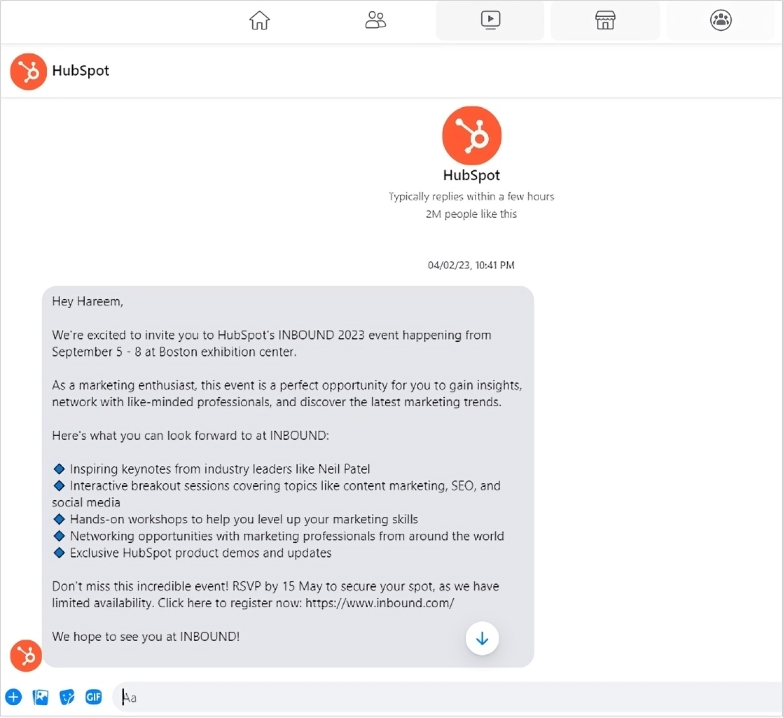
Using direct messages (DMs) is an effective way to create personalized event invitations and promote your events. One effective way to utilize direct messages (DMs) is to identify potential attendees who have previously engaged with your brand or content and reach out to them with a personalized invitation to the event. This establishes a connection with the individual and boosts the likelihood of them attending the event.
DMs are a great way to provide exclusive offers to your most engaged followers. This creates a sense of exclusiveness and encourages your followers to make a purchase. Make them feel valued as a customer. For example, if you own a restaurant, you can use DMs to send a discount code to your followers, giving them a percentage off their next meal.
When someone follows your business on social media, send them a DM to thank them for following you. If someone has shown interest in your products or services but hasn’t made a purchase yet, sending a personalized message can help to keep your brand top-of-mind.
This is a great way to present your business and share a special offer or discount code. For example, if you own a software or IT company, you can use DMs to follow up with leads who have downloaded a trial version of your product but haven’t yet upgraded to a paid subscription.
Related read: How to get more Instagram followers
Before sending a message, check that you have the right account, explain why you are reaching out, and make the next step clear. If the conversation involves sensitive information, move it to an appropriate secure process rather than collecting everything in the chat.
For businesses, useful messaging starts with answering the person’s question, not turning every exchange into a promotion. Respect their response, including a decision not to continue, and avoid repeated commercial contact without consent.
Messaging access depends on the platform, the recipient’s settings, and your account’s eligibility. A person may restrict who can contact them, while some platforms impose age or account restrictions. Check the available messaging controls before assuming the person has blocked you.
It may appear as a message request rather than an established conversation. On Instagram, the recipient’s settings determine how messages from people they do not follow are handled. Sending a message does not guarantee it reaches their main inbox.
No. You can decide which requests to accept. If a message is suspicious or unwanted, use the platform’s available blocking or reporting controls instead of continuing the conversation.
Do not assume so. Deleting content from your own view and unsending a message are different actions. Instagram provides both “Delete for you” and “Unsend” controls, so check which action you are selecting.
Some platforms provide an unsend option. On Instagram, open the conversation, press and hold the message, and select “Unsend.” However, removing it should not be treated as proof that the recipient never saw or captured it.
Yes—do not treat private messaging as a guarantee that the content stays between participants. Snapchat explicitly warns that recipients can screenshot messages before they are deleted. Avoid sharing anything you would not want copied or forwarded.
Sometimes. LinkedIn generally allows free messaging to first-degree connections and Pages. Contacting someone outside your network may be possible through Open Profile, an eligible message request, or InMail, depending on the account and situation.
Plan 0 Days of Content in 0 Minutes
Create, schedule, publish and analyze your content across all your social media channels from one simple dashboard.
4.7 on Capterra • 16,500+ marketers trust ContentStudio
Wasiq Naeem is a Senior Content Strategist at ContentStudio and a research-driven content and digital marketing veteran. He writes on social media strategy, analytics, audience growth, and competitor analysis, covering topics like best posting times and competitor mapping. As a senior editor, he also reviews and fact-checks articles for depth and accuracy.
View all posts by Wasiq NaeemRecommended for you
How to check messages on Instagram?
LinkedIn messages: Start, manage, and build professional conversations
How to fix when the Facebook Messenger isn’t sending messages?

How to recover deleted Instagram messages: Complete guide