How to build an executive’s LinkedIn content workflow with Claude Code
Oct 1, 202615 minutes

Written by
Khadija AnwarPublished
Are you trying to escape cringe-worthy TikTok content? Well, you’re not alone! We’ve all been there, desperately trying to hit that “Not Interested” button. But guess what, the “Not Interested” feature is acting stubborn, and you are stuck with stupid content. In this guide, we’ll see how to encounter this situation if the TikTok “Not Interested” feature stops working.
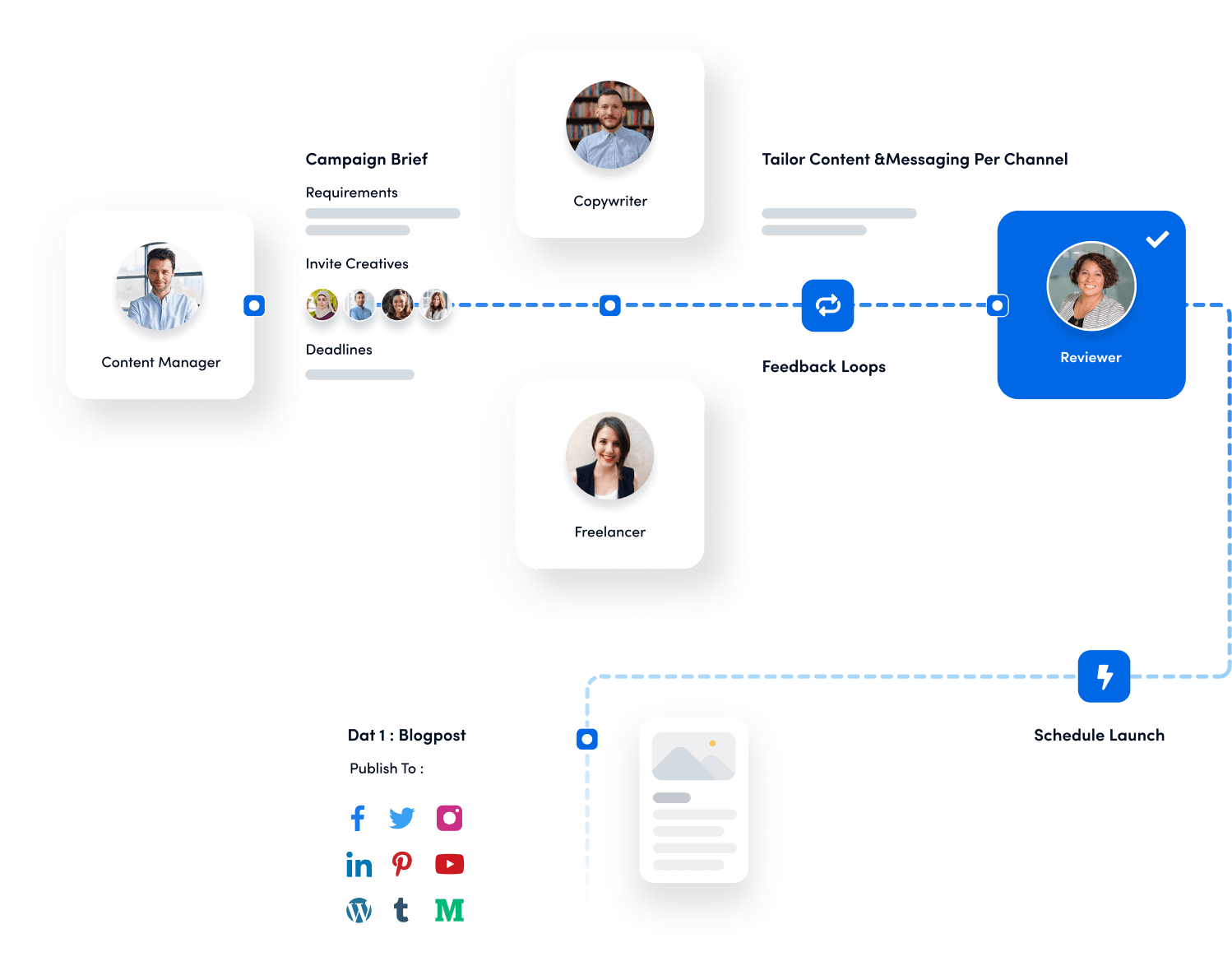
Experience organized workflow with a unified social media management platform for agencies.
The not interested feature on TikTok does NOT work
— cas (@casprivado) June 28, 2023
Many TikTok users have reported instances where this feature doesn’t quite live up to its promise. Instead of enjoying a personalized feed, they continue to see videos that they’ve explicitly marked as “Not Interested” in. P.S. wondering how to undo “Not Interested” on TikTok?
TikTok’s algorithm is a complex beast, and it’s constantly learning from your interactions. While it may not immediately adjust your feed after hitting “Not Interested,” it could take some time for the algorithm to catch on. If you consistently mark a specific type of content as unwanted, it should influence your FYP eventually.
i wish tik tok understood the not interested feature as much as twitter does cause
— MK (@chillonmk) September 6, 2023
Sometimes, the issue might not be with TikTok but rather with how you use the app. Accidental taps, glitches, or a misunderstanding of what a video entails can lead to a misused “Not Interested” feature. Be mindful of your interactions and ensure you’re correctly using the tool.
TikTok is all about diversity in content. It might intentionally expose you to different kinds of videos to keep your experience fresh. So, even if you mark a video as “Not Interested,” TikTok might continue to sprinkle in some variety to keep things interesting.
I’m convinced the “not interested” feature on TikTok does not work.
— KSHAW_TV (@KShaw_TV) April 3, 2022
Like any other app, TikTok occasionally has its share of bugs and glitches. An issue with the app’s code or a recent update might disrupt the functionality of the “Not Interested” feature. In such cases, TikTok’s development team usually works to fix these problems in subsequent updates.
While TikTok works on ensuring the “Not Interested” feature functions seamlessly, here are some tips to help you make the most of it:
Be consistent in marking videos as “Not Interested” when you genuinely don’t want to see more of that content. Consistency can help train TikTok’s algorithm over time.
Interact positively and engage with content that aligns with your interests by liking, sharing, or commenting. TikTok takes these interactions into account when curating your feed.
Check for updates and make sure your TikTok app is up to date. Sometimes, bugs are fixed in newer versions, so keeping your app current might resolve any issues.
TikTok welcomes user feedback. If you encounter persistent problems with the “Not Interested” feature, consider contacting their support team or on social media.
Also Read: Instagram Reels Vs. TikTok: Which is Better for Content Marketing?
Does the not interested button work on TikTok?
Yes, the “Not Interested” button on TikTok helps customize your content by showing fewer videos similar to those you deem uninterested.
Why is TikTok showing me videos I’m not interested in?
TikTok might show videos you’re not interested in because its algorithm is learning your preferences, which can take time. Ensure you consistently use the “Not Interested” feature to help tailor your content feed.
Plan 0 Days of Content in 0 Minutes
Create, schedule, publish and analyze your content across all your social media channels from one simple dashboard.
4.7 on Capterra • 16,500+ marketers trust ContentStudio
Khadija Anwar is a Senior Technical Writer at ContentStudio with over 500 published write-ups across the ContentStudio blog and beyond. She specializes in step-by-step platform guides and Help Center content across Facebook, Instagram, LinkedIn, YouTube, TikTok, and X, and reviews how-to articles to verify every step and platform detail is accurate and current.
View all posts by Khadija AnwarRecommended for you
How to build an executive’s LinkedIn content workflow with Claude Code
How to turn one product photo into 5 video Ads with Claude Code

Social media MCP server: How to automate posting with ContentStudio
How to automate social media with n8n: A practical guide