Google adwords

What is Google AdWords?
Google AdWords (now known as Google Ads) is Google's powerful online advertising platform that enables businesses to display targeted advertisements across Google's search results, partner websites, and mobile apps. This pay-per-click advertising platform This sophisticated platform operates on a pay-per-click advertising, where advertisers only pay when users interact with their ads.
Through AdWords, businesses of all sizes can create, manage, and optimize various types of digital advertising campaigns to reach their target audience effectively. The platform integrates seamlessly with other digital marketing strategies to drive measurable results and business growth.
How does Google AdWords work?
Understanding the mechanics behind Google AdWords is crucial for creating successful advertising campaigns that deliver optimal returns on investment.
The bidding system
AdWords utilizes a real-time auction system that evaluates and ranks ads for every relevant search query. Unlike traditional auctions, the highest bid doesn't automatically win – Google considers multiple quality factors to ensure users see the most relevant ads.
Quality factors
- Ad relevance to search intent: How well your ad matches the user's search query and intention
- Landing page experience: Quality and relevance of the page users reach after clicking your ad
- Expected clickthrough rate: Predicted likelihood of users clicking your ad based on historical data
- Historical account performance: Your account's track record of creating relevant ads
- Ad format impact: How your chosen ad format affects user experience and engagement
Ad rank calculation
Your ad's position in search results is determined through a sophisticated calculation that happens instantaneously during each ad auction.
Key determinants
- Maximum bid amount: The highest amount you're willing to pay per click
- Quality Score (1-10 rating): Google's comprehensive assessment of your ad quality
- Ad format impact: How your ad's features and extensions enhance user experience
- Auction-time quality: Real-time evaluation of relevance to specific searches
- Search context: User location, device, time of day, and search behavior
Types of Google AdWords campaigns
Understanding different campaign types helps you choose the most effective format for your marketing objectives.
Search network campaigns
Text-based ads that appear in Google search results when users search for relevant keywords. These ads are particularly effective for capturing high-intent traffic.
Campaign features
- Keyword targeting capabilities: Target specific search terms and phrases
- Text ad format: Create compelling headlines and descriptions
- Search intent targeting: Match ads to user search intent
- Location-based targeting: Show ads in specific geographic areas
- Device targeting options: Customize ads for different devices
- Ad scheduling: Control when your ads appear
Display network campaigns
Visual advertisements that appear on millions of websites within the Google Display Network, perfect for building brand awareness.
Display options
- Banner ads: Standard image advertisements in various sizes
- Responsive ads: Automatically adjust to available ad spaces
- Rich media content: Interactive and engaging formats
- Image ads: Static or animated visual advertisements
- Interactive ads: Engaging formats that encourage user interaction
- Native advertising: Ads that match website look and feel
Video campaigns
Video advertisements that appear on YouTube and across the Display Network, offering engaging ways to connect with your audience through visual storytelling.
Video ad types
- Skippable in-stream ads: Longer format ads that users can skip
- Non-skippable in-stream ads: Short, mandatory video ads
- Video discovery ads: Appear in YouTube search and suggestions
- Bumper ads: Six-second unskippable ads
- Outstream ads: Mobile-specific video ads
Benefits of using Google AdWords
Targeted advertising
AdWords offers precise targeting options to reach your ideal audience effectively.
Targeting capabilities
- Keywords and search terms: Target specific search queries
- Geographic location: Focus on specific regions or areas
- Demographics: Target based on age, gender, and income
- Interests and behaviors: Reach users based on their interests
- Device types: Target specific devices and platforms
- Time and day scheduling: Show ads during optimal times
Measurable results
Track and analyze your campaign performance with detailed metrics using analytics tools.
Key metrics
- Click-through rate (CTR): Percentage of ad impressions that result in clicks
- Conversion rate: Percentage of clicks that lead to desired actions
- Cost per click (CPC): Amount paid for each click
- Cost per acquisition (CPA): Cost to acquire a customer
- Return on ad spend (ROAS): Revenue generated per ad dollar
- Quality Score: Google's rating of your ad quality
Budget control
Maintain complete control over your advertising spend with sophisticated budget management features.
Budget management features
- Daily budget settings: Set specific spending limits
- Bid adjustments: Modify bids based on performance
- Campaign scheduling: Control when ads run
- Geographic bid modifications: Adjust bids by location
- Device bid adjustments: Optimize for different devices
- Automated bidding strategies: Let Google optimize bids
Best practices for Google AdWords success
Keyword research and selection
Conduct thorough keyword research using keyword research tools to identify valuable targeting opportunities.
Research strategies
- Use keyword research tools: Find relevant search terms
- Analyze search intent: Understand user intentions
- Consider long-tail keywords: Target specific phrases
- Monitor competitor keywords: Learn from competitors
- Track keyword performance: Monitor and optimize
- Implement negative keywords: Exclude irrelevant terms
Ad copy optimization
Create compelling ad copy that drives clicks and conversions by following content writing best practices.
Copy elements
- Clear value proposition: Communicate unique benefits
- Relevant keywords: Include target terms naturally
- Strong call-to-action: Use action-oriented language
- Unique selling points: Highlight differentiators
- Trust signals: Include social proof elements
- Ad extensions: Utilize all relevant extensions
Landing page optimization
Optimize landing pages for conversions and user experience.
Optimization factors
- Relevant content: Match page content to ad message
- Clear call-to-action: Make desired actions obvious
- Fast loading speed: Optimize page performance
- Mobile responsiveness: Ensure cross-device functionality
- Trust indicators: Display credibility elements
- A/B testing: Continuously optimize pages
Campaign management and optimization
Effective campaign management and continuous optimization are crucial for long-term AdWords success. This process requires vigilant monitoring, strategic testing, and data-driven decision-making to maximize your return on investment.
Regular monitoring
Keep track of your campaign performance through systematic monitoring and analysis. Just as you would monitor your social media analytics, regular AdWords performance tracking helps you identify trends, opportunities, and areas for improvement.
Monitoring aspects
- Keyword performance: Track which keywords drive the most valuable traffic and conversions
- Quality Score: Monitor and improve your ad quality ratings across campaigns
- Click-through rates: Analyze which ads resonate most with your audience
- Conversion rates: Measure how effectively your ads drive desired actions
- Cost metrics: Keep track of CPC, CPA, and overall campaign spending
- Competitor activity: Monitor competitive landscape and adjust strategies accordingly
Testing and refinement
Continuously test and improve your campaigns through systematic experimentation and optimization. This iterative process helps you discover what works best for your audience and market.
Testing elements
- Ad copy variations: Test different headlines, descriptions, and calls-to-action
- Landing page designs: Experiment with different layouts and content structures
- Bid strategies: Test manual versus automated bidding approaches
- Targeting options: Refine audience targeting parameters
- Ad extensions: Try different extension combinations to improve ad performance
Integration with content marketing strategy
Content alignment
Align your AdWords campaigns with your content marketing strategy to create a cohesive user experience and maximize campaign effectiveness. This alignment ensures your paid and organic efforts work together seamlessly.
Integration points
- Landing page content: Create relevant, high-quality content that matches search intent
- Ad copy messaging: Maintain consistent messaging across all marketing channels
- Keyword targeting: Align paid keywords with your content optimization strategy
- Campaign themes: Coordinate campaigns with your content calendar
- Seasonal promotions: Time campaigns with seasonal content and promotions
Cross-channel promotion
Coordinate your AdWords efforts with other marketing channels to create a unified marketing approach. Use social media management tools to ensure consistent messaging across all platforms.
Coordination strategies
- Social media integration: Align paid search with social media campaigns
- Email marketing alignment: Coordinate email campaigns with AdWords messaging
- Content promotion: Use AdWords to amplify your content distribution
- Remarketing campaigns: Target users across multiple channels
Measuring and analyzing performance
Understanding your campaign performance through comprehensive measurement and analysis is crucial for optimization and growth.
Performance tracking
Monitor key metrics to evaluate campaign success and make data-driven decisions. Use analytics tools to track and measure your campaign performance effectively.
Important metrics
- Impression share: Percentage of potential impressions your ads receive
- Click-through rate: Measure of ad relevance and appeal
- Conversion rate: Effectiveness at driving desired actions
- Cost per conversion: Efficiency of your campaign spending
- Return on ad spend: Overall campaign profitability
- Quality Score: Google's assessment of ad quality
Data analysis
Use data to make informed decisions about campaign optimization and strategy. Implement data-driven marketing approaches to improve results.
Analysis areas
- Keyword performance: Identify top-performing and underperforming keywords
- Ad position impact: Analyze how ad position affects performance
- Device performance: Compare results across different devices
- Geographic results: Evaluate performance by location
- Time-of-day analysis: Identify peak performance periods
Common challenges and solutions
Managing successful AdWords campaigns comes with various challenges that require strategic solutions and ongoing attention.
Budget management
Control costs while maximizing results through strategic budget allocation and optimization. This requires careful planning and monitoring of your marketing budget.
Management strategies
- Set realistic budgets: Align budgets with business goals and ROI targets
- Monitor daily spend: Track spending patterns and adjust as needed
- Adjust bids strategically: Optimize bids based on performance data
- Use bid automation: Leverage automated bidding strategies when appropriate
- Implement bid adjustments: Modify bids based on device, location, and time
Quality Score improvement
Enhance your Quality Score for better ad performance and lower costs. This requires a holistic approach to ad quality and relevance.
Improvement tactics
- Optimize ad relevance: Create highly relevant ads for your target keywords
- Improve landing pages: Enhance page quality and user experience
- Enhance click-through rates: Test and refine ad copy and extensions
- Maintain account history: Build a strong account performance record
- Use ad extensions effectively: Implement relevant ad extensions
Tools and resources for Google AdWords
Leverage the right tools and resources to optimize your AdWords campaigns and improve results.
Management tools
Utilize specialized tools to streamline your Google AdWords management and enhance campaign performance.
Essential tools
- Google Ads Editor: Desktop application for bulk campaign management
- Analytics platforms: Track and analyze campaign performance
- Bid management tools: Optimize bidding strategies
- Keyword research tools: Find and analyze valuable keywords
- Content planning tools: Coordinate campaigns with content strategy
Reporting solutions
Track and report campaign performance through comprehensive reporting tools and solutions.
Reporting features
- Custom report builders: Create tailored performance reports
- Automated reporting: Schedule regular performance updates
- Performance dashboards: Visualize key metrics and trends
- ROI tracking: Measure campaign profitability
- Competitor analysis: Monitor and analyze competitor activities
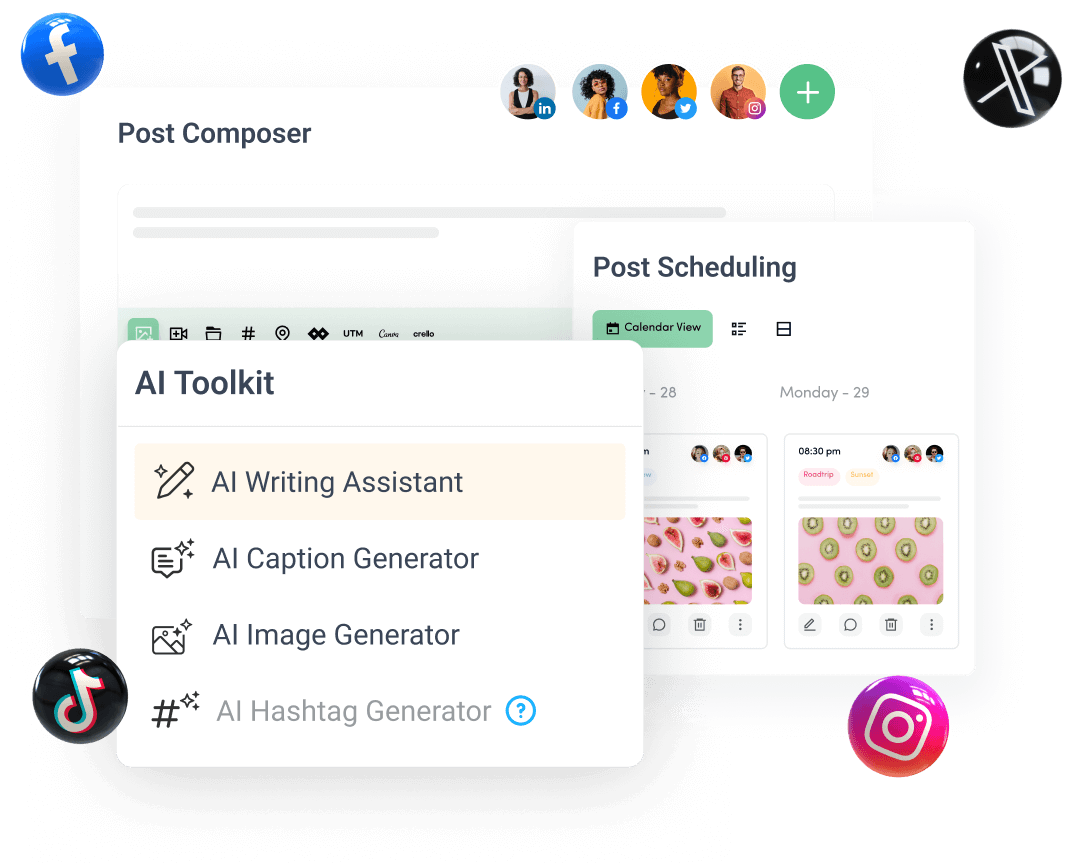
Create, plan, schedule, and publish posts on all social media networks