Bulk Schedulingai-icon

Bulk schedule social media posts across every platform

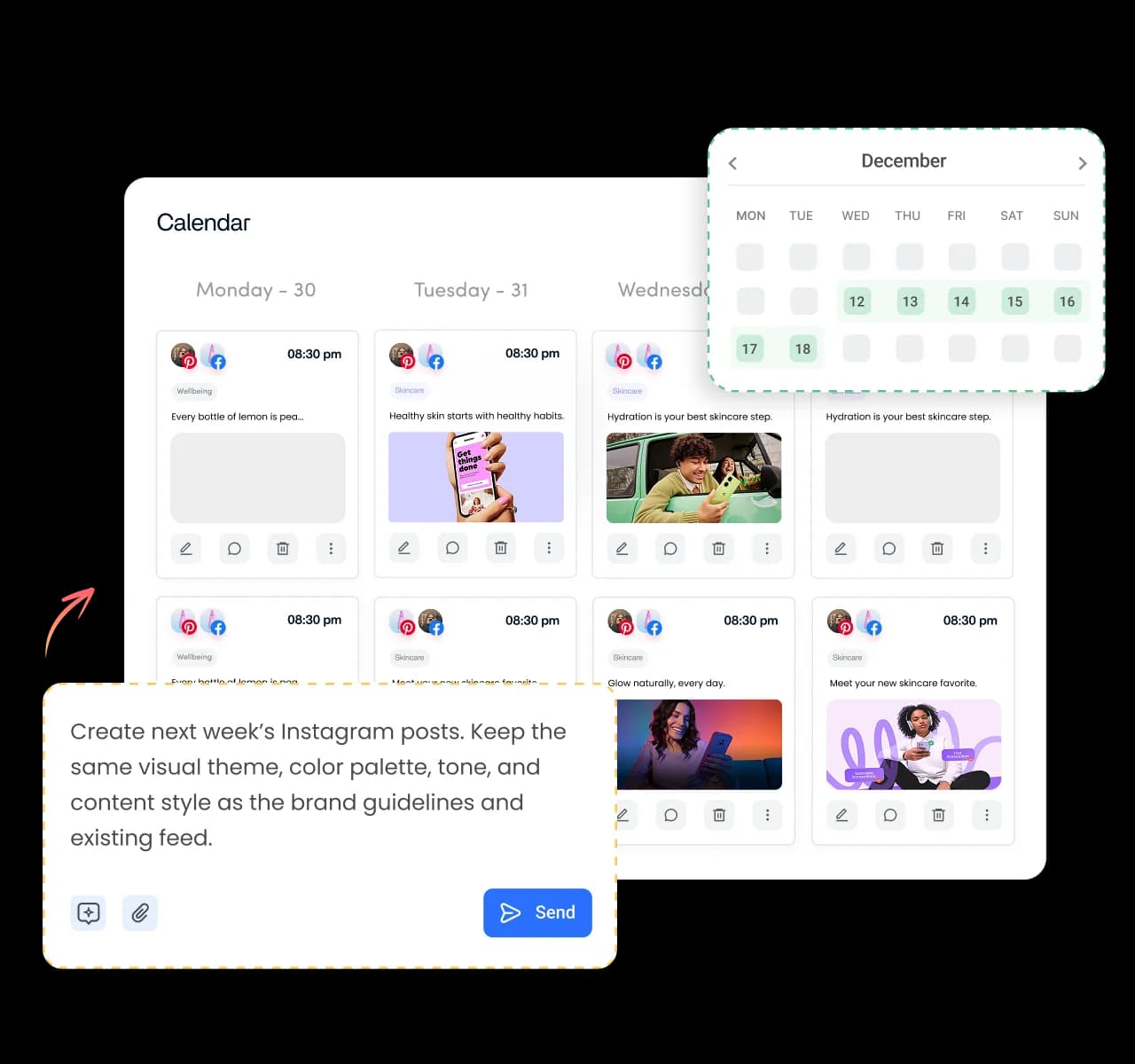
Bulk schedule your social content, upload hundreds of posts in one session, and keep every campaign running on time. Perfect for agencies, marketing teams, and brands managing high-volume publishing.
ContentStudio bulk scheduling for social media posts

Integrated with

Trusted by 16,500+ leading brands and agencies
Turn one CSV into months of scheduled posts - bulk scheduling

Turn one CSV into months of scheduled posts

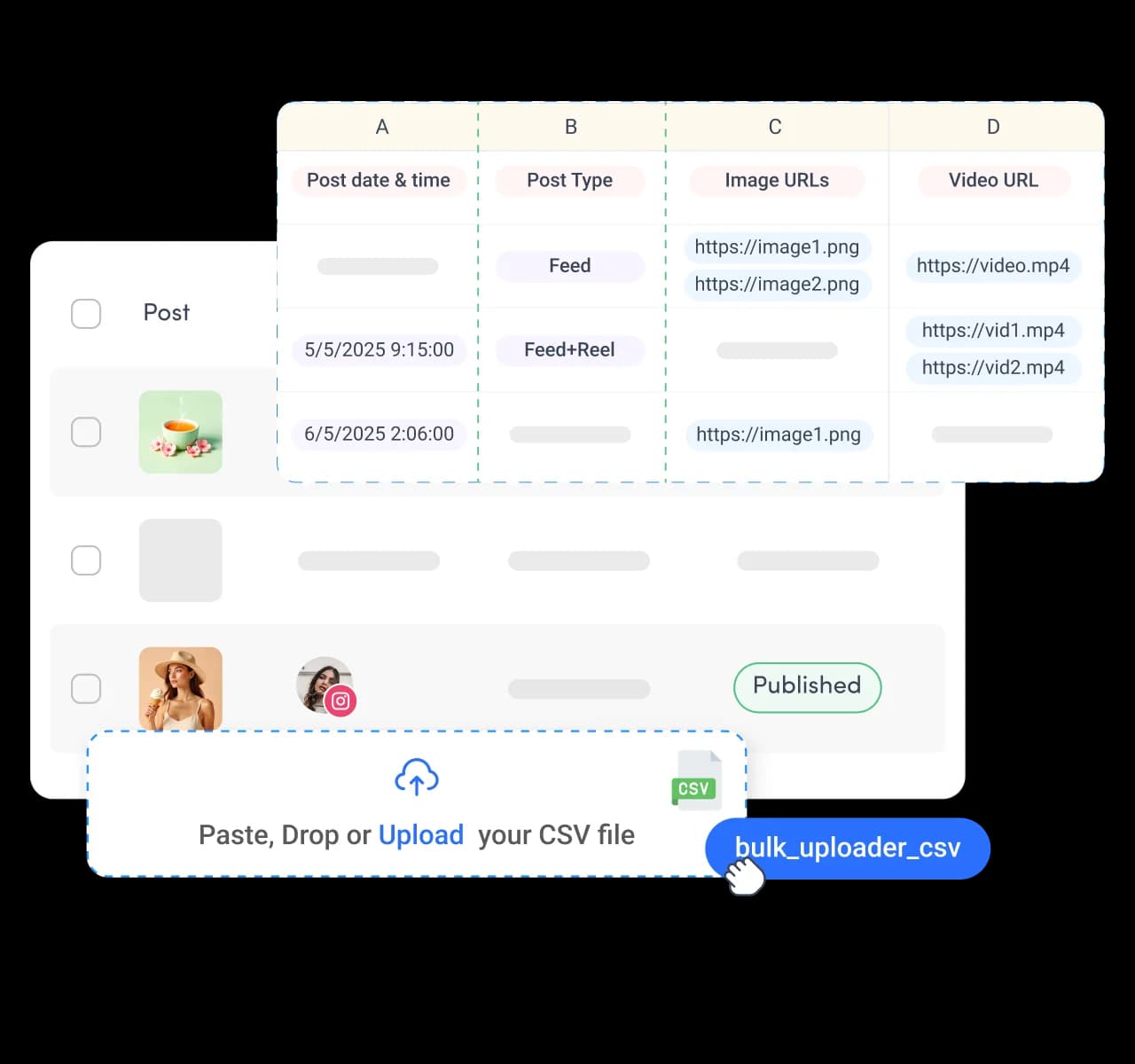
Skip repetitive scheduling by uploading a single CSV with your captions, media, publishing dates, and links. ContentStudio turns one upload into weeks or months of scheduled social posts across all your connected social accounts.
Edit hundreds of scheduled posts in seconds - bulk scheduling

Edit hundreds of scheduled posts in seconds

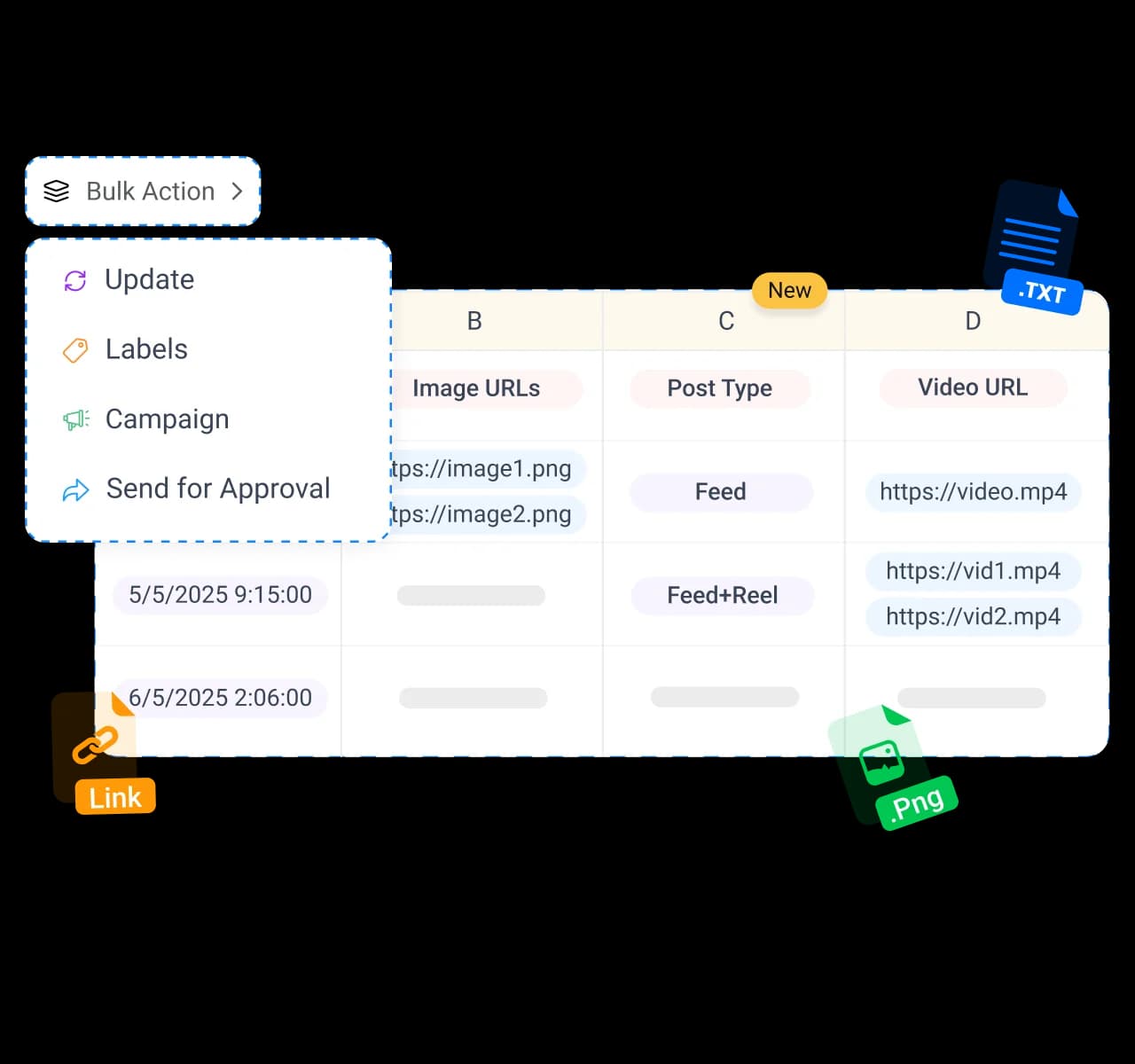
Need to make changes after importing? Update, reschedule, delete, relabel, or organize hundreds of scheduled posts with bulk actions instead of editing them one by one. Keep large publishing queues accurate without slowing your workflow.
Approve bulk campaigns without the email chains - bulk scheduling

Approve bulk campaigns without the email chains

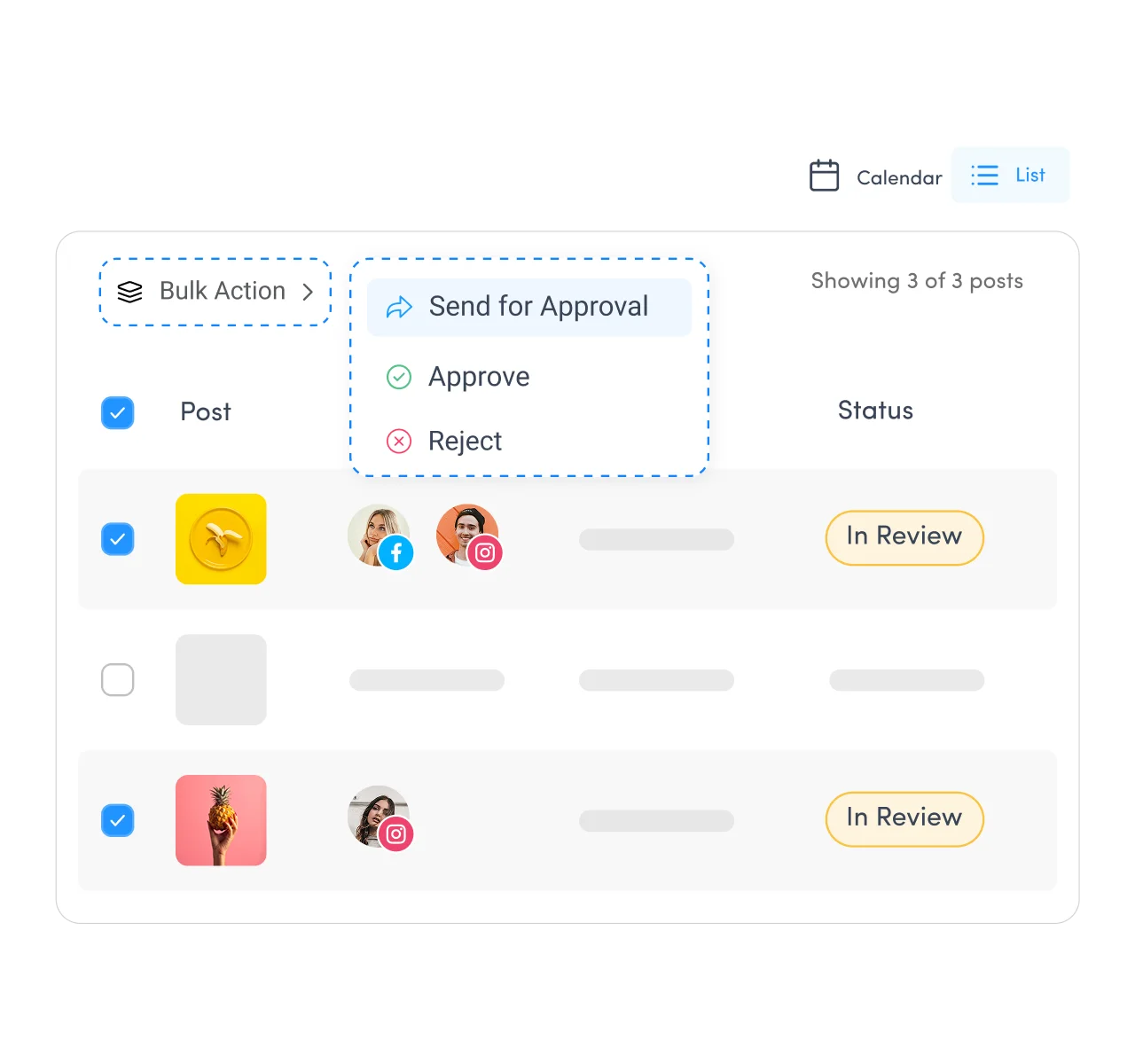
Large content batches don't have to create review bottlenecks. Share uploaded posts with teammates or clients for an approval workflow funnel, collect feedback, leave comments, and get the approval for the entire campaign before it goes live.
Upload and schedule images and videos at scale - bulk scheduling

Upload and schedule images and videos at scale

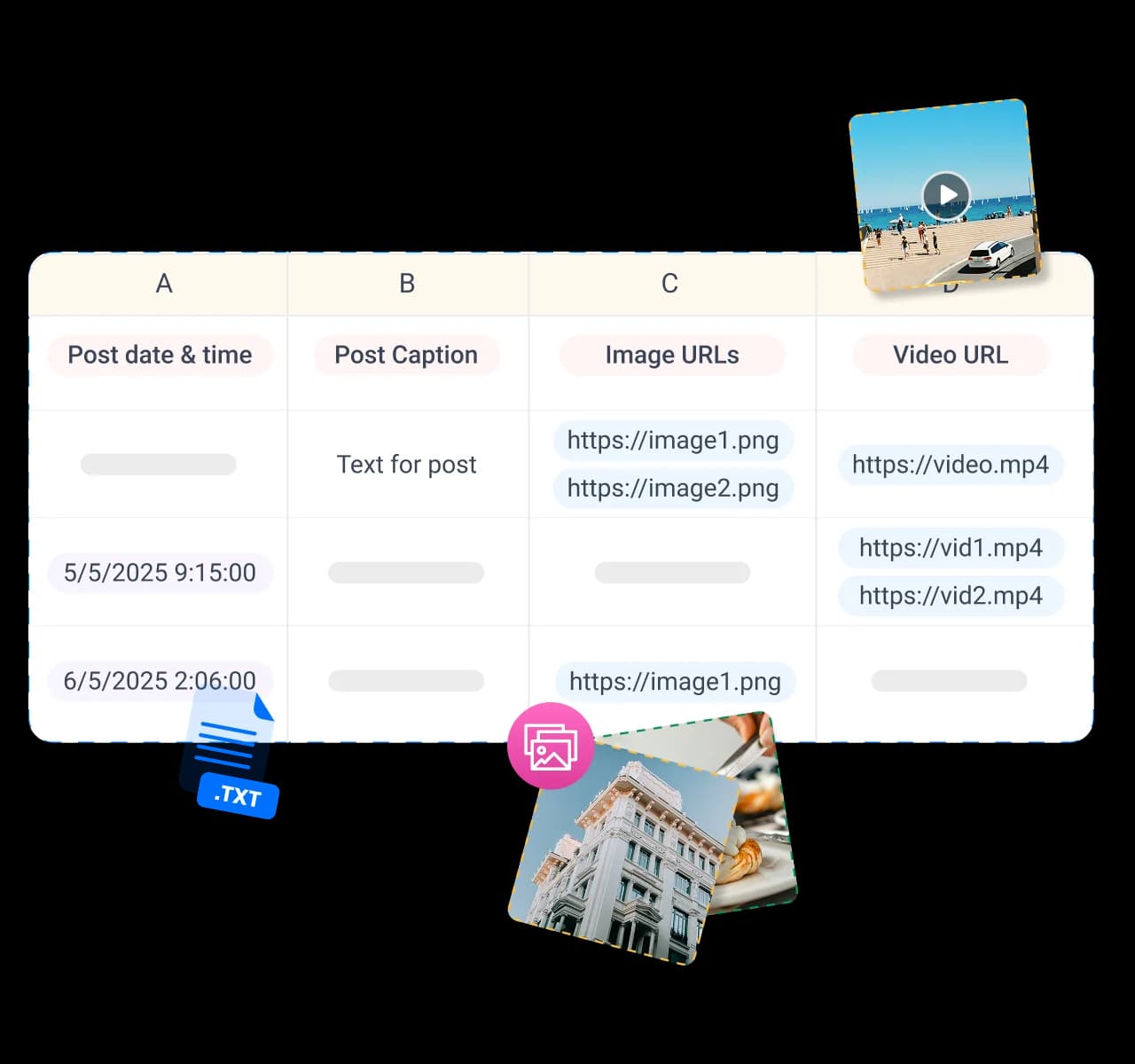
Bulk scheduling isn't limited to text. Import images, videos, and links alongside your captions to build complete social campaigns in one upload. Publish consistent, high-quality content across every connected platform.

Generate posts and bulk schedule with AI - bulk scheduling

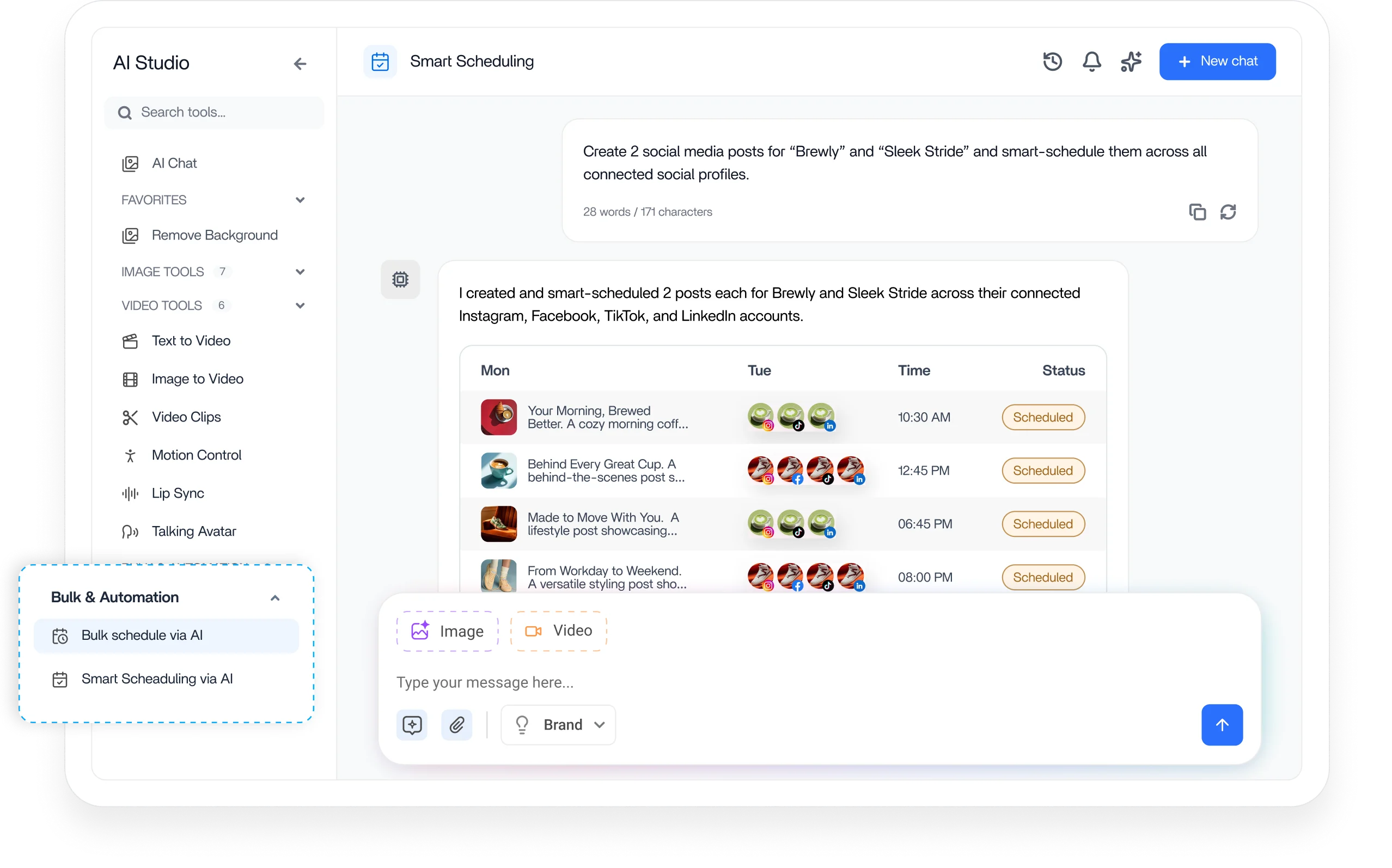
Generate posts and bulk schedule with AI

Create up to 10 social media posts at once with AI! Choose your platform, language, post type, caption length, and other preferences like image quality and visual style. Add emojis and hashtags, plus any extra instructions you have.

4.2MPost ScheduledIncrease in productivity with ContentStudio
50%Productivity BoostIncrease in productivity with ContentStudio
$1,000+Cost Savingssaved monthly on social media management costs
5h/weekTime Savedsaved on content planning and scheduling
quotes

The perfect tool for agency-client collaboration and content approvals.

Erin-testimonial

Erin Ricchiazzi,

VP of Marketing@The Modern Firm

marketing-logos
FAQs

Frequently asked questions

ContentStudio

Book a 30 min call

Have questions? Schedule a quick call and we will guide you through everything.

Book a free call

What is bulk scheduling?

Bulk scheduling is the process of scheduling many social media posts at once instead of creating them one at a time. With ContentStudio, you upload a single CSV or generate a batch with AI and set them to publish across multiple networks automatically.
You bulk schedule social media posts by uploading a CSV with your captions, images, video URLs, and post types, then choosing when each one publishes. ContentStudio lets you set custom time slots, queues, or intervals so every post goes out at the right moment.
Yes, you can create up to 10 social media posts at once with AI and bulk schedule the whole batch together. Choose your platform, language, post type, caption length, and preferences like image quality and visual style, then add emojis, hashtags, and any extra instructions.
Yes, you can schedule months of posts at once with a single CSV upload or an AI-generated batch. Bulk scheduling lets you plan and queue an entire content calendar in advance across multiple platforms.
You need a CSV file to bulk schedule posts in ContentStudio. Each row holds one post with its caption, image or video URL, post type, and first comment. Once your CSV is ready, you upload it, and ContentStudio maps every row to a scheduled post.
Yes, you can bulk schedule to multiple social networks at the same time from one CSV or AI batch. ContentStudio publishes each post to the platforms you choose, so a single upload can cover several channels at once.
Yes, you can edit, reschedule, or delete posts in bulk after uploading them. ContentStudio supports bulk actions like adding labels, assigning posts to campaigns, and rescheduling in one step.
Yes, you can bulk schedule hundreds of images and videos in just a few clicks. Include the image or video URLs in your CSV and ContentStudio attaches them to the right posts automatically.
Yes, you can send bulk posts for approval before they go live. ContentStudio lets you share hundreds of planned posts with your team or clients, collect comments on each one, and speed up sign-off inside the platform.
Yes, bulk scheduling is built for agencies handling many clients and campaigns at once. You can label posts, assign them to specific campaigns, and route them for client approval in a single streamlined step.
Yes, you can try bulk scheduling during ContentStudio's free trial with no credit card required. The trial gives you access to CSV uploads, AI generation, bulk actions, and cross-network publishing alongside the full platform.
CtaBackground