ICYMI

What does ICYMI mean?
ICYMI stands for "In Case You Missed It," an acronym commonly used across social media platforms, emails, and text messages.
This helpful abbreviation serves as a friendly signal that the sender is resharing information they believe might be valuable to recipients who may have overlooked it the first time around.
In today's fast-paced digital environment where content moves quickly and attention spans are limited, ICYMI has become an essential tool for content creators, brands, and individuals to ensure important messages reach their intended audience.
Understanding this term is just one aspect of keeping up with social media acronyms and slang that have become essential knowledge for effective online communication.
Examples of ICYMI usage
Here are some common ways ICYMI is used across different platforms and contexts, which we'll explore in more detail throughout this article:
- Social media posts: "ICYMI: Our spring collection launched yesterday! Check out the link in bio."
- Email subject lines: "ICYMI: Important changes to your account"
- Text messages: "ICYMI, the meeting time changed to 3 PM tomorrow"
- News headlines: "ICYMI: Top stories from this week"
- Professional updates: "ICYMI: The quarterly report is now available in the shared drive"
- Event reminders: "ICYMI: Registration for the annual conference closes this Friday"
These examples demonstrate the versatility of this acronym across different communication channels.
Let's examine each usage context in more detail.
ICYMI meaning in texting
In text messaging, ICYMI functions as a conversational shortcut to share information with friends, family, or colleagues who might have missed something relevant to them.
Common texting scenarios where you might encounter ICYMI include:
- Sharing news articles or videos related to the recipient's interests
- Forwarding group chat messages that someone might have missed
- Resending information about plans or events
- Reminding someone about deadlines or important dates
The informal nature of texting makes ICYMI particularly useful as it adds a helpful context without sounding demanding or assuming the recipient intentionally ignored previous communications.
It's essentially saying, "No pressure if you didn't see this before, but I think you might want to know about it."
This kind of thoughtful communication is an important aspect of social media etiquette that helps maintain positive relationships in digital spaces.
How to use ICYMI on social media?
Social media platforms are where ICYMI truly shines due to their algorithmic nature and the rapid pace at which content cycles through feeds.
Content creators, brands, and everyday users employ ICYMI to give their posts additional opportunities to be seen by their audience.
Here are effective ways to use ICYMI across social media platforms:
- Reposting content: Begin captions with "ICYMI" when resharing your own posts that performed well or contained important information
- Event reminders: Use ICYMI to remind followers about upcoming events they may have missed announcements for
- News updates: Highlight important industry news or developments that your audience might want to know about
- Limited-time offers: Draw attention to promotions or special offers that are still available but were previously announced
For social media management, ICYMI offers an elegant solution to the challenge of content visibility.
Rather than appearing repetitive by constantly creating new posts about the same topic, using ICYMI acknowledges that you're resharing while providing value to those who missed the original message.
This approach can be an effective component of your overall social media strategy.
ICYMI in email marketing
Email marketing professionals have embraced ICYMI as an effective subject line strategy to improve open rates and engagement.
When subscribers receive dozens or hundreds of emails daily, using ICYMI in your subject line signals that this message contains information they might have missed in previous communications.
Effective uses of ICYMI in email marketing include:
- Subject lines: "ICYMI: Our biggest sale of the year ends tomorrow"
- Newsletter recaps: Highlighting the most important or popular content from recent newsletters
- Event reminders: Sending follow-up emails about registration deadlines or important event details
- Product launches: Resharing information about new product releases that subscribers might have overlooked
When using ICYMI in email marketing, timing is crucial. The acronym works best when referencing content that was genuinely recent enough that recipients might have seen it but could reasonably have missed it.
Using ICYMI for information from months ago might appear disingenuous or confusing to your audience. For businesses looking to maximize their reach, integrating social media and email marketing strategies can create powerful synergies, with ICYMI serving as a bridge between these channels.
ICYMI versus similar acronyms
While ICYMI has become a standard part of digital communication, it's helpful to understand how it differs from similar acronyms that serve related but distinct purposes.
ICYMI compared to other information-sharing acronyms:
- FYI (For Your Information): Used to share new information that might be useful, not necessarily something previously shared
- TIL (Today I Learned): Indicates the sharing of a new discovery or fact the sender just learned
- PSA (Public Service Announcement): Used for important announcements that affect many people, often with a safety or public interest angle
- TBT (Throwback Thursday): Used specifically for nostalgic content from the past, not recent information
Understanding these distinctions helps communicators choose the most appropriate acronym for their specific situation. ICYMI is specifically about giving content a second chance at visibility rather than introducing new information or sharing nostalgic content.
ICYMI in professional communication
While ICYMI originated in casual online communication, it has found its way into more professional contexts as digital communication norms evolve. In workplace settings, ICYMI can serve as a helpful and concise way to ensure colleagues have access to important information without sounding accusatory about them missing previous messages.
Professional contexts where ICYMI might be appropriate include:
- Internal communications: Highlighting important company announcements or policy updates
- Team emails: Resharing project deadlines or meeting notes
- Professional social media: Drawing attention to industry developments or company news
- Client communications: Tactfully reminding clients about previously discussed information
For entrepreneurs and businesses, incorporating ICYMI into your social media management strategies can help maximize the reach and impact of your most important content while maintaining a professional and considerate tone in your communications.
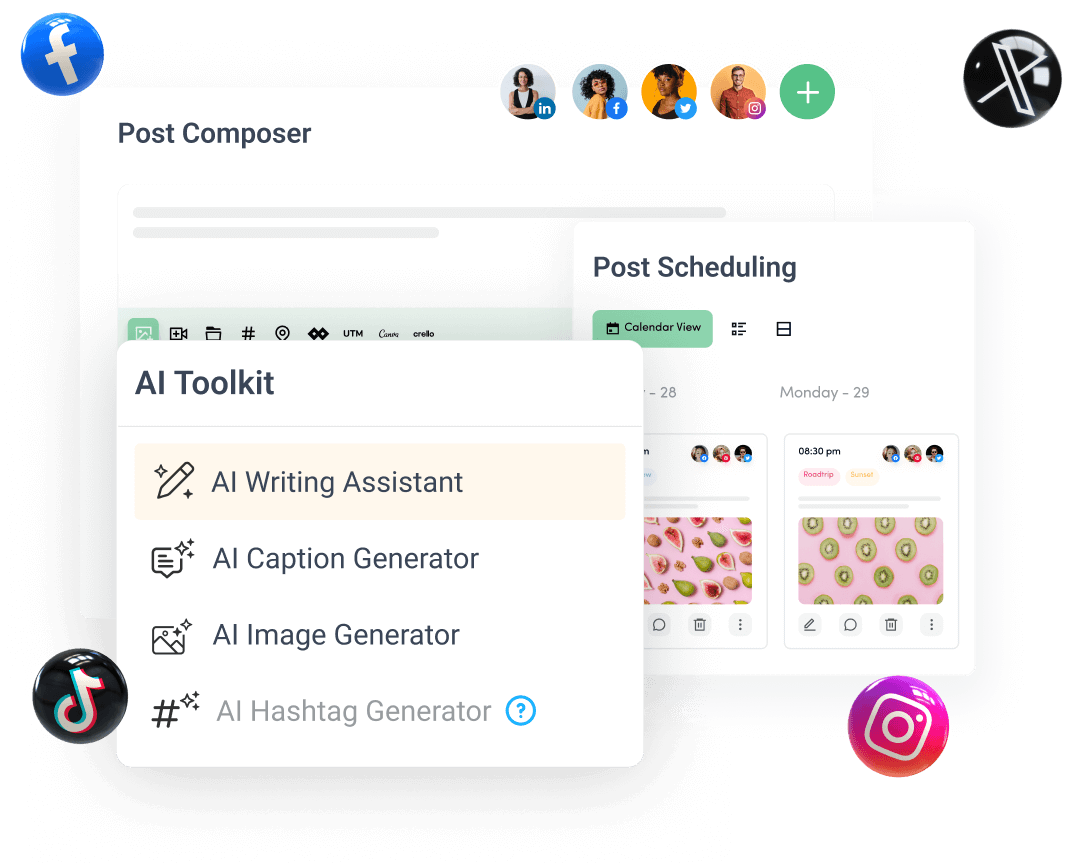
Create, plan, schedule, and publish posts on all social media networks