Instagram carousel

What is an Instagram carousel?
An Instagram carousel is a post format that allows users to share multiple photos or videos (up to 20) within a single post. Users can swipe through the content horizontally, making it an interactive and engaging way to tell stories or showcase products.
Instagram introduced this feature in 2017, and it has since become one of the most effective content types for driving engagement on the platform.
Why use Instagram carousels?
Instagram carousels combine the visual appeal of standard posts with enhanced storytelling capabilities, giving brands and content creators more flexibility to communicate their message.
Whether you're a social media manager looking to boost engagement or a marketer aiming to showcase products from multiple angles, understanding how to use Instagram carousels can significantly improve your social media marketing strategy.
Types of Instagram carousels
Instagram carousels offer versatility in content presentation. Here are the main types you can create:
Photo carousels
Photo carousels allow you to share multiple static images in a single post. This format is ideal for:
- Before and after transformations that show the progress or results of your products or services
- Product showcases displaying items from different angles or variations
- Step-by-step tutorials breaking down processes into digestible visual segments
- Event highlights capturing the best moments from an occasion in chronological order
When planning photo carousels, ensure each image can stand alone while contributing to the overall narrative. Using ContentStudio's visual content planner, you can organize and preview your carousel images before publishing to ensure they flow cohesively.
Video carousels
Video carousels combine multiple video clips (up to 60 seconds each) in a swipeable format. These are particularly effective for:
- Mini-tutorials demonstrating different aspects of your product or service
- Customer testimonials featuring short clips from satisfied customers
- Behind-the-scenes footage showing your company culture or product development
- Product demonstrations highlighting various features or use cases
Video carousels require more planning but typically generate higher engagement than photo-only carousels. With ContentStudio's content calendar, you can schedule these more complex posts in advance, ensuring they align with your broader content strategy.
Mixed media carousels
Mixed media carousels combine both photos and videos in a single post, offering the ultimate flexibility in storytelling. This format works exceptionally well for:
- Comprehensive storytelling using both static and moving imagery
- Product launches where you might want to include product photos and demonstration videos
- Educational content where concepts are explained through a mix of infographics and tutorial videos
- Campaign rollouts featuring various content types to maximize impact
Mixed media carousels give you the best of both worlds but require careful planning to ensure a cohesive experience. Using ContentStudio's content discovery features, you can find inspiration for creating compelling mixed media carousels that resonate with your audience.
Benefits of using Instagram carousels
Instagram carousels offer numerous advantages over single-image or video posts:
Increased engagement
Carousels typically generate higher engagement rates than standard posts. The interactive swiping motion encourages users to spend more time with your content, increasing the likelihood of likes, comments, and shares. According to studies, carousel posts receive 1.4x more reach and generate 3.1x more engagement than regular posts. This increased engagement helps boost your content in Instagram's algorithm, improving your overall social media presence.
Enhanced storytelling
Carousels provide the space to tell more complex stories than single-image posts allow. You can:
- Create narratives with a clear beginning, middle, and end
- Share multiple perspectives on a single topic or theme
- Break down complex information into digestible chunks
- Guide viewers through a logical sequence of ideas or visuals
This storytelling capability makes carousels particularly effective for content marketing and brand building on Instagram.
Improved information retention
Presenting information across multiple slides helps users better absorb and retain your message. This makes carousels ideal for:
- Educational content that requires step-by-step explanation
- Product features that benefit from being highlighted individually
- Data visualization where multiple charts or graphs tell a broader story
- Complex promotions with multiple benefits or offers
By using ContentStudio's analytics, you can track which carousel slides generate the most engagement, helping you refine your approach to information presentation.
Multiple call-to-actions
Unlike single-image posts, carousels allow you to include different calls-to-action across multiple slides. This provides more opportunities to guide your audience toward conversion, whether that's visiting your website, signing up for a newsletter, or making a purchase. With ContentStudio's link management, you can track which CTAs perform best across your carousel posts.
Best practices for creating effective Instagram carousels
To maximize the impact of your Instagram carousels, follow these proven best practices:
Design a compelling first slide
The first image or video in your carousel functions as a thumbnail in feeds and is crucial for stopping the scroll. Your first slide should:
- Capture attention with strong visuals or provocative text
- Indicate that more content follows to encourage swiping
- Set expectations for what viewers will learn or see in subsequent slides
- Include your brand identity elements for recognition
Using ContentStudio's content editor, you can create and edit eye-catching first slides that entice users to engage with your carousel.
Maintain visual consistency
While each slide should offer new information, maintaining visual consistency across your carousel creates a cohesive experience:
- Use consistent colors that align with your brand palette
- Apply the same filters or editing style to all images
- Maintain similar composition or framing across slides
- Use repeating design elements to tie slides together
Visual consistency not only creates a professional appearance but also strengthens brand recognition. ContentStudio's content approval workflows can help ensure all carousel slides meet your brand guidelines before publishing.
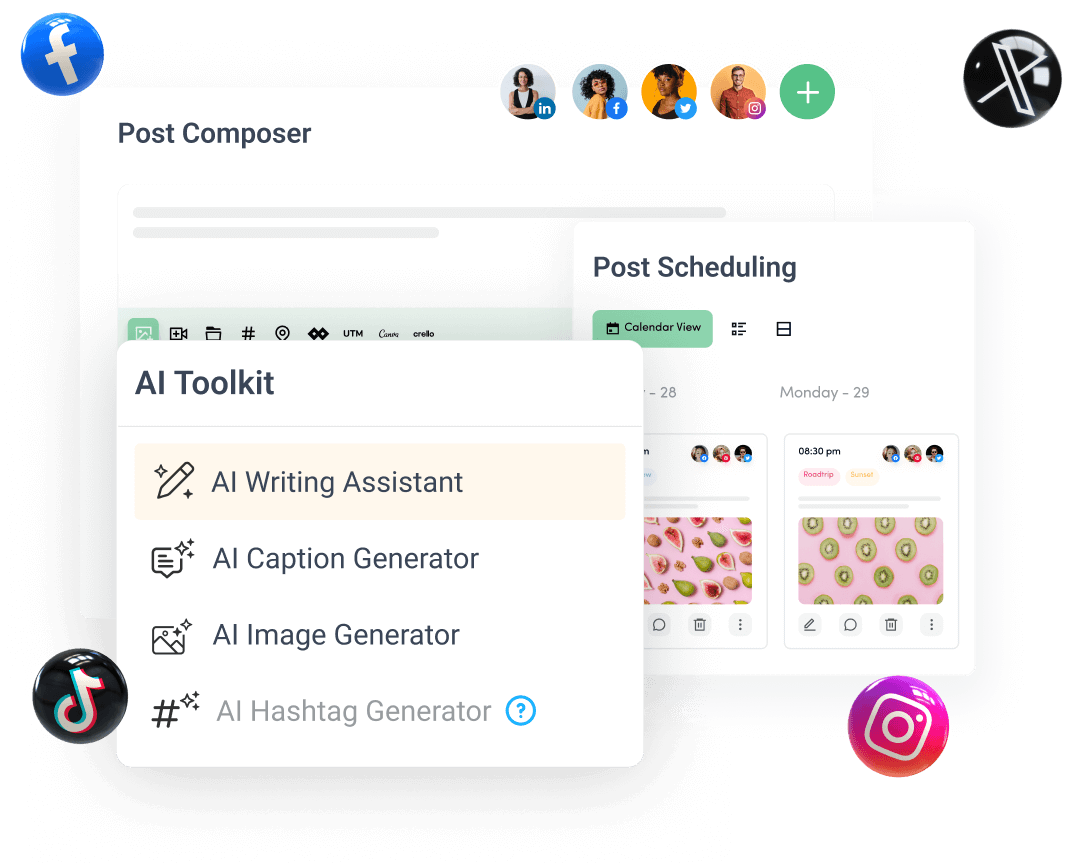
Create, plan, schedule, and publish posts on all social media networks