ISO
What is the meaning of ISO?
ISO is a popular acronym used across social media platforms that stands for "In Search Of."
This shorthand expression is commonly used when someone is looking for specific items, information, recommendations, or connections online.
Understanding how to use ISO effectively can help you use social media platforms more efficiently for your personal or business needs.
How is ISO used on social media?
ISO appears frequently on various social media sites, online marketplaces, and community forums.
When someone posts "ISO" followed by a description, they're indicating they're actively seeking something specific.
For example:
- "ISO recommendations for a good camera under $500"
- "ISO freelance graphic designer for logo work"
- "ISO apartment rentals in downtown Chicago"
This shorthand helps users communicate their needs clearly and concisely, making it easier to get responses from their social networks or community members.
ISO across different social media platforms
Facebook is one of the most common places where you'll encounter ISO, particularly in:
Knowing how to establish a Facebook community can help you understand where ISO requests commonly appear:
- Buy/sell/trade groups: Users frequently post "ISO" when looking for specific items to purchase
- Community groups: People use ISO when seeking local recommendations or services
- Marketplace: Buyers may create ISO posts when they can't find what they're looking for in existing listings
Facebook's group structure makes it particularly effective for ISO posts as they target specific communities who are likely to have what you're looking for.
Understanding Instagram growth strategies can help you leverage ISO effectively.
On Instagram, ISO is often used:
- In captions: Creating posts with ISO and relevant hashtags to reach potential sources
- In stories: Asking followers for recommendations or connections
- In comments: Responding to others' content with ISO requests related to their posts
- In shopping tags: When looking for specific products or brands to feature
Instagram's visual nature makes it ideal for ISO posts when you're looking for things with specific visual characteristics or styles that might be difficult to describe.
TikTok
On TikTok, ISO has gained popularity. To help your ISO requests reach the right audience, understand the TikTok algorithm and plan TikTok content strategically:
- In video captions: Creators use ISO to find collaborators or specific content
- In comments: Users request similar content or ask where to find items shown
- In hashtag challenges: When seeking participants for trending challenges
- In duets and stitches: Creators may use ISO to find videos to respond to
TikTok's algorithm can help ISO requests reach highly targeted audiences when proper hashtags are used.
On LinkedIn, ISO takes on a more professional context:
- In status updates: Professionals seeking job opportunities or business connections
- In comments: Industry experts looking for specific resources or information
- In group discussions: Business owners searching for vendors, partners, or talent
- In article posts: Thought leaders seeking case studies or examples
LinkedIn's professional focus makes it valuable for business-related ISO requests, especially for B2B marketing needs.
X (Twitter)
On Twitter, ISO appears:
- In tweets: Short, concise ISO requests that may include hashtags for wider reach
- In threads: More detailed descriptions of what someone is searching for
- With location tags: To narrow down geographically relevant responses
- In Twitter spaces: Hosts may use ISO to find guests or discussion participants
Twitter's real-time nature makes it useful for time-sensitive ISO requests where immediate responses are helpful.
Best practices for using ISO in social media marketing
Be specific and clear
When creating an ISO post for your business or marketing needs:
- Provide details: Include specific requirements, price range, and deadlines
- Use visual examples: When possible, include images of what you're looking for
- Set parameters: Specify geographical limitations, quality expectations, or other constraints
Clear communication increases your chances of finding exactly what you need through your social media campaigns.
Use relevant hashtags
Enhance the visibility of your ISO posts by:
- Adding popular hashtags: Include trending tags related to your search
- Using niche-specific hashtags: Target communities most likely to help
- Creating branded hashtags: For recurring needs or company-specific searches
Strategic hashtag use can extend the reach of your ISO posts beyond your immediate network.
Follow up and engage
After posting an ISO request:
- Respond promptly: Thank people who provide suggestions or offers
- Ask clarifying questions: Get more details about potential matches
- Share outcomes: Let your network know when your search is successful
Active engagement encourages continued interaction and builds social media relationships that benefit future needs.
How businesses can leverage ISO in their social media strategy?
Market research
Using content discovery tools alongside ISO posts can help you:
- Gather customer insights: Ask for opinions on product features or services
- Identify pain points: Look for common needs in your target audience
- Discover trends: Monitor what people are frequently searching for
This information can inform your content strategy and product development decisions.
Community building
ISO can help foster community by:
- Creating discussion threads: Start conversations around common needs
- Connecting community members: Help match people with complementary needs and offerings
- Demonstrating expertise: Provide solutions to ISO requests in your area of specialty
These activities position your brand as a helpful resource and community facilitator.
Content creation
Use ISO trends alongside social media content planning to:
- Develop targeted content: Create resources addressing common searches
- Plan social posts: Schedule content that answers frequent ISO requests
- Craft helpful guides: Develop comprehensive resources on topics people are searching for
This approach aligns your content calendar with actual audience needs.
Common variations and related terms
While ISO primarily means "In Search Of," be aware of these variations:
- ISO + emoji: Often used to make ISO posts stand out (e.g., "ISO 🏠" for housing)
- DISO: "Desperately In Search Of," indicating urgency
- LF: "Looking For," a similar acronym used interchangeably with ISO
- WTB: "Want To Buy," commonly used in marketplace contexts
Understanding these variations helps you interpret and respond to different search requests appropriately.
ISO has become an integral part of social media communication, providing a quick and efficient way to express needs and find solutions.
By understanding how to use ISO effectively across different platforms, both individuals and businesses can tap into the collective knowledge and resources of their online communities.
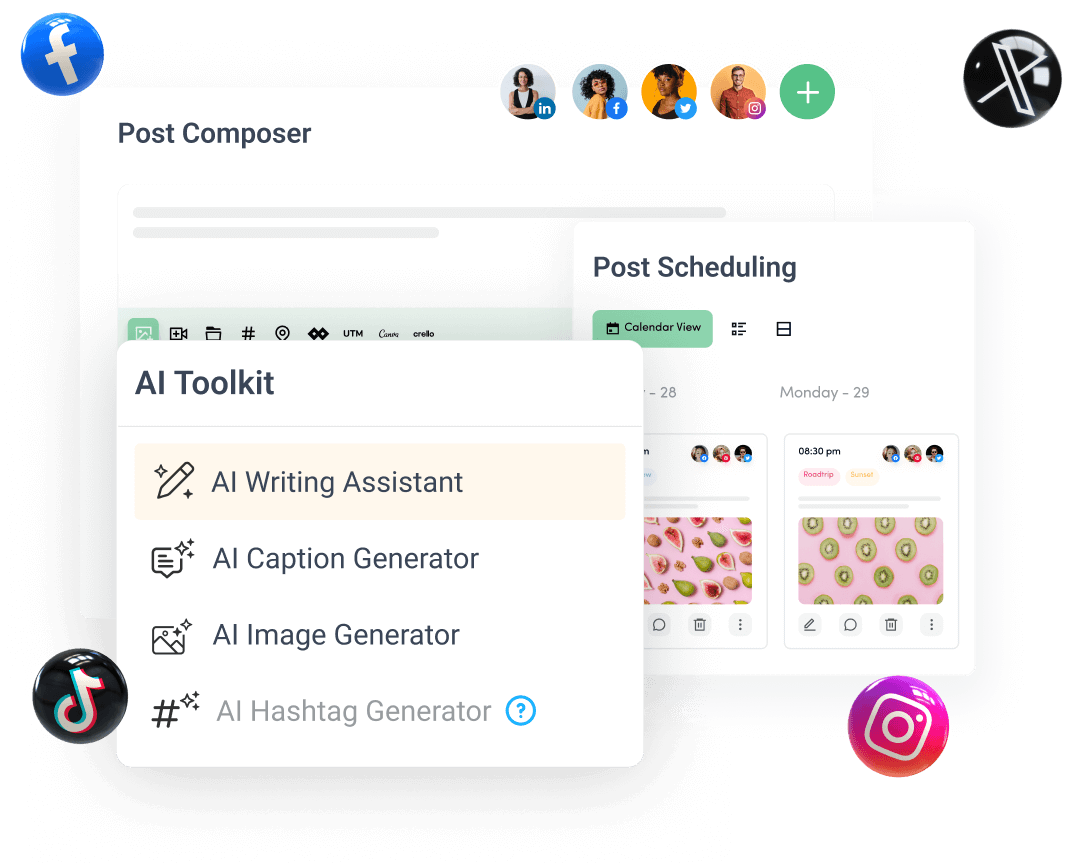
Create, plan, schedule, and publish posts on all social media networks