Free AI script generator
Turn a video topic into a ready-to-record script with a hook, body and call to action. Free, no login required.
- Free to use
- No login required
- Any video format
- 16,500+ brands use ContentStudio
What is an AI script generator?An AI script generator is a tool that writes a draft script for a video from a short description. You enter the topic, and it returns a structured script with an opening hook, main points and a closing call to action. ContentStudio's AI script generator is free, needs no login and works for any video format.
How to use it
How to Use the AI Script Generator
The tool has one input. The more you put into it, the better the script, so write a short brief rather than a single word.
Describe the video
Enter the topic, the main message or the key points the script should cover.
Name the format and length
Add it to the same box: "60-second Instagram Reel", "8-minute YouTube tutorial", "30-second ad".
Add the audience and tone
For example "for first-time home buyers, friendly and simple" or "for IT managers, professional".
Generate
Click Generate video script now. You get a draft with a hook, body and closing.
Edit before recording
Add product names, personal stories, local references and your call to action. Then read it aloud and cut anything that sounds stiff.
Tip: the draft is a starting point, not a finished production document. Its main value is the structure: a strong opening, a logical flow and a clear ending.
What you can write
What you can write with this AI video script generator
YouTube videos
Tutorials, reviews, vlogs and explainers with an intro, sections and an outro. For YouTube-only features such as chapters and end screens, use the YouTube script generator.
Short-form videos
15–90 second scripts for Instagram Reels, YouTube Shorts and TikTok with a hook in the first seconds. The TikTok script generator is tuned for TikTok trends and formats.
Video ads
15, 30 and 60 second ads with a problem, a solution and one call to action. Name the product, offer and audience in your brief.
Product demos and explainers
Walk viewers through a feature or a process step by step, with a line for what appears on screen.
Testimonials and case studies
Interview questions and a structure for customer stories: before, the change, the result.
Webinars, talks and podcasts
Openings, segment transitions and closings for longer recordings. For full episodes, the Podcast script generator adds formats such as interviews and solo shows.
Ad scripts
Script Generator for Ads
Ad scripts follow a tighter structure than organic content because every second costs money and every word must earn its place. A standard 30-second video ad script looks like this:
| Time | Part | What it does |
|---|---|---|
| 0–5 seconds | Hook | States the problem or desire the audience already has, as a visual or a direct line they recognize at once. |
| 5–20 seconds | Solution | Shows the product or service as the answer. One specific benefit beats a list of features. |
| 20–30 seconds | Call to action | One low-friction action with urgency or an offer: "Start your free trial" or "Shop now, sale ends Sunday". |
To get this structure, write "30-second video ad" in the brief, plus the product, the offer and the target audience.
How to write a script
How to write a video script in 6 steps
1. Set one goal and one audience
Decide what the viewer should do or know at the end. A script that tries to teach, sell and entertain at once loses people.
2. Write the hook first
The first seconds decide whether people stay. Open with the result, a bold claim, a question or a quick preview of the payoff.
3. Outline the main points
List three to five points in order before you write sentences. Each point needs a reason to watch the next one.
4. Write for the ear
Use short sentences, everyday words and contractions. Read each line aloud. If you stumble, rewrite it.
5. Plan the visuals
Next to each line, note what is on screen: you on camera, B-roll, a screen recording or text. This becomes your shot list.
6. End with one call to action
Subscribe, comment, visit the link or book a call. Pick one and say it clearly.
Script template
Video script template and length guide
Use this two-column structure for any video. The generator follows the same pattern.
- Hook
"Most people get this wrong. Here's the fix."
- Intro
Who you are and what the video covers, in one or two lines.
- Point 1–3
One idea per point, with an example.
- Recap
The one thing to remember.
- Call to action
"Comment your question and I'll answer it in the next video."
At a natural speaking pace of about 130–150 words per minute, plan your word count like this:
| Video length | Approx. script words |
|---|---|
| 15 seconds | 35–40 |
| 30 seconds | 65–75 |
| 60 seconds | 130–150 |
| 3 minutes | 400–450 |
| 10 minutes | 1,300–1,500 |
Script to video
Script to Video: What This Tool Does and Does Not Do
Some people looking for a script generator actually want a tool that turns a written script into a finished video. These are two different tools.
What this tool does
Writes the script text from your topic. The output is a text draft you copy, edit and record.
What a script-to-video tool does
Takes a finished script and builds a video from it, usually with stock footage, an AI voiceover and automatic editing. Pictory, Synthesia and InVideo are examples.
The two work in sequence: write the script here, then paste it into a script-to-video tool or a teleprompter app to produce the video.
From script to published video
Writing the script is step one. ContentStudio helps you publish the finished video and plan what comes next. With it you can:
- Schedule videos everywhere. Publish Reels, Shorts, TikToks, YouTube videos and LinkedIn videos at the best time with ContentStudio's social media scheduler.
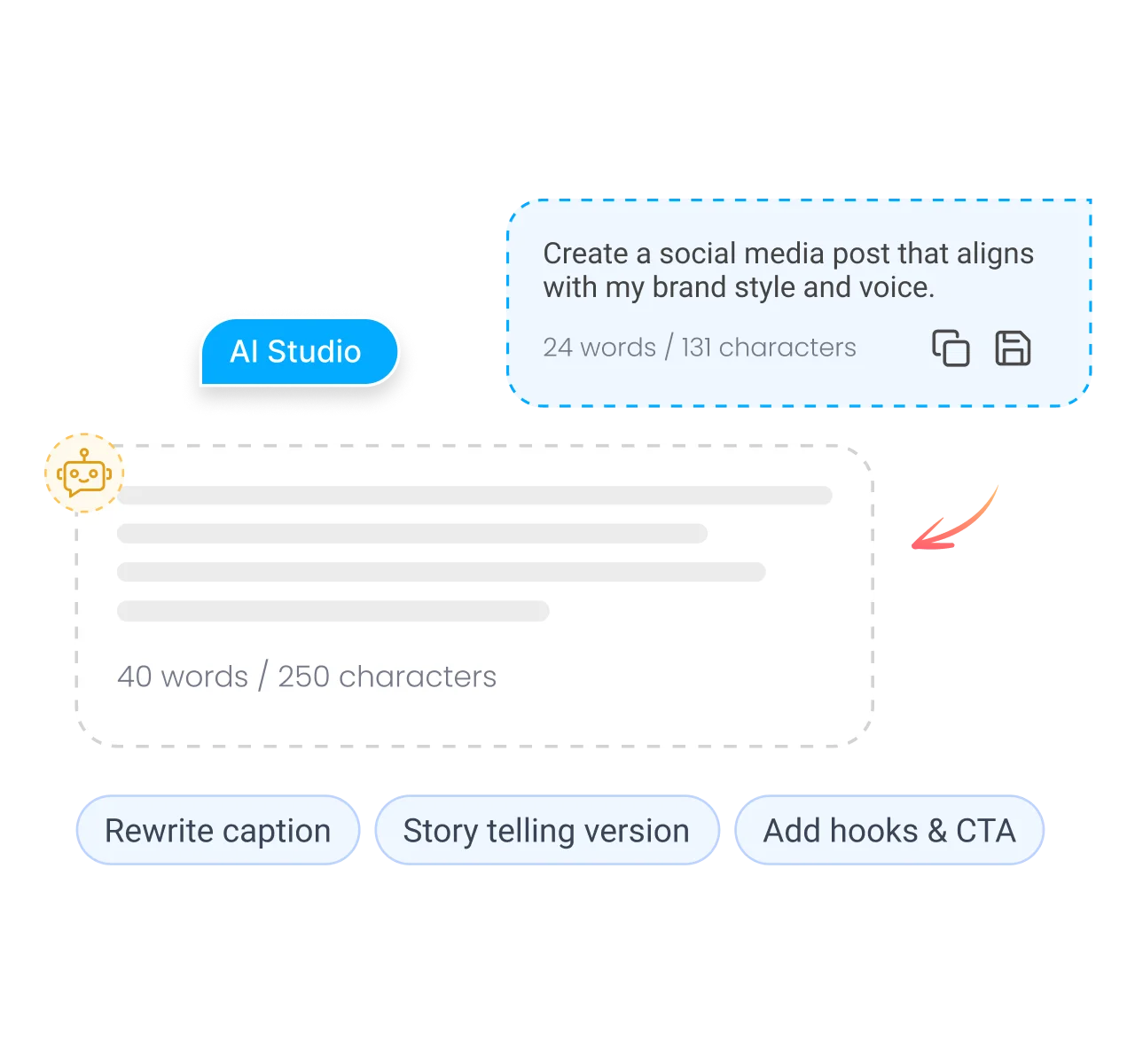
- Write the post that goes with the video. AI Studio, our AI social media content generator, writes captions, titles and hashtags in your brand voice.
- Plan a content calendar. Map out your video series week by week and see every network in one calendar.
Is it free?
Is the AI Script Generator Free?
Yes. ContentStudio's AI script generator is free with no account required. Generate as many drafts as you need and change the brief between runs. It is part of ContentStudio's free social media tools for creators and marketers.
- Free to use
- No login required
- Any video format
- 16,500+ brands use ContentStudio
Related free tools
All free social media tools →Frequently asked questions

Book a 30 min call
Have questions? Schedule a quick call and we will guide you through everything.
Book a free call
Social media scripts
Social Media Script Generator
Social media scripts are shorter and built differently from long-form video scripts. Mention the network in your brief and the generator writes for it.
Instagram Reels
Short scripts with an immediate hook (the first two seconds must give a reason to keep watching), a single focused message and a one-line prompt to comment, save or share at the end.
TikTok videos
Scripts built around TikTok's native formats: storytime, tutorial, reaction, trend participation or talking-head commentary. Each format has its own pacing.
YouTube Shorts
Vertical videos of up to 3 minutes, though most Shorts are under a minute. Open with the payoff and keep one idea per Short.
Facebook videos
Many people watch Facebook videos without sound, so write short lines that also work as on-screen text and add captions.
LinkedIn video
Professional scripts that lead with an industry insight or a lesson from experience, cover one point and close with a question for the comments.