Free TikTok keyword tool
Find the words people type into TikTok search, then use them in your captions, on-screen text and bio. Free, no sign-up.
- Free forever
- No sign-up
- Built for TikTok search
- 16,500+ brands use ContentStudio
What is a TikTok keyword tool?It is a TikTok SEO tool that suggests the words and phrases people search for on TikTok. You enter a niche or topic, and it returns keywords to work into your captions, on-screen text, speech and bio. ContentStudio's TikTok keyword tool is free, has no usage cap and needs no account.
How to use it
How to Use the TikTok Keyword Generator
ContentStudio's free TikTok keyword generator suggests relevant keywords for your TikTok captions, bios and content plan based on your niche, topic or audience.
Enter a niche, topic or audience
Examples: "home organization", "fitness for beginners", "small business marketing", "marketers".
Generate
Click Generate TikTok keywords now to get a list of keyword ideas.
Pick the closest matches
Keep the phrases that describe the video you are about to make. Specific, longer phrases are easier to rank for than one-word terms.
Check them in TikTok
Type each phrase into TikTok search. If autocomplete suggests it and the results are active, it is worth using.
Use them everywhere TikTok reads
Say the keyword early in the video, show it as on-screen text, and put it in the caption and, for your main topic, in your bio.
What TikTok keywords are
What Are Keywords on TikTok
TikTok keywords are words and phrases that TikTok's search and recommendation systems use to understand what a video is about and who to show it to. Since TikTok made search a main way to find content, the text in captions, on-screen text, spoken audio and profiles has become part of how videos get found.
Many people now use TikTok like a search engine for recipes, products, travel tips and how-tos. If your video says and shows the phrase they type, it has a better chance of appearing in the results and in the "Others searched for" suggestions under videos.
Where to put keywords
Where to put TikTok keywords
Spoken in the first seconds
TikTok transcribes speech. Saying "easy meal prep for the week" early tells the app the topic.
On-screen text
Add the keyword as a text overlay or title card. It doubles as a hook for viewers.
Caption
Put the main phrase in the first line of the caption, written naturally. Write it with the TikTok caption generator.
Hashtags
Turn one keyword into a hashtag, such as #mealprep. Find more with the TikTok hashtag generator.
Name and bio
Your profile name and bio tell TikTok what your account is about. Add your niche keyword once.
Photo Mode titles
Photo carousels have a title field and descriptions. Put the keyword in the title.
Keyword research
TikTok Keyword Research: How to Find Keywords
TikTok keyword research differs from Google keyword research because TikTok does not publish search volumes the way Google Keyword Planner does. These are the research methods available:
TikTok search bar autocomplete: type a broad topic into TikTok's search bar without pressing Enter. The suggestions are terms TikTok sees people search for. Add a letter after your topic ("meal prep a", "meal prep b") to see more.
Creator Search Insights: inside the TikTok app (search "Creator Search Insights" or find it in Creator tools where available), TikTok shows what people in your categories are searching, including topics with few videos that answer them. It is the closest thing to a TikTok keyword volume tool.
TikTok Creative Center, Keyword Insights: the Creative Center (ads.tiktok.com/business/creativecenter) has a Keyword Insights tool. It shows the top keywords and phrases used in TikTok ads, with popularity and performance data. It is built for ad copy, so treat it as a guide to the words that resonate rather than organic search volume.
"Others searched for" and related searches: the suggestions shown under videos and at the top of results reveal how people phrase a topic.
ContentStudio's keyword generator: enter a niche to get a starting list in seconds, then check the best ones with the methods above.
TikTok SEO tools
TikTok SEO tools compared
There are few tools built only for TikTok SEO. Most creators combine these:
| Tool | What it gives you | Cost |
|---|---|---|
| ContentStudio TikTok keyword tool | Keyword ideas for a niche, in seconds | Free, no sign-up |
| TikTok search autocomplete | Real phrases people type | Free |
| Creator Search Insights | Search topics and content gaps in your categories | Free in the app (where available) |
| Creative Center Keyword Insights | Top keywords used in TikTok ads | Free |
| Google Trends | Rising topics (Google data, not TikTok) | Free |
General SEO keyword tools use Google data, so their volumes may not match what people search on TikTok. Always confirm a keyword in TikTok search before building a video around it. For the full process, read our TikTok SEO guide.
Keywords and the algorithm
Keywords for the TikTok Algorithm
The For You Page (FYP) algorithm shows videos to people who don't follow you yet. Keywords in the caption, on-screen text and speech help the algorithm decide which viewers to test a video with first.
Keywords get a video into the right test group. Watch time, rewatches, comments, shares and saves decide whether it keeps spreading. A keyword-packed caption on a weak video won't rank, and a strong video with no keywords may never reach the people searching for it.
Trending keywords
TikTok Trending Keywords
TikTok trending keywords are terms whose searches grow fast in a short window. They are different from evergreen keywords that perform steadily for months.
Posting early in a trend helps because fewer videos compete for the search. Once a topic is saturated, it is much harder for a new video to stand out.
How to find trending keywords on TikTok right now:
- Open TikTok Creative Center at ads.tiktok.com/business/creativecenter.
- Go to Trends.
- Filter by region, time period and industry.
- Check trending hashtags, songs and topics with their trend lines.
For real-time search trends, type the first word of your niche into TikTok search and look at the autocomplete suggestions. Suggestions that rank higher than you expect show active search momentum.
Examples
TikTok keyword examples by niche
- Food
meal prep
- Fitness
home workout
- Beauty
skincare routine
- Small business
small business tips
- Travel
lisbon travel
- Marketing
social media marketing
- Finance
budgeting
- Home
apartment decor
From keywords to TikToks that get found
Keywords work best when you post consistently around them. ContentStudio is an AI social media management platform that takes you from idea to published post. With it you can:
- Schedule keyword-led videos. Plan a series around one search topic and publish at the best time with ContentStudio's TikTok scheduling tool.
- Keep captions on-topic. Write captions and hashtags in the composer with your keyword in the first line.
- See what works. TikTok analytics in ContentStudio show which videos and topics earn views, so you know which keywords to double down on.
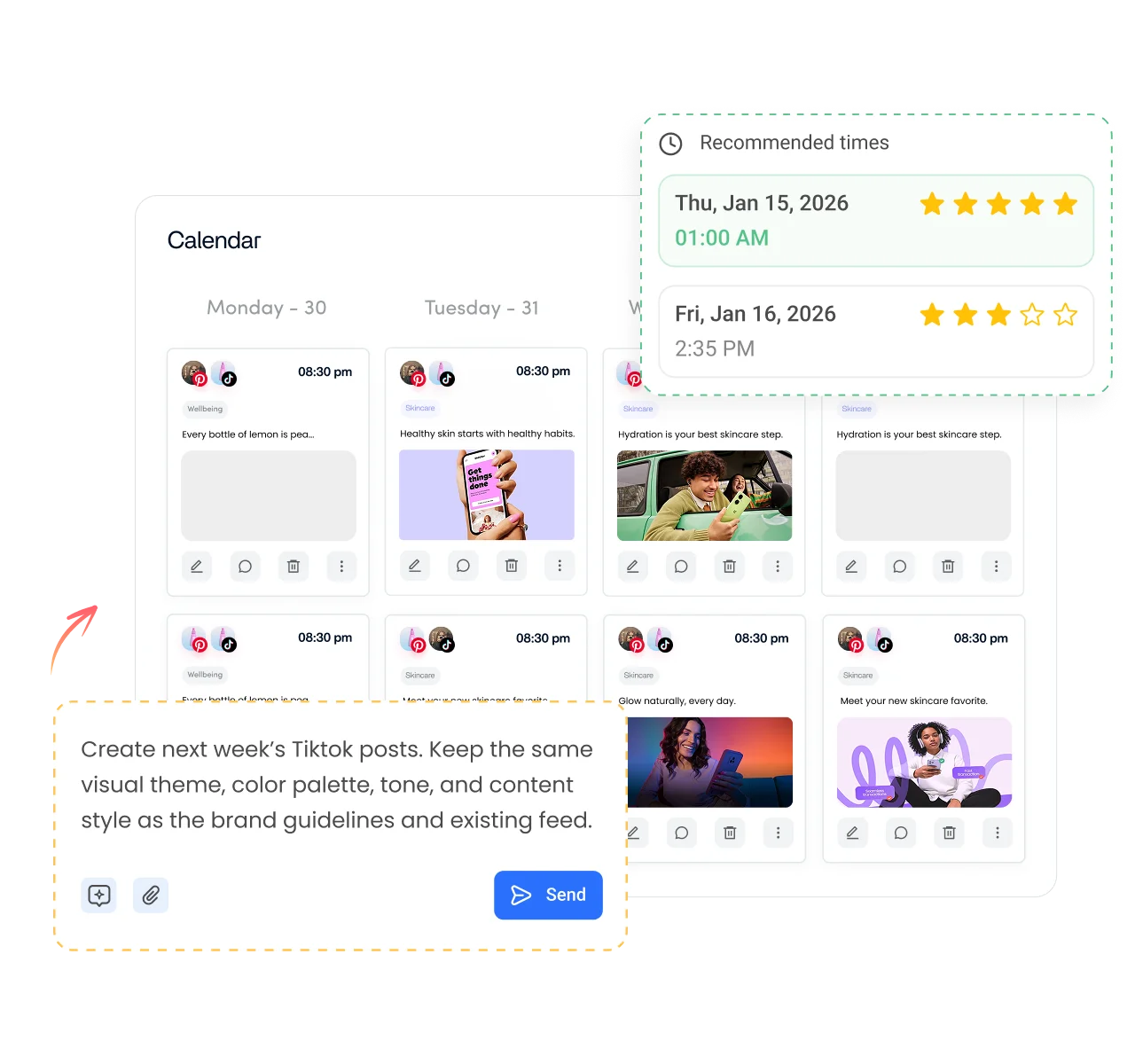
- Post once to every short-video app. Publish the same video to TikTok, Instagram Reels and YouTube Shorts with text adjusted for each.
Is it free?
Is the TikTok Keyword Generator Free
Yes. ContentStudio's TikTok keyword generator is free with no usage cap and no account required. It is part of ContentStudio's suite of free social media tools for content creators and marketers.
- Free forever
- No sign-up
- Built for TikTok search
- 16,500+ brands use ContentStudio
More free TikTok tools
All free social media tools →
Frequently asked questions

Book a 30 min call
Have questions? Schedule a quick call and we will guide you through everything.
Book a free call