TikTok bio generator
Write a TikTok bio that tells visitors who you are and why to follow, in seconds. Free, no sign-up.
- Free forever
- No sign-up
- Fits 80 characters
- 16,500+ brands use ContentStudio
What is a TikTok bio generator?It is an AI tool that writes the short description on your TikTok profile. You describe yourself or your brand, pick a tone, and it returns several bio options that fit TikTok's 80-character limit. ContentStudio's TikTok bio generator is free, has no usage cap and needs no account.
How to use it
How to Use the TikTok Bio Generator
ContentStudio's free TikTok bio generator writes bio options for your TikTok profile from a short description and a tone.
Describe yourself
Write a few words about you, your brand or what your TikTok content covers: name, location, profession, interests.
Pick a tone
Casual, professional, humorous, aesthetic, motivational or attitude.
Generate
Click Generate TikTok Bio Now to get up to 5 bio options.
Copy and paste
Pick the one that fits, edit it if needed and paste it into your TikTok profile.
Tip: be specific. "Fitness coach sharing 10-minute home workouts for busy parents" gives far better bios than "fitness".
What a TikTok bio is
What Is a TikTok Bio
A TikTok bio is the short text on your TikTok profile that says who you are, what your content covers or what your brand stands for. It sits under your name and follower counts, above the website link if you have one. It is one of the first things a visitor reads after landing on your profile from the For You Page, a search result or a mention.
A good bio for TikTok turns a curious visitor into a follower. In a few words it answers three questions: who is this, what will I get, and why follow now.
What to put in it
What to put in your TikTok bio
Who you are
Your role or identity in two or three words: "Plant mom", "ER nurse", "Indie bakery in Austin".
What you post
Your niche keyword. TikTok search reads profiles, so "easy vegan recipes" helps people find you.
A reason to follow
A promise or schedule: "New recipe every Sunday" or "Tips you can use today".
A call to action
Point to your link, shop or latest series: "Shop the drop ↓" or "Start with my pinned video".
One or two emojis
Emojis save space and add personality. Each one counts toward the character limit.
Contact for brands
Business and creator accounts can add an email button. If you can't, a short "Collabs: name@email" works.
Bio ideas by style
TikTok Bio Ideas by Style and Audience
The generator writes bios in several styles. Here is what works in each:
Aesthetic and soft: short, identity-led bios with soft descriptors, interests and a signature phrase. Structure: [adjective] + [content type] + [personality marker]. Often all lowercase, with dots or pipes (· |) between words.
Attitude and confidence: direct bios that state the niche and a tone marker. They lead with a role or identity claim rather than a list of interests.
Funny: a self-aware line or a joke about your niche. It works for comedy, relatable content and personal accounts.
Motivational: a short value statement or life philosophy, then the content category. Good for fitness creators, coaches and self-improvement accounts.
Professional and brand: the product or service, the audience and a call to action. "Social media tools for agencies. Start free ↓" is 45 characters and says three things.
- Aesthetic
slow mornings · film photos · coffee ☕
- Attitude
Not for everyone. Built different. Gym daily 🏋️
- Funny
Professional overthinker. Part-time cat staff 🐈
- Motivational
Small steps daily. Sharing my 75 Hard journey 🌱
- Creator
Budget travel tips ✈️ 30 countries on $50/day
- Small business
Handmade candles from Ohio 🕯️ Ships US-wide ↓
- Coach / B2B
Helping founders post on TikTok. Free guide ↓
- Student
Med school, one flashcard at a time 📚
Change your bio
How to Change or Edit a TikTok Bio
On the TikTok mobile app (iOS and Android):
- Tap Profile in the bottom navigation.
- Tap Edit profile.
- Tap the Bio field.
- Delete the old text and type or paste your new bio (up to 80 characters).
- Tap Save.
On TikTok desktop (tiktok.com):
- Log in at tiktok.com and click Profile.
- Click Edit profile.
- Click the bio field and update the text.
- Click Save.
The new bio shows right away on all devices after you save.
Link in bio
Adding a link to your TikTok bio
The website link sits in its own field below the bio, so it doesn't use your 80 characters. A clickable link is widely reported to need either a personal account with at least 1,000 followers or a registered business account, and it isn't available in every region. If you don't qualify yet, a URL typed into the bio shows as plain text that people can't tap.
For step-by-step instructions and workarounds, read how to put a link in your TikTok bio.
Profile limits
TikTok bio character limit and profile specs
| Profile field | Limit |
|---|---|
| Bio | 80 characters (spaces and emojis count) |
| Name (display name) | 30 characters, can change every 7 days |
| Username (@handle) | 2–24 characters; letters, numbers, _ and . |
| Website link | 1 link; needs 1,000+ followers or a business account |
| Hashtags in bio | Allowed, count toward the 80 characters |
Need a handle to match your new bio? Try the TikTok username generator.
Bio vs. name
TikTok bio vs. name: what goes where
Name
The bold text at the top of your profile, up to 30 characters. It shows in search results and comments. Use your name or brand, and add a keyword if it fits.
Bio
The 80-character description below. Use it for what you post, why to follow and your call to action.
Both are edited in Edit profile. Your @username is a third, separate field that sets your profile URL.
Turn profile visits into followers
A strong bio works when visitors find fresh videos on your profile. Use ContentStudio to keep that profile active. With it you can:
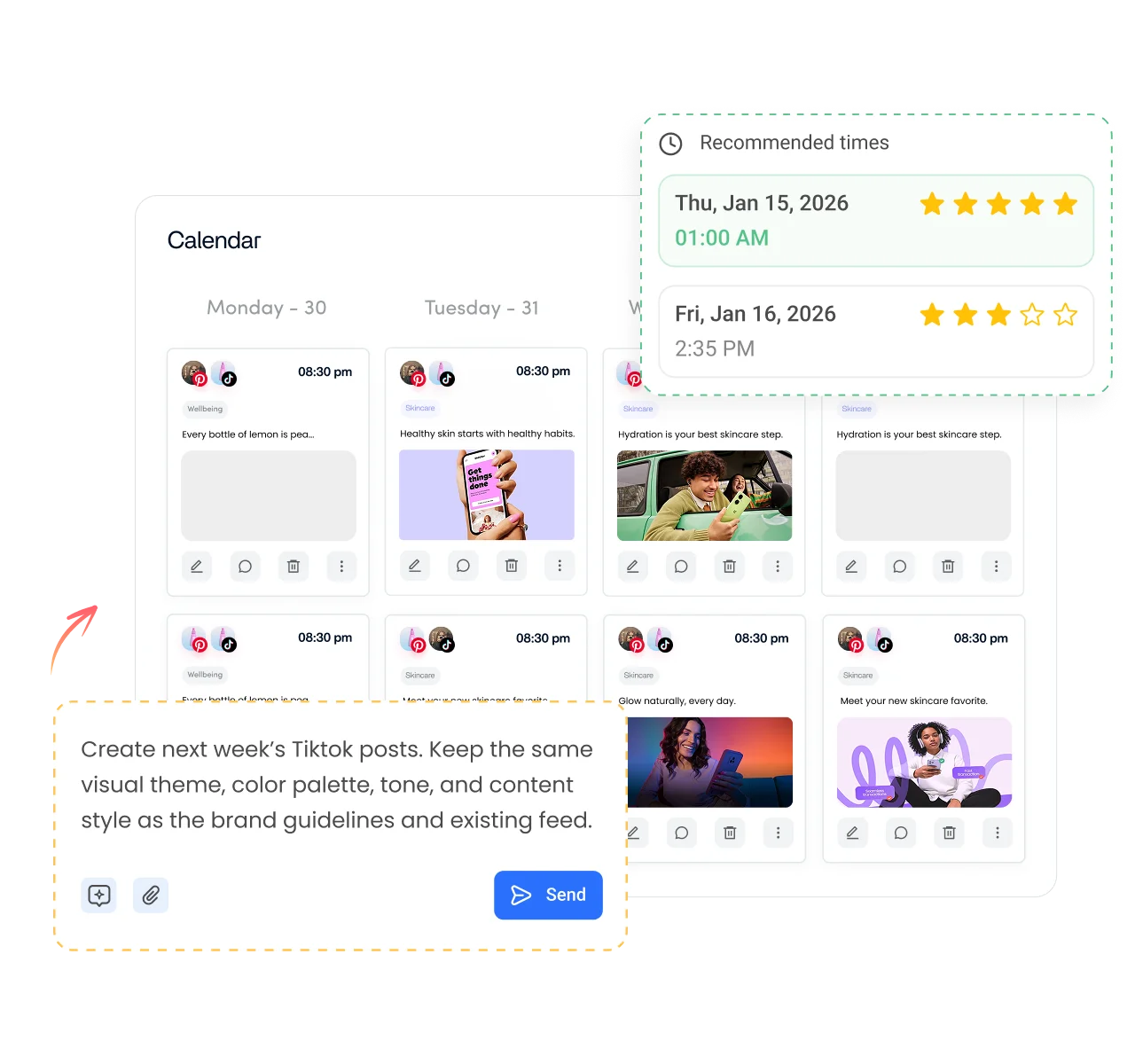
- Post on a steady schedule. Plan TikToks weeks ahead and publish automatically with ContentStudio's TikTok scheduling tool, so your bio's promise ("new video every Sunday") stays true.
- Write captions and hashtags faster. AI Studio, our AI social media content generator, drafts post text in your brand voice.
- Keep profiles consistent. Manage TikTok, Instagram, YouTube and more from one dashboard with the same brand voice everywhere.
Is it free?
Is the TikTok Bio Generator Free
Yes. ContentStudio's TikTok bio generator is free with no usage cap and no account required. It is part of ContentStudio's suite of free social media tools.
- Free forever
- No sign-up
- Fits 80 characters
- 16,500+ brands use ContentStudio
More free TikTok tools
All free social media tools →
Frequently asked questions

Book a 30 min call
Have questions? Schedule a quick call and we will guide you through everything.
Book a free call