In 2024, Facebook remains a vital business platform, with over 3.07 billion monthly active users worldwide. It’s not just about visibility; Facebook offers powerful tools forcustomer engagement, brand building, and direct sales.
Maintaining a strong Facebook presence remains crucial for businesses and organizations. However, only some people want to link their personal profile to a business page. This guide addresses a common question: Can you create a Facebook Page without a personal account?
You’ll learn how toengage with your audience, respond to inquiries, and build acommunity around your brand—all while keeping your personal life separate.
Facebook Marketing
Manage and grow your brand on Facebook. Create, schedule, and publish posts, videos, and Reels to Facebook pages and groups.
Facebook’s policy regarding page creation has evolved. Still, the core principle remains: while you don’t need a pre-existing personal account to create a Facebook page, you need some form of account to manage and administer it. Here’s the current process to create a Facebook page with minimal personal information:
Create a Limited-Use Account: Instead of using your personal account, create a new limited-use account specifically for business purposes. Use abusiness email address for this account to keep it separate from your online presence.
Provide Required Information: When setting up this account, you’ll need to provide some basic details: First and Last Name (consider using your business name or a professional pseudonym), Gender (you may have options beyond binary choices in 2024), Date of birth (use your business establishment date if preferred).
Set Strong Privacy Settings: Immediately after creation, adjust theprivacy settings to maximize the account’s privacy. Limit the information visible to the public or other Facebook users.
Create Your Business Page: Once the limited-use account is set up, use it to create and manage your business page. This keeps your business presence separate from any personal Facebook activity.
Add Page Roles: If you’re working with a team, you can add other people as admins or editors to your page without them needing access to the limited-use account. By following these steps, you can establish a professional Facebook presence for your business or organization while maintaining a boundary with your personal social media life.
Why a Facebook Page Is Crucial for Your Business in 2024
In the ever-evolving digital landscape of 2024, having a Facebook page for your business isn’t just important—it’s essential. With Meta’s continued innovation insocial commerce and virtual reality integration, Facebook has solidified its position as a pivotal platform for business growth andcustomer engagement.
The Power of Facebook in Numbers
3.07 billion monthly active users (projected for 2024)
More than 200 million businesses leveraging Facebook pages
78% of American consumers have discovered products on Facebook
These staggering statistics underscore the immense potential Facebook offers to businesses of all sizes.
7 Compelling Reasons Your Business Needs a Facebook Page in 2024
Unparalleled Visibility in the Metaverse Era: Facebook pages are no longer just digital storefronts—they’re gateways to the metaverse. With Meta’s push towards virtual and augmented reality experiences, your Facebook page can become a 3D showroom, offering immersive product demonstrations and virtual try-ons.
AI-Powered Customer Engagement: Facebook’s advanced AI chatbots can now handle complex customer inquiries 24/7, providing instant support and freeing up your team to focus on high-value interactions. This enhanced engagement buildsbrand loyalty and improves customer satisfaction.
Hyper-Targeted Advertising with Predictive Analytics: Facebook’s advertising platform has evolved to includepredictive analytics, allowing businesses to target potential customers based on current behaviors and predicted future interests and needs. This level of targeting precision was unimaginable just a few years ago.
Seamless Social Commerce Integration: WithFacebook Shops now fully integrated with major e-commerce platforms, your page can function as a complete sales channel. Customers can browse, purchase, and even finance their purchases without ever leaving the Facebook ecosystem.
Rich Insights and Predictive Analytics: Facebook’s analytics tools now offer predictive insights, helping you anticipate market trends and customer behaviors. This data-driven approach allows for more strategic decision-making andcontent creation.
Social Media Content Calendar
Stay consistent and organized with Contentstudio’s social media content calendar for marketers and agencies.
Cost-effective Marketing with Proven ROI: While creating a Facebook page remains free, the platform’s sophisticated marketing tools offer unparalleled ROI. Small businesses can compete with larger corporations by leveraging Facebook’s micro-targeting capabilities and performance-based pricing models.
Enhanced Community Building: UtilizingFacebook Groups linked to your page helps in building a loyal community, fostering brand loyalty, and encouraging user-generated content.
Optimizing Your Facebook Page for 2024
To take full advantage of these benefits:
Utilize Facebook’s new AI-poweredcontent suggestions to create engaging posts
Implementvirtual reality tours or product demonstrations
LeverageFacebook Live Shopping for real-time sales events
UseFacebook Groups linked to your page to build community and foster brand loyalty
ImplementFacebook Pixel for advanced website visitor tracking and retargeting
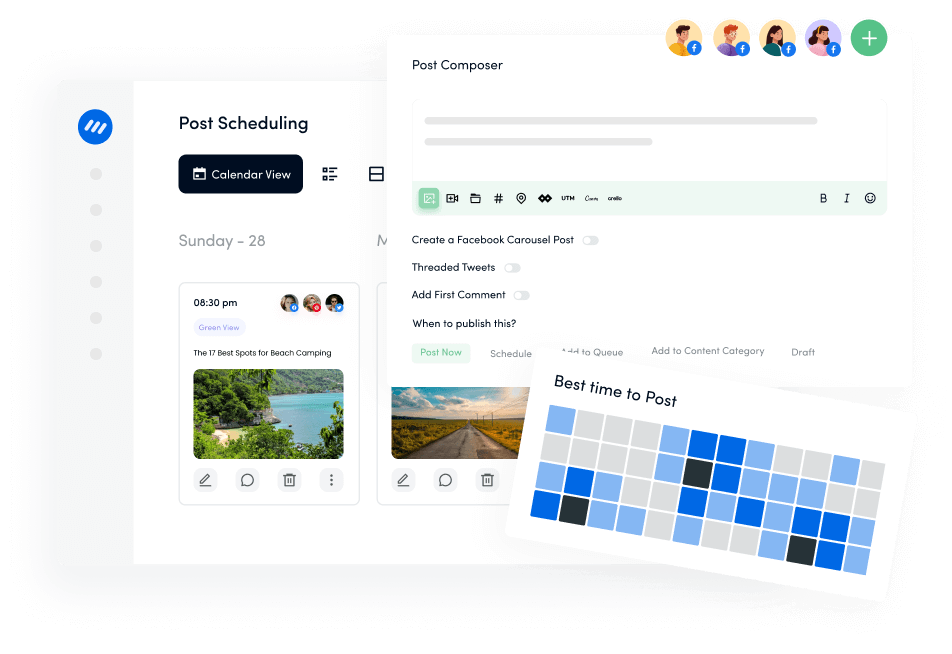
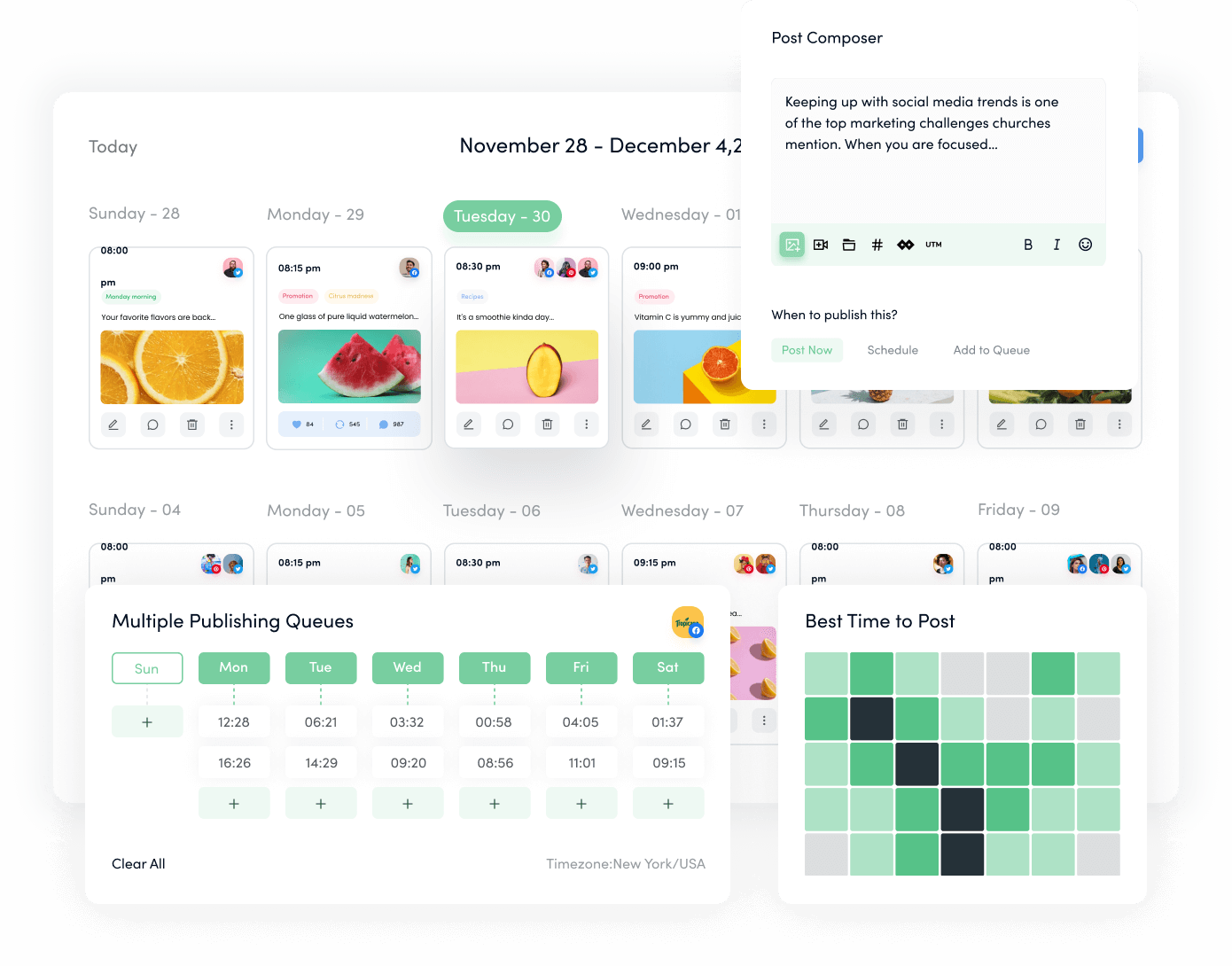
By embracing these strategies, your Facebook page becomes more than just a social media presence—it transforms into a central hub for customer interaction, sales, and brand building in the digital age. Remember, in 2024’s competitive digital landscape, having a Facebook page is not enough—you must leverage its full potential to drive your business forward. Another valuable suggestion is to use a Facebook scheduler to schedule your posts on a defined cadence.
Conclusion
Creating a Facebook Page without a personal account isn’t just possible—it’s a strategic move for businesses that prioritize professionalism and privacy. Using a limited-use account allows you to maintain a clear boundary between your personal and professional spheres while still accessing all of Facebook’s powerful business tools.
Remember, authentic engagement and valuable content are the keys to thriving on Facebook. So take the leap: set up your professional Facebook Page today, craft a compellingcontent strategy, and build meaningful connections with your audience. Your brand’s next big opportunity on the world’s largest social network awaits!
FAQs
Can I create a Facebook Page for my business without using my personal Facebook account?Yes, in 2024, Facebook will allow you to create a business page using a “limited-use account.” This account is specifically designed for business purposes and requires minimal personal information. It allows you to manage your page professionally without linking it to your personal Facebook presence.
What information do I need to provide when creating a Facebook Page without a personal account?To create a limited-use account for your Facebook page, you typically need to provide a business email address, a name for the account (it can be your business name); a date of birth (it can be your business’s founding date); and basic information about your business (name, category, description). Facebook may require additional verification for certain features, but the initial setup is designed to minimize personal information.
Can I still use all of Facebook’s business features with a limited-use account, like advertising and insights?Yes, a limited-use account provides access to Facebook’s core business features, including the advertising platform, page insights and analytics, Facebook Business Suite, post scheduling and management, and customer messaging tools. However, some advanced features require additional verification steps to ensure account legitimacy and prevent misuse.
Can I convert an existing Facebook Page connected to my personal account to one managed by a limited-use account?As of 2024, Facebook offers a process to transition existing pages to limited-use account management: You can create a limited-use account and request a page transfer. Facebook will review the request to ensure it complies with their policies. If approved, you can manage the page with the limited-use account. You’ll need to remove the page from your personal account’s management.
Khadija Anwar is a Senior Technical Writer at ContentStudio with over 500 published write-ups across the ContentStudio blog and beyond. She specializes in step-by-step platform guides and Help Center content across Facebook, Instagram, LinkedIn, YouTube, TikTok, and X, and reviews how-to articles to verify every step and platform detail is accurate and current.