Social media automation that keeps every account active
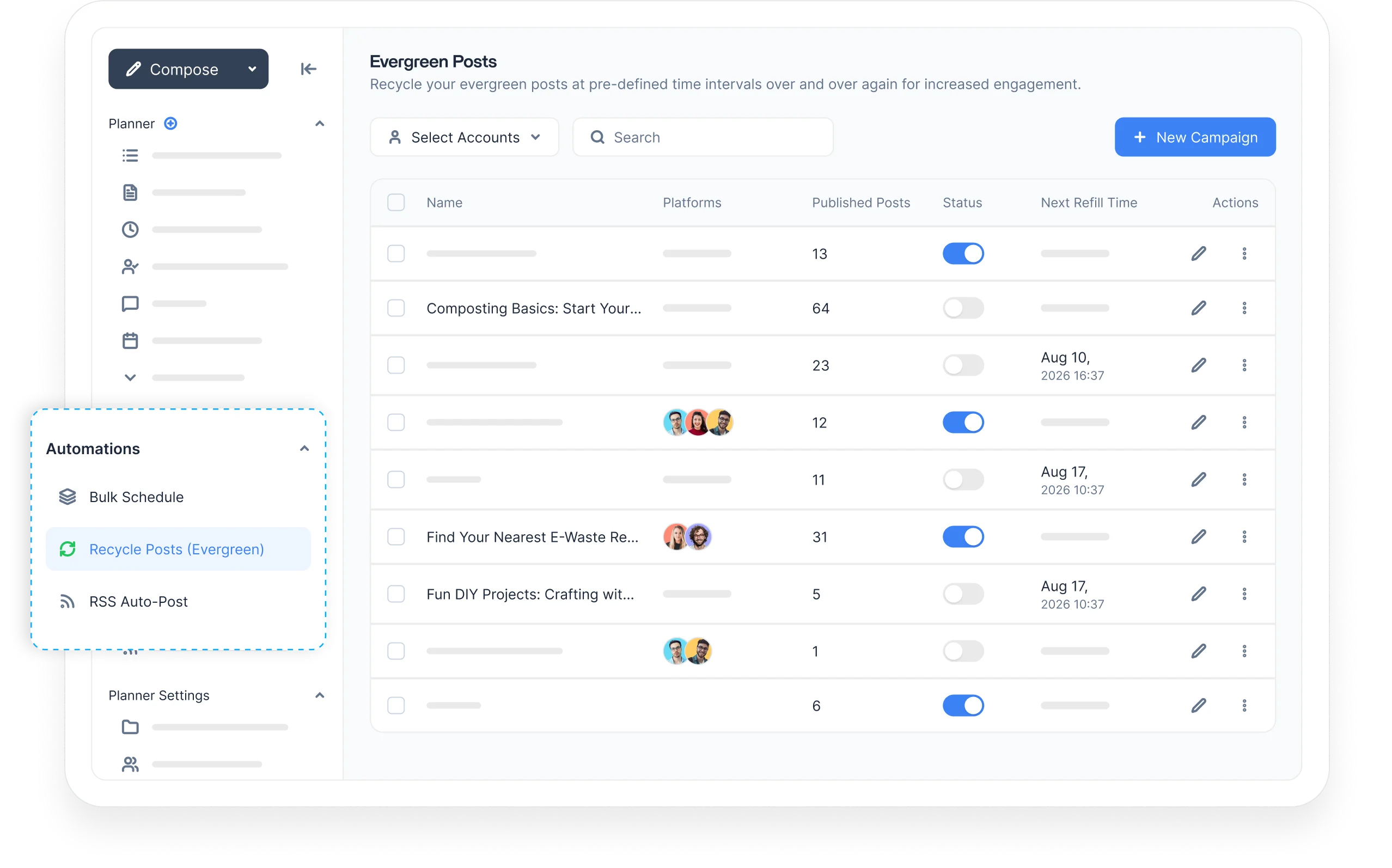
Automate scheduling, evergreen recycling, RSS publishing, and bulk posting from one dashboard. Set your workflows once and keep every social channel active without the daily manual work.
Integrated with





 AI
AI AI
AI AI
AI AI
AI AI
AI AI
AI AI
AI AI
AI
Trusted by 16,500+ leading brands and agencies
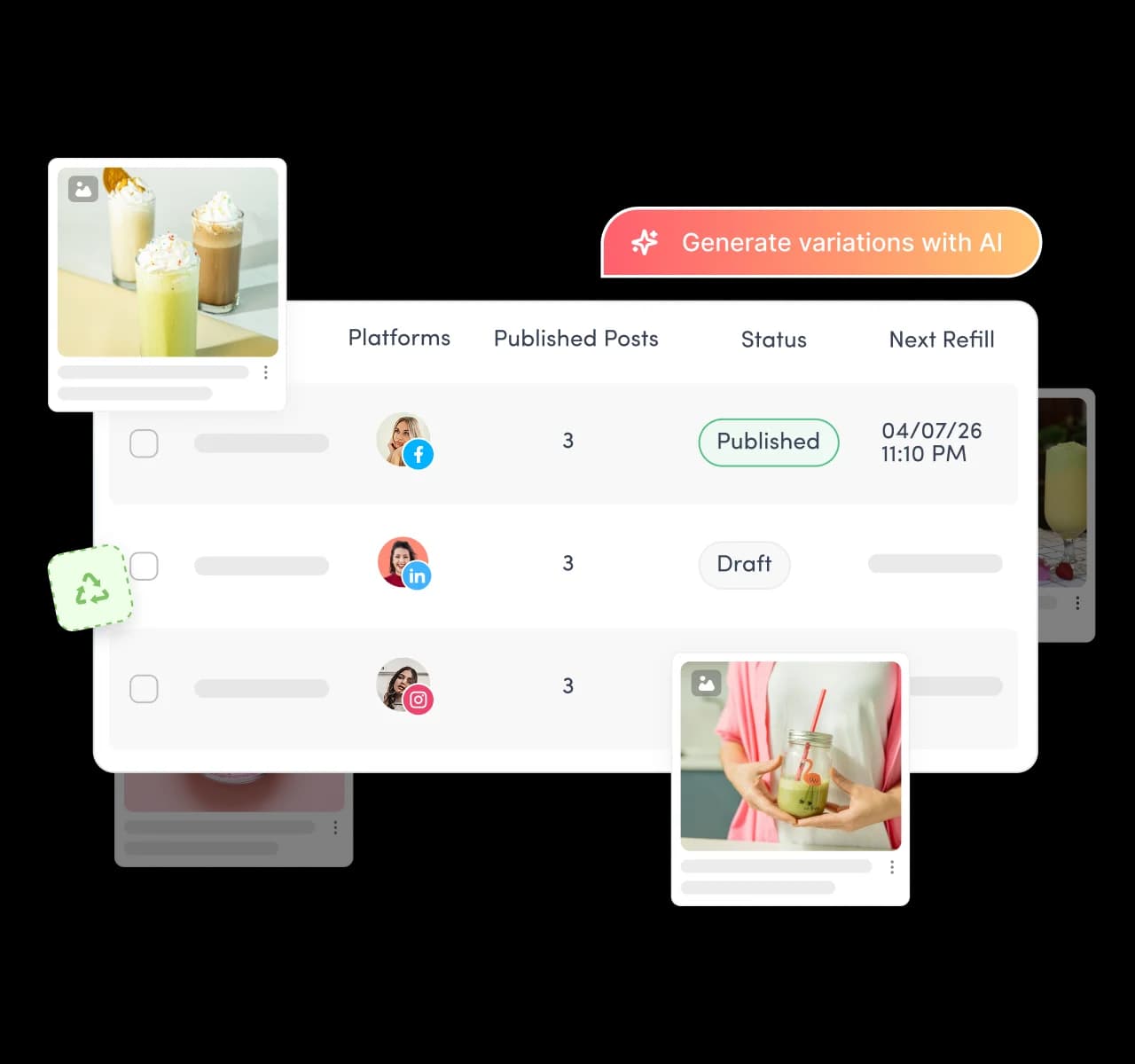
Automatically republish your top performing posts
Turn top-performing posts into evergreen campaigns that republish at set intervals, so proven content keeps reaching your audience. The evergreen recipe generates headline variations for each repost, keeping the message fresh, not repetitive.
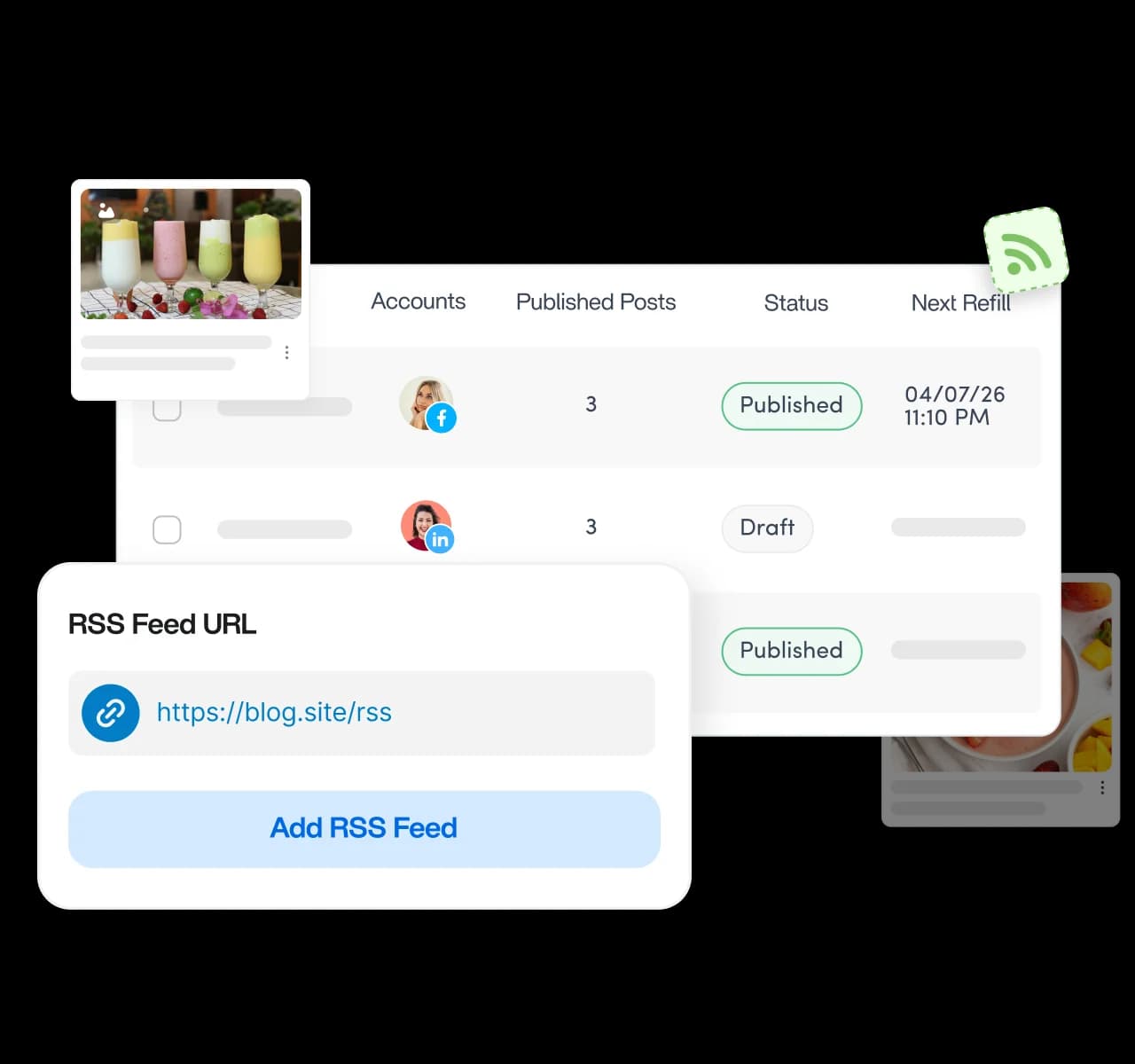
Connect RSS feeds and keep your social channels active
Add your favorite websites and feeds, then let automation publish new articles for you. Choose how captions are written, set a posting schedule, and stay consistent across every account without writing a word yourself.
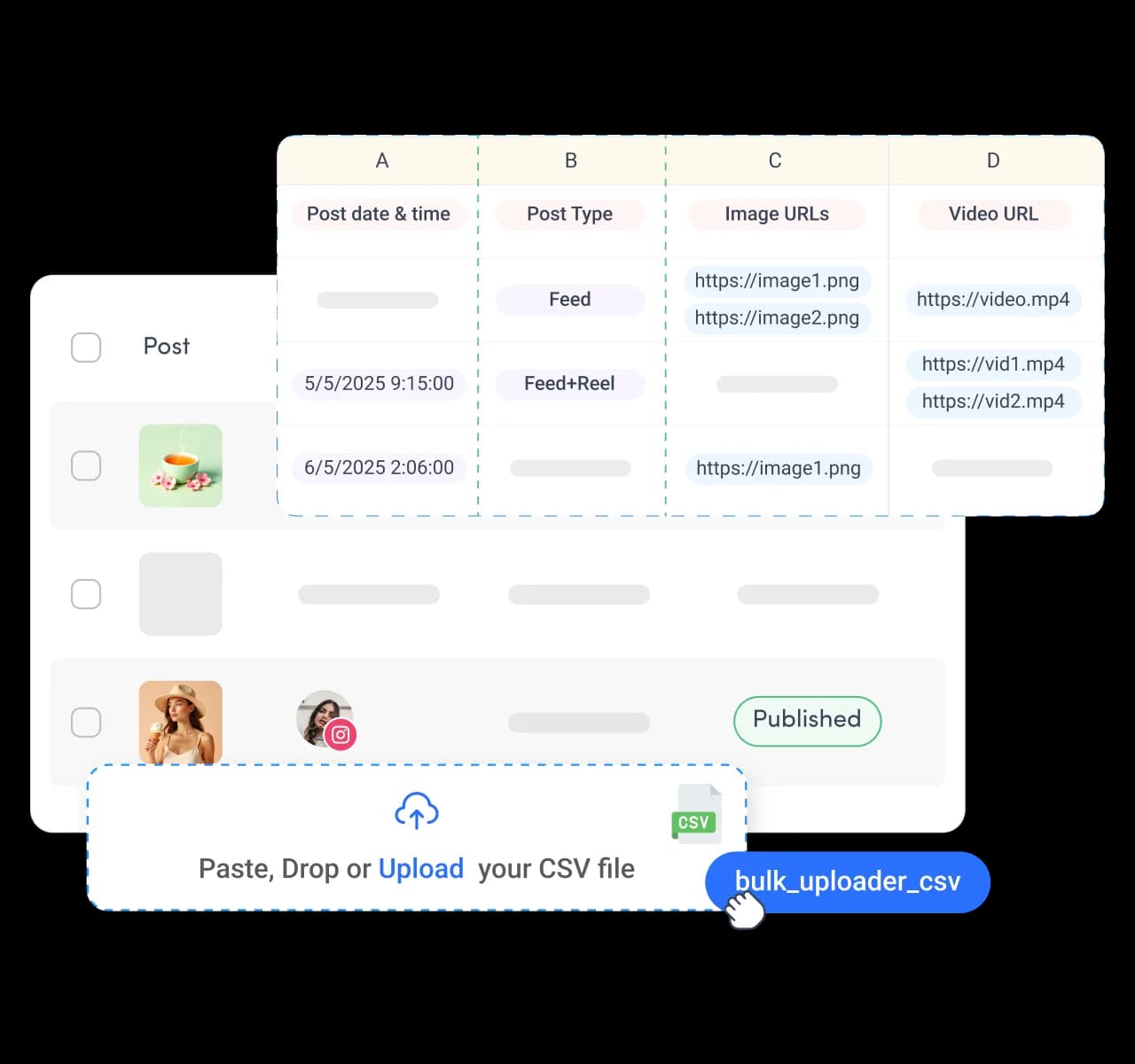
Turn a spreadsheet into a ready-to-publish calendar
Upload a CSV with times, captions, media, and post types to queue up months of content at once. Bulk scheduling turns a full content plan into a live posting calendar without adding posts individually.
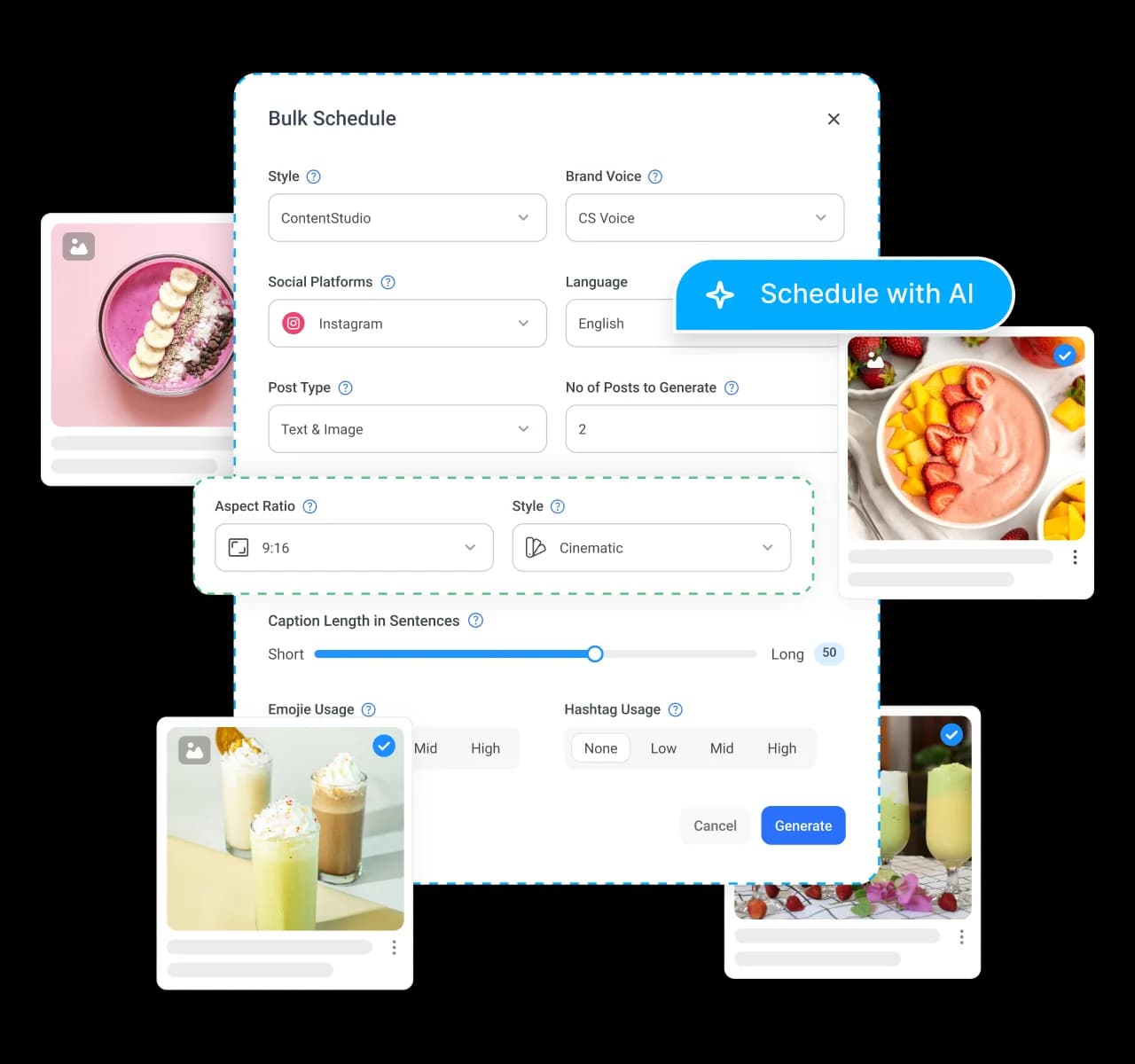
Stay in control while automation handles the work
Apply labels, route posts for approval, assign them to campaigns, or delete in bulk, all in one place. You automate the heavy lifting while keeping full control over how each post finally goes out.
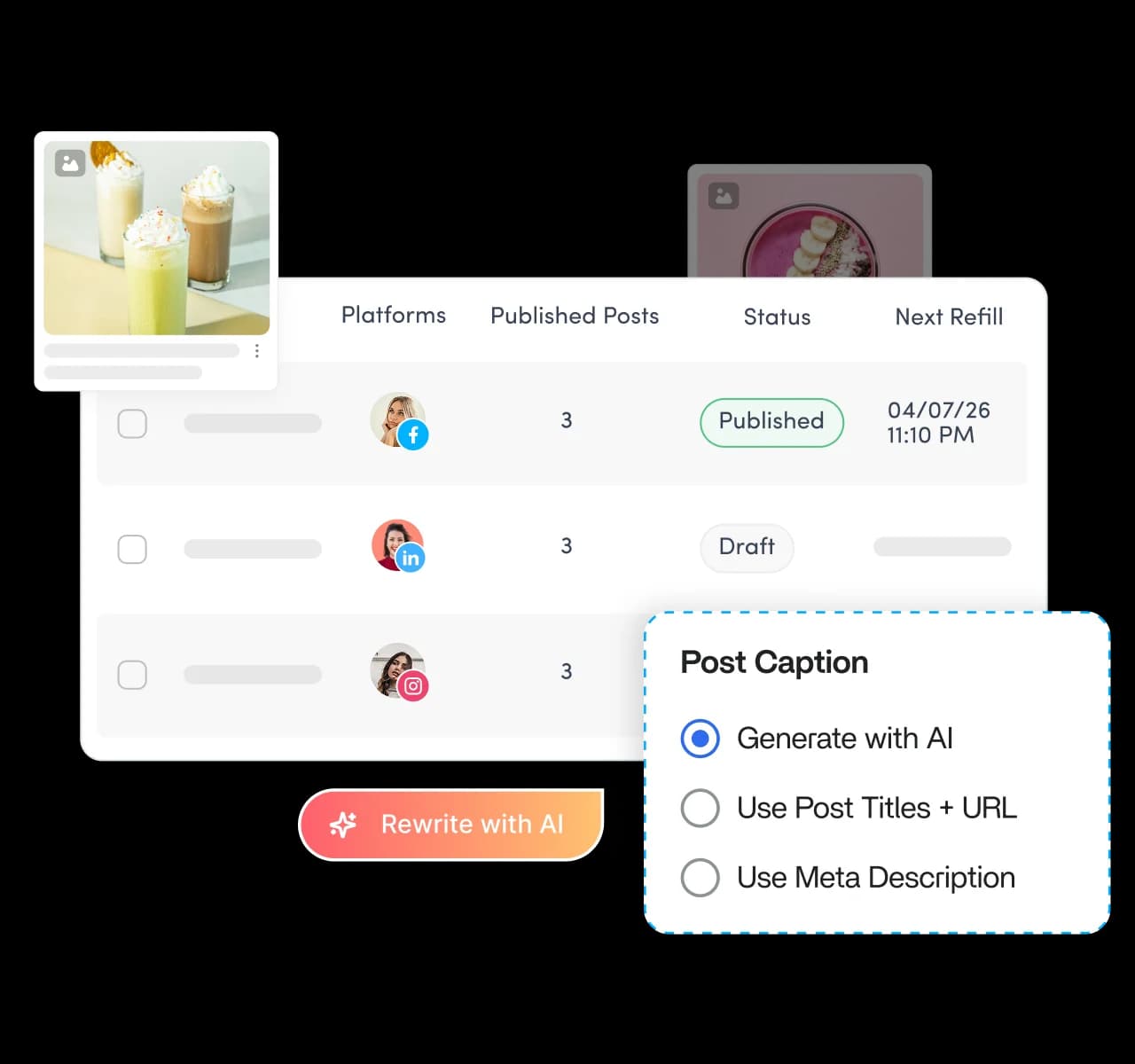
Let AI rewrite headlines so posts never repeat
Let AI draft caption and headline variations automatically, so recycled and evergreen posts never look duplicated. Generate images and short videos in AI Studio, turning one idea into fresh posts your automation keeps publishing.
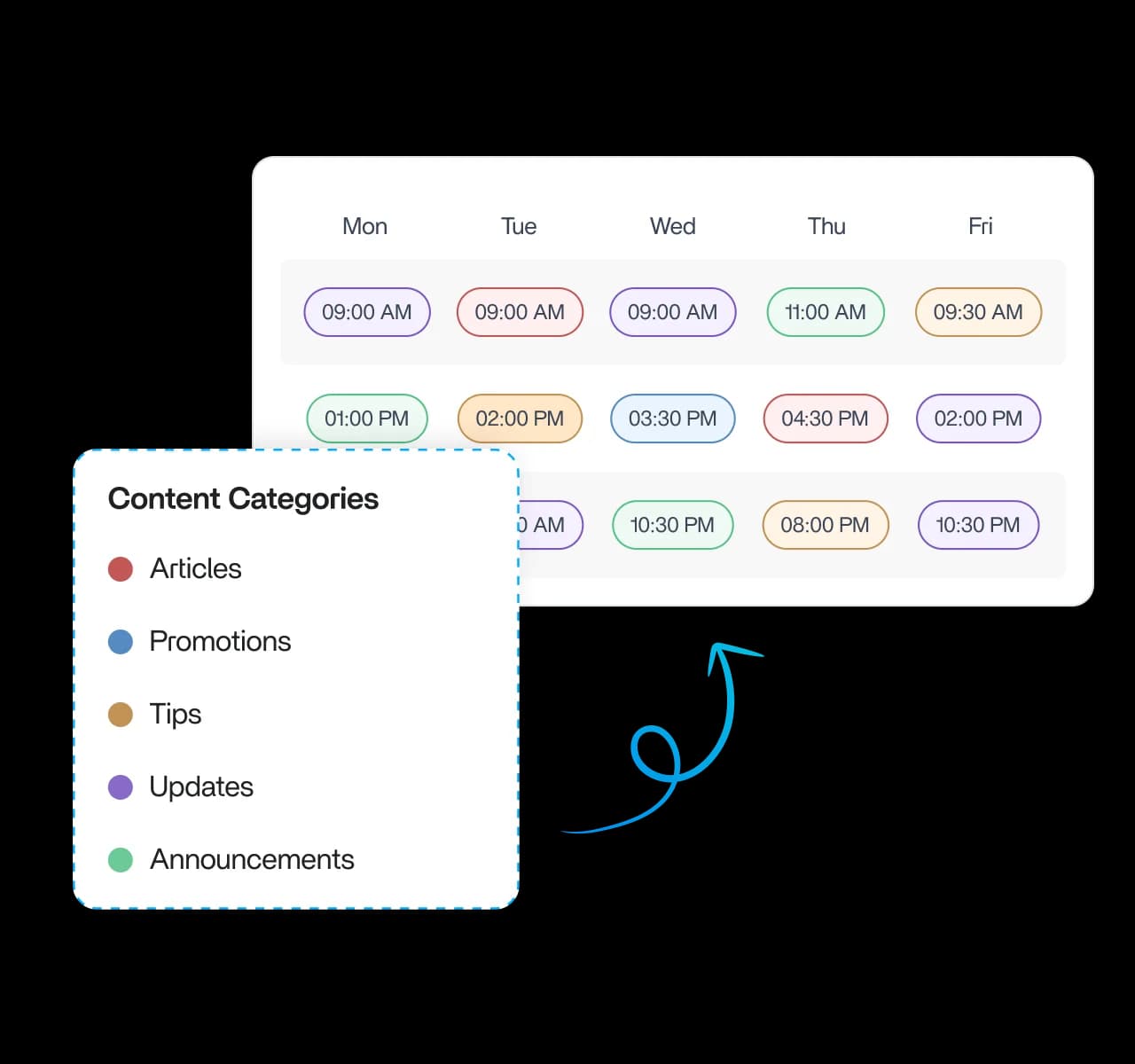
Structure your calendar with content categories
Sort content into color-coded categories, then set posting times and days for each. Your feed keeps a steady mix of articles, promotions, and updates automatically, so no single content type ever takes over.
Automate publishing with our social media API
Connect your apps to ContentStudio's API to schedule posts, publish content, and manage social media at scale. Designed for developers, agencies, and businesses that want complete control over their publishing workflows.
/api/v1/workspaces/{workspace_id}/postsCreate and schedule a post across one or more social accounts. Supports draft, scheduled, and queued publishing.
curl -X POST \
  "https://api.contentstudio.io/api/v1/workspaces/{workspace_id}/posts" \
  -H "X-API-Key: YOUR_API_KEY" \
  -H "Content-Type: application/json" \
  -d '{
    "content": {
      "text": "Check out our latest product launch!",
      "media": {
        "images": ["https://example.com/image.jpg"]
      }
    },
    "accounts": [
      "350830594784444",
      "17841453340834745"
    ],
    "post_type": "feed",
    "scheduling": {
      "publish_type": "scheduled",
      "scheduled_at": "2024-12-25 15:30:00"
    },
    "first_comment": {
      "message": "More details in the thread!",
      "accounts": ["350830594784444"]
    }
  }'
{
  "status": true,
  "message": "Post created successfully",
  "data": {
    "id": "61e006a89be9dd0cd07ec692",
    "workspace_id": "610a1e660cb41530ca40d372",
    "content": {
      "text": "Check out our latest product launch!"
    },
    "scheduling": {
      "status": "scheduled",
      "scheduled_at": "2024-12-25T15:30:00Z",
      "timezone": "America/New_York"
    },
    "created_at": "2024-01-15T10:30:00Z"
  }
}
https://api.contentstudio.ioAuth: X-API-Key: YOUR_API_KEYThe post id returned can be used to update, delete, or approve the post.
The perfect tool for agency-client collaboration and content approvals.

Frequently asked questions

Book a 30 min call
Have questions? Schedule a quick call and we will guide you through everything.
Book a free call