ContentStudio API plan is now available. Create automations using Claude, Zapier, n8n, make, etc. Explore plan!

ContentStudio
Product

Platform

Publish

Plan and schedule content

AI Studio

AI-generated captions, images

Analyze

Measure social media KPIs

Engage

Social media customer care

Social Listening

New

Follow every conversation

Discover

Manage and read feeds

Top features

Workspaces

Clip maker

Calendar/Planner

Smart scheduling

Content library

White-label

New

AI Library

Bulk scheduling

Approval workflow

Client management

White-label reseller

New

AI video generator

Competitor analytics

Automation

Google Ads Analytics

New

Meta Ads Analytics

New

See all features

right-arrow-icon
contentstudio-tour

ContentStudio overview tour

Discover how ContentStudio simplifies workflows, helps in scaling up and delivers the results you need.

Solutions

By Business Type

For solo creators

For agencies

For small business

For marketing teams

For enterprise

By network

Facebook

Facebook

Instagram

Instagram

X (Twitter)

X (Twitter)

Google Business Profile

Google Business Profile

LinkedIn

LinkedIn

TikTok

TikTok

Bluesky

Bluesky

Meta Threads

Meta Threads

YouTube

YouTube

Pinterest

Pinterest

Telegram

Telegram

CUSTOMER STORYnew-tab-icon

How Webeing scaled client results using smarter workflows with ContentStudio

40%

increase in productivity with ContentStudio

Resources

Info Hub

Blog

Help docs

Glossary

Integrations

Case studies

n8n templates

Free Tools

Facebook video downloader

New

X (Twitter) video downloader

New

AI caption generator

Facebook post generator

LinkedIn video downloader

TikTok hashtag generator

YouTube title generator

TikTok caption generator

X (Twitter) hashtag generator

See All

right-arrow-icon
Video libraryContentStudio academy
video library

Access our complete collection of step-by-step tutorials covering all ContentStudio features.

APIPricing

Book a demo


Sign in

  1. Home
  2. ›Blog
  3. ›Social Media Strategy
  4. ›Social Media Presentation

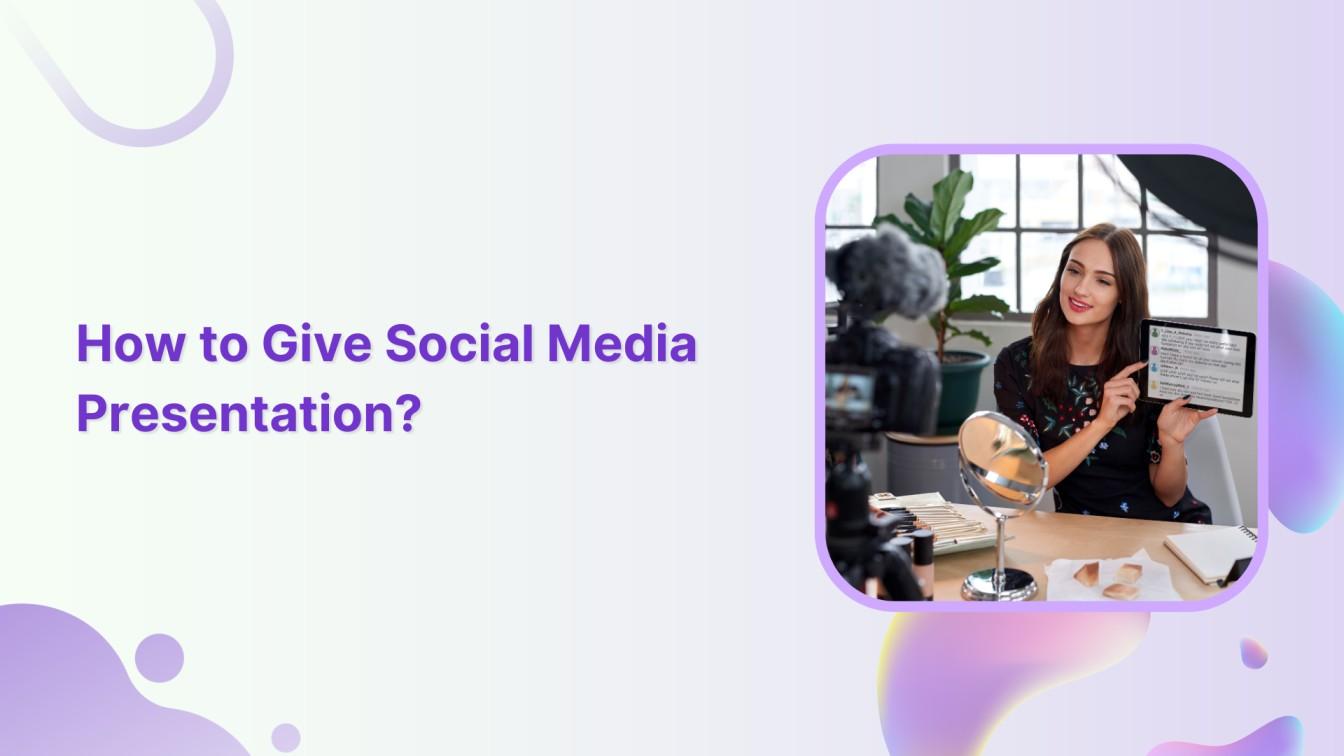
How to Give Social Media Presentation?

Khadija Anwar

Written by

Khadija Anwar

Published

Jan 12, 2024
3 minutes

Share this post

X logoLinkedIn logoFacebook logo
ContentStudio Google Preferred Sources badge
How to Give Social Media Presentation?

Ever had to present on social media and felt unsure where to start? Don’t worry; we’ve got your back. In this guide, we’ll show you simple steps to make your social media presentation a breeze. Sound good? Let’s find out together!

Simplified social media marketing for individuals & agencies.
Try ContentStudio for FREE
marketing for individuals & agencies
 

8 Steps to get social media presentation

Giving a social media presentation involves a mix of preparation, engaging content, and effective delivery. Here’s a step-by-step guide:

1. Understand your audience:

Know who you’re presenting to. Their knowledge level, interests, and expectations will shape your content.

2. Define your objective:

Determine the purpose of your presentation. Is it to educate, persuade, or entertain? Align your content accordingly.

3. Structuring the presentation:

There are a few points to keep in consideration once you structure the presentation. These are stated below:

  • Introduction: Start with a compelling introduction. State your topic, objectives, and what the audience can expect.
  • Main content: Break it down into sections covering different aspects of social media: platforms, strategies, analytics, trends, etc.
  • Visual aids: Use slides, videos, infographics, and real-time demos to illustrate your points.
  • Case Studies or Examples: Share relevant success stories or examples to demonstrate your points.
  • Call to Action (CTA): End with a clear CTA, whether it’s encouraging social media engagement, signing up for newsletters, etc.

4. Engaging content:

Use visuals, statistics, and stories to keep the audience engaged. Incorporate interactive elements like polls, Q&A sessions, or live demos if applicable. Keep content concise, avoiding jargon and overly technical details unless your audience is familiar with them.

5. Speaking and delivery:

You definitely need to keep in regard a few points, such as:

  • Confidence: Speak clearly and confidently. Maintain eye contact and engage with the audience.
  • Body Language: Use gestures to emphasize points. Maintain an open posture to appear approachable.
  • Voice Modulation: Vary your tone and pace to avoid monotony.
  • Practice: Rehearse your presentation multiple times to ensure fluency and timing.

6. Handling Q&A:

Be prepared for questions. Anticipate potential queries and have answers ready. If you don’t know the answer, be honest. Promise to follow up with the information later.

7. Technical setup:

Test your equipment and ensure all necessary tech (projectors, microphones, internet connectivity, etc.) is working smoothly before the presentation.

8. Post-presentation engagement:

Share resources discussed in the presentation (slides, handouts, links) with the audience. Encourage further interaction through social media or email for additional questions or discussions.

That’s a wrap! We hope this guide has been valuable. As you step into the world of social media presentations for the first time, ContentStudio wishes you nothing but success and excellence.

Postscript tips:

  • Tailor your presentation to the specific social media platforms your audience uses.
  • Keep up with current social media trends and updates in the social media landscape.
  • Be authentic and passionate about your subject; it’ll resonate with your audience.

Remember, a successful presentation isn’t just about delivering information but also engaging your audience and leaving a lasting impression.

FAQs

How to start a presentation?

Start with a compelling hook or question to grab attention, followed by a clear statement of what the presentation will cover.

What should be included in a social media marketing presentation?

Include platform strategies, analytics insights, content examples, and engagement tactics.

How do you start your first sentence in a presentation?

Here are a few sentences to start your first sentences in the presentation

  • Greetings, everyone! Thank you for joining me today.
  • Allow me to share a bit about my background to kick things off.
  • As displayed on the screen, our focus today revolves around…
  • Those of you here with specific interests in… will find my talk particularly relevant.
  • This presentation is intended to spark discussions and serve as a starting point.

How do you start a speech first?

Begin with a captivating hook or an attention-grabbing statement to engage the audience from the start.

What is an example of a media presentation?

Different media types, including videos, GIFs, animations, audio, and photos, to name a few.

Share this article

X logoXLinkedIn logoLinkedInFacebook logoFacebookWhatsAppRedditEmail
Black Friday

Get Up to 50% Off This Black Friday

Join the waitlist and get early access to our Black Friday deal

Early Access Offer

Unlock up to 50% off before it goes public

No credit card required

★★★★★

4.7 on Capterra • 16,500+ marketers trust ContentStudio

Khadija Anwar

Khadija Anwar

Khadija Anwar is a Senior Technical Writer at ContentStudio with over 500 published write-ups across the ContentStudio blog and beyond. She specializes in step-by-step platform guides and Help Center content across Facebook, Instagram, LinkedIn, YouTube, TikTok, and X, and reviews how-to articles to verify every step and platform detail is accurate and current.

View all posts by Khadija Anwar

Recommended for you

How to choose a social media management tool (2027 guide)
Help Center

How to choose a social media management tool (2027 guide)

Nov 3, 2026
21 minutes
How to build an executive’s LinkedIn content workflow with Claude Code
Help Center

How to build an executive’s LinkedIn content workflow with Claude Code

Oct 5, 2026
15 minutes
How to turn one product photo into 5 video Ads with Claude Code
Help Center

How to turn one product photo into 5 video Ads with Claude Code

Sep 24, 2026
10 minutes
Social media MCP server: How to automate posting with ContentStudio
Help Center

Social media MCP server: How to automate posting with ContentStudio

Sep 22, 2026
8 minutes
CtaBackground
CtaBackground
Facebook
Instagram
Twitter
YouTube
Pinterest
TikTok

Powerful social media management software

Start your free trial
Book a demo

7-day free trial - No credit card required.

diamond-icondiamond-icon

Grow faster on social, every
single week

Get insights, emerging platform trends, AI strategies, and product updates trusted by 100,000+ marketers.

Lawrence Giordano
Thomas Smith
Anthony Garcia
Matt Li Haoming
Angela R.
100,000+ marketers subscribed

ContentStudio

5.3K subscribers

  • •Step-by-step tutorial and how-tos
  • •Product deep dives and launch demos
Subscribe on YouTube

One scheduler for every social network

Social Media Schedulers→
Facebook logoFacebookX (Twitter) logoX (Twitter)Instagram logoInstagramLinkedin logoLinkedinYoutube logoYoutubeTiktok logoTiktokPinterest logoPinterestBluesky logoBlueskyThreads logoThreads

Product

  • Publishing
  • AI Studio
  • Analytics
  • Inbox
  • Social Listening
  • Discover

Features

  • Content Calendar
  • Smart Scheduling
  • Automation
  • Content Composer
  • Approval Workflow
  • AI Library
  • See all features

Developers

  • Integrations
  • API
  • MCP Server
  • ContentStudio CLI
  • Zapier
  • Make
  • n8n

AI Agents

  • ChatGPT
  • Claude
  • Gemini
  • Grok Bot
  • Hermes Agent
  • Cursor
  • Codex
  • OpenClaw

Upgrade from

  • Hootsuite
  • Buffer
  • Sprout Social
  • Sendible
  • Agorapulse
  • Metricool
  • SocialPilot
  • See all

Resources

  • Blog
  • Help Docs
  • Changelog
  • Glossary
  • Free Tools
  • Case Studies
  • Mobile App
  • Chrome Extension

Company

  • About Us
  • Plans & Pricing
  • Reviews
  • Careers
  • Write for Us
  • Affiliate Program
  • Brand Assets
  • Contact Us
contentstudio-logo
Download on the App StoreGet it on Google Play
Facebook iconX (Twitter) iconInstagram iconLinkedIn iconYouTube iconTikTok icon
4.74.7 star rating, 25,000+ reviews on Capterra and G2

16,500+ brands trust ContentStudio

SSL Secured
GDPR Compliant
CCPA Compliant

© 2026 ContentStudio. All Rights Reserved.

Privacy|Terms|GDPR|System status|Security policy|Child safety|Sitemap