iOS

What is iOS?
iOS (formerly iPhone OS) is Apple's proprietary mobile operating system designed specifically for its iPhone, iPod Touch, and (until 2019) iPad devices.
First introduced in 2007 alongside the original iPhone, iOS has evolved into one of the world's most popular mobile platforms.
The operating system serves as the foundation for millions of mobile applications, including social media management tools like ContentStudio that help marketers manage their digital presence on the go.
iOS features a distinctive user interface based on direct manipulation through multi-touch gestures. Its controlled ecosystem prioritizes security, performance, and a seamless user experience across Apple devices.
Key features of iOS for social media managers
The iOS platform provides several advantages for professionals who manage social media campaigns. Understanding these features can help you maximize your productivity when using social media management tools on Apple devices.
User interface and experience
iOS is renowned for its intuitive, consistent interface that emphasizes simplicity and ease of use. For social media managers, this translates to:
- Gesture-based navigation: Swipe, tap, and pinch gestures allow for quick content browsing and efficient multitasking between different social accounts.
- Streamlined workflows: iOS's design philosophy minimizes friction, making it easier to review analytics, approve posts, or respond to comments while on the move.
- Visual consistency: The standardized UI elements across apps create familiarity, reducing the learning curve when using new social media tools.
When managing your social conversations from your phone, iOS provides a responsive platform that makes engagement straightforward and efficient.
Security and privacy features
Social media management often involves handling sensitive brand information and account access. iOS offers robust security features that protect your data:
- App sandboxing: Each app operates in its own secure environment, preventing unauthorized access to your social media credentials.
- Face ID/Touch ID authentication: Biometric security makes logging into your social accounts secure yet convenient.
- Privacy controls: Granular permissions let you control exactly what information your social media apps can access.
- Regular security updates: Apple's commitment to security means vulnerabilities are quickly patched, keeping your social accounts safe.
These features ensure that when you're scheduling posts to multiple social accounts at the same time, your sensitive information remains protected.
Performance capabilities for content creation
Modern social media management requires handling media-rich content. iOS devices excel in this area through:
- High-quality cameras: iPhone cameras allow for professional-grade photo and video capture directly on your device.
- Powerful processors: Apple's chips enable smooth video editing, image processing, and multitasking between apps.
- Optimized battery life: Extended usage time means you can manage your social media throughout a busy day without constant recharging.
- Integration with creative apps: The iOS ecosystem includes numerous tools for content creation that seamlessly work together.
These capabilities make iOS devices ideal for marketers who need to create engaging content for multiple platforms while maintaining high quality standards.
Using ContentStudio on iOS devices
ContentStudio offers robust mobile functionality for iOS users, allowing social media managers to maintain their campaigns while away from their desks. The mobile experience encompasses several key areas:
Mobile app functionality
The ContentStudio mobile app for iOS delivers core features in a touch-optimized interface:
- Content scheduling: Plan and schedule posts for multiple platforms directly from your iPhone or iPad.
- Analytics access: Review performance metrics and engagement statistics on the go.
- Notification management: Stay informed about comments, mentions, and scheduled post updates.
- Content approval workflows: Review and approve team members' posts without needing a computer.
Publishing and scheduling to Instagram becomes particularly streamlined through the ContentStudio mobile app, allowing for direct publishing of images, carousels, and videos.
Cross-device synchronization
One significant advantage of using ContentStudio on iOS is the seamless synchronization between your mobile device and desktop experience:
- Real-time updates: Changes made on your iOS device immediately reflect across all platforms.
- Consistent content library: Access your media library assets regardless of which device you're using.
- Unified notifications: Maintain awareness of engagement and publishing activities across all your connected accounts.
- Workflow continuity: Start tasks on your desktop and finish them on your iOS device without disruption.
This synchronization ensures your social media management strategies can be implemented consistently, whether you're in the office or on the move.
iOS-specific optimizations
ContentStudio takes advantage of iOS-specific features to enhance the mobile experience:
- Native sharing integration: Share content directly to ContentStudio from other iOS apps.
- Widget support: Quick access to scheduled posts and key metrics from your home screen.
- Offline capabilities: Draft posts even without an internet connection, which will sync once you're back online.
- iOS notifications: Receive timely alerts about engagement opportunities or publishing reminders.
These optimizations make managing multiple social media accounts more efficient for iOS users who need flexibility in their workflow.
Keeping your iOS apps updated
Maintaining current versions of both iOS and your social media management apps ensures you have access to the latest features and security protections.
Benefits of regular updates
Keeping your iOS system and apps updated provides several advantages:
- Access to new features: Social platforms constantly evolve, and updated apps ensure compatibility with new capabilities.
- Security improvements: Updates patch vulnerabilities that could compromise your social accounts.
- Performance enhancements: Each update typically includes optimizations that make apps run more smoothly.
- Bug fixes: Persistent issues are often resolved in subsequent updates.
For those using Instagram within their social media strategy, knowing how to update Instagram on Android and iOS is particularly important as the platform frequently adds new content features.
Update best practices
To maintain optimal performance of ContentStudio and other social media tools on iOS:
- Enable automatic updates: Set your App Store preferences to download updates automatically, ideally overnight.
- Check for updates regularly: If automatic updates are disabled, manually check weekly for new versions.
- Update over WiFi: Larger app updates should be performed on a reliable WiFi connection to avoid data charges.
- Back up before major iOS updates: Before significant iOS version changes, ensure your data is backed up to iCloud or your computer.
Following these practices ensures your social media workflow continues without interruption due to compatibility issues.
Accessibility and customization
iOS offers extensive accessibility features that can enhance the social media management experience for all users.
Accessibility features
Apple's commitment to accessibility makes iOS a versatile platform for diverse users:
- VoiceOver: Screen reading technology helps visually impaired users navigate social media interfaces.
- Display accommodations: Adjust color filters and reduce white point to make screens more comfortable for those with visual sensitivities.
- Assistive Touch: Creates custom gestures for users with motor limitations to navigate social media apps more easily.
- Voice Control: Allows hands-free operation of social media management functions through spoken commands.
These features ensure that social media collaboration is inclusive and accessible to team members with different needs.
Personalizing your experience
iOS offers several ways to customize your device for optimal social media management:
- Focus modes: Create custom focus settings that allow only notifications from critical social platforms during important periods.
- Home screen organization: Arrange social media and content creation apps in folders or on specific pages for quick access.
- Keyboard shortcuts: Set text replacement shortcuts for frequently used hashtags or responses to streamline engagement.
- Custom notification sounds: Assign unique alert tones to different social platforms to prioritize response time.
These customizations help streamline your workflow when managing social conversations from your phone, allowing for more efficient community management.
iOS vs other mobile platforms
Understanding the key differences between iOS and other mobile operating systems helps social media managers choose the best tools for their workflow.
Comparison with Android
While both platforms support social media management, they offer different advantages:
- Ecosystem integration: iOS provides tighter integration with other Apple products, while Android offers more flexibility across manufacturers.
- App quality and consistency: iOS apps typically follow stricter design guidelines, creating more consistent experiences.
- Update timelines: iOS devices generally receive updates for longer periods than most Android devices.
- Hardware options: Android offers more device variety at different price points, while iOS provides a more curated selection.
For social media teams using multiple device types, understanding these differences helps ensure social media collaboration remains smooth across team members using different platforms.
Platform-specific considerations
When choosing between iOS and other platforms for social media management, consider:
- Team compatibility: If your team primarily uses Apple products, iOS may offer better collaboration opportunities.
- Budget constraints: iOS devices typically have higher entry prices but longer useful lifespans.
- Feature requirements: Some specialized content creation tools may be available on only one platform.
- Client preferences: Matching your work environment to your clients' preferred platforms can streamline content approval processes.
These considerations impact how effectively you can implement your social media management strategies across different devices and team configurations.
Future of iOS for social media management
As both iOS and social media continue to evolve, several trends are shaping how marketers will use mobile devices in their workflows.
Emerging technologies
Watch for these technologies to impact social media management on iOS:
- Augmented reality: AR features will enable more immersive content creation directly from iOS devices.
- Machine learning: On-device AI will provide smarter content recommendations and audience insights.
- Privacy enhancements: Future iOS versions will likely include more granular controls over data sharing with social platforms.
- Cross-platform integration: Expect improved workflow synchronization between iOS devices and non-Apple platforms.
These advancements will influence how marketers approach content creation and audience engagement strategies.
Preparing for platform evolution
To stay ahead of iOS developments in social media management:
- Embrace new iOS features: Experiment with new capabilities as they're released to find workflow advantages.
- Invest in learning: Regularly update your knowledge of both iOS and social media platform changes.
- Develop flexible workflows: Build processes that can adapt to changing platform capabilities.
- Follow beta programs: Consider participating in iOS and app betas to prepare for upcoming changes.
This proactive approach ensures your social media content plan remains effective as both iOS and social platforms evolve.
Conclusion
iOS provides a powerful, secure, and user-friendly platform for social media management professionals. Its emphasis on performance, security, and seamless integration makes it an excellent choice for marketers who need reliable tools for content creation, scheduling, and engagement on the go.
By leveraging ContentStudio's mobile capabilities on iOS devices, social media managers can maintain consistent, high-quality campaigns regardless of their location. The platform's optimization for Apple's ecosystem ensures that teams can collaborate effectively while maintaining the flexibility modern marketing demands.
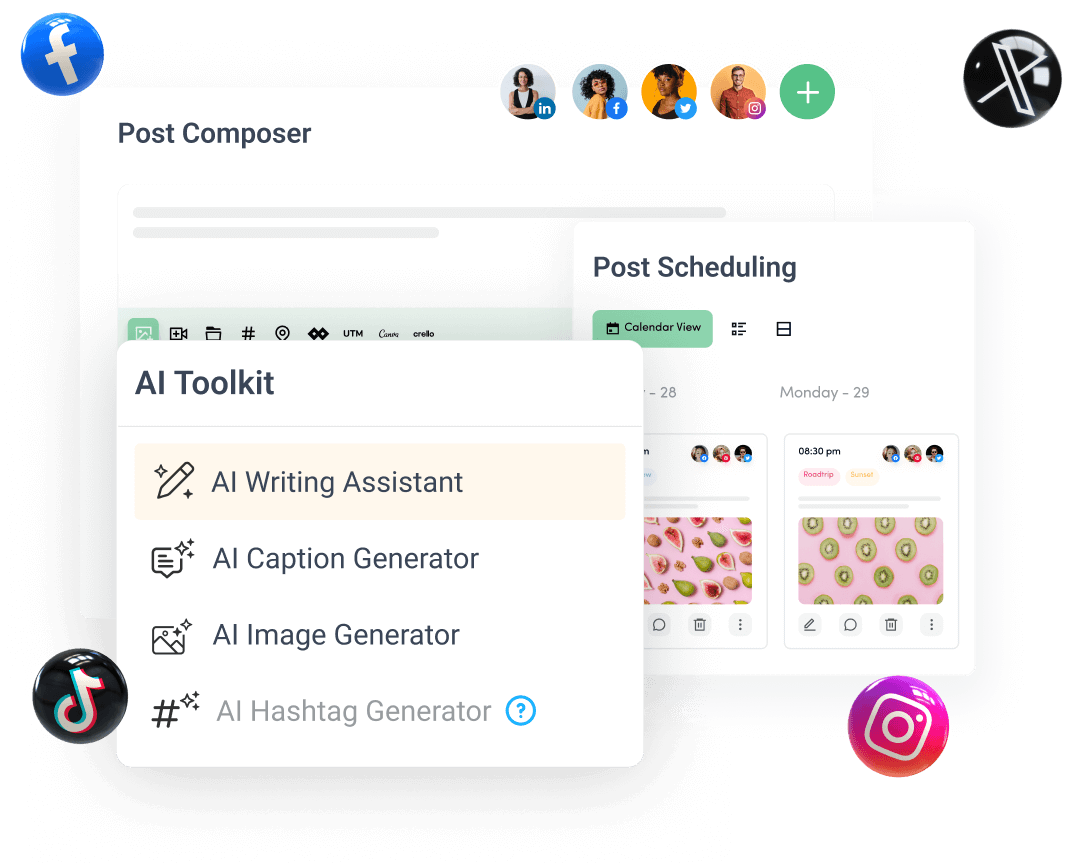
Create, plan, schedule, and publish posts on all social media networks