TTM
What does TTM mean in text?
TTM primarily stands for "Talk To Me" in text messages and social media platforms.
This popular abbreviation has become a staple in digital communication, especially among younger generations who frequently use shorthand to make conversations more efficient.
When someone sends "TTM" in a message, they're generally inviting further conversation or asking the recipient to engage with them. It's a quick way to encourage dialogue without typing out the full phrase.
Whether you're managing personal accounts or handling social media for a business, knowing these terms is increasingly important.
TTM meanings across different contexts
While "Talk To Me" is the most common interpretation of TTM in casual conversations, the acronym can have several meanings depending on the context:
Common TTM meanings in casual texting
- Talk to me: The most prevalent meaning, used to invite conversation or engagement
- Text to me: Sometimes used to specifically request a text response rather than a call
- Too much to tell: Indicating there's a lot to discuss that might be better communicated through a call or in-person meeting
- Time to meet: Suggesting it's time to meet up in person rather than continuing to text
TTM meanings in business contexts
- Time to market: The period it takes for a product to go from conception to being available to customers
- Trailing twelve months: A financial term referring to data from the previous 12 consecutive months
- Total transaction management: A comprehensive approach to managing business transactions from start to finish
- Through the machine: A manufacturing term referring to products passing through production machinery
Understanding these varied meanings can help you avoid confusion when managing social conversations across different platforms and contexts.
How TTM is used on different social media platforms?
The meaning and usage of TTM can slightly vary across popular social media platforms. Let's explore how this acronym is commonly employed on different platforms:
TTM on Instagram
On Instagram, "Talk To Me" is frequently used in comments, direct messages, and even as a caption to encourage engagement. Users might include it alongside a question or statement to prompt responses and boost interaction rates.
This is particularly common on posts seeking opinions or trying to increase Instagram engagement.
Example: "Just reorganized my entire workspace! TTM about your productivity setup 💬"
TTM on TikTok
TikTok users often use TTM in comments or video captions to stimulate conversation around trending topics or challenges.
The platform's short-form content is perfect for starting discussions that can continue in the comments section, making TTM a useful engagement prompt.
Example: "This hack changed my morning routine completely! TTM if you've tried something similar 👀"
TTM on Snapchat
On Snapchat, TTM often appears in snap captions or direct messages to initiate conversations or request responses to a story. The ephemeral nature of Snapchat content makes TTM a quick way to encourage immediate engagement before content disappears.
Example: "Exploring downtown today! TTM your favorite spots here 📸"
TTM on Facebook
Facebook's diverse user base spans multiple generations, making context especially important when using conversational slang like TTM in comments, posts, or Messenger threads. Brands and creators who engage consistently and ContentStudio Facebook Scheduler their posts at peak activity times are far more likely to spark meaningful discussions and drive organic reach across every audience segment.
TTM on Twitter/X
On Twitter (now X), the character limit makes abbreviations like TTM particularly valuable. Users often include it in tweets to encourage replies and boost engagement metrics, which can help increase visibility through the platform's algorithm.
Example: "These new policy changes are wild! TTM your thoughts 💭"
Understanding platform-specific usage can help you tailor your social media strategy more effectively across different channels.
How to use TTM effectively in your messages?
Using TTM appropriately can enhance your digital conversations and help you maintain engagement. Here are some tips for incorporating this abbreviation effectively:
Know your audience
- Perfect for casual communication: Use TTM with friends, close acquaintances, or in informal social media interactions
- Avoid in professional settings: Skip using TTM in business emails, formal communications, or with people unfamiliar with texting slang
- Consider generational gaps: Younger users will likely understand TTM immediately, while older generations might appreciate some context
Use TTM to spark conversation
- Show curiosity: "You mentioned your trip was amazing! TTM about your favorite part!"
- Express support: "Noticed you've been quiet lately. TTM if you need someone to listen."
- Request specific information: "TTM your thoughts on the latest update to our project."
When managing multiple social media accounts, using conversation starters like TTM can help maintain consistent engagement across platforms.
Be authentic when using slang
Authenticity on social media is crucial for building genuine connections. When using abbreviations like TTM:
- Don't overuse it: Incorporating too many acronyms can make your messages feel forced or difficult to understand
- Keep it natural: Use TTM where it fits naturally in conversation, not just to appear trendy
- Be prepared to clarify: If someone doesn't understand the abbreviation, be ready to explain its meaning
For brands looking to create shareable content, using familiar abbreviations like TTM can help your posts feel more conversational and less corporate.
How to respond to TTM messages?
When someone sends you a message containing TTM, they're usually inviting you to engage in conversation. Here are some effective ways to respond:
Be approachable and engaging
- Show enthusiasm: Respond in a friendly, conversational tone that encourages further dialogue
- Ask follow-up questions: Keep the conversation flowing by asking questions that prompt detailed responses
- Use emojis to add warmth: Incorporate relevant emojis to make your text feel more personable and expressive
Match their communication style
- Mirror their formality level: If they're casual with their TTM usage, respond similarly; if more formal, adjust accordingly
- Consider response timing: A TTM often implies they're available to chat now, so try to respond promptly when possible
- Add value to the conversation: Share insights, opinions, or information that advances the discussion
Effective response techniques are particularly important when managing social media for clients or handling customer service on social media.
Alternatives to TTM in digital communication
If you're looking to diversify your conversation starters beyond TTM, here are some popular alternatives to keep your communication fresh:
Similar conversation-starting abbreviations
- HMU: "Hit Me Up" – Invites someone to contact you
- WYD: "What You Doing" – Asks about current activities
- LMK: "Let Me Know" – Requests information or an opinion
- WDYT: "What Do You Think" – Specifically asks for thoughts or opinions
Time-specific alternatives
- TTML: "Talk To Me Later" – Suggests continuing the conversation at a later time
- TTYL: "Talk To You Later" – Indicates you'll resume the conversation in the future
- TTMN: "Talk To Me Now" – Conveys urgency for immediate conversation
- WTM: "What's The Move" – Usually asks about plans or what's happening next
For content creators focusing on social media content strategy, incorporating these abbreviations strategically can help create more engaging and conversational content.
TTM in different languages and cultures
The use of TTM and similar acronyms isn't limited to English-speaking countries. As social media connects global audiences, text abbreviations are evolving across different languages and cultures:
- Spanish-speaking countries might use "HDM" (Háblame) as an equivalent to TTM
- French users sometimes employ "PM" (Parle-Moi) for the same purpose
- German speakers might use "SMM" (Sprich Mit Mir) in casual conversation
This global variation is important to consider when planning international social media campaigns or trying to connect with diverse audiences.
Conclusion
TTM—primarily meaning "Talk To Me"—has become a staple abbreviation in digital communication, offering a quick way to invite conversation and engagement.
Whether you're using it on Instagram, TikTok, Snapchat, or in private text messages, understanding this acronym and its various contexts helps you navigate online interactions more effectively.
As with all digital slang, the key to using TTM successfully lies in knowing your audience, matching the context, and maintaining authenticity. While abbreviations offer efficiency in communication, they work best when they feel natural and appropriate to the conversation.
For individuals and businesses alike, staying current with evolving digital language is increasingly important for effective communication in today's fast-paced social media landscape.
Tools like ContentStudio can help you navigate these changes while maintaining consistent engagement across multiple channels.
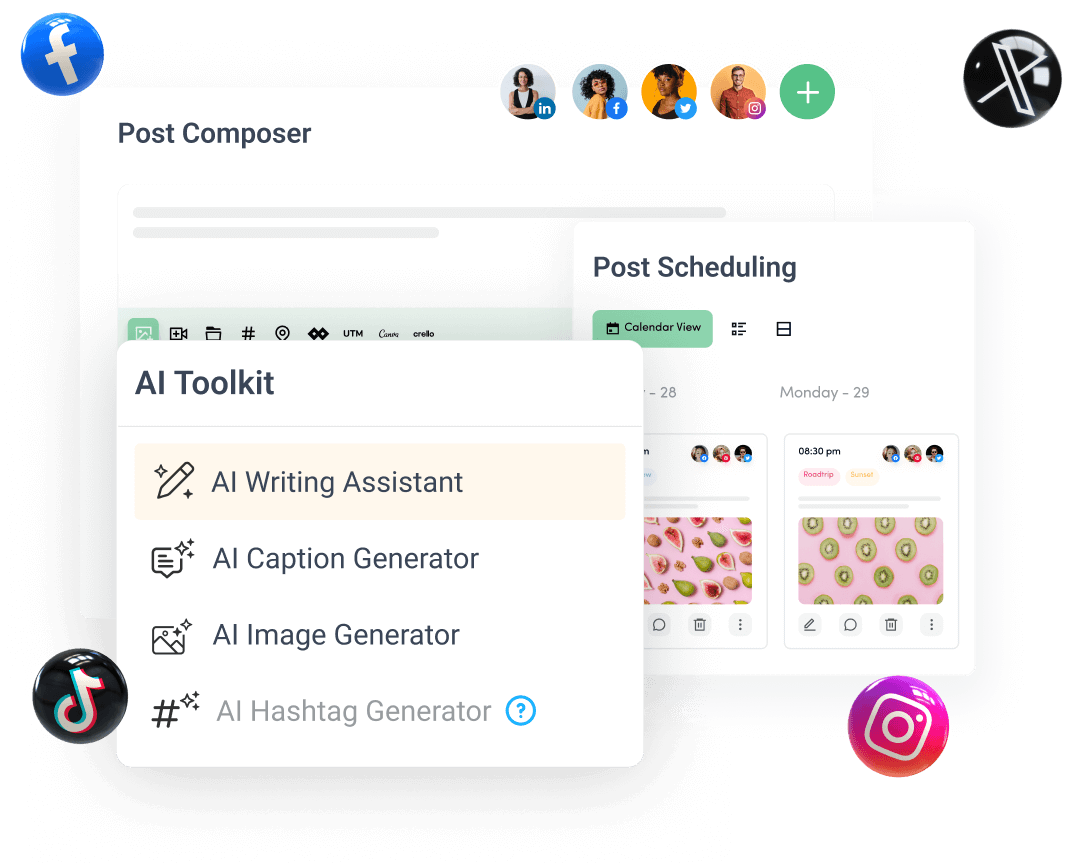
Create, plan, schedule, and publish posts on all social media networks