X (Twitter) Keyword Generator
Find the Twitter keywords your audience searches for. Enter your niche and get keyword ideas for your profile, posts and searches on X. Free, no sign-up.
- Free forever
- No sign-up
- Profile + post keywords
- 16,500+ brands use ContentStudio
What is an X (Twitter) keyword generator?An X keyword generator suggests the words and phrases people use to search on X (formerly Twitter) for your niche. You enter a topic and get keyword ideas to use in your bio, display name and posts. ContentStudio's X keyword generator is free and needs no sign-up.
How to use it
How to Use the X Keyword Generator
Enter your niche
Type your content niche, industry or topic, for example "marketers", "vegan recipes" or "cybersecurity".
Generate
Click Generate X (Twitter) keywords now to get keyword suggestions.
Shortlist
Pick the keywords most relevant to your content and the people you want to reach.
Put them to work
Add your main keyword to your bio and display name, and use the others naturally in your posts.
Test them in X search
Search each keyword on X to see who already posts about it and what gets replies.
Tip: run a broad term ("marketing") and a narrow one ("email marketing for ecommerce"). Narrow keywords bring fewer but more relevant people.
What you can find
What you can find with this X keyword generator
Profile keywords
Role and niche terms for your bio and display name, so you show up in X's people search.
Post keywords
Topics and phrases to work into your posts, threads and replies so they appear when people search.
Monitoring terms
Brand, product and competitor terms to save as searches or follow in X Pro columns.
Ad keyword ideas
A starting list for keyword targeting in X Ads, which you then refine in Ads Manager.
Why keywords matter
Benefits of X Keywords
X keywords matter in two distinct contexts:
Profile visibility: X's people search uses display names, usernames and bios. An account whose bio contains "marketing consultant" can appear when users search for those terms. This is the profile-level keyword function.
Post discoverability: posts that contain a specific word or phrase appear in X's search results for that term. You don't need a hashtag for a post to be found: a keyword in the post text is searchable too.
X Advanced Search: X's advanced search (x.com/search-advanced) lets users search for specific words, exact phrases, accounts and date ranges at once. It is the most precise way to see which posts rank for a keyword.
Search keywords on X
How to search keywords on X with Advanced Search
Type any keyword into X's search bar, then switch between the Top, Latest, People and Media tabs. For more control, use Advanced Search on the web or type these operators straight into the search bar:
| Operator | Example | What it finds |
|---|---|---|
| "exact phrase" | "content calendar" | Posts with that exact phrase |
| OR | scheduler OR scheduling | Posts with either word |
| -word | marketing -job | Excludes a word |
| from: | from:contentstudio | Posts from one account |
| to: | to:contentstudio | Replies to one account |
| min_faves: | AI tools min_faves:100 | Posts with at least 100 likes |
| since: / until: | launch since:2026-01-01 | Posts in a date range |
| lang: | marketing lang:en | Posts in one language |
| filter:links | SEO filter:links | Only posts with links |
Save searches you use often so you can open them again from the search bar.
Twitter SEO
Twitter SEO: where to use keywords on X
| Place | How to use a keyword | Example |
|---|---|---|
| Display name | Name plus one niche word (50 characters) | Sara Lee | UX Designer |
| Username | Optional niche word if it fits (15 characters) | @SaraDesignsUX |
| Bio | Role, niche and topic in plain words (160 characters) | UX designer for fintech apps. Posts on onboarding and accessibility. |
| Posts | The term people search for, early in the post | Onboarding tip: ask for one thing per screen. |
| Image alt text | Describe the image with the topic word | Checklist for fintech app onboarding |
| Pinned post | Your best post on your main topic | A thread on your core subject |
Google also indexes many public X profiles and posts, so the same keywords can help people find you from web search. Write the bio with the X (Twitter) bio generator and pick a matching handle with the X (Twitter) username generator.
Examples by niche
Twitter keywords examples by niche
- Marketing
content marketing, social media strategy, marketing tips
- SaaS / startups
SaaS growth, product launch, build in public
- Tech / AI
AI tools, machine learning, developer tools
- Finance
personal finance, investing basics, budgeting
- Fitness
home workout, strength training, running tips
- Food
easy recipes, meal prep, vegan recipes
- Careers
remote jobs, job search tips, hiring
- Ecommerce
Shopify store, ecommerce marketing, DTC brands
Keyword tracking
Twitter Keyword Analytics and Tracking
Keyword tracking (also called keyword monitoring or social listening) is different from keyword generation. A generator suggests words to use. A tracker watches how often a word is used over time, by whom, and with what sentiment.
What keyword analytics on X means: monitoring how often a keyword is mentioned, which accounts use it most, whether sentiment is positive or negative, and whether volume is rising or falling. This helps with brand monitoring, competitor research, trend spotting and campaign tracking.
X's native analytics: X's own analytics shows performance data for your own posts, such as impressions, engagements, link clicks and profile visits. It does not monitor keywords used by other accounts.
Third-party tracking: social listening tools that use X's data can track keyword mentions across public posts. They monitor rather than suggest.
Manual tracking: for low-volume terms, a saved Advanced Search or a keyword column in X Pro lets you check recent posts without a dedicated tool.
Keywords for ads
X Keyword Targeting for Ads
Keyword targeting is also a paid advertising option on X, separate from organic keyword strategy.
X Ads offers keyword targeting as a campaign option: ads are shown to people who recently searched for or engaged with posts containing specific keywords. You set it up in X Ads Manager under keyword targeting in the ad group's audience settings.
Organic keyword optimization (keywords in your profile and posts) and paid keyword targeting (X Ads Manager) serve different goals, but they can share the same keyword research. Start with the list from this tool, then check each term in X search before you spend on it.
Turn your keywords into a posting plan
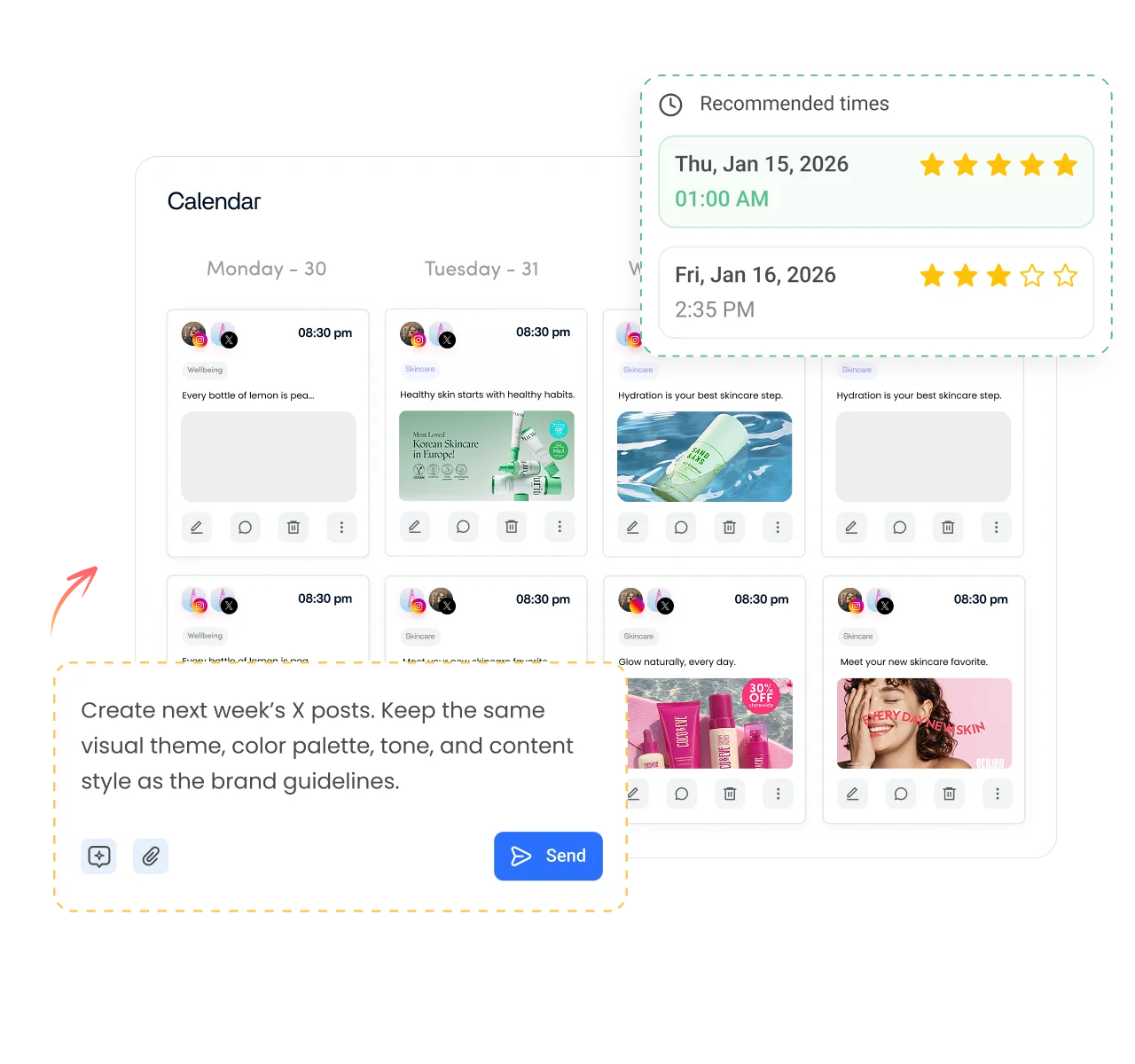
Keywords tell you what to talk about. ContentStudio's AI social media management platform helps you post about it consistently:
- Plan posts around your keywords. Build a weekly calendar of topics and schedule Twitter posts for when your audience is online.
- See what works. Track impressions, engagement and follower growth for your X account in ContentStudio analytics.
- Post across networks. Reuse the same keyword-rich ideas on LinkedIn, Instagram, Facebook and TikTok from one composer.
Is it free?
Is the X Keyword Generator Free
Yes. ContentStudio's X keyword generator is free with no usage cap and no account required. It is part of ContentStudio's suite of free social media tools.
- Free forever
- No sign-up
- Profile + post keywords
- 16,500+ brands use ContentStudio
More free X (Twitter) tools
All free social media tools →
Frequently asked questions

Book a 30 min call
Have questions? Schedule a quick call and we will guide you through everything.
Book a free call