
How to use LinkedIn for b2b marketing: Strategies, tips, and best practices
Jan 14, 202021 minutes

Written by
Arooj IshtiaqUpdated
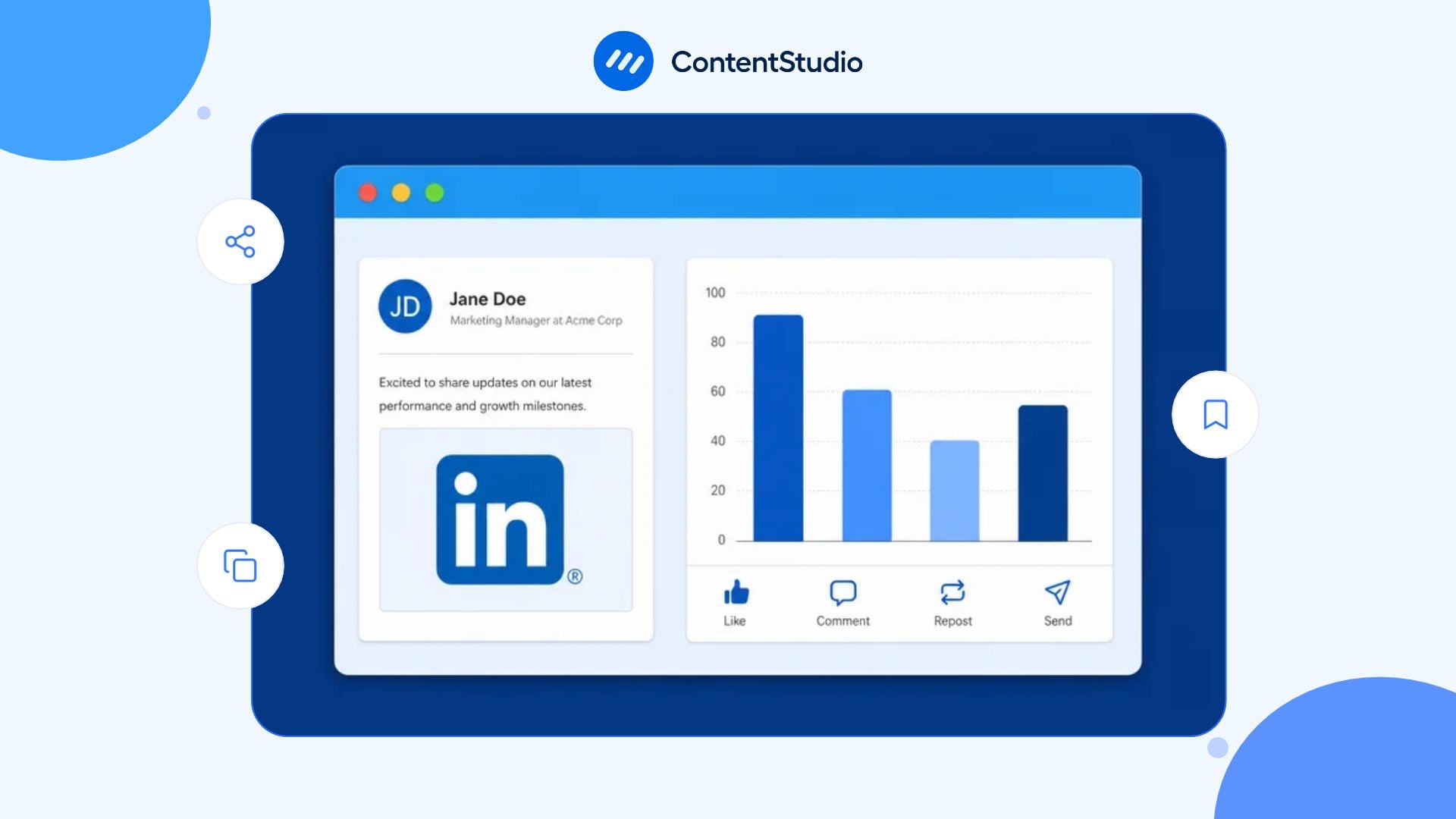
The best LinkedIn analytics tool depends on what your team needs to measure and how it plans to use the results. Creators may focus on post performance and personal-profile growth, while B2B marketing teams often need Company Page analytics, audience trends, campaign tracking, and website attribution. Agencies may require client workspaces, white-label reports, and competitor research, whereas sales teams need account-level buying signals to support follow-up.
These reporting needs should align with your broader LinkedIn marketing strategy, so your team can connect content performance with audience engagement and business goals. The right analytics platform makes it easier to identify what works, understand where improvements are needed, and measure progress beyond likes and impressions.
This guide compares 12 tools across account coverage, data depth, reporting, exports, competitor research, workflow, collaboration, integrations, pricing, and limitations. Since product features and pricing can change, use the comparison to build a shortlist and verify current plan details with each vendor before making a decision.
Key takeaways
The right platform is the one that answers the reporting question your team cannot answer easily today. These recommendations help separate creator, team, agency, enterprise, and sales use cases.
Feature lists can look similar until a team tries to use them. The criteria below focus on what determines whether a platform works in a real reporting process.
| Evaluation area | What to assess |
|---|---|
| Data access | Whether the tool uses supported integrations, public data, account connections, or another access method. |
| Account coverage | Whether it supports personal profiles, creators, Company Pages, multiple brands, or client workspaces. |
| Content analysis | Whether it can compare individual posts, campaigns, themes, formats, and publishing periods. |
| Audience insight | Whether it provides useful demographic, follower, visitor, account, or buyer-context data. |
| Historical reporting | How much history is available and whether it remains accessible over time. |
| Reports and exports | Whether it can create dashboards, CSVs, PDFs, presentations, white-label reports, or scheduled outputs. |
| Competitor research | Whether it can compare competitor Pages, content patterns, or market activity. |
| Workflow | Whether it connects the calendar, content labels, approvals, publishing, reporting, and inbox work. |
| Collaboration | Whether it supports users, roles, permissions, client access, and approval paths. |
| Integrations | Whether it connects with GA4, CRM, Looker Studio, automation tools, or other reporting systems. |
| Pricing mechanics | Whether costs are based on users, channels, brands, workspaces, accounts, add-ons, or a custom quote. |
| Limitations | Which important reporting or workflow needs it does not cover well. |
The following comparison helps narrow down the options based on your team’s priorities. The detailed sections can then help you assess each platform’s capabilities, limitations, and suitability before committing to a paid plan.
| Tool | Best for | Core strength | Main trade-off |
|---|---|---|---|
| ContentStudio | B2B teams and agencies | Planning, publishing, approvals, reporting, and competitor work together | May be more than a solo creator needs |
| LinkedIn native analytics | Free baseline measurement | Direct platform data for eligible account types | Limited cross-network reporting and workflow |
| AuthoredUp | Personal brands and LinkedIn writers | Historical post data, creator analytics, and LinkedIn writing workflow | Not a broad multichannel suite |
| Taplio | Individual LinkedIn creators | LinkedIn-first publishing, writing, and growth workflow | Limited agency and enterprise reporting |
| Buffer | Small teams and creators | Affordable scheduling and straightforward reporting | Less depth for complex competitor or enterprise needs |
| Metricool | Multi-brand dashboards | Visual reporting, brands, competitor analysis, and exports | Advanced functions can require higher tiers |
| Socialinsider | Competitor benchmarking | Cross-network analytics, competitor research, and history | Not a complete publishing operations tool |
| Agorapulse | Agencies and social-care teams | Inbox, approvals, client reports, ROI, and social workflow | Can be more complex than basic reporting needs |
| Sprout Social | Enterprise teams | Governance, collaboration, social care, and multichannel reporting | Per-seat cost can be high |
| Hootsuite | Large social operations | Broad account management, monitoring, reporting, and permissions | Cost and operational complexity |
| AgencyAnalytics | White-label reporting agencies | Client dashboards, report automation, and marketing-data integration | Not a content-calendar-first product |
| LinkedIn Sales Navigator | B2B sales teams | Account research, buyer signals, and sales reporting | Not a content analytics dashboard |
When evaluating the tools, consider how reporting fits into your team’s daily work. A LinkedIn scheduler can help coordinate content planning, approvals, and publishing, while keeping the workflow connected to performance reviews can make it easier to identify which posts deserve further attention.
The metrics themselves also need context. Reach and impressions show content distribution, while engagement indicates how people interact with posts. Clicks, leads, and conversions help connect those interactions to business outcomes.
A structured approach to LinkedIn performance metrics makes these distinctions clearer and helps teams choose a tool based on the results they actually need to measure.
ContentStudio is designed for teams that need the reporting process to stay connected to the work that produced the data. Its value is operational: planners, writers, approvers, social managers, and clients can work in a shared environment where content, labels, campaign context, publishing history, and results connect more easily.
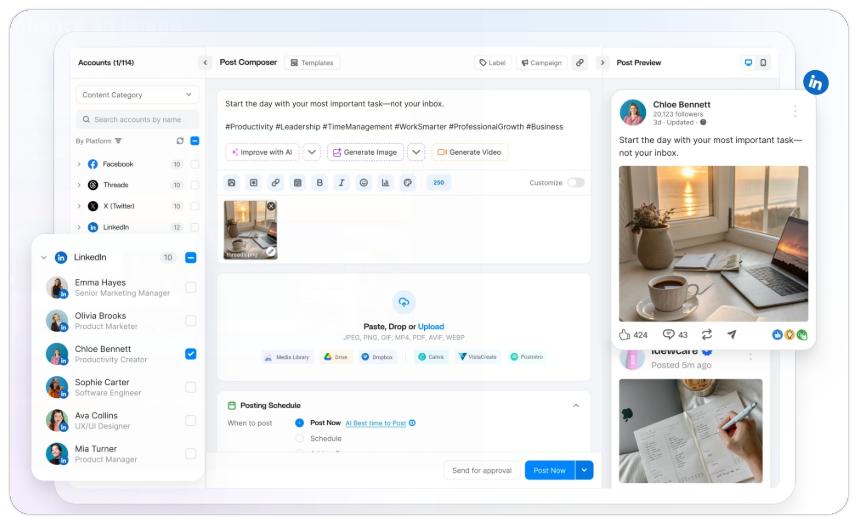
These are the capabilities worth examining for this platform. Availability can vary by plan, account type, region, or current product changes.
This option best suits the following users and workflows.
Every platform involves trade-offs. Review these points before treating the tool as a complete match.
Use a real account and reporting requirement during the evaluation. The checks below will reveal more than a generic product tour.
Published plans start from $19 per month on annual billing. Confirm the current feature matrix before purchase.
LinkedIn native analytics are the first resource every creator, Page administrator, and marketing team should use. Because the data comes from LinkedIn itself, it provides the clearest baseline for what the platform currently exposes for individual posts, personal profiles, creators, and eligible Company Pages.
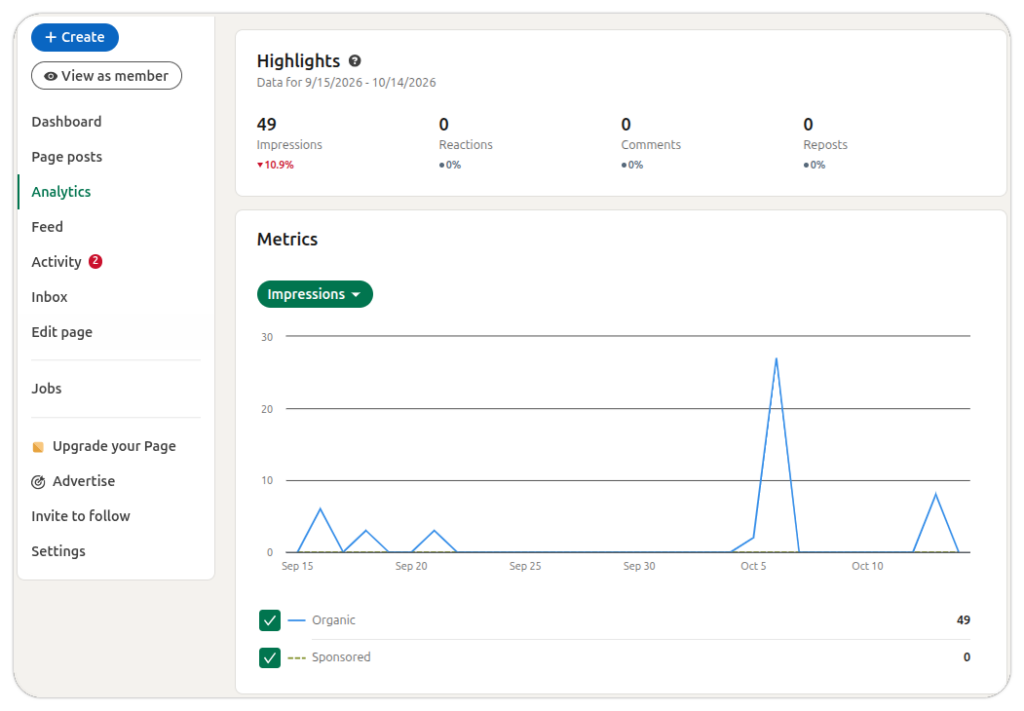
These are the capabilities worth examining for this platform. Availability can vary by plan, account type, region, or current product changes.
This option best suits the following users and workflows.
Every platform involves trade-offs. Review these points before treating the tool as a complete match.
Use a real account and reporting requirement during the evaluation. The checks below will reveal more than a generic product tour.
Free for eligible LinkedIn accounts and Page administrators.
AuthoredUp is a LinkedIn-focused platform for people who publish from personal profiles and need stronger writing, planning, historical analysis, and creator-level reporting. It is especially relevant to founders, consultants, ghostwriters, executive-content teams, and personal-brand programs that need more depth than a basic post view.
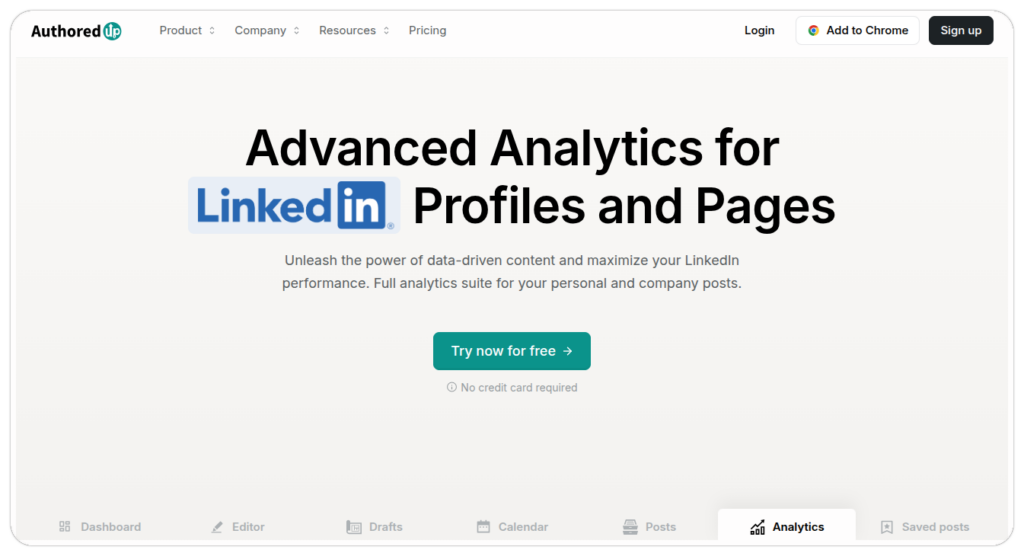
These are the capabilities worth examining for this platform. Availability can vary by plan, account type, region, or current product changes.
This option best suits the following users and workflows.
Every platform involves trade-offs. Review these points before treating the tool as a complete match.
Use a real account and reporting requirements during the evaluation. The checks below will reveal more than a generic product tour.
Individual pricing is listed at $19.95 monthly or $16.63 monthly when billed annually. Confirm business-plan pricing and included profile limits.
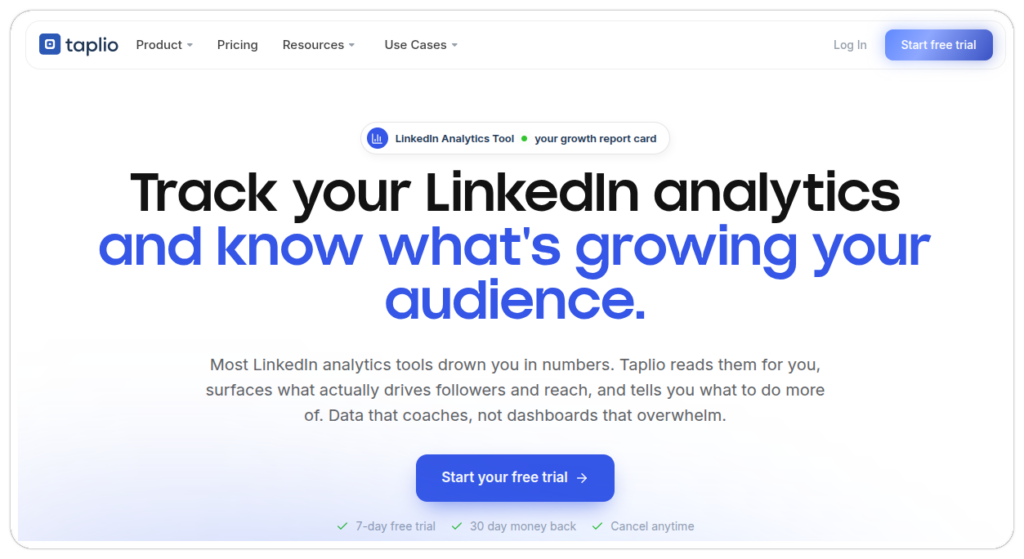
Taplio is a LinkedIn-first product for professionals who want publishing, writing support, core analytics, and network activity in one creator-oriented environment. It is built around one person’s LinkedIn presence rather than multichannel agency reporting.
These are the capabilities worth examining for this platform. Availability can vary by plan, account type, region, or current product changes.
This option is most likely to suit the following users and workflows.
Every platform involves trade-offs. Review these points before treating the tool as a complete match.
Use a real account and reporting requirement during the evaluation. The checks below will reveal more than a generic product tour.
Taplio lists Starter at $39 per month, Growth at $69, and Pro at $199. Confirm current plan scope before purchase.
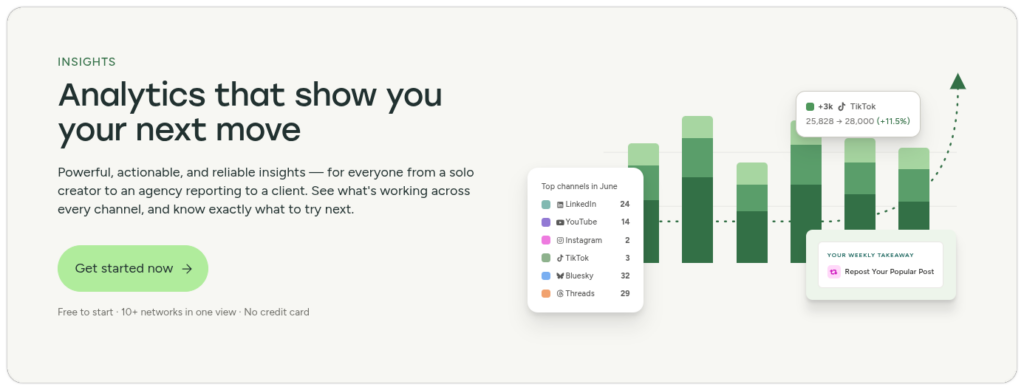
Buffer is a lighter social media management platform for creators, small teams, and smaller agencies that want publishing, analytics, engagement tools, and collaboration without enterprise complexity. Its channel-based pricing can be attractive when a team manages a limited set of social accounts.
These are the capabilities worth examining for this platform. Availability can vary by plan, account type, region, or current product changes.
This option is most likely to suit the following users and workflows.
Every platform involves trade-offs. Review these points before treating the tool as a complete match.
Use a real account and reporting requirement during the evaluation. The checks below will reveal more than a generic product tour.
Buffer has a free plan for up to three channels. Essentials starts at $5 per channel monthly annually and Team starts at $10.
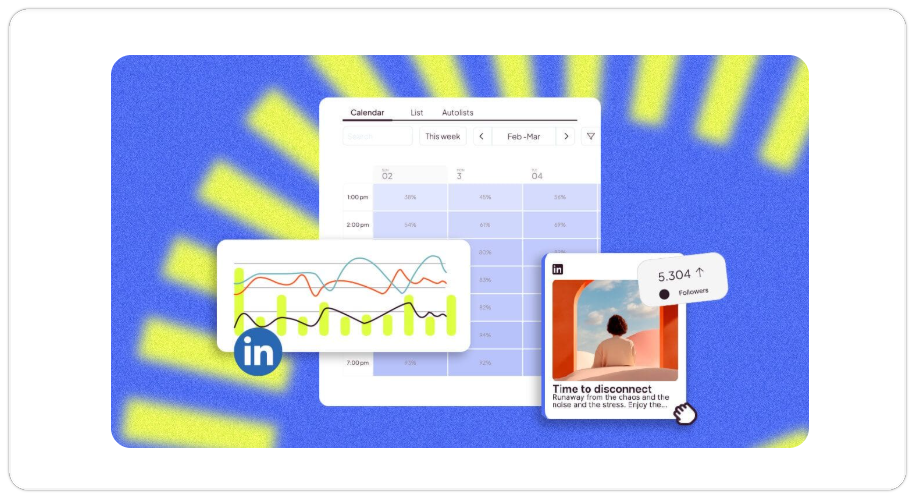
Metricool is a social media planning and reporting platform that suits freelancers, agencies, and teams managing several brands. Its main appeal is visual dashboards, multi-brand views, competitor analysis, campaign reporting, and downloadable reports across social channels.
These are the capabilities worth examining for this platform. Availability can vary by plan, account type, region, or current product changes.
This option best suits the following users and workflows.
Every platform involves trade-offs. Review these points before treating the tool as a complete match.
Use a real account and reporting requirement during the evaluation. The checks below will reveal more than a generic product tour.
The free plan does not include LinkedIn. Starter begins at $20 per month in USD pricing; confirm current terms.
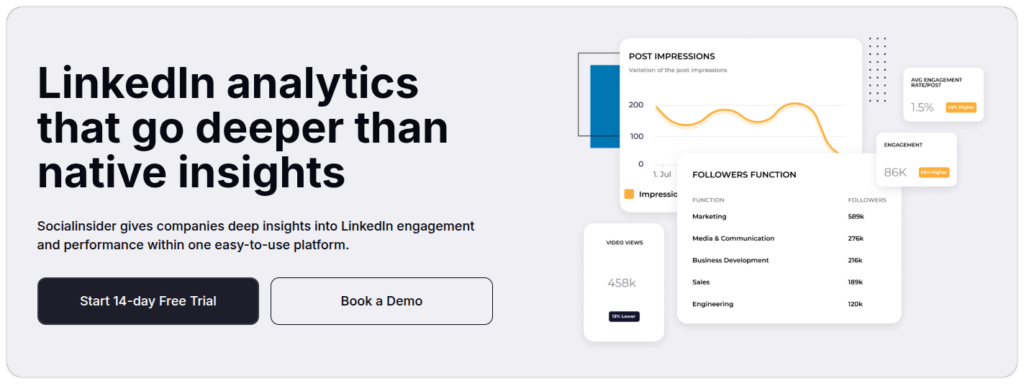
Socialinsider is an analytics and social intelligence platform for marketers who need competitor comparisons, reporting exports, and cross-network trend analysis. It is a strong choice when market context matters more than a combined content-calendar and publishing operation.
These are the capabilities worth examining for this platform. Availability can vary by plan, account type, region, or current product changes.
This option is most likely to suit the following users and workflows.
Every platform involves trade-offs. Review these points before treating the tool as a complete match.
Use a real account and reporting requirements during the evaluation. The checks below will reveal more than a generic product tour.
Socialinsider lists Adapt from $82 per month, including up to 20 accounts, three months of history, and one seat.
Agorapulse combines publishing, social inbox management, reporting, listening, and team collaboration. It is particularly relevant to agencies and social-care teams that need client reporting to sit alongside comment management, approvals, assignments, and account accountability.
These are the capabilities worth examining for this platform. Availability can vary by plan, account type, region, or current product changes.
This option best suits the following users and workflows.
Every platform involves trade-offs. Review these points before treating the tool as a complete match.
Use a real account and reporting requirement during the evaluation. The checks below will reveal more than a generic product tour.
Confirm current plan prices, limits, and advanced-reporting scope with Agorapulse.
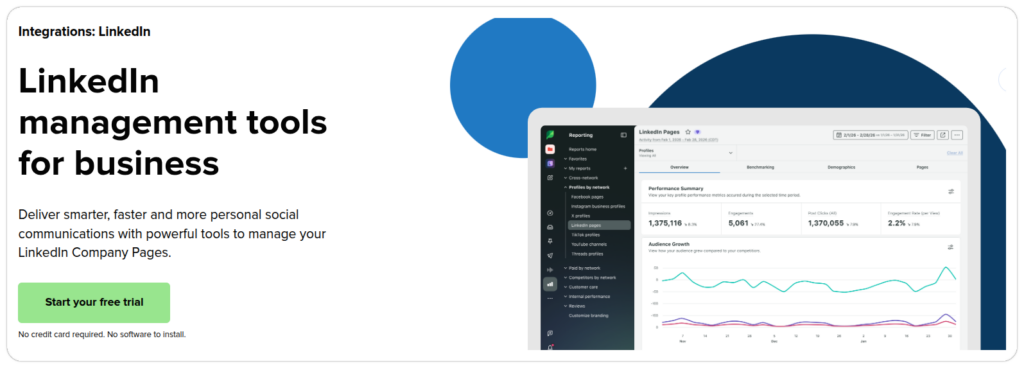
Sprout Social is built for organizations that need structured collaboration, social care, governance, reporting, and operations across several networks. Its value comes from mature team processes and broad social management rather than a narrow LinkedIn-only analytics view.
These are the capabilities worth examining for this platform. Availability can vary by plan, account type, region, or current product changes.
This option is most likely to suit the following users and workflows.
Every platform involves trade-offs. Review these points before treating the tool as a complete match.
Use a real account and reporting requirements during the evaluation. The checks below will reveal more than a generic product tour.
Sprout lists Essentials from $79 per seat monthly or annually and Standard from $199. Verify current packages.
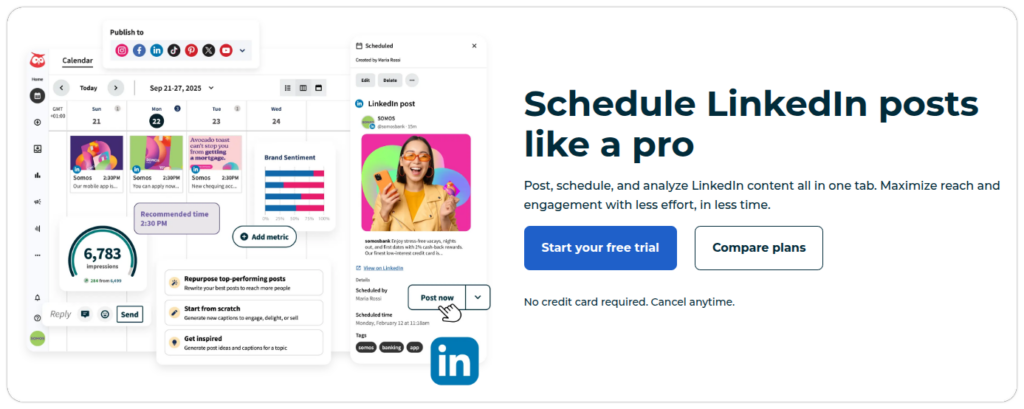
Hootsuite is a long-standing social media management platform for organizations managing many accounts across networks. It suits teams that need scheduling, monitoring, administration, reporting, and user permissions from a central environment.
These are the capabilities worth examining for this platform. Availability can vary by plan, account type, region, or current product changes.
This option best suits the following users and workflows.
Every platform involves trade-offs. Review these points before treating the tool as a complete match.
Use a real account and reporting requirement during the evaluation. The checks below will reveal more than a generic product tour.
Hootsuite lists Standard from $99, Professional from $199, and Advanced from $399 per user monthly on annual billing.
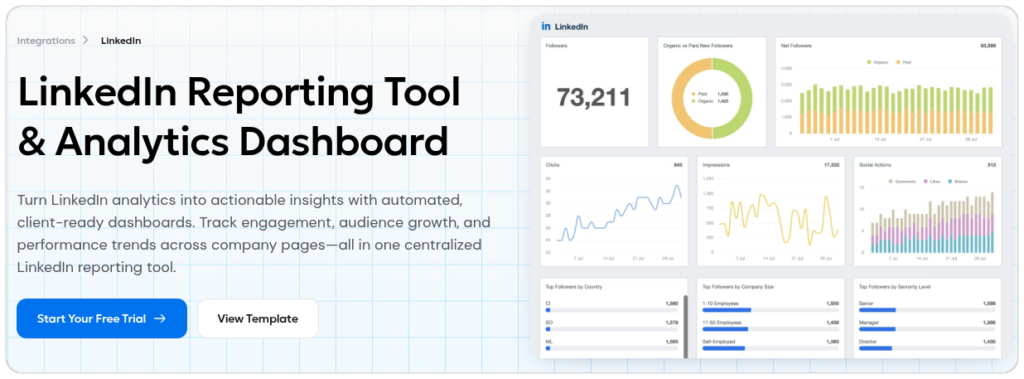
AgencyAnalytics is a marketing-reporting platform for agencies that need client dashboards, automated reports, data aggregation, and branded deliverables across several marketing systems. Its primary value is reporting presentation and client management, not LinkedIn publishing or content creation.
These are the capabilities worth examining for this platform. Availability can vary by plan, account type, region, or current product changes.
This option is most likely to suit the following users and workflows.
Every platform involves trade-offs. Review these points before treating the tool as a complete match.
Use a real account and reporting requirements during the evaluation. The checks below will reveal more than a generic product tour.
AgencyAnalytics offers a 14-day free trial and a 30-day money-back guarantee. Confirm current plan pricing and integration limits.
LinkedIn Sales Navigator is not a content analytics dashboard. It is a B2B sales platform that helps teams find target accounts, identify decision-makers, monitor account activity, receive lead and account alerts, and connect LinkedIn signals with sales workflows. It belongs in this comparison because some B2B teams need account-level context more than post metrics.
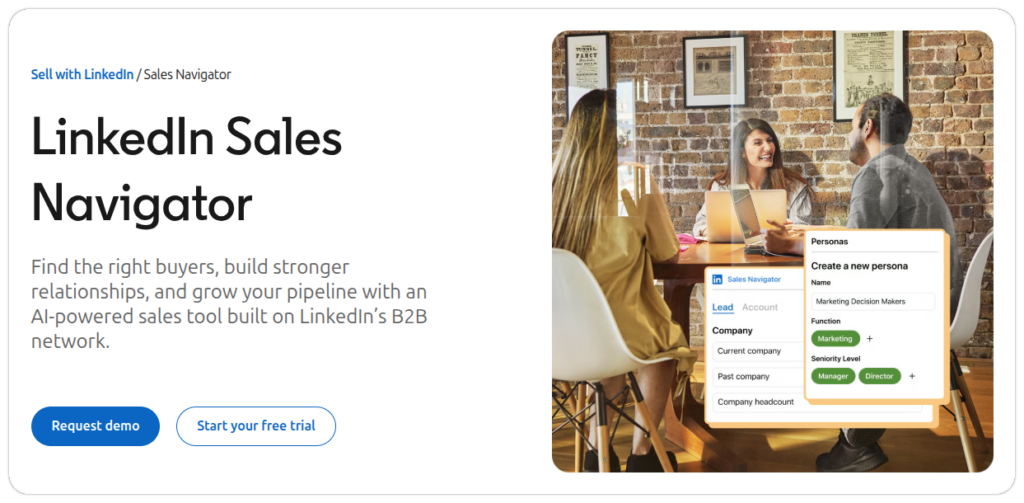
These are the capabilities worth examining for this platform. Availability can vary by plan, account type, region, or current product changes.
This option best suits the following users and workflows.
Every platform involves trade-offs. Review these points before treating the tool as a complete match.
Use a real account and reporting requirements during the evaluation. The checks below will reveal more than a generic product tour.
Sales Navigator pricing and feature availability should be confirmed for the plan and region your team needs.
Personal-profile publishing and Company Page reporting are not interchangeable. A creator tool may offer deeper insight into writing patterns and personal activity but little value for multi-brand Page reporting. A social management suite may provide strong Page reports, permissions, and exports but limited personal-profile depth.
| If your main need is | Tools to prioritise | Why |
|---|---|---|
| Personal post history and writing analysis | AuthoredUp, Taplio, LinkedIn native analytics | These tools are closer to creator and personal-profile workflows |
| Company Page content and audience reporting | LinkedIn native analytics, ContentStudio, Metricool, Sprout Social, Hootsuite, Agorapulse | These platforms can support Page-level content, audience, and reporting workflows |
| Multi-brand or client reporting | Metricool, Agorapulse, AgencyAnalytics, ContentStudio | They support several brands, outputs, workspaces, reports, or client operations |
| Account-level B2B sales insight | Sales Navigator | It is built around leads, accounts, buyer signals, and sales action rather than post metrics |
A trial should test the work your team already does, not just the interface. Connect representative accounts, create a real report, and involve the people who will actually use the platform after purchase.
The best platform follows the reporting and workflow problem that is creating friction today. The shortlist below gives each common team type a practical starting point.
| Team type | Shortlist | What to prioritise |
|---|---|---|
| Solo creator | LinkedIn native analytics, AuthoredUp, Taplio | Personal-profile coverage, post history, writing workflow, simplicity |
| B2B marketing team | ContentStudio, Metricool, Agorapulse, LinkedIn native analytics | Page reporting, audience fit, campaign context, approvals, publishing, exports |
| Agency | ContentStudio, Metricool, Agorapulse, AgencyAnalytics | Client workspaces, report branding, exports, permissions, approvals, multi-brand operations |
| Enterprise team | Sprout Social, Hootsuite, Agorapulse | Governance, roles, social care, security review, multi-network reporting |
| Competitive-intelligence team | Socialinsider, Metricool, Agorapulse | Competitor sets, historical comparison, exports, trend views |
| Account-based sales team | LinkedIn Sales Navigator plus the team’s reporting stack | Lead and account filters, alerts, CRM fit, buyer signals, sales follow-up |
A useful LinkedIn reporting process starts with clear goals, not software. Before comparing dashboards, your team needs to define what success looks like. Reports should show whether the right audience engages with your content, whether those interactions lead to meaningful actions, and whether your strategy improves over time.
Start by choosing the LinkedIn performance metrics that match your objectives. The right tool should track the measures your team needs, regardless of how polished its dashboard looks.
Your team should also understand the difference between reach and impressions. LinkedIn reach measures how many unique people saw your content, while impressions count how many times it was displayed, including repeat views.
Once the data reveals a useful pattern, apply those insights to your next month’s content plan. A well-defined LinkedIn content strategy helps your team use reporting to improve future content instead of simply recording past performance.
Use these final checks before you choose a plan. They reduce the risk of paying for features that do not support the way your team actually works.
Start by shortlisting tools that support your specific LinkedIn accounts and reporting needs. During each free trial, create the same report using identical date ranges, check for missing data, test export options, and calculate the total subscription cost, including any required add-ons or extra users.
The right choice is the tool that delivers the reporting and workflow your team needs at a reasonable cost, with limitations you can accept. A longer feature list does not necessarily mean better value, especially when it includes functions your team is unlikely to use.
Yes. Publishing and analytics are separate features. Check which metrics, historical data, and reports the tool supports for your account.
It depends on the tool. Some import older data, while others only track performance after connection. Check how much historical data the tool can retrieve.
Tools may use different formulas to calculate engagement rates. Check what each tool includes in the calculation before comparing results.
No. Its documented LinkedIn integration supports Company Pages and requires Super Admin access to connect them.
Not always. Your own account may provide private performance data, while competitor reports often rely on public information. Check which metrics each tool provides.
Not always. Check whether the plan includes the exports, branding, scheduled reports, user permissions, and account limits you need. For example, ContentStudio includes exports and scheduled reports on its Advanced plan, while Buffer offers branded reports on its Team plan.
Plan 0 Days of Content in 0 Minutes
Create, schedule, publish and analyze your content across all your social media channels from one simple dashboard.
4.7 on Capterra • 16,500+ marketers trust ContentStudio
Arooj Ishtiaq is a Content Marketing Strategist with 5+ years of experience writing about social media, SaaS, and AI. At ContentStudio, she creates practical guides, tutorials, and how-to content that help marketers navigate social media trends, sharpen their strategies, and get more from their content.
View all posts by Arooj IshtiaqRecommended for you
How to use LinkedIn for b2b marketing: Strategies, tips, and best practices

How to grow LinkedIn followers organically: Strategy for sustainable growth
LinkedIn analytics: How to measure, report, and improve results

How to optimize your LinkedIn profile?