Content Composerai-icon

Content composer to create every social media post in one place

Write, design, customize, and preview every social media post from one content composer. Generate captions, images, and videos with AI, tailor each post for every network, and publish with confidence using ContentStudio.
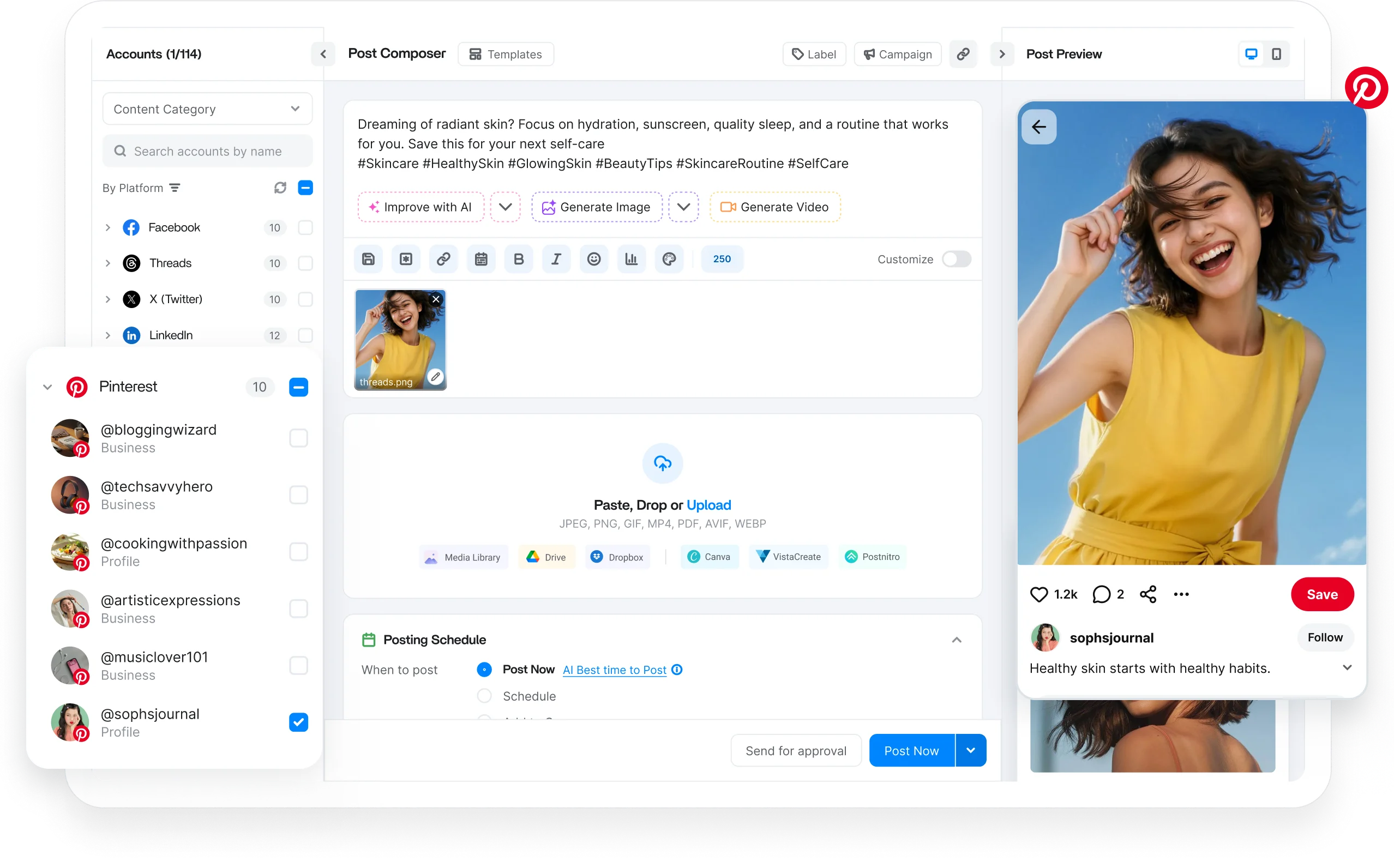
ContentStudio content composer

Integrated with

Trusted by 16,500+ leading brands and agencies
Write every social media post from one place - content composer

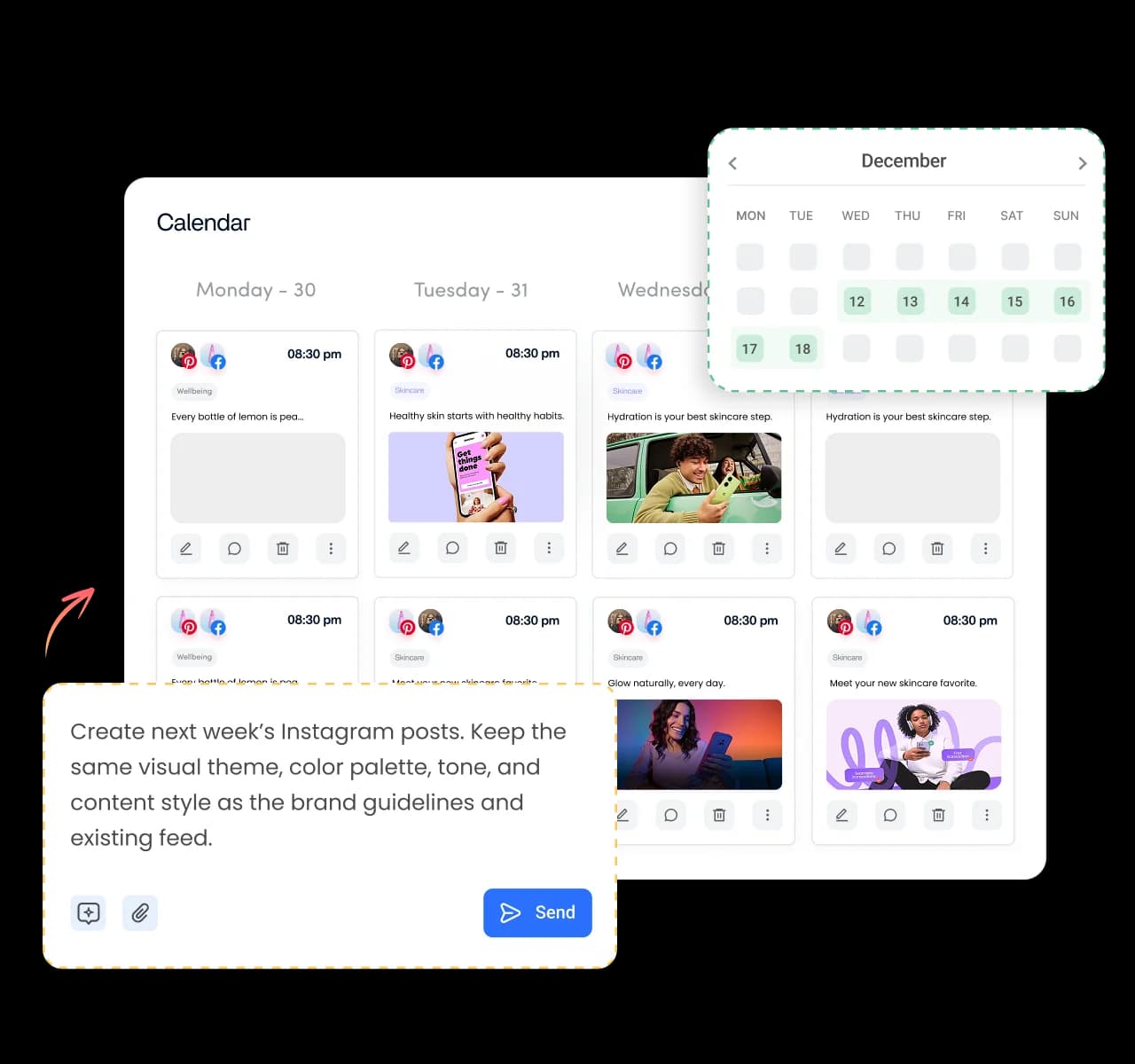
Write every social media post from one place

Stop bouncing between tools every time you create a post. Write your caption, format text, add hashtags, emojis, polls, and tracked links, then customize everything for each social network without leaving the content composer.
Create captions, images, and videos with AI - content composer

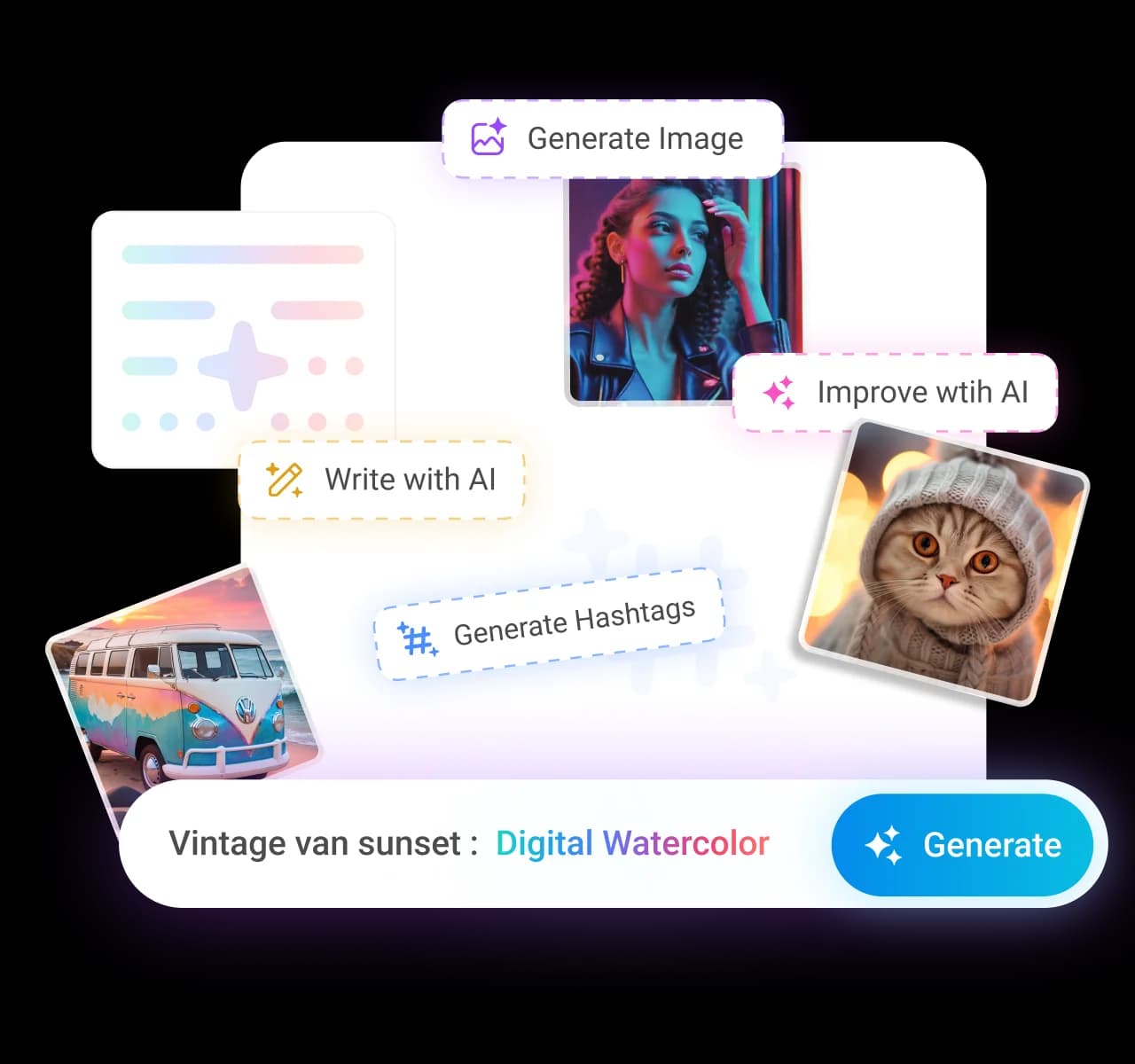
Create captions, images, and videos with AI

Bring your ideas to life without switching apps. Use Write with AI to generate captions, Generate Image to create visuals, or Generate Video to turn a simple prompt into scroll-stopping content, all from the same composer.
Add media from the tools you already use - content composer

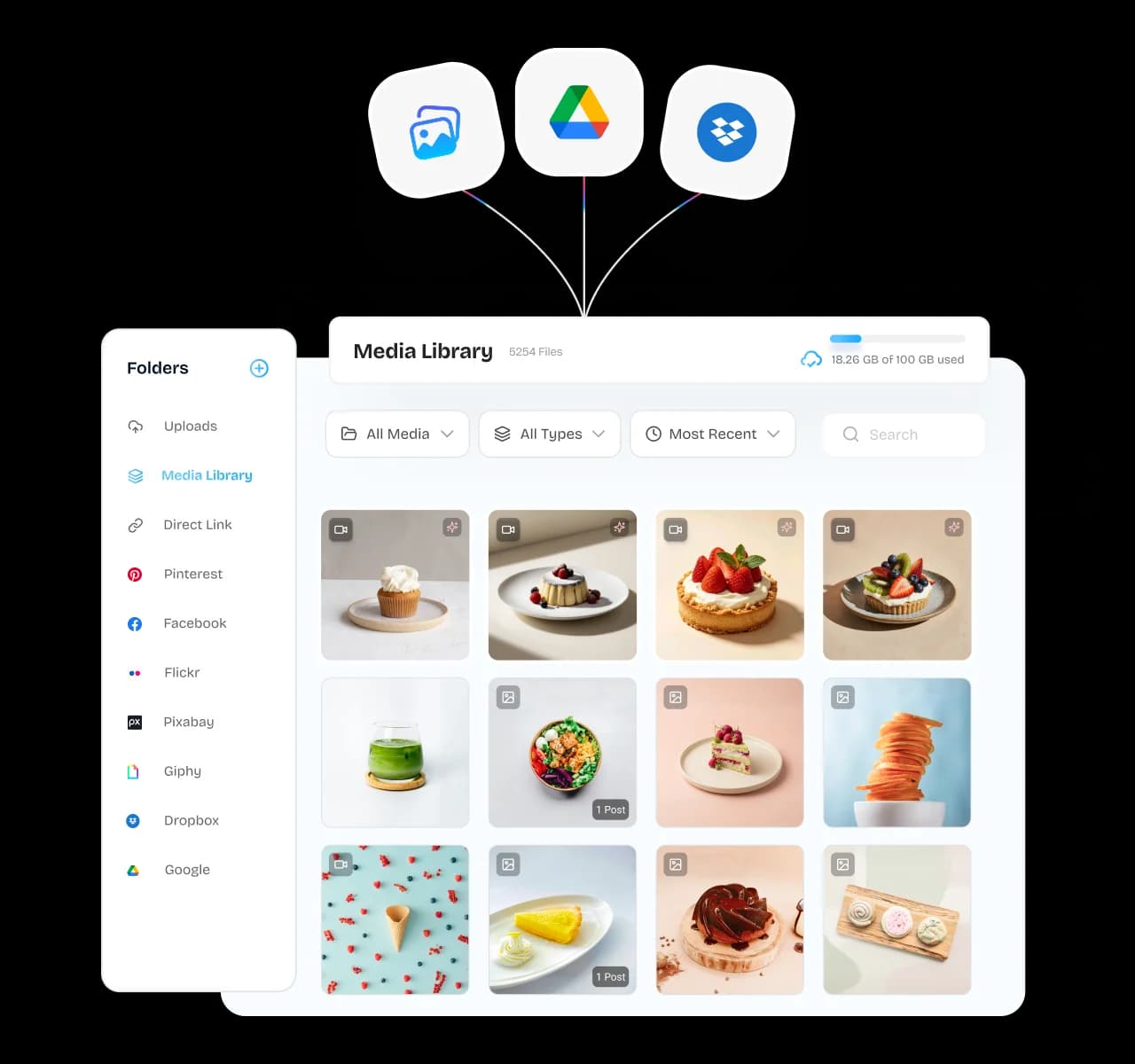
Add media from the tools you already use

Keep your content where it belongs. Upload files directly or pull images and videos from your Content Library, Google Drive, Dropbox, Canva, or VistaCreate, so every asset is ready the moment you start creating.
Optimize every post for every social network - content composer

Optimize every post for every social network

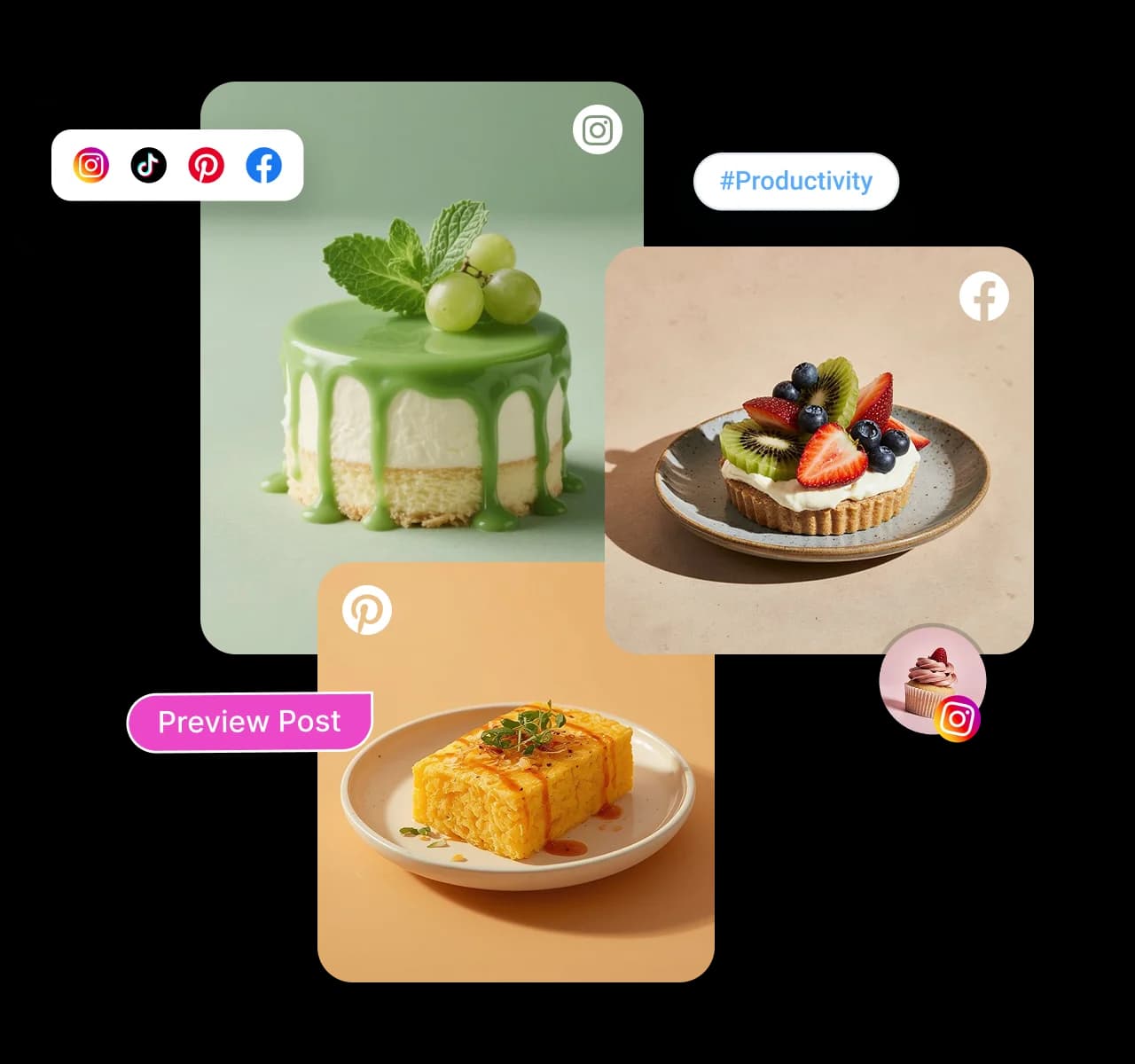
Create once, then make every version feel native. Edit captions, swap visuals, adjust formatting, and personalize each post for every platform before publishing to multiple accounts at the same time.

See every post before it goes live - content composer

See every post before it goes live

Publish with confidence instead of crossing your fingers. The live post preview shows exactly how your content will appear on each social network, helping you catch formatting issues, awkward crops, or cut-off captions before anyone else does.
Choose exactly how your posts get published - content composer

Choose exactly how your posts get published

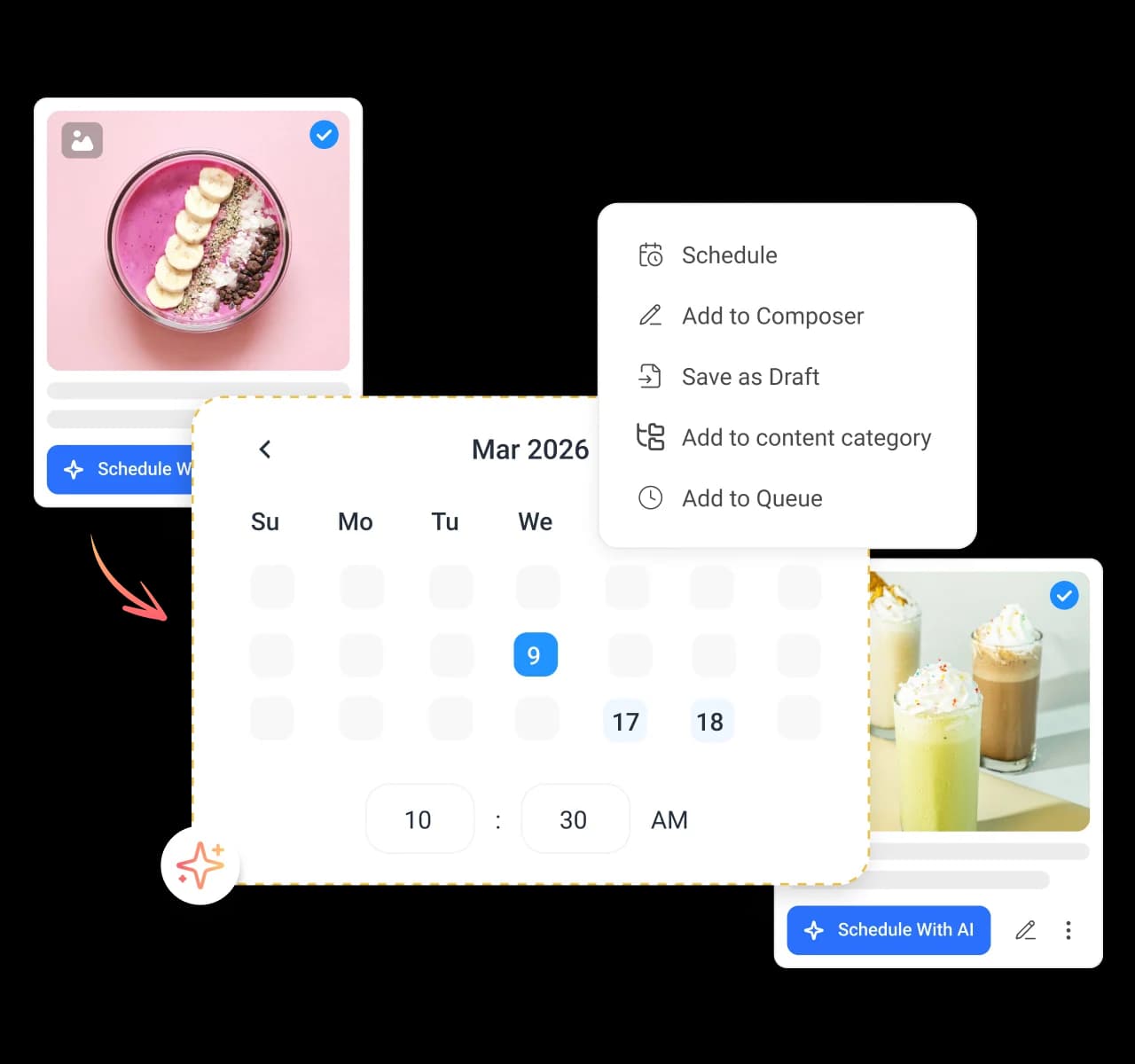
Publish immediately, schedule for later, add posts to a queue, organize them into content categories, or save them as drafts for later. Turn on repeat for evergreen content or send posts for approval before they go live, all without leaving the composer.

4.2MPost ScheduledIncrease in productivity with ContentStudio
50%Productivity BoostIncrease in productivity with ContentStudio
$1,000+Cost Savingssaved monthly on social media management costs
5h/weekTime Savedsaved on content planning and scheduling
quotes

The perfect tool for agency-client collaboration and content approvals.

Erin-testimonial

Erin Ricchiazzi,

VP of Marketing@The Modern Firm

marketing-logos
FAQs

Frequently asked questions

ContentStudio

Book a 30 min call

Have questions? Schedule a quick call and we will guide you through everything.

Book a free call

What is a content composer?

A content composer is where you write, design, and format a social media post before it publishes. It brings your caption, media, formatting, and network settings into one screen instead of separate tools. ContentStudio's content composer lets you build a post for every network from a single place.
You start by writing your caption or generating one with AI, then add media by uploading or pulling from your connected sources. Customize the post for each network, preview how it will look, and choose when it goes out. Everything happens in one composer without switching apps.
Yes, the composer has Write with AI, Generate Image, and Generate Video built right in. You can draft a caption, design a visual, or turn an idea into a video clip without leaving the screen. That takes you from a blank box to a finished post in a few clicks.
Yes, you can tailor every post per network directly in the composer. Adjust the caption, swap the media, and change the format so each platform gets a version made for it. One draft becomes the right post for every account you publish to.
You can paste, drop, or upload files, or pull media straight from your Content Library, Google Drive, Dropbox, Canva, and VistaCreate. Supported file types include JPEG, PNG, GIF, MP4, PDF, AVIF, and WEBP. Everything lands in the composer without downloading and reuploading.
Yes, the composer shows a live post preview for each network before you publish. You see the final version exactly as your audience will, so you catch cropping or caption issues early. Nothing goes live until it looks the way you intended.
You can add bold and italic text, emojis, hashtags, polls, and links, and clean up your caption before posting. These controls help each post read clearly and match the style of the network it is going to. Everything is available right in the composer toolbar.
You can post now, schedule for later, add the post to a queue, drop it into a content category, or save it as a draft. You can also turn on repeat to reshare your best content automatically. For deeper scheduling, the composer connects to your full publishing calendar.
Yes, you can send any post for approval straight from the composer. A teammate or client reviews it and signs off before it goes live, so nothing publishes without a check. This keeps your whole team aligned without long email threads.
You can compose and publish to all the major social networks you connect to, including Facebook, Instagram, X, LinkedIn, YouTube, TikTok, Bluesky, and more, from one composer. Each post can be customized per network before it goes out.
CtaBackground