Step 01
Get your API key
Generate a key in the ContentStudio dashboard and store it as an environment variable. Keys are prefixed cs_ so they are easy to spot in a log.
Settings → API Keys
Run social media across all major platforms with our social media API. Built for developers, automation builders, and agency tech leads to publish, schedule, analyze, and manage your inbox, from your own app or AI agent.
Integrated with


 AI
AI AI
AI AI
AI AI
AI AI
AI AI
AI AI
AI AI
AITrusted by 16,500+ leading brands and agencies

How it works
Make your first API call in minutes and unlock publishing, analytics, approvals, inbox, automation, and AI media across all major networks.
Step 01
Generate a key in the ContentStudio dashboard and store it as an environment variable. Keys are prefixed cs_ so they are easy to spot in a log.
Settings → API KeysStep 02
Every resource lives under a workspace. This returns the workspace_id that goes in almost every other path. It confirms the key works at the same time.
GET /api/v1/workspacesStep 03
Returns the connected profiles and their account IDs. You need these before you can target a post. The platform is detected automatically from the ID.
GET /api/v1/workspaces/{workspace_id}/accountsStep 04
Send content, account IDs, and a scheduling block. The response returns a post ID; use it to update, delete, approve, or comment on that post later.
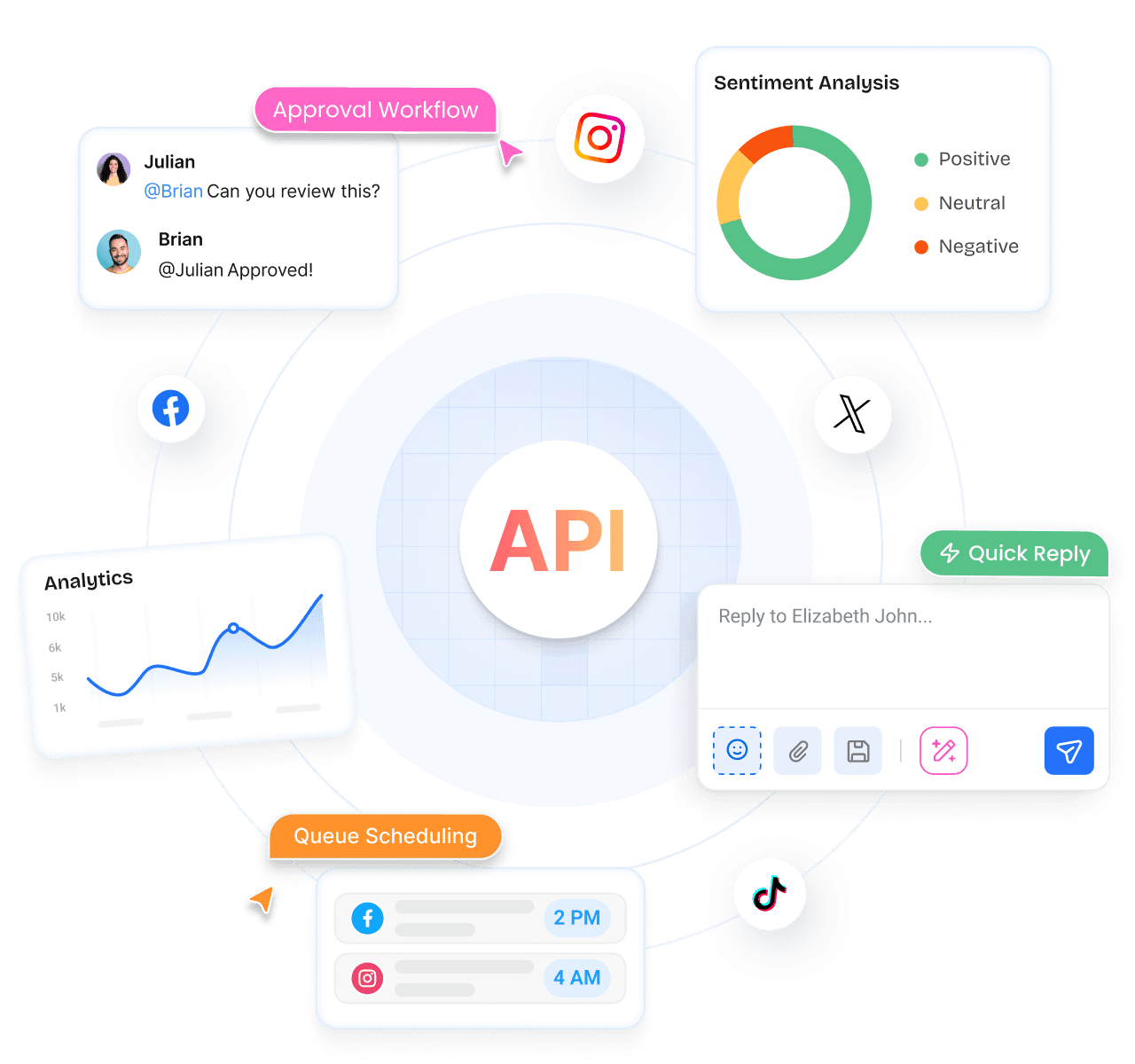
POST /api/v1/workspaces/{workspace_id}/postsA social media API with everything you need to automate at scale: publishing, analytics, approvals, inbox and AI media.

Create, schedule and publish posts across every connected network from a single call, with full control over the timing.

Generate on-brand AI images and videos from a simple prompt, with your brand colours, fonts and assets applied before you ever see it.

Pull performance data for every connected account, with plain AI insights explaining what moved and why it did so.

Read and reply to comments, messages and reviews from every connected network in one feed, without switching between tabs.

Route content through whatever review steps your own team needs, and control who can approve or publish to which accounts.

Track competitor accounts and compare their growth, posting habits, and engagement against your own numbers, side by side.

Keep the calendar full on its own, from a feed, a loop of recycled content, or a single bulk upload of hundreds of posts.

Send content out for review through a link that needs no login at all, then see exactly what got approved and by whom too.

Store all your media, manage who on the team can access what, schedule recurring reports, and track usage from one place.
One URL, nothing to download. Works in Claude, ChatGPT, Cursor, Grok, Claude Code, and Codex.
https://mcp.contentstudio.io/v1/mcp
For Claude Code and OpenClaw agents that drive a real command-line tool. Open source, MIT-0, so you can audit every line.
npm install -g contentstudio-cli
contentstudio auth:login --api-key cs_...
Use REST when your own code decides what to post. Use MCP when a model decides. Both run on the same key and a dry-run preview.
Reels, Stories, carousels, threads, polls, and Shorts, plus the fields each network demands when you use them.
Carousel cards, Page collaborators, text backgrounds
Collaborators, trial Reels
Threaded tweets
Poll object, custom title
Privacy level, duet/stitch/comment toggles, 3 disclosure flags
Board, destination link, pin title
Privacy status, category, tags, made-for-kids, license
Chained Threads posts
Topic type, start/end date, CTA link

Integrations
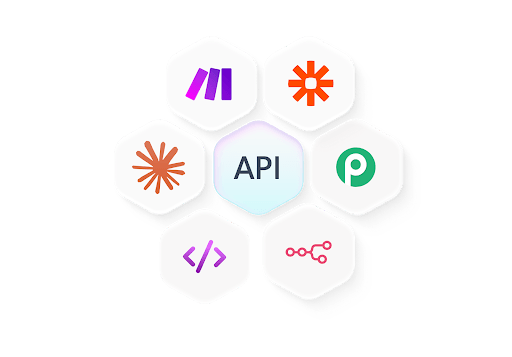
Build connected social workflows to create posts, manage content, and pass data between your tools, so you can focus on growth while routine steps run without manual effort.

Build detailed posting workflows that pull content from multiple sources and schedule across channels.
Connect with Make

Create custom automations that handle posting, content sync, and multi-platform scheduling.
Connect with n8n

Connect ContentStudio with 2,000+ apps to automate scheduling, sync lead data, and trigger posts
Connect with Pabbly
Embed a scheduler your users never leave. Run forty client accounts from one dashboard. Fill next month's calendar from an RSS feed. Let an agent draft and publish on its own. Four problems, the same endpoints, one key.
Developers & SaaS
Create posts, set times, and publish across every channel directly from your own systems, without building platform integrations yourself.

Product teams
Filter posts, view drafts and approvals, and pull analytics into your own interface using the same endpoints the ContentStudio app runs on.

Agencies
Let clients review drafts, approve content, and check schedules through share links, then read the activity log back into your own reporting.

AI builders
Let an agent publish on its own, or manage comments, conversations, and reviews from your support tooling through the inbox endpoints.
Schedule, publish, and manage content programmatically from any workflow. Set up in minutes, no complex configuration required.






$180 billed annually
Save $48/yrNo credit card required • 7-day free trial • Cancel anytime
Explore our API endpoints with code examples in multiple languages
/api/v1/workspaces/{workspace_id}/postsCreate and schedule a post across one or more social accounts. Supports draft, scheduled, and queued publishing.
curl -X POST \
  "https://api.contentstudio.io/api/v1/workspaces/{workspace_id}/posts" \
  -H "X-API-Key: YOUR_API_KEY" \
  -H "Content-Type: application/json" \
  -d '{
    "content": {
      "text": "Check out our latest product launch!",
      "media": {
        "images": ["https://example.com/image.jpg"]
      }
    },
    "accounts": [
      "350830594784444",
      "17841453340834745"
    ],
    "post_type": "feed",
    "scheduling": {
      "publish_type": "scheduled",
      "scheduled_at": "2024-12-25 15:30:00"
    },
    "first_comment": {
      "message": "More details in the thread!",
      "accounts": ["350830594784444"]
    }
  }'
{
  "status": true,
  "message": "Post created successfully",
  "data": {
    "id": "61e006a89be9dd0cd07ec692",
    "workspace_id": "610a1e660cb41530ca40d372",
    "content": {
      "text": "Check out our latest product launch!"
    },
    "scheduling": {
      "status": "scheduled",
      "scheduled_at": "2024-12-25T15:30:00Z",
      "timezone": "America/New_York"
    },
    "created_at": "2024-01-15T10:30:00Z"
  }
}
https://api.contentstudio.ioAuth: X-API-Key: YOUR_API_KEYThe post id returned can be used to update, delete, or approve the post.