AI Video Generatorai-icon

AI Video Generator built for social media teams

Turn text prompts and images into high-quality videos with the world's leading AI video generation models. Create, organize, schedule, and publish every video from one social media workspace.
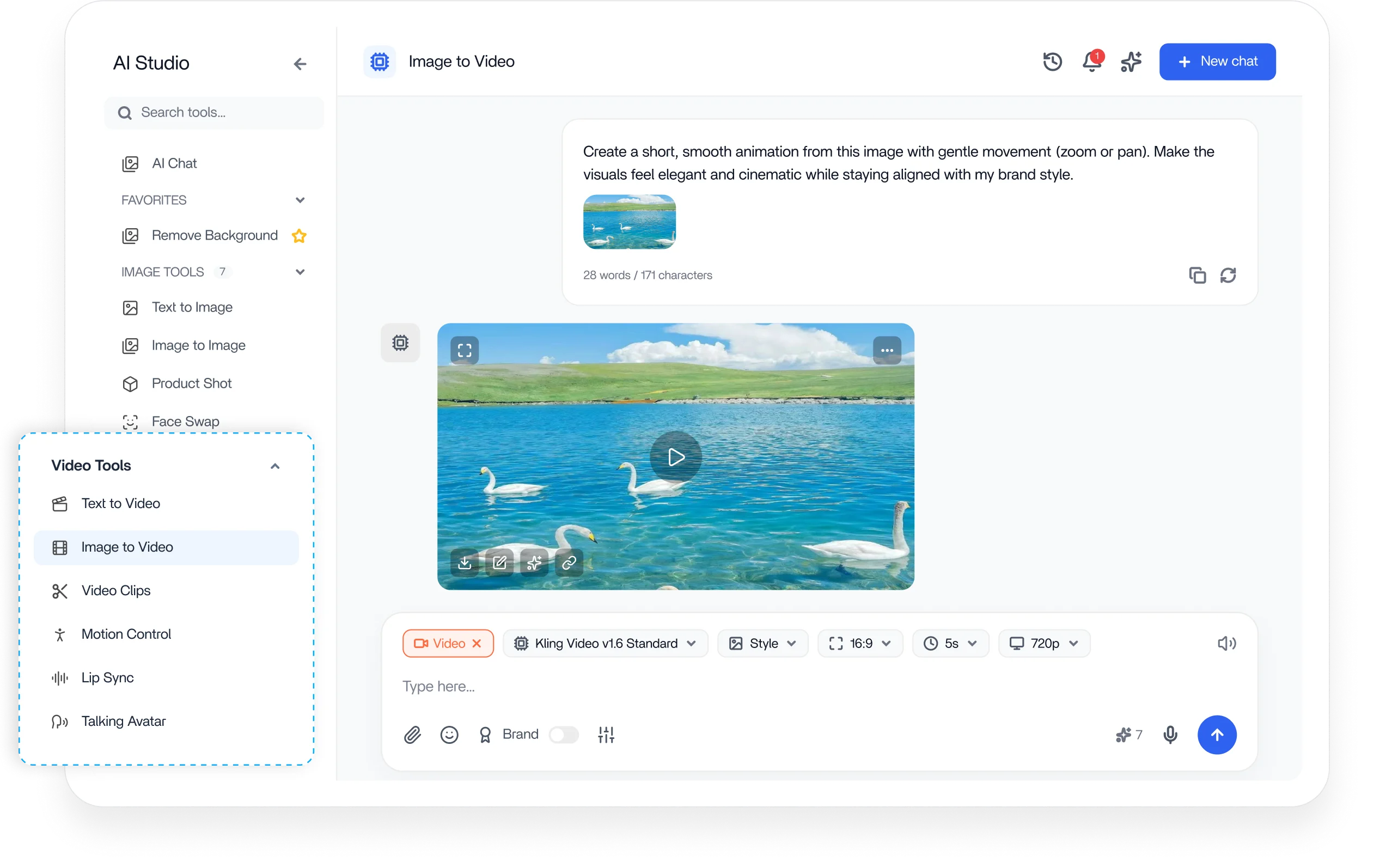
ContentStudio AI video generator dashboard

Integrated with

Trusted by 16,500+ leading brands and agencies
Generate complete videos from a single prompt - AI video generator

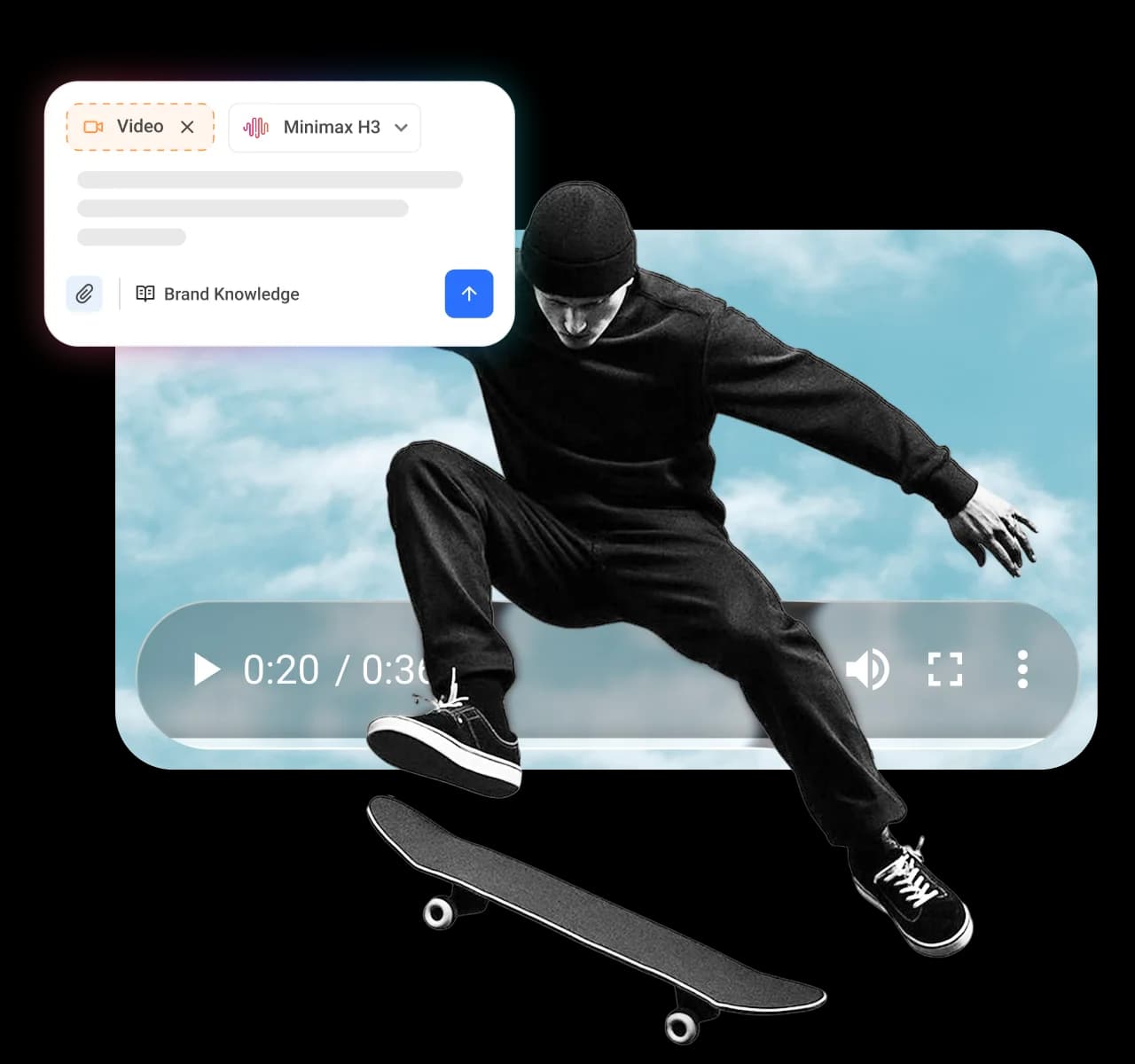
Generate complete videos from a single prompt

Describe the video you want, and the AI video generator builds it in seconds. Turn a short text prompt into a polished, ready-to-publish clip for reels, stories, ads, and product showcases, with no editing skills required.
Turn any image into an engaging video - AI video generator

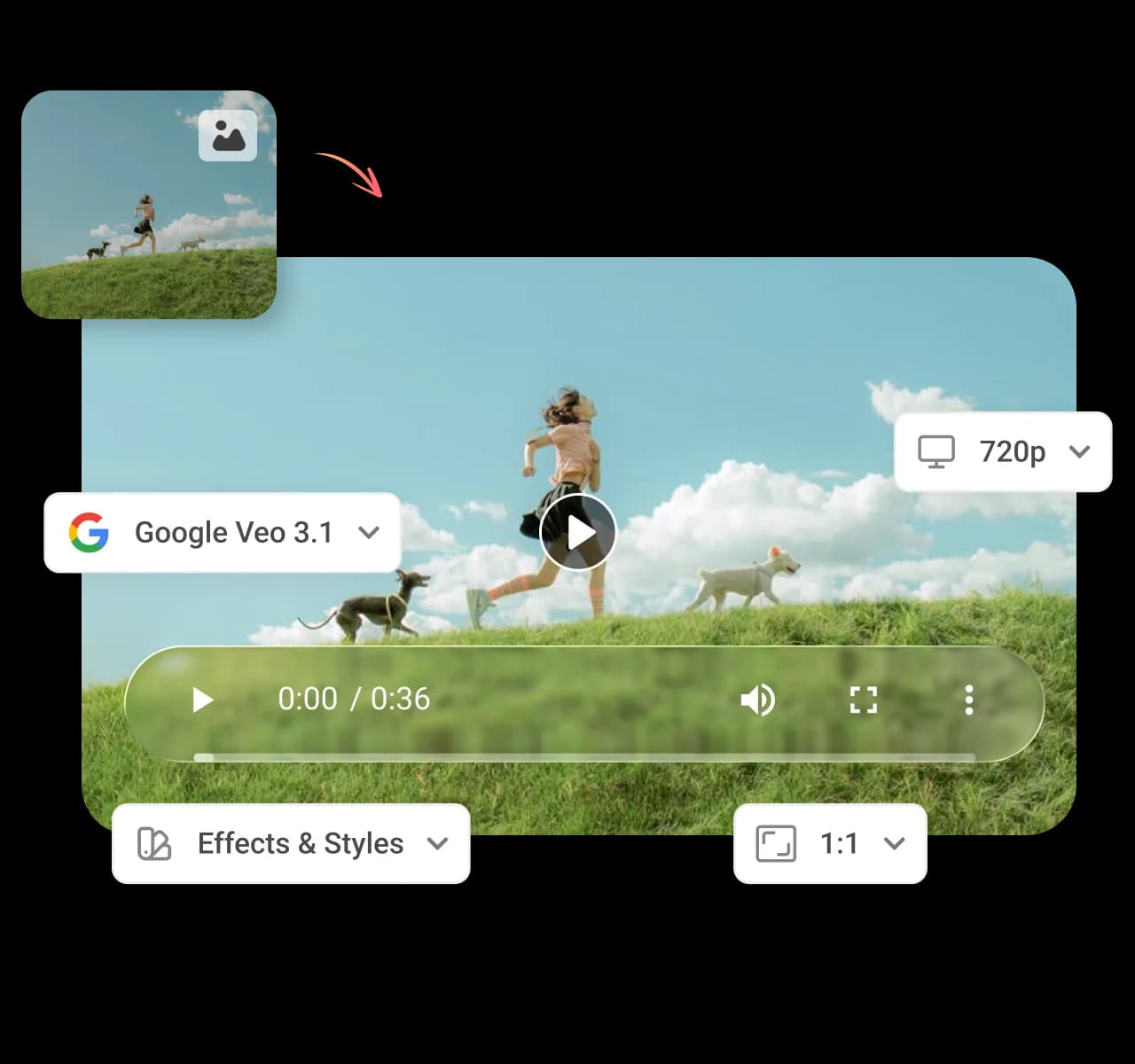
Turn any image into an engaging video

Upload a still image or pick one from your Media Library and let AI animate it into smooth, high-impact motion. Turn product catalog photos into high-converting video ads that stop the scroll and improve ROAS.
Slice your long videos into ready-to-post clips - AI video generator

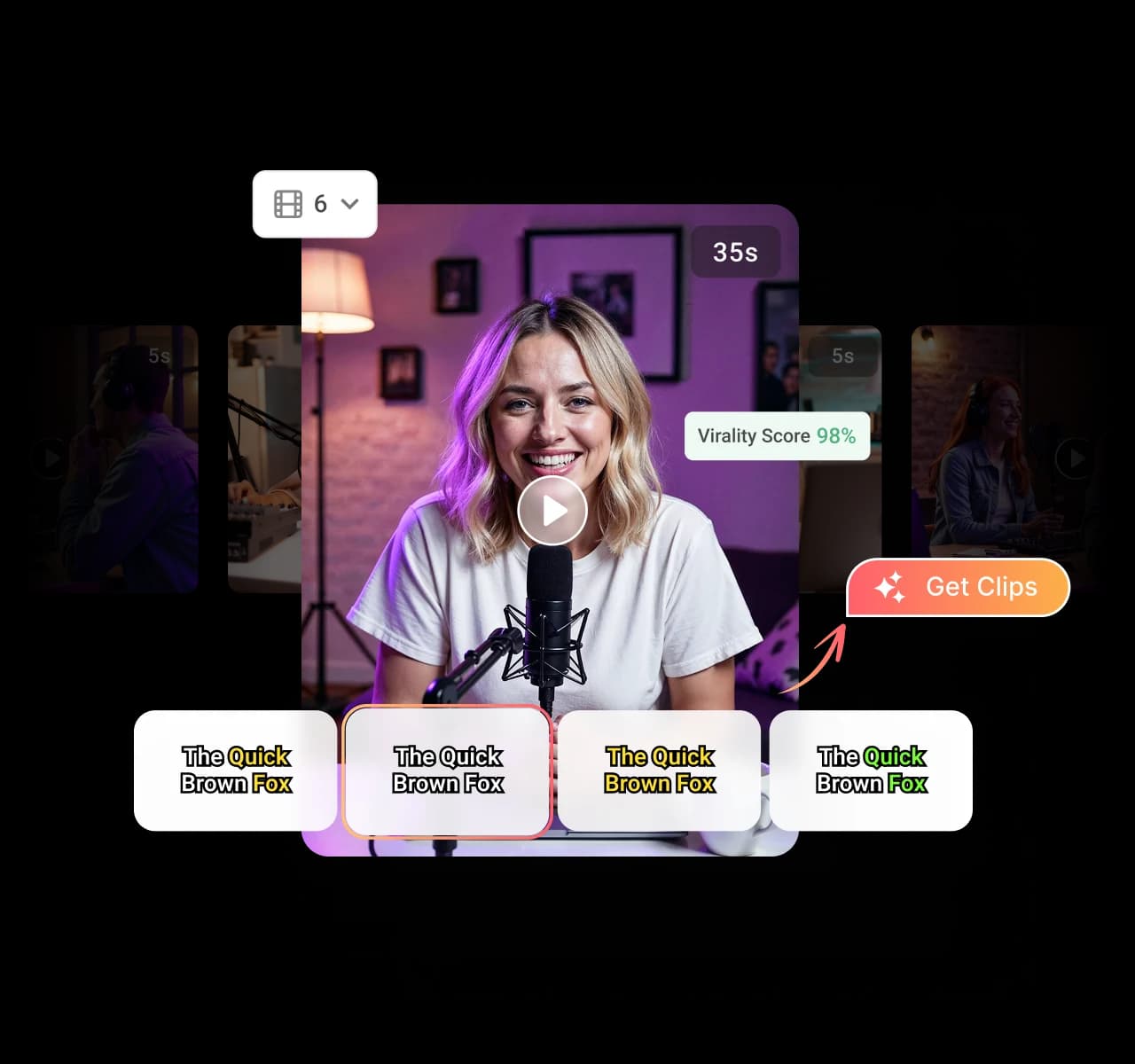
Slice your long videos into ready-to-post clips

Turn one long video into a batch of short, platform-ready clips in seconds. A single recording becomes weeks of content for TikTok, Reels, and shorts, sized correctly and sent straight into your publishing queue.
Direct your videos using Motion Control - AI video generator

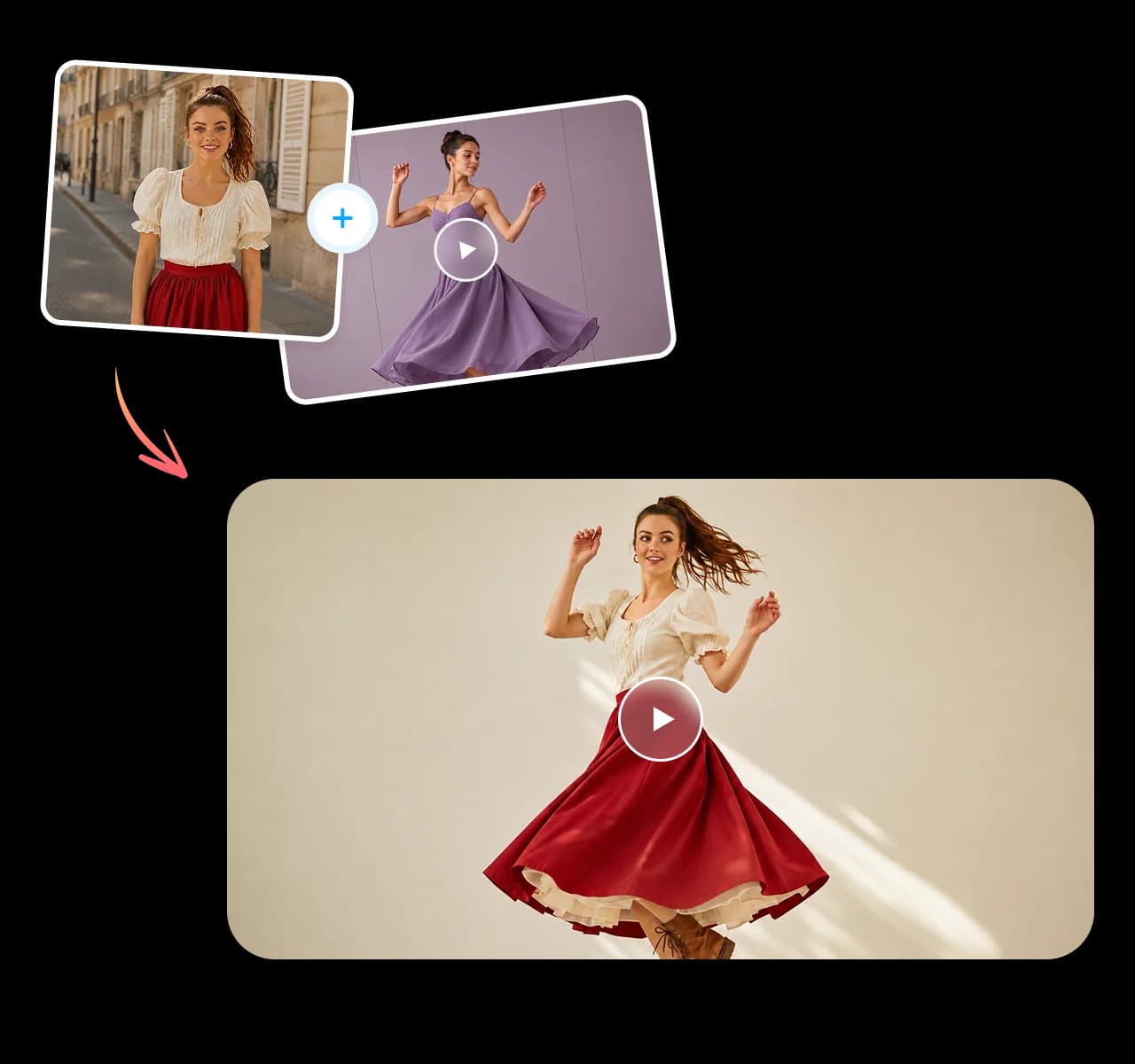
Direct your videos using Motion Control

Direct how every AI-generated video moves with precise control over camera motion, pacing, and flow. Guide the action shot by shot so each clip feels deliberate and on brand instead of random, no studio or editing team required.
Create natural talking videos with Lip Sync - AI video generator

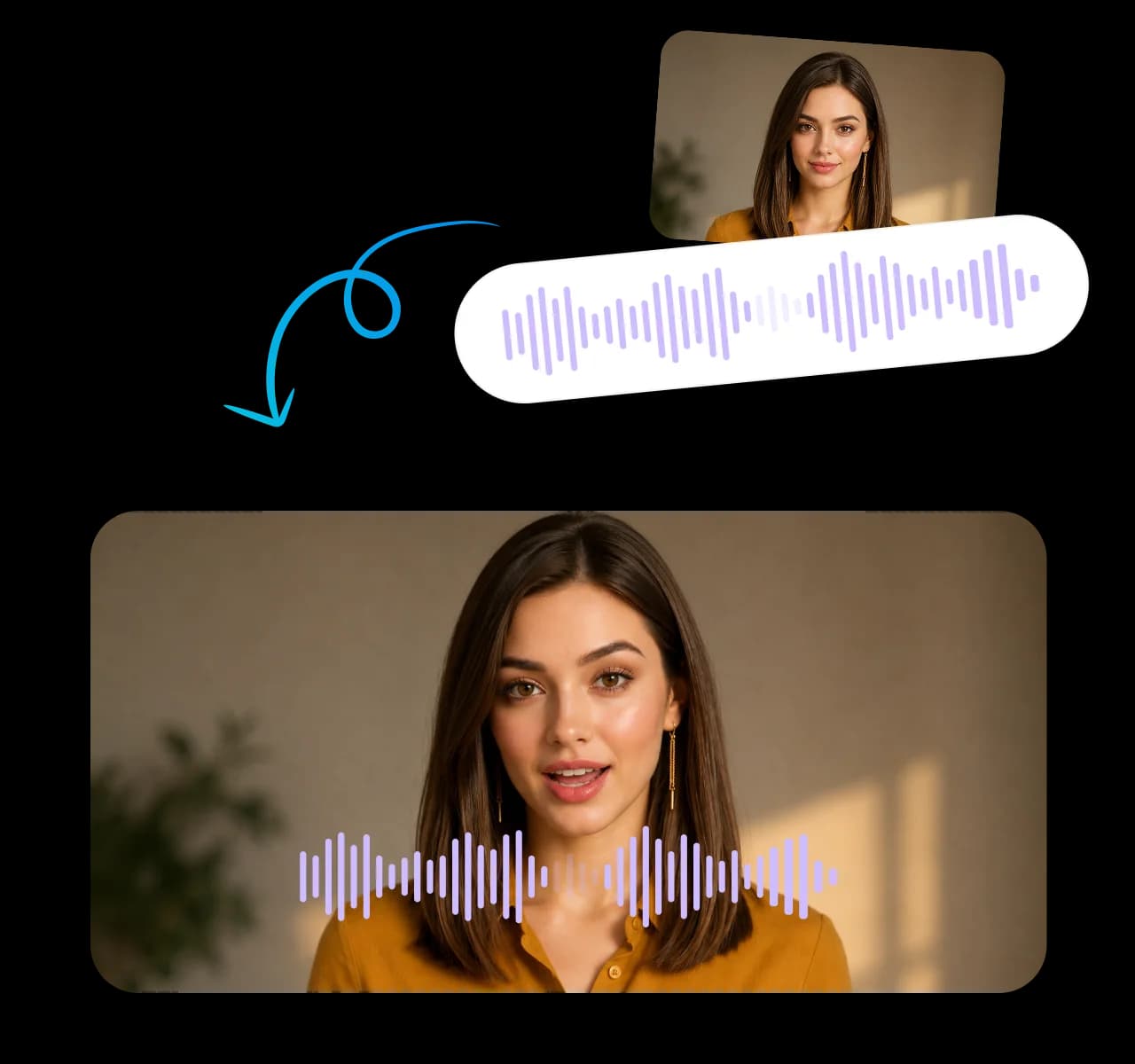
Create natural talking videos with Lip Sync

Match audio to on-screen lip movement automatically for natural, believable talking videos. Built for branded explainers, product demos, and testimonial-style clips, Lip Sync delivers a polished result without a studio or editing team.

Access the world's leading AI video generation models

Choose the right model for every project without switching tools. Access the latest AI video generation models from one workspace and create everything from quick social clips to cinematic product videos.

Seedance

Seedance

Create smooth, cinematic videos with ByteDance's latest Seedance models, built for realistic motion, detailed scenes, and high-quality visual storytelling.

Google

Google

Generate stunning videos with Google's latest Veo models, delivering realistic physics, natural motion, and cinematic quality from simple prompts.

Wan

Wan

Turn ideas into expressive videos with Alibaba's latest Wan models, known for natural motion, strong prompt following, and multilingual capabilities.
Minimax

Minimax

Produce polished AI videos with MiniMax's latest Hailuo models, optimized for lifelike animation, character consistency, and creative visual effects.

Kling

Kling

Create cinematic AI videos with Kuaishou's latest Kling models, delivering realistic movement, detailed visuals, and impressive prompt accuracy.

4.2MPost ScheduledIncrease in productivity with ContentStudio
50%Productivity BoostIncrease in productivity with ContentStudio
$1,000+Cost Savingssaved monthly on social media management costs
5h/weekTime Savedsaved on content planning and scheduling
quotes

The perfect tool for agency-client collaboration and content approvals.

Erin-testimonial

Erin Ricchiazzi,

VP of Marketing@The Modern Firm

marketing-logos
FAQs

Frequently asked questions

ContentStudio

Book a 30 min call

Have questions? Schedule a quick call and we will guide you through everything.

Book a free call
What is an AI video generator?

An AI video generator is a tool that turns text prompts or images into finished videos without filming or manual editing. ContentStudio's AI video generator creates professional, ready-to-publish clips for social media in seconds. You describe what you want, choose a model, and get a polished video back.
ContentStudio's AI video generator works by taking a text prompt or an uploaded image and building a complete video with your chosen video generation model. From there, you can control the motion, sync audio to lips, and export in the right size for each platform. Finished videos move straight into your publishing queue across every network.
ContentStudio supports the leading AI video generation models in one dashboard, including Seedance, Google Veo, Wan, MiniMax Hailuo, and Kling. You can switch between them and pick the best engine for each project. New models are added as they become available.
Yes, you can turn text into a video by describing what you want and letting the AI video generator build it for you. It produces a complete clip for reels, stories, ads, and product showcases in seconds. No editing skills or camera are required to get a professional result.
Yes, you can turn a photo into a video using image-to-video generation. Upload a still image or pick one from your Media Library, and the AI animates it into smooth, high-impact motion. This is ideal for turning product catalog photos into high-converting video ads.
You make short clips by using the Clip Maker to cut one long video into several short, share-ready clips automatically. Each clip is sized in the right aspect ratio for TikTok, Reels, and Shorts. A single recording becomes weeks of content that you can schedule from the same dashboard.
Lip Sync is a feature that automatically matches audio to on-screen lip movement for natural, believable talking videos. It is built for branded explainers, product demos, and testimonial-style clips. The result looks polished without a studio, actors, or an editing team.
No, you do not need any video editing experience to use ContentStudio's AI video generator. The AI handles the heavy lifting, so you can create professional videos from a simple prompt or image. Templates and clear controls guide you from idea to finished clip.
Yes, every AI video you generate can move straight into your ContentStudio publishing queue and post across networks from one dashboard. That means you go from idea to scheduled video without switching between separate tools. It keeps your whole content workflow, from creation to publishing, in one place.
CtaBackground