
How to promote affiliate links on social media in 2026
Oct 2, 202616 minutes

Written by
Salahuddin UmerUpdated
Brand-aligned content is what makes your audience instantly recognize you, no matter where they see you. Whether someone reads a long-form blog post, scrolls past a social media caption, or opens your email newsletter, the tone, language, and message should feel like they came from the same brand.
That consistency builds trust, improves engagement, and supports everything from paid campaigns to organic content creation. For digital marketing agencies, in-house teams, influencers, and e-commerce brands, keeping every post and paragraph on-brand can quickly become a challenge, especially at scale.
This is where an AI writing assistant becomes essential. Used correctly, an AI writing assistant helps you produce brand-aligned content faster, across more channels, without sacrificing quality. And when that assistant lives directly inside your social media and blogging workflow, it becomes far easier to keep every piece of content aligned with your brand voice.
ContentStudio’s own AI Studio is built for exactly this: fast, consistent, brand-safe AI content creation for social channels from one dashboard.

An AI writing assistant is a tool that uses artificial intelligence and natural language processing to help you draft, edit, and refine text. You type a prompt or paste existing copy, and the assistant responds with suggestions, rewrites, or full drafts.
For brand-aligned content, an AI writing assistant helps you keep tone and style consistent across writers, channels, and campaigns. It turns brand guidelines into practical prompts anyone on the team can follow, speeds up brainstorming and drafting without losing your voice, and improves clarity, grammar, and structure so every message feels polished.
Modern AI writing assistants cover a wide range of content needs. On the creation side, they handle content generation, shareable blog content, newsletters, ads, and more, as well as short-form copy like captions, tweets, product descriptions, and hooks. They also support editing and rewriting, allowing you to summarize, expand, or shorten content as needed. Beyond drafting, they offer tone control to adjust your voice from formal to friendly or confident to playful while staying on-brand, along with SEO support for creating search-friendly content that matches user intent.
ContentStudio’s AI writing assistant sits right inside your publishing workflow. You don’t have to bounce between separate AI tools and editors. Instead, you can move from idea to on-brand Instagram caption or full blog post without leaving ContentStudio.
Inside ContentStudio’s AI Studio style toolkit, the AI writing assistant helps you draft detailed social media posts, edit and improve existing copy before it goes live, brainstorm angles, outlines, and hooks aligned with your brand positioning, and chat with the assistant (ChatAI) to refine language until it sounds just right.
Because the AI writing assistant is built into a social media management and blogging platform, it connects naturally to your publishing workflow: scheduling, approval flows, and social media analytics.
Some highlights of ContentStudio’s AI content tools include a chat-based AI writing assistant for long-form and deep edits, along with prompt suggestions like summarize, expand, continue writing, and rewrite. You also get chat history so you can revisit and reuse strong prompts and responses, plus AI credits shared across the AI writing assistant, AI caption generator, AI hashtag generator, and AI image generator.

If you want an extra layer of intelligent browsing while researching content ideas, pairing ContentStudio with an AI-agentic browser can help you research faster and bring better prompts back into your AI writing assistant.
ContentStudio’s AI toolkit includes multiple AI content tools:
Both the AI writing assistant and AI caption generator help you stay on-brand, but they shine in different situations.
Here’s a quick comparison:
| AI writing assistant | AI caption generator |
| Best for blog posts and in-depth social media content | Best for short, catchy captions on social posts |
| Chat-based: you can ask questions and refine outputs | Generates captions from your prompt without chat back-and-forth |
| Strong at outlining, expanding, and editing long-form content | Strong at quick ideas, hooks, and CTAs for individual posts |
| No pre-set emoji or tone sliders, everything is done via prompts | Offers emoji, tone of voice, and word count options out of the box |
This walkthrough shows how to use ContentStudio’s AI writing assistant to create brand-aligned content for both blogs and social channels.
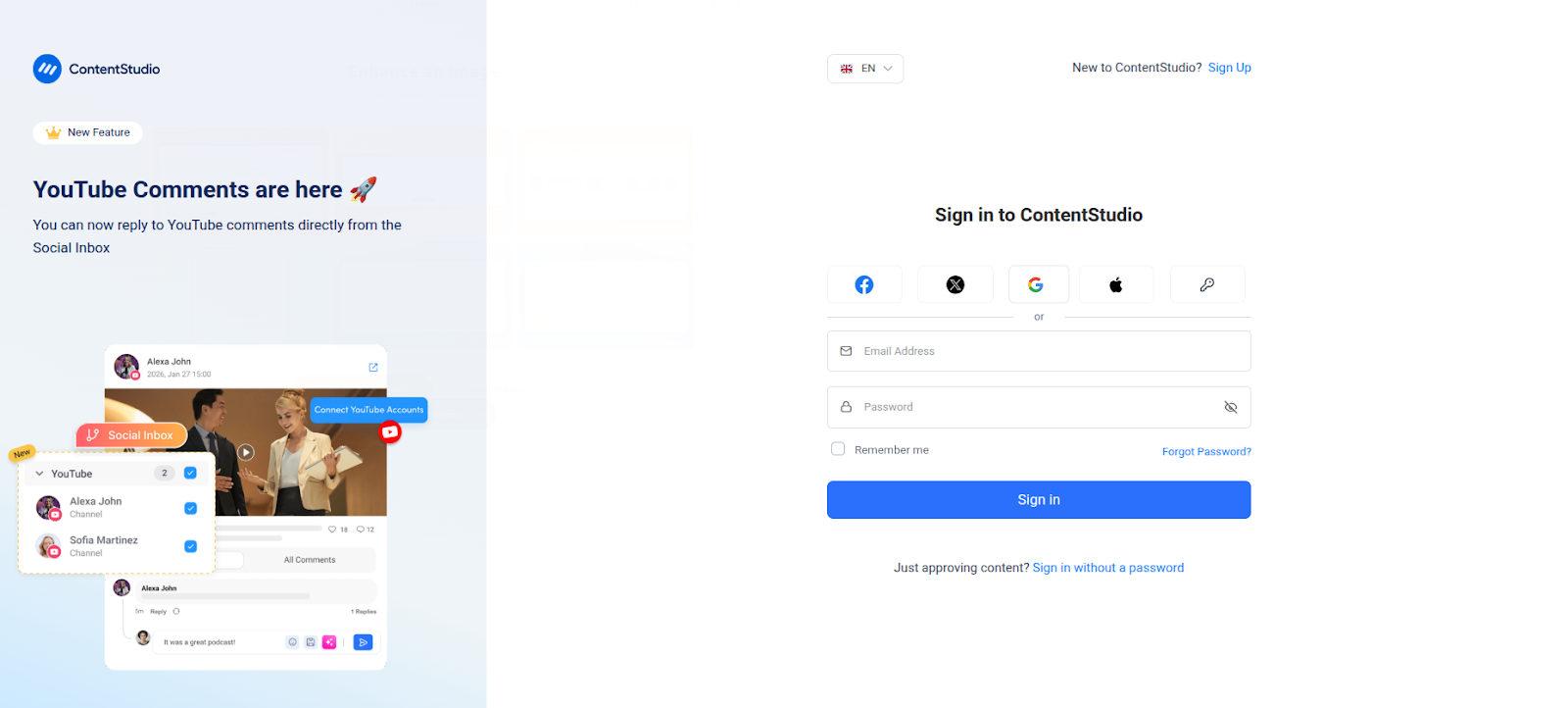
First, create or log in to your ContentStudio account. New users can start with the 14-day free trial.
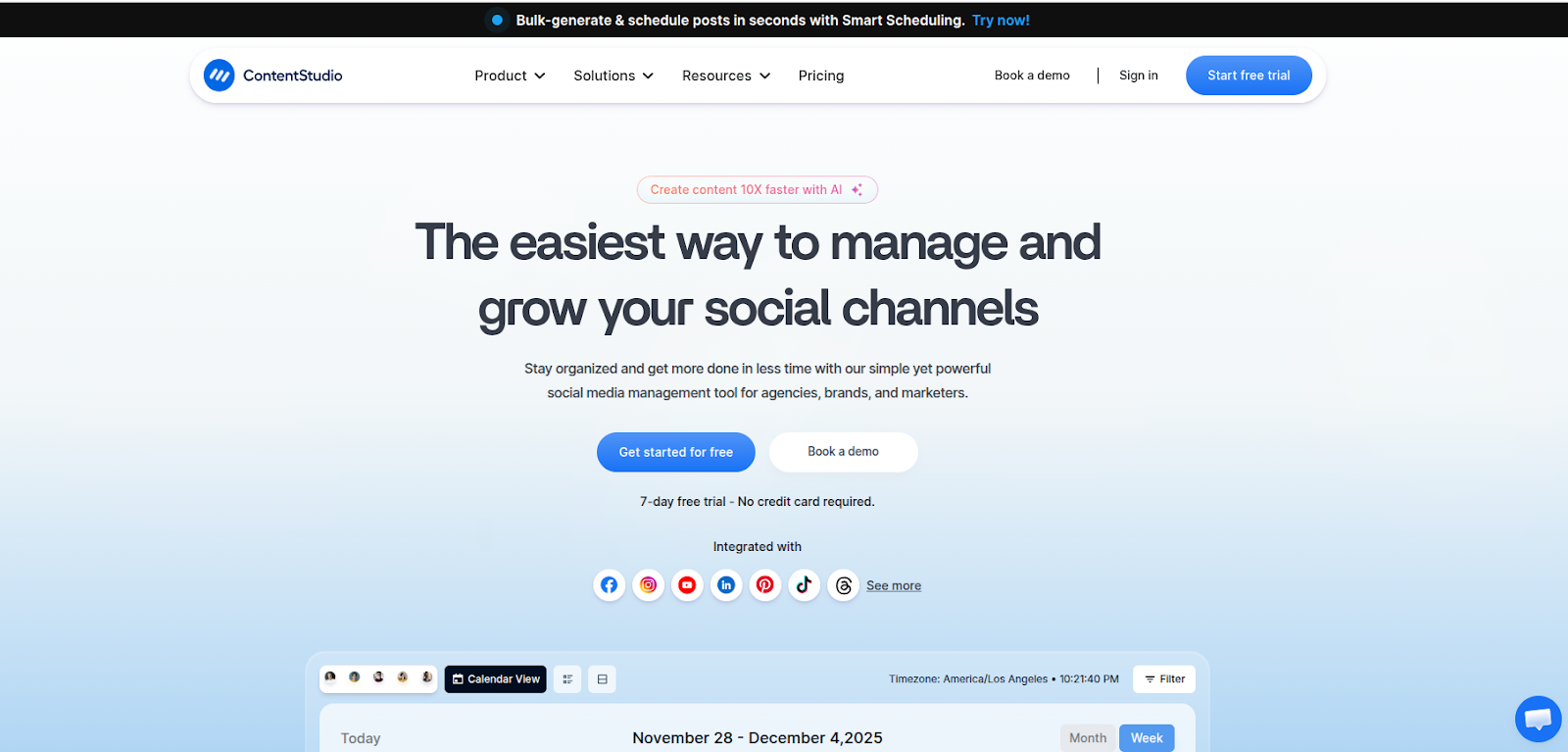
Sign in, and you’ll land on the main dashboard. This is where your social channels, calendar, analytics, and AI content tools all live.
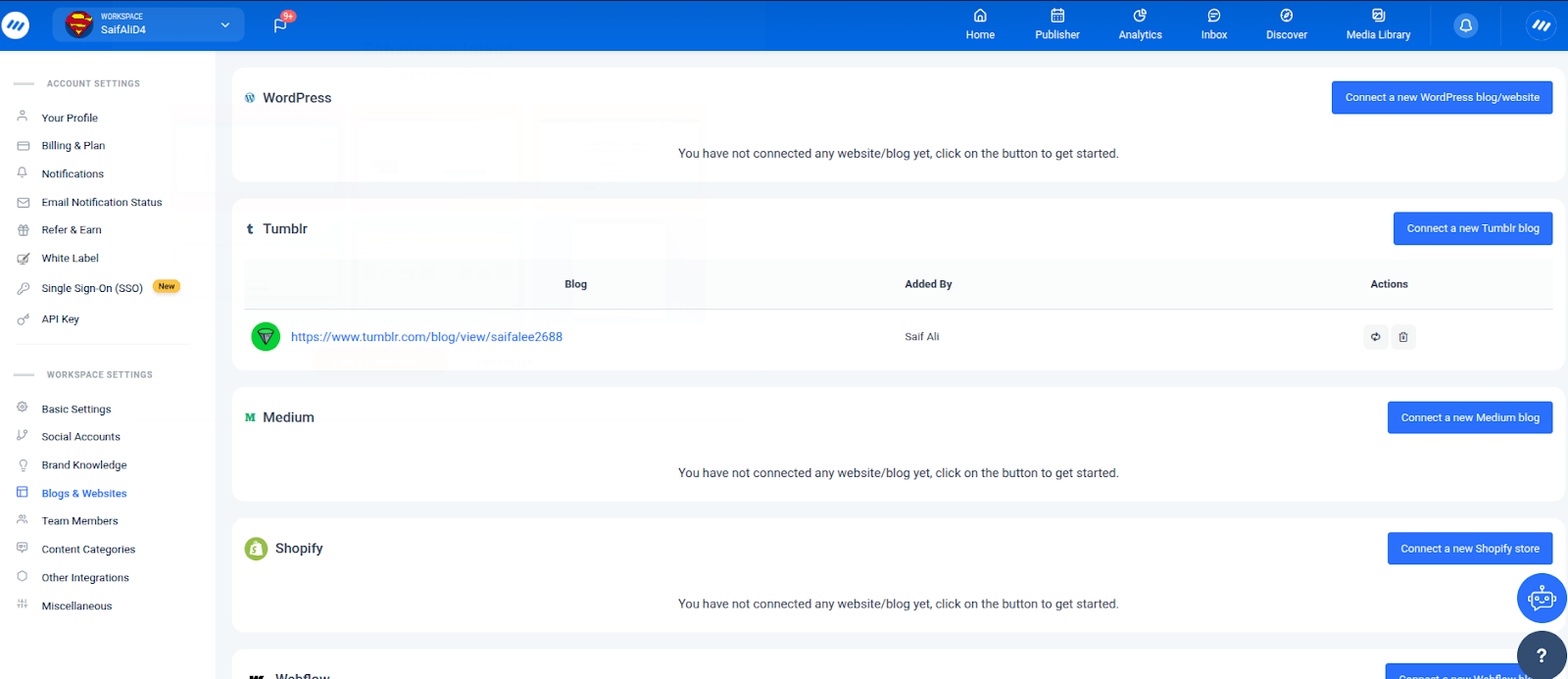
Next, connect the channels you want to publish to. This step is important for brand alignment because it keeps your AI-assisted content, scheduling, and reporting in one place.
Open the profile menu, and you’ll see:
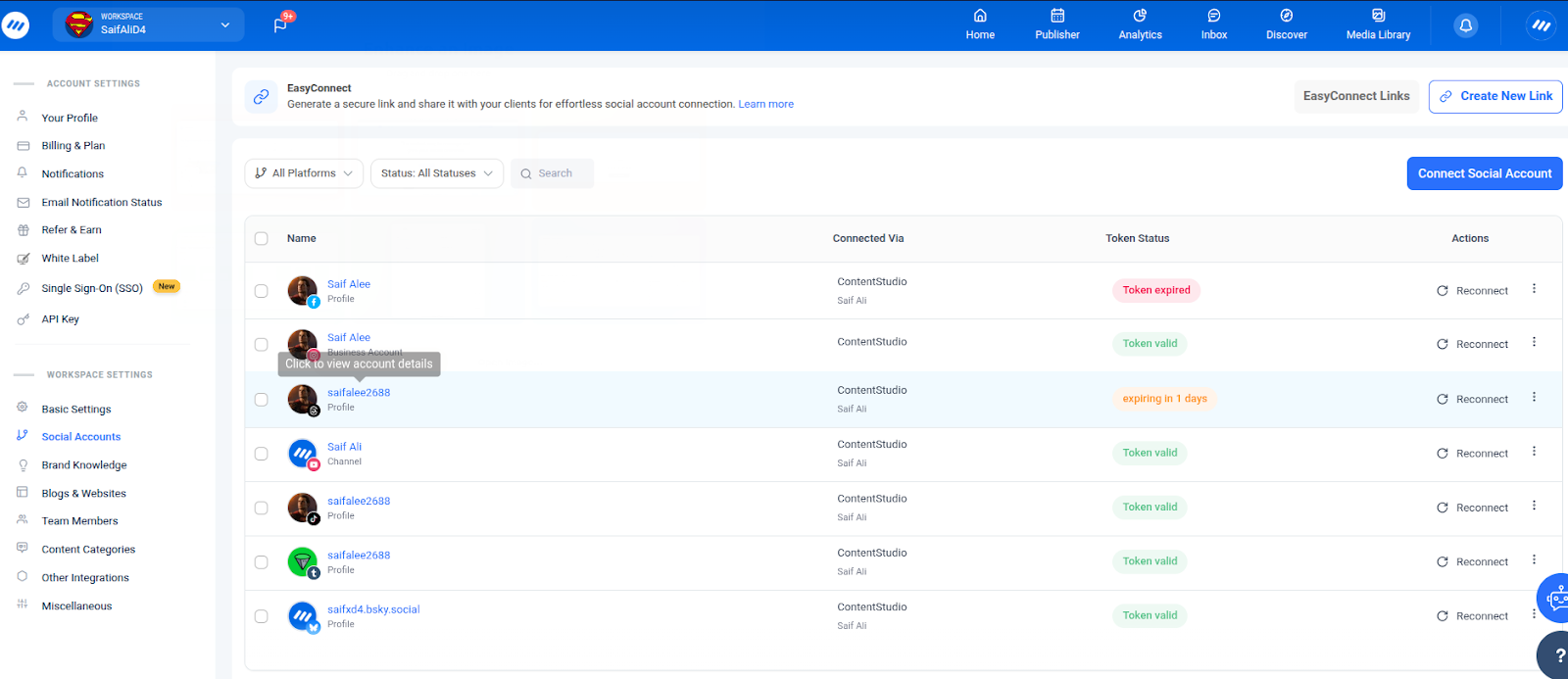
Once social accounts and blogs are connected, you’re ready to use the AI writing assistant for real publishing workflows, not just drafts.
If you prefer a video overview of the platform, this guide is helpful:
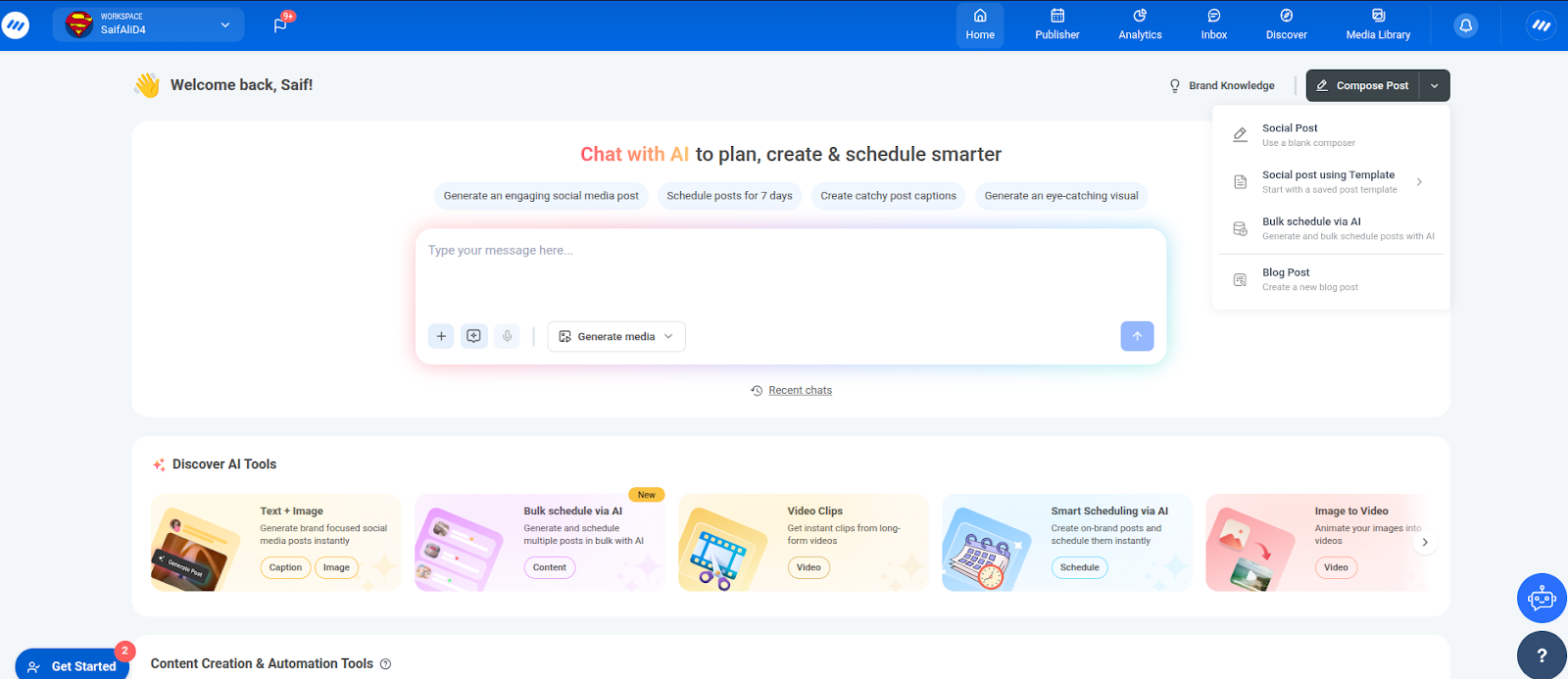
To start a new piece of brand-aligned content, click Compose in the top menu.
You can choose:
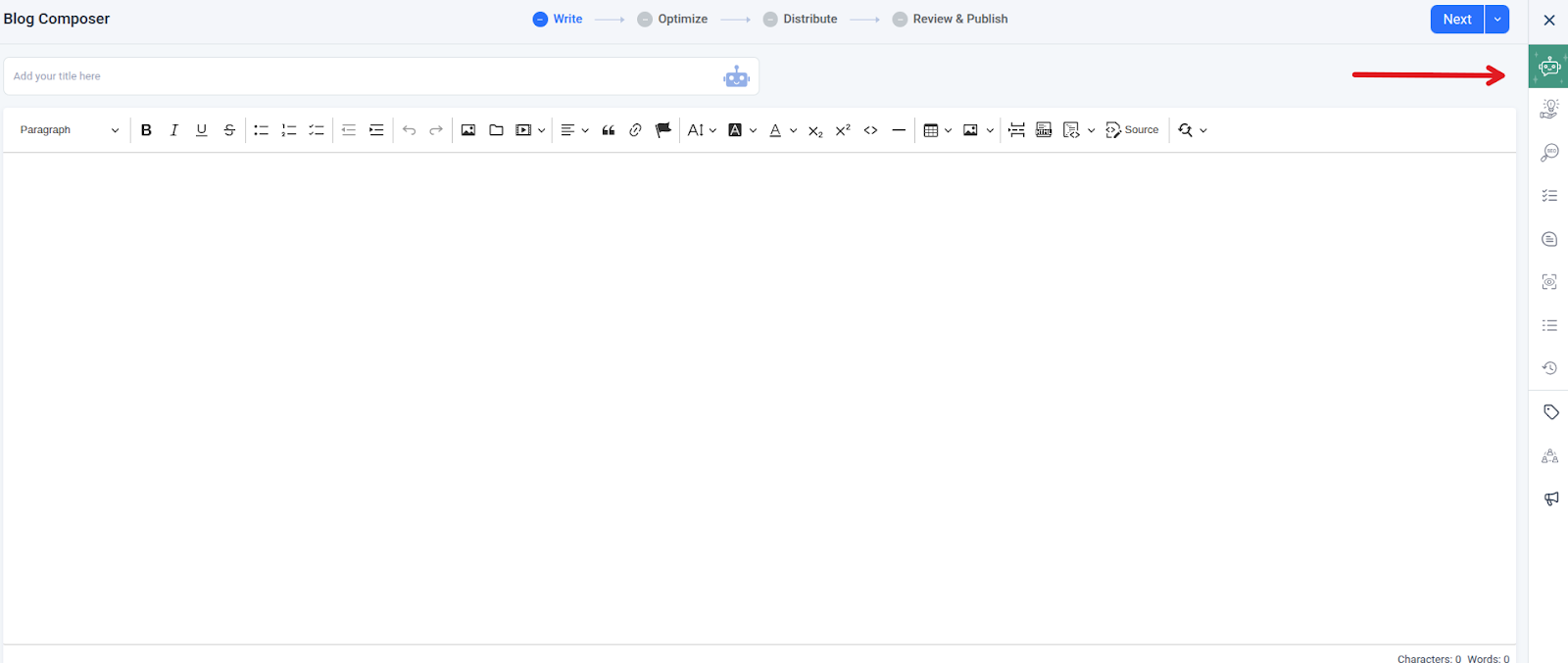
For blog posts, you’ll see the blog composer:
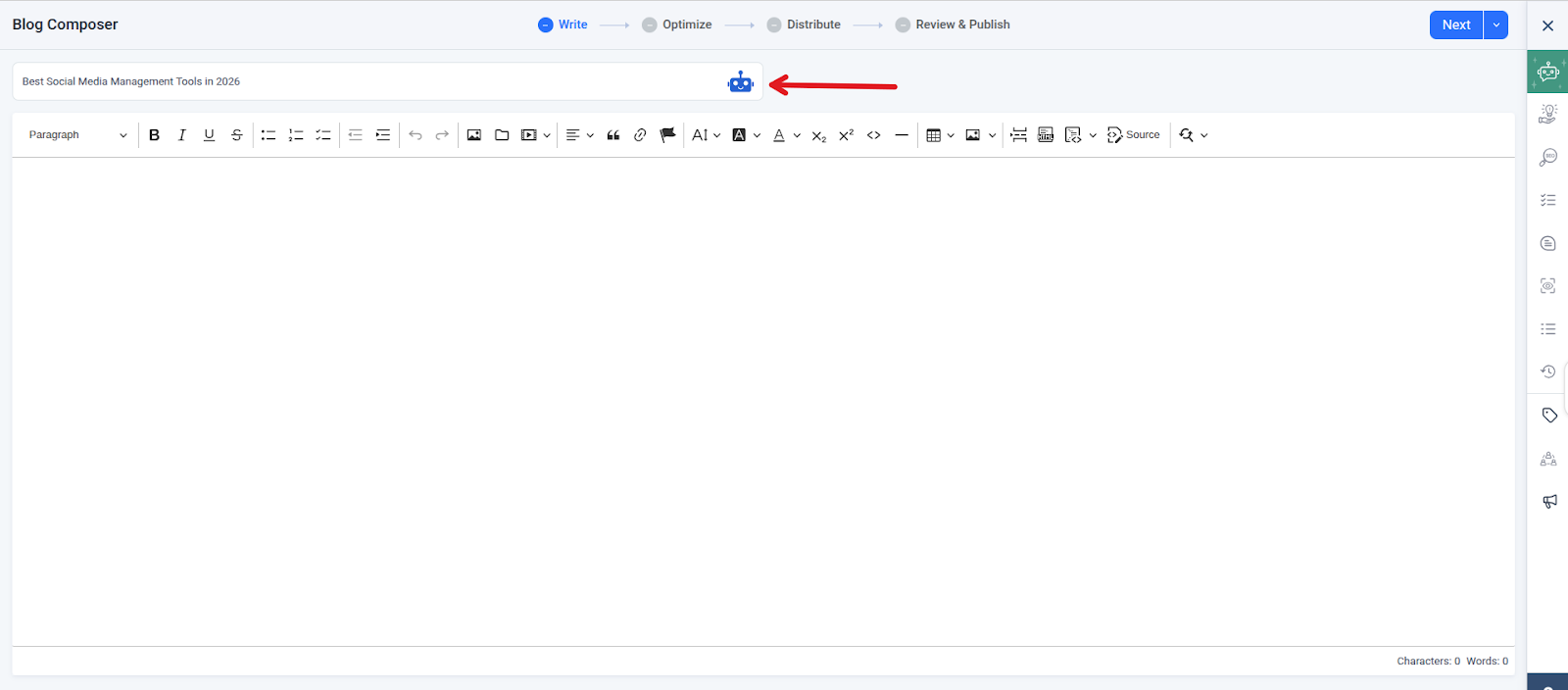
Add a working title in the Article Title bar. You can click the robot icon next to the title to ask the AI writing assistant for better, more brand-consistent variations.
For social posts, select the channels you want to publish to and start drafting your core message. You’ll refine it with the AI writing assistant in the next steps.
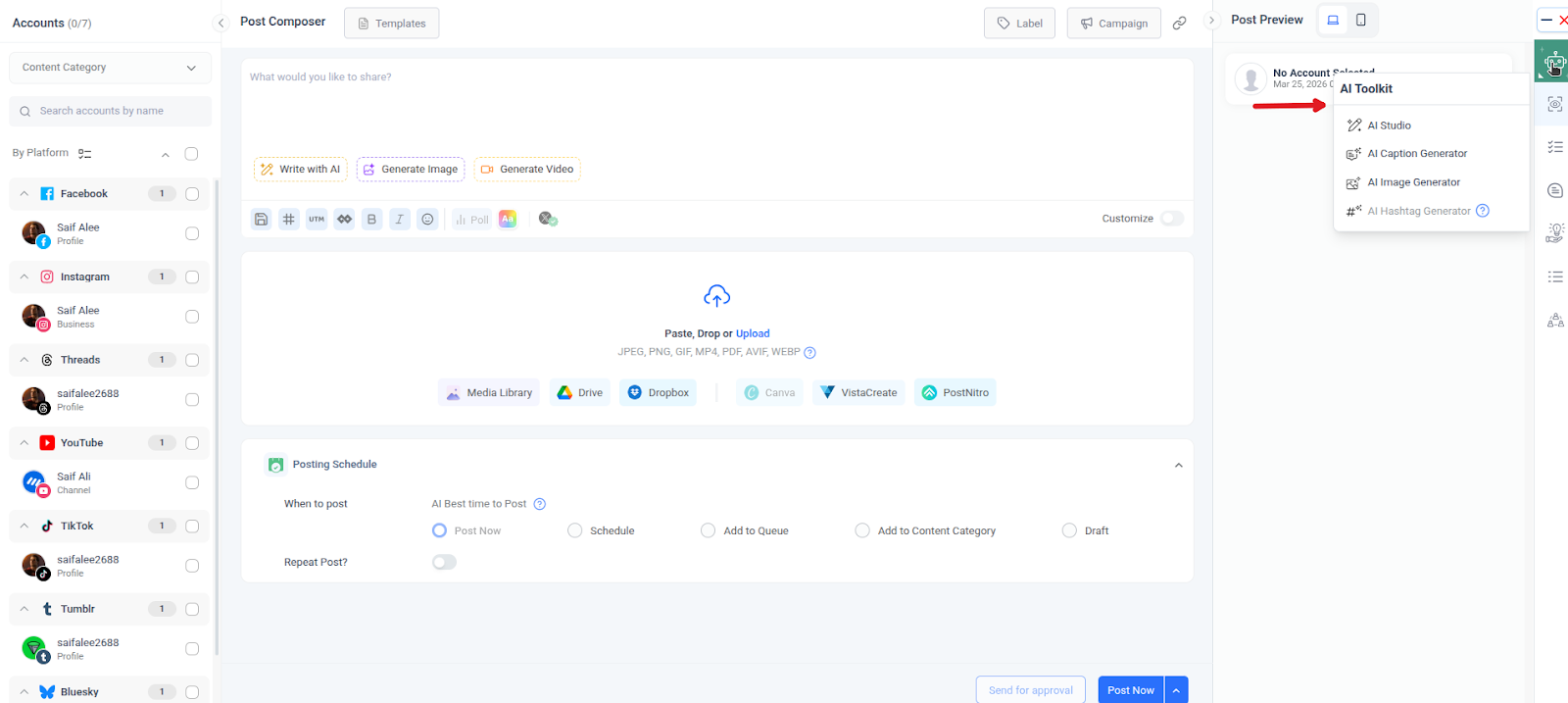
You can reach the AI writing assistant from both the blog composer and the social composer.
For social posts:
Select the AI Writing Assistant to open the chat-based assistant.
For blog posts:
The AI writing assistant follows your instructions. The clearer your prompts, the more on-brand the content will be.
When you start a new chat or request, include:
Example prompt for a blog:
“You are writing for a US-based social media agency. Our tone is professional but approachable. Please create a detailed outline for a 1,500-word blog post on ‘How to Build a Social Media Content Plan.’ Avoid overblown language. Make sections skimmable and include a short FAQ at the end.”
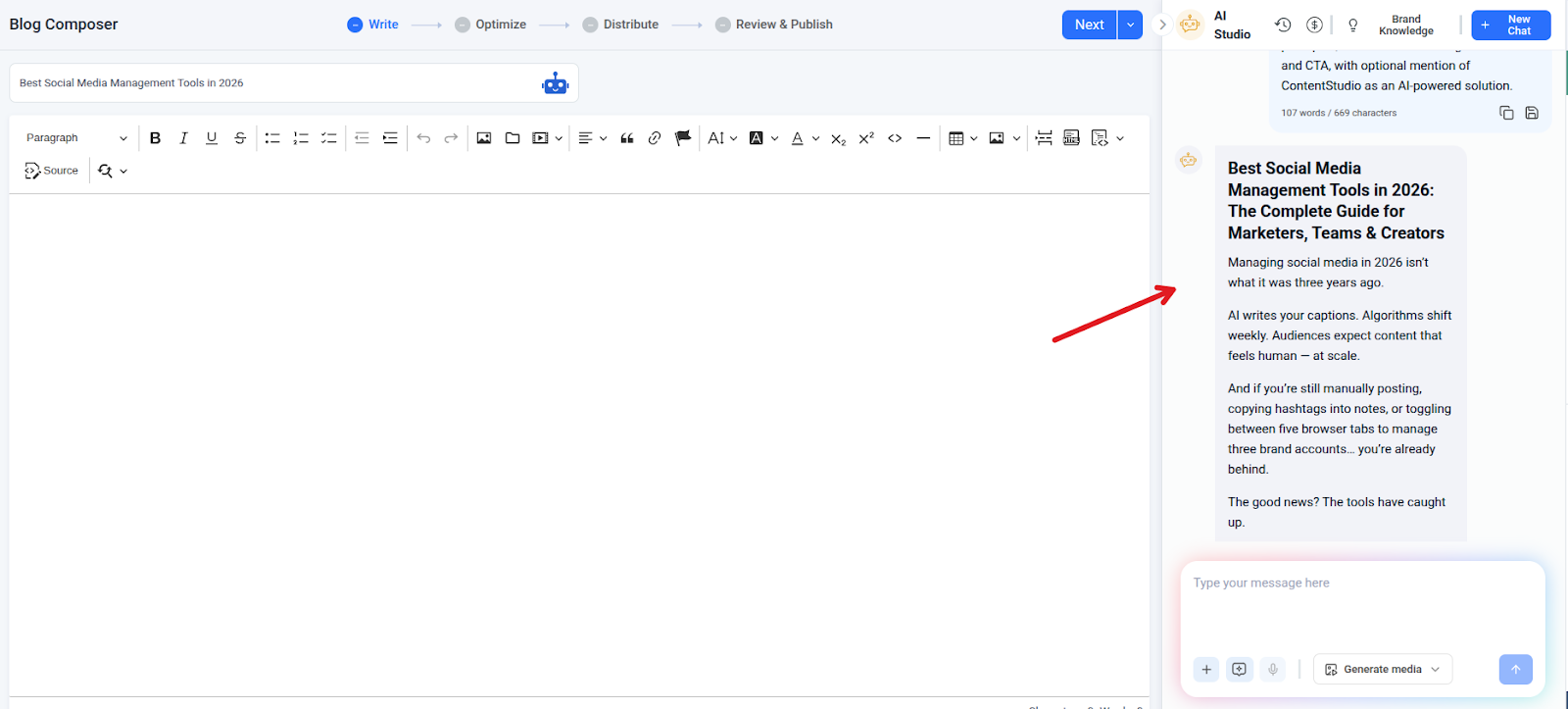
The AI writing assistant can:
You can also use default actions like summarize, continue writing, shorten, rewrite, or expand, all helpful for keeping content consistent and on-voice.
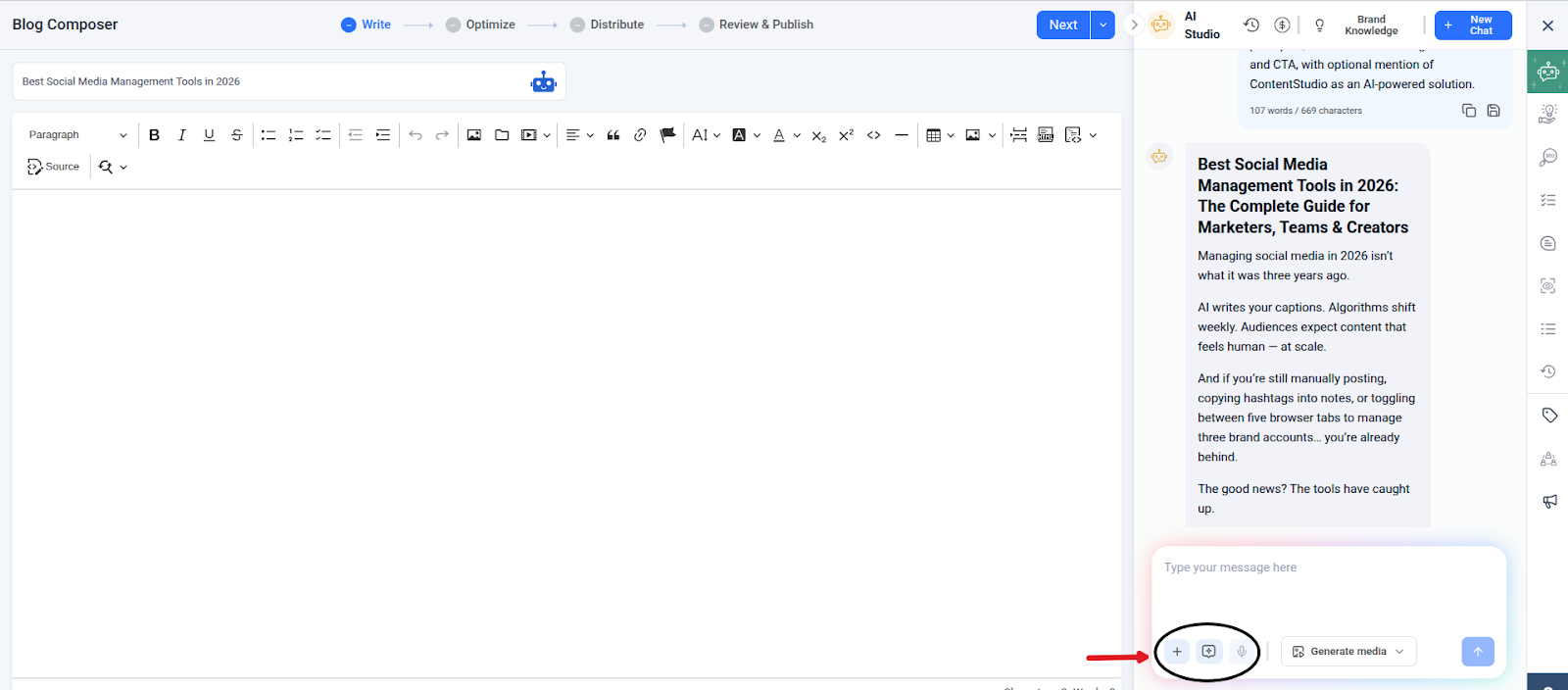
Once you’re happy with what the AI writing assistant produced, you can send it directly to your editor.
Use the Add to Editor option to insert text into:
This avoids copy-paste errors and keeps your content workflow inside ContentStudio. From there, you can:

Many teams think AI belongs only in blog drafting. In ContentStudio, the AI writing assistant supports both:
Use it to:
You can reach the AI writing assistant directly from the AI Toolkit while scheduling social posts, or from the blog composer when publishing through ContentStudio. This connection is one of the most practical ContentStudio AI Studio features for teams who care about brand consistency.
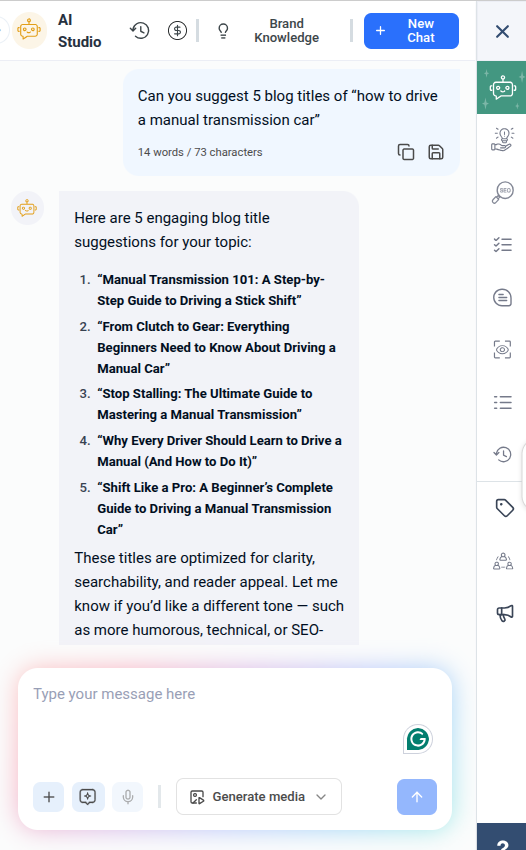
The AI writing assistant only knows what you tell it. Vague prompts lead to generic content.
Include details like:
If the output doesn’t feel on-brand, adjust your prompt rather than starting over. Over time, you’ll build a set of favorite prompts that consistently produce brand-aligned content.
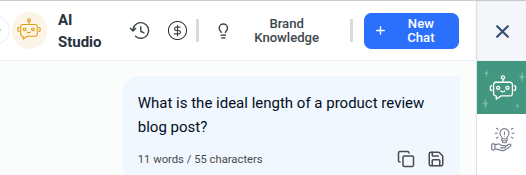
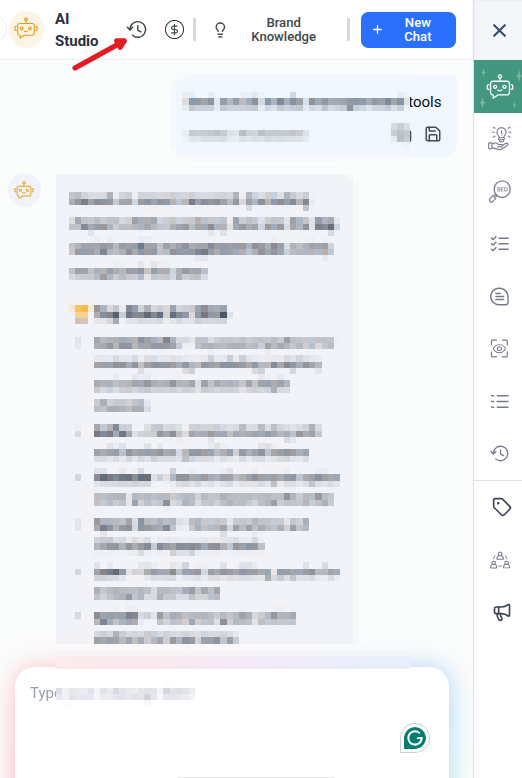
ContentStudio’s AI Toolkit keeps a chat history. This is especially helpful when:
Instead of reinventing the wheel, revisit previous chats and reuse or adapt your best instructions.
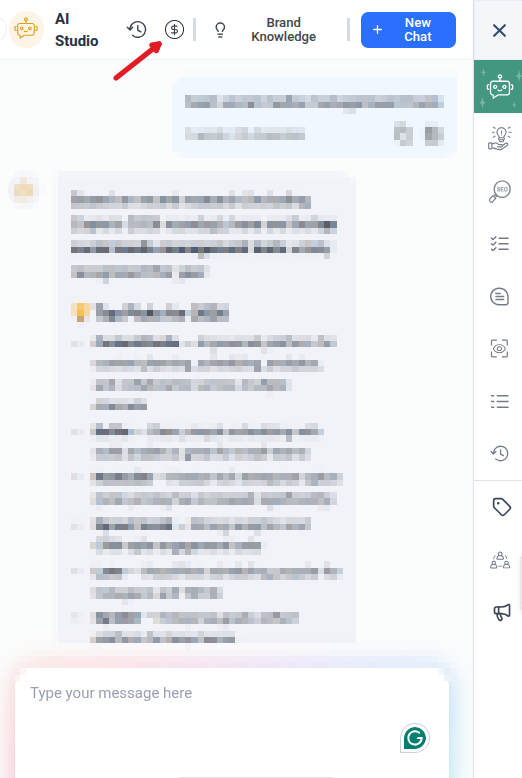
ContentStudio’s AI features, including the AI writing assistant, AI caption generator, AI hashtag generator, and AI tools for social media, all draw from your AI credits quota.
Every paid plan has a different allowance, so it’s wise to:
This keeps your AI content creation sustainable as your content volume grows.
Even a strong AI writing assistant can hurt your brand if used carelessly. Watch out for these mistakes:
Never publish AI output without review. The AI writing assistant can produce fluent text that still misses brand nuances, includes outdated examples, or introduces claims you can’t support. Always fact-check statistics, dates, and names, then adjust phrasing to match real brand stories and proof points. Make sure every piece of content follows your industry’s rules and internal guidelines before it goes live.
Use the AI writing assistant when you need long-form content, heavy editing and rewrites, or deep brand alignment and nuanced messaging. Use the AI caption generator when you need quick variants of one caption, emojis, tone sliders, and fixed word counts. Mixing them up can waste AI credits and produce content that doesn’t quite match your needs.
When you create blog posts or website copy, your AI writing assistant can suggest headings that match search intent, help weave in relevant keywords naturally, and improve structure so content is easier to scan and index. Combine it with your keyword research and resources like social media calendar templates to build content that serves both readers and search engines.

ContentStudio’s AI writing assistant works across many roles and team types. Here are a few examples of how to fit it into your existing workflows.
Agencies juggling multiple clients can use the AI writing assistant to draft client-specific blog posts and refine them with brand prompts, build a monthly content calendar combining AI-assisted blogs and social posts, and keep voice consistent even when several people touch the same account.
Use ContentStudio’s social media management features to schedule posts and analyze content performance, then brief the AI writing assistant on what worked best for the next cycle.
Small and mid-sized businesses can use the AI writing assistant to turn founder thoughts into polished long-form content, maintain a steady blog publishing cadence with how-to blog pieces, and repurpose one blog post
Creators and e-commerce marketers can pair the AI writing assistant with the AI caption generator for product launches, promotions, and reels, the AI image generator to support AI image generator-based visual content, and social media calendars and templates for consistent posting. Together, these tools help maintain a recognizable voice from product page to Instagram caption, making your brand feel coherent wherever people encounter it.
ContentStudio’s AI writing assistant gives you a practical way to keep every blog post, caption, and social update aligned with your brand voice without slowing down your publishing schedule.
By combining a chat-based AI writing assistant with focused AI content tools like the AI caption generator and AI hashtag generator, along with a full social media management and analytics suite, ContentStudio functions like an AI Studio for your entire marketing team. You get faster drafting, more consistent messaging, and a single place to manage AI-assisted content from idea to publication.
Use the AI writing assistant to draft, refine, and repurpose your content. Pair it with clear prompts, thoughtful review, and your existing brand guidelines. When you do, AI content creation stops feeling risky and starts becoming a dependable way to keep your brand voice strong across every channel.
Plan 0 Days of Content in 0 Minutes
Create, schedule, publish and analyze your content across all your social media channels from one simple dashboard.
4.7 on Capterra • 16,500+ marketers trust ContentStudio
Salahuddin Umer is a Content Writer at ContentStudio covering social media management, scheduling, and analytics tools. He also writes about AI content creation and video marketing, with a focus on practical, well-researched guides that marketers and teams can put to work right away.
View all posts by Salahuddin UmerRecommended for you
How to promote affiliate links on social media in 2026

Multi-location social media management workflow guide

Best SaaS affiliate programs for social media marketers in 2026

19 best social media management tools to plan, schedule, and grow in 2026