Instagram bio generator
Bio brilliance in seconds. Write your IG bio with AI, free and with no sign-up.
- Free forever
- No sign-up
- Up to 5 bios per run
- 16,500+ brands use ContentStudio
What is an Instagram bio generator?It is an AI tool that writes the short text under your name on your Instagram profile. You describe who you are or what your brand does, pick a tone, and it returns up to 5 bio options that fit the 150-character limit. ContentStudio's Instagram bio generator is free and needs no account.
How to generate a bio
How to Generate an Instagram Bio
Creating an Instagram bio with ContentStudio takes three steps:
Describe yourself or your brand
Write one or two sentences about who you are, what you do, or what your profile is about. The more specific you are, the more relevant the output. "Fitness coach helping busy moms build strength at home" produces better bios than "fitness."
Select a tone
Choose from tones like professional, fun, inspirational, or casual. The tone shapes the word choice and style of every bio the tool generates.
Click Generate
The AI produces up to 5 bio options in seconds. Copy the one that fits, or run the generator again to get a fresh set.
The tool works on desktop and mobile browsers without any app download or browser extension.
Tip: add what you want visitors to do next ("book a call", "shop the drop", "new Reel every Friday") to your description. The generator turns it into a call to action at the end of the bio.
What you can write
What you can write with this Instagram bio generator
Personal and aesthetic bios
Short, stylish lines for personal profiles. Ask for "aesthetic", "minimal" or "funny" in your description to change the style.
Business and brand bios
Say what you sell, who it is for and where to buy. The professional tone keeps it clear and direct.
Creator and influencer bios
Name your niche, your content format (Reels, carousels, Lives) and how often you post, so new visitors know what they get if they follow.
Bios with emojis and a CTA
Ask for emojis as bullet points and a closing line that points to your link. Emojis help a bio scan quickly on a phone.
Add or edit your bio
How to Add or Edit Your Bio on Instagram
On mobile (iOS and Android)
- Open your Instagram profile.
- Tap Edit profile.
- Tap the Bio field and type or paste your bio.
- Tap the checkmark or Done to save.
On desktop
- Go to instagram.com and log in.
- Click your profile picture.
- Click Edit profile.
- Click the bio field, enter your text, and click Submit.
You can change your bio as often as you like. The name field is different: Instagram only lets you change your display name twice within 14 days, so settle on it before you update it.
What makes a good bio
What Makes a Good Instagram Bio
An Instagram bio has 150 characters. That limit forces clarity. Every word either earns its place or wastes space. The strongest bios do three things within that limit:
State what you do or who you are
Visitors decide in seconds whether to follow. A bio that leads with a clear identity ("Wedding photographer based in NYC") converts faster than one that leads with a personality trait.
Include a relevant keyword
Instagram search reads your name, username and bio. A photographer who writes "photographer" in their bio is more likely to appear when someone searches for photographers in their area. The same applies to coaches, consultants, retailers, and content creators. To find the words people search for, try the Instagram keyword tool.
End with direction
A call to action at the end of the bio, whether "Book a session" or "New video every Tuesday" or a prompt to tap the link, gives visitors somewhere to go after reading.
The AI Instagram bio generator by ContentStudio applies these principles automatically based on the description and tone you provide.
Bios for different profiles
Instagram Bio Generator for Different Profiles
For Content Creators and Video Editors
Content creators need a bio that communicates their niche and platform presence quickly. A video creator bio should mention the content format (Reels, vlogs, tutorials), the topic area, and the posting frequency or platform. The generator accepts these details and produces bios structured for creator profiles.
For Businesses and Professional Accounts
A business Instagram bio performs differently from a personal one. It needs to state the product or service, the value to the customer, and a next step (visit the website, book a call, shop the link). The professional tone option in ContentStudio's generator produces bio copy suited to business and creator (professional) accounts, which can also show a category label and contact buttons under the bio.
For Students, Boys, and Girls
Personal bios are some of the most searched formats. Whether you want something aesthetic, attitude-led, funny, or motivational, the generator produces options across these styles when you enter a short description and select the matching tone. Describe your interests and the style you want, and the tool handles the rest.
For Gamers
A gamer bio for Instagram typically includes the game genre, platform, content type (streams, clips, reviews), and a personality marker. Enter those details into the description field and select a tone (casual works best for gaming audiences) to get bio options built for gaming profiles.
Examples
Instagram bio examples by profile type
- Personal / aesthetic
Coffee first ☕ | Film photos and slow weekends 🎞️ | Lisbon
- Creator
Budget travel in 60 seconds ✈️ New Reel every Friday 👇
- Small business
Handmade soy candles 🕯️ Ships across the US | Shop the new drop below
- Service / coach
Career coach for first-time managers | Free 15-min call 👇
- Photographer
Wedding photographer, NYC 📸 Booking 2027 dates | DM to check yours
- Gamer
FPS clips daily 🎮 Ranked grind on PC | Live Tue and Thu
- Student
Bio major 🧬 | Coffee, notes and gym | Class of 2028
- Fitness
20-minute workouts for busy moms 💪 Free plan at the link
Want more ideas to adapt? Browse these short bio examples.
Character limits and format
Instagram Bio: Character Limits and Format Rules
Instagram enforces a 150-character limit on profile bios. The limit applies to the bio field only and does not include the name field (30 characters) or your links.
- Bio
- 150characters
- Name (display name)
- 30characters, changeable twice in 14 days
- Username (@handle)
- 30characters: letters, numbers, periods and underscores
- Links
- Up to 5 links on your profile
Key format rules:
- Emojis count as 1 or 2 characters depending on the emoji. Complex emojis (flags, family emojis) use more characters.
- Line breaks work when added from the Instagram mobile app. On desktop, the Enter key inside the bio edit field does not always register. The Instagram line break generator keeps your spacing when you paste.
- Hashtags in bios are clickable and link to the hashtag page. They count toward the 150-character limit.
- Mentions (@username) in bios are clickable and link to the tagged profile. Brands sometimes tag a second account this way.
- The name field is separate from the bio field and carries its own weight in Instagram search. Putting a keyword in the name field (not just the bio) strengthens search visibility.
Links in your bio
Adding links to your IG bio
Links do not count toward the 150 characters. Instagram lets you add up to 5 links from Edit profile > Links. The first one shows on your profile, and visitors tap to see the rest.
If you have more than 5 places to send people, a link-in-bio page collects them in one menu. That is why so many bios end with "link below" or a 👇. Read our link in bio guide to set one up.
From a better bio to a growing Instagram
A clear bio turns visitors into followers. ContentStudio then helps you keep them with steady, planned posting. With it you can:
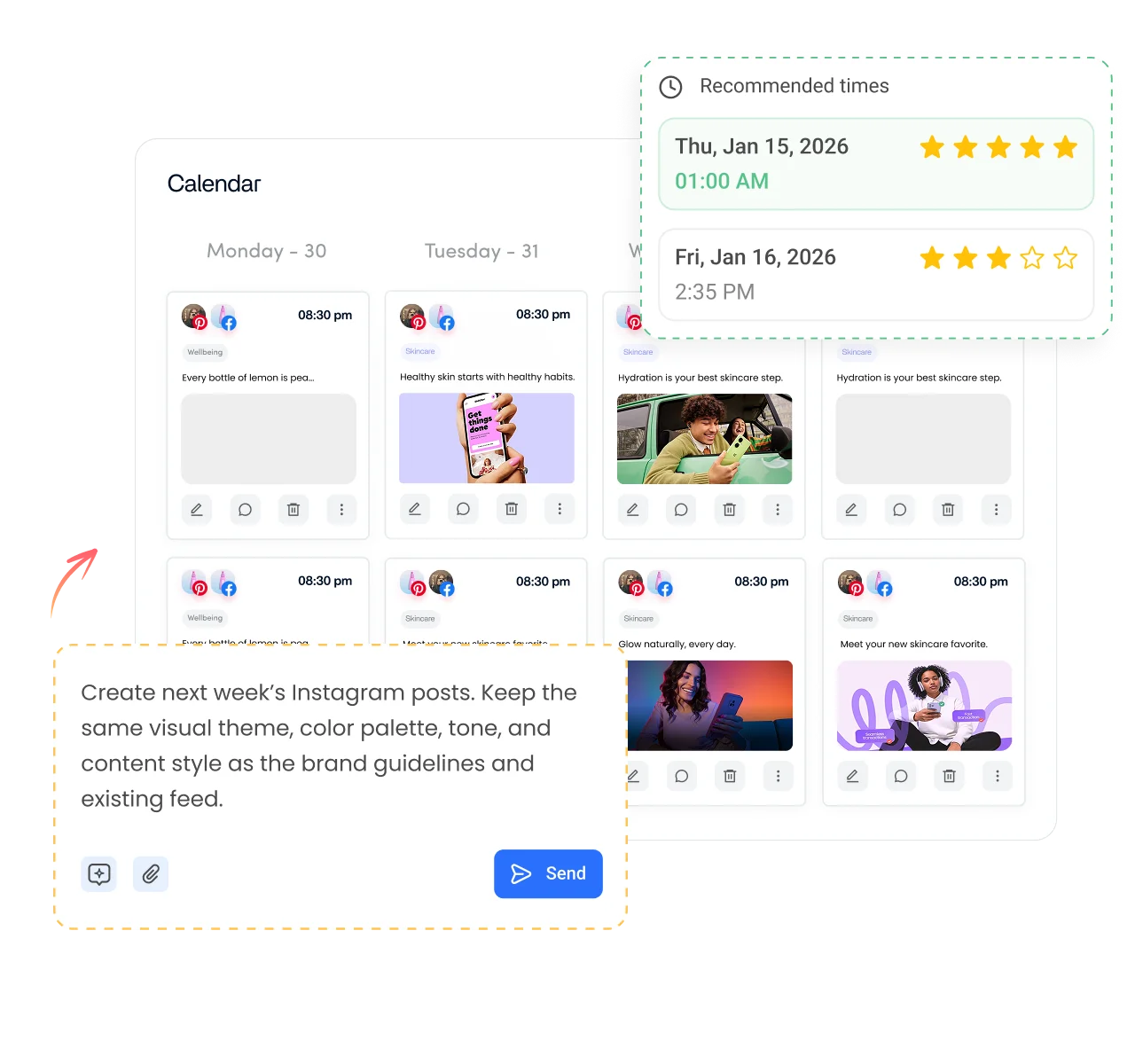
- Plan and publish on autopilot. Queue posts, Reels, carousels and Stories, pick the best times, and schedule Instagram posts from one calendar.
- Write posts in your bio's voice. AI Studio, our AI social media content generator, writes captions, hashtags and images in the composer, in your brand voice.
- See what brings followers. Track profile visits, reach and follower growth, and spot which posts get people to tap your bio link.
Is it free?
Is the Instagram bio generator free?
Yes. ContentStudio's Instagram bio generator is free with no account required. Each run gives up to 5 bios, and you can run it as many times as you like. It is part of ContentStudio's suite of free social media tools.
- Free forever
- No sign-up
- Up to 5 bios per run
- 16,500+ brands use ContentStudio
More free Instagram tools
All free social media tools →
Frequently asked questions

Book a 30 min call
Have questions? Schedule a quick call and we will guide you through everything.
Book a free call