ContentStudio API plan is now available. Create automations using Claude, Zapier, n8n, make, etc. Explore plan!

ContentStudio
Product

Platform

Publish

Plan and schedule content

AI Studio

AI-generated captions, images

Analyze

Measure social media KPIs

Engage

Social media customer care

Social Listening

New

Follow every conversation

Discover

Manage and read feeds

Top features

Workspaces

Clip maker

Calendar/Planner

Smart scheduling

Content library

White-label

New

AI Library

Bulk scheduling

Approval workflow

Client management

White-label reseller

New

AI video generator

Competitor analytics

Automation

Google Ads Analytics

New

Meta Ads Analytics

New

See all features

right-arrow-icon
contentstudio-tour

ContentStudio overview tour

Discover how ContentStudio simplifies workflows, helps in scaling up and delivers the results you need.

Solutions

By Business Type

For solo creators

For agencies

For small business

For marketing teams

For enterprise

By network

Facebook

Facebook

Instagram

Instagram

X (Twitter)

X (Twitter)

Google Business Profile

Google Business Profile

LinkedIn

LinkedIn

TikTok

TikTok

Bluesky

Bluesky

Meta Threads

Meta Threads

YouTube

YouTube

Pinterest

Pinterest

Telegram

Telegram

CUSTOMER STORYnew-tab-icon

How Webeing scaled client results using smarter workflows with ContentStudio

40%

increase in productivity with ContentStudio

Resources

Info Hub

Blog

Help docs

Glossary

Integrations

Case studies

n8n templates

Free Tools

Facebook video downloader

New

X (Twitter) video downloader

New

AI caption generator

Facebook post generator

LinkedIn video downloader

TikTok hashtag generator

YouTube title generator

TikTok caption generator

X (Twitter) hashtag generator

See All

right-arrow-icon
Video libraryContentStudio academy
video library

Access our complete collection of step-by-step tutorials covering all ContentStudio features.

APIPricing

Book a demo


Sign in

Search
  1. Training
  2. TikTok scheduling

How to schedule repeat posts on TikTok


Note: The Planner and Composer buttons on the dashboard have been merged into a single section called Publisher. You can now find the Compose button inside the Publisher tab.

Staying active on TikTok can be demanding, especially when you're managing multiple platforms or juggling content creation with other responsibilities. The good news? You don’t need to post manually every single day. With ContentStudio, you can automate repeat posts, ensuring your content stays consistent and engaging, without the constant grind.

Whether you're aiming to recycle high-performing videos or maintain a posting rhythm, ContentStudio provides a smooth, efficient solution to help you manage your TikTok strategy with ease.

Why schedule repeat posts on TikTok?

Repeating posts can be a smart strategy for reaching new audiences, reinforcing key messages, and maximizing the impact of your best content. With ContentStudio, it’s not just possible—it’s easy. The platform allows you to:

  • Automate your posting schedule to save time
  • Maintain a consistent presence on TikTok
  • Access performance insights to improve your content strategy
  • Manage all your social platforms from one centralized dashboard
  • Use AI tools to optimize your captions and content

Step-by-step guide: Scheduling repeat TikTok posts

Log in to your account

Begin by signing in to your ContentStudio Dashboard. Make sure your TikTok account is already connected to avoid any setup interruptions later on.

Click on ‘Compose’ and select ‘Social Post’

From the dashboard, click on the “Compose” button and choose “Social Post” as your content type. This will open up the Post Composer where you can start crafting your TikTok content.

Select TikTok as your publishing platform

Choose TikTok from the list of connected platforms. This tells ContentStudio where to publish your content and enables TikTok-specific features.

Add your video and supporting content

Upload the TikTok video you want to post. You can upload video directly from your device or from your Media Library within ContentStudio, or you can connect Google Drive or Dropbox for ease of access. Add a caption, hashtags, and any additional context needed. You can also make use of ContentStudio’s AI Caption Generator to create engaging and optimized captions with emojis and hashtags included.

Enable the ‘Repeat Post’ option

Toggle on the option to repeat your post. You can choose how frequently the post should repeat—daily, weekly, or monthly—and set the end date or number of repetitions based on your campaign goals.

Choose the date and time for your post

Scroll down to the scheduling section and pick the exact date and time you want your video to go live. This gives you full control over your content timing.

Preview your post

Before scheduling, use the preview tool to see exactly how your video and caption will appear on TikTok. This helps you ensure everything is formatted correctly and looks professional.

Click ‘Schedule’ to finalize

Once everything looks good, hit the “Schedule” button. Your post—and its repeats—will now be automatically published according to the timeline you’ve set.

Scheduling repeat posts on TikTok with ContentStudio is a smart, time-saving way to stay consistent and relevant on one of the fastest-moving platforms. With helpful features like AI-generated captions, repeat scheduling, and post previews, you can maintain a strong social media presence without burning out. Try it for free and experience the power of streamlined social media management.
thumbnail

How to schedule TikTok videos

time4m 37s
timeMay 30, 2025
thumbnail

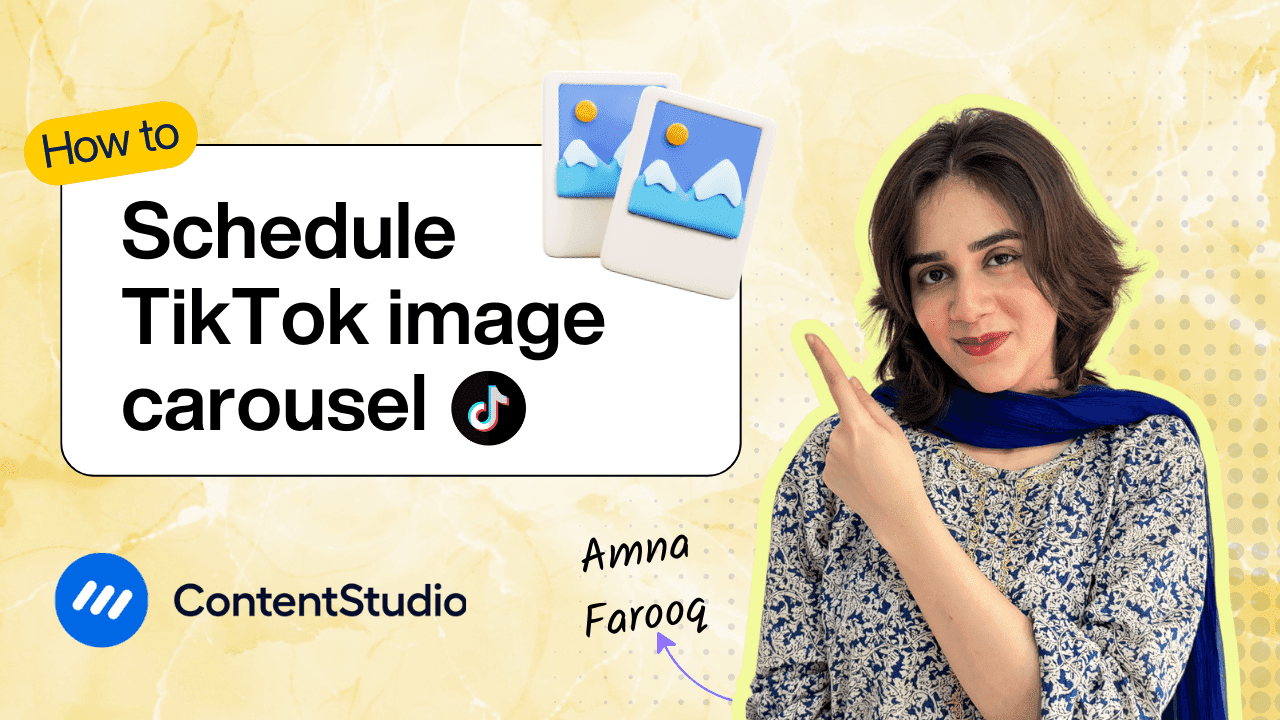
How to schedule TikTok image carousel

time5m 17s
timeMay 30, 2025
CtaBackground
CtaBackground
Facebook
Instagram
Twitter
YouTube
Pinterest
TikTok

Powerful social media management software

Start your free trial
Book a demo

7-day free trial - No credit card required.

diamond-icondiamond-icon

Grow faster on social, every
single week

Get insights, emerging platform trends, AI strategies, and product updates trusted by 100,000+ marketers.

Lawrence Giordano
Thomas Smith
Anthony Garcia
Matt Li Haoming
Angela R.
100,000+ marketers subscribed

ContentStudio

5.3K subscribers

  • •Step-by-step tutorial and how-tos
  • •Product deep dives and launch demos
Subscribe on YouTube

One scheduler for every social network

Social Media Schedulers→
Facebook logoFacebookX (Twitter) logoX (Twitter)Instagram logoInstagramLinkedin logoLinkedinYoutube logoYoutubeTiktok logoTiktokPinterest logoPinterestBluesky logoBlueskyThreads logoThreads

Product

  • Publishing
  • AI Studio
  • Analytics
  • Inbox
  • Social Listening
  • Discover

Features

  • Content Calendar
  • Smart Scheduling
  • Automation
  • Content Composer
  • Approval Workflow
  • AI Library
  • See all features

Developers

  • Integrations
  • API
  • MCP Server
  • ContentStudio CLI
  • Zapier
  • Make
  • n8n

AI Agents

  • ChatGPT
  • Claude
  • Gemini
  • Grok Bot
  • Hermes Agent
  • Cursor
  • Codex
  • OpenClaw

Upgrade from

  • Hootsuite
  • Buffer
  • Sprout Social
  • Sendible
  • Agorapulse
  • Metricool
  • SocialPilot
  • See all

Resources

  • Blog
  • Help Docs
  • Changelog
  • Glossary
  • Free Tools
  • Case Studies
  • Mobile App
  • Chrome Extension

Company

  • About Us
  • Plans & Pricing
  • Reviews
  • Careers
  • Write for Us
  • Affiliate Program
  • Brand Assets
  • Contact Us
contentstudio-logo
Download on the App StoreGet it on Google Play
Facebook iconX (Twitter) iconInstagram iconLinkedIn iconYouTube iconTikTok icon
4.74.7 star rating, 25,000+ reviews on Capterra and G2

16,500+ brands trust ContentStudio

SSL Secured
GDPR Compliant
CCPA Compliant

© 2026 ContentStudio. All Rights Reserved.

Privacy|Terms|GDPR|System status|Security policy|Child safety|Sitemap