Facebook timeline
What is Facebook timeline?
Facebook timeline is a chronological display of a user's Facebook activity, serving as the central feature of their profile page.
It organizes all posts, photos, videos, and life events in reverse chronological order, creating a visual autobiography that users can customize and manage.
This feature replaced the original Facebook profile layout in 2011, transforming how personal and business profiles showcase their content, history, and important milestones.
For brands and social media marketers, the Timeline represents a significant opportunity for social media management as it allows for strategic content organization and visual storytelling that can strengthen brand identity and engagement.
History and evolution of Facebook timeline
Facebook Timeline was first introduced in September 2011 during Facebook's F8 developer conference and was gradually rolled out to all users by the end of 2012.
This major redesign transformed how users interacted with profiles and represented a significant shift in Facebook's approach to personal storytelling.
Prior to Timeline, Facebook profiles were simply vertical lists of recent activities without much organizational structure. The Timeline introduced a more visually appealing, magazine-like layout with:
- A large cover photo at the top of the profile
- A chronological organization of content by year and month
- The ability to highlight important posts and hide less significant ones
- A feature to add life events and milestones predating Facebook usage
Over the years, Facebook has continued to refine the Timeline with additional features, improved layouts, and better integration with other Facebook elements.
These ongoing updates reflect Facebook's understanding that effective social media content strategy must adapt to changing user preferences and technological capabilities.
Key features of Facebook timeline
Cover photo and profile picture
The cover photo is a large banner image at the top of your Timeline that allows for personal expression or brand representation. Below it sits your profile picture, which appears next to your posts across Facebook. Together, these visual elements create the first impression visitors get when visiting your profile or page.
For businesses, choosing the right cover photo is crucial for social media branding, as it's a prime space to showcase your brand identity, current promotions, or core values.
Timeline navigation
Facebook Timeline organizes content chronologically, making it easy to navigate through a user's history.
The right side of the Timeline features a year-by-year navigation menu, allowing visitors to jump directly to specific time periods. This feature is particularly useful for:
- Reflecting on personal memories
- Researching a brand's history and evolution
- Finding specific historical content without endless scrolling
Understanding how users navigate your Timeline can influence your social media content plan and help you organize content that remains accessible and relevant over time.
Life events and milestones
One of the Timeline's distinguishing features is the ability to mark important life events and milestones. These specialized posts stand out visually on the Timeline and can include:
- Personal milestones like graduations, marriages, or relocations
- Business achievements such as company founding, product launches, or awards
- Custom events that users can create and categorize
For brands, highlighting key milestones can be an effective part of a social media strategy, helping to tell the company's story and build authentic connections with followers.
Content organization and management
The Timeline gives users significant control over how their content is organized and displayed:
- Pinned posts: Users can pin important posts to the top of their Timeline for increased visibility
- Hidden content: Posts can be hidden from the Timeline without being deleted
- Featured content: Users can highlight specific posts to make them more prominent
- Privacy controls: Individual posts can have different privacy settings
These organizational tools are particularly valuable for social media management for small business owners who need to maintain a professional, curated presence while efficiently managing their content.
Benefits of Facebook timeline for personal users
Digital autobiography
The Timeline essentially functions as a digital autobiography, automatically documenting your life experiences and allowing you to add context through life events and milestones.
This chronological organization creates a meaningful narrative of your personal journey that you can revisit and share with others.
For those concerned about privacy, Facebook provides tools to control who sees your timeline. Learning how to make Facebook private can help you share your personal story only with those you choose.
Memory preservation
Facebook Timeline serves as a repository for memories, preserving photos, videos, and stories that might otherwise be forgotten.
The "On This Day" feature (now called "Memories") leverages Timeline data to remind users of posts from previous years, encouraging nostalgia and reconnection with past moments.
This feature offers personal value while also encouraging continued platform engagement. For content creators, understanding how to find memories on Facebook can provide inspiration for creating meaningful, nostalgic content.
Social connectivity
Timeline enhances social connectivity by:
- Allowing friends to browse your history and discover shared experiences
- Facilitating conversations around significant life events
- Enabling tagging and shared storytelling through collective memories
- Creating a persistent profile that maintains connections even during periods of inactivity
These social elements contribute to a rich user experience and provide opportunities for meaningful social media engagement beyond simple content consumption.
Benefits of Facebook timeline for businesses and brands
Brand storytelling
The Timeline format provides businesses with an excellent platform for brand storytelling. The chronological organization allows companies to:
- Showcase their history and evolution
- Highlight significant company milestones and achievements
- Create a narrative that builds emotional connections with customers
- Demonstrate longevity and stability in their industry
Effective brand storytelling on Facebook can be enhanced with tools that help maintain a consistent posting schedule. Using a ContentStudio Facebook scheduler ensures your brand story develops consistently over time.
Content showcasing
For businesses, the Timeline offers a structured way to showcase:
- Product launches and updates
- Customer testimonials and success stories
- Behind-the-scenes content that humanizes the brand
- Company culture and team achievements
- Awards, recognition, and industry validation
This diverse content can build a comprehensive brand image and provide potential customers with multiple entry points for engagement.
Customer interaction
Timeline facilitates deeper customer interaction through:
- Comments and conversations that remain accessible over time
- Direct messaging initiated from Timeline visits
- Customer service inquiries sparked by Timeline content
- Community building around shared posts and experiences
These interactions can build stronger customer relationships and provide valuable insights for improving products and services. Effective social media customer service strategies can help businesses maximize these interaction opportunities.
Marketing opportunities
The Facebook Timeline offers unique marketing opportunities for businesses:
- Pinned posts: Feature current promotions or important announcements at the top of your page
- Highlighted content: Draw attention to high-performing content or special offers
- Strategic posting: Develop a content calendar that creates a cohesive Timeline narrative
- Visual branding: Maintain consistent visual elements across Timeline posts for brand recognition
When combined with a comprehensive social media marketing strategy, these Timeline features can significantly enhance marketing effectiveness and brand cohesion.
Managing your Facebook timeline effectively
Privacy settings and controls
Facebook provides extensive privacy controls for managing who can view and interact with your Timeline:
- View As: See how your Timeline appears to specific individuals or the public
- Timeline Review: Approve or reject posts you're tagged in before they appear on your Timeline
- Tag Review: Control who can tag you and review tags before they appear
- Audience Selector: Choose who can see individual posts (Public, Friends, Custom)
Understanding these controls is essential for maintaining appropriate privacy while still leveraging the benefits of the platform. For businesses, learning how to limit comments on Facebook can be particularly important for managing customer interactions.
Content curation
Effective Timeline management involves regular content curation:
- Removing or hiding outdated content that no longer represents you or your brand
- Highlighting evergreen content that remains relevant over time
- Ensuring important information is easily accessible
- Maintaining a consistent tone and aesthetic across posts
For businesses, content curation should align with broader marketing objectives and brand positioning. Tools like ContentStudio can help streamline this process by organizing and scheduling content effectively.
Regular updates and maintenance
Maintaining an engaging Timeline requires consistent activity:
- Regular posting of fresh, relevant content
- Responding to comments and interactions
- Updating profile and cover photos periodically
- Marking new milestones and achievements as they occur
For businesses, establishing a social media content calendar can help ensure regular updates while maintaining content quality and relevance. Using social media automation tools can also help maintain consistent activity without overwhelming resources.
Cross-platform integration
An effective Facebook Timeline strategy often involves cross-platform integration:
- Sharing Instagram content to Facebook Timeline
- Embedding YouTube videos in Timeline posts
- Linking to longer-form content on blogs or websites
- Coordinating content across multiple social platforms
This integration creates a more comprehensive online presence and drives traffic between platforms. Tools designed for managing multiple social media accounts can streamline this process and ensure consistency across platforms.
Common challenges with Facebook timeline
Information overload
With years of accumulated content, Timelines can become overwhelming:
- Excessive posts can bury important information
- Too many life events can diminish the impact of truly significant milestones
- Cluttered Timelines can discourage visitors from exploring content
Privacy concerns
The comprehensive nature of Timeline raises privacy considerations:
- Historical posts may no longer reflect current privacy preferences
- Life events can reveal sensitive personal information
- Tagged content from others may appear without proactive review
Users should regularly audit their Timeline privacy settings and consider using features like hiding likes on Facebook to maintain appropriate privacy levels.
Content management at scale
For prolific Facebook users and active businesses, Timeline management can become challenging:
- Large volumes of content require more time to organize and curate
- Maintaining consistent quality across posts becomes more difficult
- Responding to all interactions becomes increasingly time-consuming
Social media management tools like ContentStudio can alleviate these challenges by providing scheduling, monitoring, and analytics capabilities that make Timeline management more efficient and effective.
Best practices for optimizing your Facebook timeline
Leverage visual content
Visual content typically performs better on Facebook and creates a more engaging Timeline:
- Use high-quality images and videos
- Create visually consistent posts that build brand recognition
- Experiment with different visual formats to determine what resonates with your audience
- Consider using Facebook carousel posts for more immersive storytelling
Maintain consistent branding
Consistency builds recognition and strengthens brand identity:
- Use consistent colors, fonts, and visual styles
- Maintain a recognizable voice and tone across posts
- Align Timeline content with your overall brand personality
- Create a cohesive narrative that flows throughout your Timeline
Use analytics to guide content strategy
Data-driven decision making improves Timeline performance:
- Track which posts generate the most engagement
- Identify optimal posting times for your audience
- Analyze demographic data to better understand your followers
- Test different content types to refine your approach
Facebook analytics tools can help you understand what content performs best and how to optimize your Timeline for maximum impact.
Engage authentically with your audience
Meaningful engagement builds stronger connections:
- Respond promptly to comments and messages
- Ask questions that encourage conversation
- Show appreciation for user-generated content and mentions
- Create posts that invite interaction and sharing
The future of Facebook timeline
Integration with Meta's ecosystem
As Facebook evolves within Meta's broader ecosystem, we can expect greater integration between Timeline and other Meta platforms:
- Seamless content sharing between Facebook, Instagram, and WhatsApp
- Expanded reality experiences incorporated into Timeline content
- Greater synchronization of user data across Meta's products
- New Timeline features that leverage Meta's technological innovations
As social media continues to evolve, Timeline will likely adapt with new features and capabilities. However, its core purpose—organizing and showcasing a chronological record of experiences and interactions—will remain a central element of the Facebook experience for both individuals and organizations.
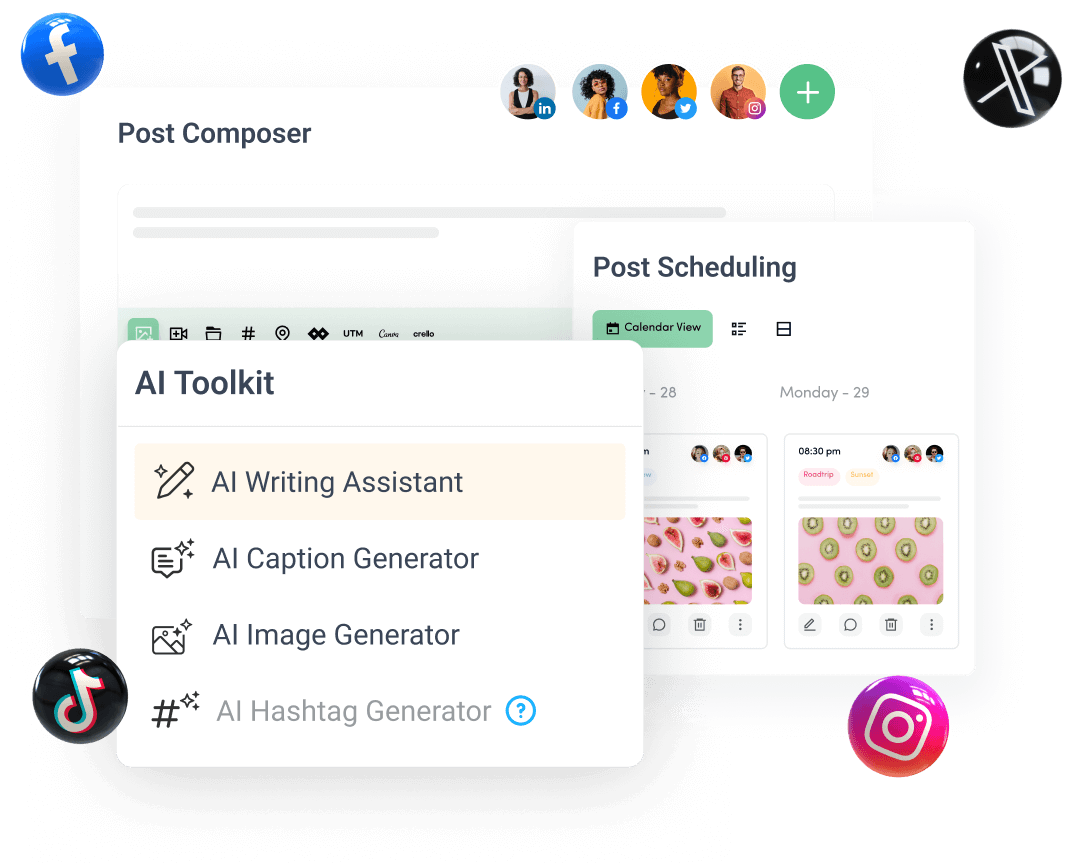
Create, plan, schedule, and publish posts on all social media networks