



How to build an executive’s LinkedIn content workflow with Claude Code
Oct 1, 202615 minutes

Written by
Abdullah MansoorUpdated
Instagram does not notify when you screenshot a regular Story, post, Reel, profile, or direct message. It may send an alert when you screenshot disappearing photos, videos, or messages shared through certain temporary chat features.
The notification depends on what you capture and how the content was sent. Regular Instagram content usually does not trigger an alert, while temporary content shared in DMs can.
This guide covers screenshot notifications for Instagram Stories, posts, Reels, DMs, and Vanish mode. It also explains which actions may alert another user and how to manage your privacy.
Instagram usually sends screenshot notifications only for temporary content shared through direct messages. Standard posts, Stories, Reels, profiles, and regular chat messages do not normally trigger an alert.
Here is a quick breakdown of how screenshot notifications work across Instagram.
| Instagram content type | Screenshot notification | Notes |
|---|---|---|
| Regular posts | No | Includes single photos, carousels, and videos |
| Stories | No | All story types, including polls, questions, music |
| Regular DMs | No | Standard messages, photos, videos, voice notes |
| Vanish mode | Yes | Notifies for all screenshots in vanish mode |
| Disappearing photos/videos in DMs | Yes | Shows a star (✭) icon in the chat |
| Profile pictures | No | Both full size and thumbnail views |
| Reels | No | Including full-screen and preview modes |
| Live videos | No | Both during live and replay |
| Comments | No | On posts, reels, and stories |
| Highlights | No | Archived or active story highlights |
| Shared Posts in DMs | No | When sharing feed posts via DM |
Instagram therefore follows a no notification policy for most visible content. The main exceptions involve temporary or disappearing content sent privately.
For brands, screenshot behavior is one small part of understanding how people interact with content across Instagram marketing as a whole.
No, Instagram does not normally notify a user when you screenshot their Story. The account owner cannot see who captured a screenshot from the Story viewer list.
This applies to standard Story content, including photos, videos, text, music, polls, and questions. Taking a screen recording of a regular Story also does not normally generate an alert.
The same rule applies whether the account is public or private. A private account limits who can view the Story, but it does not add screenshot notifications.
Users who want more control over their audience can share Stories with Close Friends or hide them from selected accounts. People may also try to view Instagram Stories anonymously, although account privacy settings still determine who can access the content.
No, Instagram does not notify someone when you screenshot their post. This applies to photos, videos, carousel posts, Reels, comments, and captions.
The rule is the same for public and private accounts. However, content from a private account should still be handled carefully because it was shared with a limited audience.
Businesses and creators often take screenshots for inspiration, reporting, or content planning. An Instagram scheduler offers a more organized way to plan and publish approved content without relying on folders of screenshots.
Instagram does not send screenshot notifications for either public or private posts. The main difference is who can view the content.
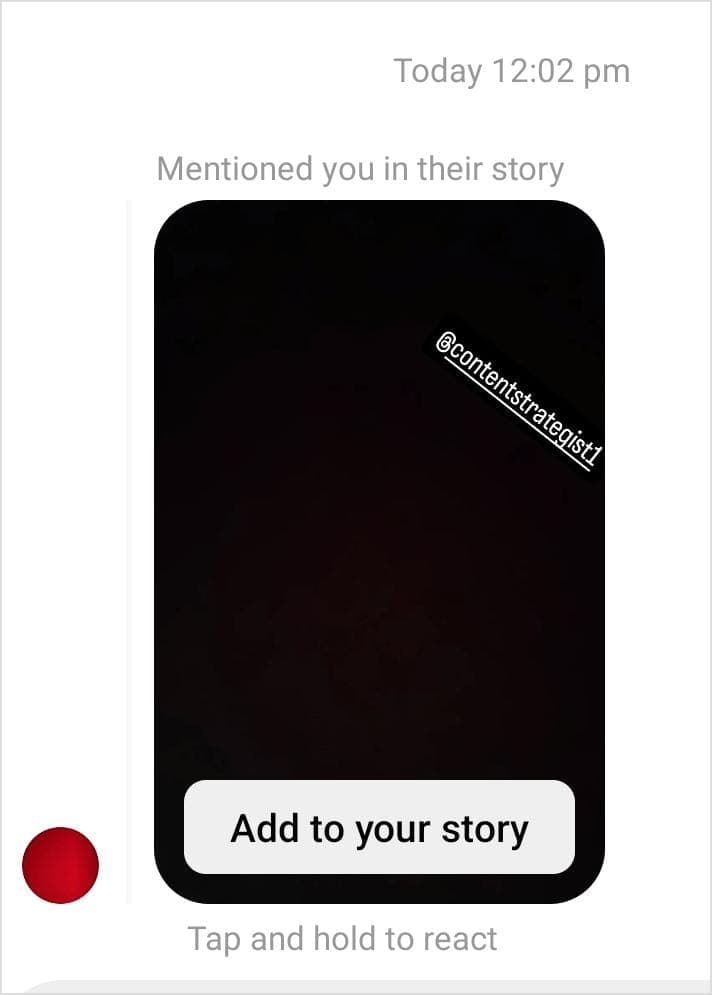
Sharing content on social media is one of the best ways to build a strong social community. The built‑in sharing tools work differently from taking a screenshot and are treated differently by Instagram’s notification system.
Here’s how Instagram currently handles notifications around sharing:
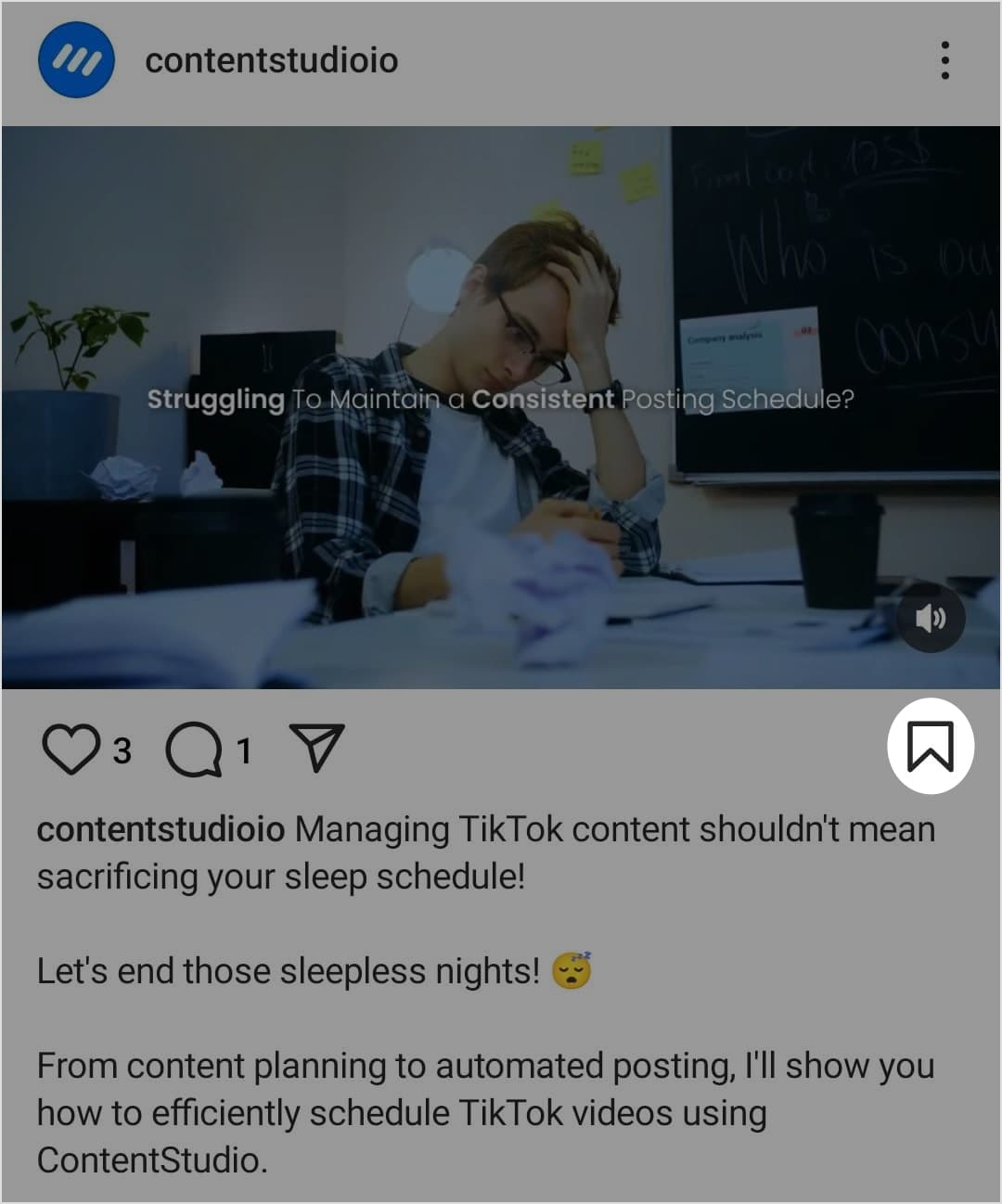
Instagram has a built‑in Collections feature that lets you save and organize posts into personalized folders you can revisit anytime. Just like screenshots, Instagram does not notify users when their posts are saved to someone’s Collection.
The bookmark feature is simple to use:
Collections work well for personal inspiration. When those saved ideas need to become planned posts, a social media management platform can help teams organize content, coordinate approvals, and manage publishing across accounts.
Instagram does not notify someone when you screenshot a regular DM conversation. It may send a notification when you capture disappearing photos or videos sent through Instagram Direct.
The type of message matters more than the conversation itself. Permanent messages behave differently from temporary media.
Instagram does not normally send a notification when you screenshot:
Instagram may send a notification when you screenshot:
The sender may see an icon or message showing that the temporary content was captured. The exact indicator can vary by app version and device.
You can still check your Instagram messages normally without notifying the sender. Opening a conversation may update its Seen status, depending on your settings.
Users who prefer more control over this can turn off Instagram read receipts where the option is available.
Instagram provides several settings that can limit who sees, contacts, mentions, or tags your account. These controls cannot stop every screenshot, but they reduce unwanted access to your content.
Start with the audience and communication settings that match how you use the account.
You can also hide tagged Instagram photos when you do not want certain posts to appear on your profile.
Privacy settings should be reviewed regularly. Instagram can introduce new controls or change where existing options appear.
Instagram Marketing
Schedule your Instagram posts, Reels, and Stories, and get recommended best time to publish for maximum engagement.
Get Started for FREE
Instagram does not notify users about most screenshots, but temporary content in DMs can work differently. Before capturing private or disappearing messages, consider whether the sender expected that content to remain temporary.
Privacy settings can limit who sees your posts and Stories, but they cannot stop someone from saving what appears on their screen. Share sensitive content carefully and treat every screenshot as something that could be stored or shared.
No, Instagram does not normally notify someone when you screenshot their Story. Your name will not appear as a screenshot alert in the Story viewer list.
People cannot normally see when you screenshot standard Instagram messages. They may receive an alert for disappearing photos, videos, or temporary chat content.
No, Instagram does not notify the creator when you screenshot a photo, video, carousel post, or Reel. This applies to both public and private accounts.
Instagram does not provide a feature that shows who screenshotted your Story. You can only see which accounts viewed it while the viewer list remains available.
No, Instagram does not notify users when someone screenshots their profile, profile picture, bio, follower list, or visible posts.
Plan 0 Days of Content in 0 Minutes
Create, schedule, publish and analyze your content across all your social media channels from one simple dashboard.
4.7 on Capterra • 16,500+ marketers trust ContentStudio
Abdullah Mansoor is a Senior Content Writer at ContentStudio with a proven track record creating engaging content across SaaS, technology, marketing, and e-commerce. He focuses on Instagram growth, how-to guides, carousel posts, user-generated content, and white-label social media management, and reviews blog content for structure, clarity, accuracy, and a consistent brand voice.
View all posts by Abdullah MansoorRecommended for you
How to build an executive’s LinkedIn content workflow with Claude Code

How to turn one product photo into 5 video Ads with Claude Code
Social media MCP server: How to automate posting with ContentStudio
How to automate social media with n8n: A practical guide








