ContentStudio API plan is now available. Create automations using Claude, Zapier, n8n, make, etc. Explore plan!
How to Plan Your Instagram Feed?

Written by
Khadija AnwarPublished
Updated


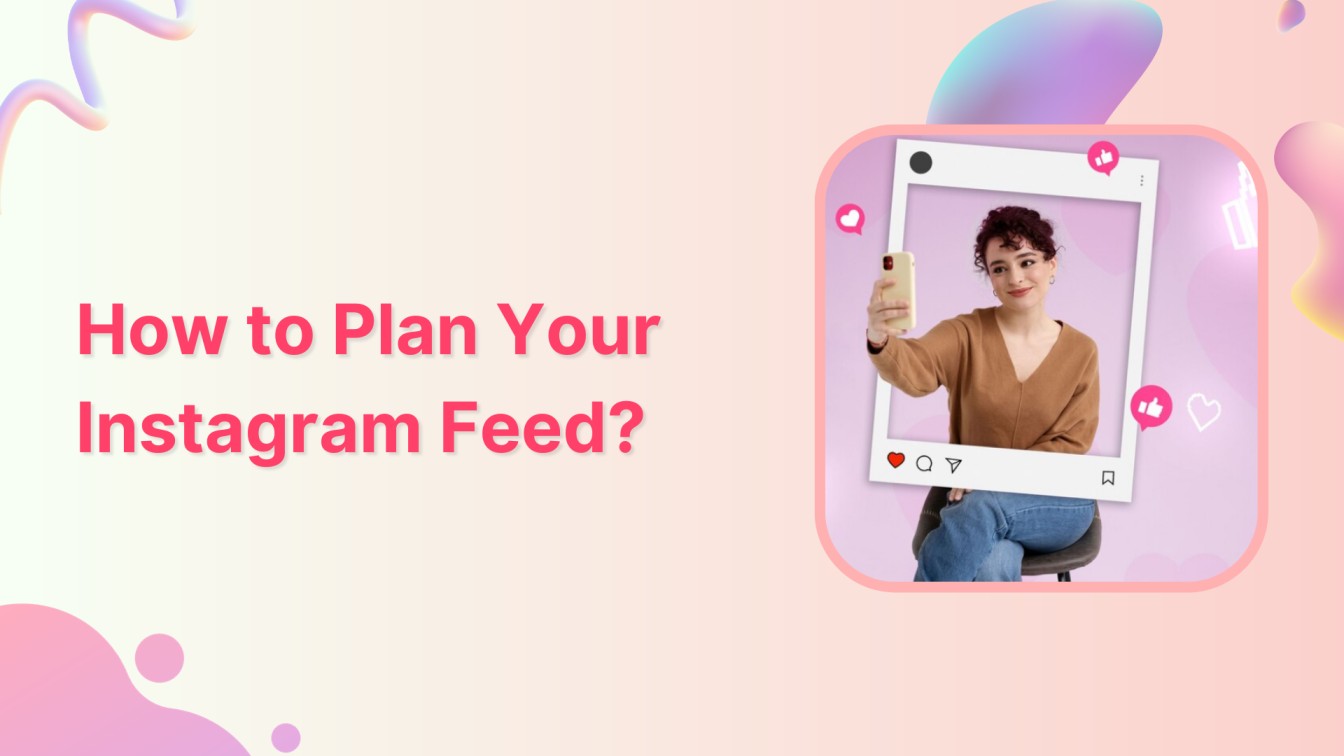
Creating an Instagram feed that grabs attention is more than just posting pictures—it’s like telling a story with colors and themes. We’ll walk through simple steps to help you make your Instagram look good, reflecting your style and making your followers stop and take notice.
Instagram Marketing Schedule your Instagram posts, Reels, and Stories, and get recommended best time to publish for maximum engagement.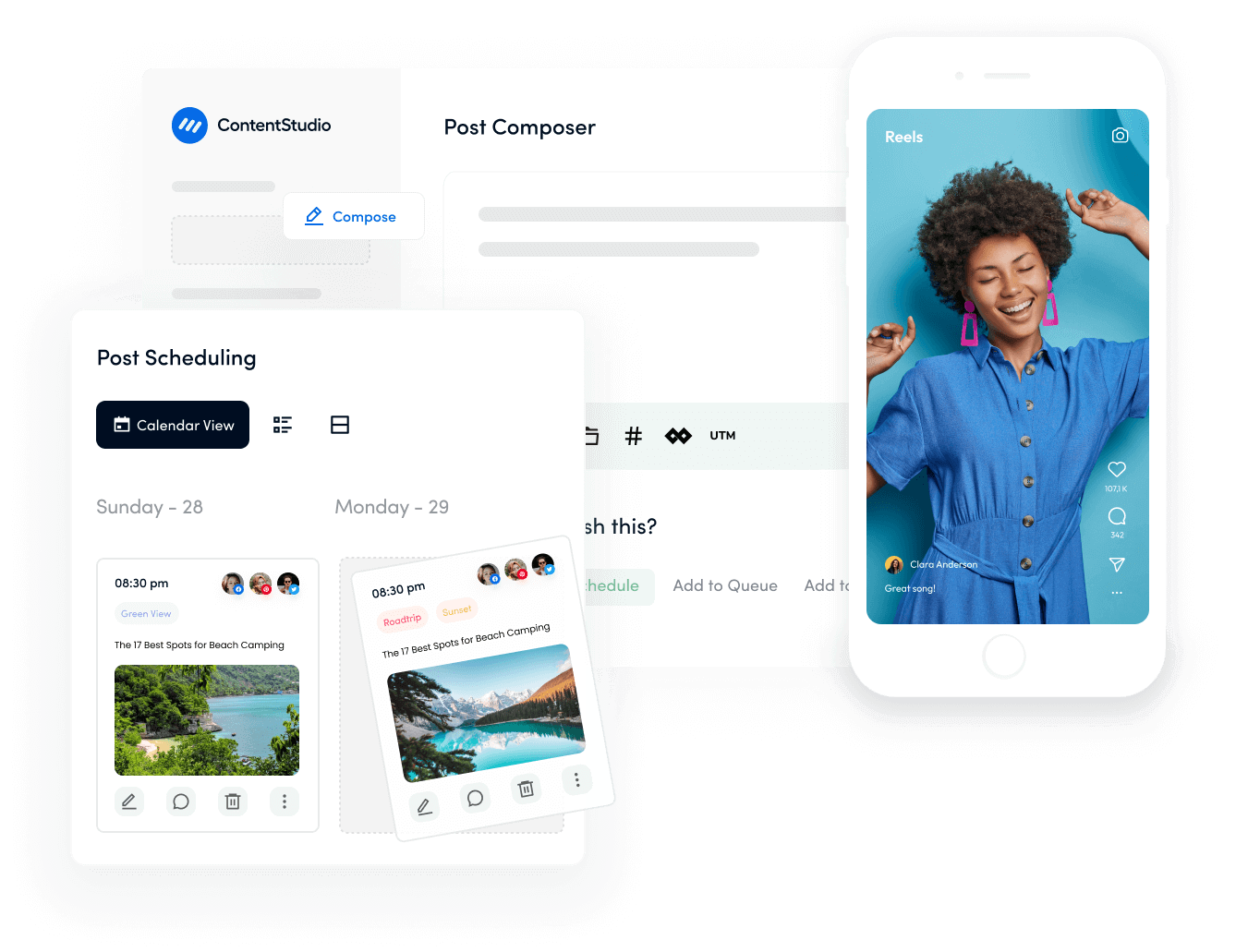
5 tips for planning your Instagram feed
Planning an Instagram feed can absolutely help create a cohesive and visually appealing profile. Here are five tips to consider:
1. Establish a theme or aesthetic:
Decide on a consistent theme or aesthetic for your feed. This could involve color schemes, a particular style of photography, or a consistent subject matter. Having a unified look helps in creating a visually appealing grid.
Related Read: How to Create a Distinctive Instagram Aesthetic?
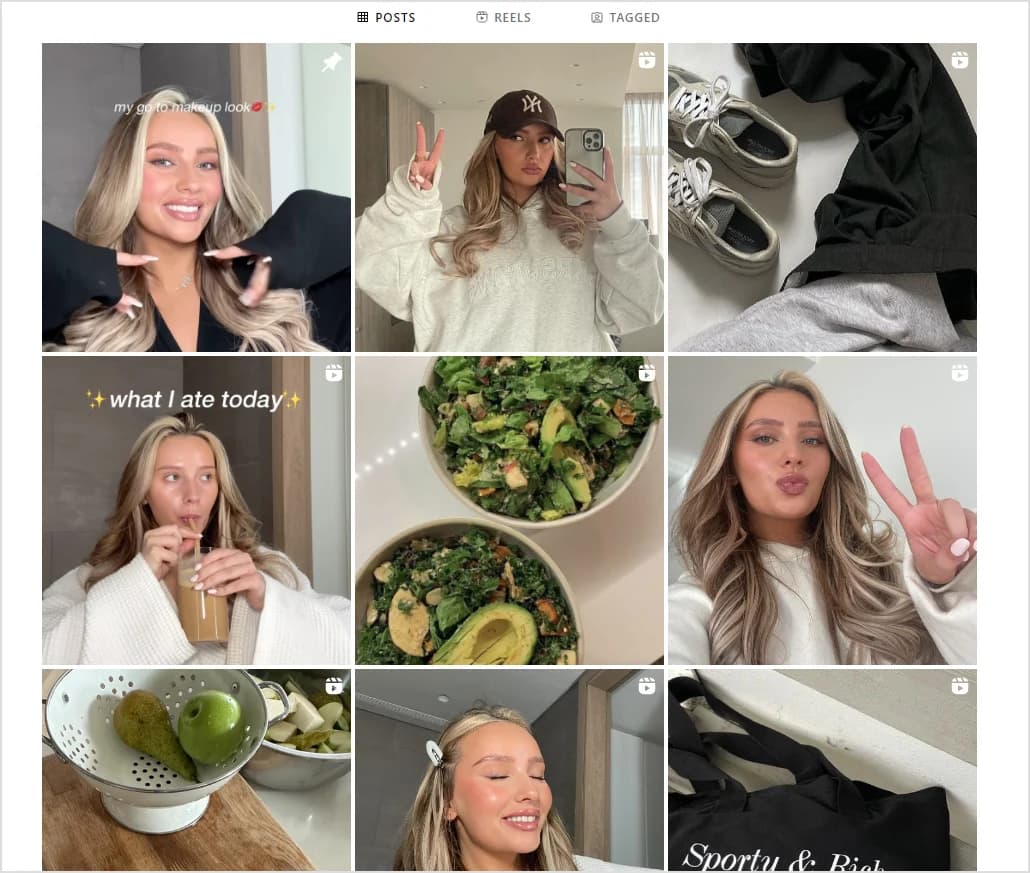
2. Use a scheduling tool:
Utilize scheduling apps or tools like ContentStudio to plan your content in advance. These tools allow you to see how your posts will look in the grid before they go live. This way, you can rearrange, edit, and plan your content strategically.
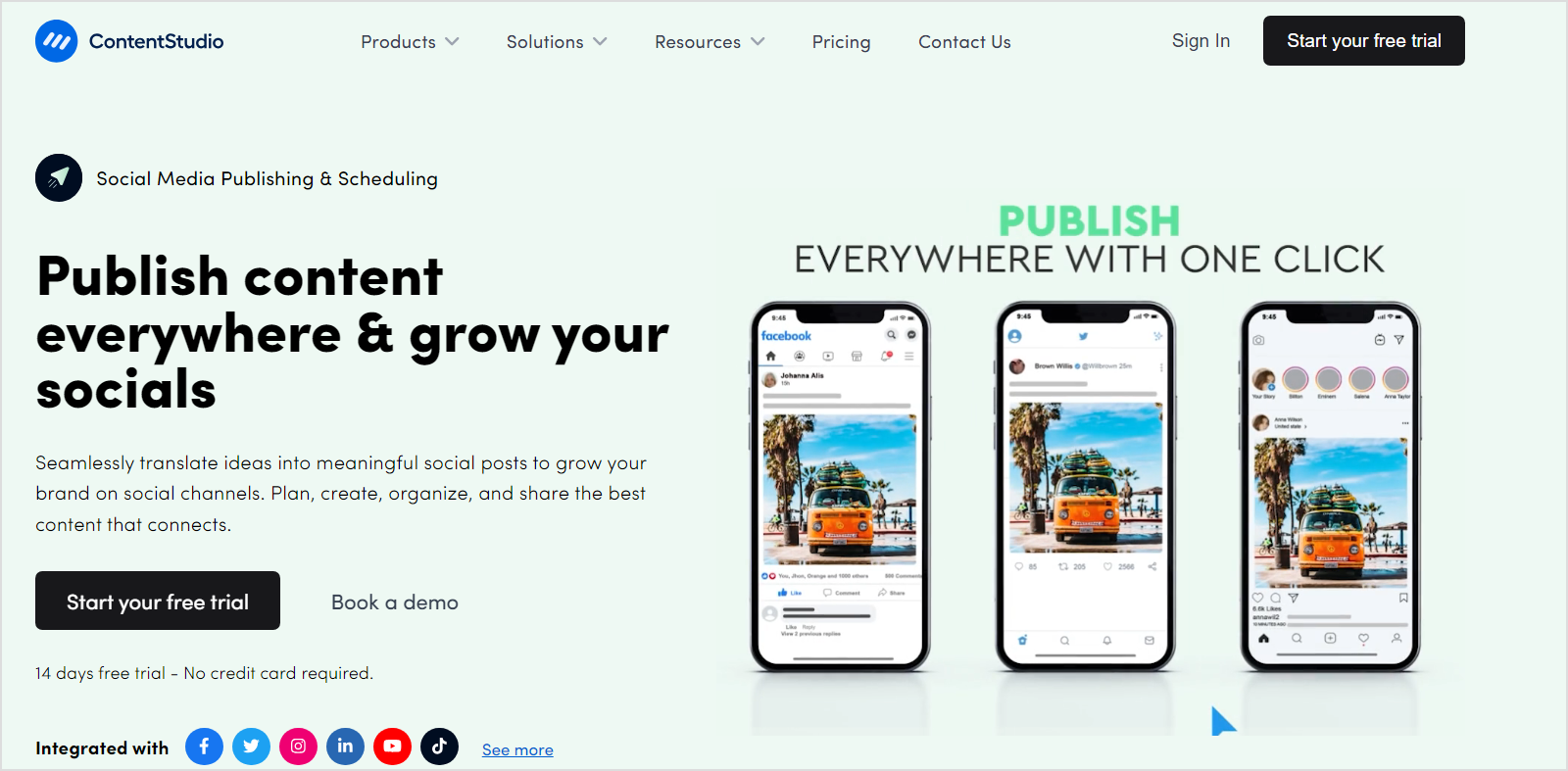
3. Maintain consistency:
Staying consistent matters—set a schedule you can stick to, whether it’s daily, every few days, or on specific weekdays. Your audience loves predictability, knowing when to expect fresh content from you.
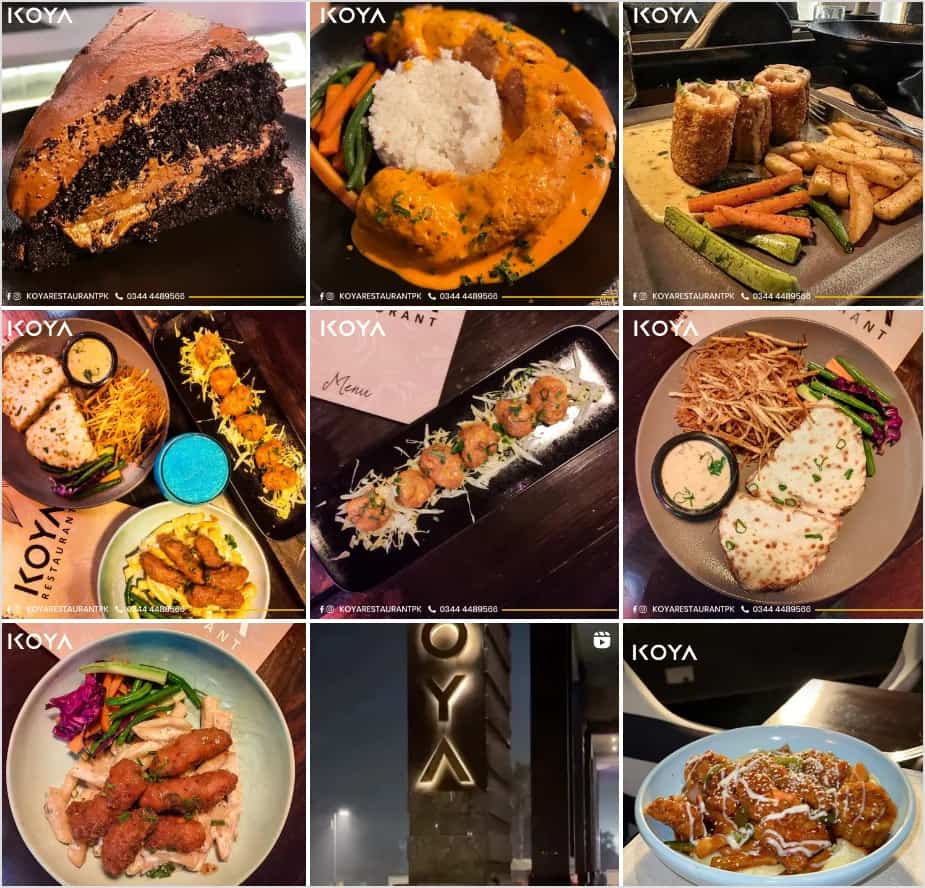
4. Mixing content types:
Mix up your content types (photos, videos, graphics, quotes) while maintaining consistency in your overall aesthetic. Alternate between different types of content to keep your feed engaging and diverse.
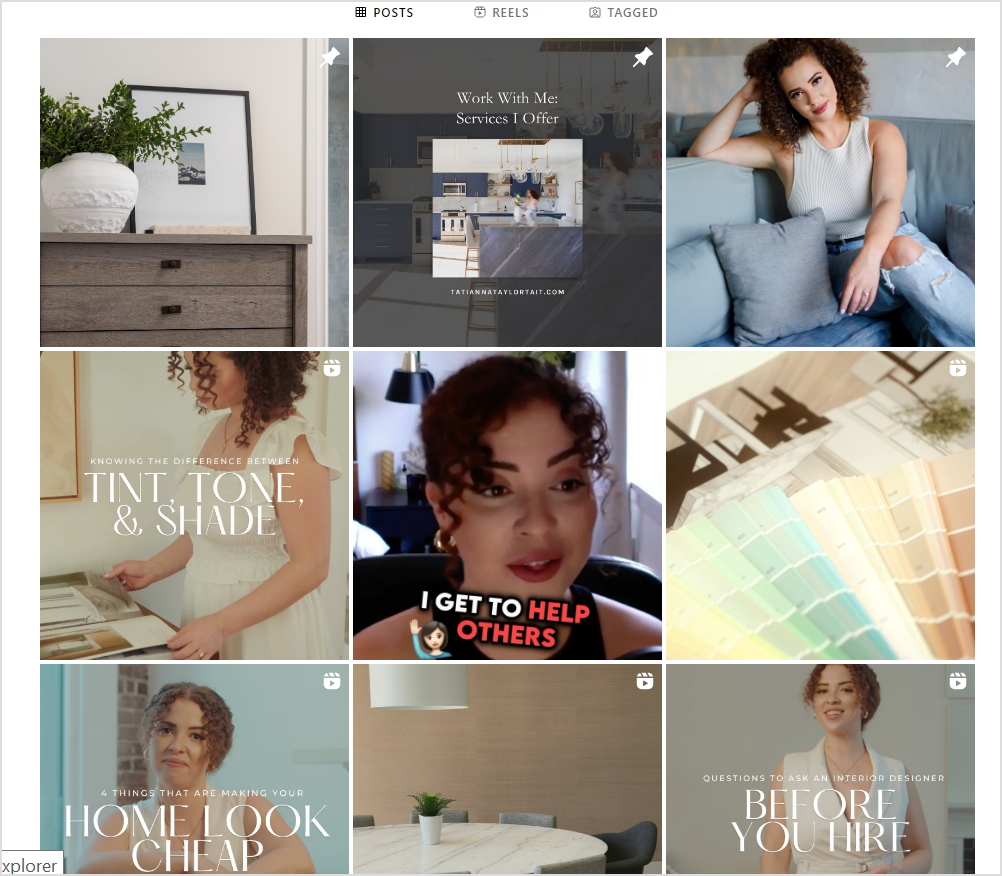
5. Preview your grid:
Use Instagram planning tools or create a mock-up of your grid layout to see how posts will look together. Pay attention to the overall visual flow and how each post complements the ones around it. Aim for a balanced and visually pleasing grid.
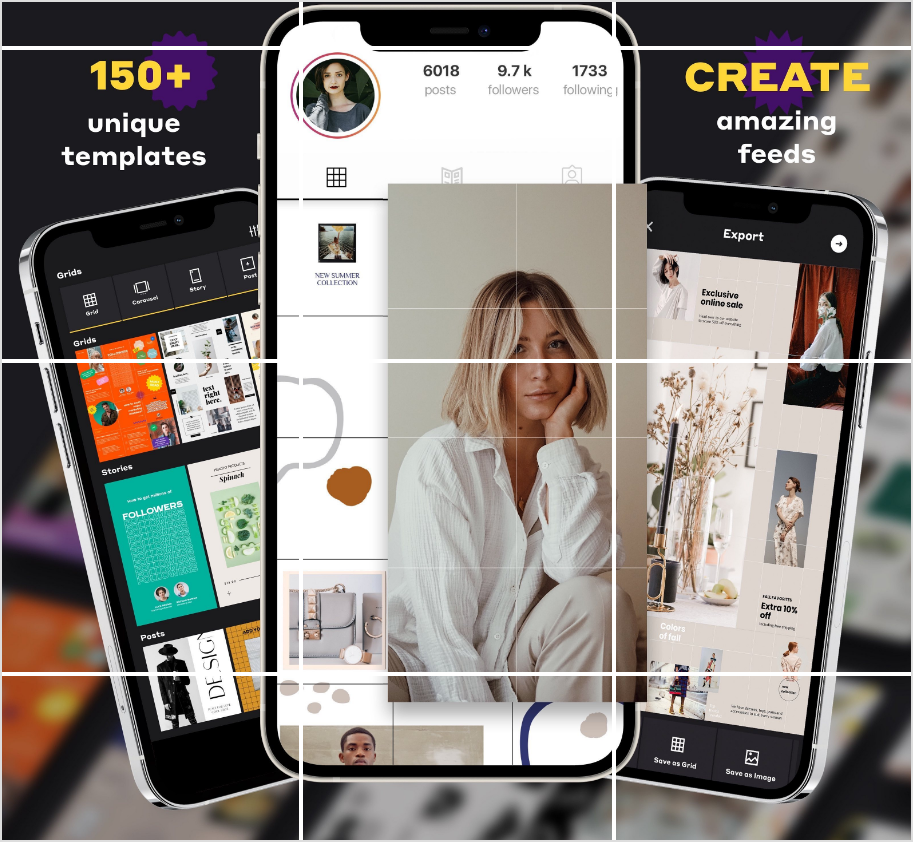
6. Preview Your Feed:
Before posting, use the preview feature in planning apps to see how your new post will look in context with your existing grid. Adjust or rearrange as necessary to maintain a visually appealing layout.
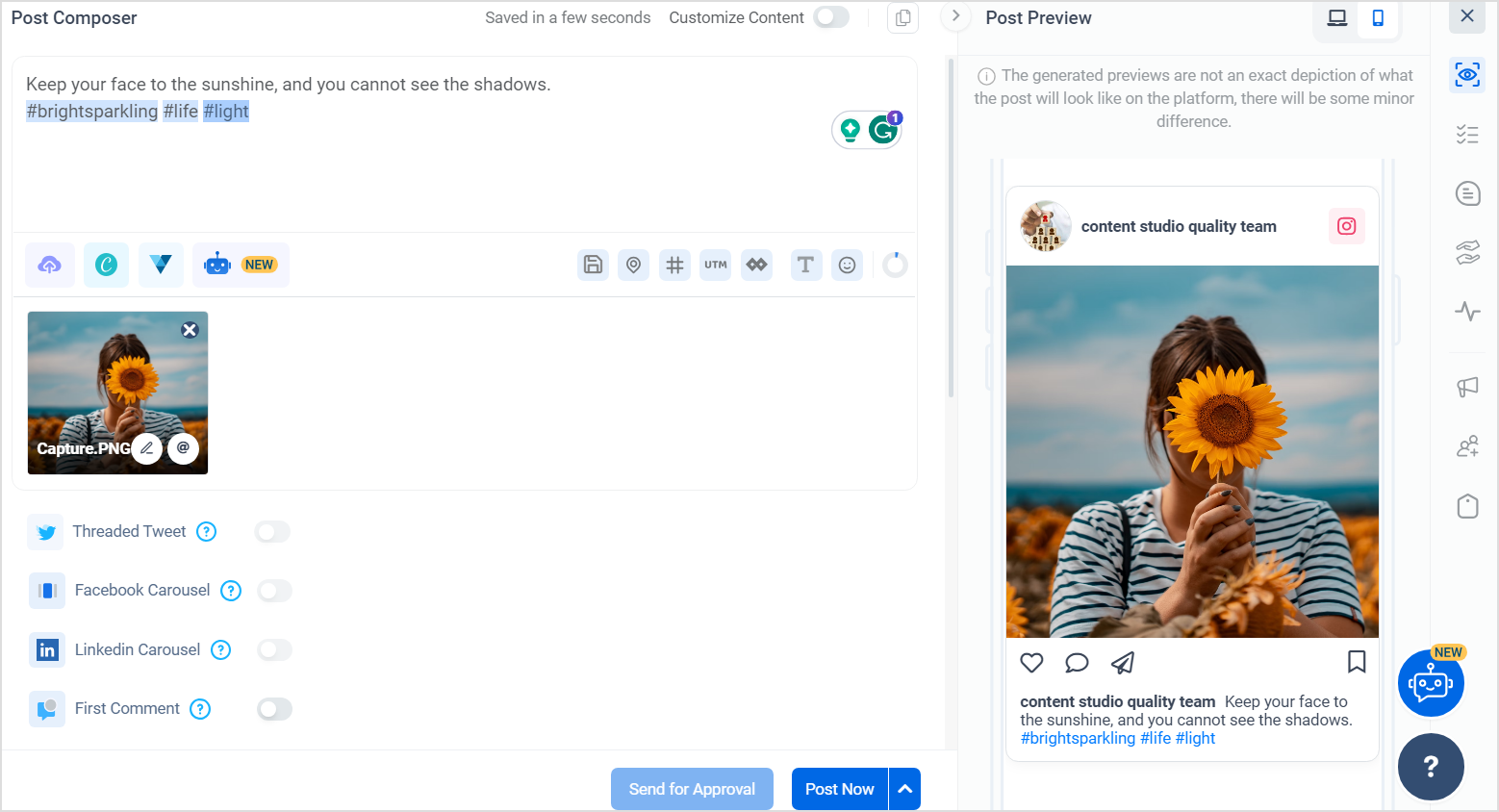
7. Story Highlights:
Use Instagram story highlights strategically to feature important or popular content. Create custom covers for these highlights to match your overall aesthetic.
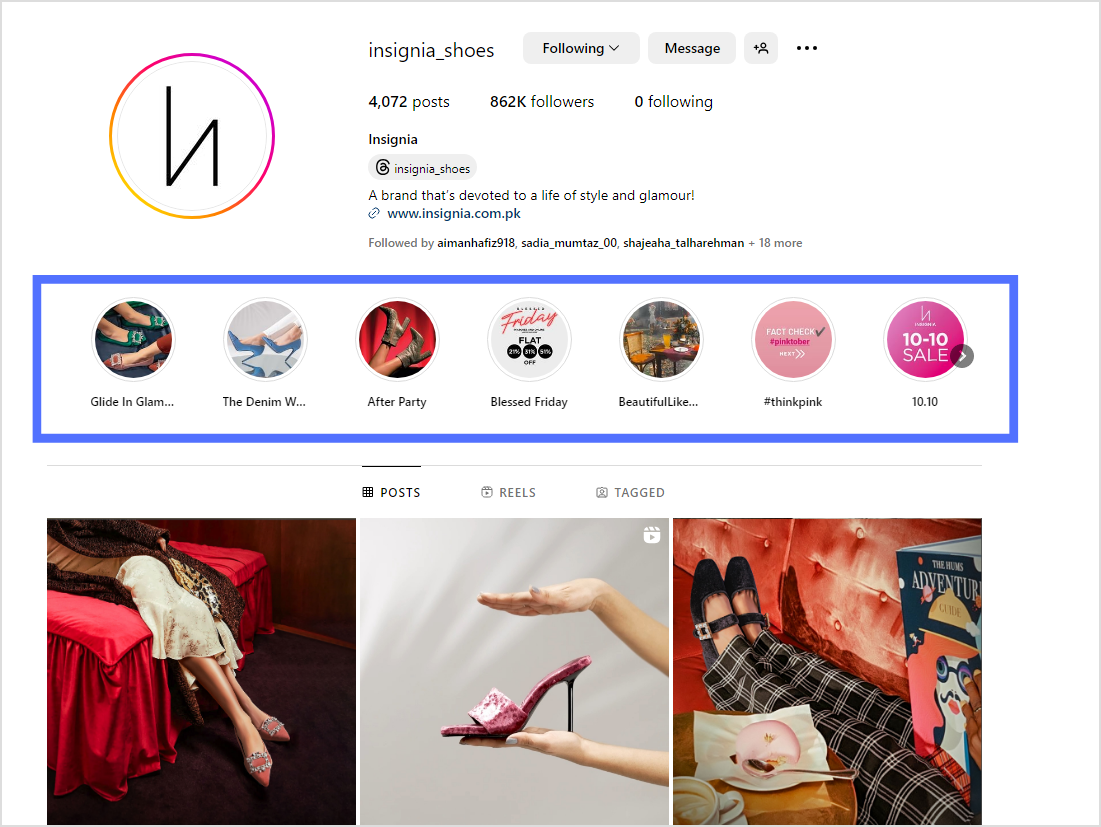
8. Engage with Your Audience:
Encourage engagement by responding to comments, asking questions, running polls, and featuring user-generated content. Engaged followers often contribute positively to the overall vibe of your feed.
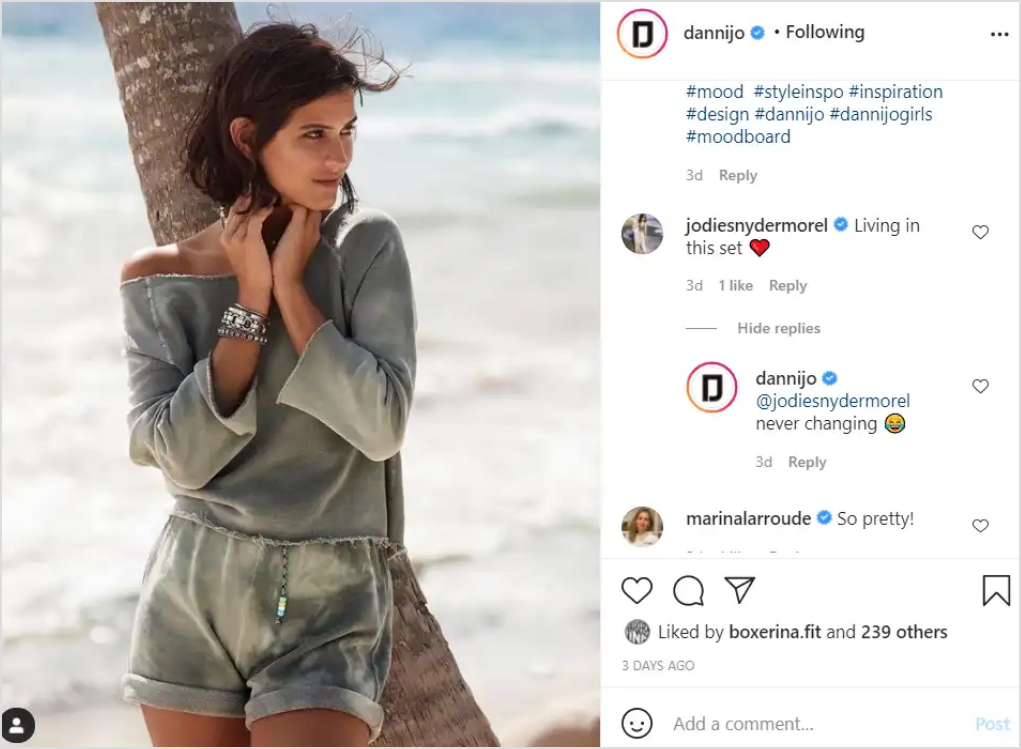
Remember, flexibility is key—while planning matters, adapting to trends and resonating with your audience through spontaneous content keeps your feed dynamic and engaging.
FAQs
How do I organize my Instagram feed?
Organize your Instagram feed by establishing a consistent theme, using scheduling tools, and balancing content types for visual appeal.
How do you strategize content?
Strategize content by defining objectives, understanding the audience, maintaining consistency, and adapting to trends for engagement.
What are the 3 C’s of content?
The three C’s of content are clarity, consistency, and creativity.
Which type of content is most viewed on Instagram?
Visual content like photos and videos are the most viewed on Instagram.
How can I increase my followers on Instagram?
Engage consistently, use relevant hashtags, and share compelling content to increase your Instagram followers.
Plan 0 Days of Content in 0 Minutes
Create, schedule, publish and analyze your content across all your social media channels from one simple dashboard.
4.7 on Capterra • 16,500+ marketers trust ContentStudio
Khadija Anwar is a Senior Technical Writer at ContentStudio with over 500 published write-ups across the ContentStudio blog and beyond. She specializes in step-by-step platform guides and Help Center content across Facebook, Instagram, LinkedIn, YouTube, TikTok, and X, and reviews how-to articles to verify every step and platform detail is accurate and current.
View all posts by Khadija AnwarRecommended for you
How to turn off active status on instagram in 2026 (Step-by-step guide)