Step 01
Sign up and connect your accounts
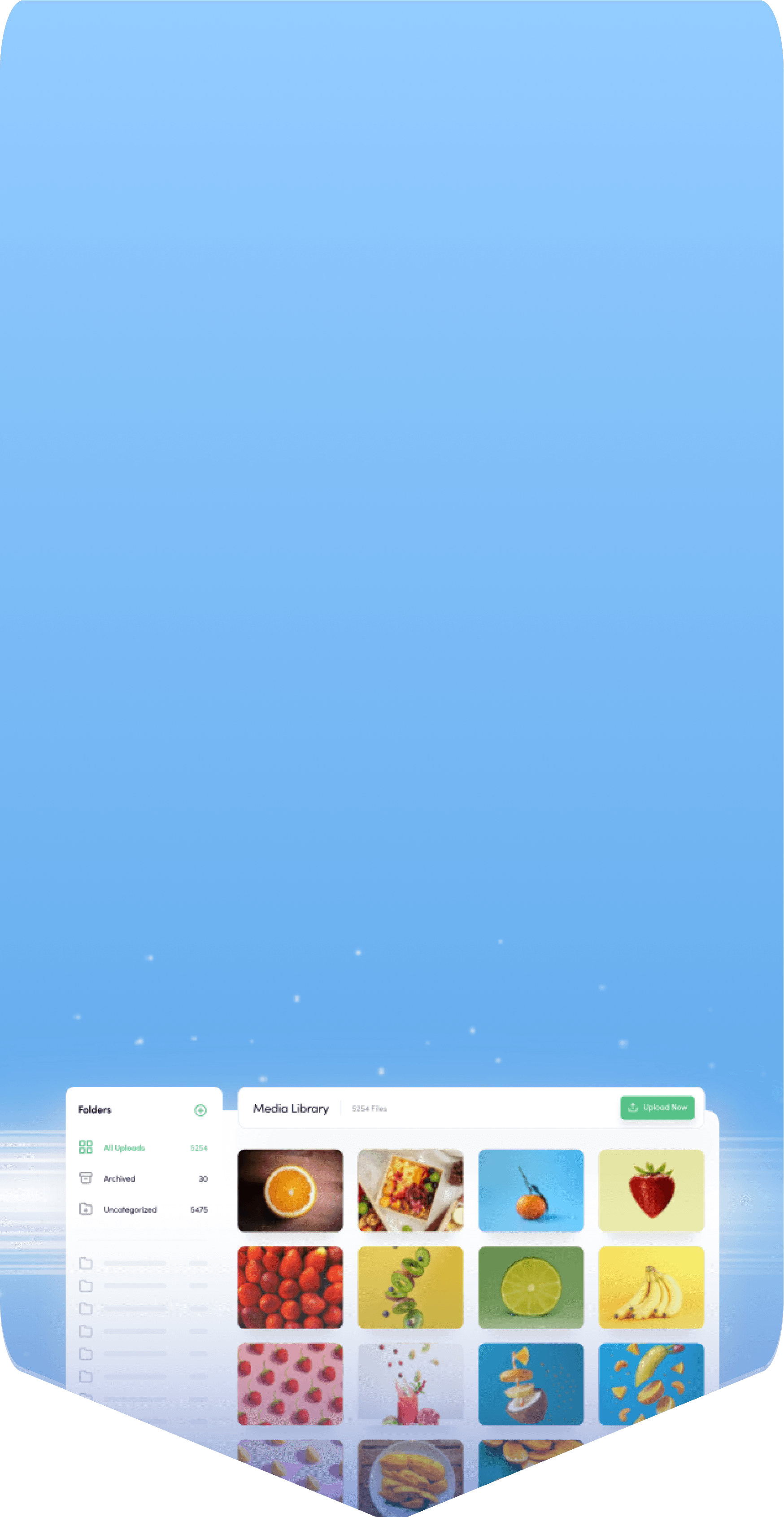
Create your workspace in ContentStudio and securely connect all your social accounts to manage everything from one dashboard.

One social media scheduler to run every account in one place. Schedule posts across every major network, automate content creation with AI, collaborate with your team, and track what works, all without switching between tools.
7-day free trial. No credit card required.
Integrated with




 AI
AI AI
AI AI
AI AI
AI AI
AI AI
AI AI
AI AI
AITrusted by 16,500+ leading brands and agencies
A social media scheduler is a tool that connects to your social accounts and publishes your posts automatically at the times you choose, so you do not have to open each app and post by hand every day.
ContentStudio is an all-in-one social media management tool with a powerful social media scheduler that lets you plan, schedule, and publish posts across Facebook, Instagram, LinkedIn, X (Twitter), TikTok, YouTube, Pinterest, and more, all from one dashboard.
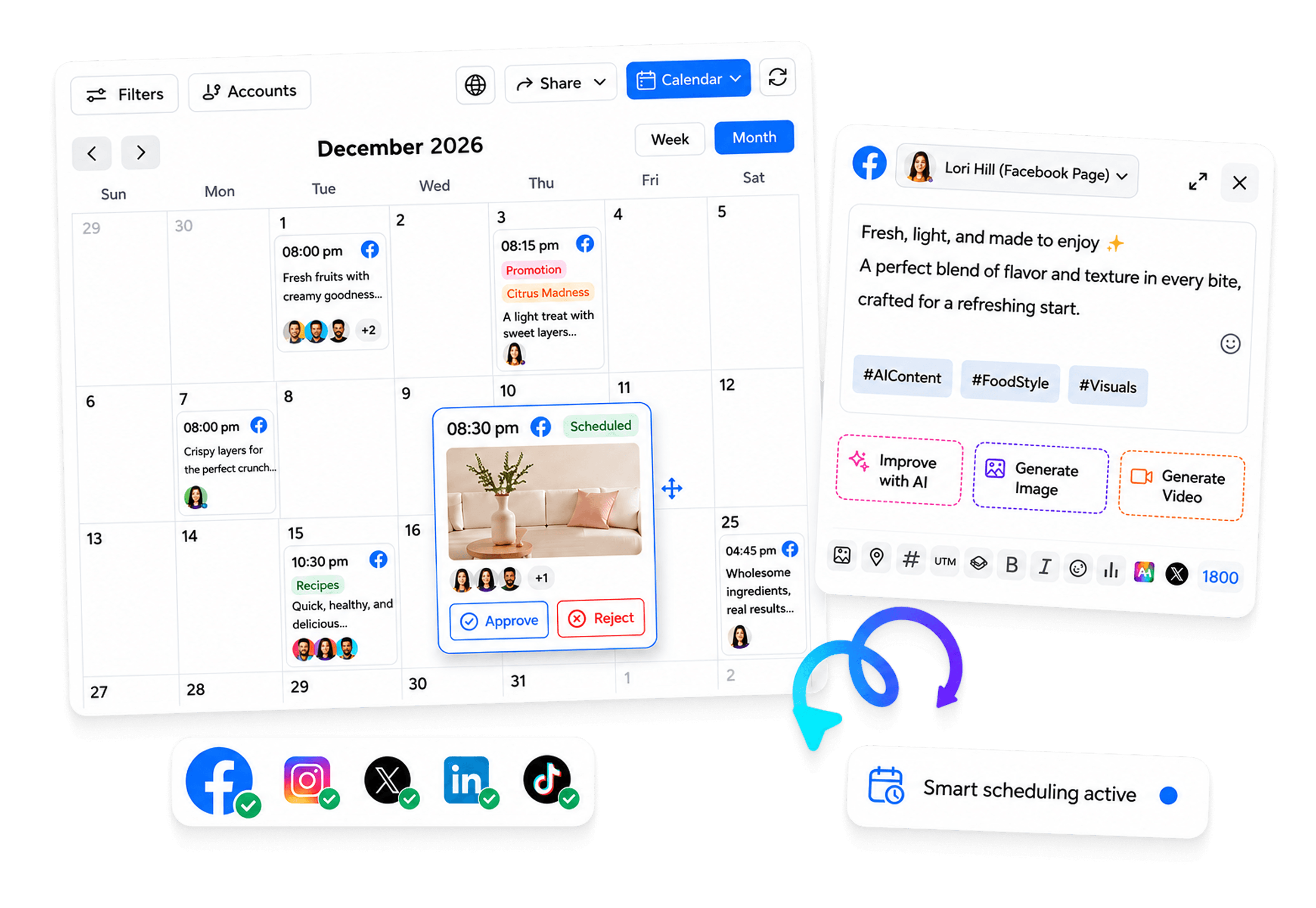
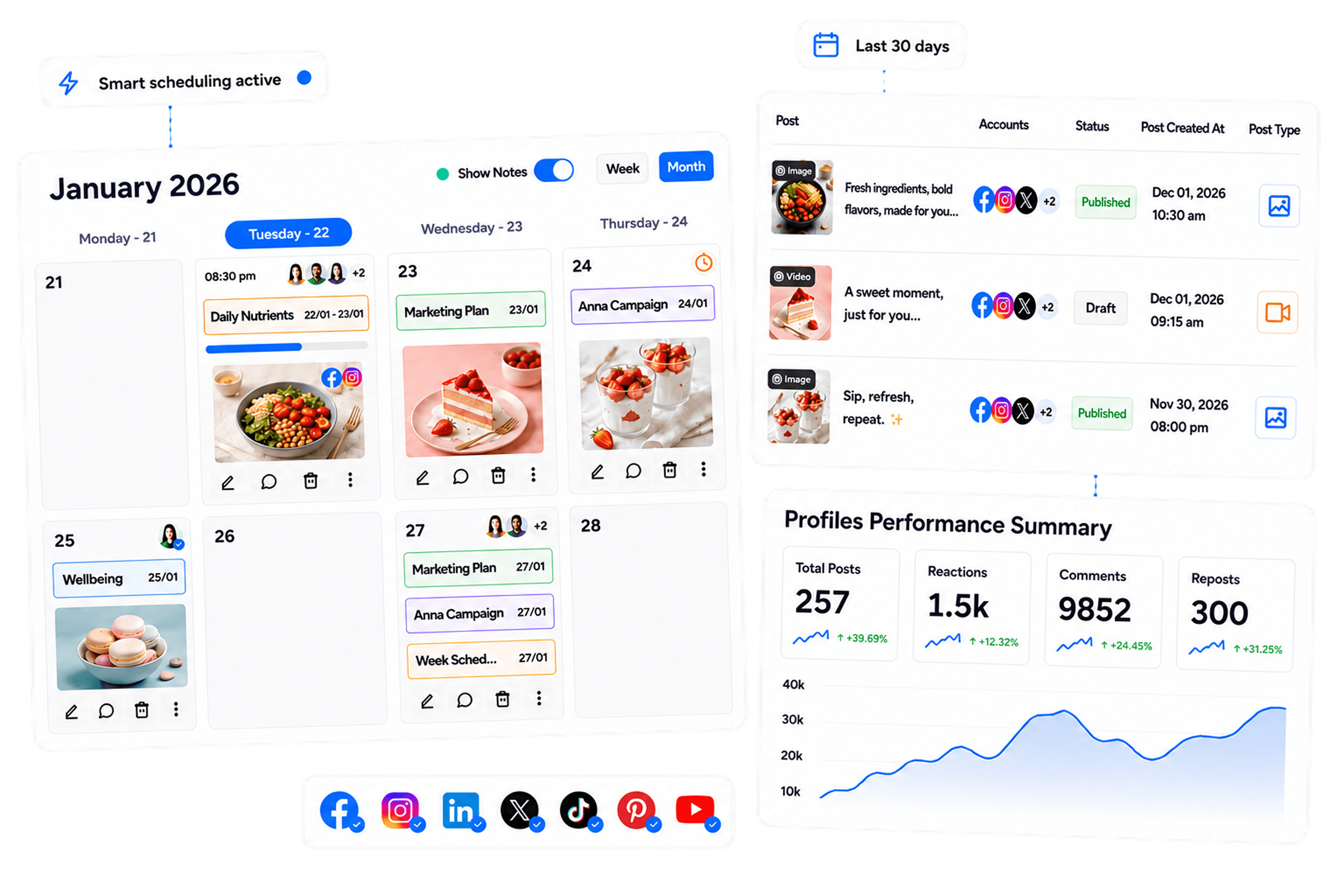
Use one social media scheduler to plan, manage, and schedule posts across all major platforms. Keep your content schedule organized and your publishing consistent.

Schedule posts to Facebook, Instagram, LinkedIn, X, TikTok, YouTube, Pinterest, and more, and keep every page organized in one view.

Plan Reels, Stories, videos, carousels, and text posts with a social media scheduler that fits the way each network works.

Build a reliable posting rhythm and keep your social presence active, without the last-minute scramble to publish before the day ends.

Manage your entire posting schedule, track results, and update your queue from a single place instead of jumping between platforms.
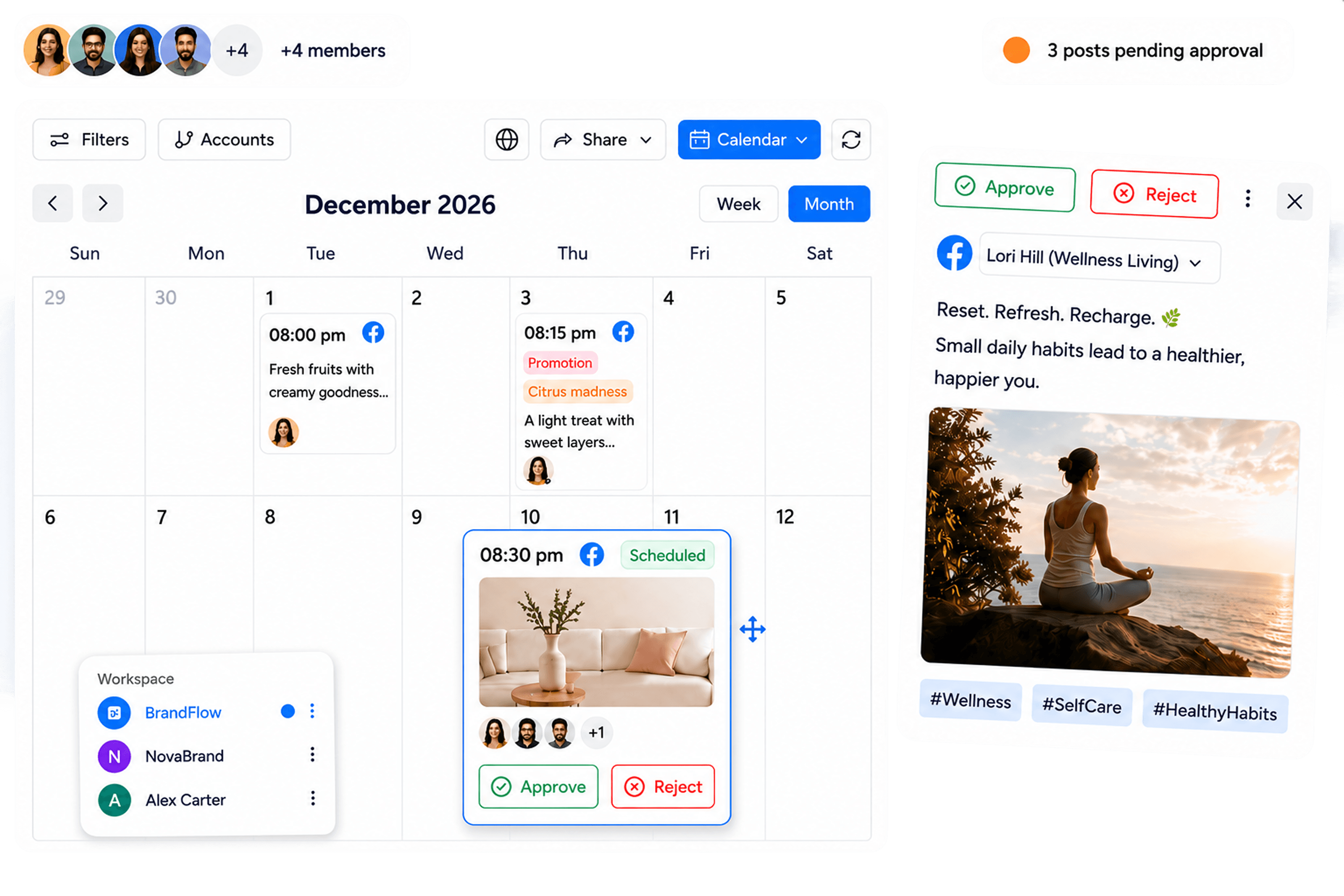
From quick updates to Reels, videos, and full campaigns, plan every post and keep your audience engaged without publishing anything manually.

Manage posts across multiple accounts from a single dashboard. Keep every brand, page, and client organized under one roof.

Bulk upload weeks of content at once, or use smart scheduling with AI prompts to keep your content queue full.

Create dedicated queues for different campaigns, platforms, or content categories, so every schedule stays structured.

Automatically schedule posts when your audience is most active, using data-driven timing recommendations.
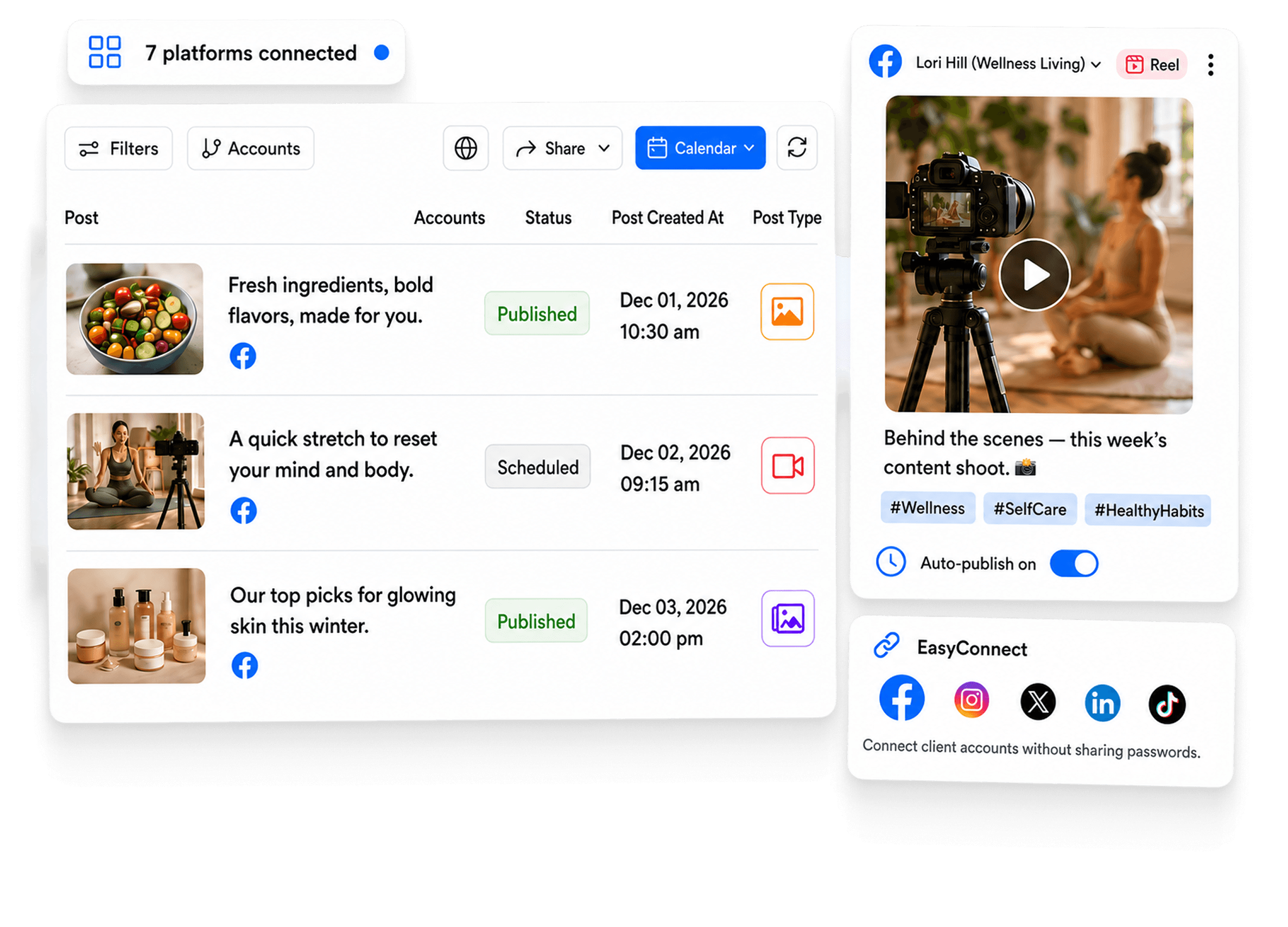
Fill your content calendar once, then let ContentStudio publish every post at the right time. Plan, collaborate, and publish without switching tools, so your social media scheduling stays simple.

Separate clients, brands, or business units into dedicated workspaces while managing several posting schedules in parallel.

Plan your posting schedule with a drag-and-drop calendar that gives you a complete view of every upcoming post at a glance.
Review and approve scheduled posts before they go live, so every post is on brand, and nothing slips out unchecked.

Securely connect client accounts without asking for login credentials, making client onboarding faster and simpler.
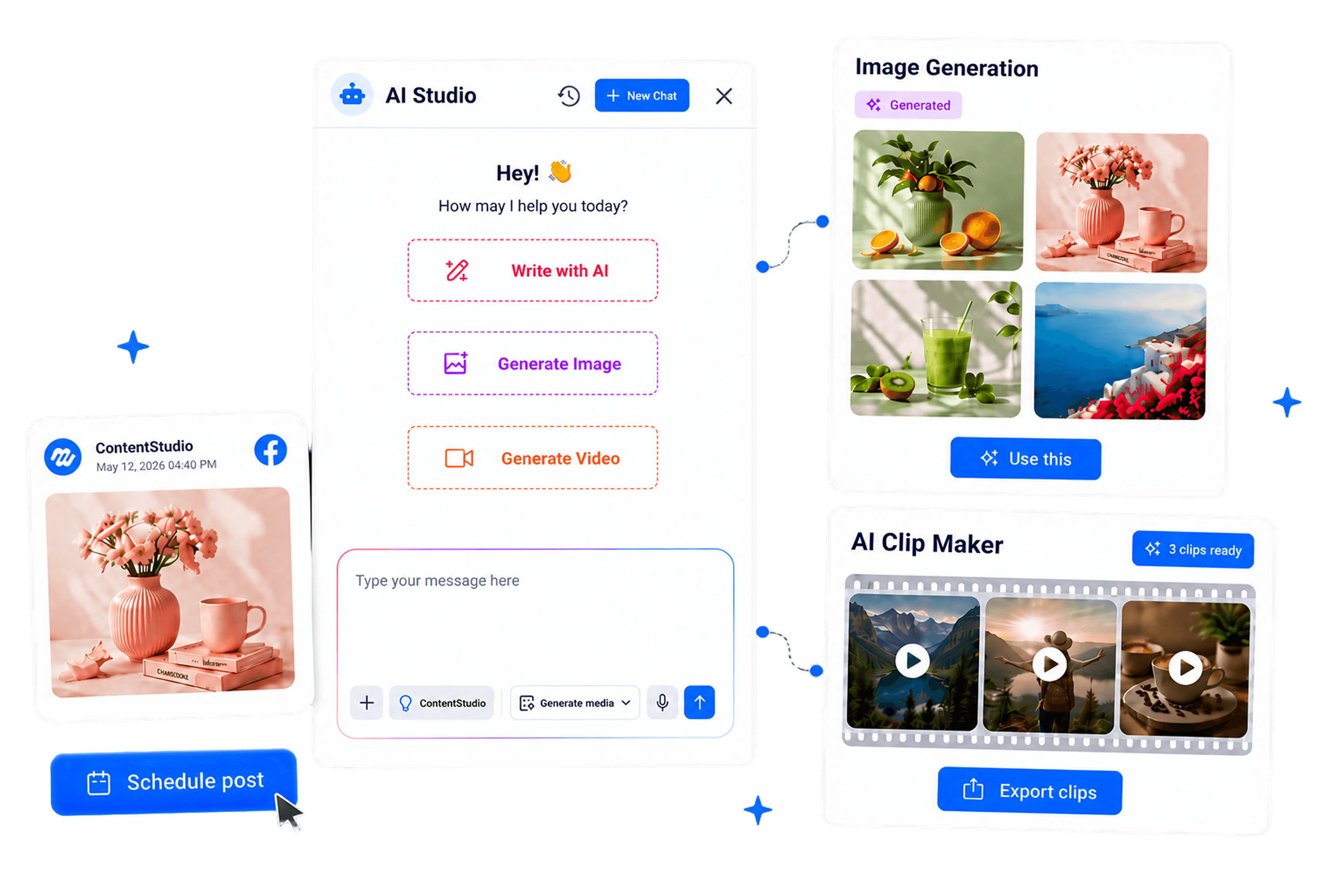
ContentStudio's AI Studio puts content creation inside your scheduler, so you can write captions, generate visuals, and produce video without switching to separate tools. Go from idea to a scheduled post in one place.

Write captions in seconds, sharpen your copy, and beat writer's block while scheduling posts from the same dashboard.

Turn a simple prompt into a ready-to-use visual for your next scheduled post, without a separate design tool.

Create short videos for your social schedule without switching to separate editing software, then queue them to publish automatically.

Turn long-form video into short, punchy clips that keep your video schedule full across every network.

How it works
Getting started is straightforward. Set up your accounts, add your content, and build your posting schedule in a few steps so you stay consistent without manual effort.
Step 01
Create your workspace in ContentStudio and securely connect all your social accounts to manage everything from one dashboard.
Step 02
Write your post, upload your media, or generate captions, images, and videos with AI, all in one place.
Step 03
Pick a specific date and time or let ContentStudio recommend the best time to post for each network.
Step 04
Once your schedule is set, ContentStudio publishes your posts to every connected network at the right time.
Whether you run one brand or a dozen client accounts, ContentStudio scales to fit. From solo creators to enterprise teams, everyone gets a way to plan, schedule, and publish that matches how they work.

Schedule weeks of content ahead, then let ContentStudio publish while you focus on creating and growing your audience.
Manage every network you run from the same social media scheduler, then dive into the dedicated scheduler built for each one.

Plan Reels, posts, and Stories on a shared calendar for a consistent Facebook strategy, from planning to publishing in one place.

Keep your Reels, posts, and Stories organized in a single view, and use a visual calendar to map content and maintain a steady Instagram presence.

Publish across multiple profiles, manage conversations, and reply to your audience, with support for both content publishing and engagement.

Schedule posts in advance, manage your brand presence, and track potential leads within one streamlined publishing workflow.

Plan your uploads for better timing and reach, and use approval workflows to make sure every video is reviewed before it goes live.
Schedule and publish pins while tracking saves to see what performs, then use Pinterest insights to refine your content and focus on what works.

Queue TikTok videos across multiple accounts, run quick approvals, and pull media straight from your library so content keeps moving without delays.


Book a 30 min call
Have questions? Schedule a quick call and we will guide you through everything.
Book a free call