Step 01
Connect your X account
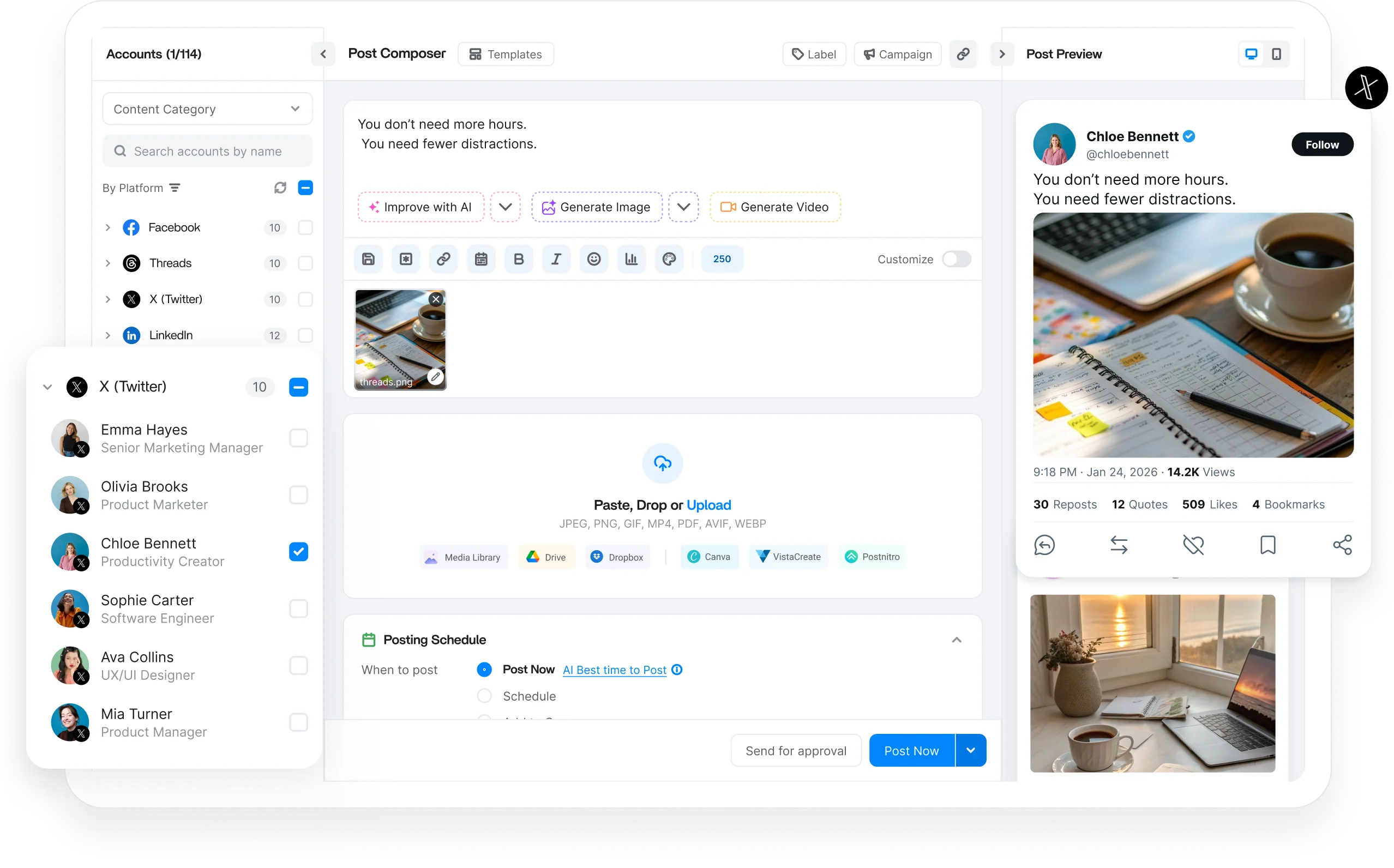
Link your X profile to ContentStudio, add multiple accounts if you manage more than one, and set permissions for team members.
 Schedule X Posts
Plan weeks of X posts, threads, and videos in minutes, then let ContentStudio publish everything automatically at the right time. Create content with AI, collaborate with your team, and track performance from one unified dashboard.
7-day free trial. No credit card required.
Schedule every X format
Trusted by 16,500+ leading brands and agencies
An X scheduler connects to your X (Twitter) account and publishes posts and threads at your chosen times, so you keep a presence without sitting at your keyboard.
ContentStudio is a social media management dashboard that gives X a dedicated spot in your content calendar: build posts or full threads, preview before they go live, and tap AI writing help from one view.
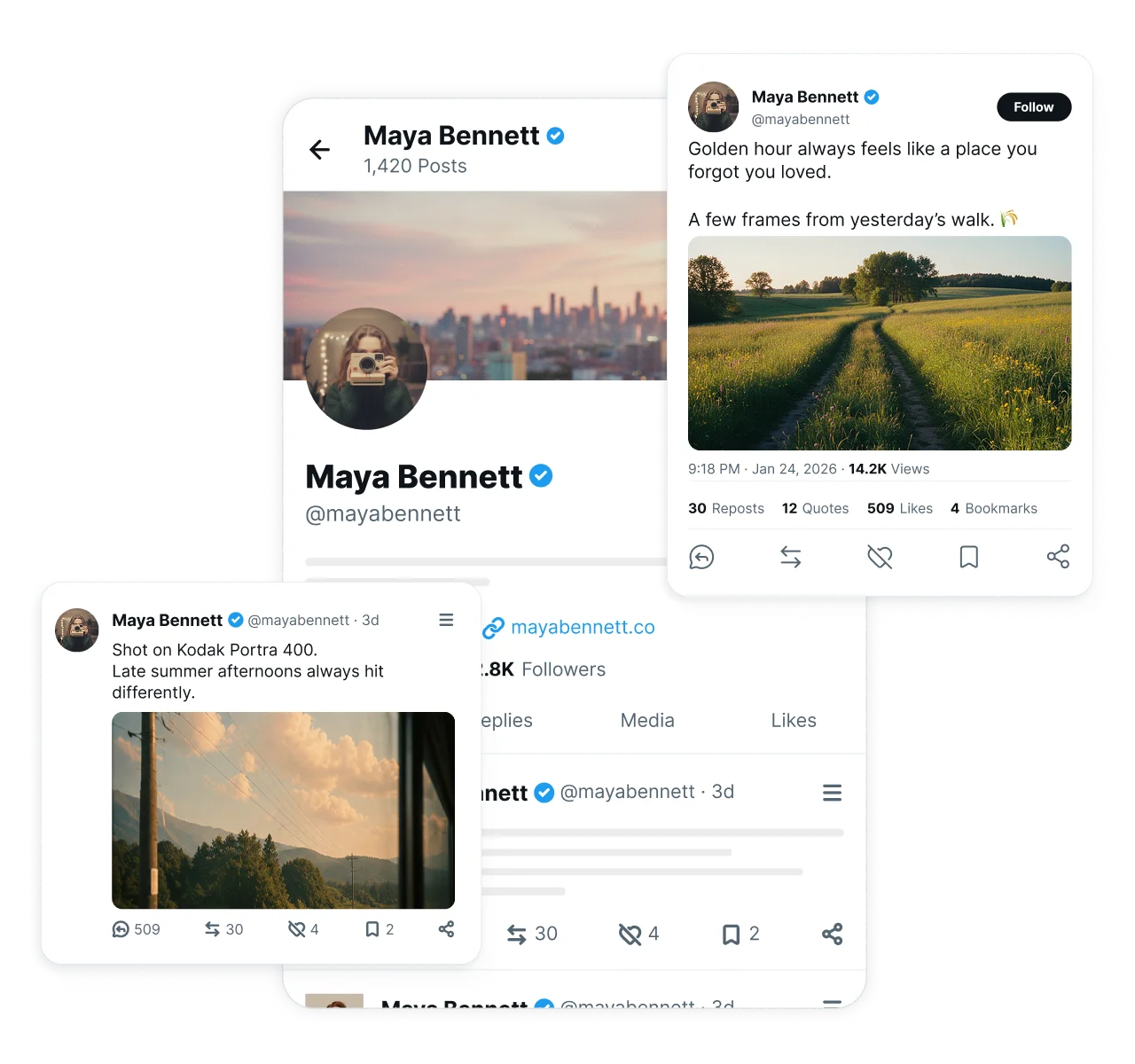
Plan and schedule posts, threads, videos, images, and polls from one composer. Keep your content calendar full and publish every format consistently without switching between different tools.

Write single posts with text, images, links, GIFs, or video and schedule them in advance. Keep your account posting on a steady cadence.

Compose full threads in one sitting and schedule the entire sequence to publish in order. Tell longer stories without stitching posts.

Upload videos, image sets, and GIFs, then schedule them to publish at peak times. Give visual content the reach it deserves.

Plan polls to spark engagement and queue posts around conversations you know are coming, so your account stays part of the discussion.
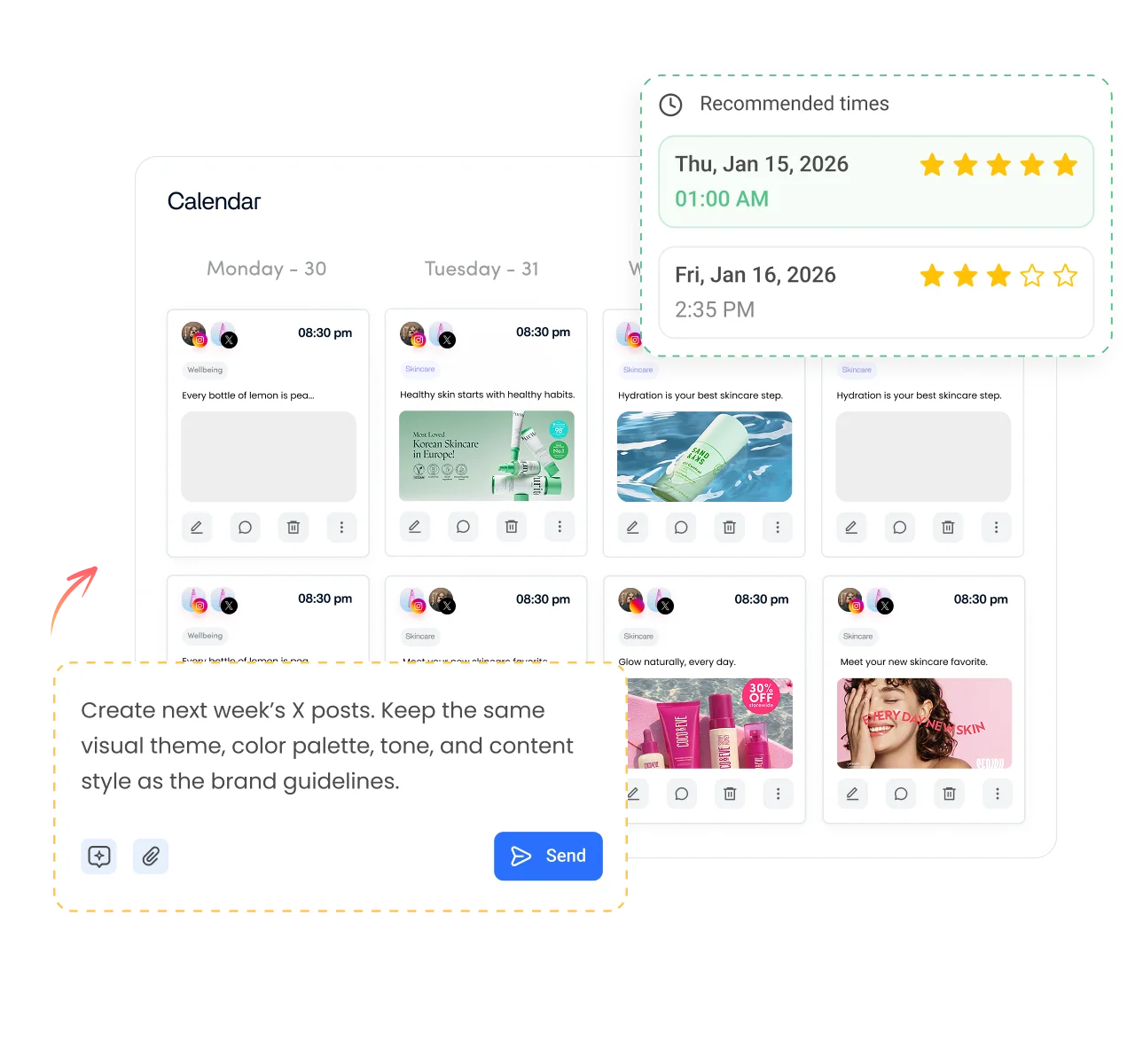
Build your posting schedule once, then let ContentStudio handle the publishing. Automate recurring workflows, manage multiple accounts, and keep your X presence active without daily effort.

Manage multiple X accounts from one dashboard. Keep personal, brand, and client handles organized and switch without logging in and out.

Bulk schedule dozens of X posts in a single upload, or let AI build a posting schedule that keeps your queue full with minimal effort.
Create separate queues for different content types, campaigns, or accounts. Publish strategically without losing track of what goes live.

Schedule X posts when your followers are most active using data-driven recommendations, so more people see each post.
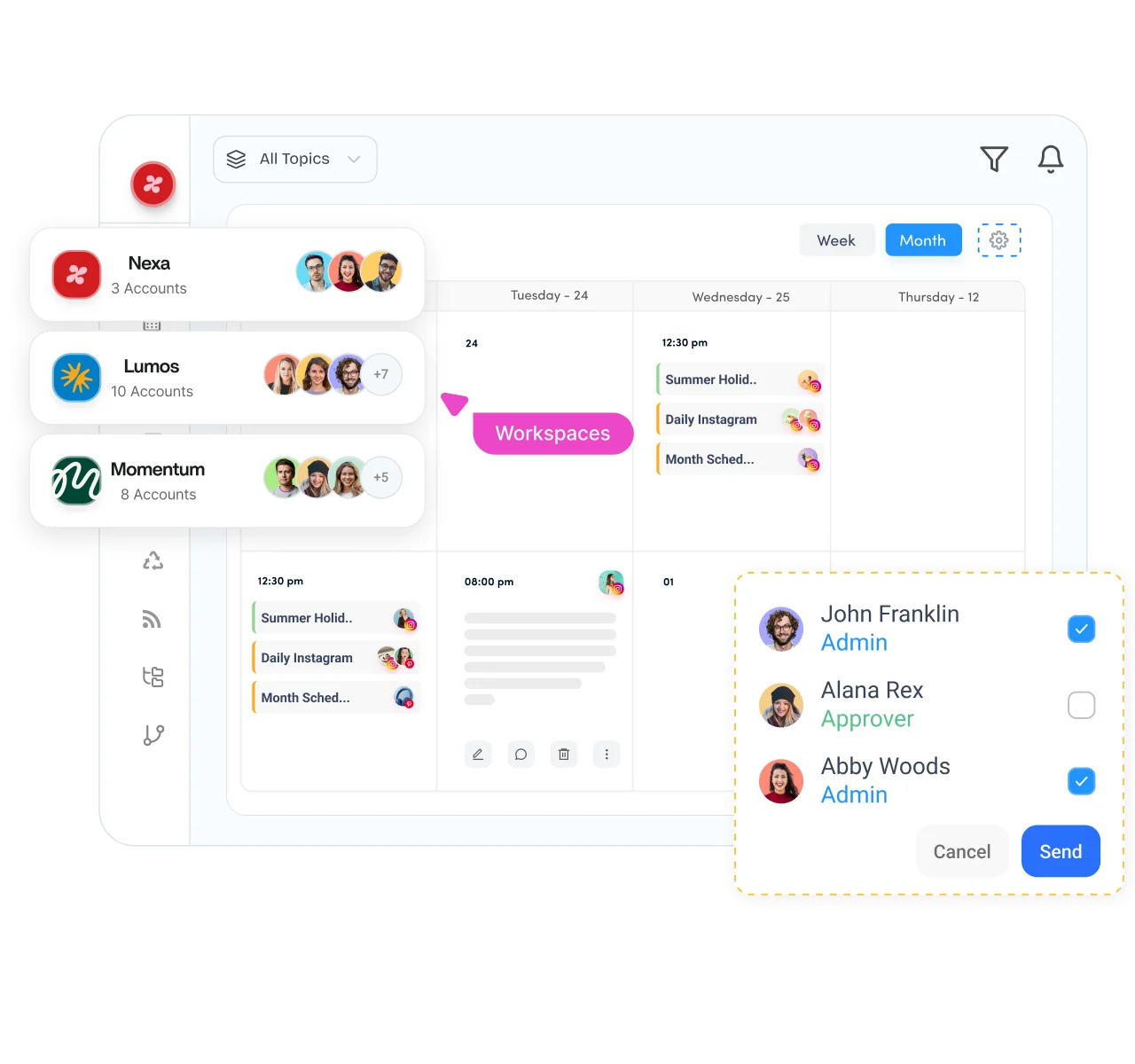
Create a smoother publishing process with shared workspaces, approval flows, and a visual content calendar. Keep everyone aligned from draft to publication without endless back-and-forth conversations.

Separate clients, brands, or business units into dedicated workspaces, each with its own members, calendar, and approvals.

Plan your X posting schedule on a drag-and-drop calendar that shows every upcoming post, thread, and campaign at a glance.

Review and approve scheduled X posts before they go live. Creators draft, reviewers approve, publishers execute, and brand voice stays protected.

Connect client X accounts securely without asking for passwords or login credentials, making onboarding faster and account management far simpler.
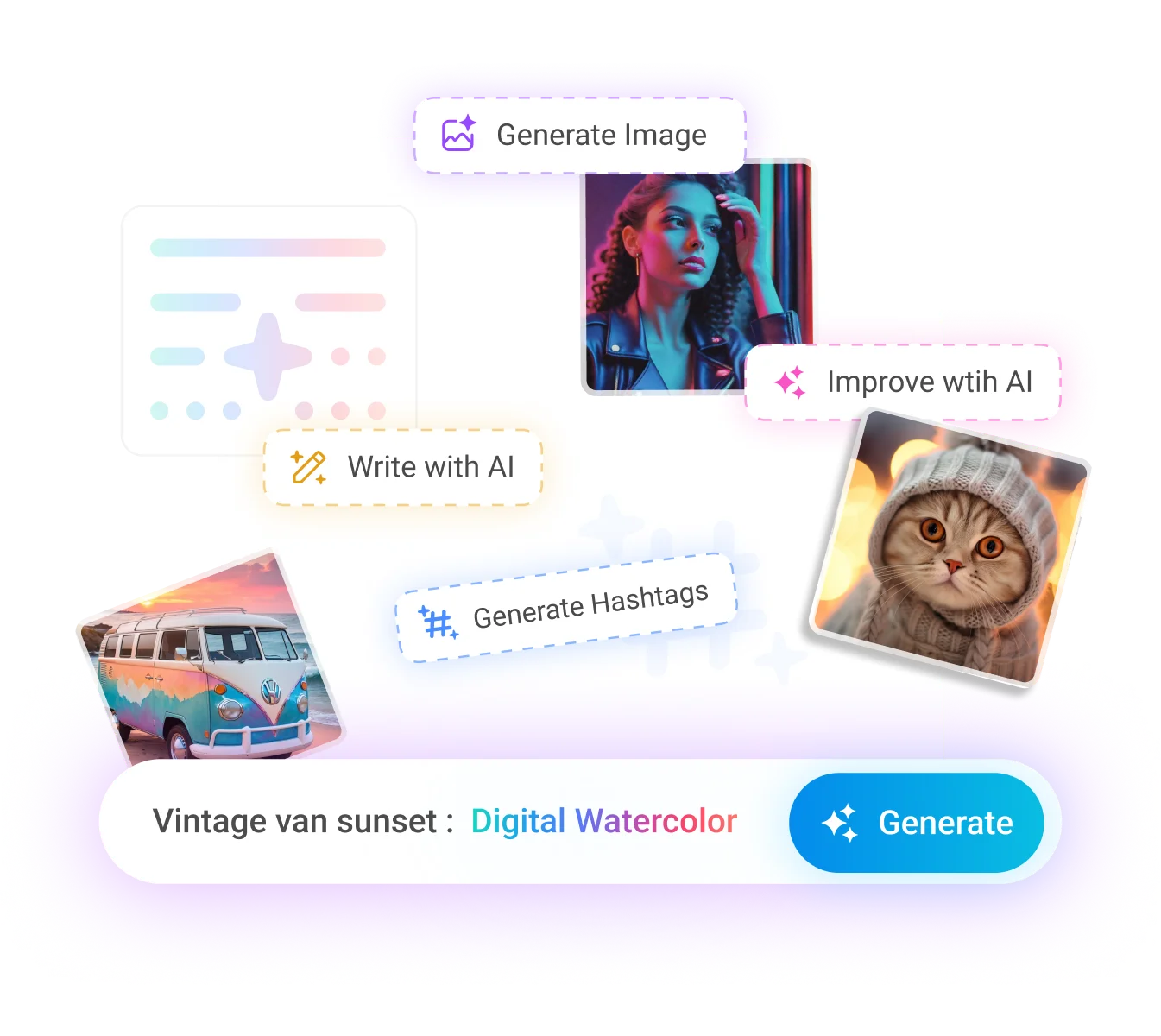
Generate captions, threads, visuals, and videos without leaving your scheduling workflow. Built-in AI Studio helps you create high-quality content faster while keeping your publishing calendar on track.

Generate X post ideas, rewrite copy for different audiences, and get thread outlines in seconds while keeping your brand voice consistent.

Turn a short prompt into scroll-stopping visuals ready to attach to your next scheduled X post, no design skills required.

Create short videos for X without switching to separate editing software, so video finally has a place in your regular posting rhythm.
Turn one long video into several short clips optimized for X, and keep your video queue full without extra production work.
How it works
Get your posts live on your timeline without touching X directly. ContentStudio handles the details so you can focus on the message.
Step 01
Link your X profile to ContentStudio, add multiple accounts if you manage more than one, and set permissions for team members.
Step 02
Write your post or thread, or use AI Studio to generate it. Add images, videos, links, and hashtags to make each post stand out.
Step 03
Pick a specific date and time, use the best time to post recommendation, or drop it into a queue to publish on your schedule.
Step 04
Hit schedule, and your post goes live automatically. Monitor engagement from your analytics dashboard and refine what comes next.
Whether you're managing one profile or hundreds, ContentStudio adapts to your workflow with the collaboration, scheduling, and publishing tools every team needs to stay organized.

Batch weeks of X posts and threads in one session, then let ContentStudio publish while you focus on growing your audience.
Manage every network you run from the same social media scheduler.

Line up reels, posts, and stories in one place and map your Instagram strategy on a visual calendar.

Plan Facebook content for Pages and Groups on a calendar that gives you a clear view of your whole strategy.

Schedule content ahead of time, build your brand presence, and track leads from a single publishing workflow.

Queue videos across multiple accounts, get quick approvals, and pull media from your library to keep content flowing.

Plan uploads for better reach and use built-in approvals so every video meets your standards before it goes live.
Schedule pins and monitor saves to see what actually lands, then double down on what works.

Plan and schedule Threads posts alongside your other networks and keep the conversation going without manual posting.


Book a 30 min call
Have questions? Schedule a quick call and we will guide you through everything.
Book a free call