Step 01
Upload your video
Add a video from your device, media library, or a URL to get started with AI clipping.

Turn webinars, podcasts, interviews, and videos into multiple short clips in minutes. ContentStudio's AI clip maker finds the best moments, adds captions, and gets every clip ready to share.
Integrated with


 AI
AI AI
AI AI
AI AI
AI AI
AI AI
AI AI
AI AI
AITrusted by 16,500+ leading brands and agencies
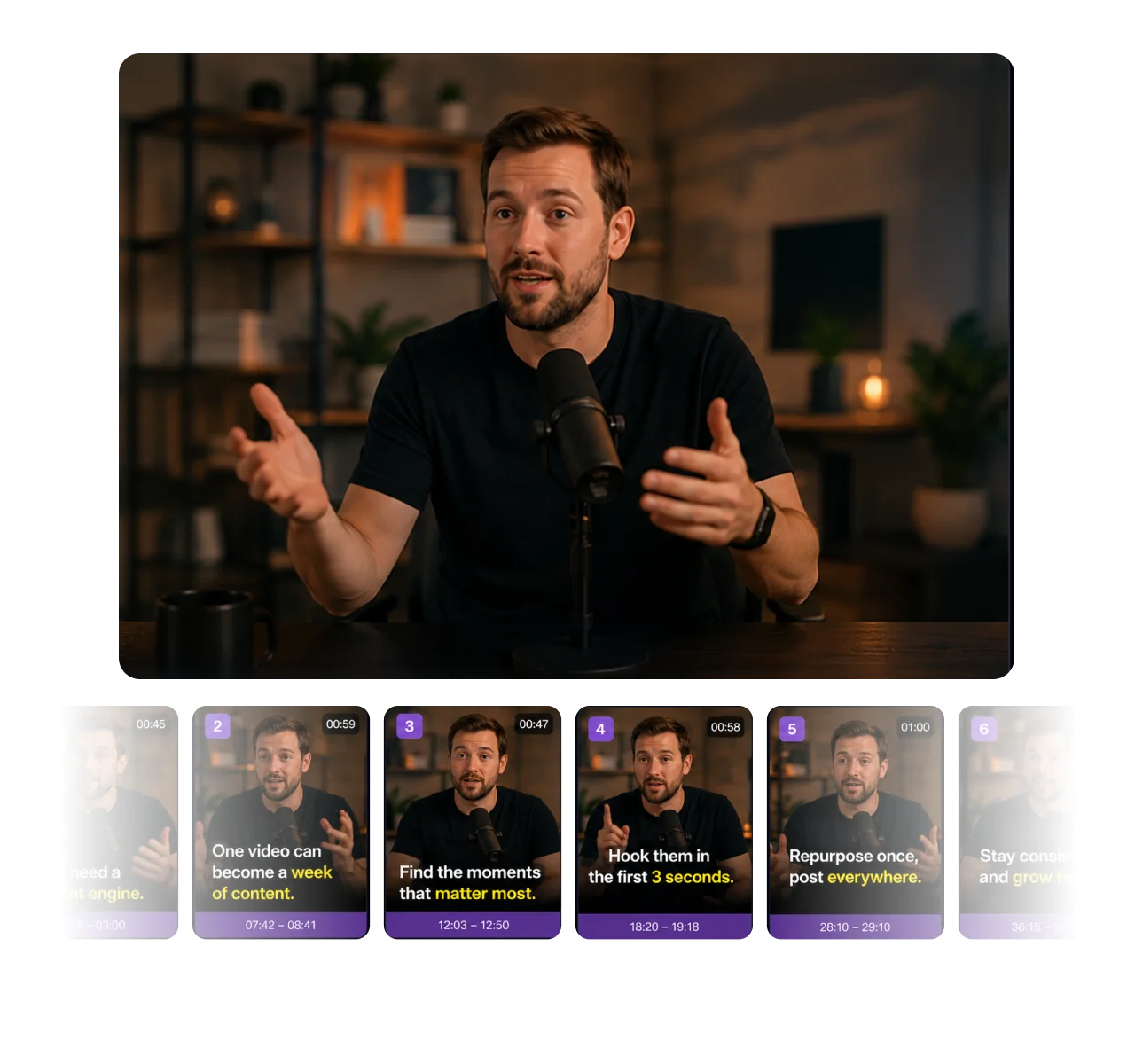
Feed it one long video and get a whole batch back. The AI scans your footage for the best moments, strongest hooks, and key points, then cuts them into multiple short clips at once. One recording becomes a week of content.
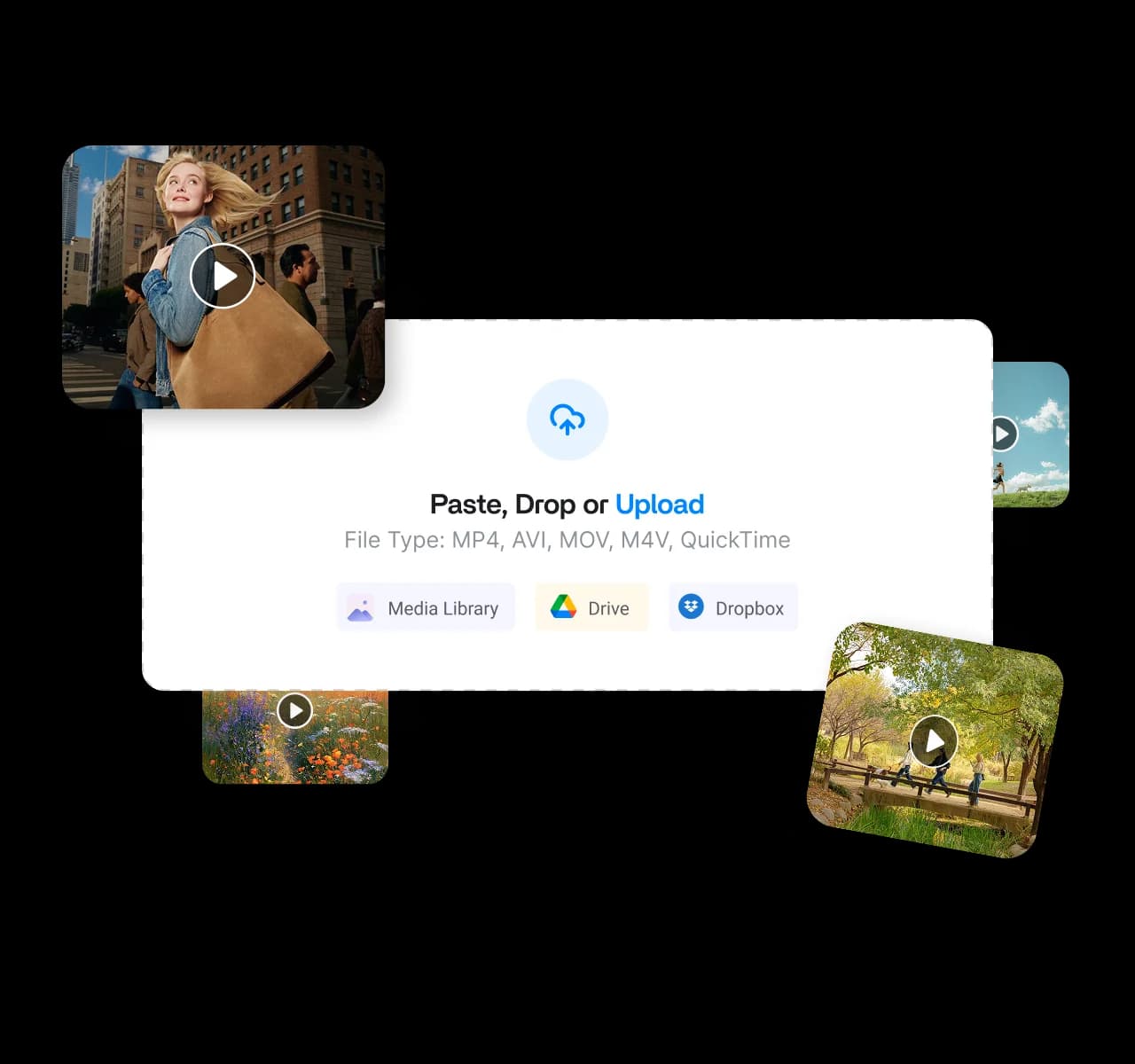
Paste a video URL, pull from your media library, or connect Google Drive and Dropbox. Keep your files where they belong, skip the duplicate copies, and let the AI clip maker turn any source into short clips saved to your library.
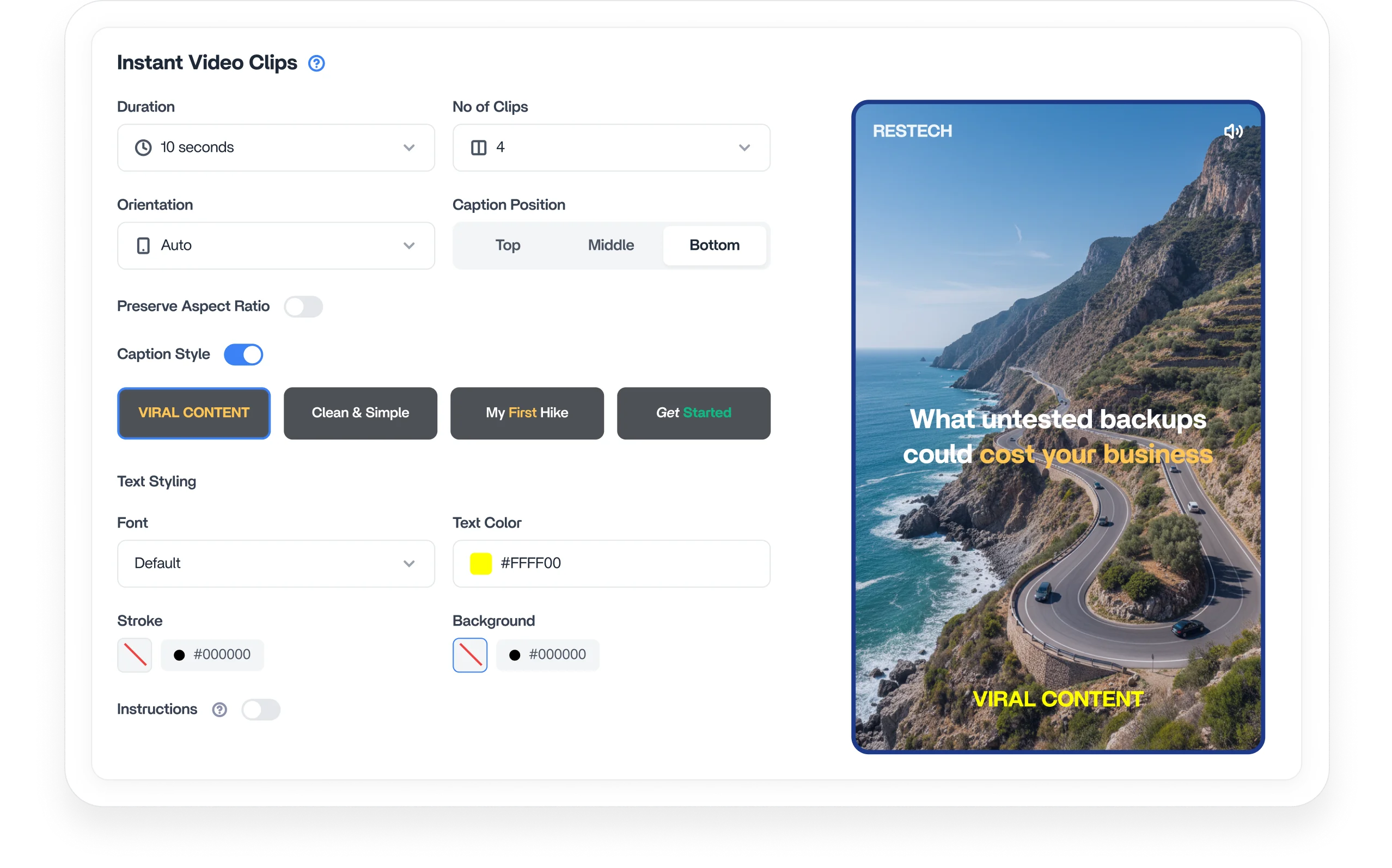
Take control of the look. Set your orientation, aspect ratio, duration, and number of clips, then let AI tailor each video to your platform and audience. Produce content up to 5x faster that fits perfectly for sharing.
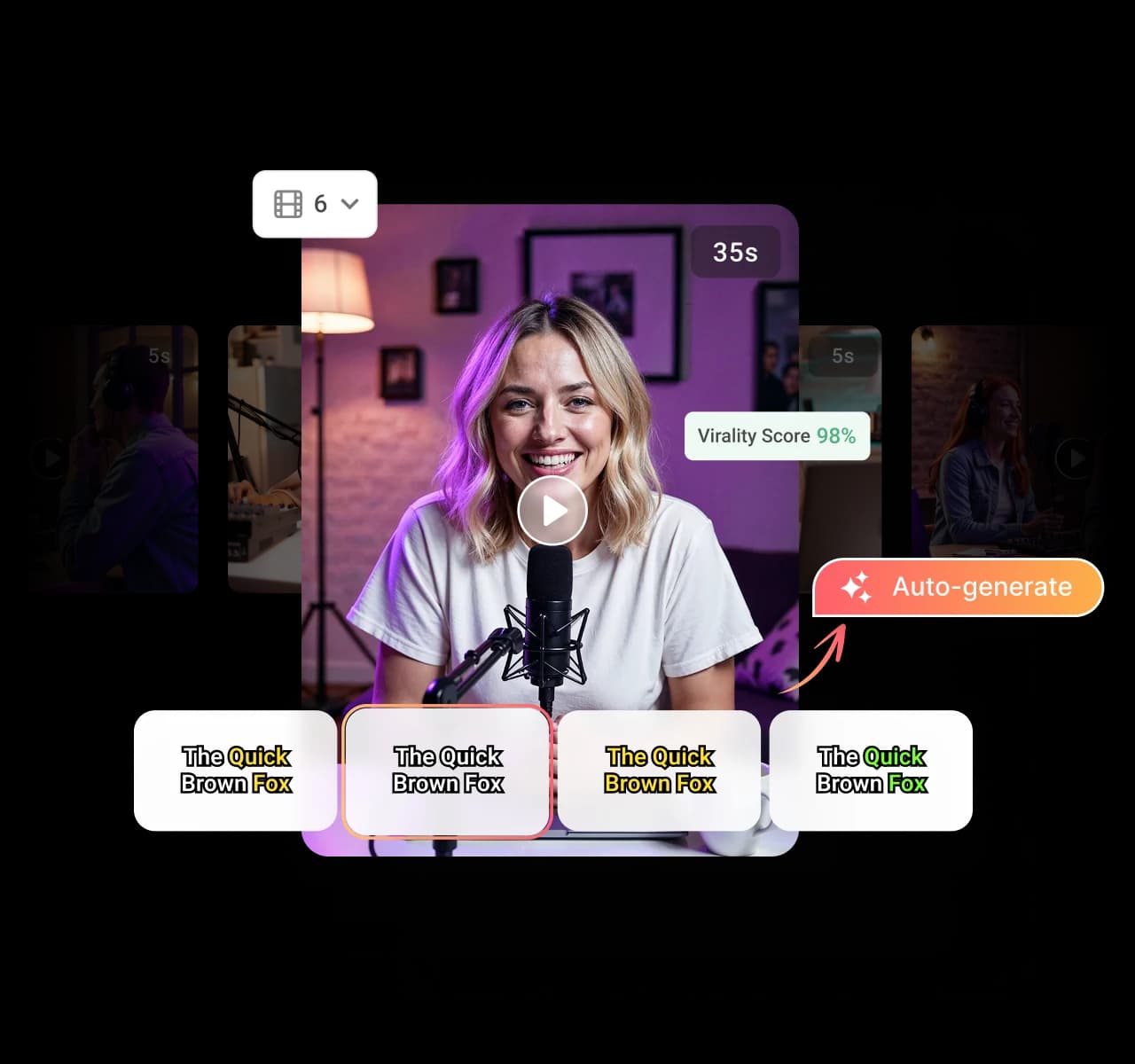
Add captions to every clip automatically, no typing required. Pick from different caption styles, backgrounds, and placements, so your message lands even on mute, and more viewers stick around to the end.
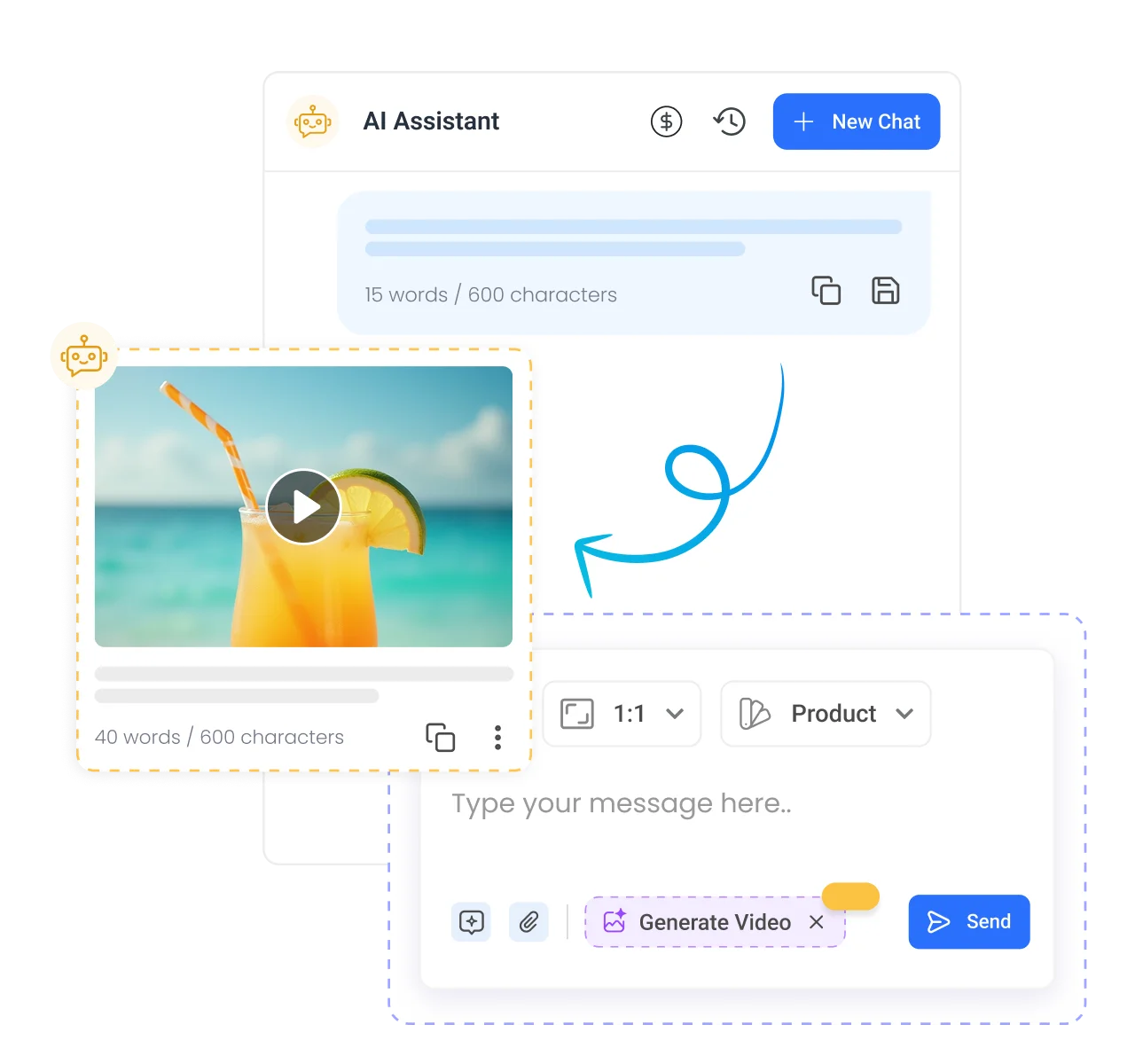
Do not settle for generic highlights. Give the AI specific instructions on the topics, speakers, or moments to prioritize, from results to product features to audience questions. It delivers clips built to your exact needs.
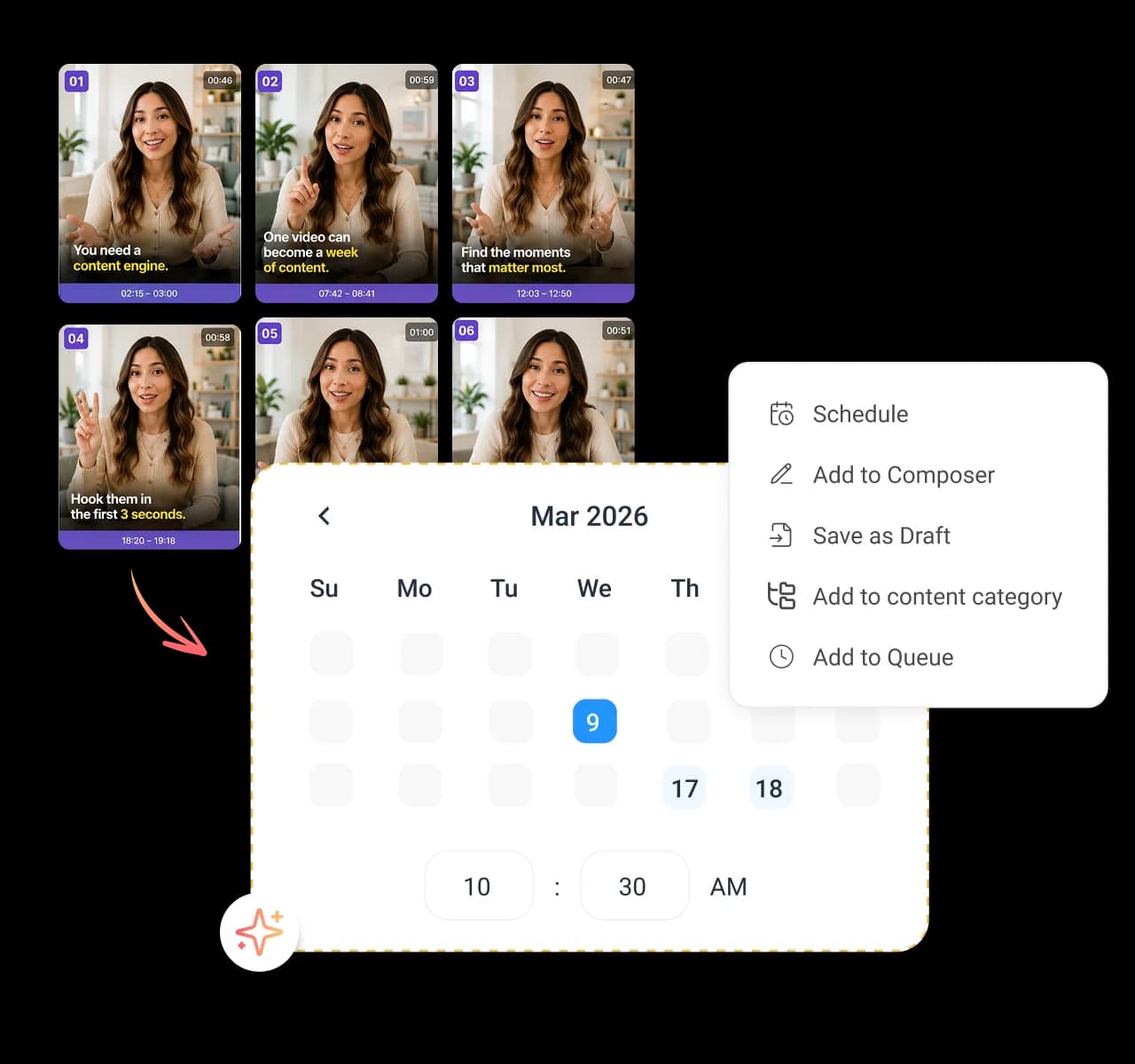
Send your clips straight to the composer and post them across every social account you run from an all-in-one AI social media management platform. Stay consistent, save hours, and reach your audience when it counts by auto-sharing your AI clips across TikTok, Reels, and Shorts.
How to use
Turn long-form videos into multiple short, engaging clips in just a few minutes. Follow these four steps to upload, configure, and generate content built for every major social platform.
Step 01
Add a video from your device, media library, or a URL to get started with AI clipping.
Step 02
Choose the format, length, and number of clips, and add simple instructions for the moments you want.
Step 03
Let AI extract the best moments and create multiple short clips, then review the results with titles and captions.
Step 04
Schedule clips across platforms, save them as drafts, or download instantly. Every clip is also stored in your media library.


Book a 30 min call
Have questions? Schedule a quick call and we will guide you through everything.
Book a free call