Bulk-generate & schedule posts in seconds with Smart Scheduling. Try now!

AI-powered smart scheduling: create, refine & publish with ease

blog authorPublished by Nawal Mansoor
Dec 24, 20255 minutes
blog

Creating content consistently demands focus, creativity, and time, and most marketers and creators can tell you it’s easy to get bogged down in the details. That’s exactly why we built Smart scheduling, a simpler and more intelligent way to plan your content in advance.

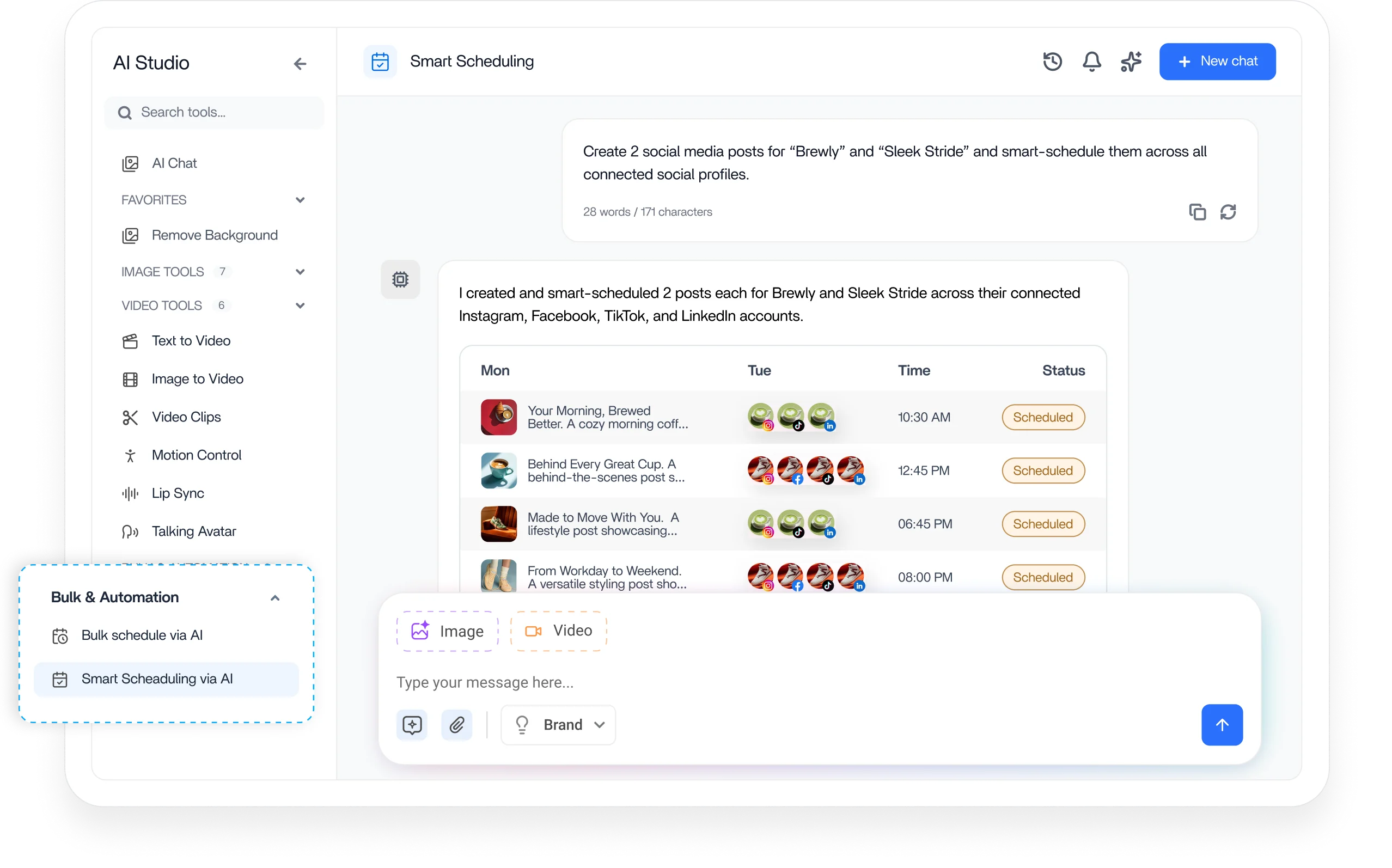
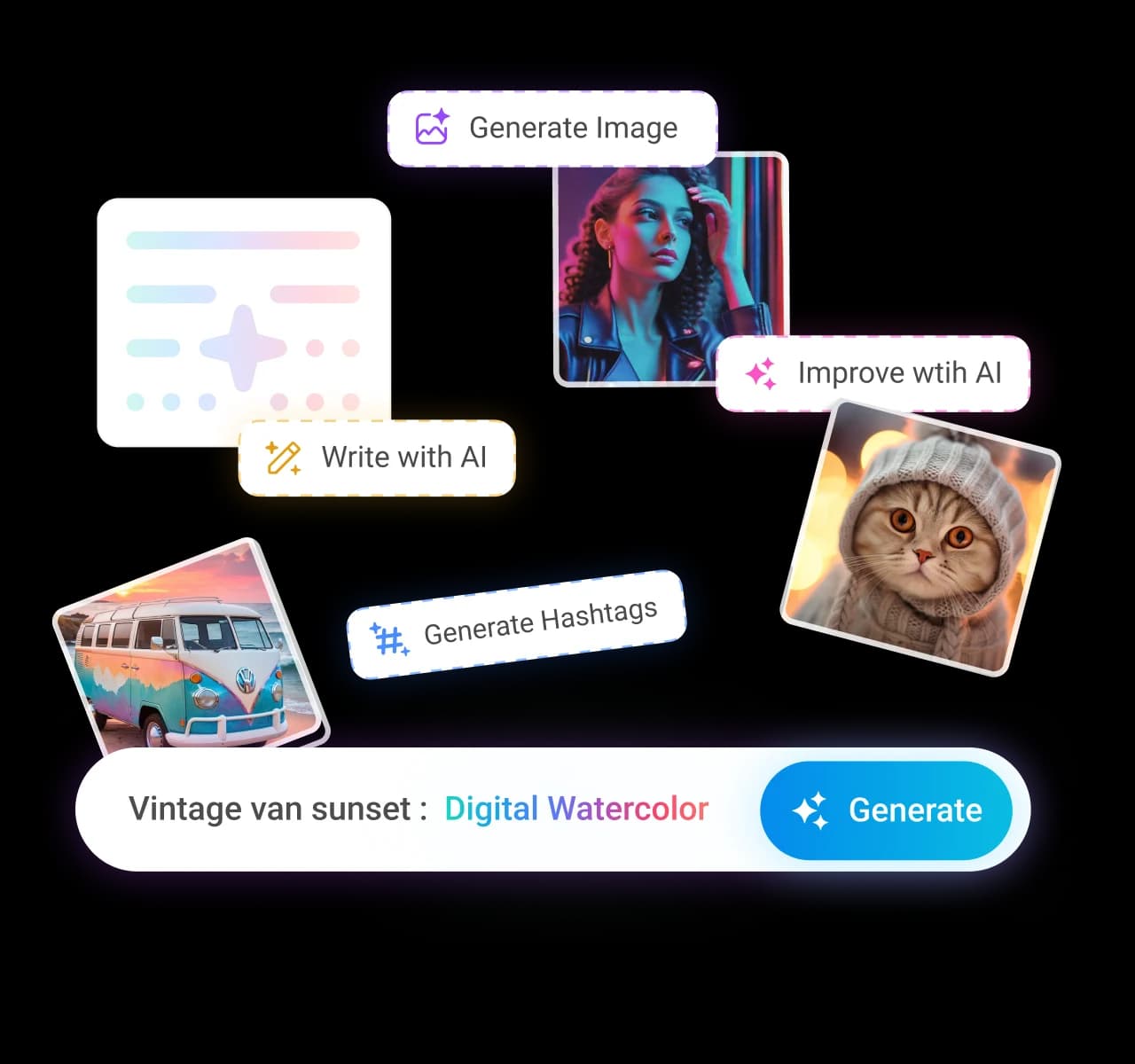
Powered by AI, it helps you craft posts through a natural chat experience, refine your copy, attach media in seconds, and schedule everything across multiple accounts. Whether you want to plan tomorrow’s posts or map out the next few weeks, smart scheduling keeps your workflow organized and stress-free.

Social Media Content Calendar

Stay consistent and organized with Contentstudio’s social media content calendar for marketers and agencies.

Get Started for FREE
Social Media Content Calendar

Why we built smart scheduling

We introduced this feature to solve a problem almost every marketer and creator faces: content planning takes too much time.

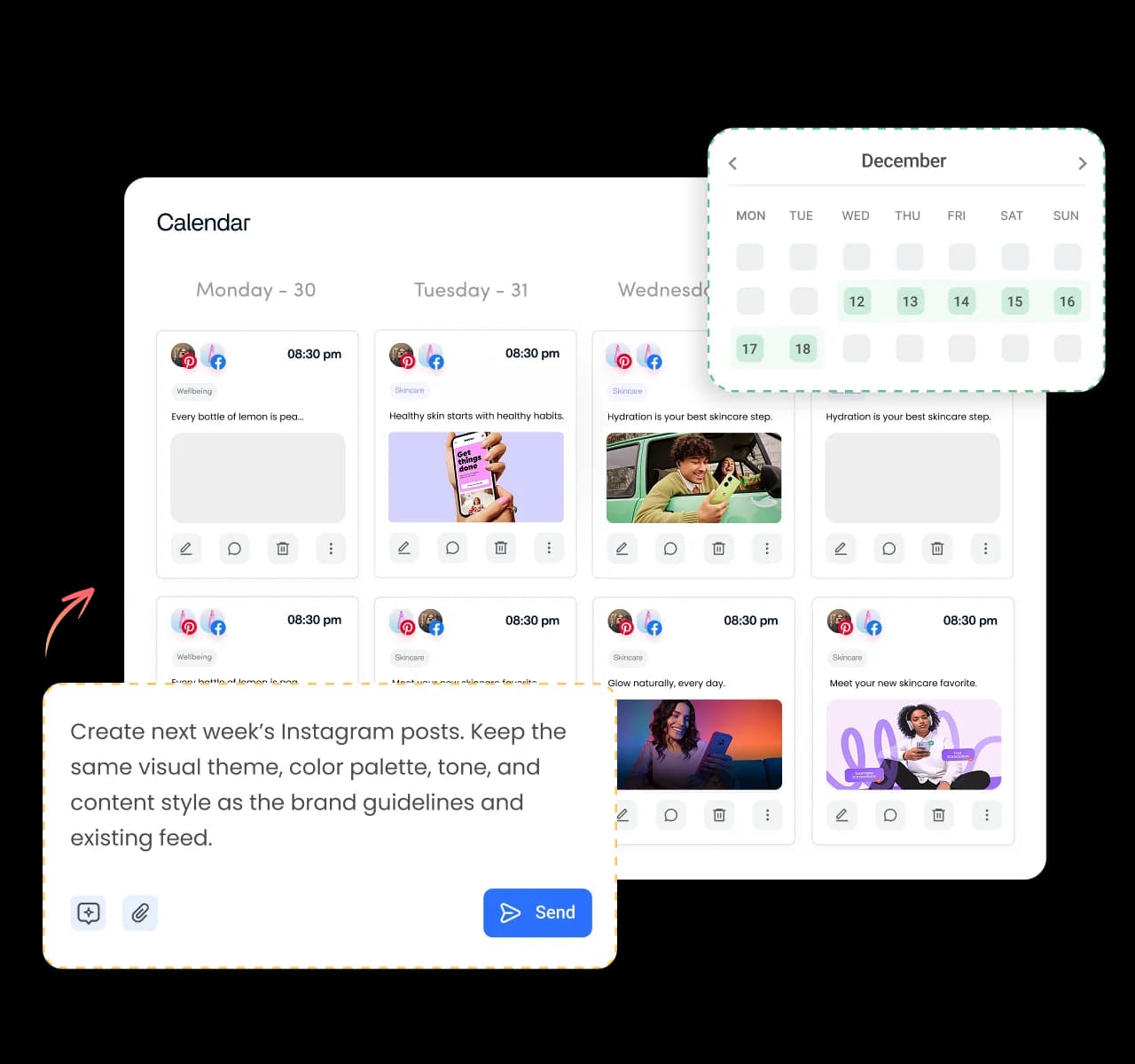
Moving between drafts, spreadsheets, media folders, AI generators, and scheduling tools creates unnecessary friction that slows down creativity. This update dramatically reduces the steps required to go from an initial idea to a published post. It makes AI a natural part of your workflow; not an extra tab that demands context switching. It also supports long-term planning, helping teams build consistent content calendars weeks in advance. 

The goal is simple: help you create more content in less time and with less effort.

What smart scheduling does

Smart scheduling is your AI-powered content creation and publishing assistant inside ContentStudio. It lets you:

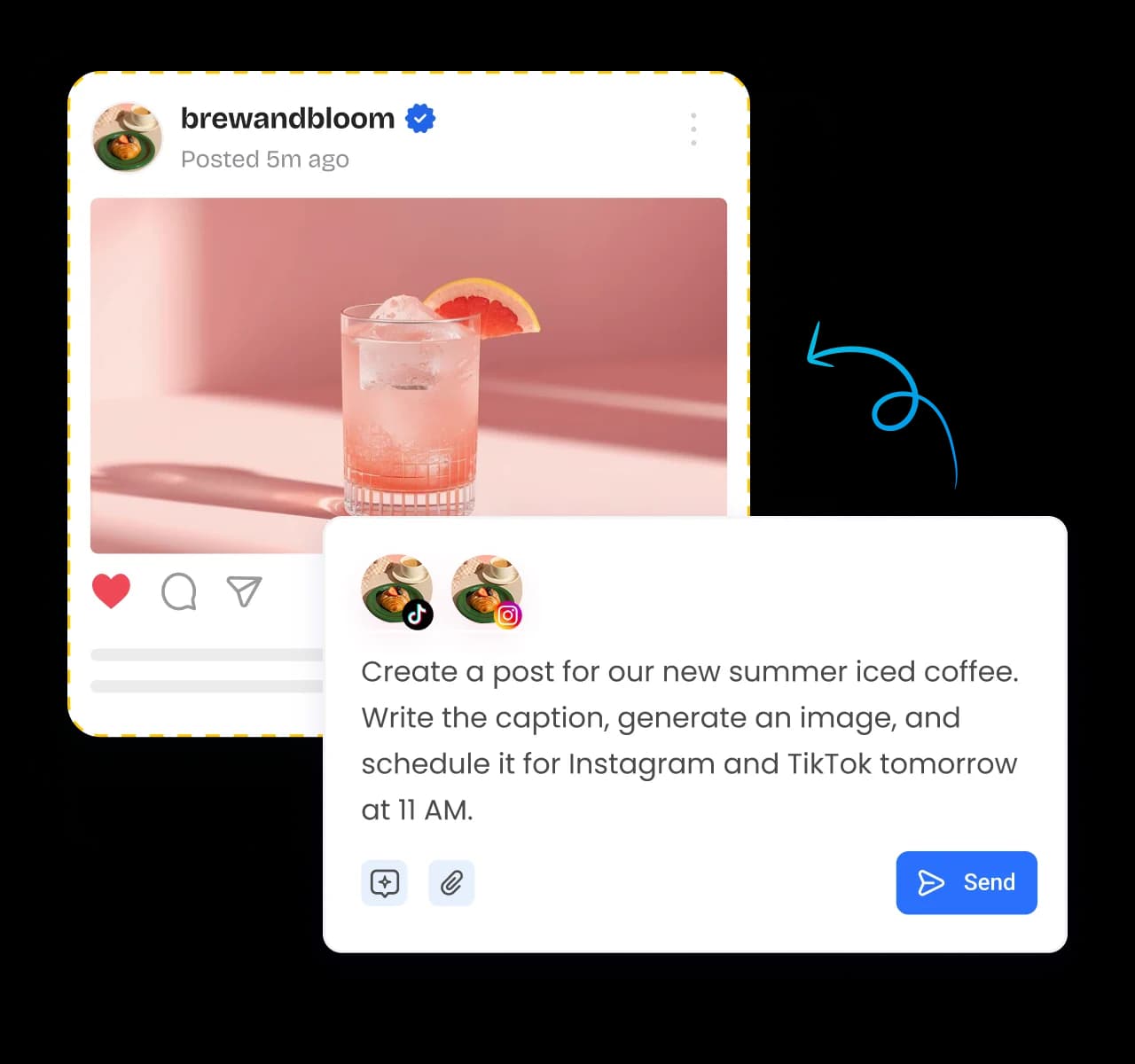
  • Generate captions through a simple chat experience
  • Refine or rewrite copy instantly
  • Add images or videos, or generate visuals with AI
  • Schedule your posts across multiple accounts
  • Bulk-plan content using a fast, streamlined flow
  • Review everything before publishing

Instead of jumping between tools, smart scheduling puts creation, curation, and scheduling into one smooth process.

Create & schedule posts with smart scheduling

You can start right from your dashboard:

  1. Open the Smart scheduling card and type a prompt or pick a suggested one.
smart scheduling card
  1. Select the social accounts you want to publish to.
social accounts
  1. Add media and captions or let AI generate them for you.
  2. Review your post summary, confirm, and watch it appear in your Publisher.
review and confirm

Publisher view:

publisher view

Want to use your own content instead of AI drafts? Upload your media, write (or tweak) your caption, select accounts, confirm, and you’re good to go. 

Bulk scheduling at scale

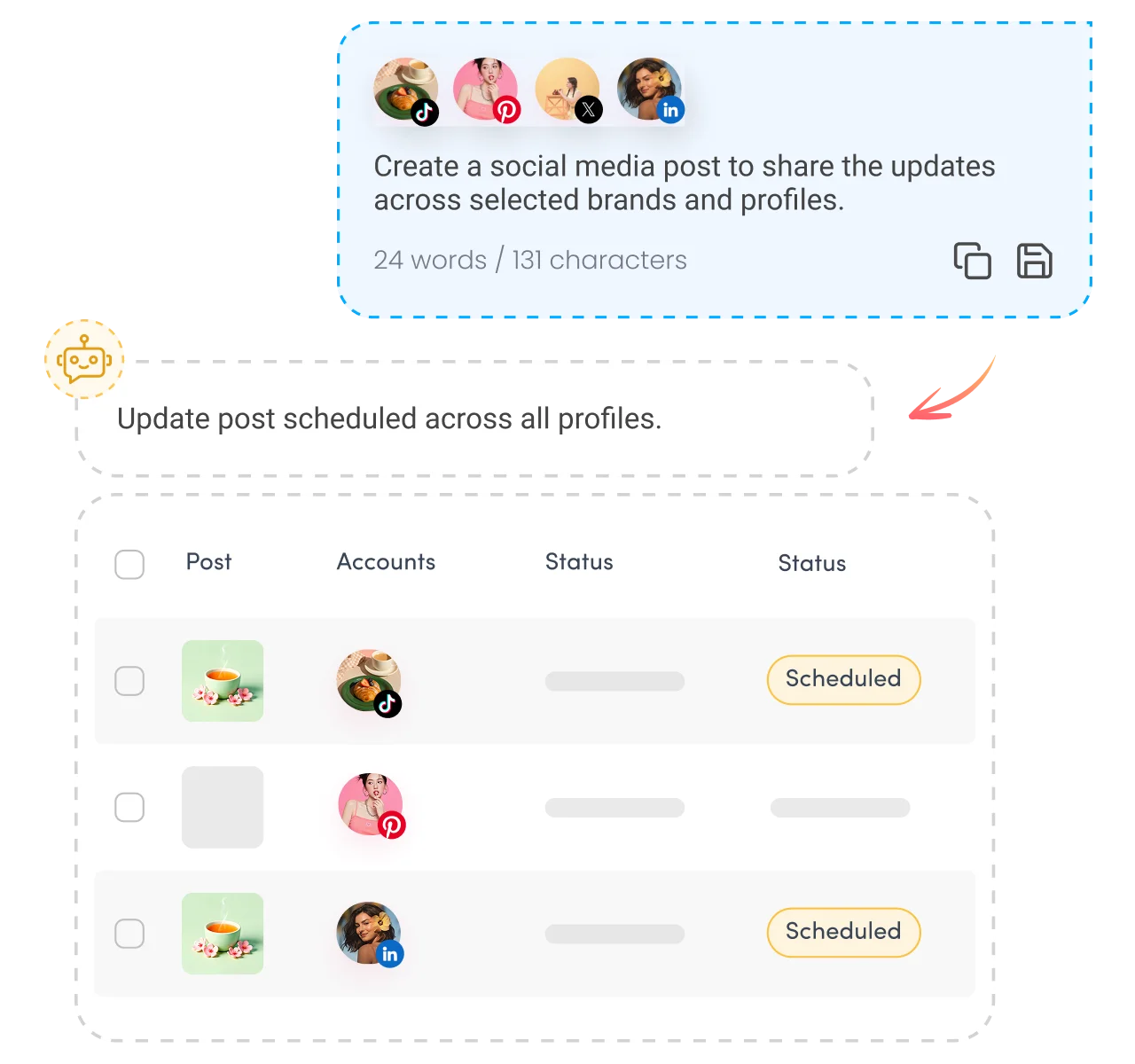
Smart scheduling isn’t just for single posts. You can bulk-schedule multiple pieces of content at once:

  • Upload several images together and generate captions for each one.
  • Plan recurring content like weekly posts in one go.
  • Review all posts in a table and confirm before everything gets scheduled.

This is ideal for long-term planning or recurring campaigns where consistency matters.

Quick wins with smart scheduling

Here’s what you can do right away:

  • Queue posts as drafts if you’re not ready to set publish times.
  • Attach multiple media items including images and videos in a single workflow.
  • Schedule across many accounts at once without toggling between dashboards.
  • Adjust post times later from your Planner or Publisher anytime.

All your planned posts stay visible in the Planner where you can manage or revise them as needed.

Wrap-up

Smart scheduling adds AI intelligence to your content workflow turning what used to be a series of separate steps into one smooth experience. Generate content, handle media, and publish to multiple accounts without slowing down your day. Try it today and see just how much time you can save on planning and publishing your social campaigns.

FAQs

What is Smart Scheduling used for?

It’s used to create, refine, and schedule social media posts using AI, bulk creation, and a guided workflow — all within ContentStudio.

Can I use Smart Scheduling without AI?

Yes. You can upload your own media, write your own captions, and simply use the scheduling flow without generating any AI content.

Does Smart Scheduling support posting to multiple platforms at once?

Absolutely. You can select one or several social accounts before scheduling your post.

Can I bulk schedule posts?

Yes. You can upload multiple media files and generate or write captions for all of them at once, then confirm everything in a clean table view.

Where do my scheduled posts appear?

All scheduled posts automatically appear in your Planner and Publisher, where you can edit, reschedule, or delete them anytime.

Can I save posts as drafts?

Yes. If you’re not ready to publish, Smart Scheduling allows you to send posts directly to your drafts.

CtaBackground

14-day free trial - No credit card required.