Pinterest Username Generator
Get Pinterest username ideas that fit your niche and follow Pinterest's rules. Free, no sign-up.
- Free forever
- No sign-up
- Fits Pinterest's 3–30 character rule
- 16,500+ brands use ContentStudio
What is a Pinterest username generator?It is an AI tool that suggests handles for your Pinterest profile. You pick a category and describe your audience, and it returns username ideas you can check on Pinterest and use. ContentStudio's Pinterest username generator is free, needs no sign-up and works for personal and business accounts.
How to use it
How to Use the Pinterest Username Generator
Choose a category
Pick the closest match, such as Howto & style, Education or People & blogs. Choose Others if nothing fits.
Add your audience
Write who you pin for: marketers, home cooks, new parents, DIY renters. This shapes the words in the ideas.
Generate
Click Generate Pinterest usernames and scan the list.
Shortlist and adjust
Pick three or four you like. Remove anything Pinterest doesn't allow, like periods or hyphens, and keep it under 30 characters.
Check availability on Pinterest
Try your favorite in Edit profile. If it is taken, go to the next one on your list.
Note: the generator gives you ideas. It can't see which handles are already taken, so always confirm availability on Pinterest before you print the handle anywhere.
What you can make
What you can make with this Pinterest username generator
Personal usernames
Handles built around your name or interests, for people who save recipes, outfits and home ideas for themselves.
Business and brand usernames
Handles that keep your brand name front and center, with a short add-on like "shop", "studio" or "co" when the plain name is taken.
Creator and blogger usernames
Handles that hint at your niche, so people know what to expect before they open your boards.
Aesthetic and niche usernames
Soft, memorable handles for mood boards and aesthetic accounts, like cottagecore, minimalist or vintage themes.
Username rules
Pinterest username rules and character limit
Pinterest is stricter than some other networks about usernames. Check your idea against these rules before you try to save it.
| Rule | Detail |
|---|---|
| Length | 3–30 characters |
| Allowed characters | Letters, numbers and underscores (_) |
| Not allowed | Spaces, periods, hyphens and special symbols |
| Unique | One username per account; two accounts can't share it |
| Where it shows | In your profile URL (pinterest.com/username) and under your name |
| Display name | A separate field (widely reported as up to 65 characters) that can include spaces |
In practice, 5 to 15 characters is easier to remember and type. If you want two words, separate them with an underscore: jane_doe instead of jane.doe.
Username ideas
Pinterest username ideas by niche
A few examples to show the style. Each follows Pinterest's rules. Generate your own with the tool above, since these may already be taken.
- Home décor
smallspace_styling
- Recipes
weeknight_dinners
- Fashion
capsule_closet_co
- Weddings
intimate_i_dos
- Travel
slowtravel_notes
- Fitness
homeworkout_daily
- DIY and crafts
makeit_mondays
- Small business
thepaperstudio_shop
Tips
How to pick a Pinterest username that lasts
Keep it short and easy to say
You will put this handle on business cards, blog sidebars and email signatures. Short handles are easier to type and harder to misspell.
Match your other social handles
If people know you as @thepaperstudio on Instagram, use the same or a close version on Pinterest. The Instagram username generator can help if you need one handle that works on both.
Use a niche word only if you will stay in that niche
"veganbakes_daily" is great until you start pinning travel. If your topics may grow, keep the niche word in your display name and your boards instead.
Avoid random numbers
jane_doe_84721 looks like a spam account. If your name is taken, add a word like "studio", "home" or "pins" instead of digits.
Make your profile match
Once you have a handle, write a bio that explains what you pin with the Pinterest bio generator, and give your boards clear names with the Pinterest board name generator.
Check availability
How to Check Pinterest Username Availability
On desktop (pinterest.com):
- Go to your Pinterest profile.
- Click Edit profile.
- Type your desired username in the Username field.
- Try to save. If the name is taken, Pinterest shows an error and asks you to choose another.
On mobile (Pinterest app):
- Go to your profile and tap Edit profile.
- Tap the Username field and type your desired handle.
- Save. Pinterest tells you if the handle is not available.
Via URL check: type pinterest.com/yourusername in a browser. If an active profile appears, the handle is taken. If the page says it isn't available, the handle may be free, though deactivated accounts can still hold their username for a while.
Find your username
What Is My Pinterest Username
Your Pinterest username is the text after pinterest.com/ in your profile URL. It is also shown on your profile page below your display name.
To find your current Pinterest username:
- Go to your Pinterest profile.
- Look at the URL in your browser address bar. The text after pinterest.com/ is your username.
- Or open Edit profile and look at the Username field.
If you never set a custom username, Pinterest created one for you when you signed up, usually based on your name or email.
Change your username
How to Change Your Pinterest Username
- Log in to Pinterest on desktop or in the app.
- Click or tap your profile photo.
- Open Edit profile.
- Find the Username field.
- Delete the current username and type your new one.
- Click or tap Save.
The change takes effect right away. Your followers, boards and Pins stay the same, but your profile URL changes, so update any links to your Pinterest profile. Your old username may become available for someone else to claim.
Username vs. display name
Pinterest username vs. display name
Username (@handle)
Unique, 3–30 characters, letters, numbers and underscores only. It is part of your profile URL. This is what our generator suggests.
Display name
The bigger name at the top of your profile. It can have spaces and does not need to be unique. Many brands add a keyword, like "The Paper Studio | Planners & Stationery".
Use the display name to say what you do in words, and keep the username short and stable.
From new username to an active Pinterest profile
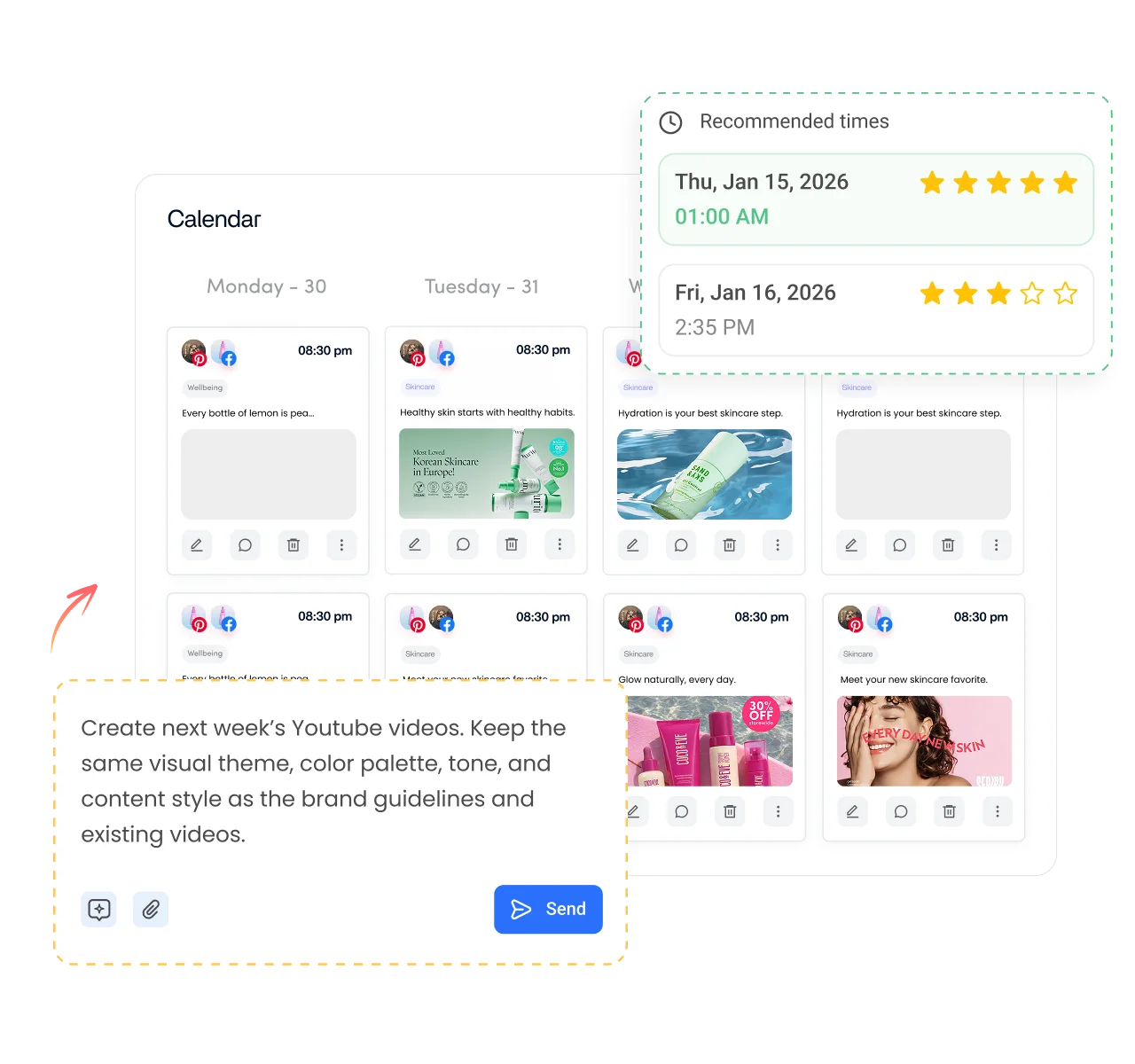
A clear username helps people find you. Regular Pins give them a reason to follow. ContentStudio offers AI social media management tools that keep your Pinterest account active. With it you can:
- Schedule Pins in advance. Choose the board, set the time and publish automatically with ContentStudio's Pinterest scheduler.
- Write Pin text faster. AI Studio, our AI social media content generator, drafts Pin titles and descriptions in your brand voice.
- Keep every network in step. Plan Pinterest next to Instagram, Facebook and your other accounts on one calendar.
Is it free?
Is the Pinterest Username Generator Free
Yes. ContentStudio's Pinterest username generator is free with no usage cap and no account required. Generate as many ideas as you like. It is part of ContentStudio's suite of free social media tools.
- Free forever
- No sign-up
- Fits Pinterest's 3–30 character rule
- 16,500+ brands use ContentStudio
More free Pinterest tools
All free social media tools →
Frequently asked questions

Book a 30 min call
Have questions? Schedule a quick call and we will guide you through everything.
Book a free call