AI caption generator for social media
Create platform-ready social captions from a single prompt. Free, no sign-up.
Social media post caption
Engage your audience with attractive captions
Tweet Idea
Engage your followers with retweetable content
Inspirational quotes
Generate interesting, popular or inspirational quotes
Extend / Expand
Continue where you’re blocked
Improve
Improve your content to make it look exciting and interesting.
Summarize the text
Extract the key points from the given text
Summarize the URL
Summarize the key points from the given URL
Pros and cons list
Get a list of pros and cons related to the topic
Rewrite
Say something differently
Let ContentStudio's AI craft your social media captions in seconds:
- Pick a prompt template or enter your own prompt.
- Tailor the word count to match your requirements.
- Define the tone that fits your requirements.
- Toggle hashtags and emojis as required.
- Choose the number of variations you want.
- Click 'Generate' to let the magic happen.
- Free to use
- No sign-up
- Up to 3 variations
- 16,500+ brands use ContentStudio
What is an AI caption generator?An AI caption generator is a tool that writes the text that goes with a social media post. You describe the post, pick a tone and length, and it returns caption options with optional hashtags and emojis. ContentStudio's AI caption generator is free, needs no sign-up and works for any social network.
How to use it
How to Use the AI Caption Generator
Let ContentStudio's AI draft your social media captions in seconds. The steps below match the tool above.
Pick a template
Choose Social media post caption for a normal post, or another template such as Tweet idea, Rewrite or Summarize the URL.
Describe the post
Write the post idea in plain language. One sentence is enough. Name the product, the offer, the audience and the network if you have one in mind.
Set the length
Use Approx. words: 15–30 for X, Threads and Bluesky, 30–80 for Instagram and Facebook, 80+ for a LinkedIn post that needs context.
Choose a voice tone
Professional, casual, humorous, promotional or informational. Match the tone your brand already uses.
Hashtags and emojis
Toggle them on or off depending on the network and post type. LinkedIn and Facebook usually need fewer of both.
Generate and edit
Choose 1, 2 or 3 variations, click Generate, keep the one closest to what you need and edit it before posting.
Tip: the most useful editing step is removing anything that sounds generic. If the caption could describe any brand in any industry, add a specific detail: a product name, a number, a location or a concrete outcome.
What you can write
What you can write with this social media caption generator
The tool is a general social media post generator. Each template gives the AI a different job, so you can go from a rough idea to a finished post without opening another app.
Social media post captions
The main template. Describe the post and get captions with a hook, the key message and a call to action for any network.
Tweet ideas
Short, direct posts built to be replied to or reposted. They also fit Threads and Bluesky, which have similar short limits.
Inspirational quotes
Original quote-style lines for Monday motivation posts, quote cards and Stories. Check that a line is not a known quote before you credit it to your brand.
Expand, improve and rewrite
Paste a draft that feels flat. Extend / Expand continues it, Improve makes it sharper and Rewrite says the same thing a new way.
Summaries of text or a URL
Turn a blog post, press release or product page into a short social post that links back to it.
Pros and cons lists
Quick, balanced lists for comparison posts, carousel slides and LinkedIn discussions.
Captions by network
AI Caption Generator for Social Media Platforms
Caption requirements differ across platforms by character limit, tone norms and hashtag behavior. Tell the generator which network the post is for and it adjusts the length and style.
Instagram captions
Instagram allows up to 2,200 characters in a caption, but only about the first 125 show before "more" in the feed. The opening line carries the most weight for stopping the scroll. Instagram now allows up to 5 hashtags per post, so pick a few relevant ones. For Reels, carousels and Instagram-only features, use the dedicated Instagram caption generator.
Facebook posts
Facebook posts have a very high character limit, but the feed shows only a few lines before "See more". Hashtags matter much less on Facebook than on Instagram. Write a clear opening statement and end with a question or call to action instead of a block of hashtags.
LinkedIn posts
LinkedIn posts can be up to 3,000 characters, and the feed cuts off after roughly the first 200 characters on desktop (less on mobile) before "see more". LinkedIn audiences respond to data-backed statements, professional observations and questions that invite comments. Use the professional tone and keep hashtags to two or three.
TikTok captions
The TikTok app now allows long captions, widely reported as up to 4,000 characters, while captions posted through scheduling tools and the API are capped at 2,200. TikTok search reads the caption, so put the topic keyword in the first line. For TikTok-specific captions and long descriptions, use the TikTok caption generator.
X, Threads and Bluesky posts
Standard X accounts get 280 characters per post, and X Premium subscribers can post up to 25,000. Threads allows 500 characters per post and Bluesky 300. For all three, keep the core message in the first sentence and use the Tweet idea template.
ContentStudio's generator covers all of these networks. It sits inside ContentStudio's social media management platform, so a caption can move into the scheduler without copying it between tools.
Caption limits
Social media caption length and limits by network
| Network | Caption or post limit | Shown before "more" | Hashtags |
|---|---|---|---|
| 2,200 characters | About 125 characters | Up to 5 per post | |
| Very long posts allowed (widely reported as 63,206 characters) | A few lines | 1–2 or none | |
| 3,000 characters | About 200 characters on desktop | 2–3 | |
| X (Twitter) | 280 characters (25,000 with Premium) | Long posts collapse in the feed | 1–2 |
| Threads | 500 characters per post | Full post | 1 topic tag |
| Bluesky | 300 characters per post | Full post | Optional |
| TikTok | About 4,000 in the app, 2,200 via API and schedulers | First line or two | 3–5 |
| Pin description 500 characters, title 100 | Varies by device | Keywords matter more |
Limits change often, so check the current number before you post near a limit. Recommended hashtag counts are common practice, not platform rules (except Instagram's cap).
How to write a caption
How to write a social media caption that gets engagement
Put the hook in the first line
Every network cuts the caption short in the feed. Start with the payoff, a number or a question, not with "We are excited to announce…".
One post, one idea
A caption that tries to announce a sale, share a tip and promote an event at once gets ignored. If you have three messages, write three posts.
Add a detail only you can write
AI gives you the structure. You add the proof: the customer's name, the exact price, the city, the result. That detail is what makes a caption sound like your brand.
Adapt the caption to each network
The same announcement needs a short hook on X, a story on Instagram and a lesson on LinkedIn. Generate a version per network instead of pasting one caption everywhere.
End with one call to action
Ask for one thing: a comment, a save, a click or a share. Need better prompts to feed the generator? Browse 80+ AI prompts for social media.
Caption examples
AI caption examples by network and goal
- Instagram / product launch
It took 14 months and 37 samples. Our new everyday tote is finally here 👜 Link in bio. #slowfashion #newdrop
- Facebook / local event
Free coffee tasting this Saturday, 10 a.m. to noon. Bring a neighbor and try our new single-origin beans. Who's in?
- LinkedIn / thought leadership
We cut our onboarding time from 9 days to 3. The change was not a new tool. It was one shared checklist. Here is what was on it 👇
- X / quick tip
Schedule posts for when your audience is online, not when you finish writing them. Small change, big difference.
- Threads / conversation
Hot take: the best caption is the one you'd say out loud to a customer. Agree or disagree?
- TikTok / tutorial
3 ways to style one scarf in under a minute. Which one is your favorite? #styletips #scarfhacks
- Pinterest / blog post
Easy 20-minute weeknight dinners for busy families: 12 recipes with grocery lists you can print.
- Any network / sale
48 hours only: 20% off everything in the spring collection. No code needed 🌸
Captions vs. subtitles
Post captions vs. subtitles vs. alt text
The word "caption" means three different things online, and the right tool depends on which one you need.
Post caption
The text people read under or above a social media post. It can include a hook, hashtags, emojis and a call to action. This is what the tool above writes.
Subtitles (closed captions)
Text synced to the speech in a video. Instagram, TikTok, YouTube and Facebook can create these automatically from audio. An AI subtitle generator makes them, not this tool.
Alt text is a third type: a plain, factual description of an image for screen readers. Write it separately from your caption.
If you are starting from a photo rather than an idea, use the AI image caption generator. You upload the picture and it writes captions from what it sees. This page is for captions that start from a text prompt.
From caption to published post on every network
A caption is one step. ContentStudio is an AI social media management tool that takes you from idea to published post across all your accounts. With it you can:
- Schedule to every network at once. Plan posts for Instagram, Facebook, LinkedIn, X, TikTok, Threads, Bluesky and Pinterest, and publish automatically with ContentStudio's social media scheduler.
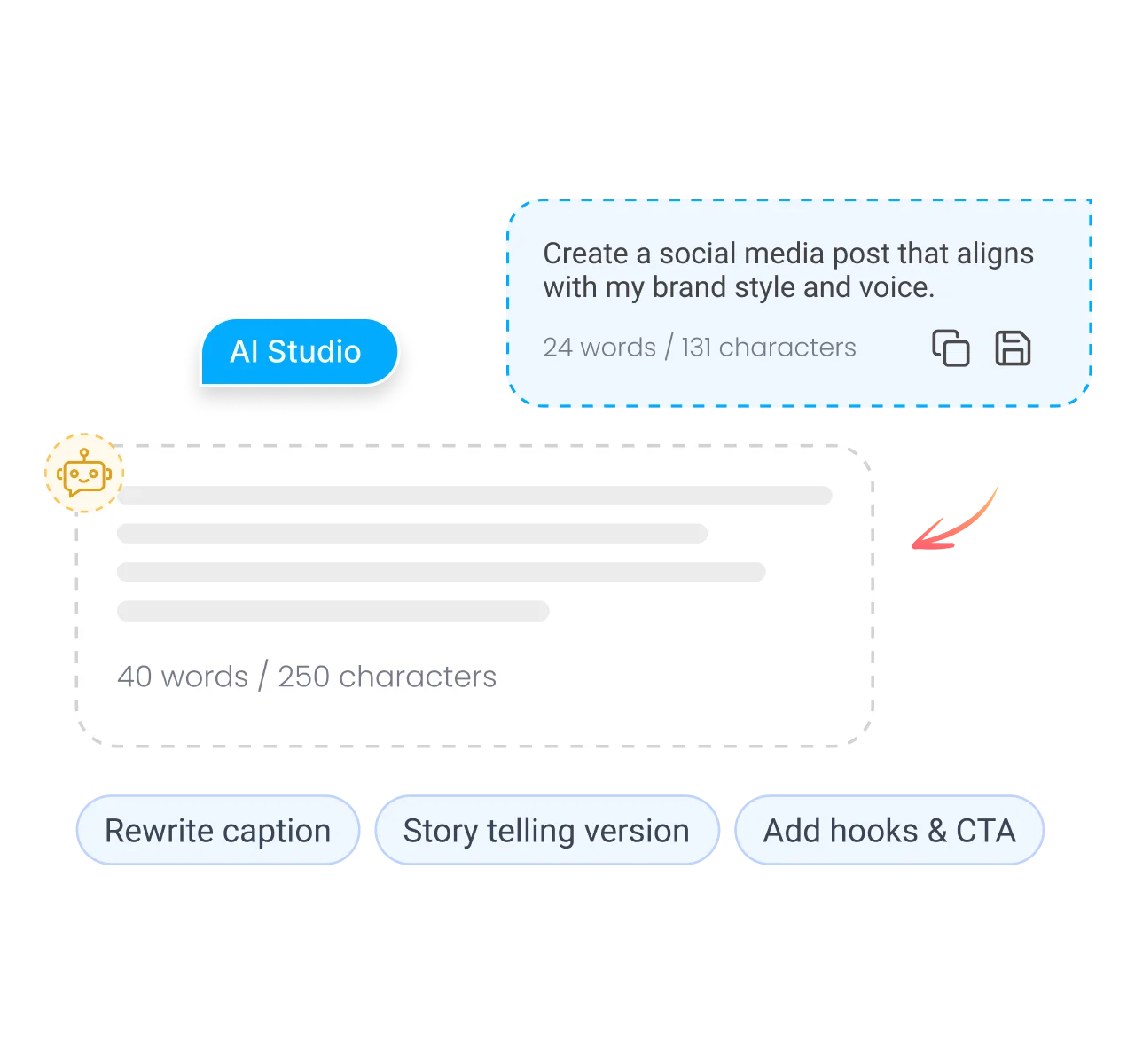
- Write captions inside your workflow. AI Studio, our AI social media content generator, writes captions, hashtags and images in the composer, in your brand voice.
- Caption your images. Upload a JPG or PNG to a post in the composer and click Caption Image(s) with AI. AI Studio reads the picture and writes a caption to match it.
- Customize one post per network. Write the post once, then adjust the caption, hashtags and media for each network before it goes out.
Is it free?
Is the AI caption generator free?
Yes. ContentStudio's AI caption generator is free to use and needs no account. You can run it as many times as you like and change the prompt, tone or template between runs. It is one of ContentStudio's free social media tools.
- Free to use
- No sign-up
- Up to 3 variations
- 16,500+ brands use ContentStudio
Related free tools
All free social media tools →Frequently asked questions

Book a 30 min call
Have questions? Schedule a quick call and we will guide you through everything.
Book a free call