ContentStudio API plan is now available. Create automations using Claude, Zapier, n8n, make, etc. Explore plan!

Content libraryai-icon

Content Library to store, organize, and reuse social media assets

Manage all your social media assets from one centralized content library inside ContentStudio. Organize files with tags, access them instantly while creating posts, and keep every team working from the same approved assets.
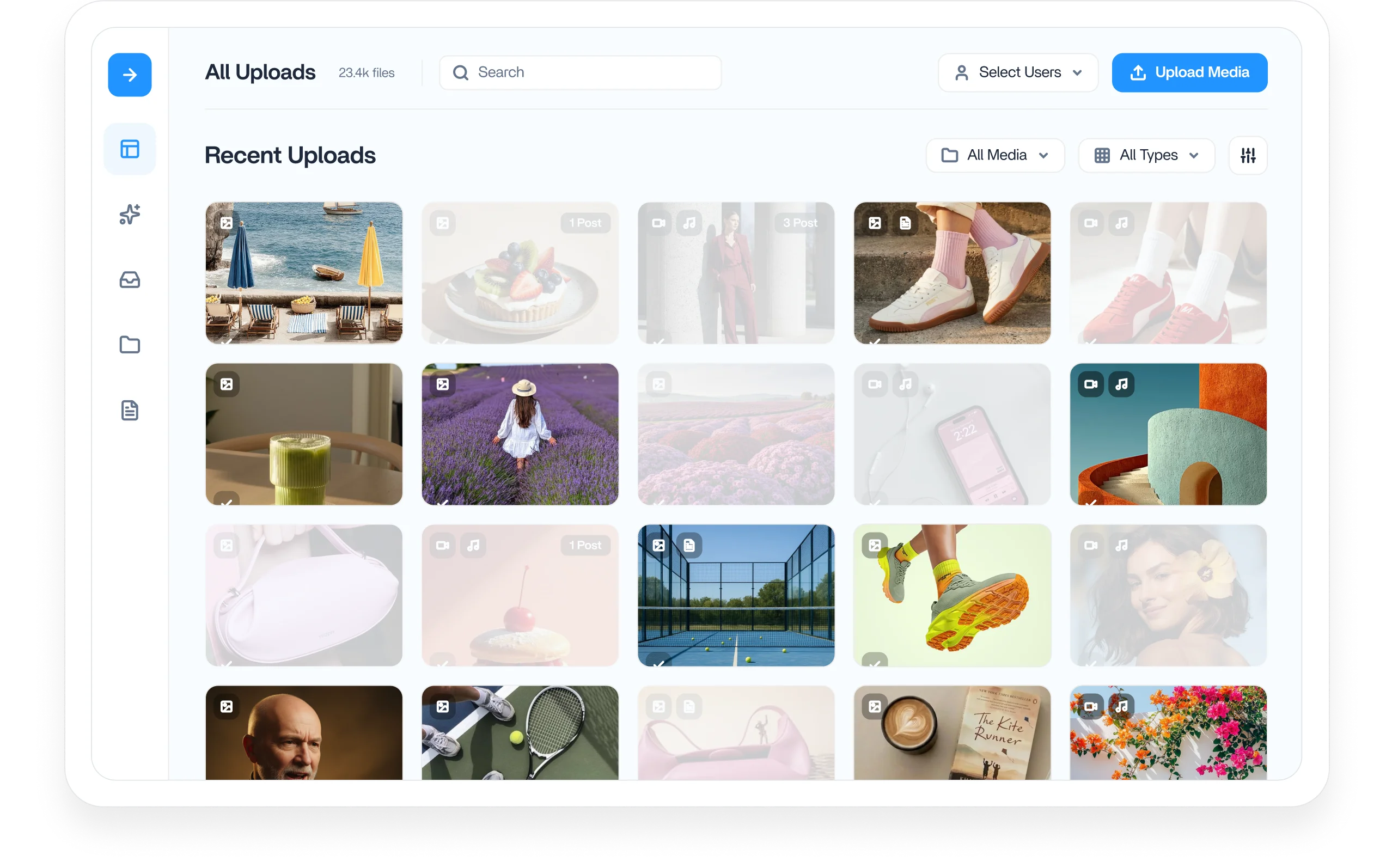
Content library workspace preview

Integrated with

Trusted by 16,500+ leading brands and agencies
Cloud content library for social media assets

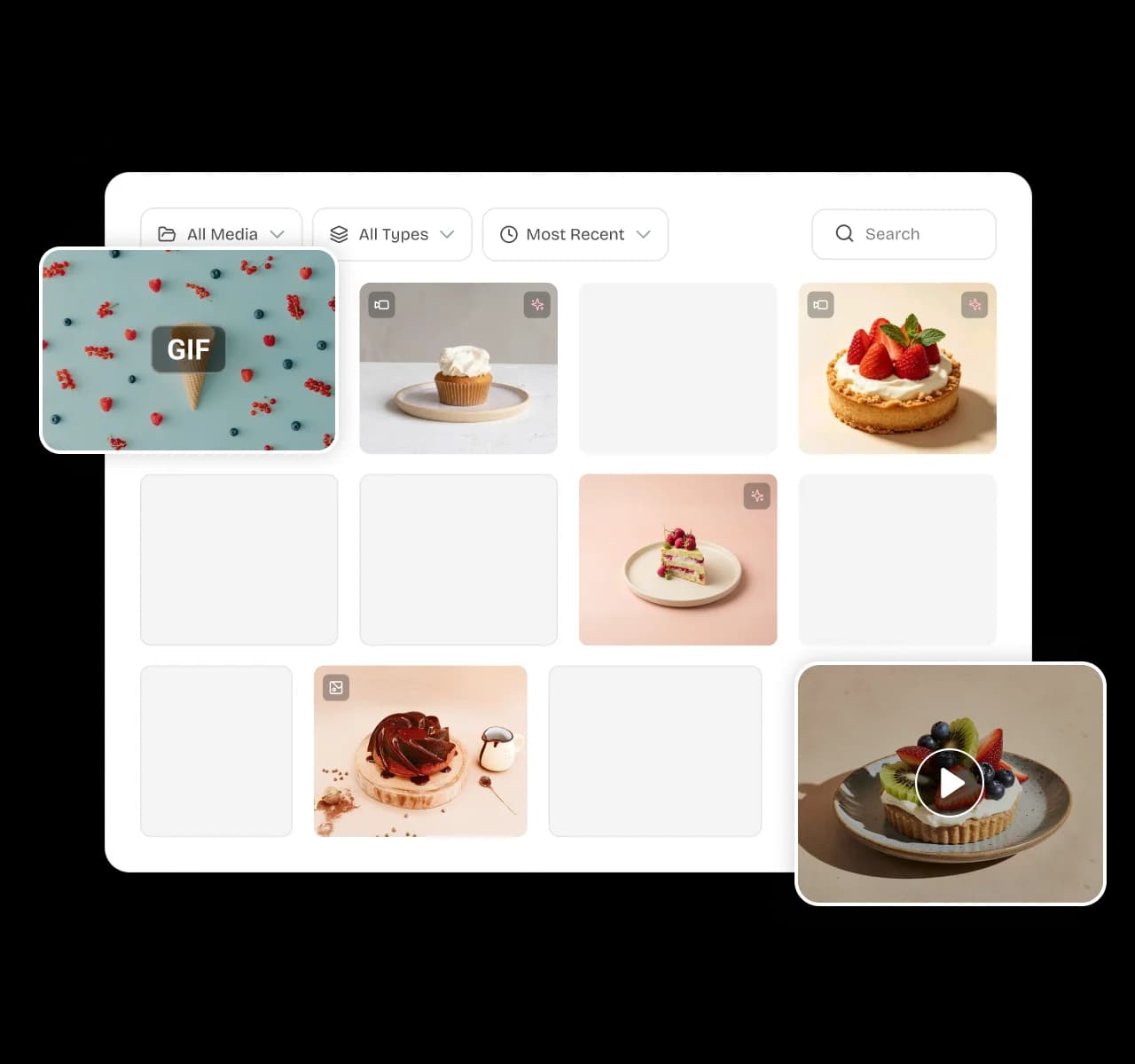
Keep every asset in one cloud content library

Upload videos, GIFs, and images to a central content library your whole team can reach anytime. Your artwork lives online, ready to attach to any post, instead of sitting in scattered folders and drives.
Search and filter assets inside the content library

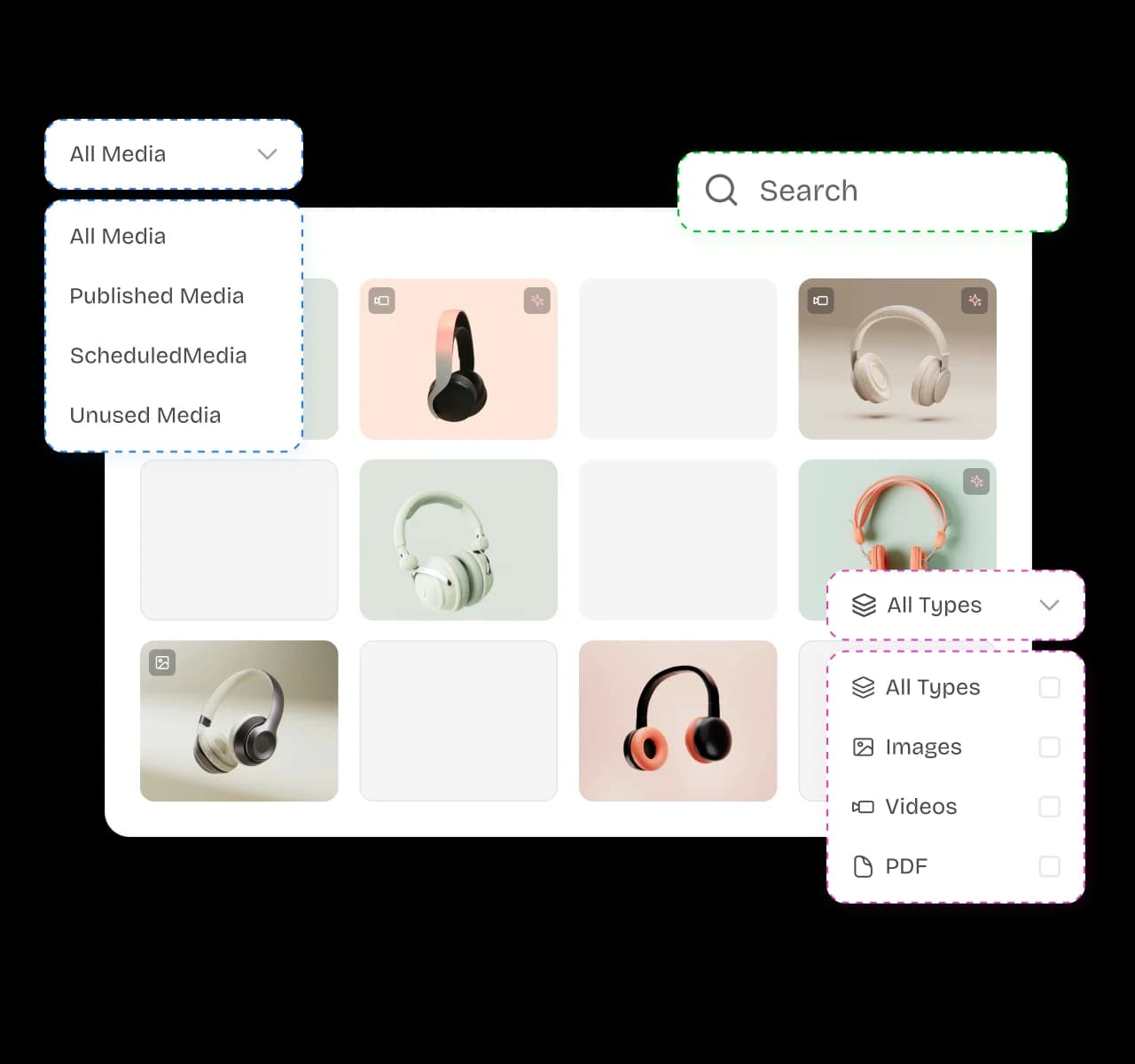
Find any file the moment you need it

Search your library, filter by file type, and find the right asset in seconds. Shared global folders stay accessible across every workspace, so agencies can reuse approved content across clients without searching or uploading it again.
Reuse top-performing assets from the content library

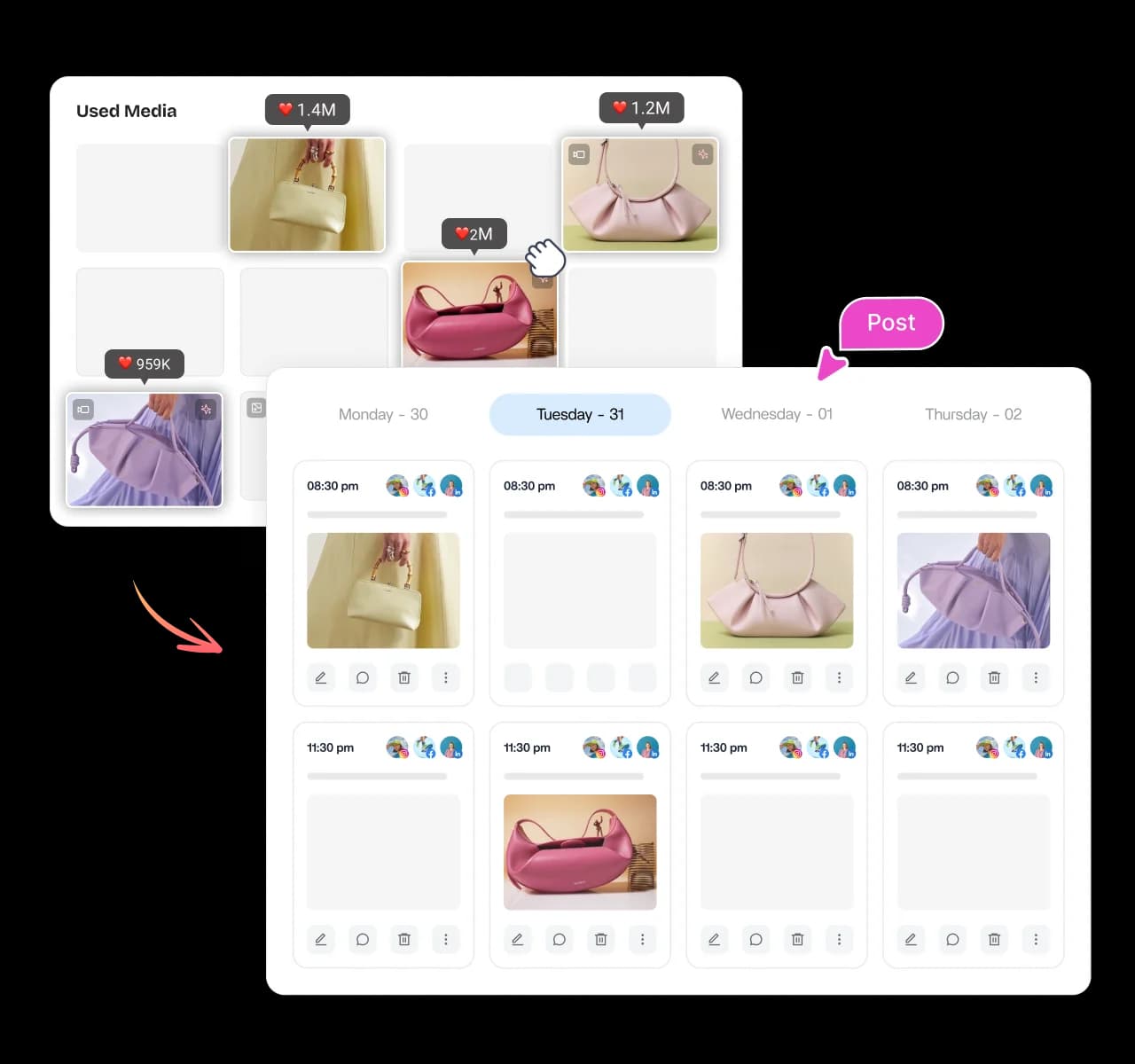
Reuse your best content again and again

Browse your most successful visuals and put them back to work instead of starting from scratch. Reusing proven assets keeps your brand voice consistent, saves production hours, and adds value to everything you create.
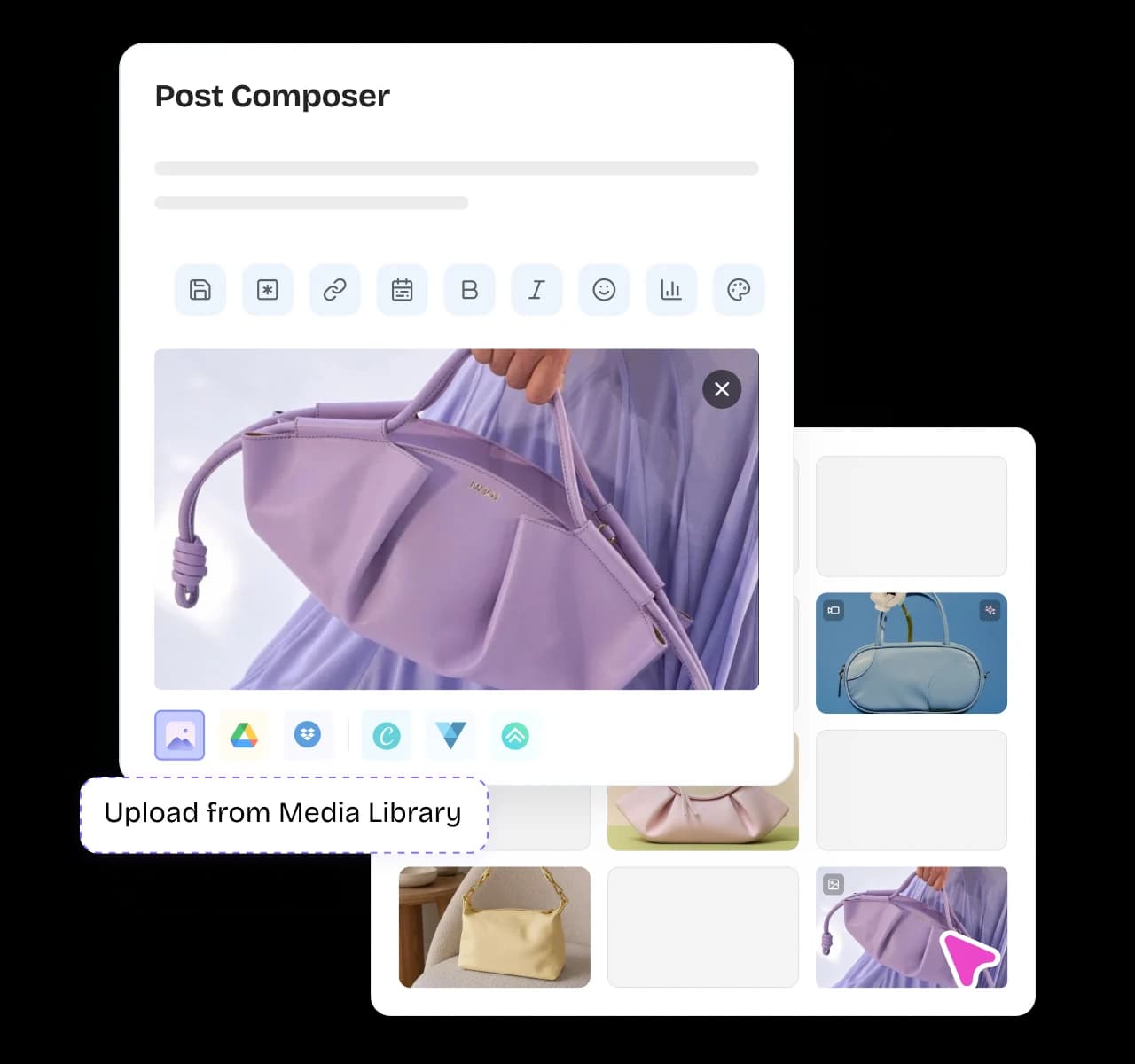
Add content library assets directly into the post composer

Pull any asset straight into your post

Drop images from your library straight into the composer, or paste a web image link and let ContentStudio fetch it. Building a post stays fast because every asset you need is one click away.
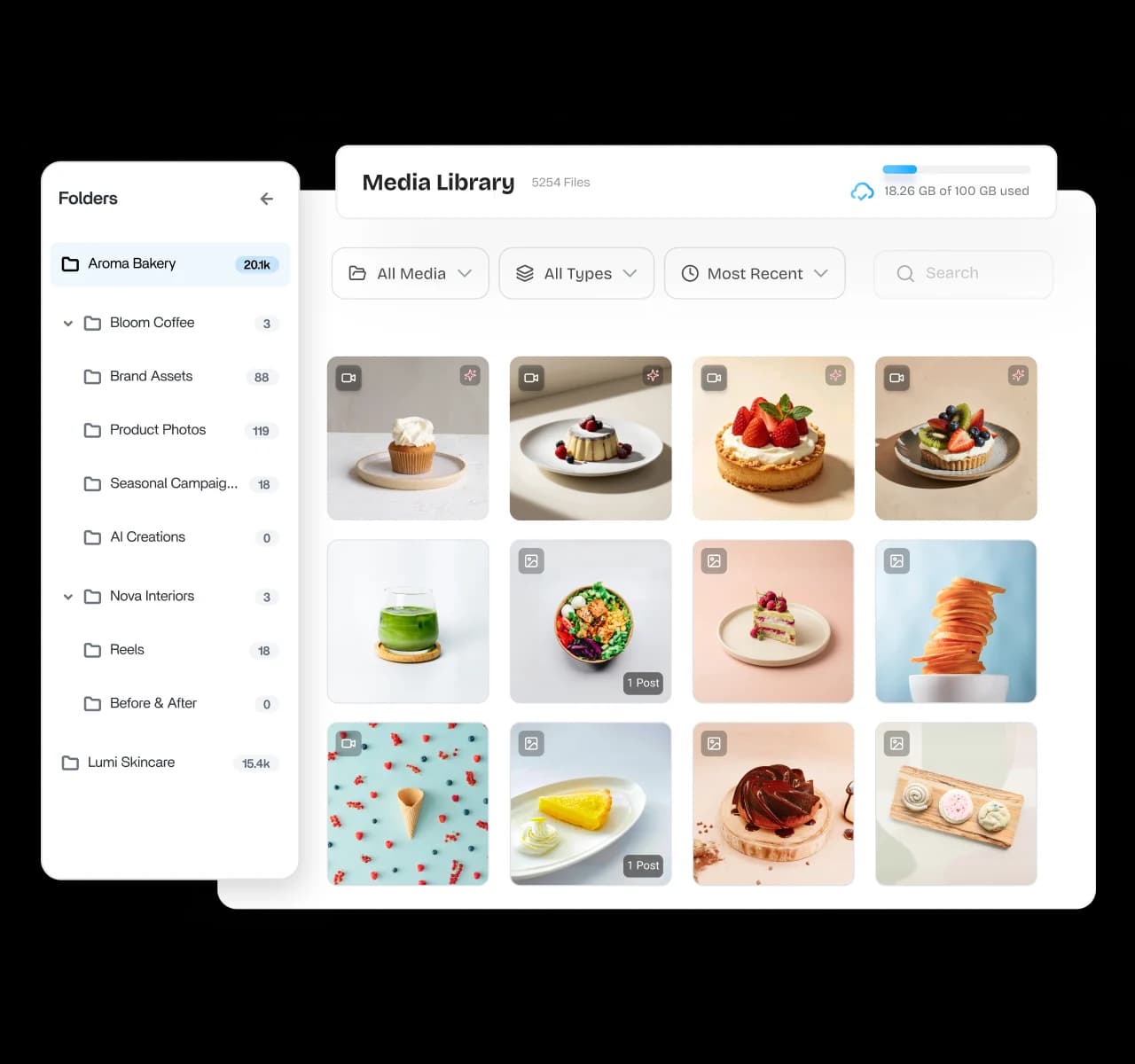
Tag content by topic, team, and campaign inside the library

Label content by topic, team, and campaign

Use tags and categories to organize assets by topic, team, or audience, then find them again in seconds. A well-labeled library keeps large teams and busy campaigns from ever losing a single file.

4.2MPost ScheduledIncrease in productivity with ContentStudio
50%Productivity BoostIncrease in productivity with ContentStudio
$1,000+Cost Savingssaved monthly on social media management costs
5h/weekTime Savedsaved on content planning and scheduling
quotes

The perfect tool for agency-client collaboration and content approvals.

Erin-testimonial

Erin Ricchiazzi,

VP of Marketing@The Modern Firm

marketing-logos
FAQs

Frequently asked questions

ContentStudio

Book a 30 min call

Have questions? Schedule a quick call and we will guide you through everything.

Book a free call
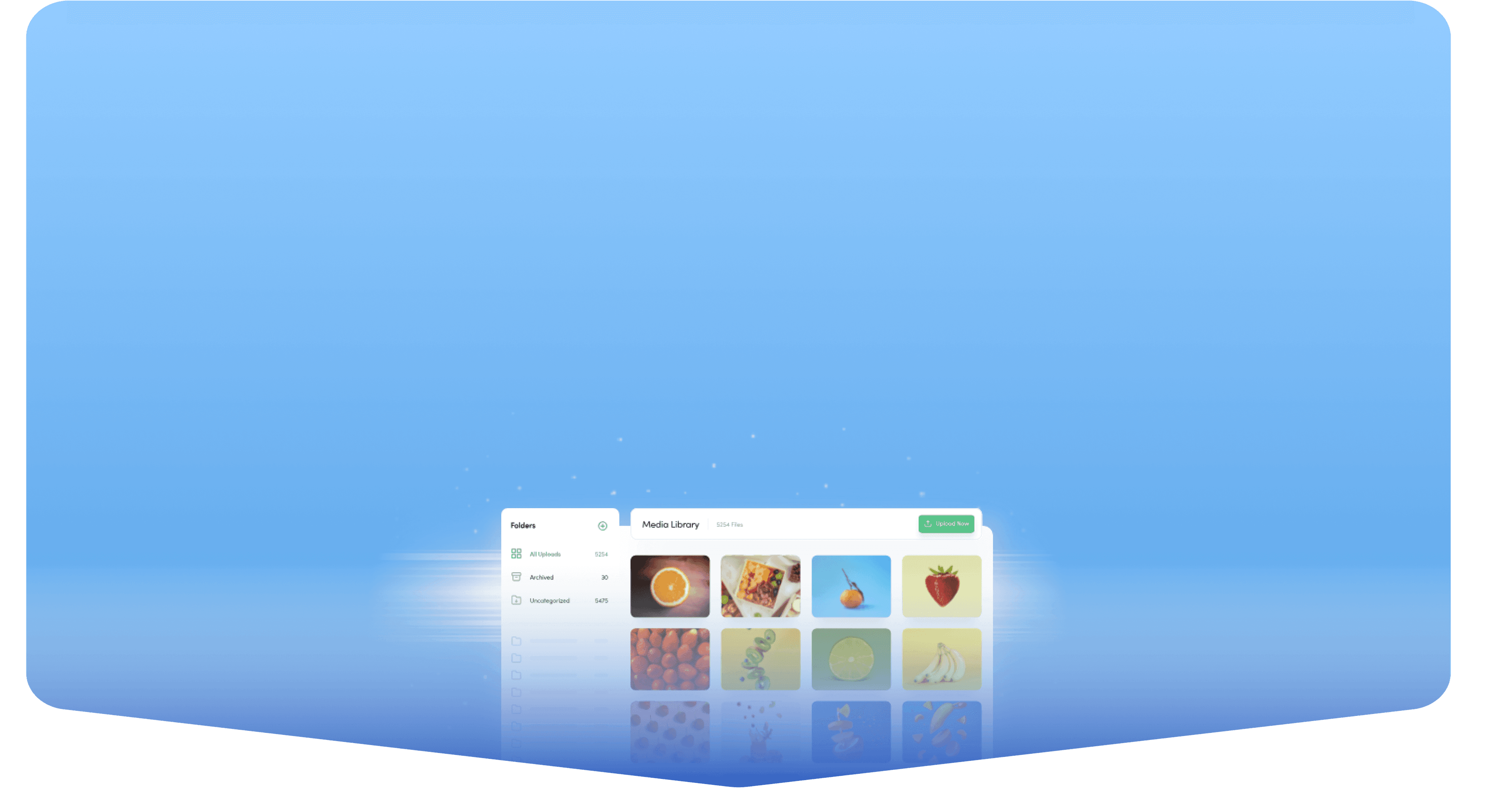
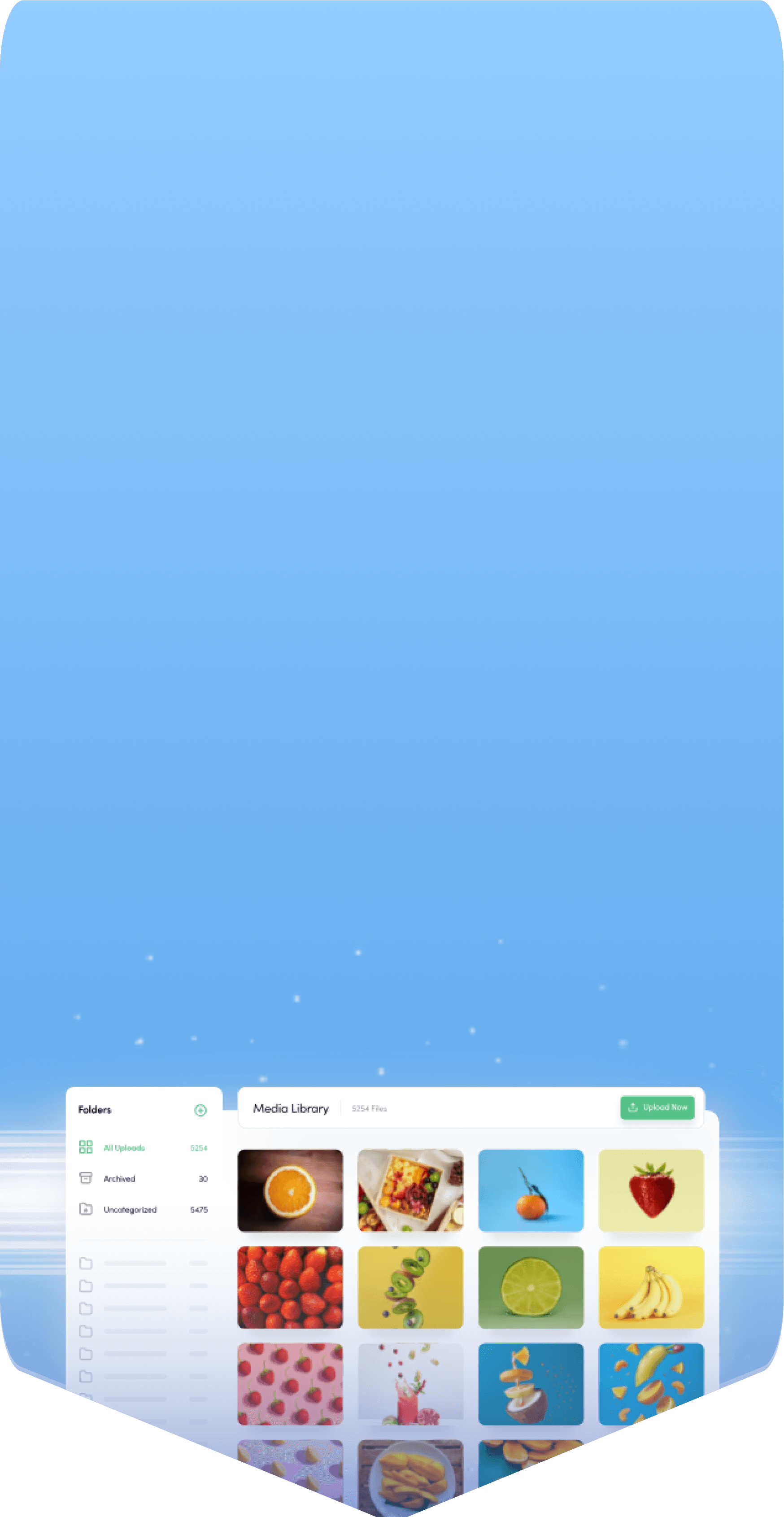
What is a content library?

A content library is a central place to store, organize, and reuse the images, videos, and files you post on social media. Instead of digging through folders and drives, your whole team pulls assets from one shared space. ContentStudio gives you that library with tagging, search, and direct publishing built in.
Upload your images, videos, and GIFs, then tag them by topic, team, or campaign as you go. The library organizes everything so you can search and filter to the exact file later. From there, you attach any asset to a post in one click.
Yes. The content library is shared, so teammates can upload, find, and reuse the same assets without passing files around. Tags and folders keep everything organized as the library grows across clients and campaigns.
Yes. You can search by name and filter by file type, then use tags and categories to narrow results further. Even a library with thousands of files stays quick to navigate.
Yes. You can pull any stored asset into a new post as often as you like, which makes recycling your best-performing visuals simple. Reusing proven content saves production time and keeps your brand look consistent.
Yes. You can drop any library asset directly into the composer while writing a post, or paste a web image link and let ContentStudio fetch it. Everything you need to build a post stays in one place.
You can store images, videos, and GIFs that you plan to publish across your social networks. Each file can be tagged and organized so it is easy to find later. The library keeps your visual assets ready whenever a post needs them.
Yes. Agencies can keep a separate, organized library per client and reuse approved assets across campaigns without mixing brands. A shared, well-tagged library is what keeps client work fast and on brand at scale.
Marketing teams, agencies, and creators who post often benefit most from keeping every asset in one place. It removes the scramble of searching for files and keeps visuals consistent across accounts. ContentStudio is an all-in-one social media management platform, so your library sits beside planning and publishing.
CtaBackground