AI Libraryai-icon

AI Library to store and manage every AI post in one place

Store, organize, search, and reuse every AI-generated post in one place. Build brand profiles, preview content, and manage your team's AI library with ContentStudio.
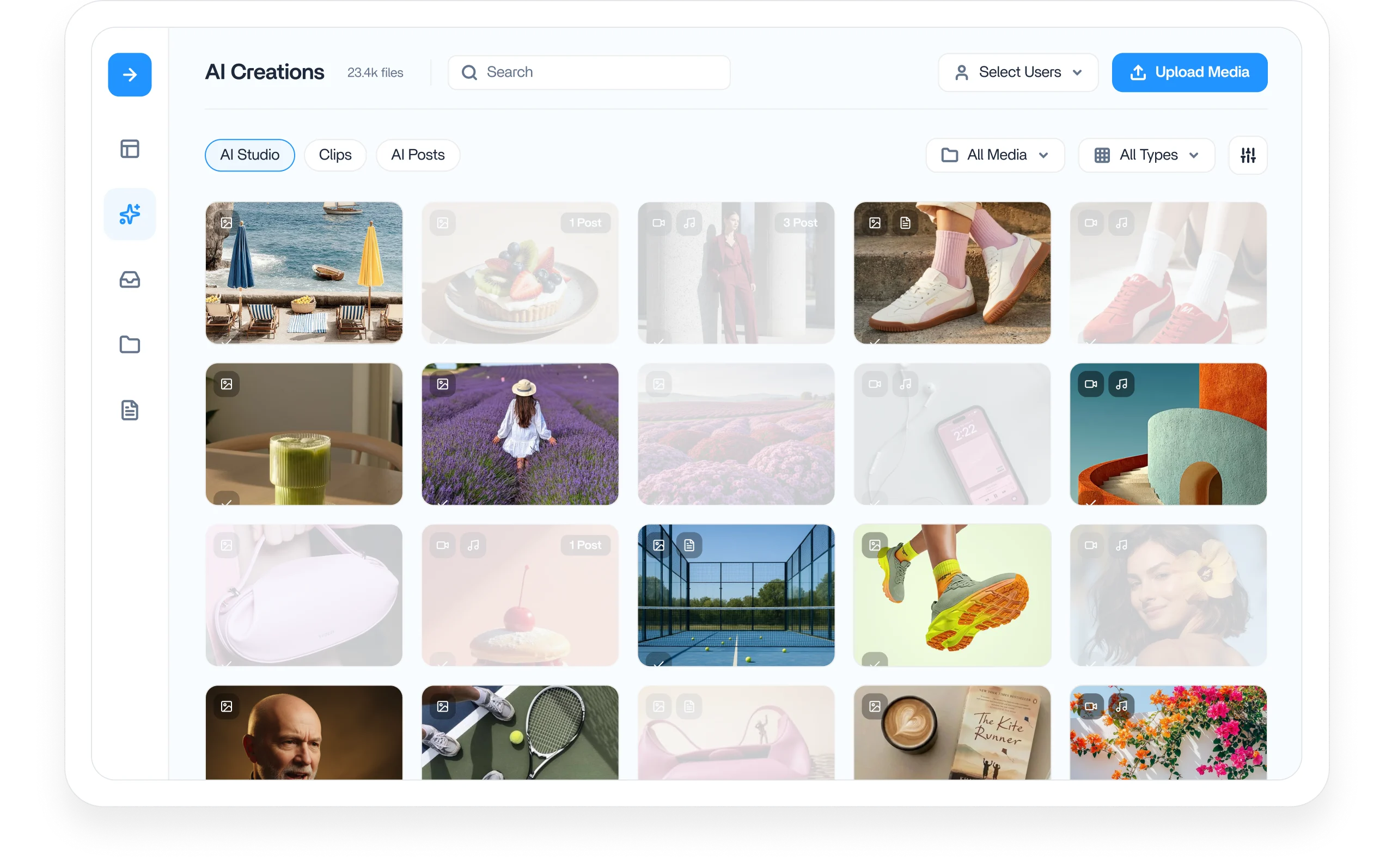
ContentStudio AI library dashboard

Integrated with

Trusted by 16,500+ leading brands and agencies
Build a brand profile that feeds your AI - AI library

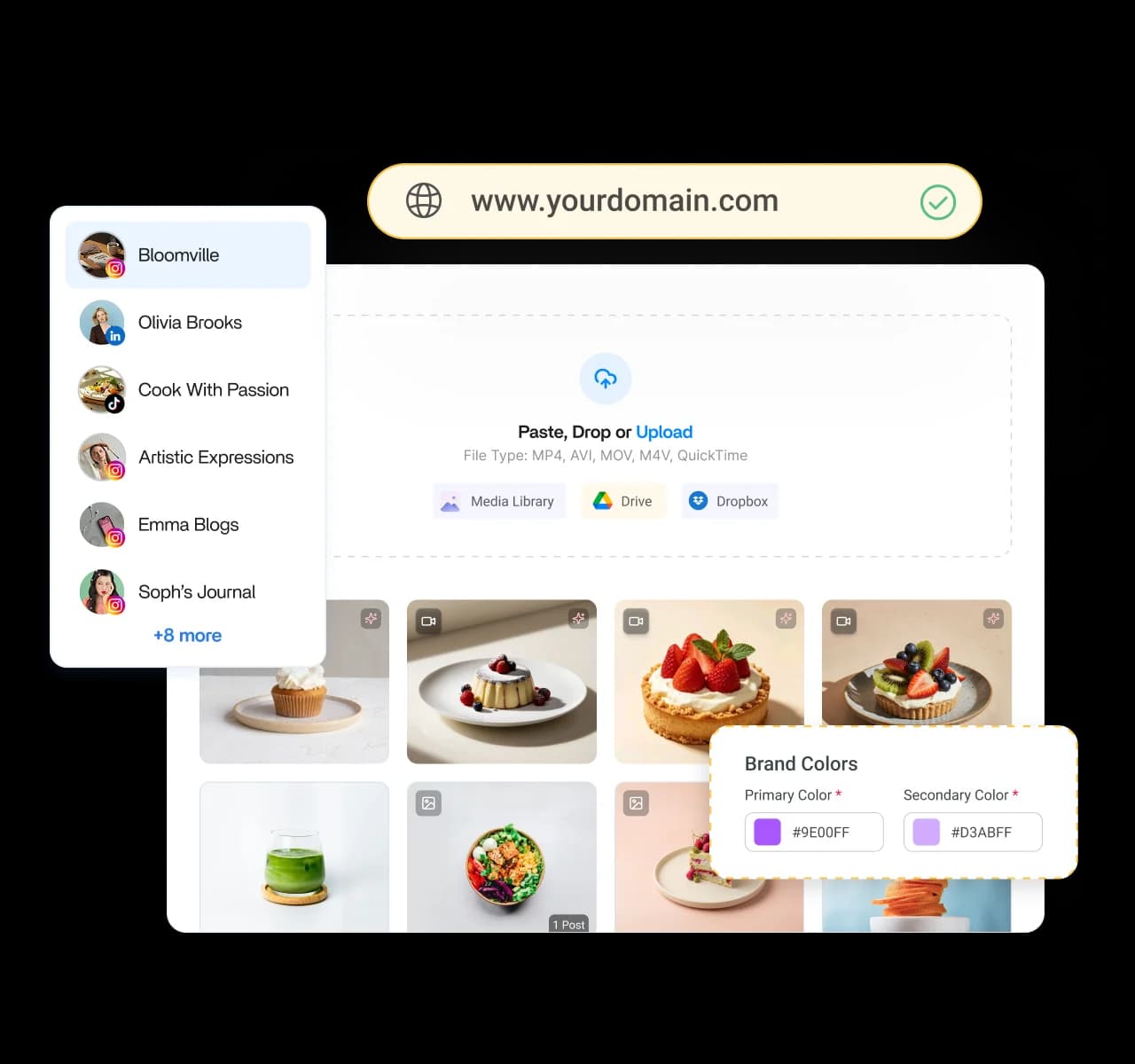
Build a brand profile that feeds your AI

Set up a brand profile in minutes by adding your website, uploading files, connecting accounts, or pasting brand content. ContentStudio's AI agents get to work capturing your tone, voice, and messaging so every post sounds like you.
Keep every AI-generated post in one library - AI library

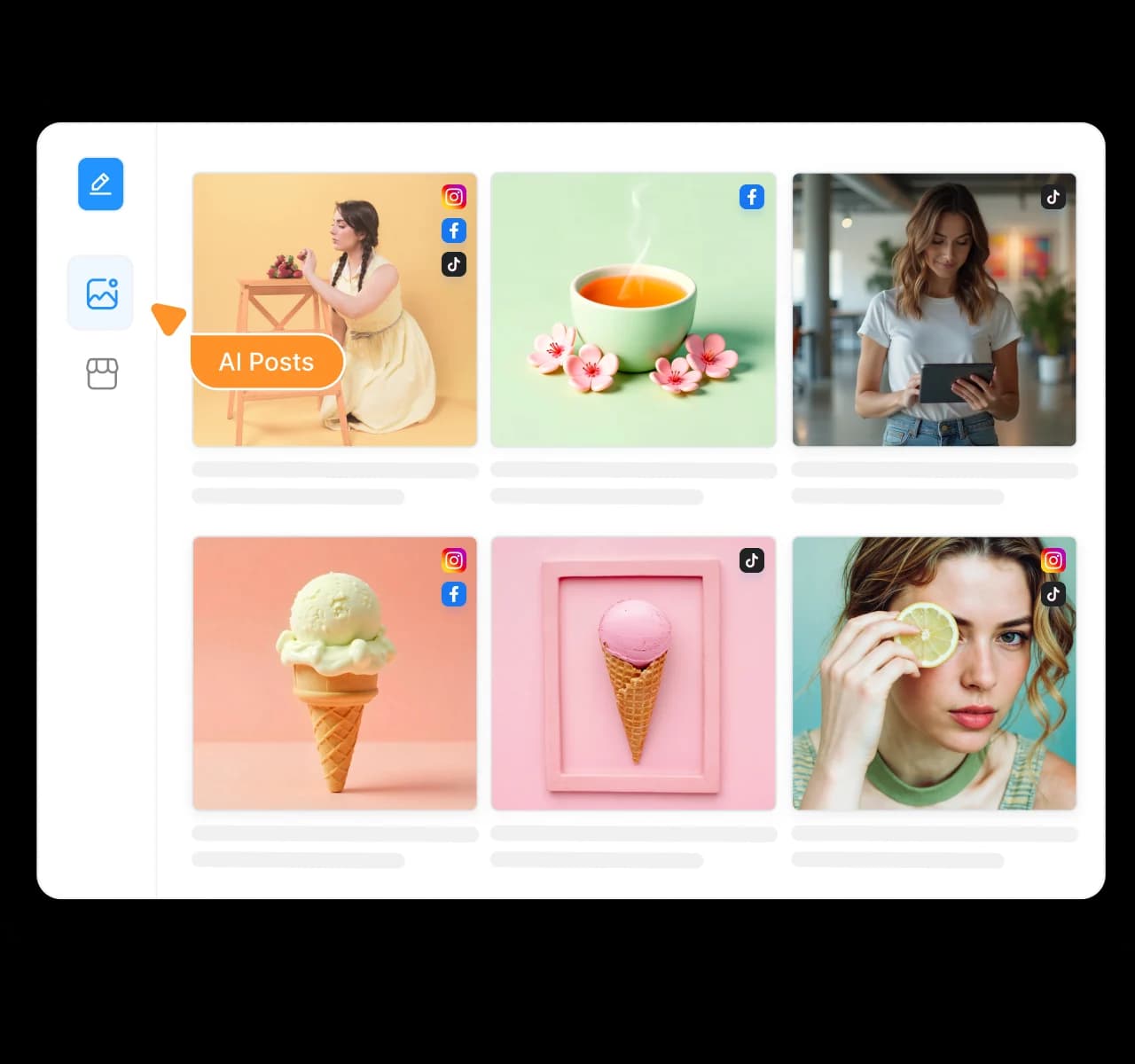
Keep every AI-generated post in one library

Every post you create is automatically saved to a centralized AI library that's searchable, organized, and shared with your team. No more digging through chats or recreating content you've already written.
Find, edit, and reuse your best content - AI library

Find, edit, and reuse your best content

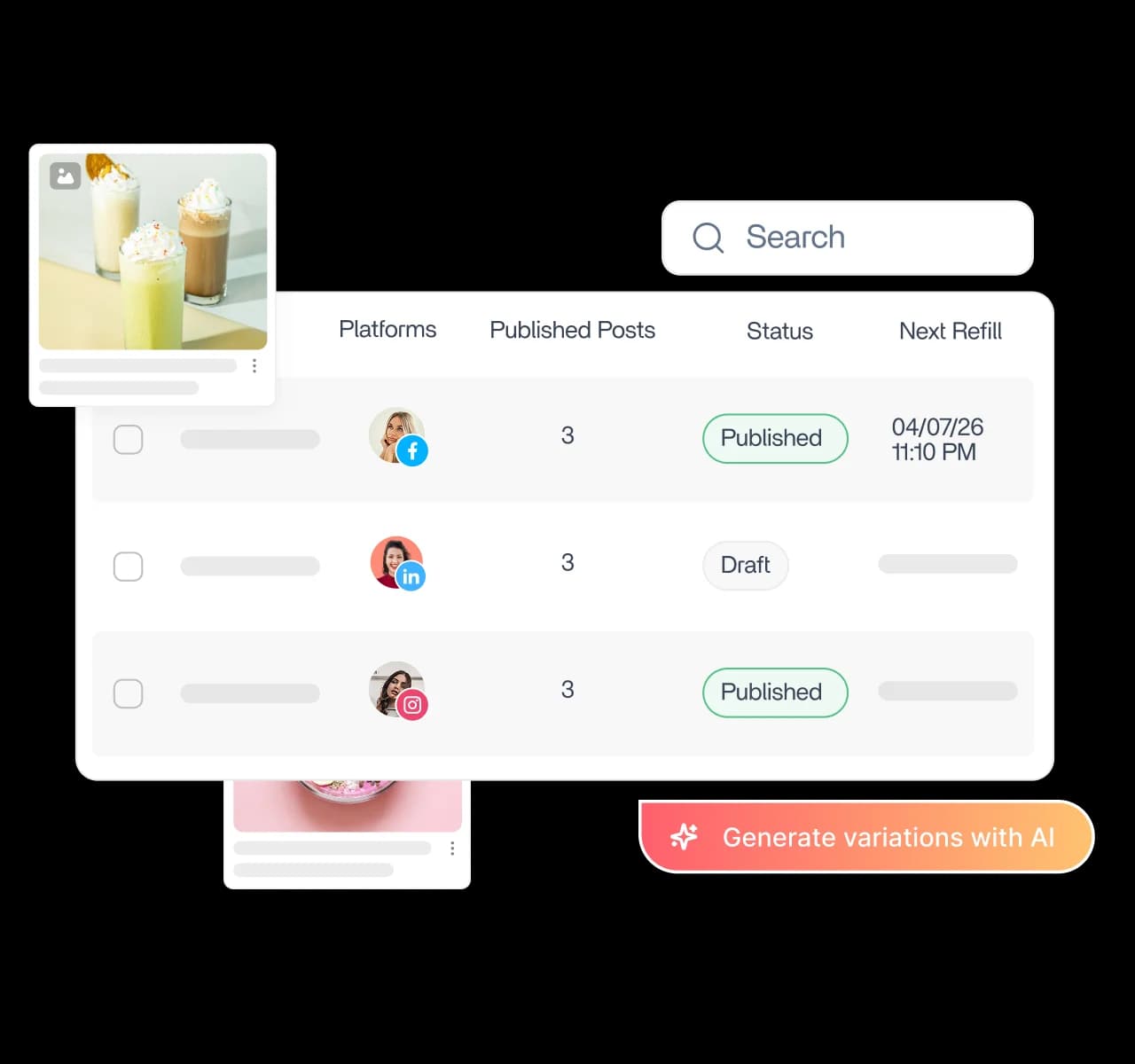
Browse your AI library in grid or list view, search by keyword, update existing posts, or generate fresh variations from any saved draft. Turn your best-performing ideas into new content in just a few clicks.
Preview posts before you publish - AI library

Preview posts before you publish

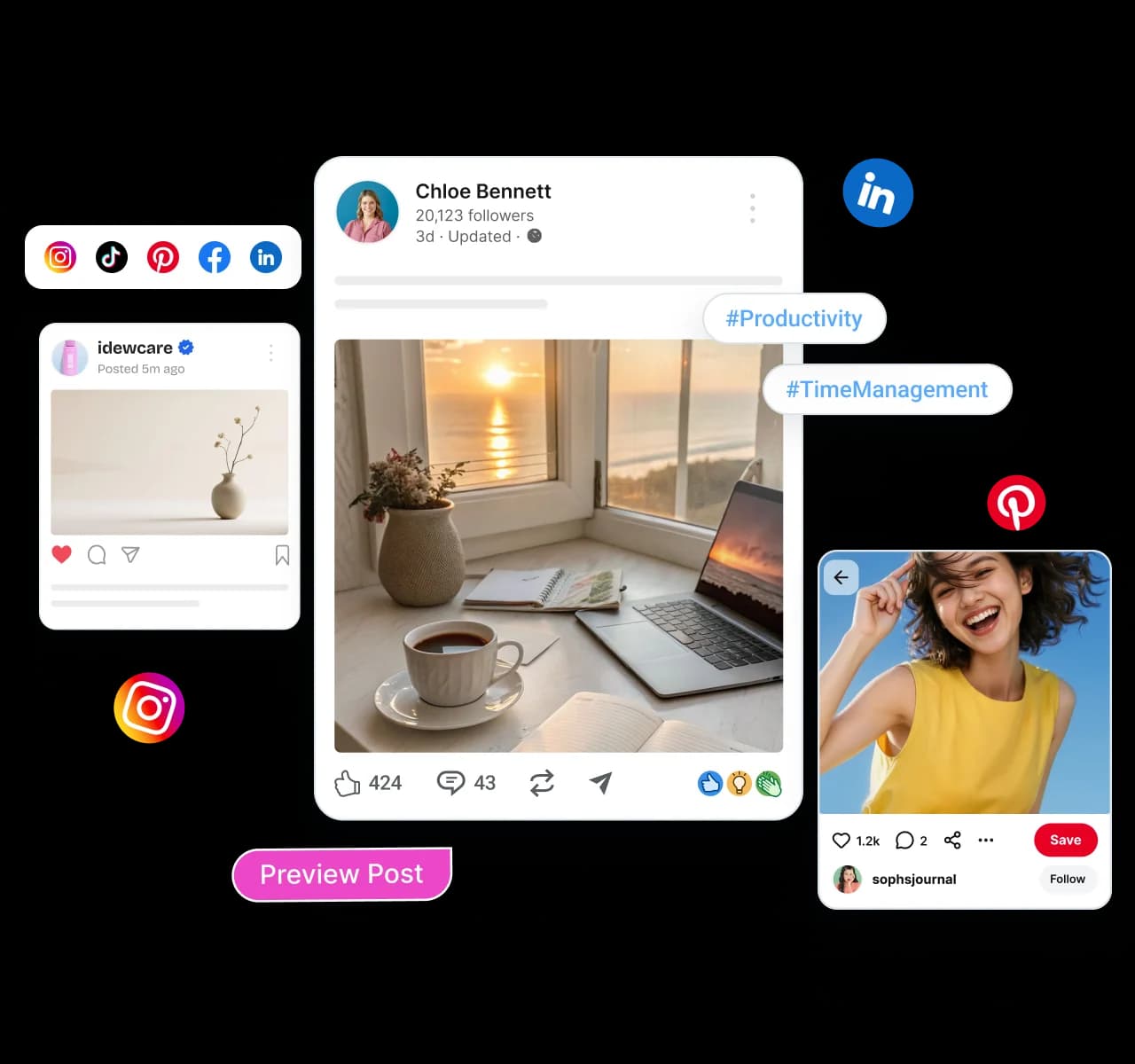
See exactly how every AI-generated post will appear before it goes live. Preview each network individually, review formatting, hashtags, emojis, and messaging, then publish with confidence.
Keep your whole brand voice consistent - AI library

Keep your whole brand voice consistent

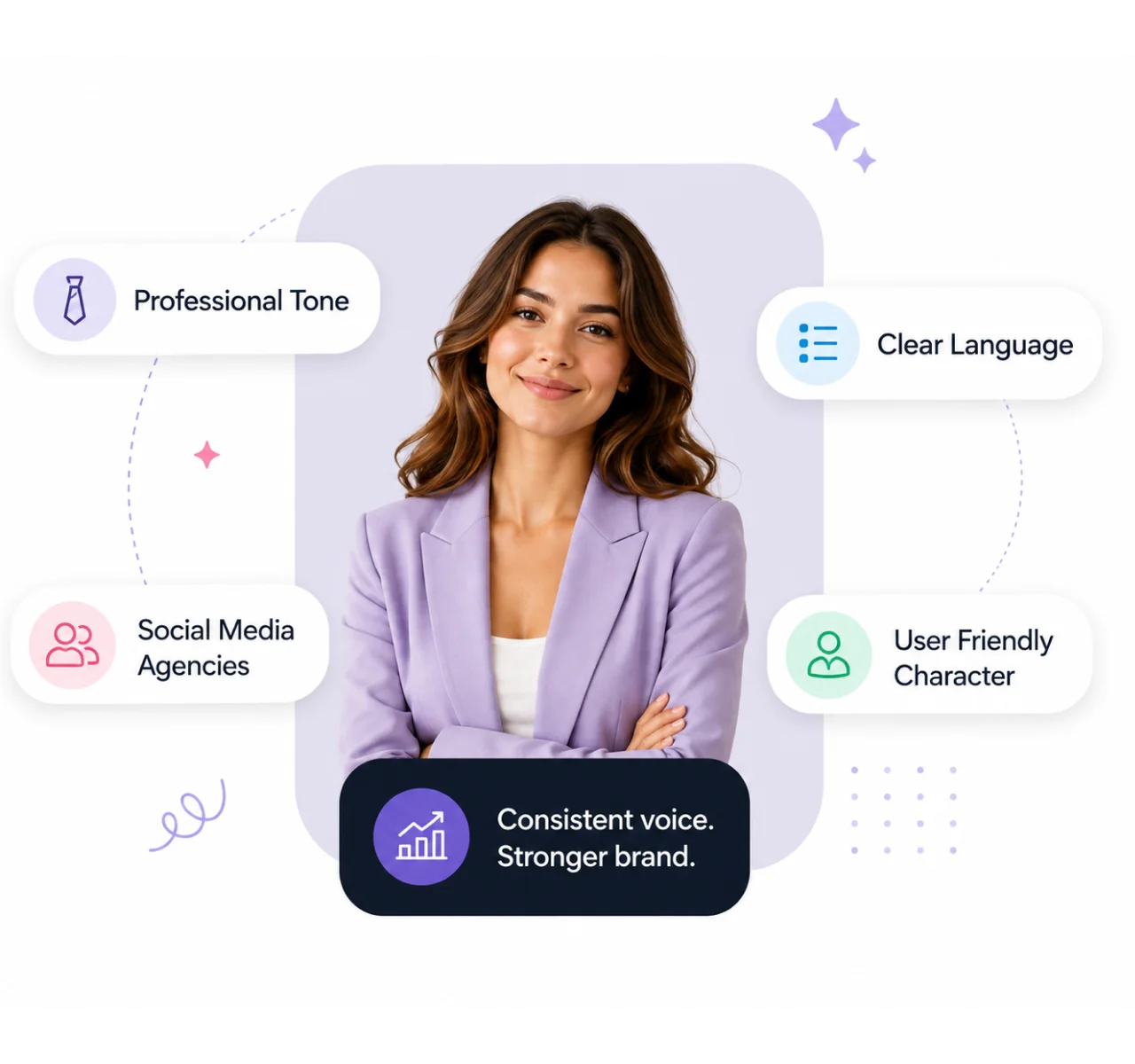
Control the tone, language, audience, and platform for every AI-generated post. Whether you're creating LinkedIn updates, Instagram captions, or X posts, your content stays consistent across every channel.
Track your AI credit usage with ease - AI library

Track your AI credit usage with ease

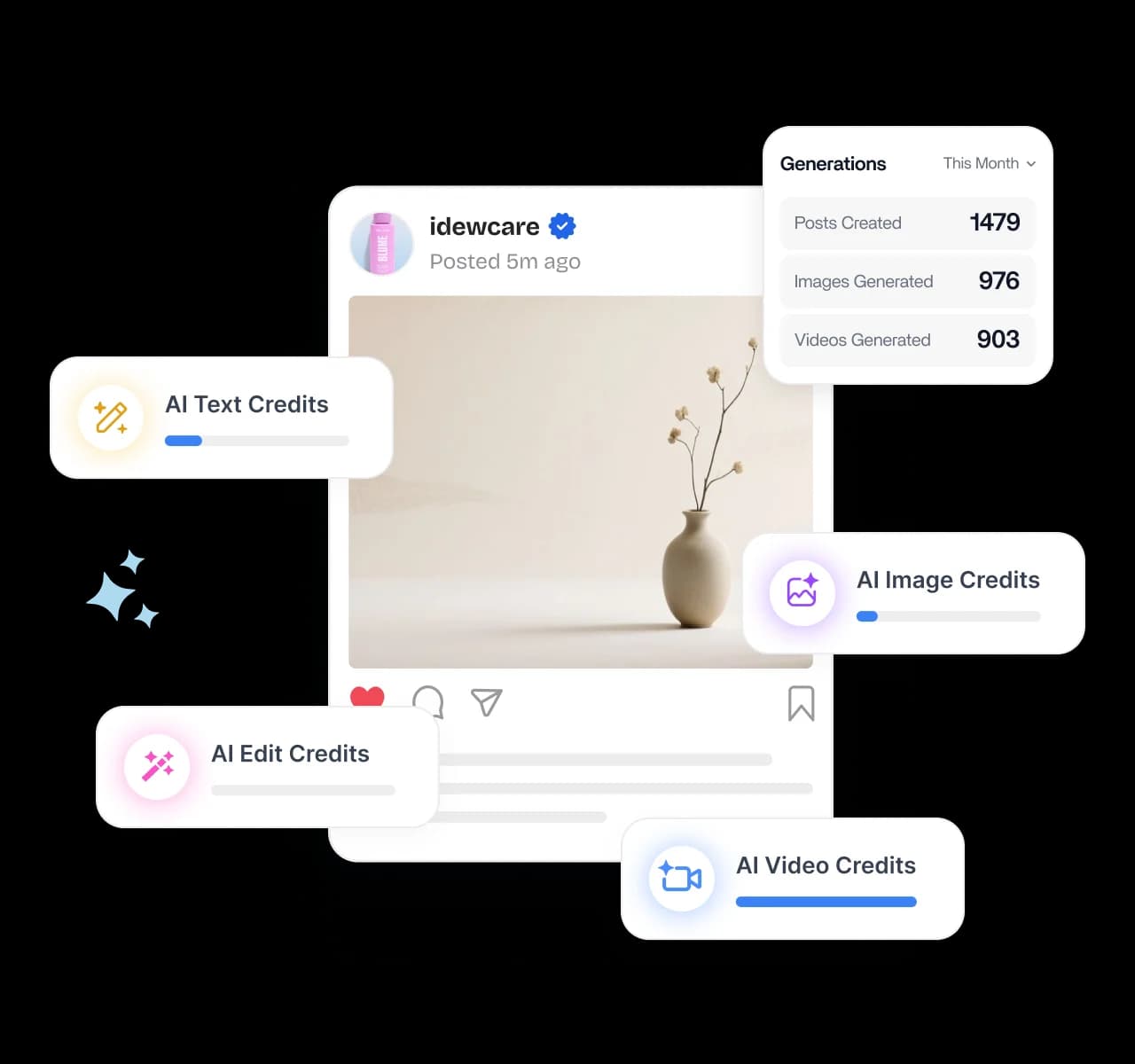
Track AI credits from one shared dashboard so you always know how many words and images have been generated and how much capacity remains. Monitor usage, manage your plan, and avoid unexpected limits.

4.2MPost ScheduledIncrease in productivity with ContentStudio
50%Productivity BoostIncrease in productivity with ContentStudio
$1,000+Cost Savingssaved monthly on social media management costs
5h/weekTime Savedsaved on content planning and scheduling
quotes

The perfect tool for agency-client collaboration and content approvals.

Erin-testimonial

Erin Ricchiazzi,

VP of Marketing@The Modern Firm

marketing-logos
FAQs

Frequently asked questions

ContentStudio

Book a 30 min call

Have questions? Schedule a quick call and we will guide you through everything.

Book a free call

What is an AI library?

An AI library is a centralized place to store, search, and reuse the posts your AI creates. Instead of losing generated content in scattered chats or docs, every AI post lands in one searchable library. With ContentStudio, your whole team and clients can find and reuse any post anytime.
The AI content library is where all of your AI-generated posts are stored and managed in one dashboard. You can browse posts in a grid or list, edit them, recreate variations, and search for any post fast. It keeps your AI content organized instead of scattered across tools.
First, you build a brand profile so the AI learns your tone, voice, and messaging. Then every post you generate is saved automatically to your searchable AI library, where you can browse, edit, preview, and reuse it. Your team shares the same library, so nothing gets lost.
A brand profile teaches ContentStudio's AI how your brand sounds by pulling from your website, files, connected accounts, or pasted content. Once it is set, the AI captures your tone, voice, and messaging in every post it writes. That keeps your AI content consistent and on brand automatically.
Yes, the AI library is centralized and shared, so your entire team and your clients can reach it. Anyone with access can find, reuse, and build on existing AI posts. That makes collaboration smoother and stops people from recreating content that already exists.
Yes, you can make quick edits to fine-tune any post or recreate fresh variations in a click. Generate new versions aligned to your brand voice, audience, or a specific campaign goal. View everything in a grid or list and search to find the right post fast.
Yes, post preview shows you the final version of each AI post network by network before it goes live. You can review the voice, style, hashtags, emojis, and language for every destination. That way each post lands polished and consistent instead of surprising you after publish.
AI credits track the words and images your team uses to generate content. Everyone draws from one shared credit pool, and you can monitor exactly how much has been used and how much is left. That keeps usage transparent and your plan easy to manage.
The AI library stores the posts your AI generates, while a general content library stores your uploaded images and videos. They work together, but each has its own job. You create and manage AI content in the AI library, then pull in stored assets when you need them.
Yes, you can use the AI library during ContentStudio's free trial with no credit card required. The trial includes brand profiles, AI generation, the searchable library, and post preview. After the trial, the AI library is included in ContentStudio's paid plans.
CtaBackground