Step 01
Connect your Meta account
Go to Social Accounts in ContentStudio and complete Meta OAuth for analytics access.

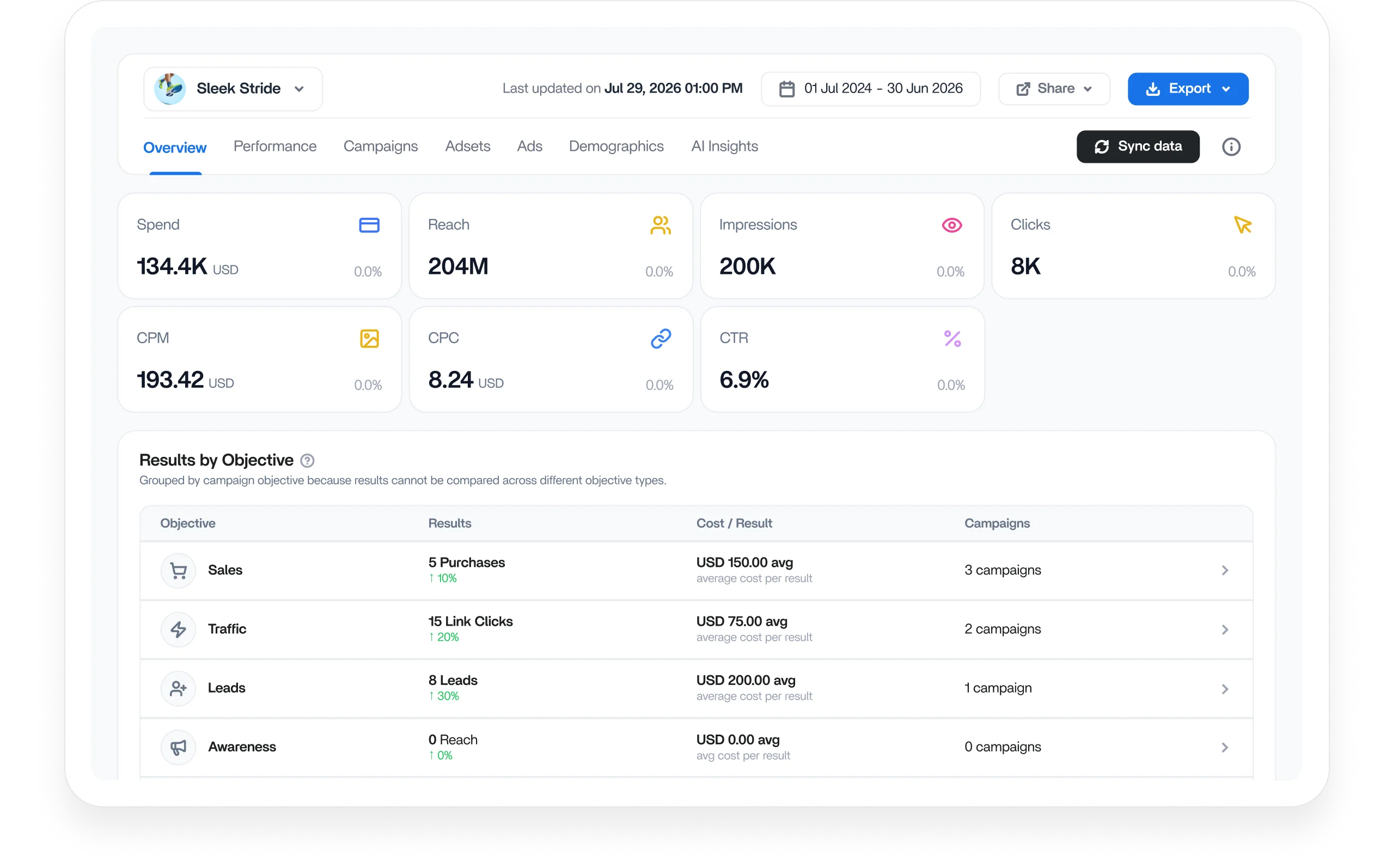
Get a complete view of your Meta ads performance with clear metrics, campaign comparisons, AI insights, and export-ready reports. ContentStudio helps you manage Meta ads analytics in a unified dashboard.
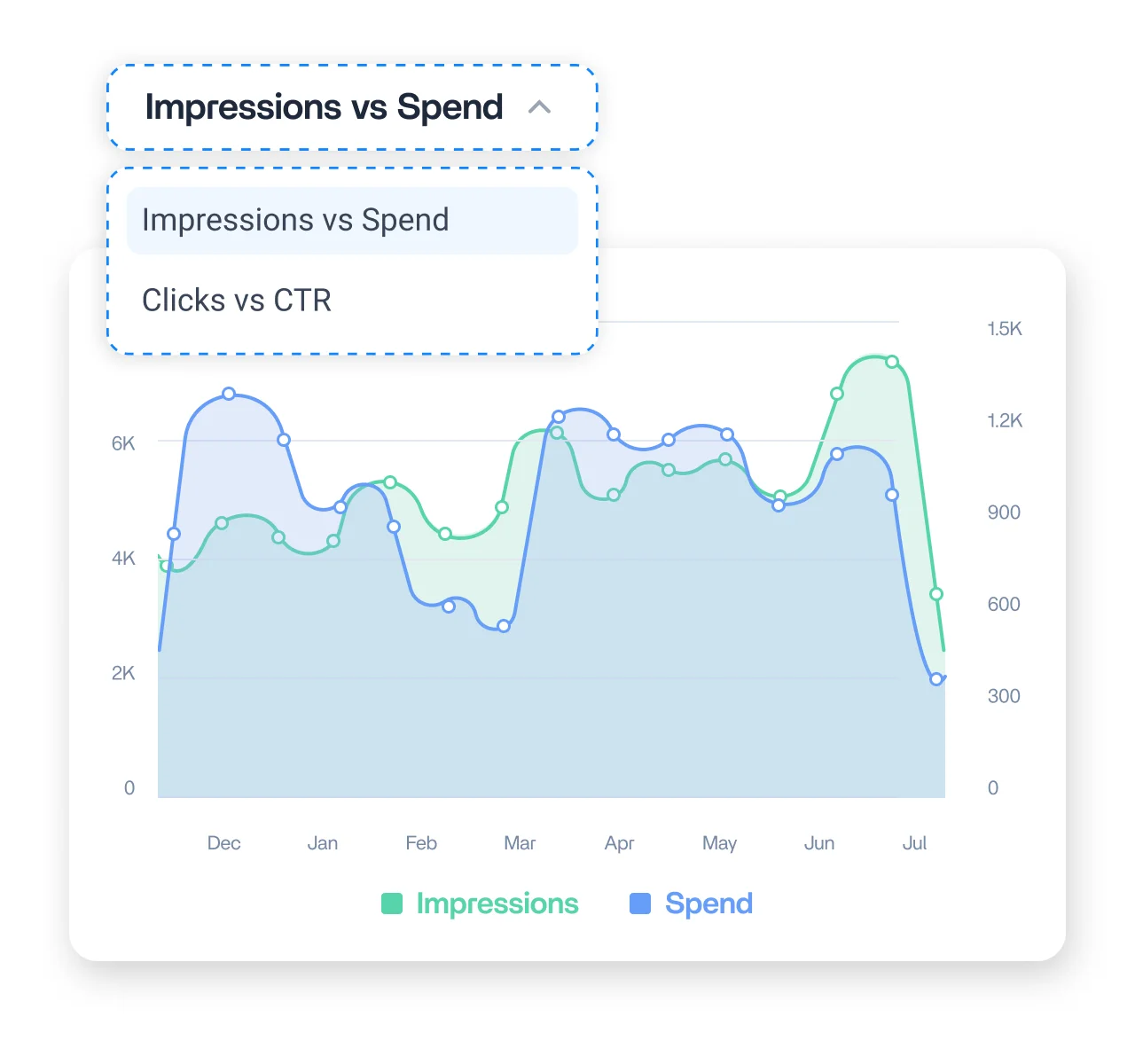
See Impressions against Spend and Clicks against CTR on synced trend charts across your date range. Spot where rising spend stops lifting delivery and where creative fatigue is quietly pulling clicks down.
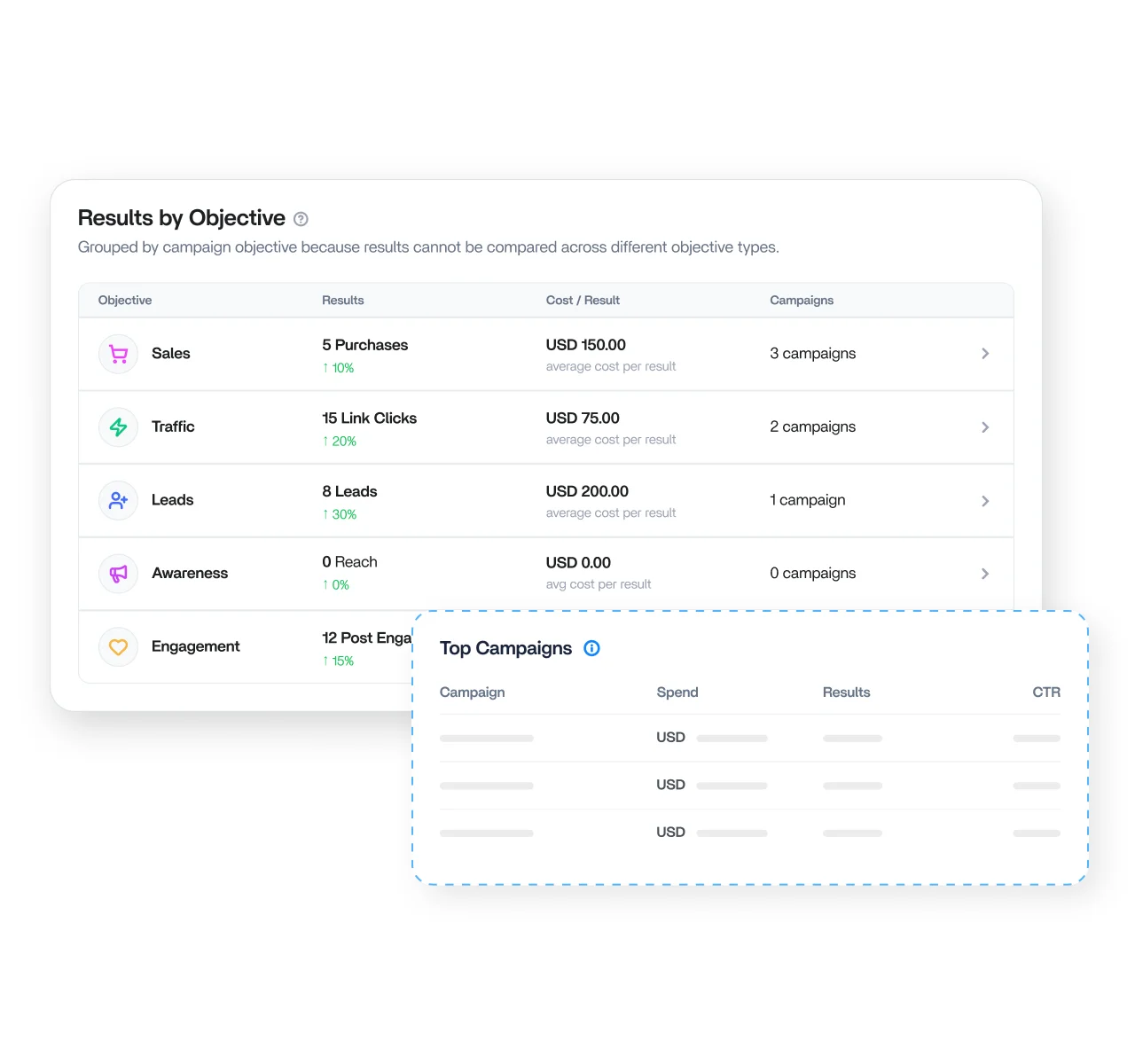
See Sales, Traffic, Leads, Awareness, Engagement, and Reach side by side, each with its result, average cost per result, and campaign count. Read every objective in its own context and never compare across mismatched goals.
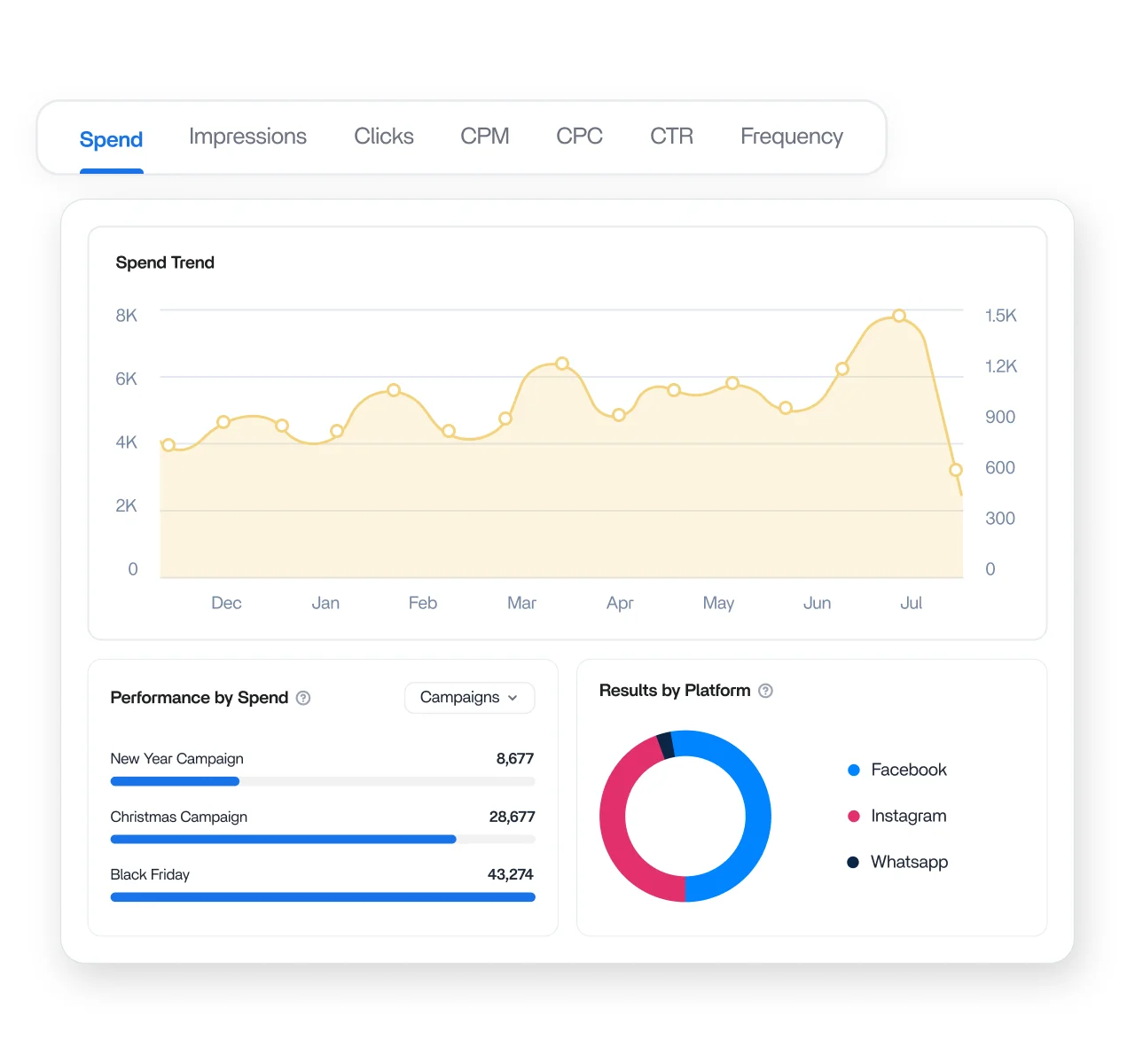
Switch between metrics like Spend, CTR, CPM, and Clicks to spot trends over time. Rank campaigns by spend and see how your budget is distributed across Facebook, Instagram, Messenger, Threads, and Audience Network.
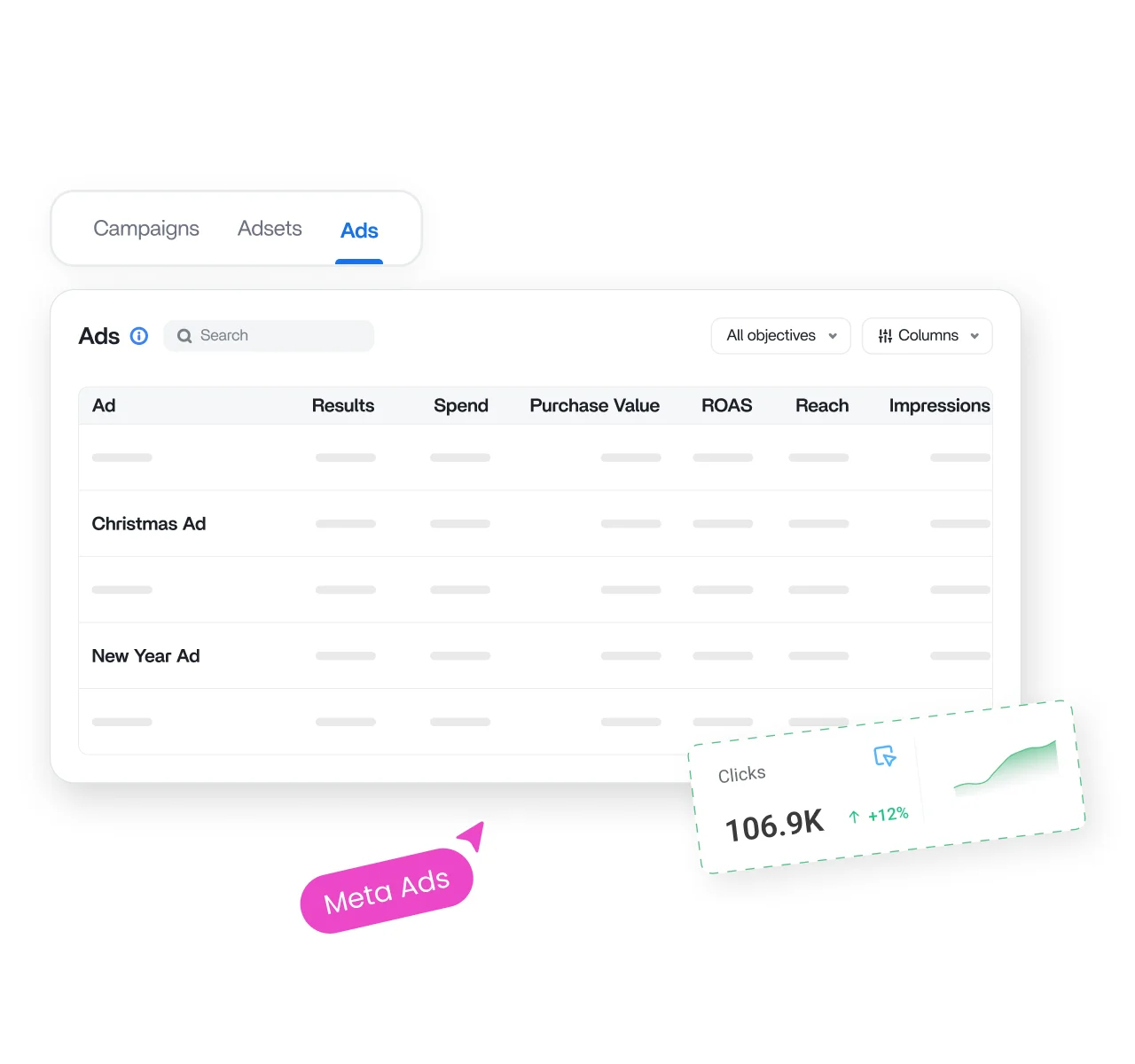
Move through Campaigns, Ad Sets, and Ads in sortable, searchable tables. Filter by objective, show or hide columns, and click any header to rank instantly, with creative thumbnails on the Ads tab to spot what is running.
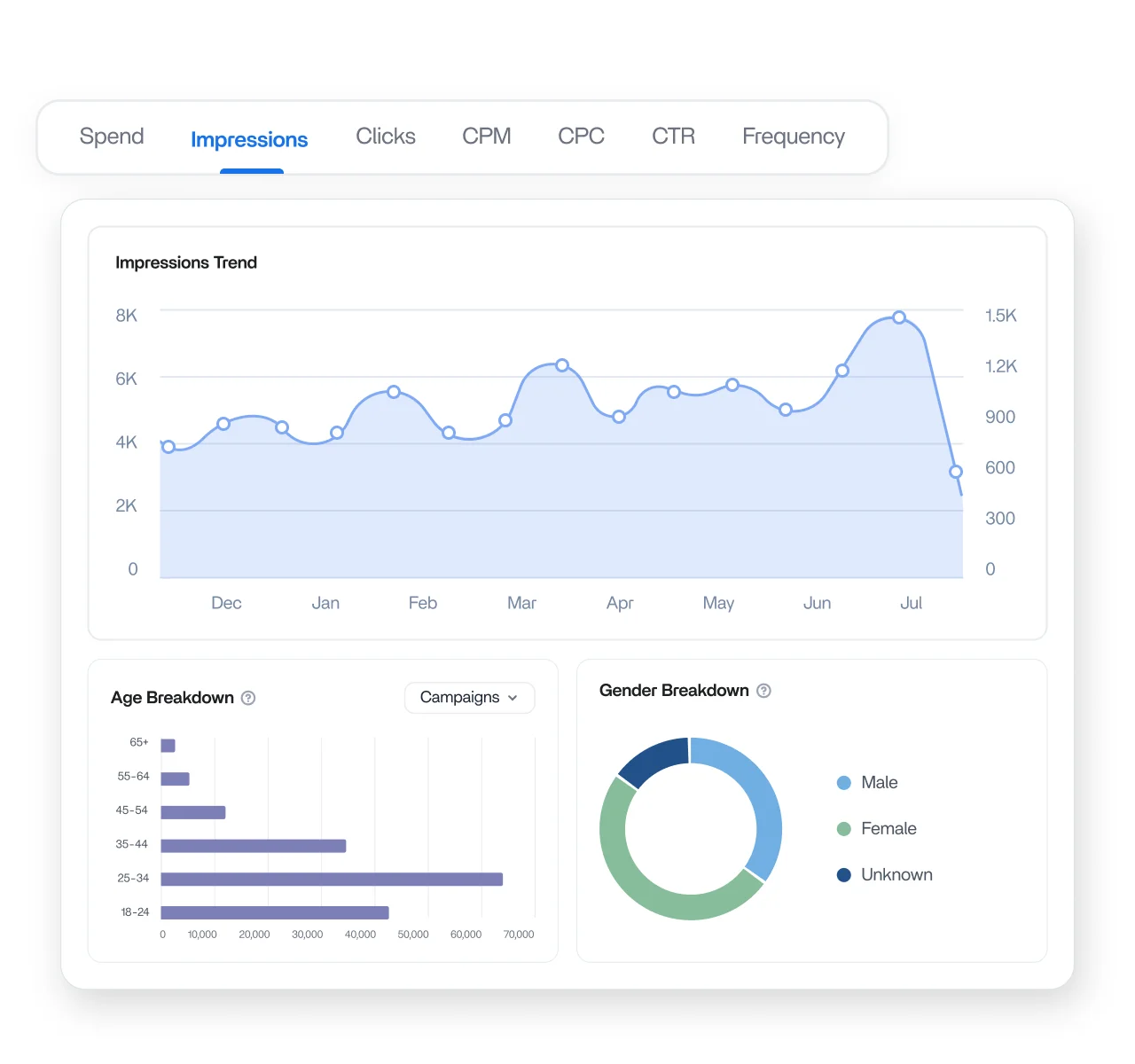
Break down performance by age bracket, gender, and geography in the Demographics tab, with dedicated By Country and By Region tables. Spot weak segments fast and back every targeting call with clear data.
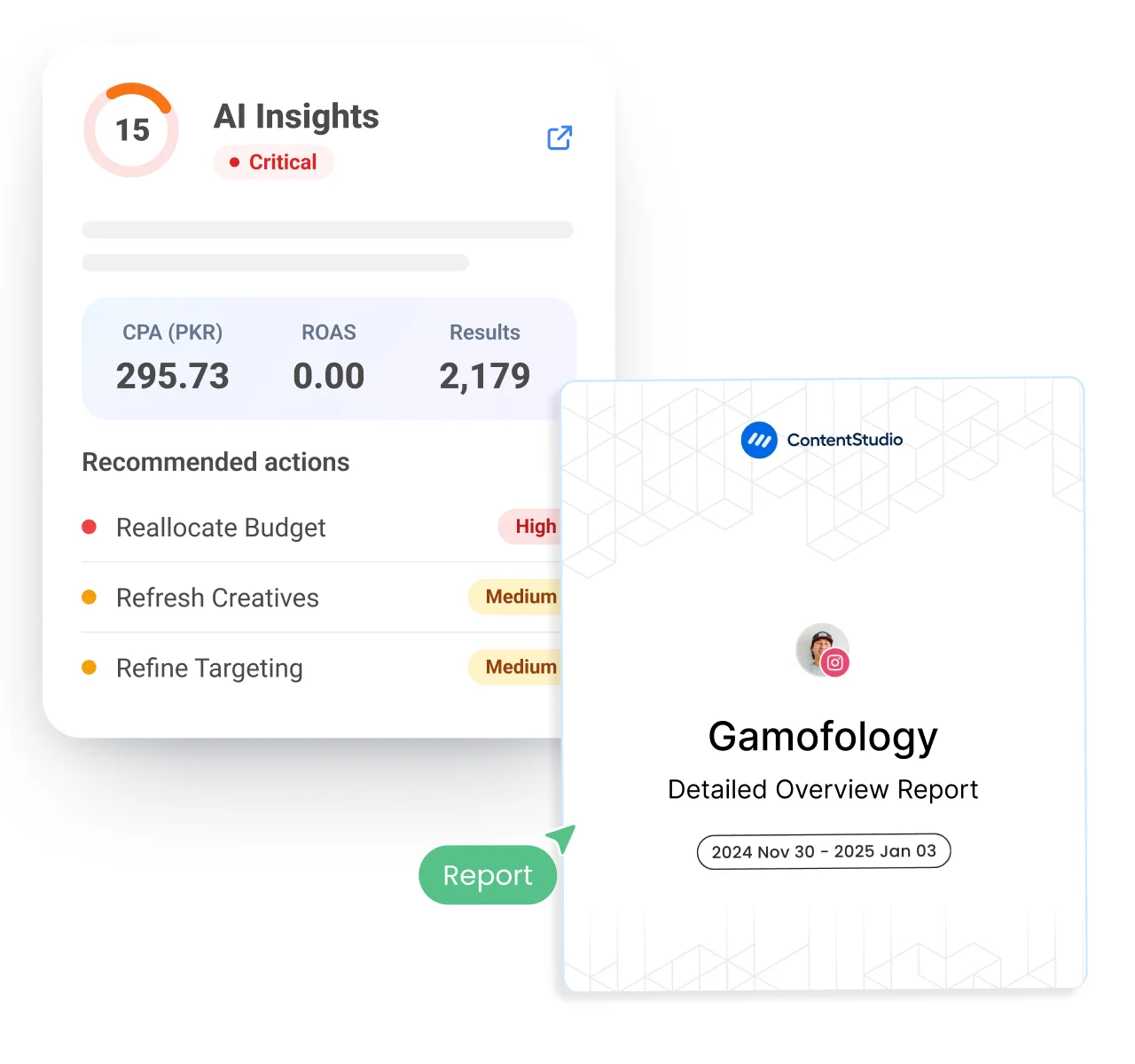
The AI Insights tab scores your account out of 100, reads Spend, Results, CPA, CTR, Frequency, and ROAS, then hands you a prioritized action plan and a 7-day checklist. Plain language, no raw number digging.
How it works
Get your Meta ads analytics data connected, organized, and ready to report in minutes. No setup complexity, no extra tools, just a clean reporting flow inside ContentStudio's social media management software, with paid and organic results side by side.
Step 01
Go to Social Accounts in ContentStudio and complete Meta OAuth for analytics access.
Step 02
Go to Analytics, then Ad Analytics, then Meta Ads. Pick your account in the top-left selector.
Step 03
Switch between tabs to analyze performance, campaigns, ads, and audience breakdowns.
Step 04
Create shareable links or export PDF reports for clients and stakeholders quickly.



Book a 30 min call
Have questions? Schedule a quick call and we will guide you through everything.
Book a free call