How to promote affiliate links on social media in 2026
Oct 2, 202616 minutes

Written by
Areesha KhanUpdated
Creating compelling content is just the first step to YouTube’s success. The real strategy is ensuring your videos reach the right audience.
Tags are essential for making your videos discoverable.
They help YouTube identify and connect your content with your target social media audience, impacting how your videos rank in search results and appear in recommendations.
But tagging effectively requires more than just guessing popular keywords.
If you’re using ContentStudio to manage your content, you can streamline this process by adding relevant tags directly during the scheduling phase.
In this guide, we’ll walk you through the steps to seamlessly add YouTube tags to your scheduled content using ContentStudio, helping you enhance your video’s visibility and engagement.
Simplified social media marketing for individuals & agencies.
Try ContentStudio for FREE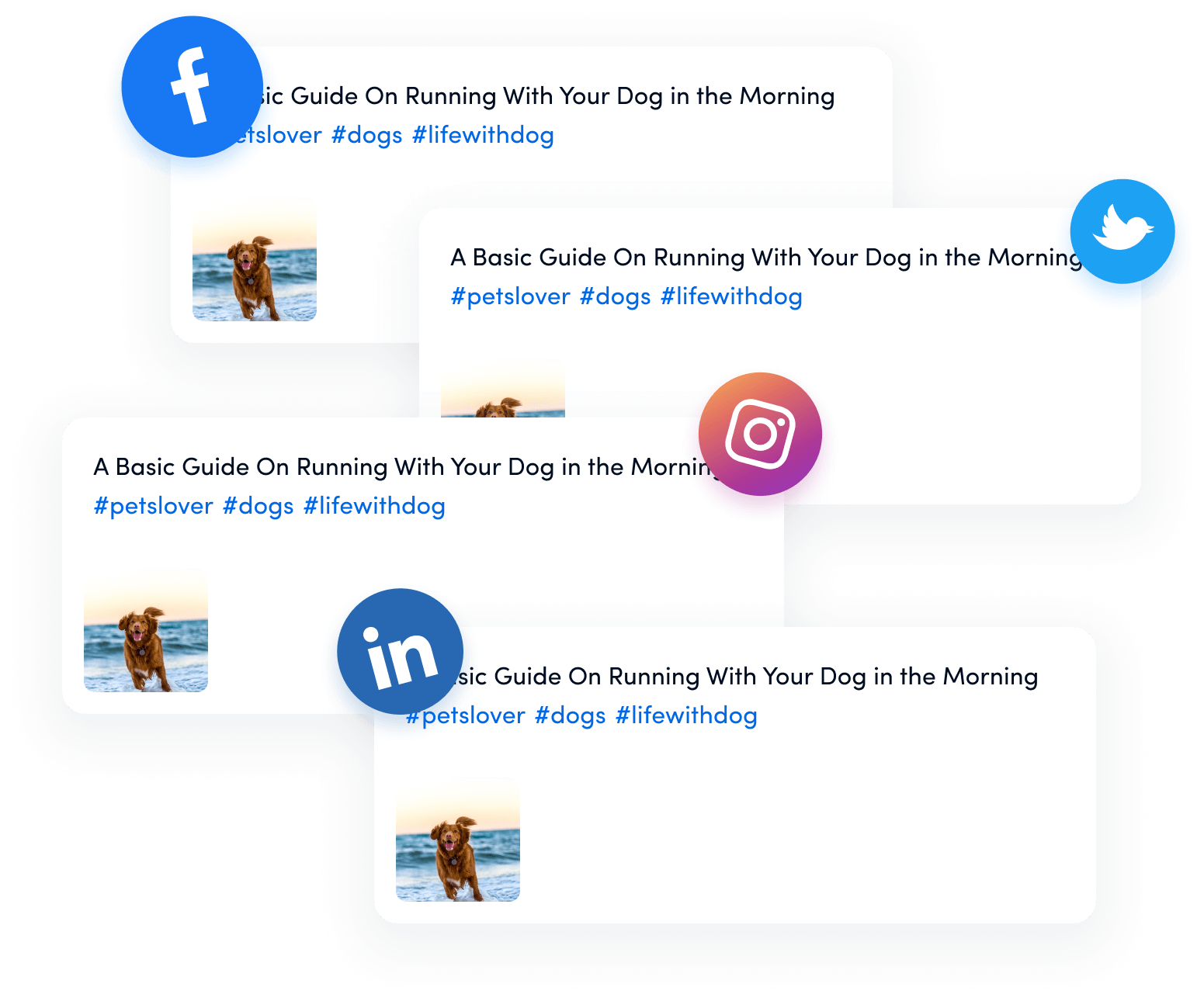
ContentStudio goes beyond being a typical social media management tool; it’s a robust platform designed to elevate your content strategy.
Here’s why it stands out:
You have complete control, whether it’s YouTube, Facebook, or any other platform.
Multiple users can access and edit the content calendar, making collaboration effortless.
Log into your ContentStudio account to access your planner.
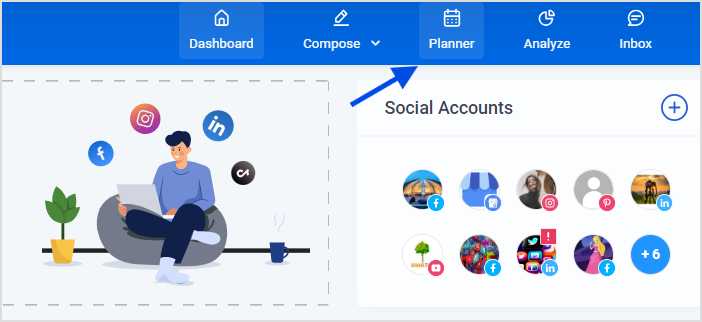
Navigate to the “Planner” from the dashboard.
You’ll see all your scheduled posts across various social media platforms, including YouTube.

Click on the “Edit”.
This will open the video’s editing window.
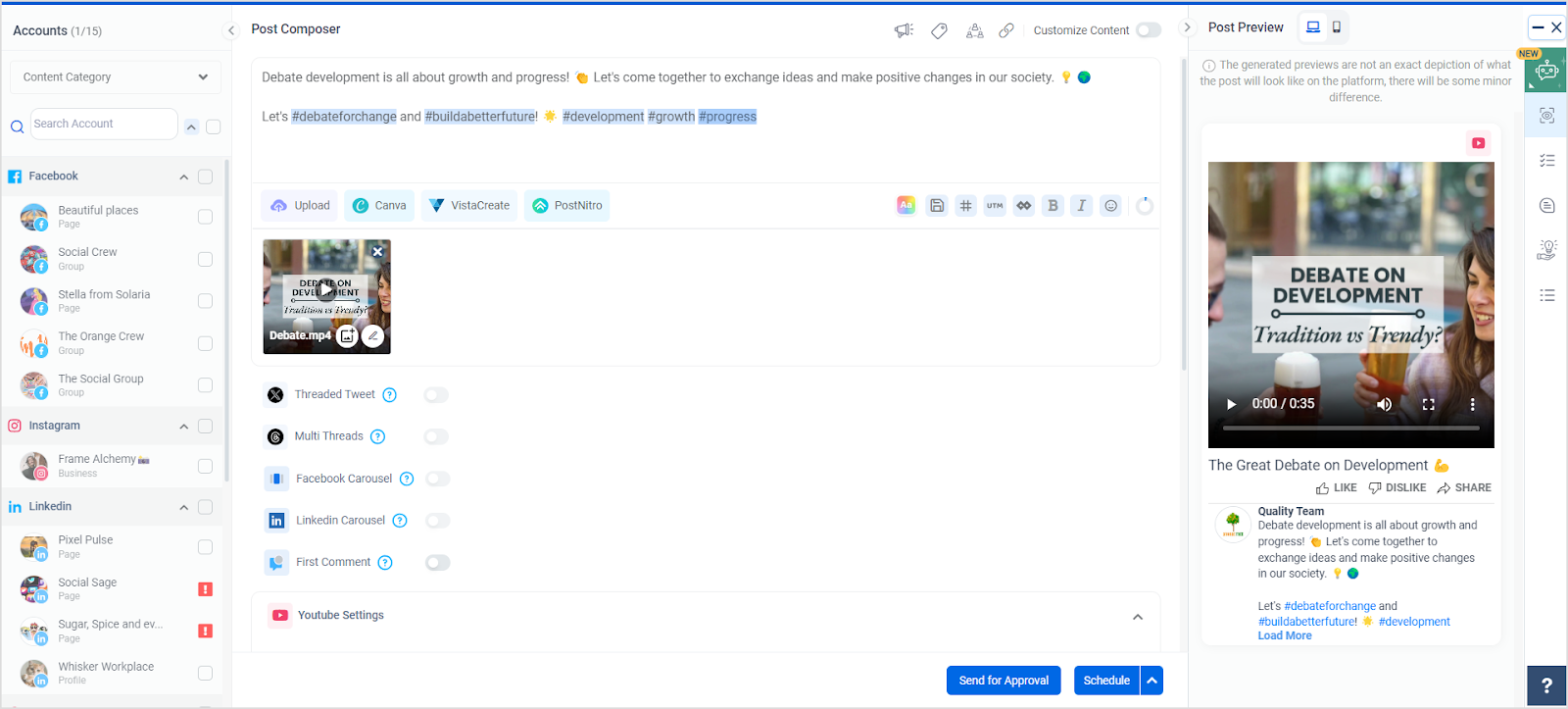
Pro Tip: If you have multiple videos scheduled, use the search bar within the calendar to quickly locate the one you need.

In the video editing window, you’ll find options to edit various aspects of your video, including the title, description, and tags.
Scroll down to the Tags section.
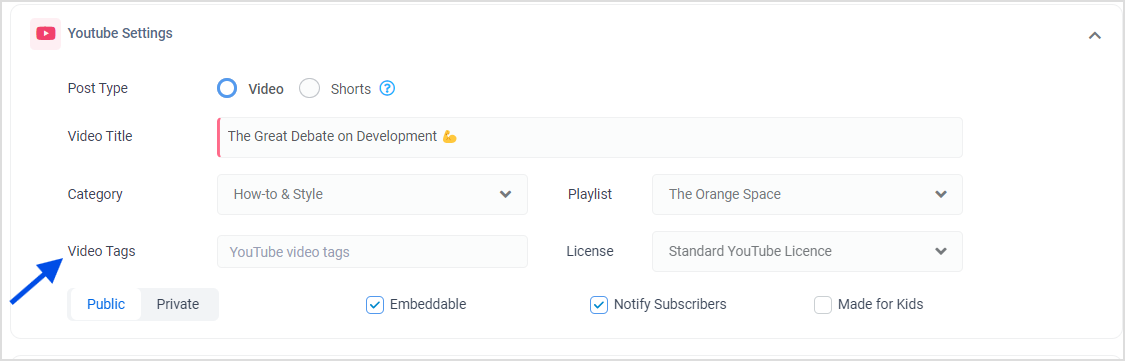
Pro Tip: Use relevant and specific tags that accurately describe your content. Generic tags might increase visibility, but specific tags will attract the right audience.
You can add or edit new tags in the Tags field.
ContentStudio allows you to easily modify your tags without disrupting the rest of your scheduled content.
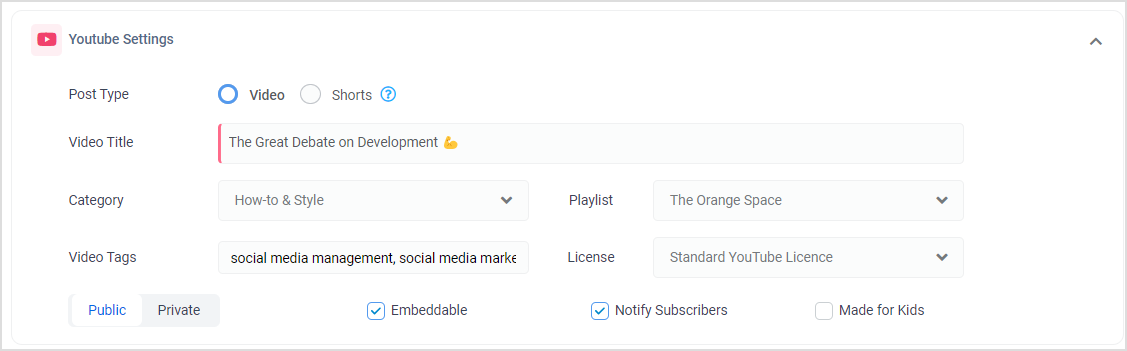
Pro Tip: Consider using long-tail keywords as tags to capture more specific search queries.
Once you’re satisfied with the tags, click on the Save button.
Your changes will be applied to the scheduled video without further actions.
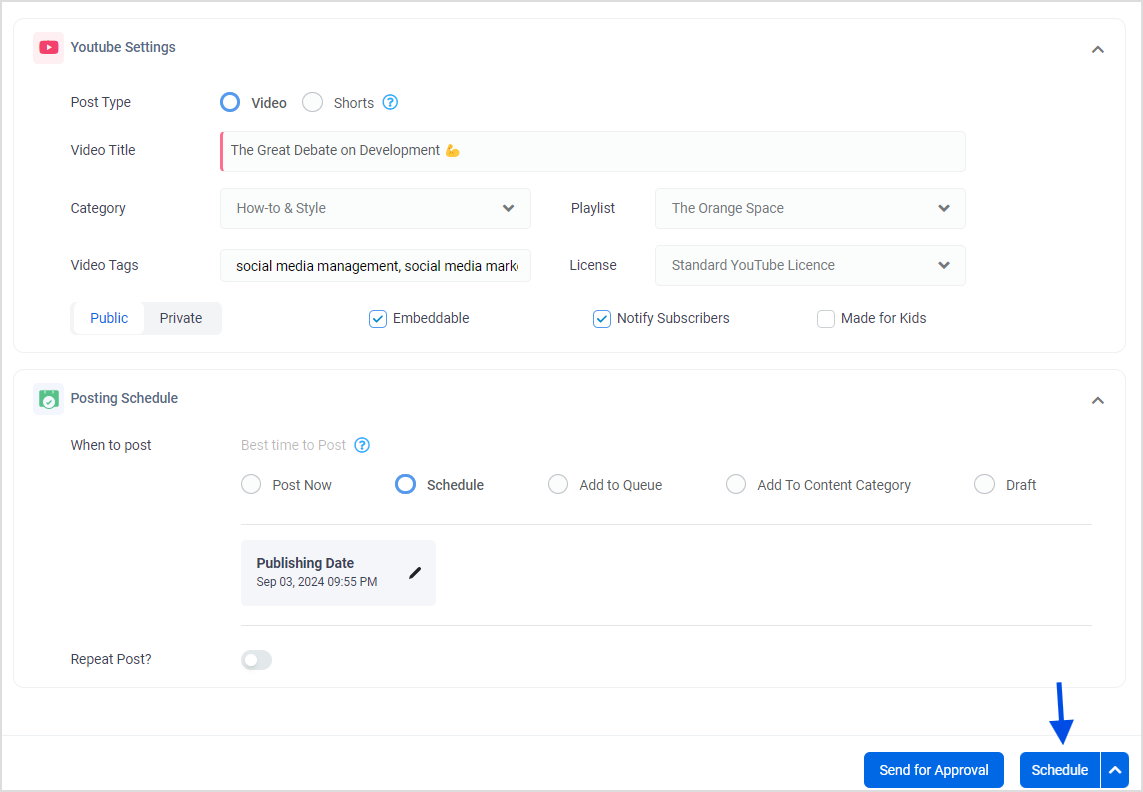
Pro Tip: Regularly revisit your tags, especially for evergreen content, to optimize them according to current trends and audience behavior.
ContentStudio simplifies the process of adding and editing YouTube tags, even for content that’s already scheduled.
By using this tool, you ensure your videos are always optimized for search, increasing your chances of reaching the right audience at the right time.
With these steps, you can boost your YouTube SEO effortlessly.
Remember, the proper tags can make all the difference between a video that’s buried under content and one that shines at the top of search results.
1. Why are YouTube tags important for my videos?
YouTube tags help the platform’s algorithm understand your video’s content, making it easier to categorize and recommend it to relevant audiences.
2. How many tags should I use for my YouTube video?
Quality over quantity is key, so aim for 5-10 well-researched tags that accurately describe your content.
3. Can I add or change tags after my scheduled YouTube video?
You can add or edit tags even after your video is scheduled. Many video management tools and YouTube’s interface allow you to make these adjustments before the video goes live.
4. What’s the difference between tags and keywords in YouTube?
Keywords refer to the words or phrases people use in search engines to find content. Tags should ideally include your main keywords to improve search visibility.
Plan 0 Days of Content in 0 Minutes
Create, schedule, publish and analyze your content across all your social media channels from one simple dashboard.
4.7 on Capterra • 16,500+ marketers trust ContentStudio
Areesha Khan is a Product Education Writer at ContentStudio specializing in social media scheduling and publishing. Her step-by-step guides cover scheduling Reels, carousels, and Shorts across multiple Instagram, Facebook, and YouTube accounts, plus repeat posting and LinkedIn scheduling, and she reviews how-to content for step-by-step accuracy so every workflow reflects how ContentStudio actually works.
View all posts by Areesha KhanRecommended for you
How to promote affiliate links on social media in 2026
Multi-location social media management workflow guide

Best SaaS affiliate programs for social media marketers in 2026

19 best social media management tools to plan, schedule, and grow in 2026