How to build an executive’s LinkedIn content workflow with Claude Code
Oct 1, 202615 minutes

Written by
Esha ShabbirUpdated
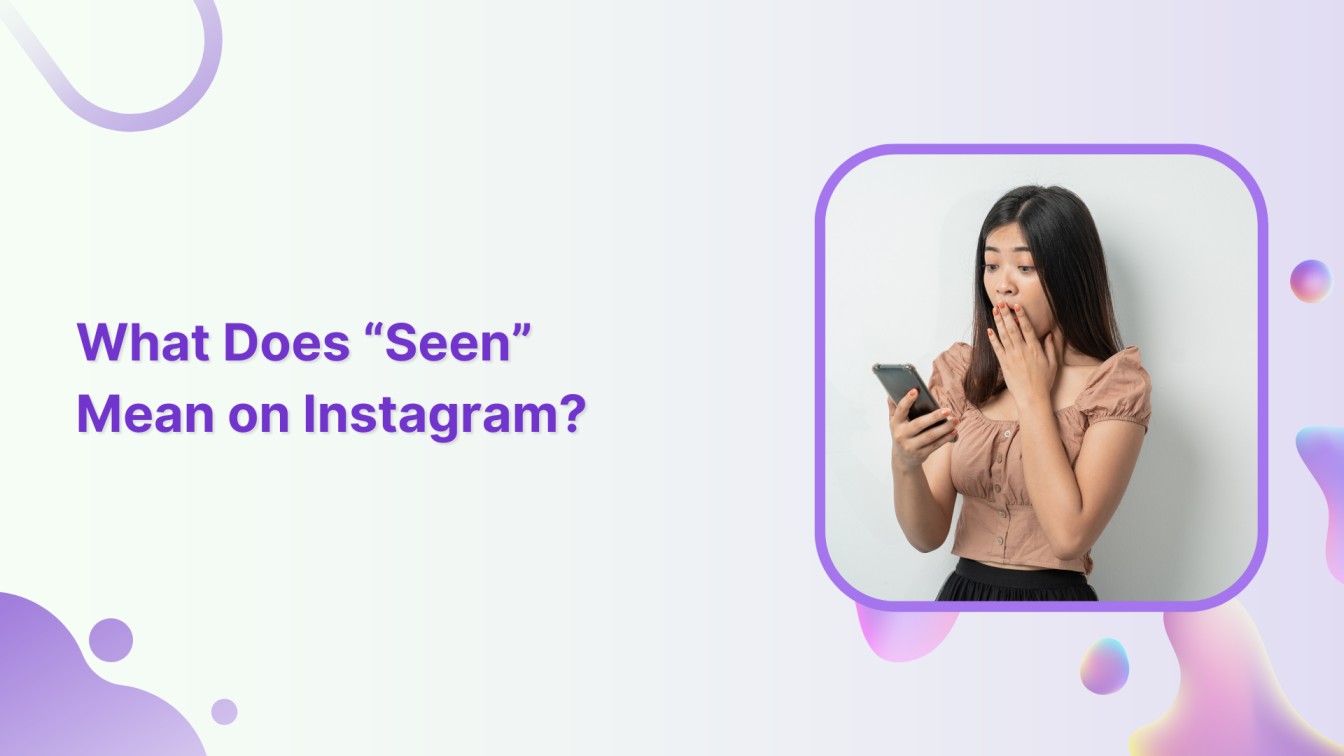
“Seen” on Instagram means the recipient has opened and read your direct message. It appears below your sent message in the DM thread, along with a relative timestamp showing when they read it.
That word carries more information than it looks like. It confirms the message was actively opened, not just delivered to a device. For personal conversations, it tells you whether to follow up. For brand accounts, it’s one of the few direct signals that your outreach reached an actual person.
“Seen” confirms that the recipient opened the conversation thread and viewed your message. It only triggers when someone actually enters the chat, not when they read a notification banner without opening the app.
This distinction is worth understanding. A message can be delivered to someone’s phone and sit untouched for days. “Seen” tells you it moved past that stage. Someone opened the thread.
For anyone putting real effort into their approach to Instagram marketing, knowing what “Seen” actually confirms helps set clearer expectations around outreach and response tracking.
“Seen” only shows up inside Instagram’s Direct Message features. It has no connection to posts, comments, or who visits your profile.
Here’s where the status appears:
If you’re running a brand account with DMs coming in regularly, using an Instagram scheduler to handle content publishing keeps your posting consistent while leaving your attention free for the conversations that actually need it.
Keeping track of which messages have been seen but not replied to is easier when all your DMs feed into a single inbox inside your social media management platform.
Instagram DMs move through four statuses from the moment you send a message to the moment it’s read. Each one tells you something different about where the message is in the chain.
Here’s how the progression works:
| Status | What it means |
| Sending | Message is in transit to Instagram’s servers |
| Sent | Message has left your account and reached Instagram |
| Delivered | Message has reached the recipient’s device |
| Seen | Recipient opened the conversation and viewed the message |
The gap between Delivered and Seen is the one that confuses most people. Delivered means the message arrived on the other person’s device. Seen means they chose to open the chat. A message can stay “Delivered” for days if the person never opens that specific conversation, or never opens Instagram at all.
Instagram uses relative time labels next to “Seen” instead of an exact timestamp. The label updates as time passes, moving from precise to general the longer it’s been.
Here’s what each label indicates:
One situation trips people up consistently. A message can show “Seen” with no time label attached at all. This typically happens when the recipient has restricted your account. Restricting hides the read timestamp from your view, so you can see that the message was opened but can’t tell when.
There are several reasons “Seen” might not appear, and most of them have nothing to do with whether your message was received.
The most common causes:
A message that stays on “Delivered” for an extended stretch almost always points to one of the above. It’s rarely a delivery failure.
Yes, in a few specific situations. None of them offer complete control, and none are features Instagram built for that purpose.
The options that work:
Instagram doesn’t offer a built-in toggle to disable read receipts. For the full breakdown of Instagram read receipt settings and what you can actually control, that’s a topic of its own.
The same privacy logic applies to stories. Viewing Instagram stories anonymously follows the same pattern. Workarounds exist, but no official setting handles it cleanly.
“Seen” is one of Instagram’s most reliable signals inside a DM. It tells you a conversation was opened, not just that a message reached a device. The gap between Delivered and Seen is where a lot of confusion lives, and the timestamp labels add a layer that most explanations skip over entirely.
The edge cases are worth knowing. A missing timestamp, a message that stays on “Delivered” longer than expected, or “Seen” appearing without a time attached all have specific causes. Understanding the system means you’re not guessing at what the status actually tells you.
If you’re handling DMs as part of a brand account, the more of your workflow you can systematize, the more attention you actually have for the conversations that need a reply.
“Seen” appears in a DM thread after someone reads your message. “Active” shows in your inbox when someone is currently using the app. The two are completely separate, and turning off your active status has no effect on read receipts.
For standard DMs, no notification is sent. For disappearing content sent in view-once or replay mode, the sender is notified when someone screenshots it. The full picture of Instagram screenshot notification rules depends on the type of message involved.
Yes. When someone opens a disappearing photo or video you sent, Instagram notifies you that it was viewed. Instagram’s vanish mode settings follow a separate set of rules from standard disappearing content.
No. Instagram shows only a relative label like “Seen today” or “Seen last week.” There’s no precise timestamp available in the app and no setting that surfaces one.
No. Restricting an account hides your read receipts from that person. Their messages still reach you, but they can’t see whether or when you’ve read them.
No. Deleting a conversation removes it from your inbox only. The other person keeps their copy of the thread, including any “Seen” status that had appeared before you deleted it.
Plan 0 Days of Content in 0 Minutes
Create, schedule, publish and analyze your content across all your social media channels from one simple dashboard.
4.7 on Capterra • 16,500+ marketers trust ContentStudio
Esha Shabbir is a content marketer at ContentStudio, specializing in social media strategy, SEO-led content, and editorial workflows for marketing teams. She writes practical, research-backed content that helps marketers understand what to publish, how to organize their content, and how to build a more consistent social media presence.
View all posts by Esha ShabbirRecommended for you
How to build an executive’s LinkedIn content workflow with Claude Code

How to turn one product photo into 5 video Ads with Claude Code
Social media MCP server: How to automate posting with ContentStudio
How to automate social media with n8n: A practical guide