1. Add your Image or prompt
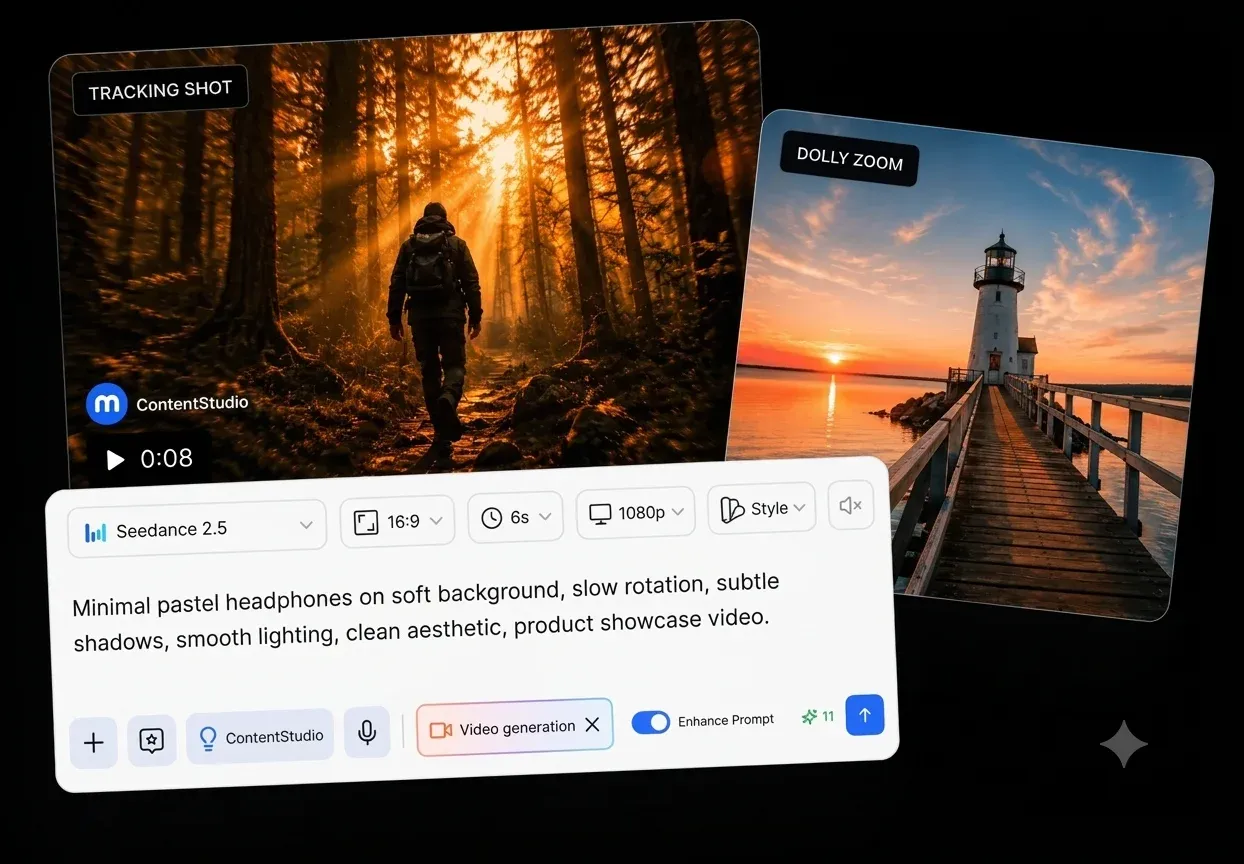
Describe your scene, upload references, or combine both to guide the video generation.
ContentStudio API plan is now available. Create automations using Claude, Zapier, n8n, make, etc. Explore plan!
Generate cinematic videos with Seedance 2.0 AI video generator inside ContentStudio. Move from idea to publish-ready content using multi-shot generation, native audio, and full creative control for social media workflows.
Sign up free · 7-day trial · No card required
Generate social-ready videos from prompts with cinematic quality and speed.
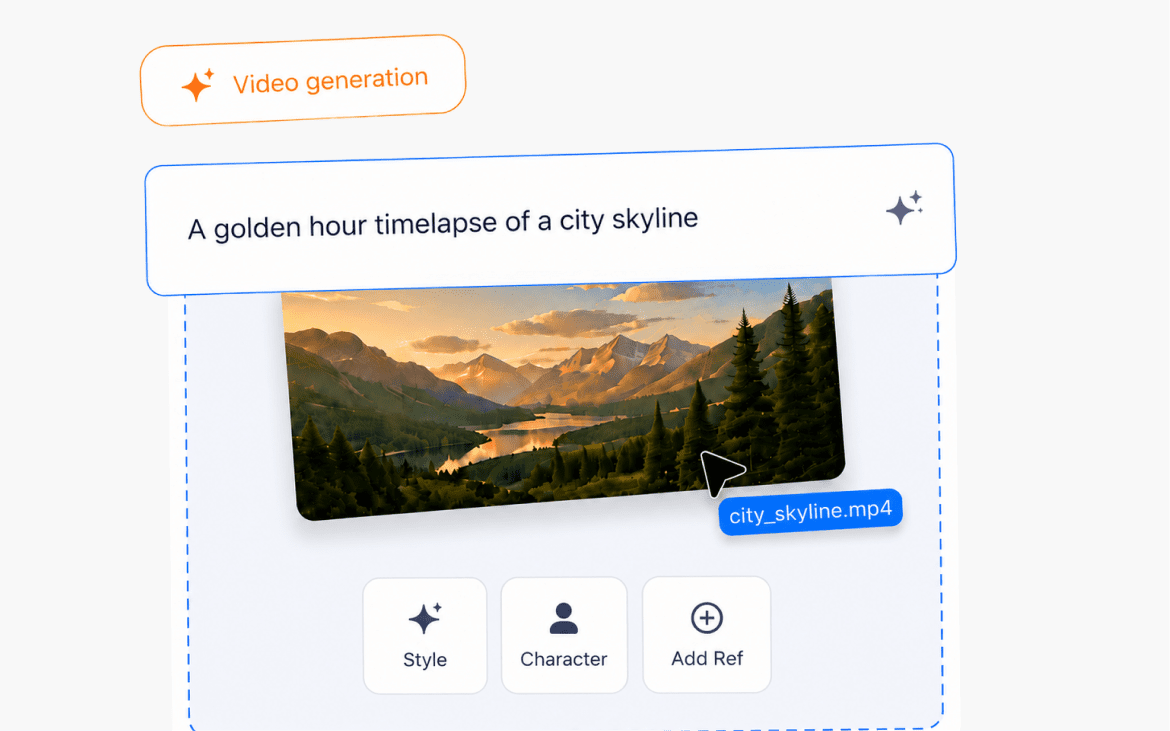
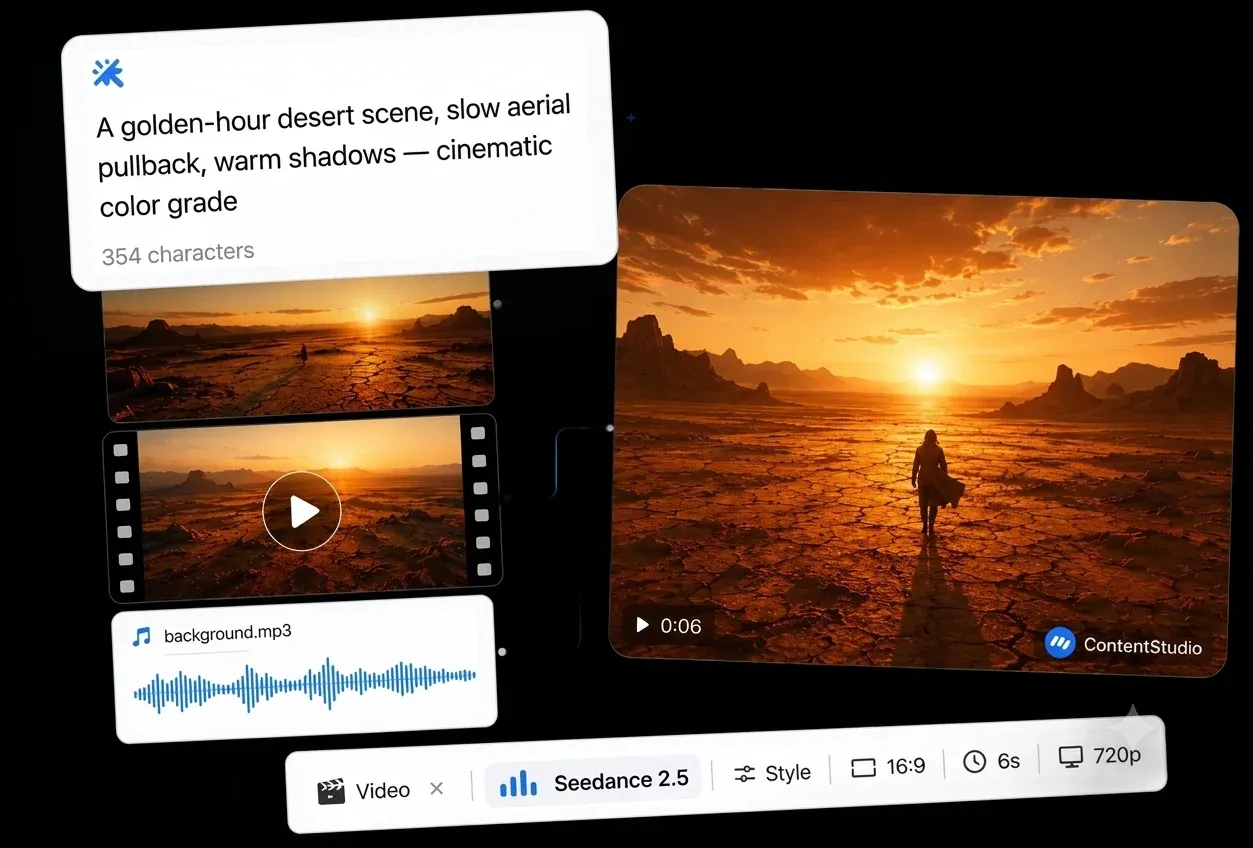
Seedance 2.0 AI video generator brings text, images, video, and audio into one workflow so you can shape every scene with a clear creative direction. This means building consistent, brand-aligned videos using references.

Guide how your video feels. Seedance 2.0 supports cinematic movements like tracking shots, dolly effects, POV framing, and focus shifts, helping you create studio-style visuals for social content.

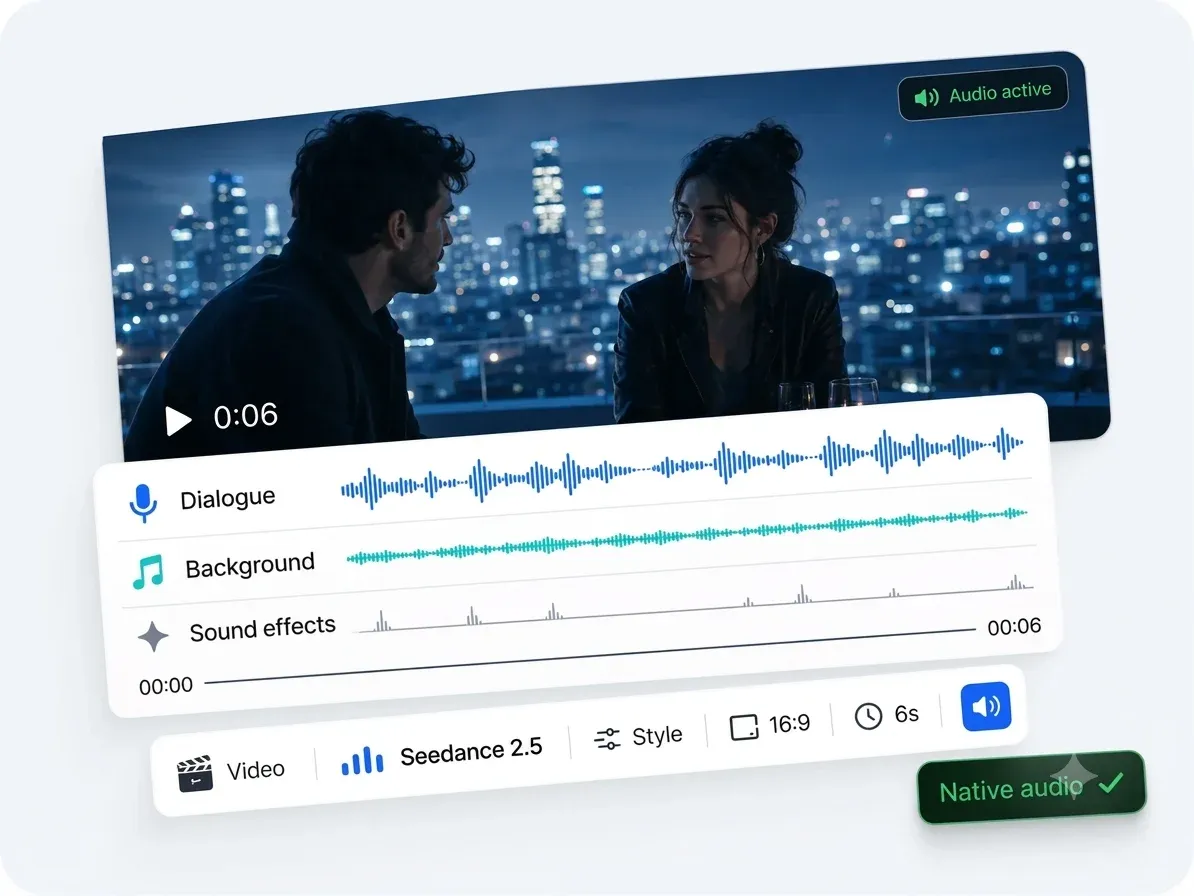
Generate sound alongside visuals, including dialogue, background music, and effects that match on-screen timing. This removes extra editing steps and helps you publish complete, ready-to-use videos.

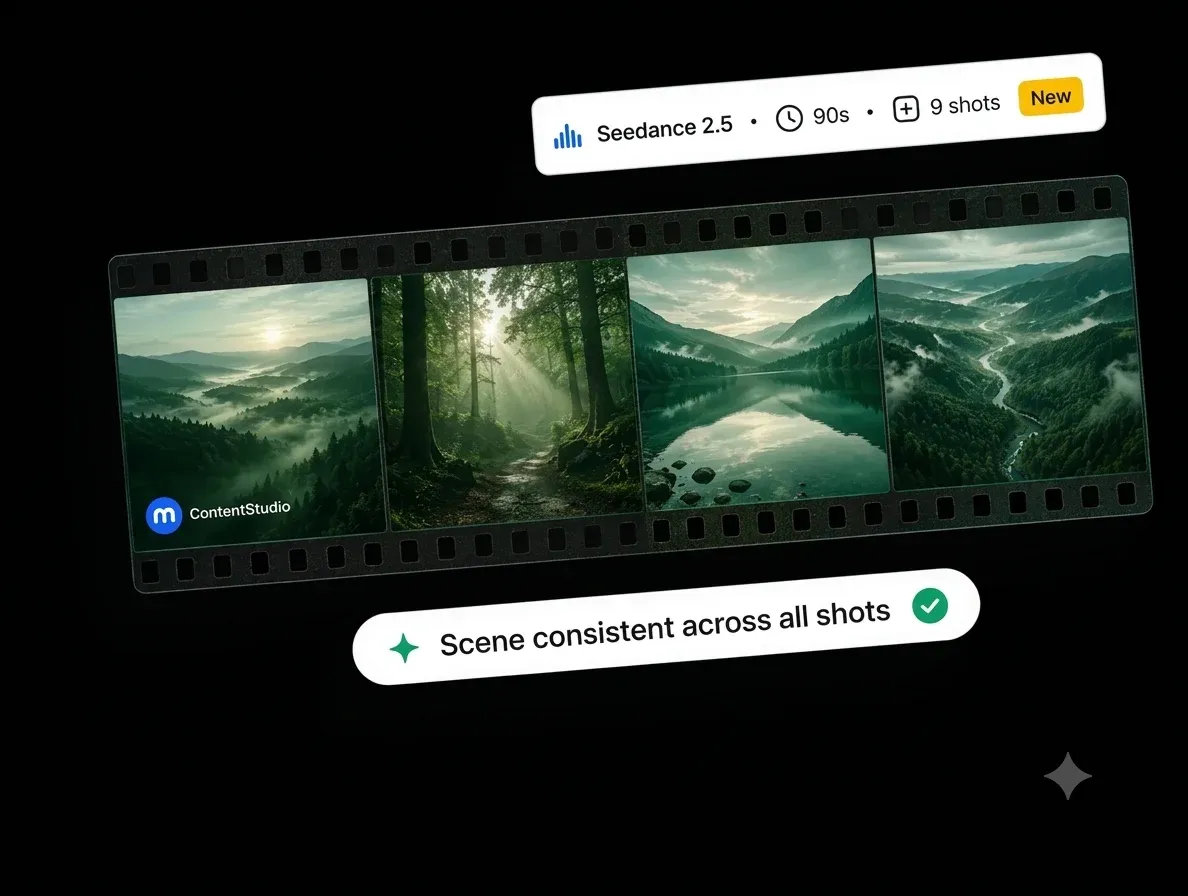
Create connected scenes instead of isolated clips. Seedance 2.0 maintains character, lighting, and motion consistency across shots so your ideas flow like a structured story rather than a single moment.

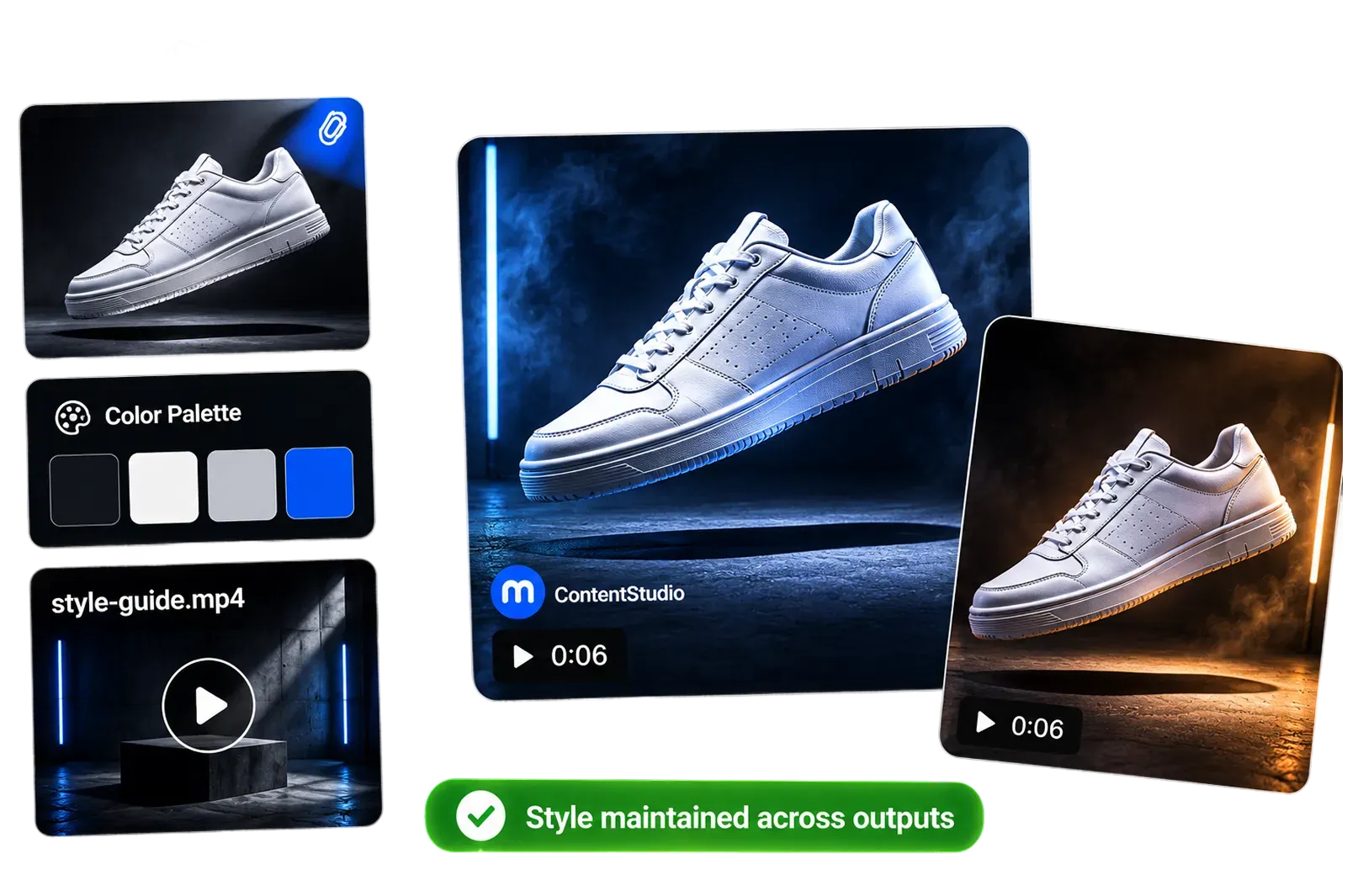
Keep your visuals aligned across the entire video using image, video, or style references. This helps maintain brand identity, product accuracy, and character consistency across multiple outputs for social campaigns.

Create cinematic, ready-to-publish videos in minutes using Seedance 2.0 AI video generator inside ContentStudio. Go from idea to finished content without switching tools or managing complex editing workflows.

Describe your scene, upload references, or combine both to guide the video generation.

Select style, format, and aspect ratio to shape tone and overall visual direction.

Let Seedance 2.0 AI video generator create your video and publish it directly from ContentStudio.
Jump into connected workflows, utilities, and automation helpers for this integration.
Stay updated with trends, tips, and expert knowledge on Seedance 2.0
ArticleSeedance 2.0: What it does and key features
Explore how companies are leveraging AI to automate processes and improve efficiency.
ArticleIntroducing AI Video Generation
Video dominates social media, but most teams struggle to keep up with demand. Between filming, editing, and revisions
ArticleTop 10 AI video generation
AI video generation has matured into a core production requirement for brands that want to stay relevant in an algorithmic world

Have questions? Schedule a quick call and we will guide you through everything.
Book a free callSeedance 2.0 is an AI video generation model that creates cinematic videos from text, images, video, and audio inputs, with support for multi-shot storytelling and native audio.
ContentStudio integrates Seedance 2.0 AI video generator directly into your dashboard, letting you generate, edit, and publish videos across all major social media platforms without switching between tools.
You can create social media videos, product clips, short stories, ads, and multi-scene content designed for platforms like Instagram, TikTok, and YouTube.
Yes, you can combine text prompts with images, video clips, and audio references to guide the final output and maintain visual consistency.
Yes, it supports native audio generation, including dialogue, background music, and sound effects that sync with your video.
Yes, it’s designed to create short, engaging, platform-ready videos that fit modern social media formats and workflows.
AI integYes, Seedance 2.0 supports multi-shot generation, allowing you to create connected scenes with consistent characters and visuals. ration involves embedding artificial intelligence capabilities into existing systems to automate tasks, improve efficiency, and enhance decision-making.
No, you can generate structured videos using prompts and references without advanced editing knowledge.
Yes, once your video is ready, you can schedule or publish it directly to your social media channels from ContentStudio.
Using Seedance 2.0 AI video generator in ContentStudio streamlines your workflow by combining video creation, management, and publishing in one place.
Get started with Seedance 2.0 today and unlock the full potential of AI-Video generation and insights.
7-day free trial · No credit card · Cancel anytime