How to build an executive’s LinkedIn content workflow with Claude Code
Oct 1, 202615 minutes

Written by
Khadija AnwarUpdated
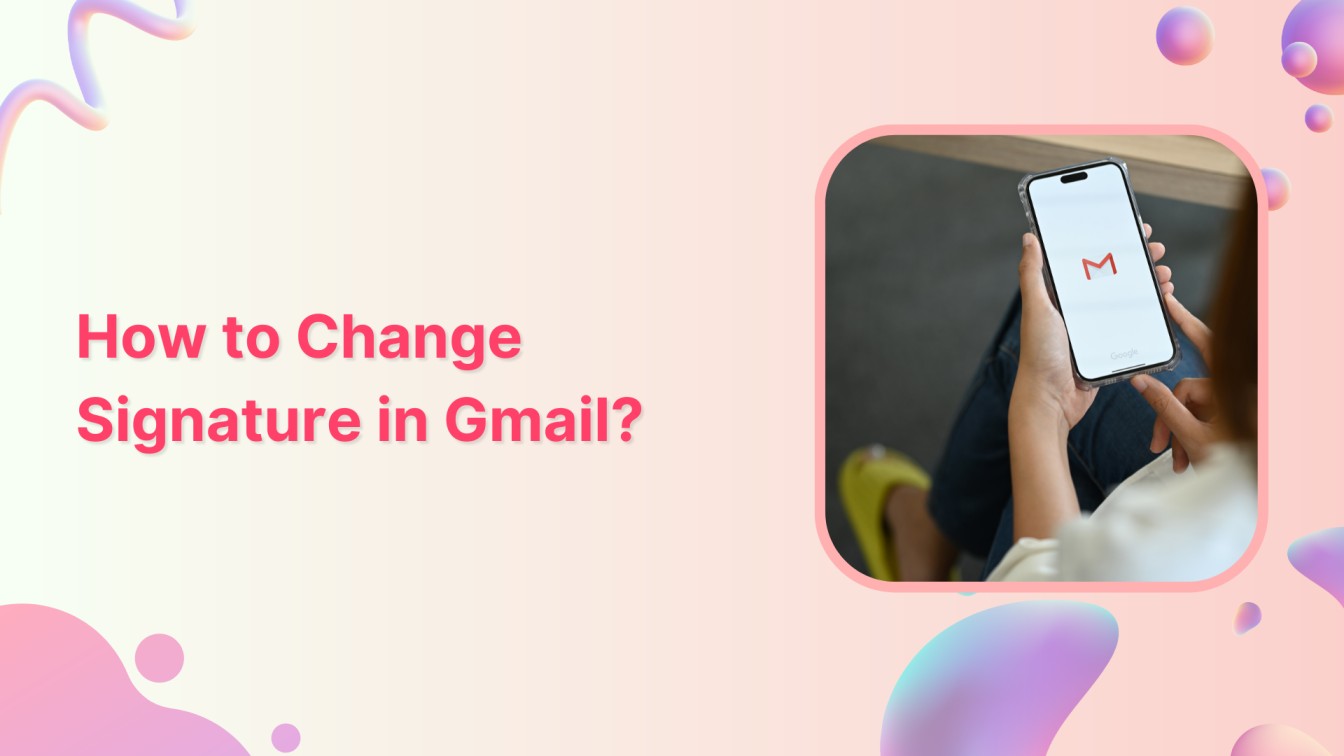
Want to add a personal touch to your Gmail emails? You’re lucky because changing your signature is a piece of cake!
Related Read: How to Change Your Email Address on Gmail?
Your email signature is like your digital calling card—it’s where you can show off your style, share your contact info, or even throw in a witty quote. So, without any delay, let’s start on how to change your signature in Gmail on mobile and PC.
The easiest way to manage and grow your social channels.
Ready to change your Gmail signature? Follow below simple steps:
Step 1:
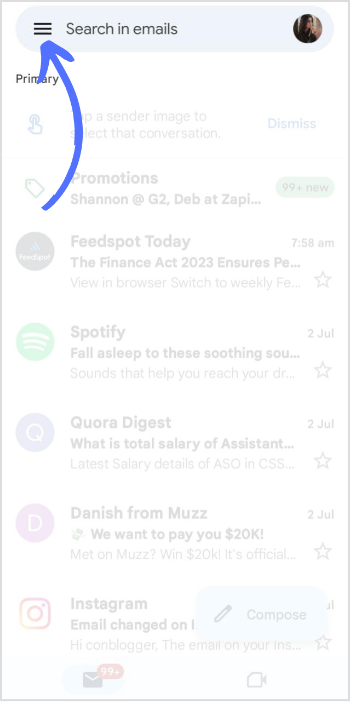
Open the Gmail app on your mobile phone. Tap the “Hamburger” icon (three little lines) on the Gmail homepage in the top left corner.
Step 2:
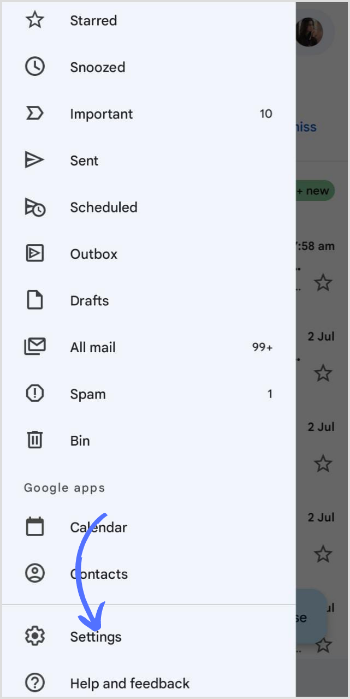
Scroll all the way down and give that “Settings” option a tap.
Step 3:
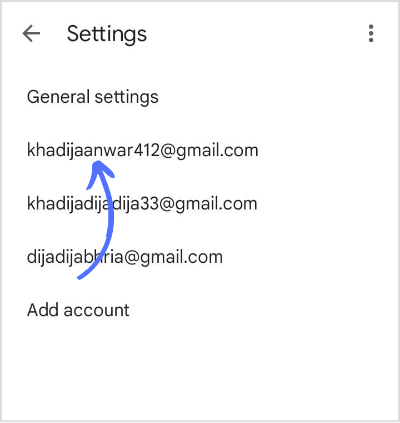
Now, tap on the “Google Account” for which you’d like to create the signature.
Step 4:
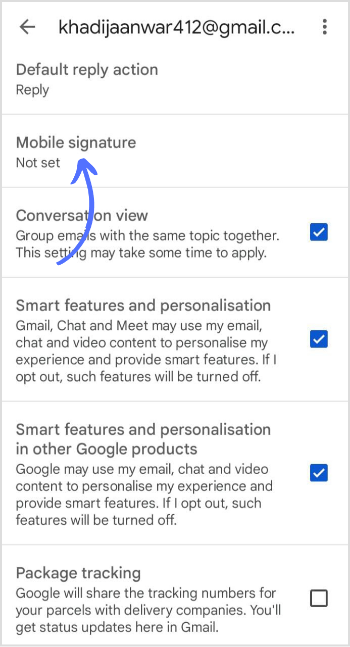
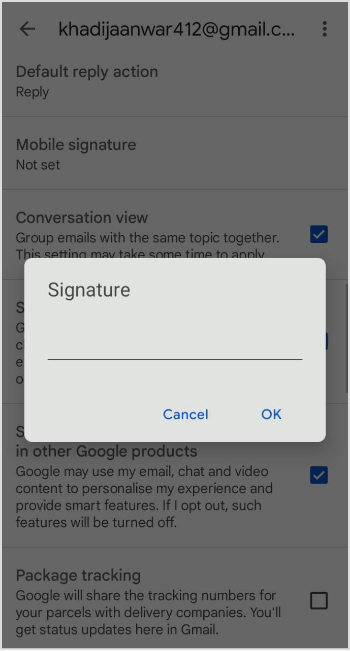
Look for “Mobile signature” and give it a tap.
Step 5:
Enter the text, and try to make it exclusive and professional. Once you’re satisfied, tap the “OK” button.
Step 1:
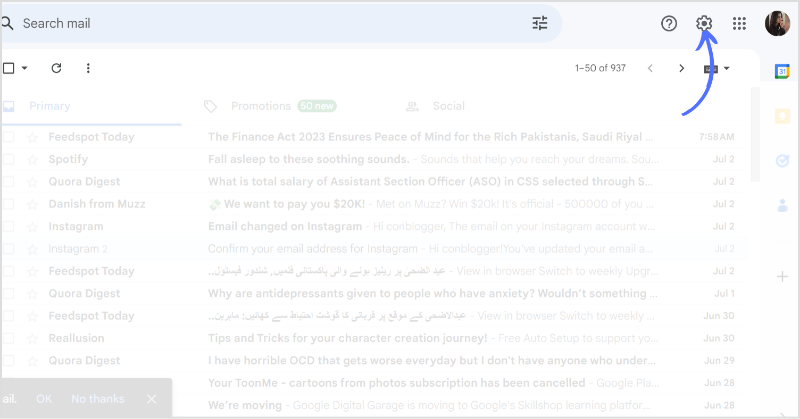
Open Gmail in the browser and head over to the top right corner of the screen. Click on the “Settings” icon.
Step 2:
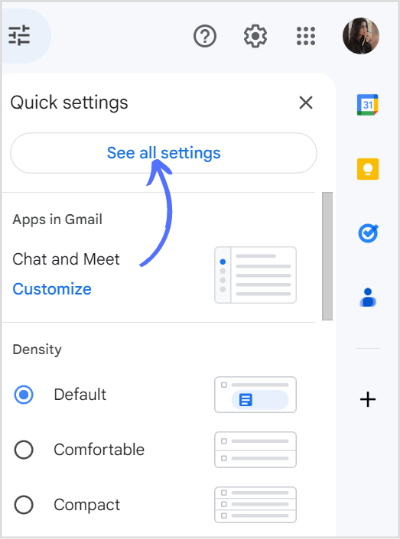
A tab will open up, and click on the “See all settings” section.
Step 3:
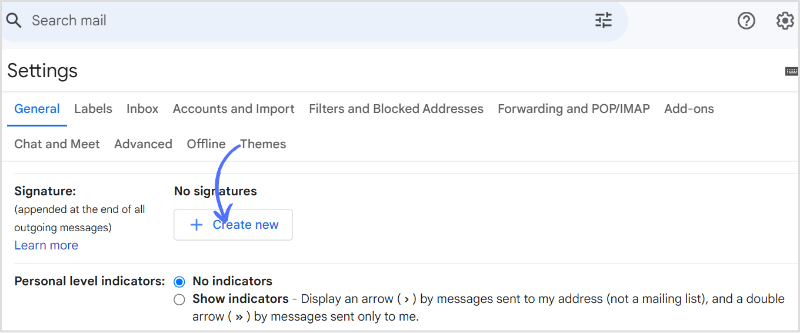
Scroll down the page and click “Create New ” in the signature section.
Step 4:
Add your text and click on “Create” to save your signature.
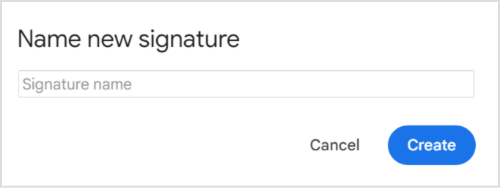
That’s it. You have successfully changed/created a new signature in your Gmail.
Related: How to Change Gmail Name?
Why can’t I change my Gmail signature?
Go to settings> Go to signature section> Make sure you have selected a signature option instead of a no signature option.
Can I add an image to my Gmail signature?
Yes, you can add an image to Gmail Signature.
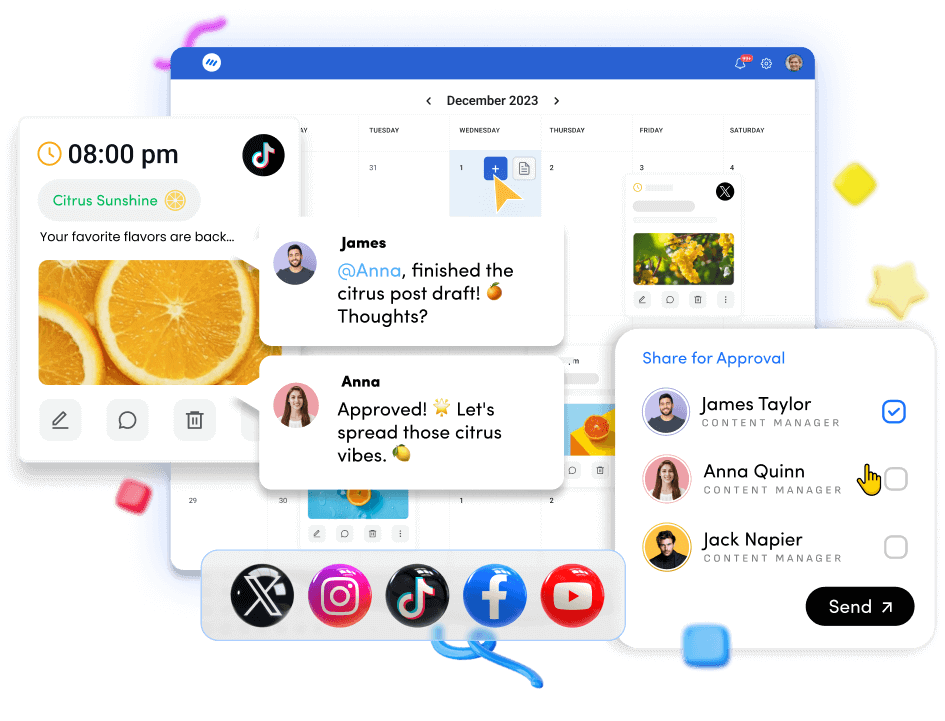
Plan 0 Days of Content in 0 Minutes
Create, schedule, publish and analyze your content across all your social media channels from one simple dashboard.
4.7 on Capterra • 16,500+ marketers trust ContentStudio
Khadija Anwar is a Senior Technical Writer at ContentStudio with over 500 published write-ups across the ContentStudio blog and beyond. She specializes in step-by-step platform guides and Help Center content across Facebook, Instagram, LinkedIn, YouTube, TikTok, and X, and reviews how-to articles to verify every step and platform detail is accurate and current.
View all posts by Khadija AnwarRecommended for you
How to build an executive’s LinkedIn content workflow with Claude Code

How to turn one product photo into 5 video Ads with Claude Code
Social media MCP server: How to automate posting with ContentStudio
How to automate social media with n8n: A practical guide