A/B Testing

What is A/B testing?
A/B testing, also known as split testing, is a method of comparing two versions of a webpage, email, social media post, or other marketing assets to determine which one performs better.
By showing two variants (A and B) to similar audiences and analyzing which one drives more conversions, marketers can make data-driven decisions to optimize their social media strategy and content marketing efforts.
How A/B testing works?
A/B testing follows a structured approach to ensure reliable results. When you conduct an A/B test, you create two versions of your content with one varying element, such as a headline, image, call-to-action button, or color scheme.
Both versions are then shown randomly to your audience, with their interactions tracked and measured against your defined goals.
The process helps eliminate guesswork from your content creation efforts and allows you to understand what resonates best with your audience. For example, testing different social media captions can reveal which messaging drives higher engagement rates.
Key benefits of A/B testing
A/B testing offers numerous advantages that can significantly improve your marketing performance:
- Improved user engagement: Testing helps identify content elements that resonate with your audience, leading to higher social media engagement rates.
- Increased conversion rates: By optimizing based on test results, you can create more effective social media posts that convert better.
- Better ROI: Understanding what works means less budget wasted on ineffective content, improving your social media ROI.
- Reduced bounce rates: Testing page elements can help create more engaging experiences that keep visitors on your site longer.
- Data-driven decisions: Tests provide concrete evidence for making marketing choices rather than relying on assumptions or intuition.
What to test in your marketing campaigns
Effective A/B testing can be applied across various elements of your digital marketing strategy:
Social media elements
- Post types: Compare engagement between carousel posts, videos, or image posts.
- Posting times: Test different posting schedules to find when your audience is most active.
- Caption styles: Compare short vs. long captions, or different tones of voice in your social media captions.
- Hashtag strategies: Test different hashtag combinations to identify which drive better reach.
- Call-to-action phrases: Compare different CTAs to see which generates more clicks or actions.
Email marketing elements
- Subject lines: Test different approaches to improve open rates.
- Email design: Compare layouts, colors, and image placements.
- Personalization levels: Test how different personalization approaches affect engagement.
Website elements
- Headlines: Try different value propositions or heading structures.
- Button colors and text: Test which combinations drive more clicks.
- Form length: Compare short forms against longer versions with more fields.
- Images and videos: Test different visual content to see what resonates.
Best practices for effective A/B testing
To get the most out of your A/B testing efforts, follow these guidelines:
- Test one variable at a time: Change only one element between versions to clearly understand what impacts performance.
- Define clear goals: Establish what success looks like before starting—whether it's increasing engagement, growing followers, or driving conversions.
- Use adequate sample sizes: Ensure your test reaches enough people to provide statistically significant results.
- Run tests long enough: Allow sufficient time for meaningful data collection, especially for social media tests where engagement can vary by day of week.
- Document your findings: Create a knowledge base of test results to inform future content strategies.
- Implement and iterate: Apply winning variations, then continue testing to further refine performance.
A/B testing tools and platforms
Several tools can help streamline your A/B testing process:
- Social media management platforms: Tools like ContentStudio allow you to schedule different versions of content and analyze their performance.
- Analytics tools: Platforms such as social media analytics tools can help measure the impact of your tests.
- Email marketing software: Most email platforms offer built-in A/B testing capabilities.
- Landing page builders: Many website builders include A/B testing functionality for page elements.
Common A/B testing mistakes to avoid
Even experienced marketers can fall into these testing pitfalls:
- Testing too many variables: This makes it impossible to determine which change affected the results.
- Ending tests too early: Stopping before collecting sufficient data leads to unreliable conclusions.
- Ignoring statistical significance: Small sample sizes can produce misleading results.
- Not considering external factors: Seasonal trends or news events might skew your test results.
- Failing to act on insights: The most common mistake is conducting tests but not implementing the winning variations in your marketing strategy.
Getting started with A/B testing
Begin with simple tests on your highest-traffic social media platforms or webpages. Start by testing elements that are easy to change, such as headlines or images, before moving to more complex variables. Use an automated social media tool to help manage different content versions and analyze the results efficiently.
Remember that A/B testing is an ongoing process, not a one-time effort. The most successful marketers continuously test and optimize their content to stay ahead of changing audience preferences and social media algorithms.
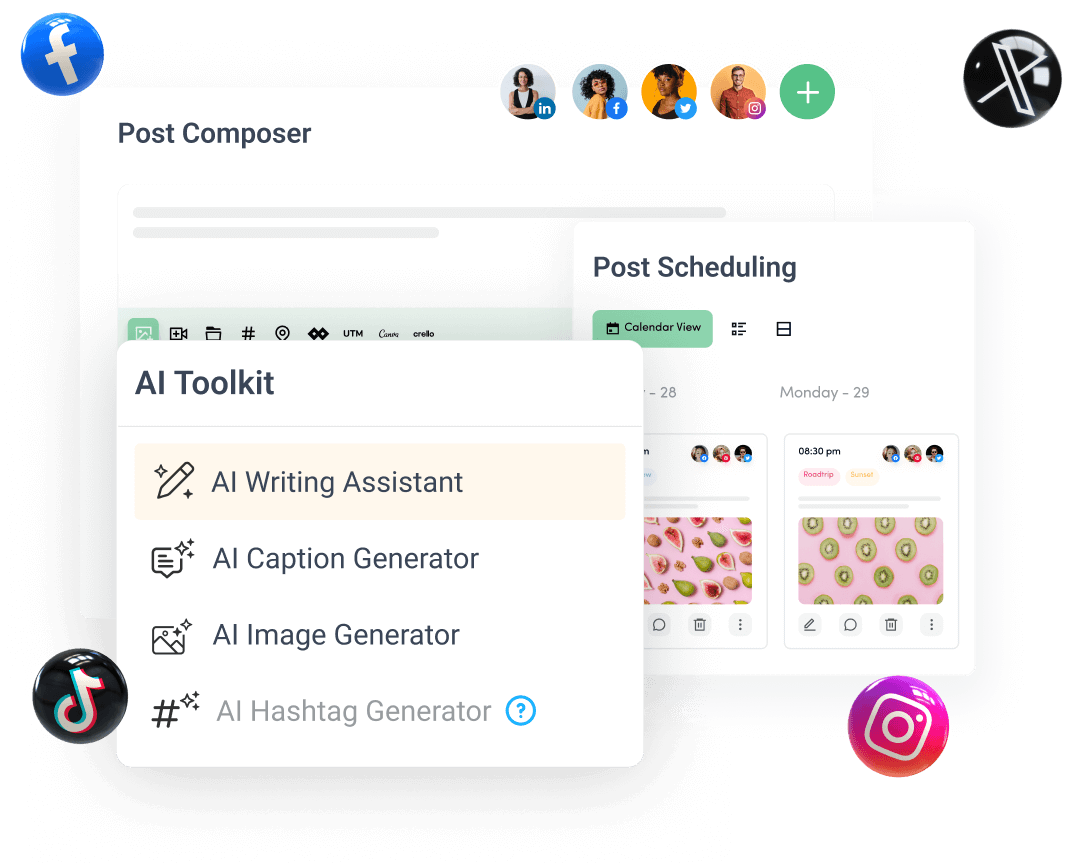
Create, plan, schedule, and publish posts on all social media networks