Instagram line break generator
Make your Instagram captions and bio clean, readable and aesthetic with spacing that sticks. Free, no sign-up.
- Free forever
- No sign-up
- Works for captions, bios and comments
- 16,500+ brands use ContentStudio
What is an Instagram line break generator?It is a tool that keeps the spacing in your Instagram text. You type or paste your caption, bio or comment, press Enter where you want breaks, and copy the result. It fills blank lines with an invisible character so Instagram keeps them. ContentStudio's Instagram line break generator is free and needs no account.
How to use it
How to Use the Instagram Line Break Generator
Type or paste
Add your caption, bio, or comment text in the box above.
Add breaks
Press Enter where you want a line break or a blank line between paragraphs.
Copy
Click Copy Text to copy the formatted text with the spacing kept.
Paste into Instagram
Paste it into the caption, bio, or comment field and post. The line breaks stay.
Tip: delete any space at the end of a line before you copy. Trailing spaces are a common reason Instagram joins lines together.
What you can format
What you can format with this Instagram line break generator
Captions
Split long captions into short paragraphs, put the call to action on its own line and separate hashtags from the text.
Bios
Put your role, location and call to action on separate lines so the bio scans in a second.
Comments and replies
Keep long, structured replies readable, such as step-by-step answers or FAQs in the comments.
Carousel and Reels captions
Micro-blog captions on carousels need spacing most. Reels captions benefit from a clean first line and a short body.
Need the words first? Write the caption with the Instagram caption generator, then format it here.
Why breaks disappear
Why Instagram Removes Line Breaks
Instagram keeps single line breaks in most cases, but it often collapses blank lines and extra spacing. A caption that looks well spaced in the compose screen can end up as one block of text in the feed, especially when it was pasted from another app or when a line ends with a space or an emoji.
Instagram does not keep empty lines on their own. When the caption is processed, consecutive breaks with nothing on them can be merged or removed.
The Instagram line break generator solves this by placing an invisible character on each blank line. Instagram treats the line as having content, so the spacing stays. Readers only see the space, not the character.
Ways to add line breaks
How to Add Line Breaks on Instagram
Method 1: Use the line break generator (recommended)
The generator handles the invisible character for you. Paste your text, press Enter where you want breaks, copy, and paste into Instagram. No manual character insertion needed.
Method 2: Add an invisible character by hand
- Write your caption text.
- At the end of each line, press Enter.
- On the blank line, paste an invisible character. The Braille blank (U+2800) is widely used for this.
- Press Enter again to continue to the next paragraph.
This works, but you need to know which characters Instagram currently keeps, and its handling changes from time to time. The generator saves you that guesswork.
Method 3: Notes app workaround (mobile)
Some people draft captions in the phone's Notes app, add line breaks, and paste into Instagram. Results are inconsistent: some breaks survive and some are stripped, depending on the device and app version.
Method 4: Dots or dashes
A single period or dash on each blank line also holds the space, but readers see it. Use it only if you like the look.
Bio line breaks
Instagram Bio Line Break
The bio field on Instagram is a single text block that benefits from line breaks to organize different pieces of information. Common bio structures that use line breaks well:
- Role · Location · CTA
Content creator / London, UK / New videos weekly 👇
- Credential · Niche · Link prompt
Wedding photographer / Capturing UK and Europe / Enquiries: link below
- Offer · Proof · CTA
Handmade candles 🕯️ / 2,000+ happy customers / Shop the drop 👇
How to add a line break in your Instagram bio:
- Format your bio in the generator and click Copy Text.
- Go to Edit profile on Instagram.
- Paste the text into the Bio field and tap Done or Save.
Pasting from the generator keeps the spacing more reliably than typing breaks directly, especially on desktop. Need bio copy first? Try the Instagram bio generator.
Copy-paste line break
Instagram Line Break Copy Paste
If you only need a quick blank line, type a single Enter in the tool, copy it, and paste it where you want the space. Use it to:
- Add a blank line between paragraphs in a caption you are already drafting
- Separate the hashtag block from caption text
- Add spacing in a comment to improve readability
Paste the blank line on a new line in your Instagram caption where you want the space, and it will hold when published.
Spacing tips
Instagram caption spacing tips
Keep the first line strong
Only about the first 125 characters show before "more". Don't start with a blank line; start with your hook.
Use short paragraphs
One to three lines per paragraph reads best on a phone.
Use emojis as bullets
✅, 👉 or • at the start of a line makes lists easy to scan. For extra emphasis, the Bold and italic text generator adds Unicode styling, but use it sparingly because screen readers can struggle with it.
Mind the limits
Invisible characters count toward Instagram's limits: 2,200 characters for a caption and 150 for a bio.
Format once, publish on schedule
Clean spacing makes a post easier to read. ContentStudio is a social media management platform that keeps that formatting all the way to publishing. With it you can:
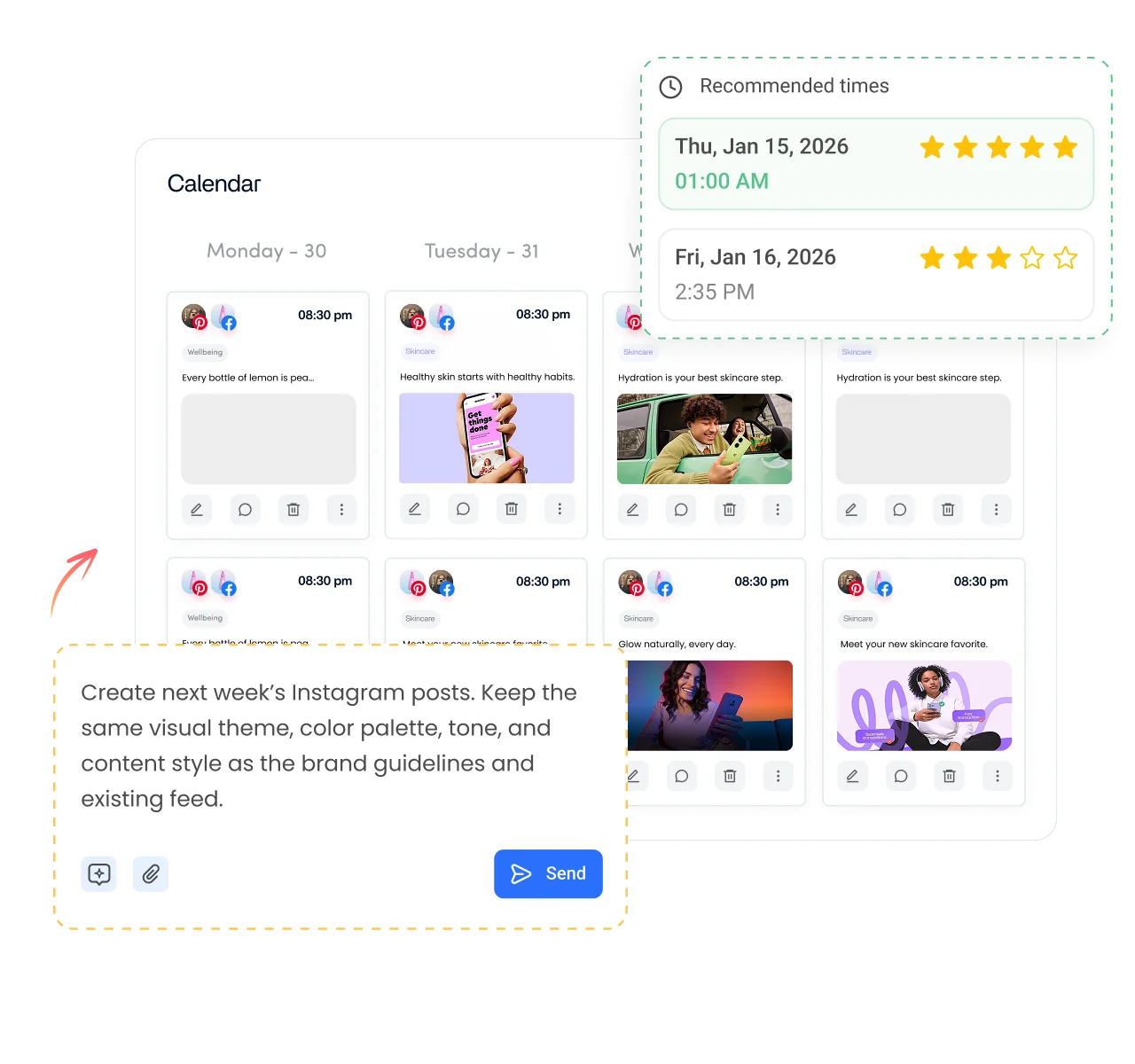
- Schedule with your spacing intact. Paste formatted captions into the composer and schedule Instagram posts, Reels and carousels for the best time.
- Preview before it goes live. See how your caption looks in the post preview before it is published.
- Reuse your best formats. Save caption templates with your preferred structure and hashtags.
Is it free?
Is the Instagram Line Break Generator Free
Yes. ContentStudio's Instagram line break generator is free with no usage cap and no account required. It is part of ContentStudio's suite of free social media tools.
- Free forever
- No sign-up
- Works for captions, bios and comments
- 16,500+ brands use ContentStudio
More free Instagram tools
All free social media tools →
Frequently asked questions

Book a 30 min call
Have questions? Schedule a quick call and we will guide you through everything.
Book a free call