Podcast script generator
Turn an episode idea into a podcast script with an intro, segments and a closing. Free, no sign-up.
- Free to use
- No sign-up
- Solo, interview and panel episodes
- 16,500+ brands use ContentStudio
What is a podcast script generator?A podcast script generator is an AI tool that writes a draft script for a podcast episode from a topic. It returns an intro, main segments with transitions and a closing call to action that you edit before recording. ContentStudio's podcast script generator is free and needs no sign-up.
How to use it
How to Use the Podcast Script Generator
The tool has one box. Treat it as a short brief: the more detail you give, the closer the draft is to your show.
Enter the episode topic
Write the main idea you want to cover, plus two or three points you want in the episode.
Add the format
Solo episode, interview, panel discussion, storytelling or educational. Write it in the same box.
Add the length and tone
For example "20 minutes, conversational" or "10 minutes, professional". The length sets how much content the script covers.
Generate
Click Generate podcast script now to get a draft with an intro, segments and a closing.
Edit before recording
Add personal stories, specific examples, guest names and sponsor details. Mark the parts you want to improvise instead of reading.
Tip: for an interview, add the guest's name and background to your brief. The generator writes the host's intro and questions, not the guest's answers.
Podcast script template
Podcast script template
Most episodes follow the same structure. Copy this template for a 20–30 minute show, or let the generator fill it in for you.
- Cold open
0:00–0:30
- Theme and show intro
0:30–1:00
- Episode intro
1:00–2:30
- Sponsor or announcement
2:30–3:30
- Segment 1
3:30–10:00
- Segment 2
10:00–17:00
- Segment 3
17:00–24:00
- Recap and call to action
24:00–26:00
- Outro
26:00–27:00
Script the intro, sponsor reads, transitions and outro precisely. Use bullet points for the segments so the conversation stays natural.
Podcast script formats
Podcast Script Formats
Name your format in the brief. Each one needs a different amount of scripting.
Solo episode
A single host covering one topic. The script includes an intro hook, 3 to 5 main points with transitions and a closing with a listener action. Solo scripts can be written close to how the host speaks, since there is no conversation to account for.
Interview episode
A script for the host that covers the intro, prepared questions for each segment and a closing. Interview scripts do not script the guest. They script the host's questions and transitions.
Panel discussion
Like an interview, but with several guests. The script covers the moderator's questions, segment transitions and time cues so every speaker gets a fair share.
Storytelling or narrative
A fully scripted episode where the story is read word for word. These are the most detailed podcast scripts. Describe the story arc in your brief: the setup, the turning point and the ending.
Educational or explainer
A series of points, each with a definition, an example and a transition to the next. Write these more formally, because accuracy matters.
How to write a podcast script
How to write a podcast script
- Pick one promise. Write the episode's takeaway in one sentence. Everything in the script should support it.
- Write the cold open last. Once the episode is outlined, pull the most surprising line or question to open with.
- Outline segments as bullets. Three segments are enough for most 20–30 minute episodes.
- Script the transitions. Short bridges such as "So that's the why. Now let's look at the how" keep listeners oriented.
- Write for listening. Use short sentences, repeat key points and avoid lists that are hard to follow by ear.
- Read it aloud and time it. Cut anything that sounds like reading. Mark pauses and emphasis.
The generator gives you steps 1–4 in seconds. Steps 5 and 6 are where your own voice comes in.
Script length
Podcast script length by episode length
At a natural conversational pace of about 130–150 words per minute, plan your script like this. These are totals for everything spoken; an interview script that covers only the host's part will be much shorter.
| Episode length | Approx. spoken words | How much to script |
|---|---|---|
| 5 minutes | 650–750 | Word for word |
| 10 minutes | 1,300–1,500 | Word for word or detailed notes |
| 20 minutes | 2,600–3,000 | Intro, transitions and outro in full; segments as bullets |
| 30 minutes | 3,900–4,500 | Outline plus scripted key lines |
| 60 minutes | 7,800–9,000 | Outline and question list |
Starting a podcast
Starting a podcast: where the script fits
If you are planning your first show, the script is step four of a simple path:
- Choose a topic and audience you can talk about for many episodes.
- Pick a format (solo, interview or panel) and an episode length.
- Name the show and create cover art.
- Script your first three episodes so you have a buffer.
- Record with a decent USB microphone in a quiet room, then edit.
- Upload to a podcast host, which creates your RSS feed.
- Submit the feed to Apple Podcasts, Spotify and other apps.
- Promote each episode with clips and posts on social media.
Many shows now record on video too. If you publish the episode on YouTube, the YouTube script generator helps with the video intro, chapters and end screen.
Script vs. description
Podcast Description Generator
Some people looking for a podcast script tool actually need a podcast description. They are different outputs.
Podcast episode script
The spoken content: what the host says during recording.
Podcast episode description
The text shown under the episode title in Apple Podcasts, Spotify and other apps. It summarizes the episode for new listeners and helps the episode appear in podcast search.
This generator writes the spoken script. For the description and show notes, ask it for "a short episode description and show notes" with the key points, or summarize your finished script in two or three sentences and add timestamps and links. For video-first content, the AI video script generator covers ads, Reels and explainers.
From script to a promoted episode
Recording is half the work. The other half is getting people to listen. ContentStudio helps you promote every episode across social media. With it you can:
- Schedule episode promos. Share clips, audiograms and quote cards on Instagram, LinkedIn, X, TikTok and YouTube at the best time with ContentStudio's social media scheduler.
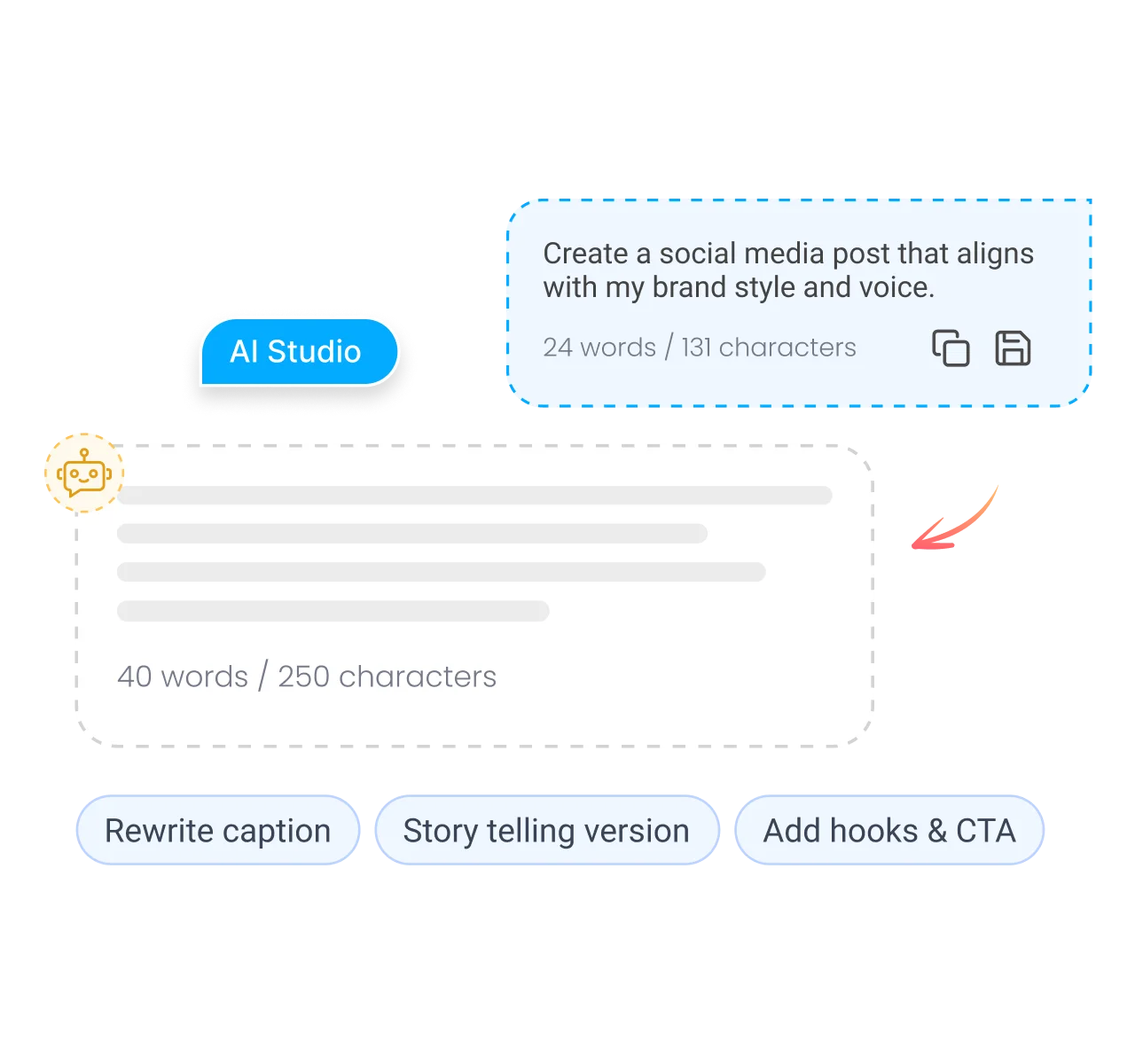
- Write promo posts in seconds. AI Studio, our AI social media content generator, turns your episode notes into captions and hashtags for each network.
- Plan your release calendar. See episodes, guest posts and promos for the whole season in one calendar.
Is it free?
Is the Podcast Script Generator Free?
Yes. ContentStudio's podcast script generator is free with no account required. Generate as many episode drafts as you need. It is part of ContentStudio's free social media tools for creators and marketers.
- Free to use
- No sign-up
- Solo, interview and panel episodes
- 16,500+ brands use ContentStudio
Related free tools
All free social media tools →Frequently asked questions

Book a 30 min call
Have questions? Schedule a quick call and we will guide you through everything.
Book a free call